Ultracode Explained: Claude Code Multi-Agent Orchestration
TL;DR
Ultracode is a prompt keyword that runs one task as a dynamic workflow, and an /effort setting that pairs xhigh reasoning with automatic orchestration.
Last updated: September 28, 2026
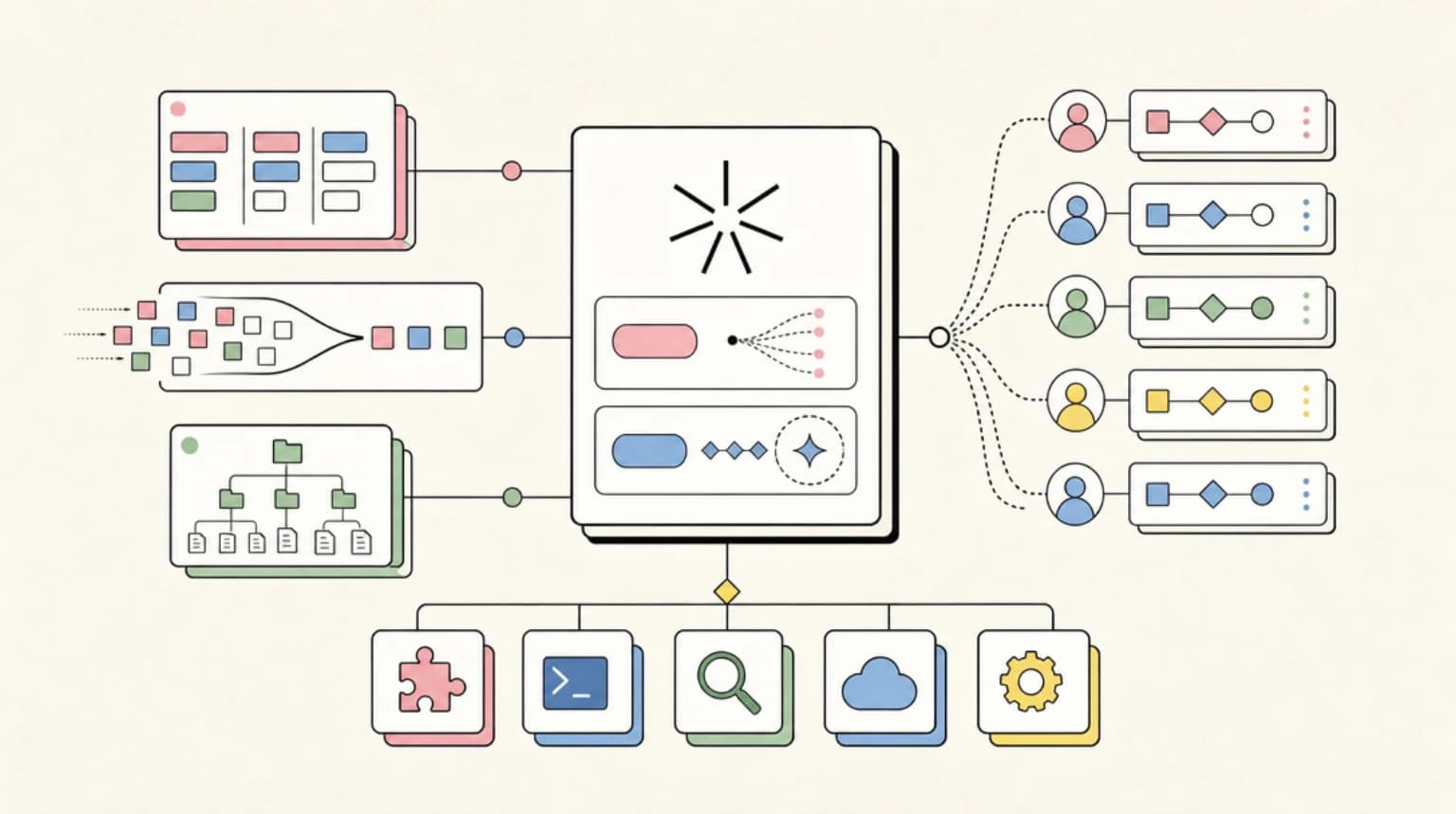
Ultracode does two things in Claude Code. As a keyword in a prompt, it runs that one task as a dynamic workflow, a background script that coordinates many subagents. As /effort ultracode, it sends xhigh effort to the model and has Claude plan a workflow for every substantive task in the session. It is a Claude Code setting, not an API effort level.
If you typed the word "workflow" into Claude Code in late May and watched it spin up a background orchestration run, then tried the same thing this week and got nothing, you hit a deliberate rename. As of v2.1.160, the trigger keyword for dynamic workflows is ultracode, and the same name also appears in the /effort menu. Two different behaviors share one name, which is exactly why search results about it are confusing.
This post explains both, using only what the Claude Code changelog and the official docs actually say, re-verified against the current docs on September 28, 2026. For the full mechanics of workflow scripts themselves, see the dynamic workflows guide. This post is about the ultracode entry points specifically.
What Ultracode Actually Is: Two Documented Behaviors#
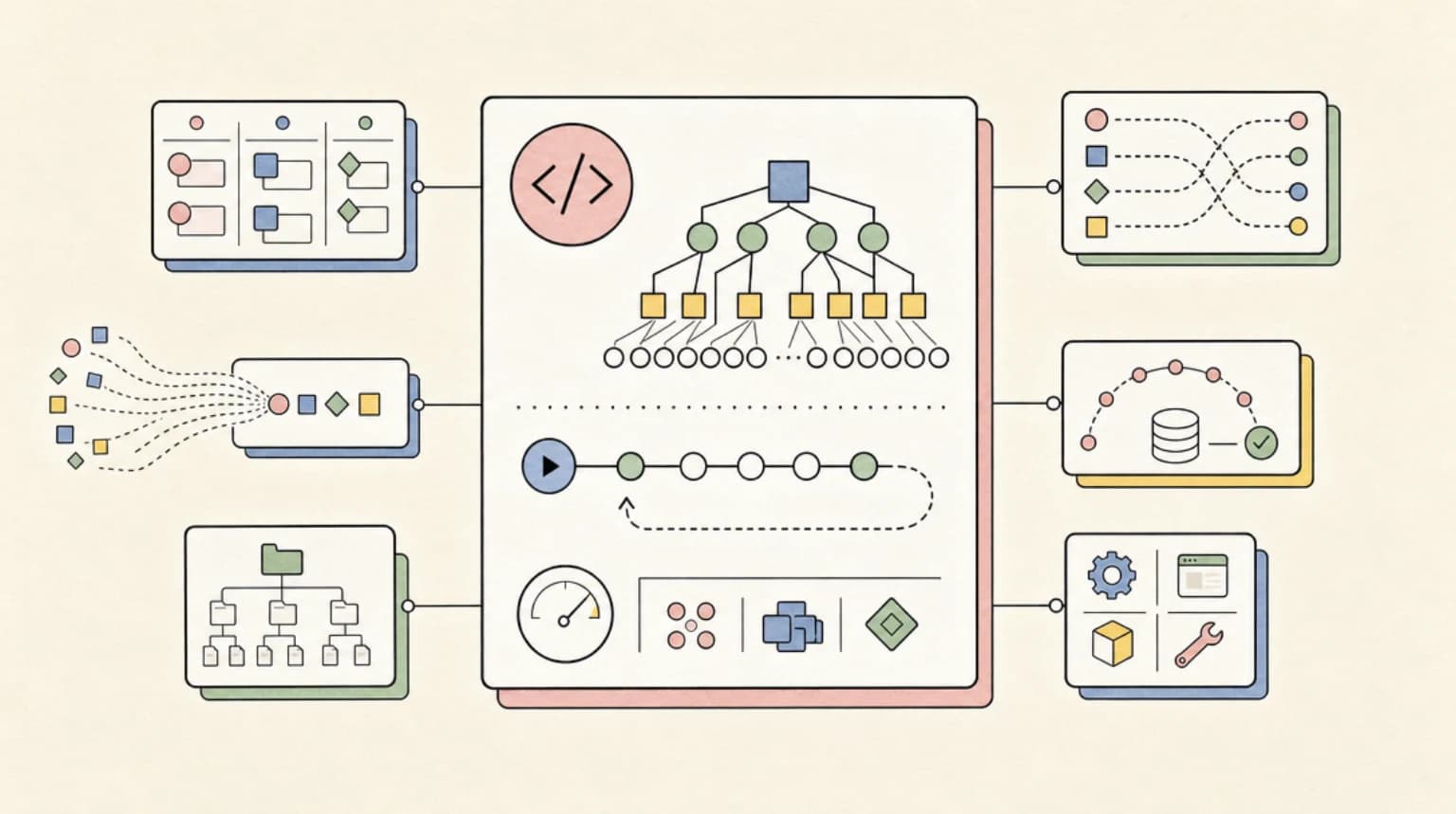
Dynamic workflows shipped in Claude Code v2.1.154. A workflow is a JavaScript orchestration script that Claude writes for your task and a runtime executes in the background, across what the announcement post describes as tens to hundreds of parallel subagents. Intermediate results live in script variables rather than in Claude's context window, which is what lets a run scale past what one conversation can coordinate.
Ultracode is how you reach that machinery. The workflows documentation describes two distinct entry points.
The prompt keyword: one task, one workflow#
Include the literal keyword ultracode anywhere in a prompt and Claude writes a workflow script for that task instead of working through it turn by turn:
ultracode: audit every API endpoint under src/routes/ for missing auth checks
The keyword is highlighted in the prompt input - violet, per the v2.1.160 changelog - so you can see the trigger armed before you hit Enter. Three documented escape hatches exist if you typed it by accident:
- Press
Option+Won macOS orAlt+Won Windows and Linux to dismiss the highlight for that prompt - Press backspace while the cursor sits right after the highlighted keyword
- Turn off "Ultracode keyword trigger" in
/configto disable keyword detection entirely
Asking in your own words, for example "use a workflow for this", still works in every version; the docs treat a direct natural-language request as the same opt-in. The rename only retired the literal workflow keyword as a trigger: per the changelog, the word "workflow" no longer starts a run on its own.
The /effort setting: Claude decides per task#
The second behavior is a session setting:
/effort ultracode
The model configuration docs define it precisely: "Ultracode is a Claude Code setting rather than a model effort level: it sends xhigh to the model and additionally has Claude orchestrate dynamic workflows for substantive tasks."
That sentence settles the most common misconception: the API never receives an effort value called ultracode. The model runs at xhigh, and Claude Code layers automatic orchestration on top. With the setting on, Claude plans a workflow for each substantive task without waiting for the keyword. The docs note that a single request can turn into several workflows in a row: one to understand the code, one to make the change, one to verify it.
/effort ultracode lasts for the current session. To have every session start with it, set the ultracode setting, and to start one session with it on, launch with claude --effort ultracode (Claude Code v2.1.203 or later). The persisted effortLevel setting and the CLAUDE_CODE_EFFORT_LEVEL environment variable do not accept ultracode, and if the environment variable is set to a level other than xhigh, the workflow orchestration stays inactive. The two other programmatic routes are --settings and an Agent SDK control request:
claude --settings '{"ultracode": true}'
Because orchestrating every substantive task is expensive by construction, the docs recommend dropping back with /effort high for routine work.
Ultracode vs Ultrathink vs xhigh#
Three similar-sounding controls do three different jobs, all documented on the model configuration page:
| Control | What it does | Scope |
|---|---|---|
xhigh | Effort level sent to the model; deeper adaptive reasoning at higher token spend | Persists across sessions |
ultrathink | Prompt keyword that adds an in-context instruction for deeper reasoning on one turn; the effort level sent to the API is unchanged | Single turn |
ultracode | Claude Code setting: sends xhigh to the model plus automatic workflow orchestration for substantive tasks | Current session only |
A useful mental model: ultrathink makes one response think harder, xhigh makes every response think harder, and ultracode makes the harness work differently - it moves execution out of the conversation and into orchestrated background agents.
Ultracode needs xhigh. Per the model configuration docs, it is unavailable when workflows are turned off, when the model does not support xhigh (such as Opus 4.6 and Sonnet 4.6), or when an organization effort cap below xhigh applies to the model. In those cases the /effort menu does not offer it and --effort ultracode starts the session at the highest level the model and cap allow. For the full ladder and which models support each level, see Fable 5 effort levels explained.
What Happens When a Workflow Triggers#
Whichever entry point you use, the run behaves the same way, and the limits are documented:
- Up to 16 concurrent agents by default (fewer on machines with limited CPU cores;
CLAUDE_CODE_WORKFLOW_MAX_CONCURRENT_AGENTSchanges the limit on v2.1.269 and later) - 1,000 agents total per run, which bounds the cost of a runaway script
- No mid-run user input; only agent permission prompts can pause a run
- The script itself has no filesystem or shell access; agents do the reading, writing, and command running
You watch and manage runs with /workflows: drill into phases and individual agents, see token totals per agent, pause and resume with p, stop with x, restart an agent with r, and save the run's script as a reusable command with s. Saved scripts land in .claude/workflows/ for the project or ~/.claude/workflows/ for your user, and run as /<name> afterward. A saved workflow accepts structured input through an args global:
> Run /triage-issues on issues 1024, 1025, and 1030
Claude passes the list as structured data, so the script can call array methods on args directly. This save-and-rerun loop is the practical payoff for repeated jobs: trigger a run once with the keyword, confirm it does what you want, press s, and the orchestration becomes a versionable artifact your whole team can run. For how workflows compare against subagents and agent teams as coordination primitives, see the subagents vs agent teams vs workflows breakdown.
Permissions and Cost: Check Before a Long Run#
Two operational details from the workflows docs matter before you leave an ultracode session running.
First, permissions. The keyword only chooses how Claude structures the work: agent tool calls get the same permission checks and sandboxing as any other tool call. Workflow subagents use your permission rules, so the docs recommend adding the tools the agents need to your allow rules before a long run. In auto permission mode, turning ultracode on skips the approval prompt for the first workflow launch, which is convenient but removes that checkpoint. In claude -p and the Agent SDK, a Workflow allow rule (or auto or bypass mode, or a PreToolUse hook) is needed to let a workflow start.
Second, cost. Runs count toward your plan's usage and rate limits like any other session, and every agent uses your session's model unless the script routes a stage to a different one. The docs' advice is to gauge spend on a small slice first: one directory instead of the whole repo. With /effort ultracode active this compounds, because every substantive task in the session pays the orchestration premium. If you are running multiple sessions of this kind, the operational patterns in managing a fleet of Claude agents apply directly, and the orchestrator model playbook covers routing cheap stages to cheap models.
Turning It Off, and Version Requirements#
Requirements, from the workflows docs: workflows are available on all paid plans, the Anthropic API, Amazon Bedrock, Google Cloud's Agent Platform, and Microsoft Foundry, and Pro users turn them on from the Dynamic workflows row in /config. The keyword has been spelled ultracode since v2.1.160, and since v2.1.210 it only starts a workflow from a prompt you type yourself, not from -p prompts, scheduled tasks, webhook payloads, or pull request comments relayed into the conversation.
Three documented ways to disable workflows for yourself:
// ~/.claude/settings.json
{ "disableWorkflows": true }
Or toggle Dynamic workflows off in /config, or set CLAUDE_CODE_DISABLE_WORKFLOWS=1 in your environment. When workflows are disabled, the ultracode keyword stops triggering and ultracode disappears from the /effort menu. Organizations can set disableWorkflows in managed settings. If you only dislike the keyword but want workflows available on request, the narrower "Ultracode keyword trigger" toggle in /config is the right knob. No setting turns off the ultracode effort setting alone: to keep workflows but rule it out, set an effort cap below xhigh.
One honest caveat to close on: most tasks do not need a workflow. The docs position them for jobs that need more agents than one conversation can coordinate - codebase-wide audits, large migrations, cross-checked research. For everything else, /effort high and a normal conversation remain the cheaper, faster, easier-to-review path.
FAQ#
What does ultracode do in Claude Code?#
Two things, depending on where you use it. As a keyword in a prompt, it runs that single task as a dynamic workflow - a background orchestration script coordinating up to 16 concurrent subagents by default - without changing your session settings. As /effort ultracode, it sets reasoning effort to xhigh and has Claude automatically plan workflows for every substantive task in the session.
Is ultracode an effort level like xhigh or max?#
No. The model configuration docs state it is "a Claude Code setting rather than a model effort level." The model itself runs at xhigh; the ultracode part is harness behavior, which is why it cannot be set through effortLevel or CLAUDE_CODE_EFFORT_LEVEL. You can start a session with it using --effort ultracode (v2.1.203 or later), and /effort ultracode lasts for the current session.
What is the difference between ultracode and ultrathink?#
ultrathink is a prompt keyword that requests deeper reasoning on one turn by adding an in-context instruction; the effort level sent to the API does not change and no extra agents run. ultracode triggers multi-agent workflow orchestration. They solve different problems: ultrathink for one hard question, ultracode for one large task.
Which models support ultracode?#
Models that support the xhigh effort level, which includes the Fable 5 and 5.1, Opus 5.5, Opus 5, Opus 4.8, Opus 4.7, and Sonnet 5 lines per Anthropic's effort docs. On Opus 4.6 and Sonnet 4.6 the /effort menu does not offer ultracode, and it is also unavailable when workflows are off or an effort cap below xhigh applies.
How do I stop the ultracode keyword from triggering workflows?#
Per prompt: press Option+W (macOS) or Alt+W (Windows/Linux), or backspace immediately after the highlighted keyword. Permanently: turn off "Ultracode keyword trigger" in /config. To disable workflows entirely, set "disableWorkflows": true in settings or CLAUDE_CODE_DISABLE_WORKFLOWS=1 in your environment.
Continue Reading#
- Fable 5 Effort Levels Explained - the full effort ladder and what each level costs
- Claude Code Dynamic Workflows Guide - the mechanics of workflow scripts
- Subagents vs Agent Teams vs Workflows - choosing a coordination primitive
- Managing a Fleet of Claude Agents - operating many sessions at once
- Claude Code Power User course - building and orchestrating subagents, hooks, and headless runs step by step
Sources#
- Claude Code CHANGELOG.md - v2.1.154 (dynamic workflows introduction), v2.1.160 (keyword rename, ultracode fix). Accessed June 11, 2026.
- Orchestrate subagents at scale with dynamic workflows - Claude Code docs - keyword and
/effort ultracodebehavior, limits, permissions,/workflowscontrols, disable settings. Accessed September 28, 2026. - Model configuration - Claude Code docs - effort level ladder per model, ultracode definition, ultrathink keyword, availability. Accessed September 28, 2026.
- Effort - Anthropic docs - which models support
xhigh. Accessed September 28, 2026. - Introducing dynamic workflows in Claude Code - Claude blog - announcement framing, use cases, availability. Accessed June 11, 2026.
Get the next deep dive like this in your inbox
One email a week on Claude Code and the rest of the AI dev stack. Free.
Read next on Claude Code
Claude Code Dynamic Workflows: The Complete Guide
Claude Code dynamic workflows turn orchestration into a JavaScript script that runs agents in the background. How scripts, schemas, budgets and resume work.
10 min readClaude Agents vs Skills: Which One Do You Actually Need?
Claude agents vs skills, untangled: agents are workers with their own context window, skills are instructions loaded on demand. Here is the decision table.
8 min readClaude Code Auto Mode Explained: Permissions Without Prompts
Claude Code auto mode swaps permission prompts for a background safety classifier. How the Shift+Tab cycle, hard_deny rules and glob deny patterns fit together.
8 min readTechnical content at the intersection of AI and development. Building with AI agents, Claude Code, and modern dev tools - then showing you exactly how it works.