Vim Editor Mode - Claude Code
Full vim keybindings (normal and insert modes) for prompt editing.

Vim editor mode turns the Claude Code prompt into a modal editor with familiar normal and insert mode bindings.
What it does
Enable vim mode and your prompt supports h j k l motion, w b e word jumps, dd line delete, yy yank, p paste, and insert mode via i, a, or o. Escape returns to normal mode. It works on single-line and multiline drafts alike, so you can compose long prompts the same way you'd compose code.
When to use it
- You already live in vim or neovim and want consistent motions.
- You draft long, complex prompts that benefit from modal editing.
- You find yourself reaching for arrow keys too often.
- You want
.repeats anduundo in the prompt buffer.
Gotchas
- Some readline shortcuts are disabled while vim mode is active. Check the keybindings doc for the full swap.
- Visual mode selections don't integrate with system clipboard on every terminal.
- If you toggle vim mode mid-session, the current draft keeps its previous mode behavior until you press a motion.
Official docs: https://code.claude.com/docs/en/interactive-mode.md#vim-editor-mode
Technical content at the intersection of AI and development. Building with AI agents, Claude Code, and modern dev tools - then showing you exactly how it works.
Was this helpful?
Related Guides
Related Tools
Zed
High-performance code editor built in Rust with native AI integration. Sub-millisecond input latency. Built-in assistant...
View Tool
Cursor
AI-native code editor forked from VS Code, now sold as part of The X Subscription. Agent edits multiple files at once an...
View Tool
OpenCode
Open-source AI coding agent for terminal, desktop, and IDE. Works with 75+ LLM providers including Claude, GPT, Gemini,...
View Tool
Claude Code
Anthropic's agentic coding CLI. Runs in your terminal, edits files autonomously, spawns sub-agents, and maintains memory...
View ToolRelated Videos
Claude Code 'Interview' Mode in 6 Minutes
Effortless Project Planning: Mastering Spec-Driven Development with Claude Code Kick off the new year with a fresh approach to project planning using Claude Code! In this video, learn how to achieve
CodeLLM - The New Agentic AI Code Editor With Access To Top Models
In this video, I showcase CodeLLM, an AI-powered code editor that supports multiple models like Claude Sonnet 3.5, DeepSeek R1, and O1, 03 Mini. I demonstrate its features including autocomplete,...

Generate Videos in Codex + Claude Code with This...
Check out HeyGen! https://heygen.1stcollab.com/developersdigest The video introduces HeyGen, an AI video generation platform with a rich API and a CLI that lets developers create, fetch, and manipula...
Related Posts
Claude Fable 5.1 in Claude Code: How to Switch, Pin, and Pay Less
Claude Code v2.1.257 points /model fable at Fable 5.1: 1M context, $10/$50 per MTok, $0.25 cache reads. Setup, gotchas,...

Claude Design, Slides and Docs in Any Chat: How to Use Them
Claude Design, Slides and Docs now open in any Claude chat, Claude Code session or the Artifacts tab, on every plan. Exa...

Claude for Startups Offer Paused: What Founders Do Now
Claude for Startups paused its free Claude Team year and $1,000 API credit offer at capacity. What the program page says...

Claude Advisor Tool vs a Bigger Model: When the Pairing Pays
Anthropic's own runs: a Fable 5.1 advisor added 1.7 points to Opus 5.5 for 2.1x the cost. When the Claude advisor tool p...
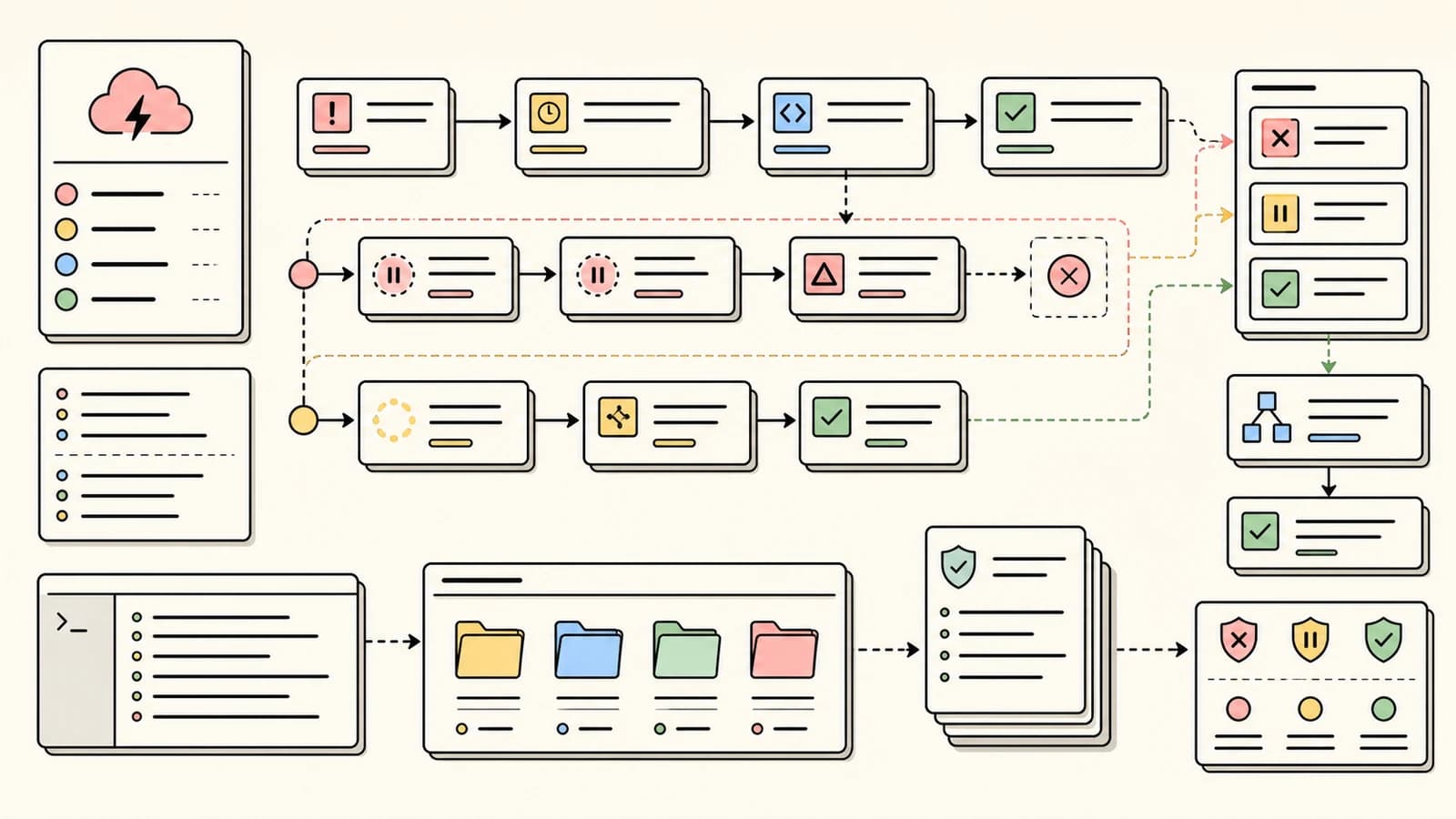
Claude Code Retry Watchdog: Keep Unattended Runs Alive
CLAUDE_CODE_RETRY_WATCHDOG=1 makes Claude Code wait out 429 and 529 errors instead of failing after 10 retries. When to...
Claude Max API Credits: $100 a Month, What They Cover
Claude Max and Team plans now include a monthly Claude API credit, starting at $100 on Max 5x. What it covers, what it d...
