Productivity
S
Superwhisper
AI dictation for macOS, Windows, iOS, and Android. Runs Whisper models locally for free; Pro adds local Parakeet and Cohere Transcribe models plus cloud models, with optional LLM modes for formatting. Free tier, or Pro at $8.49/mo, $84.99/yr, or $249.99 lifetime.
Try SuperwhisperVisit superwhisper.comsuperwhisper.com
Share
Superwhisper is an AI dictation tool for macOS, Windows, iOS, and Android. The free plan runs OpenAI's Whisper models locally, and Pro adds local Nvidia Parakeet and Cohere Transcribe models plus cloud voice models such as Superwhisper's S1-Voice, Deepgram Nova, and ElevenLabs Scribe. You hold a hotkey, speak, release, and the text appears at the cursor position in any app. The accuracy is meaningfully better than macOS's built-in dictation on technical vocabulary, code identifiers, and non-English accents. The optional language model layer, a Pro feature (Superwhisper's S1-Language, Claude, GPT, or Gemini models, or your own API keys), cleans up filler words, adds punctuation, and can apply custom formatting modes like 'email reply' or 'commit message'. For developers who dictate messages, prompts, or notes, Superwhisper removes a significant amount of friction from the keyboard-only workflow. Pro is $8.49/month, $84.99/year, or $249.99 once for lifetime access.
Superwhisper at a glance
Last verified
- Pricing
- Free - $0: unlimited dictation with local Whisper models, up to two modes without AI processing
- Pro Monthly - $8.49/month
- Pro Annual - $84.99/year
- Pro Lifetime - $249.99 once
- Enterprise - custom pricing
- 40% off for verified students, educators and non-profits
- Models
- Each mode pairs one voice model with an optional language model. Voice models include Superwhisper's cloud S1-Voice, Deepgram Nova and ElevenLabs Scribe in the cloud, or Whisper, Nvidia Parakeet and Cohere Transcribe running locally. Language models include Superwhisper's S1-Language, Claude Sonnet 5 and Haiku 4.5, GPT-5.2 and Gemini 3.7 Flash. Free covers the local Whisper models; Pro unlocks cloud models, the local Cohere Transcribe and Parakeet models, AI modes and bring-your-own API keys.
- Recent changes
- Version 3.0.0 adds meeting recording, transcription and summarization, along with updated styling and a new top bar layout.
- Version 2.19.3 brings faster language detection, smarter timeout handling and more reliable pasting in Chromium and Electron apps.
- Version 2.19.0 adds faster microphone startup and a new Muffle sound option, plus UI and clipboard fixes.
Sources: Superwhisper homepage, Plans & Pricing docs, Voice models docs, Quickstart docs, Changelog
Similar Tools
Productivity
W
Wispr Flow
AI voice dictation for Mac, Windows, iOS, and Android. Works in any app - code editors, browsers, notes. Understands context and formats output appropriately. Faster than typing for prose.
Productivity
G
Granola
AI meeting notes that augment your own typing. Records the call, captures what you type, and fills in the gaps with context from the transcript.
Productivity
Obsidian
Local-first markdown knowledge base with wikilinks. My entire DevDigest pipeline lives here - research, scripts, content calendar, daily journal.
Productivity
Linear
Issue tracking built for speed. Keyboard-first, sub-100ms UI. Cycles, roadmaps, GitHub integration. I use it to track all DevDigest engineering work.
Get started with Superwhisper
AI dictation for macOS, Windows, iOS, and Android. Runs Whisper models locally for free; Pro adds local Parakeet and Cohere Transcribe models plus cloud models, with optional LLM modes for formatting. Free tier, or Pro at $8.49/mo, $84.99/yr, or $249.99 lifetime.
Try SuperwhisperGet weekly tool reviews
Honest takes on AI dev tools, frameworks, and infrastructure - delivered to your inbox.
Subscribe FreeMore Productivity Tools
Obsidian
Local-first markdown knowledge base with wikilinks. My entire DevDigest pipeline lives here - research, scripts, content calendar, daily journal.
Linear
Issue tracking built for speed. Keyboard-first, sub-100ms UI. Cycles, roadmaps, GitHub integration. I use it to track all DevDigest engineering work.
W
Wispr Flow
AI voice dictation for Mac, Windows, iOS, and Android. Works in any app - code editors, browsers, notes. Understands context and formats output appropriately. Faster than typing for prose.
Related Guides
Guide
Voice Dictation - Claude Code
Hold-to-record voice input on macOS, Linux, and Windows.
Claude CodeGuide
Scheduled Tasks (Desktop) - Claude Code
GUI-based scheduling on your local machine for recurring work.
Claude CodeGuide
Claude Code Setup Guide
Configure Claude Code for maximum productivity -- CLAUDE.md, sub-agents, MCP servers, and autonomous workflows.
AI AgentsRelated Posts
7 min read
News
Tencent WorkBuddy Explained: Pricing, Free Models, Verdict
Tencent WorkBuddy is a desktop AI agent for office work running Hy3, DeepSeek and more via TokenHub. What it costs, the...
7 min read
News
The Human-in-the-Loop Is Tired: Pydantic on AI Dev Burnout
Laura Summers of Pydantic articulates why LLM-assisted programming increases work intensity while eliminating the reward...

8 min read
AI Coding
ChatGPT Work vs Claude Cowork: Pricing, Models, Which to Use
Pick Cowork if you pay for Claude and want admin-gated Microsoft 365 writes; pick Work if your team is on ChatGPT. Octob...

5 min read
News
Good Tools Are Invisible: Why Your Favorite Editor Might Be Holding You Back
Ginger Bill argues that the best tools disappear during use - and that celebrating workarounds is a sign your tool has f...
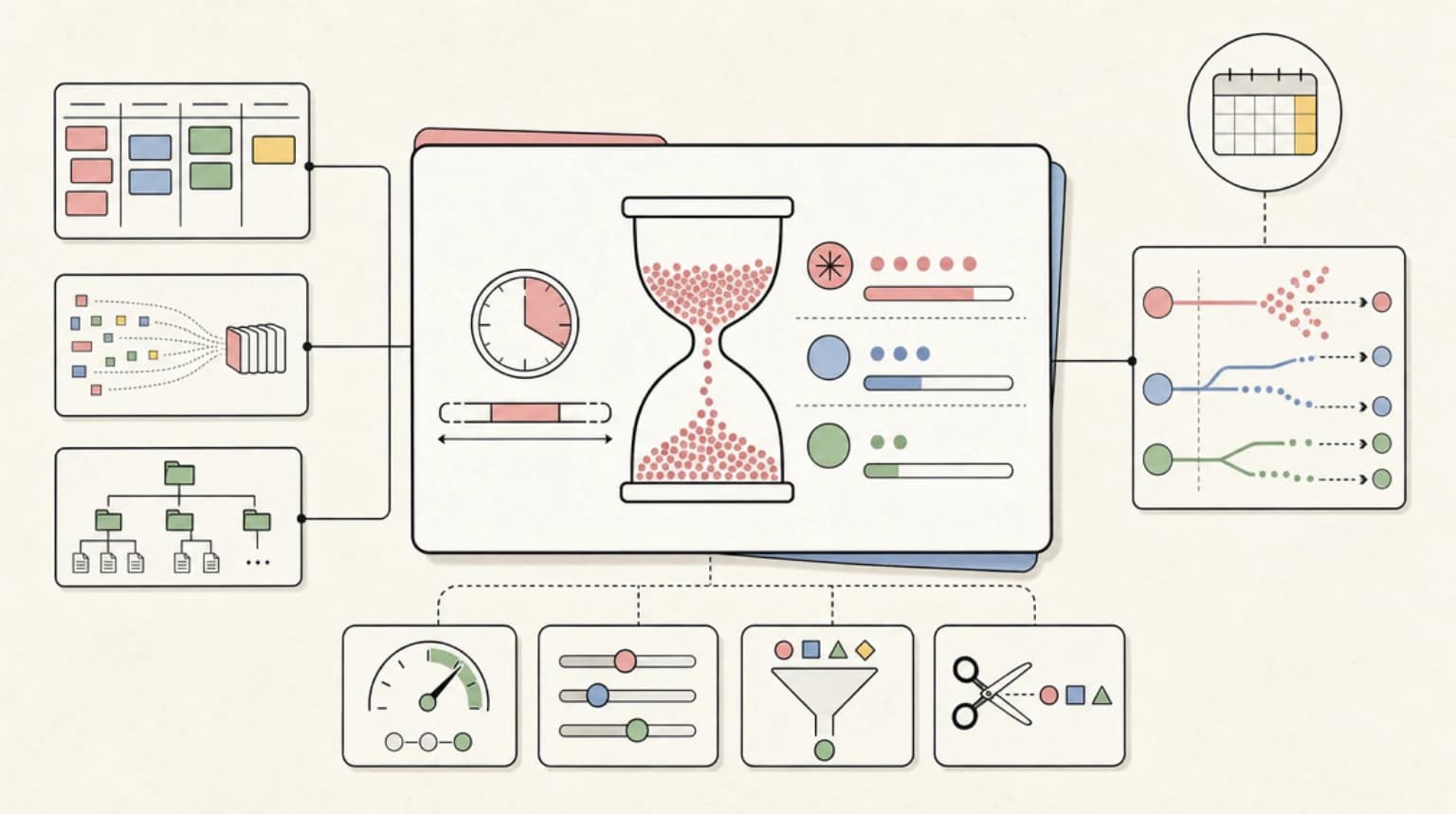
9 min read
claude
Claude Usage Limits With Fable 5: Windows and Burn Rates
Fable 5 drains Claude's 5-hour rolling usage window far faster than Opus or Sonnet. What the plan multipliers mean, the...

14 min read
Claude Code
Best Claude Code Skills and Plugins in 2026: Where to Find, Install, and Choose Them
Best Claude Code skills and plugins: where to find them, how the plugin marketplace works, exact install commands, and t...
Try the member tools free

Get Smarter About AI Dev
New tutorials, open-source projects, and deep dives on coding agents - delivered weekly.
One email per weekReal code, not theoryFree forever