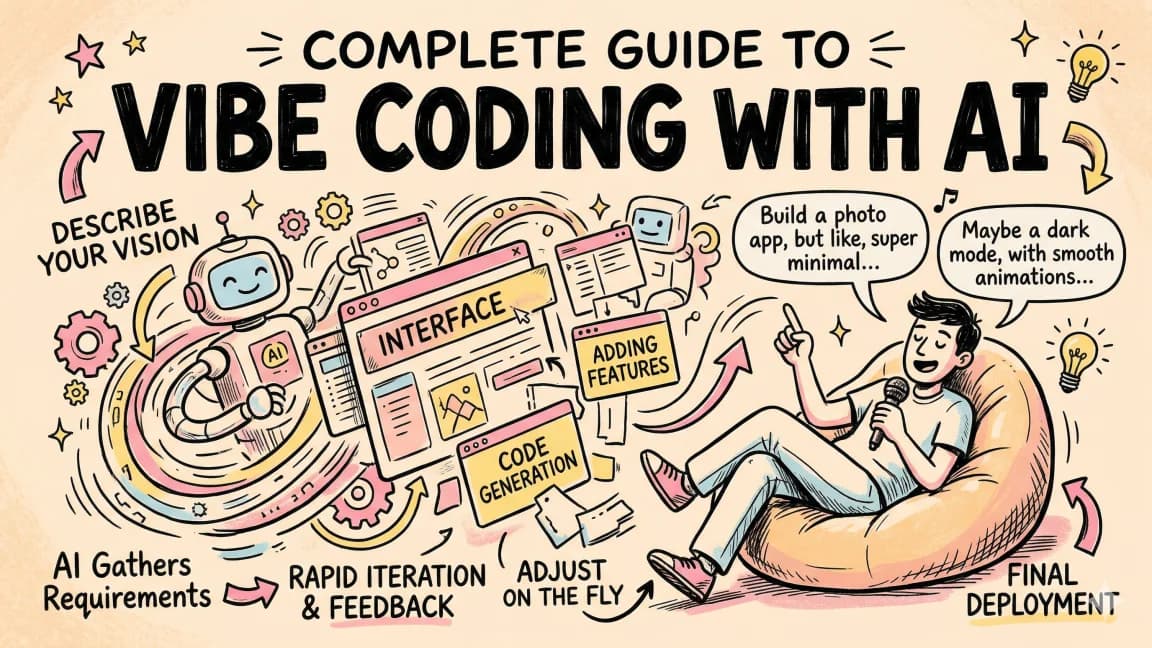
Sign-up for Wispr Flow here: https://ref.wisprflow.ai/ddai In this video, I introduce you to 'vibe coding,' a new trend coined by Andrej Karpathy. I'll walk you through how to leverage Wispr Flow and Cursor to demonstrate this new trending approach to coding tasks. Vibe coding allows you to interact with your computer using voice commands. We'll build a simple Next.js app using Wispr Flow and finally demonstrate its integrations and features near the end of the video. 00:00 Introduction to Vibe Coding 01:08 Understanding Wispr Flow 01:26 Setting Up Your Vibe Coding Environment 01:42 Building a Vibe Coding Project 02:46 Enhancing the User Interface 05:01 Integrating APIs and Handling Errors 08:01 Final Touches and Customizations 09:53 Exploring Additional Features 10:07 Conclusion and Next Steps
--- type: transcript date: 2025-03-12 youtube_id: xh5PhzZZcnQ --- # Transcript: Vibe Coding with Wispr Flow and Cursor so you might or might not have heard of a new trend called Vibe coding this is a term that was Co by Andre karpathy who is one of the founding members of open AI he also worked on self-driving at Tesla this really started the Cascade of this trend of vibe coding this video I'm going to be showing you whisper flow and what whisper flow allows you to do is not just use this within your IDE you can use this across your computer basically any apps within chat gbt and GitHub cursor whatever it might be you can use it to respond to emails first before I dive into the vibe coding once you've installed it it's very simple just go through the prompts so all they have to do is tap the whisper flow hotkey to get started and you can set it to whatever works best for you I can say I want to build out a full stack nextjs application let's get started with a few different features that I can use to build out an AI application whisper flow you pretty much get a response instantaneously I have an idea for our Vibe coding project and what I want to do is I want to have an interface where a user can put in a query it will search the internet for the results and then will display those results as well as the contents and the top key pieces on each of the pages but what I'm going to be using throughout the video is whisper flow as well as cursor within here this is what cursor looks like if you haven't used it I have on the right hand side this panel for my composer as well as chat and then I have a brand new directory with a terminal open here so what I'm going to do here is I'm going to hop over to composer and I'm going to go over to agent mode so with agent mode what it can do is it can read and write files but it can also execute commands within your terminal what I'm going to do here is I'm going to MPX create next app I'm going to create it within the root of our directory I'm just going to go ahead and accept everything here now we have the basis of our application that we want to build when this I'm going to demonstrate I'm not typing here I'm just going to be speaking this into my microphone and it will go and transcribe this and to say I want something that's similar to chat GPT where there's just a search bar at the center of the screen I want to use a really nice subtle animation from motion let's go ahead and send this in and we see okay I want to create a chat GPT like interface with a centered search bar with subtle animations it installed the motion Library it read the page. TSX file now it wants to create this components folder within the root of our directory and we see it's just going through and now it's creating this search bar component within the components folder it's generating the code for that we can see it now within here and it's just going through the process of all of the different pieces that we asked now let's update the main page to use our search bar component we can see that this is pretty much going faster than I can even describe it within the video now if I go and I accept this and I mpm run Dev once I open this up I should hopefully see what we asked for one thing to point out with this is you're going to be able to talk way faster than you will be able to type using whisper flow we have this nice little animation when I click on that interface there I'm going to go step by step adding in piece by piece the different pieces that I want within my application so I'm going to say now once I submit a query I want to have some lurm itum data that leverages the react flow Library where I can have a visualization with a number of different nodes that I can drag around and interact with I'll go ahead and I'll install react flow as well as the types here now the other cool thing with cursor and the composer agent is if it executes a command that it doesn't know will have the context of the terminal within the agent and will also even have the linter if it notices that it couldn't install a particular thing or maybe it got something wrong or there are some types it needs to install it will do all of that with a pretty high level of reliability and this is really increasing as these llms improve in their capabilities here we see a number of different changes and just like karpathy said I'm going to go ahead and accept this I'm not even going to read through the changes I'm going to hop back to our application and if I just say hello world I'll send that in and there we go we have this basic implementation we have our alarm if some data of react flow and we also have the query what I'm going to do now is I'm going to open up our composer again and I'm going to grab the documentation for the search endpoint and what I'm going to say is if I go docs what you can do within here is you can add in a new Doc and this can be any web page I'll just paste this in and I'll call this fir Coss search API we have the entry point of what is going to scrape and then index once you click confirm you'll be able to reference this at any point in any future project that you use with cursor all that we have the documentation context within composer I'm going to be speaking using whisper flow I'm not typing again I want to use the fir crawl search API for when a user submits a query that it uses that query for the search results and once these search results are returned that will show in a visualization within our flow diagram here again we get all of that back that probably would have taken me four or five times as long as it did to just transcribe that and to speak that it's kicking off the process it's updating some of the files so here we go this is a demonstration of when there are linter errors it will just feed that context back into the agent and resolve those now I'm going to create ourv file and I'm just going to copy this put it in here and I'm going to grab an API key from fir craw once we have that we can go and look at our application again I can say hello world I'll send that in we see that it failed to fetch let's just open up the console here and see what the error is if we go over to network and if we try this again we can see that it is making a request on the front end directly to the fir craw API now that we have an idea what the bug is going to say the request is being made from the front end of the application I'm going to have to set up an API route within the nextjs project here I want to use app router to set that up so when a user sends in the query into that input box it first goes through our own API and then that API makes a request to the fir craw endpoint here we see it's going to set up our API route using nextjs it created this API folder with the route of search we can take a look at what it's doing here it's using the fir Coss search API it's making the request it's limiting to five and the format is marked down now if we send it in I see Hello World we have these different pages here we have our graph we have our initial query and we have what looks to be like a number of sites now if I put in a query like blog posts from open Ai and I send that through we see that we have this nice little spinner and then hopefully we get the results we have these different links here but let's make it a little bit more interactive now I want to have when the query is sent in I want the query to be reflected within the middle of the flowchart and then I want to have all of the nodes connecting from that Central node of all of the different top results that it searched for here it went ahead and made some more changes again I'm just going to command enter accept everything I'm going to hop back to our application and without even refreshing it we have exactly what we asked for here we have the blog post from openai which was our query and then we have all of these different notes now that this is working better than expected I'm just going to go right into the vibe and let's see what we can do so I'm gonna say I want a header I want a footer I want a linear gradient background that maybe changes and animates a little bit like I want the overall site to be Black theme but also have these hints of neon purple and blue but I want it to be very subtle in terms of any animations and that type of stuff we'll let it go through and run its course let's run through those updates let's accept these and let's take a look look now we have this we have our header we have our footer there will be some things that'll also tweak within this now we have this different visualization there are some things I also don't like this underline when this is selected so what I'm going to do here is I'm just going to take a screenshot and I'm going to go over to cursor and I'm just going to describe what I don't like about it I don't that white background that should actually be black and for the react flow diagram there I want that to be black and for the input on hover or select that Focus state I don't like the underline I'd rather have the focus effect be around that entire input and not just below it we have that transcription we're going to send that through let's accept those changes it didn't quite get this white background here so upon inspecting I can see on this main element that we have these classes that are causing the conflict so what I'm going to do here is I'm going to say I notice there's still a white box that's centering all of the main contents on the page here are the classes just make sure that you remove anything that's white or any border or anything that could affect with the overall design that and then from there I'll also just paste in those classes so it has the context of what to search for and here we see I'll help you find and remove that white background that class might be in your main component it's finding that main component it looks like it found that adjustment that we asked for now if I hop back to our application we're looking pretty good so how can I help you today I can just say I want to find out in Tropics latest blog post I'll send that through we have our loading State and there we go it nicely animated all of the different links within this and you could begin to build on this another cool thing with this is let's say I want to edit a piece of text this could be an email an article a Blog whatever it might be it can be in whatever application you're using in this case I'm using Google Docs and what I can say is hey Flo instead of a paragraph I want this to be a sentence and in this case what it did is it took that piece of selected text and it sent it to a large language model for us and it returned the result with the instructions the other cool thing that I can do within this is I can say search Chat GPT for how far away the Moon is and what it will do is it will take that query and it will also open up the chat GPT application with that query ready to send and this will work with CLA perplexity and a ton of other Integrations I really encourage you to try out Vibe coding it's really easy to get set up with a whisper flow you just go through the onboarding steps and then you can try out all of the features like I demonstrated
Weekly deep dives on AI agents, coding tools, and building with LLMs - delivered to your inbox.
Free forever. No spam.
Subscribe FreeNew tutorials, open-source projects, and deep dives on coding agents - delivered weekly.

Technical content at the intersection of AI and development. Building with AI agents, Claude Code, and modern dev tools - then showing you exactly how it works.