Vibe Coding in 2026: Build Fast Without Losing the Plot
TL;DR
Vibe coding works when you pair natural-language building with repo context, tests, diff review, security checks, and rollback. Here is the practical workflow for Claude Code, Cursor, Codex, v0, Lovable, and Bolt.
Last updated: June 24, 2026
Vibe coding is the fastest way to build the wrong thing confidently.
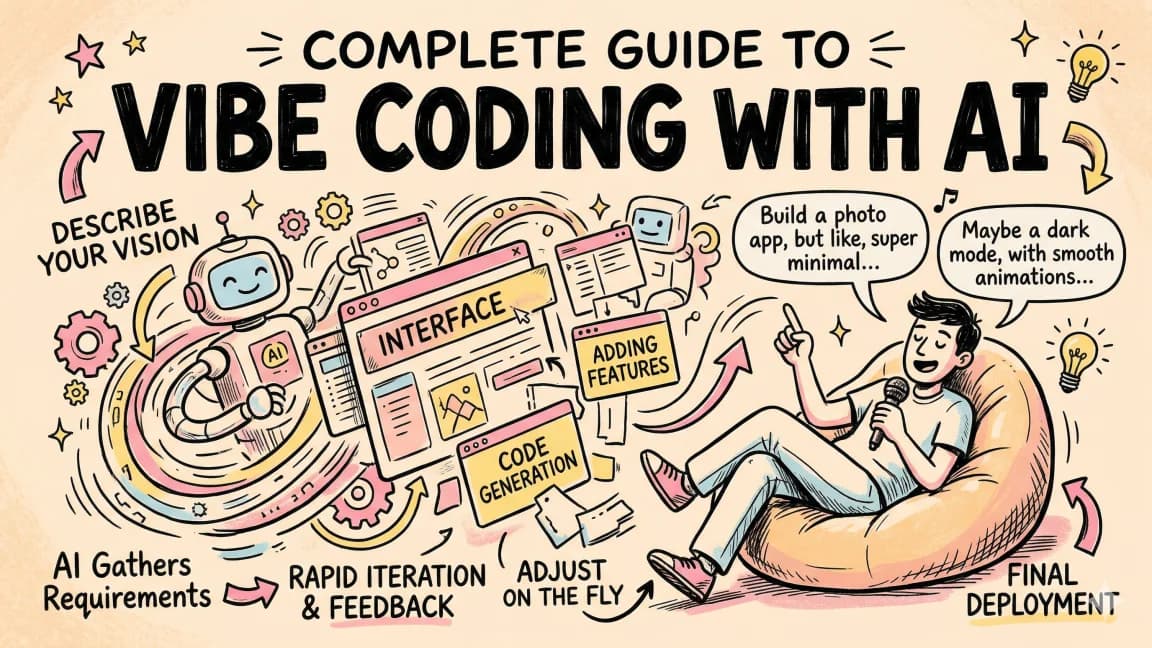
That is not a dunk on the workflow. It is the point. When an AI coding agent can produce a working app from a sentence, the bottleneck moves from typing code to steering, reviewing, testing, and deciding what should exist. The best vibe coders are not people who ignore the code. They are people who know when to let the agent move fast and when to slow the loop down.
Andrej Karpathy popularized the phrase in February 2025 with the now-famous idea of fully giving in to the vibes and letting the model handle the typing. That framing captured the magic. But by mid-2026, the serious version needs a sharper definition:
Vibe coding is natural-language software development where an AI agent produces most of the implementation, while the human owns intent, constraints, review, verification, and release judgment.
If you skip the second half, you are not doing modern AI development. You are gambling with a text box.
Google Trends Signal#
Direct Google Trends access is still rate-limited in this automation run, so I am using it only for query framing. The durable cluster is vibe coding, Claude Code vibe coding, Cursor vibe coding, AI coding workflow, vibe coding security, Lovable vs Bolt, and how to vibe code.
That cluster says the audience is split. Beginners want to know how to build apps with AI. Experienced developers want to know how to do it without creating insecure, unmaintainable software. This guide is for the second version.
If you want the broader tool map first, start with the AI coding tools comparison matrix and the Claude Code vs Cursor vs Codex comparison.
What Vibe Coding Is#
Vibe coding is not autocomplete. It is not asking Copilot for the next line. It is a higher-level loop:
- Describe the outcome.
- Let the agent inspect the repo.
- Let it propose or apply changes.
- Review the diff.
- Run verification.
- Give natural-language feedback.
- Repeat until the result is good enough to ship or throw away.
That loop can happen in Claude Code, Cursor, Codex, OpenCode, v0, Lovable, Bolt, Replit, or any agentic tool. The surface matters less than the control system around it.
For a deeper prompt layer, read Prompt Engineering for AI Coding Tools. For the operating model around the tools, read Terminal Agents Are the New Developer Runtime.
What Changed Since 2025#
The early vibe-coding story was mostly about novelty: "I described an app and it appeared." That is still fun, but the market moved.
Three things changed:
- Coding agents now operate across real repos, not just one-off snippets.
- Tools expose runtime features like memory, rules, subagents, MCP, terminal control, and browser QA.
- The failure cases are clearer: auth mistakes, exposed data, dependency risk, fragile architecture, and unreviewed code.
The Verge's June 2026 security coverage captured the obvious downside: people are shipping AI-generated apps without understanding threat models, data exposure, or the responsibilities that appear once a toy app becomes public. That is the right warning. Vibe coding is not dangerous because it is fast. It is dangerous when speed removes review.
The Practical Vibe Coding Stack#
Use each tool for the job it is actually good at.
Claude Code#
Claude Code is strongest when the work depends on local repo context, terminal commands, project memory, hooks, subagents, and multi-file edits. It is the best fit for serious implementation once the product direction is clear.
Use it for:
- feature implementation
- refactors
- tests and type errors
- repo-wide cleanup
- subagent research and review
- long-running tasks with stop conditions
Set up a CLAUDE.md file before you ask for big work. Claude Code's memory docs describe CLAUDE.md as a persistent instruction mechanism, and that is exactly what vibe coding needs. Without repo rules, the agent guesses.
Cursor#
Cursor is strongest for interactive iteration. Its official docs now frame it around agent mode, rules, skills, MCP, CLI, models, and team setup. That makes it good for fast UI work where you want to see and steer changes continuously.
Where Claude Code excels at autonomous, long-running tasks, Cursor excels at interactive refinement. Select a component, describe what you want changed, and watch it rewrite. The speed of iteration is the advantage. You can try three approaches in the time it takes a heavier model to finish one.
Use it for:
- component iteration
- inline refactors
- reviewing hunks
- exploratory UI changes
- small bug fixes with tight feedback
Cursor's own agent best-practices post gets the core workflow right: use typed languages, linters, and tests so the agent has verifiable goals. That is the difference between vibe coding and vibes-only coding.
For the buyer angle, see Cursor vs Claude Code in 2026.
Codex#
Codex is strongest when you want a terminal/cloud agent loop with explicit approvals, sandboxing, and reviewable output. It pairs well with background engineering tasks, security review, and agent runs that need clean receipts.
Use it for:
- background task loops
- code review passes
- sandboxed implementation
- CI-style checks
- multi-step tasks with a final report
If your workflow is getting long, combine this with Codex resource budgets and agent eval receipts.
For headless and CI-shaped work, read Codex Exec in CI.
v0#
v0 is useful for generating UI starts quickly. Treat it as a design and component drafting surface, not as the final authority on architecture.
Use it for:
- landing-page sections
- dashboard layouts
- forms
- component variants
- quick visual exploration
After generation, move the code into your real repo and make the agent adapt it to your design system, data model, accessibility rules, and tests.
If UI output starts to look generic, use the checks in AI design slop.
Lovable and Bolt#
Lovable and Bolt are strong for prototypes and quick app-shaped experiments. They are weaker when you need deep control over architecture, deployment, data boundaries, and long-term maintenance.
Use them for:
- demos
- internal tools
- MVP sketches
- validating product flow
- non-critical proof of concept apps
Before a vibe-coded prototype becomes public, run a security and architecture pass. Auth, database rules, secret handling, and deployment settings need deliberate review.
From the archive
Web Dev Arena: How to Test AI Coding Models on Real Frontend Work
Mar 19, 2026 • 8 min read
What Is Claude Code? The Complete Guide for 2026
Mar 19, 2026 • 15 min read
What Is MCP (Model Context Protocol)? A TypeScript Developer's Guide
Mar 19, 2026 • 5 min read
What is RAG? Retrieval Augmented Generation Explained
Mar 19, 2026 • 8 min read
The Guardrail Workflow#
Here is the workflow I would use for any vibe-coded feature that might ship.
1. Write the task spec#
Use intent, constraints, and verification:
Text
Add a project invite flow.

Constraints:
- Use the existing auth/session helpers.
- Do not add a new database table unless necessary.
- Keep all UI inside the current design system.
- Ask before changing billing or permission code.

Verification:
- Run pnpm typecheck.
- Run the focused invite tests.
- Show the diff and call out security-sensitive changes.
This beats "build invites" because it gives the agent a boundary.
2. Give the repo context#
Point the agent at the right files. Mention the routes, models, tests, prior implementations, docs, and style rules. Better yet, encode repeatable context in CLAUDE.md, Cursor rules, skills, or repo instructions.
The more local truth the agent has, the less it invents.
3. Ask for a plan before edits#
For small changes, skip the ceremony. For anything that touches auth, data, billing, deployment, or shared components, ask for a plan first. The plan is not bureaucracy. It is a chance to catch bad assumptions before they become a diff.
4. Review the diff like a PR#
Do not review the chat. Review the diff.
Look for:
- unexpected files
- deleted checks
- widened permissions
- hardcoded secrets
- broken loading/error states
- duplicate abstractions
- silent behavior changes
- tests removed instead of fixed
This is where expertise still matters. Vibe coding amplifies judgment. It does not replace it.
5. Run verification#
At minimum, run the checks that would catch the class of change:
- typecheck for TypeScript changes
- unit tests for logic
- e2e or Playwright for user flows
- lint for formatting and dead code
- accessibility checks for UI
- security review for auth, data, and permissions
The agent's final message should include what ran and what did not run. That is the same principle behind baseline receipts for agent evals.
6. Commit in small slices#
Vibe coding encourages big leaps. Git should force small checkpoints.
Commit after a clean slice. If the next prompt makes a mess, you can roll back. If you let an agent run for an hour without checkpoints, you have turned speed into risk.
That is the same discipline behind parallel agent merge discipline and permissions, logs, and rollback.
Where Vibe Coding Works Best#
Vibe coding is strongest for work with clear existing patterns:
- CRUD screens
- internal dashboards
- admin tools
- landing pages
- form flows
- tests for known behavior
- API integrations with good docs
- refactors with clear constraints
- prototypes where the cost of being wrong is low
It is weaker when the agent lacks feedback. If there are no types, no tests, no logs, no screenshots, no docs, and no human review, the model has no way to know whether it is correct.
Where It Breaks#
Be cautious with:
- auth
- payments
- data deletion
- permissions
- migrations
- encryption
- multi-tenant access
- production infrastructure
- medical, legal, or financial workflows
You can still use AI here, but not as a vibes-only author. Use it as a pair reviewer, test writer, threat-model assistant, and implementation helper under strict review.
Read the agent security checklist before connecting tools, secrets, databases, or production accounts to a vibe-coding workflow.
My Take#
Vibe coding is real, but the durable skill is not "being good at vibes."
The durable skill is turning intent into a controlled agent loop:
- describe the outcome
- provide repo context
- constrain the blast radius
- review diffs
- run checks
- keep receipts
- commit small
- improve the instructions for next time
That is why the best vibe coders increasingly look like good tech leads. They are not typing every line. They are setting direction, managing risk, and making judgment calls about what is ready.
The future is not "forget the code exists." The future is "make the code reviewable enough that you can move faster without lying to yourself."
For a more complete operating model, read My AI Developer Workflow in 2026.
FAQ#
What is vibe coding?#
Vibe coding is natural-language software development where an AI tool or agent writes most of the implementation while the human steers intent, constraints, review, testing, and release decisions.
Who coined vibe coding?#
Andrej Karpathy popularized the term in February 2025 when describing a style of building where the developer lets the model handle the code and steers through natural language. The phrase became mainstream as coding agents improved.
Is vibe coding safe?#
It can be safe for low-risk prototypes and internal tools, but only when paired with review, tests, scoped permissions, and security checks. It is risky when people publish apps that handle real user data without understanding auth, access control, storage, and deployment settings.
What tools are best for vibe coding?#
Claude Code is strong for repo-aware terminal work, Cursor is strong for interactive IDE iteration, Codex is strong for controlled agent runs and reviewable receipts, and v0, Lovable, and Bolt are useful for fast UI or prototype generation.
Is vibe coding only for beginners?#
No. Beginners use it to make software approachable, but experienced developers often get better results because they can spot architectural mistakes, security gaps, and broken abstractions faster. Vibe coding rewards judgment.
How is vibe coding different from prompt engineering?#
Prompt engineering is about writing effective instructions for a model. Vibe coding is a broader workflow where those instructions produce working software, followed by diff review, tests, iteration, and release decisions.
Continue Reading#
Sources#
Read next
Prompt Engineering for AI Coding Tools
Prompt engineering for coding is less about clever wording and more about task specs, repo context, constraints, examples, verification, and reviewable receipts.
9 min readMy AI Developer Workflow in 2026
The exact tools, patterns, and processes I use to ship code 10x faster with AI. From morning briefing to production deploy.
9 min readTerminal Agents Are the New Developer Runtime
Terminal agents like Claude Code, Codex CLI, OpenCode, Copilot CLI, and DeepSeek-TUI are converging on the same runtime layer: permissions, sandboxing, rollback, diagnostics, subagents, receipts, and cost controls.
9 min readShare
Developers Digest
Technical content at the intersection of AI and development. Building with AI agents, Claude Code, and modern dev tools - then showing you exactly how it works.
300+ videos30K+ GitHub stars850+ articles
Try These Tools
Related Tools
AI Coding
C
Conductor
Mac app for running parallel Claude Code, Codex, and Cursor agents in isolated workspaces. Watch every agent work at onc...
View ToolProductivityNew
A
AgentCanvas
A hosted infinite canvas your headless AI agents drive over MCP. Any MCP-speaking agent - Claude Code, Codex, Cursor, or...
View ToolAI CodingDaily Driver

Claude Code
Anthropic's agentic coding CLI. Runs in your terminal, edits files autonomously, spawns sub-agents, and maintains memory...
View ToolAI CodingEssential

Cursor
AI-native code editor forked from VS Code. Composer mode rewrites multiple files at once. Tab autocomplete predicts your...
View ToolApps from Developers Digest
Developer Tools
Agent Hub
Every coding agent in one window. Stop alt-tabbing between Claude, Codex, and Cursor.
View AppDeveloper ToolsIn Progress
Skill Builder
Turn a one-liner into a working Claude Code skill. From idea to installed in a minute.
View AppDirectoriesIn Progress
AI Tool Radar
Track fast-moving AI tools, releases, pricing, and docs from one product intelligence dashboard.
View AppRelated Guides
Guide
Side Questions with /btw - Claude Code
Ask quick side questions without derailing the main task.
Claude CodeGuide
Edit Tool - Claude Code
Targeted edits to specific sections without rewriting entire files.
Claude CodeGuide
Notebook Edit - Claude Code
Modify Jupyter notebook cells directly without touching JSON.
Claude CodeRelated Videos
Vibe Coding with Wispr Flow and Cursor
Sign-up for Wispr Flow here: https://dub.sh/dd-wispr In this video, I introduce you to 'vibe coding,' a new trend coined by Andrej Karpathy. I'll walk you through how to leverage Wispr Flow...
Video·
I Built a Full-Stack App in 5 Mins: Vibe Coding with Zoer (Lovable + Supabase + Netlify in One)
Try Zoer today: https://zoer.ai/ the all-in-one full-stack tool that combines Lovable, Supabase, and Netlify in one. In this video, discover Zoer, a cutting-edge platform that enables you...
Video·

Open Design: Turn Websites into Design Assets for Cursor & Claude Code
Open Design: Open-Source n8n App That Turns Any Website into a Brand Kit, Design System, HTML + Images The video introduces Open Design, an MIT-licensed full-stack template that combines AI and n8n a...
Video·
Related Posts
9 min read
Prompt Engineering
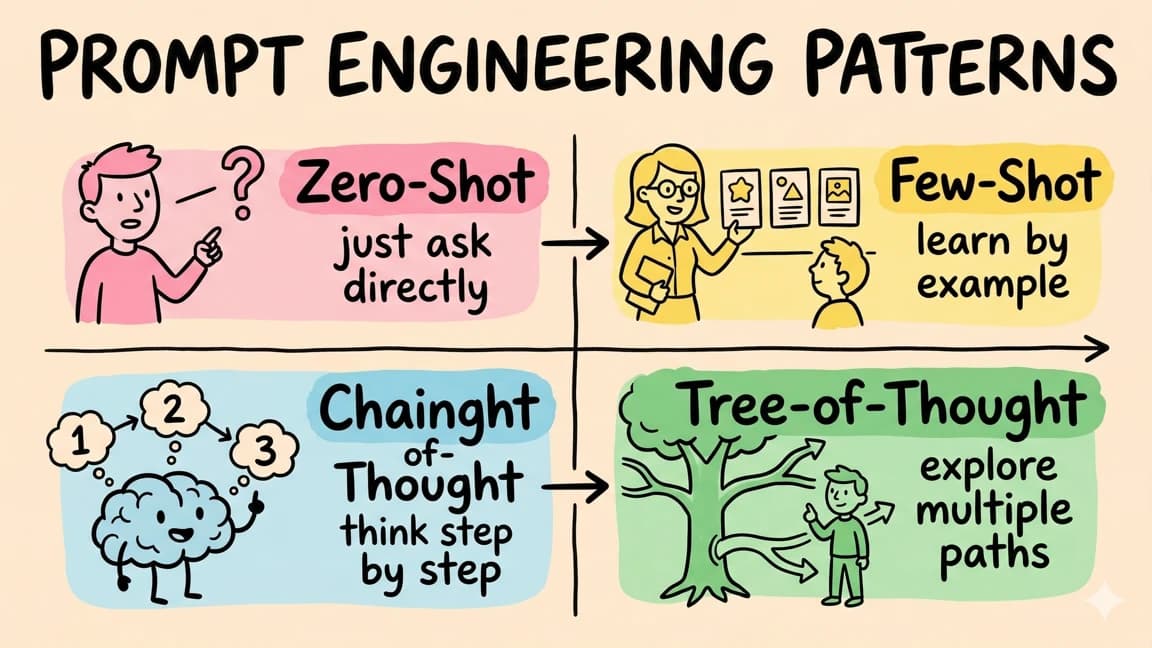
Prompt Engineering for AI Coding Tools
Prompt engineering for coding is less about clever wording and more about task specs, repo context, constraints, example...
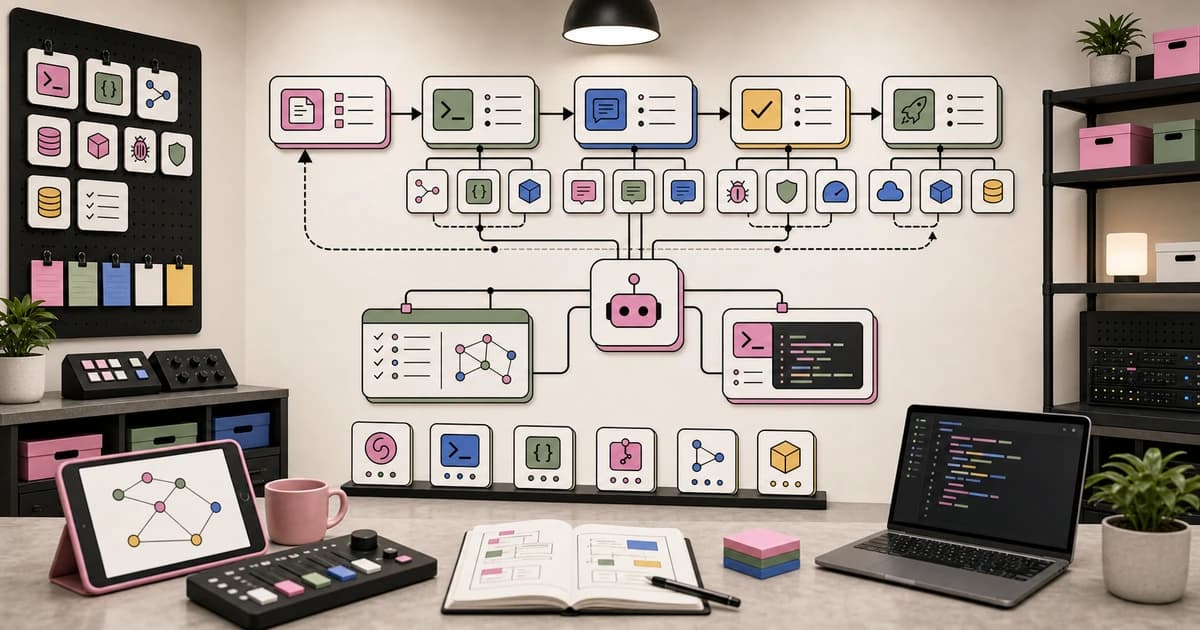
9 min read
AI Tools
My AI Developer Workflow in 2026
The exact tools, patterns, and processes I use to ship code 10x faster with AI. From morning briefing to production depl...

9 min read
AI Coding
Terminal Agents Are the New Developer Runtime
Terminal agents like Claude Code, Codex CLI, OpenCode, Copilot CLI, and DeepSeek-TUI are converging on the same runtime...
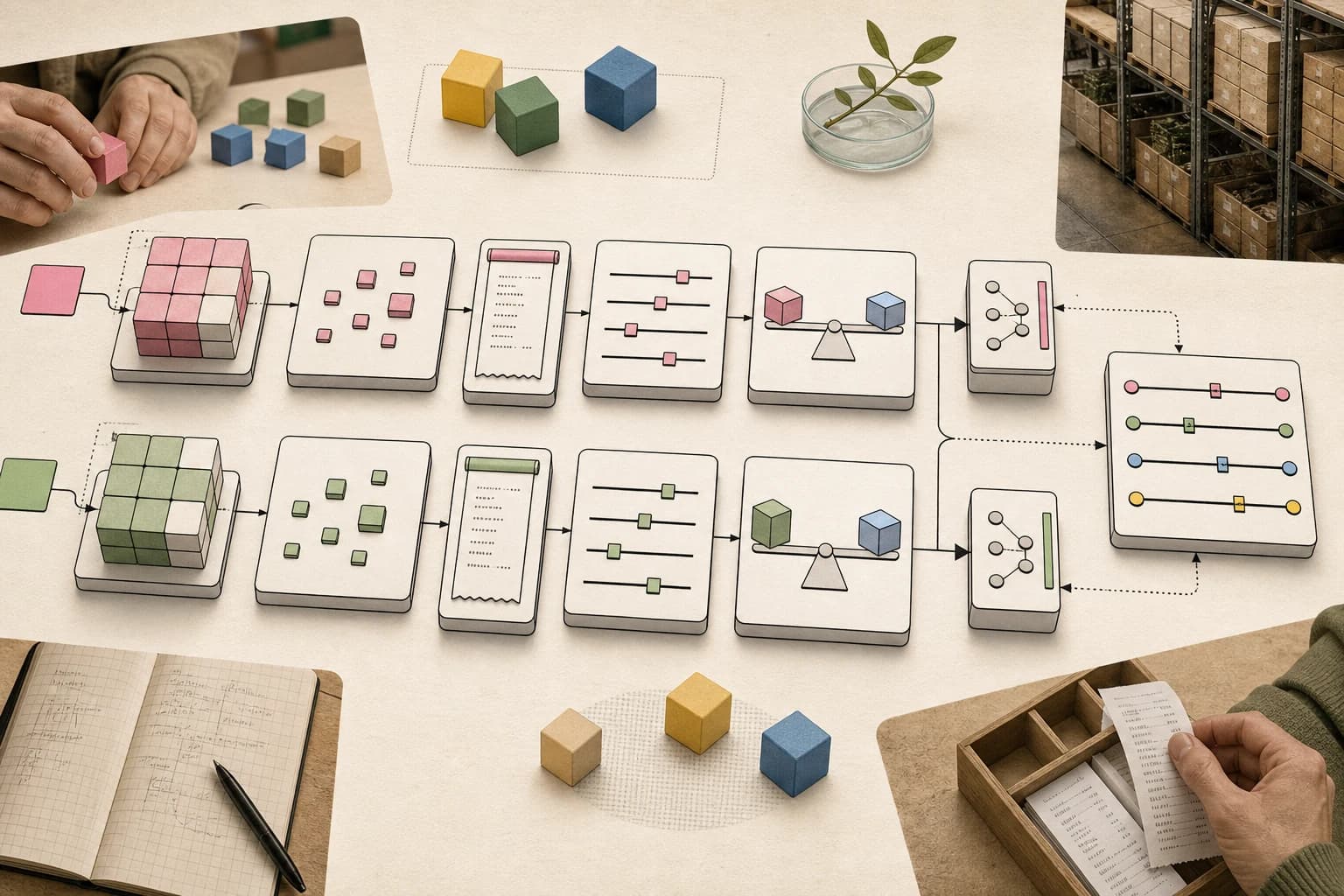
8 min read
AI Agents
Agent Evals Need Baseline Receipts
Hex's data-agent lab shows the practical eval pattern AI teams should copy: compare candidates against stable baselines,...
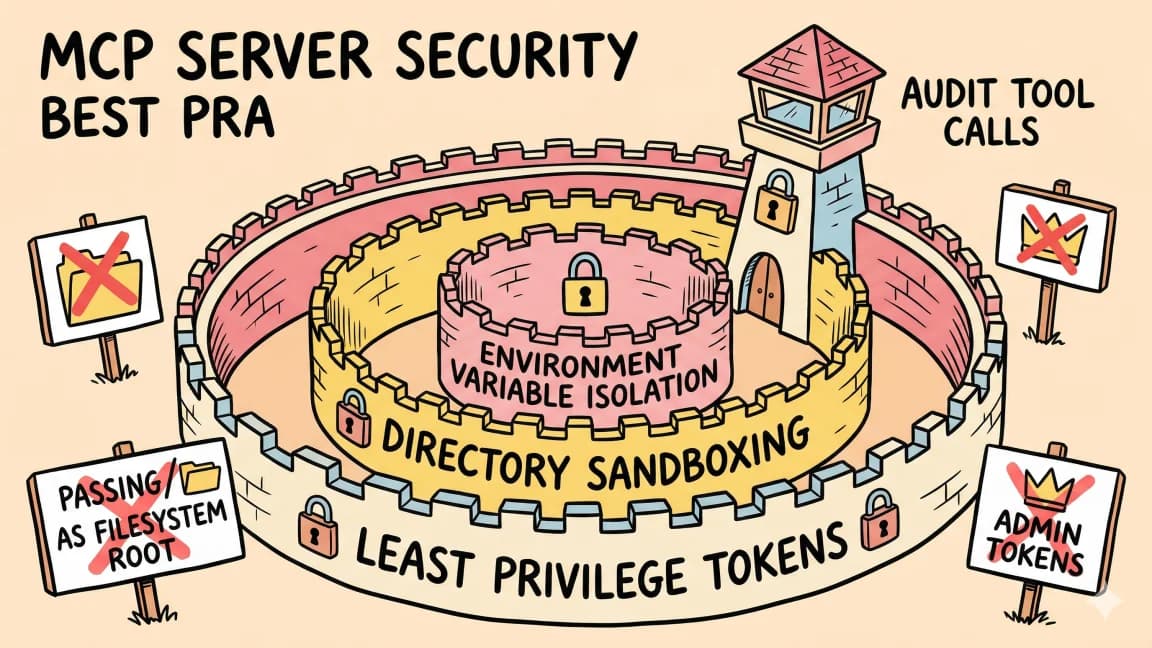
8 min read
AI Security
The Agent Security Checklist I Use Before Connecting Tools
Before an AI agent gets tools, files, APIs, MCP servers, or deployment access, decide what it can read, write, call, log...
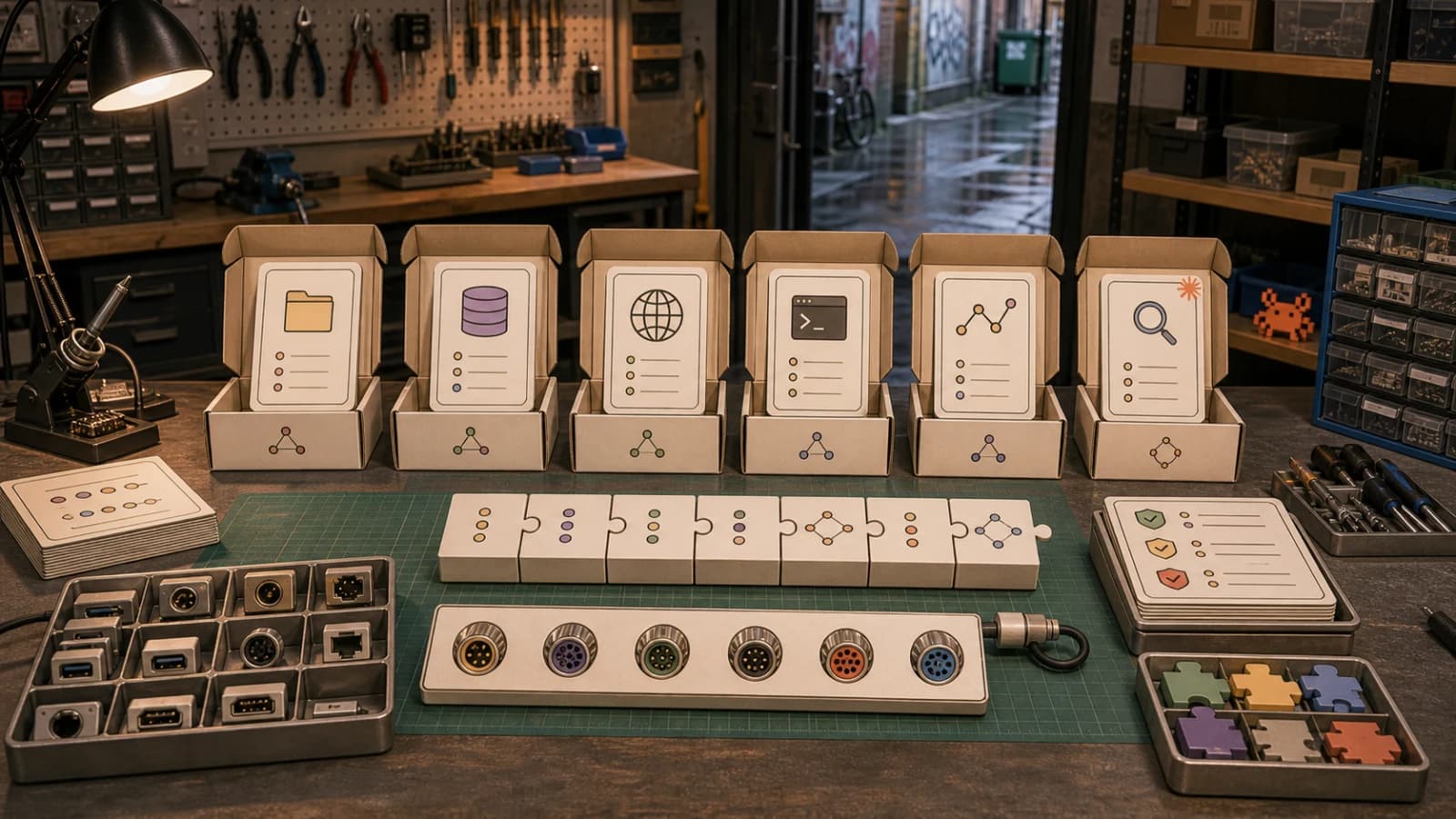
12 min read
MCP
Open-Source MCP Servers Worth Installing in 2026
The MCP ecosystem crossed 22,000 servers in early 2026. Most are noise. Here are the open-source servers that have earne...
Build with the member tools

Get Smarter About AI Dev
New tutorials, open-source projects, and deep dives on coding agents - delivered weekly.
One email per weekReal code, not theoryFree forever