Make Your Coding Agent Talk: Audio Briefs from Agent Runs with ElevenLabs
TL;DR
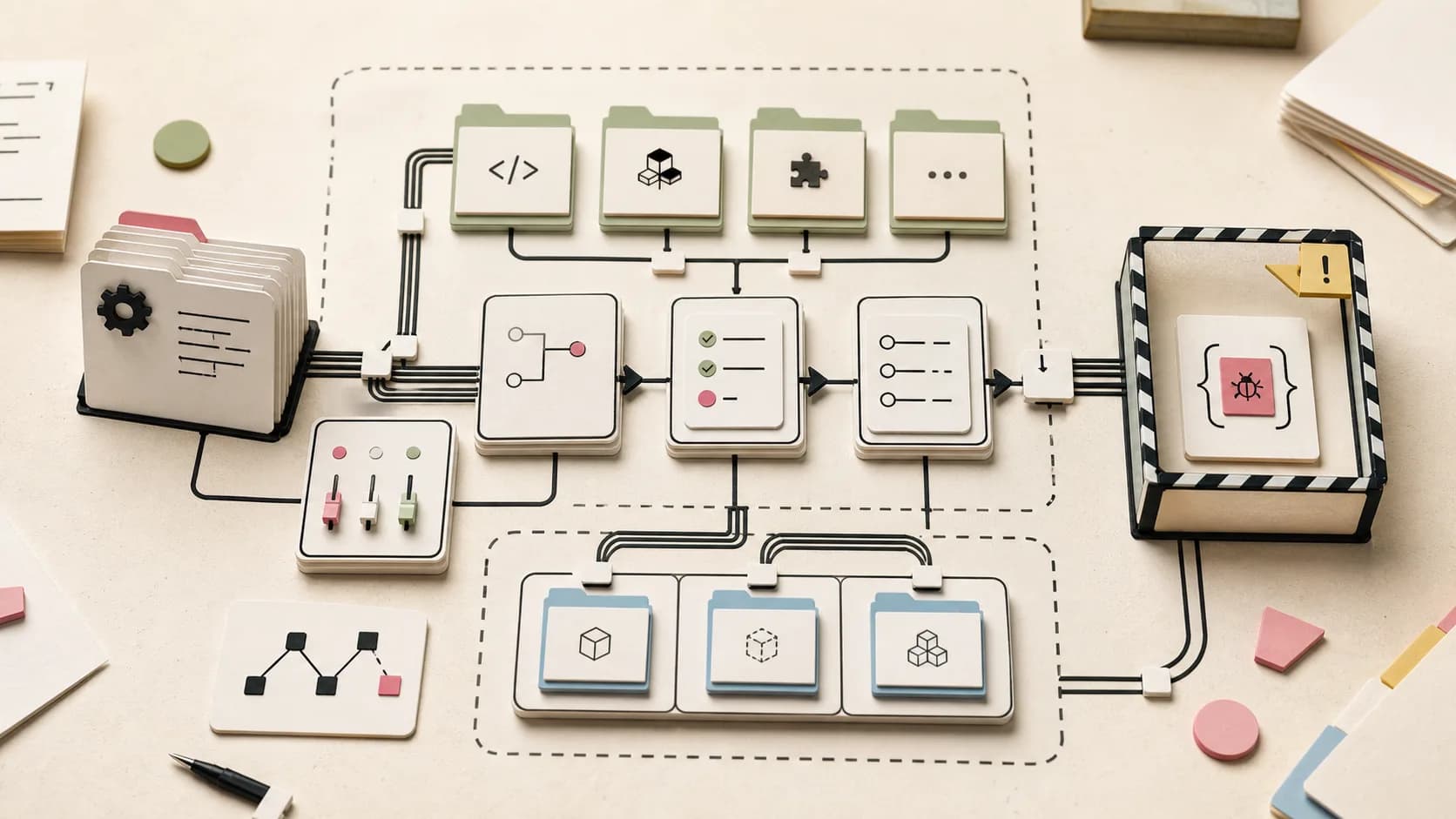
The agent finishes, the summary scrolls past, and you will read it later. Build the fix: a coding agent that ends every run with a plain-language summary, piped into ElevenLabs text-to-speech and out as an MP3 you can listen to on the way to work. The complete one-hour build.
Most of what an agent finishes with is text that expects you to be sitting in front of a terminal: a diff, a test run, a ten-paragraph summary of what changed. Reading that is cheap when it is one interactive session. It is not cheap when the agent runs on a schedule and you have seven summaries by Friday - the scrolling is the bottleneck, not the agent.
The fix is to change the consumption mode. Routine agent output does not need a screen; it needs ears. A two-minute MP3 on the way to work beats a wall of text you were going to skim anyway. This guide builds exactly that: a coding agent that ends every run with a plain-language summary, piped into ElevenLabs text-to-speech, and delivered as an audio file on your machine. OpenCode is the agent CLI doing the work - open source, scriptable, and the same opencode run pattern our cron automation guide uses - and ElevenLabs is the TTS layer, the same API our text-to-speech comparison ranks as the quality leader.
This is the output-side sibling of the Wispr Flow post: that one puts your voice into the agent, this one puts the agent's voice into your ears. If you want that voice live instead of as a file you play later, the Rime CLI voice loop streams spoken summaries inside the session - same idea, real-time rather than deferred.
Official Sources#
| Resource | Description |
|---|---|
| ElevenLabs TTS API reference | The POST /v1/text-to-speech/{voice_id} endpoint, request body, and defaults |
| ElevenLabs voices API | Listing available voices and their IDs |
| ElevenLabs API pricing | Per-character rates for every TTS model |
| OpenCode Docs | Install, models, and opencode run non-interactive mode |
Seven steps, under an hour, every step ending in something you can run.
Step 1: Install OpenCode and prove headless mode works#
Prerequisites: a machine with curl and a shell, an ElevenLabs account (the free tier includes 10,000 characters a month, per the API pricing page - enough to try this build several times), and an LLM provider key.
Install OpenCode with the official one-liner from the OpenCode docs:
Terminal
curl -fsSL https://opencode.ai/install | bash
Authenticate a provider (opencode auth login), then confirm the capability the whole pipeline depends on - one task, one answer, no interactive session:
Terminal
opencode run --model opencode/deepseek-v4-flash "print the current directory tree, two levels deep"
If that prints a tree and exits cleanly, the worker side is proven. On model choice: briefs are a narrow, bounded task, which is exactly where a budget model earns its keep. The DeepSeek V4 Flash 0731 release at $0.14/$0.28 per million tokens is the current sweet spot; the summary it writes is short, so the token cost of a brief is fractions of a cent before TTS.
What you have now: a proven headless agent command that produces text you can capture.
Step 2: Get an API key and pick a voice#
In the ElevenLabs dashboard, generate an API key from your profile settings, then export it. The key is sent as the xi-api-key header on every request, per the API reference:
Terminal
export ELEVEN_API_KEY="your-key-here"
List the voices available to your account with the voices endpoint - no request body, the key in the header is enough:
Terminal
curl -H "xi-api-key: $ELEVEN_API_KEY" "https://api.elevenlabs.io/v2/voices" \
  | jq -r '.voices[] | "\(.voice_id)  \(.name)"' | head -20
Every row is a voice ID plus a name. Pick one you want to hear twice a day, then export its ID:
Terminal
export VOICE_ID="the-id-of-the-voice-you-picked"
Keep these two environment variables around for the rest of the build - they are the entire API surface you need.
What you have now: an authenticated, working API key and a chosen voice ID.
Step 3: The one-command bridge: agent text to spoken MP3#
The TTS endpoint is a single POST: https://api.elevenlabs.io/v1/text-to-speech/{voice_id} with a JSON body containing the text, and the audio comes back as a file download. The default output is MP3 at 44.1kHz, and the default model is eleven_multilingual_v2 - both fine for this build.
Save this as ~/bin/speak.sh:
Terminal
#!/bin/bash
# speak.sh - read text from stdin, say it as an MP3
set -eu
: "${ELEVEN_API_KEY:?}" "${VOICE_ID:?}"
TEXT="$(cat)"
mkdir -p ~/briefs
OUT="$HOME/briefs/brief-$(date +%Y%m%d-%H%M%S).mp3"

curl -sS -X POST "https://api.elevenlabs.io/v1/text-to-speech/${VOICE_ID}" \
  -H "xi-api-key: $ELEVEN_API_KEY" \
  -H "Content-Type: application/json" \
  -d "$(jq -n --arg t "$TEXT" '{text: $t}')" \
  -o "$OUT"

echo "$OUT"
Make it executable, then prove the whole audio path with one sentence:
Terminal
chmod +x ~/bin/speak.sh
echo "First agent brief, ready when you are." | ~/bin/speak.sh
# → ~/briefs/brief-20260808-*.mp3
afplay ~/briefs/brief-*.mp3   # macOS
# mpv ~/briefs/brief-*.mp3    # Linux
Two details matter: jq -n builds the JSON body so the text is escaped properly (a summary full of quotes and backticks stays data, not shell), and -o writes the returned audio file straight to disk. If you hear the sentence, the entire pipeline - key, voice, endpoint, playback - is proven in isolation.
What you have now: a two-command voice: text in, MP3 out.
From the archive
GitHub Copilot Code Review Effort Levels Are GA: Lite vs Balanced
Aug 8, 2026 • 7 min read
GitHub Copilot's Impact Dashboard Now Puts a Dollar Figure on Agent-First Development
Aug 8, 2026 • 6 min read
GitHub Apps Can Now Be Installed at the Enterprise Level, Opening the Platform to Third-Party Integrators
Aug 8, 2026 • 6 min read
Grok Imagine Image 2.0 Ships: xAI's Typography-Aware Image Model Is Already on Vercel's AI Gateway
Aug 8, 2026 • 6 min read
Step 4: Make the agent write for audio, not for the terminal#
This is the step that decides whether the MP3 is listenable. TTS reads what you give it, and what you give it is the agent's output - so the prompt must ask for a summary shaped for speaking. Tables, code blocks, and diff hunks are garbage in audio. Short sentences, plain language, and numbers spelled out are gold.
A prompt that ends like this produces a brief you can actually listen to:
Terminal
cd ~/work/some-repo
opencode run --model opencode/deepseek-v4-flash \
"Run the test suite and summarize the state of this repo.
Finish with a summary for audio, 200 to 400 words, written in short
sentences for text-to-speech. Use plain language and no bullet lists,
no code, no table syntax. Spell out numbers. End the summary with the
single most important thing I should know. Save the summary to summary.txt."
The file is the contract, not the terminal: the agent writes summary.txt, and your voice script reads it. Piping raw agent stdout to TTS is tempting but brittle - a progress line or a log line ruins the audio, and you cannot hear the difference until it is too late. A file the agent was told to fill is deterministic.
Now the full pipeline, end to end:
Terminal
opencode run --model opencode/deepseek-v4-flash "$PROMPT" >/dev/null
cat summary.txt | ~/bin/speak.sh | xargs afplay
What you have now: one command that runs a real agent task and speaks its summary aloud.
Step 5: Put the voice on the schedule#
A voice you have to remember to trigger is a novelty. The payoff is the schedule: the cron automation guide has the full runner pattern - fresh clone, one bounded job, a gate, a quiet no-op exit. Adding a voice is three lines at the end of that runner script, after the quiet-exit check:
Terminal
# Nothing changed? Stay quiet - most runs should.
git diff --quiet && git diff --cached --quiet && exit 0

# Speak the summary of what this run actually did
cat summary.txt | ~/bin/speak.sh >/dev/null
Then schedule it like any chore (crontab -e; sanity-check expressions on crontab.guru):
Terminal
# Every weekday at 07:10: a spoken morning brief of yesterday's work
10 7 * * 1-5 ~/bin/agent-chore.sh morning-brief "Summarize yesterday's commits and open PRs. Write a 200 to 400 word audio summary to summary.txt."
Keep two behaviors from the cron guide intact: the fresh clone per run, and the quiet no-op exit. A run that found nothing to do should not talk; silence is the feature. If the MP3 lands in ~/briefs/ and you want it on your phone, sync the folder or drop it into a podcast player's watch directory - the file is a plain MP3, every audio app accepts it.
What you have now: a morning brief that reads itself, with zero interaction.
Step 6: Speak only when it matters#
Summaries are pleasant; alerts are useful. The same bridge becomes a failure notifier by gating on the run's exit code instead of its output. A CI status, a nightly dependency check, or a scheduled agent run - the shape is identical: run the thing, and only if it failed, speak why.
Terminal
#!/bin/bash
# ~/bin/fail-brief.sh - speak only when the job fails
set -u
: "${ELEVEN_API_KEY:?}" "${VOICE_ID:?}"

if "$@"; then
  echo "quiet success - no audio" >&2
  exit 0
fi

echo "The job failed. Last error: $(tail -c 400 "$LOGFILE")" \
  | ~/bin/speak.sh | xargs afplay
exit 1
Wrap any command: ~/bin/fail-brief.sh ./nightly-check.sh. Success is silent; failure is a spoken sentence with the last 400 characters of the log. That is the same discipline as the $400 overnight bill post applied to audio: the signal should be rare, specific, and impossible to ignore. The same gate can hang off the webhook pattern - an agent run triggered by an issue speaks only when the test gate fails.
What you have now: a notifier that earns attention by spending it rarely.
Step 7: What you have now, and where it goes next#
The build is complete: an agent CLI, a voice API, and one shell script connecting them. Run a task, get an MP3. Schedule the task, get a daily brief. Gate the task, get a failure alert. The whole stack costs less than a cup of coffee a month: TTS is billed per character - $0.10 per 1,000 characters for the default multilingual model, $0.05 for Flash/Turbo, per the API pricing page. A 400-word brief is roughly 2,400 characters: about $0.24 on the default model, $0.12 on Flash, and the free tier's 10,000 characters covers three or four briefs a month. The agent's own token cost is fractions of a cent on a budget model.
Refinements worth the next half hour: pass voice_settings in the request body to tune stability and speed (speed above 1.0 shortens the brief without touching the text); list models with GET /v1/models and switch model_id to a Flash model to halve the cost; and if you want the agent to talk while it works instead of after, the WebSockets streaming endpoint streams audio from partial text - overkill for briefs, right for live demos.
The end state: your agent produces a short audio digest every morning and a spoken alarm when something breaks, and the only screen time involved is the ten minutes you spent building it.
FAQ#
Can my coding agent talk in real time while it works?#
Not with this build - it is file-first: the agent finishes, writes a summary, and the summary is spoken. For real-time streaming audio from partial text, ElevenLabs offers a WebSockets endpoint that streams generated audio as text arrives. For briefs and alerts, the simpler POST pipeline is the right tool.
How much does an audio agent brief cost?#
TTS is billed per character: $0.10 per 1,000 characters for the default eleven_multilingual_v2 model and $0.05 for Flash/Turbo models, per the API pricing page. A 400-word brief is about 2,400 characters, so roughly $0.24 on the default model and $0.12 on Flash. The free tier includes 10,000 characters per month.
Do I need to clone my own voice?#
No. The voices endpoint lists the premade voice library, and any of them works with the same API key. Voice cloning exists but sits on paid tiers - for a brief you will listen to for two minutes, a premade voice is the honest choice.
Does this work with Claude Code or Codex instead of OpenCode?#
Yes. The only OpenCode-specific step is Step 1. Any agent CLI that can write a summary to a file works - run it, then feed the file to speak.sh. The shell script does not know or care which harness produced the text.
What makes an agent summary actually listenable?#
Ask for the shape in the prompt: short sentences, plain language, no bullet lists, no code or table syntax, numbers spelled out. TTS reads exactly what you give it - a summary that reads well on screen frequently reads poorly aloud. The prompt in Step 4 encodes all of it.
Sources#
| Source | URL |
|---|---|
| ElevenLabs TTS API reference | https://elevenlabs.io/docs/api-reference/text-to-speech/convert |
| ElevenLabs voices API | https://elevenlabs.io/docs/api-reference/voices/search |
| ElevenLabs TTS WebSockets streaming | https://elevenlabs.io/docs/api-reference/text-to-speech/v-1-text-to-speech-voice-id-stream-input |
| ElevenLabs API pricing | https://elevenlabs.io/pricing/api |
| OpenCode Docs | https://opencode.ai/docs/ |
Some links to tools above are referral links - see our affiliate disclosure.
Last updated: August 8, 2026
Continue Reading#
- Put an AI Agent on a Cron Job - the schedule this voice hangs off: the full runner, gate, and quiet-exit pattern
- Podcast Your Release Notes - the two-voice sibling: a dialogue episode instead of a one-way brief
- Give Your Coding Agent a Voice - the input side: dictate prompts into the agent with Wispr Flow
- Turn a Voice Memo into a GitHub Issue - the same ElevenLabs account on speech-to-text duty: spoken bug reports become structured issues
- Text-to-Speech APIs for Developers in 2026 - where ElevenLabs sits on quality, latency, and price
- OpenCode Developer Guide 2026 - the full tour of the CLI doing the work in this build
- DeepSeek V4 Flash 0731 in OpenCode - the budget model that keeps agent runs cheap
Read next
Put an AI Agent on a Cron Job: Automating Dev Chores with OpenCode
An agent CLI plus a cron schedule turns recurring dev chores into background work: dependency bumps, doc freshness checks, morning briefs. The pattern, the guardrails, and where to run it - your own hardware or a cloud host.
11 min readGive Your Coding Agent a Voice: Dictate Prompts with Wispr Flow
The agent is only as good as the prompt, and the best prompts are the ones you would speak. How to dictate context-rich prompts into an agent CLI like OpenCode hands-free: hotkeys, snippets, dictionary, and Command Mode.
9 min readText-to-Speech APIs for Developers in 2026: What to Actually Use
A fair, sourced comparison of the TTS APIs developers reach for in 2026: OpenAI, ElevenLabs, xAI Grok, and Cartesia. Quality vs latency vs price, streaming, voice cloning policies, and whether to route through an AI gateway or go direct.
8 min readShare
Developers Digest
Technical content at the intersection of AI and development. Building with AI agents, Claude Code, and modern dev tools - then showing you exactly how it works.
300+ videos30K+ GitHub stars850+ articles
Related Tools
AI Coding

Cline
Open-source autonomous coding agent inside VS Code. Creates files, runs commands, and can use a browser for UI testing a...
View ToolAI CodingOpen source

OpenCode
Open-source AI coding agent for terminal, desktop, and IDE. Works with 75+ LLM providers including Claude, GPT, Gemini,...
View ToolAI CodingDaily Driver

Claude Code
Anthropic's agentic coding CLI. Runs in your terminal, edits files autonomously, spawns sub-agents, and maintains memory...
View ToolAI Coding

Codex CLI
OpenAI's open-source terminal coding agent built in Rust. Runs locally, reads your repo, edits files, and executes comma...
View ToolApps from Developers Digest
Developer ToolsIn Progress
Agent Benchmark Lab
Compare AI coding agents on reproducible tasks with scored, shareable runs.
View AppSaaS Products
Auto Company
Describe your company and agent teams handle operations.
View AppSaaS Products
Agent Generator
Do a task once with AI, get a reusable agent forever.
View AppRelated Guides
Guide
Building Your First MCP Server
Step-by-step guide to building an MCP server in TypeScript - from project setup to tool definitions, resource handling, testing, and deployment.
AI AgentsGuide
MCP Servers Explained
What MCP servers are, how they work, and how to build your own in 5 minutes.
AI AgentsGuide
Run AI Models Locally with Ollama and LM Studio
Install Ollama and LM Studio, pull your first model, and run AI locally for coding, chat, and automation - with zero cloud dependency.
Getting StartedRelated Videos
Build Your Own Voice AI Agent with Ten Agent: A Step-by-Step Guide
In this video, discover how to build your customized voice AI agents using TEN Agent, an open-source conversational AI platform. Learn to integrate top speech-to-text models, large language...
Video·
Build No-Code AI Agents, Automations and Apps with VectorShift
No-Code AI Automation with VectorShift: Integrations, Pipelines, and Chatbots In this video, I introduce VectorShift, a no-code AI automation platform that enables you to create AI solutions...
Video·
Build AI Podcasts from Any Site: Full-Stack Guide with Firecrawl, ElevenLabs & Next.js
Creating an AI-Enhanced Podcast Web App: Comprehensive Tutorial Repo: https://github.com/developersdigest/llm-podcast-engine You can obtain these API keys from the following sources: ...
Video·
Related Posts

11 min read
opencode
Put an AI Agent on a Cron Job: Automating Dev Chores with OpenCode
An agent CLI plus a cron schedule turns recurring dev chores into background work: dependency bumps, doc freshness check...
9 min read
wispr-flow
Give Your Coding Agent a Voice: Dictate Prompts with Wispr Flow
The agent is only as good as the prompt, and the best prompts are the ones you would speak. How to dictate context-rich...
8 min read
Text to Speech
Text-to-Speech APIs for Developers in 2026: What to Actually Use
A fair, sourced comparison of the TTS APIs developers reach for in 2026: OpenAI, ElevenLabs, xAI Grok, and Cartesia. Qua...
11 min read
opencode
OpenCode Developer Guide: The Open Source AI Coding Agent with 160K Stars
OpenCode is the fastest-growing open-source AI coding agent - 160K GitHub stars, 7.5M monthly users, 75+ model providers...

7 min read
deepseek
DeepSeek V4 Flash 0731: The Official Release, Benchmarks, and How to Run It in OpenCode
DeepSeek shipped the official V4 Flash release on July 31, 2026. The re-post-trained 0731 build beats V4-Pro-Preview on...

10 min read
elevenlabs
Podcast Your Release Notes: Two-Voice Audio from Git History with ElevenLabs
A changelog nobody reads is a story nobody heard. A coding agent reads your real git history and writes a two-speaker sc...
Build with the member tools

Get Smarter About AI Dev
New tutorials, open-source projects, and deep dives on coding agents - delivered weekly.
One email per weekReal code, not theoryFree forever