Arcade AI Agent Authorization: A Developer Guide

TL;DR
Arcade just raised $60M to become the secure action layer for production AI agents. Here is what their MCP runtime actually does, how it differs from rolling your own OAuth, and when to use it.
Official Sources#
| Resource | Link |
|---|---|
| Arcade Homepage | arcade.dev |
| Arcade Documentation | docs.arcade.dev |
| Arcade GitHub (MCP SDK) | github.com/arcadeai/arcade-mcp |
| MCP Authorization Spec | modelcontextprotocol.io |
| Series A Announcement | BusinessWire |
On June 15, 2026, Arcade closed a $60 million Series A led by SYN Ventures with strategic investments from Morgan Stanley and Wipro. The round brings their total funding to $72 million. The company was founded by former Okta and Snowflake engineers and claims to author the MCP tool authorization specification that Anthropic and other model providers now reference.
The pitch is simple: AI agents need to take real actions in production systems like Salesforce, Slack, Jira, and Google Workspace. The hard part is not teaching the agent to call an API. The hard part is authorization - making sure the agent acts as a specific authenticated user, with only the permissions that user has, and leaving a complete audit trail of every action.
Last updated: June 24, 2026
The Problem Arcade Solves#
When you connect an AI agent to external systems, three things break immediately:
1. Authorization is backwards. Traditional API integrations use service accounts or shared API keys. The agent acts as "the system" with broad permissions. But users expect the agent to act as them - to see only what they can see, to modify only what they are allowed to modify. A sales rep's agent should not be able to access every deal in Salesforce just because the integration API key can.
2. OAuth flows are designed for humans. The standard OAuth redirect dance assumes a human is sitting at a browser, clicking through consent screens. Agents run in terminals, background jobs, and automated pipelines. They cannot click a consent button. Worse, if the token expires mid-task, the agent has no way to re-authenticate.
3. Audit trails do not exist. When something goes wrong - and it will - you need to answer: "What action did this agent take, on behalf of which user, against which resource, at what time?" Most agent implementations cannot answer this because the action ran through a shared credential with no user attribution.
Arcade claims to solve all three.
How Arcade Actually Works#
Arcade is an MCP runtime - a layer that sits between your agent and the external systems it needs to access. The Model Context Protocol (MCP) is the open standard that Anthropic and others use to define how agents interact with tools. Arcade implements the authorization piece of that standard.
The Core Flow#
-
User authenticates once. When a user first interacts with an agent that needs external access (say, Google Calendar), Arcade surfaces a login URL. The user clicks it, authenticates with Google directly, and grants the agent limited permissions. Arcade stores the token securely.
-
Agent inherits user permissions. On subsequent requests, the agent calls Arcade with the user's identity. Arcade retrieves the appropriate token and makes the API call on behalf of that specific user. The agent never sees the raw token.
-
Policy enforcement at the edge. Before any action executes, Arcade checks policies: Is this user allowed to call this tool? Is this action within the agent's scope? Custom pre-call and post-call hooks let you add business logic - rate limits, approval workflows, content filtering.
-
Every action is logged. Arcade records which agent called which tool, for which user, with what parameters, and what the result was. This audit trail is searchable and exportable.
URL Elicitation#
The clever part is what Arcade calls "URL elicitation" - a capability they co-developed with Anthropic. When an MCP server needs the user to authenticate, it can return a special response containing a login URL. The agent surfaces this URL to the user (in a terminal, chat interface, or wherever it is running). The user clicks, authenticates in their browser, and the agent continues without ever handling credentials directly.
This is different from how most agent frameworks handle auth today, where you typically pre-configure API keys or service accounts in environment variables.
From the archive
Developer Fired by Google for Building Google Workspace CLI
Jun 24, 2026 • 6 min read
Vulnerability Reports Are Not Special Anymore
Jun 24, 2026 • 7 min read
Agent Identity Is the Missing Security Layer for AI Workflows
Jun 23, 2026 • 7 min read
Agent PR Governance: The New Rules for Copilot Reviews
Jun 23, 2026 • 8 min read
What You Get Out of the Box#
Arcade ships with 8,000+ pre-built MCP tools across common SaaS systems:
- Productivity: Google Workspace (Calendar, Drive, Docs, Gmail), Asana, Jira, Linear, Notion
- Communication: Slack, Microsoft Teams, Discord
- CRM: Salesforce, HubSpot
- Developer tools: GitHub, Vercel, Stripe
- Data: Snowflake, BigQuery, Airtable
These are not just API wrappers. Arcade claims their tools are "agent-optimized" - meaning the tool descriptions and parameter schemas are designed for how LLMs actually call them, reducing hallucinations and failed actions.
You can also build custom tools using their Python or TypeScript SDK:
Python
from arcade_ai import tool

@tool
async def get_calendar_events(
    user_id: str,
    start_date: str,
    end_date: str
) -> list:
    """Fetch calendar events for a user within a date range."""
    # Arcade handles OAuth - you just call the API
    client = await arcade.get_authorized_client("google_calendar", user_id)
    events = await client.events.list(
        calendarId="primary",
        timeMin=start_date,
        timeMax=end_date
    )
    return events
The get_authorized_client call is where the magic happens - Arcade looks up the user's stored token, refreshes it if needed, and returns an authenticated client.
Framework Integrations#
Arcade is not an agent framework - it is infrastructure that agent frameworks call. Current integrations include:
| Framework | Status |
|---|---|
| LangChain (Python/TS) | Production |
| OpenAI Agents SDK | Production |
| CrewAI | Production |
| Google ADK | Production |
| Vercel AI SDK | Production |
| Mastra | Production |
| Spring AI SDK | Production |
| Pydantic AI | Production |
For LangChain, the integration looks like:
Python
from langchain_arcade import ArcadeToolkit

# Initialize with your API key
toolkit = ArcadeToolkit(api_key="arc_...")

# Get tools for the current user
tools = toolkit.get_tools(user_id="user_123")

# Use with any LangChain agent
agent = create_react_agent(llm, tools)
The tools returned are standard LangChain tool objects, but the authorization is handled by Arcade.
Pricing and Deployment#
Arcade's pricing is not publicly listed. Their website says "free to start, priced by usage, designed for enterprise volume." Based on the Series A announcement and Fortune 500 customer references, expect enterprise-tier pricing for production deployments.
Deployment options include:
- Arcade Cloud - Managed service, fastest to start
- On-premises - Run in your own infrastructure
- Air-gapped - For regulated environments
- Hybrid - Mix cloud and on-prem as needed
The company is SOC 2 compliant and supports SSO, RBAC, and comprehensive audit logs.
When to Use Arcade vs. Rolling Your Own#
Use Arcade when:
- You need agents to act as authenticated users, not as service accounts
- You are connecting to multiple SaaS systems and do not want to build OAuth integrations for each
- Audit and compliance matter - you need to prove what agents did
- You are scaling beyond a prototype and cannot afford to debug OAuth token refresh bugs in production
Roll your own when:
- You only need one or two integrations to systems you already have service accounts for
- Your use case does not require per-user permissions
- You are early in experimentation and want to understand the auth layer yourself first
The Competitive Landscape#
Arcade is not the only company working on agent authorization. Stytch has agent-specific OAuth features. Auth0 (now Okta) has explored machine-to-machine auth patterns. The major cloud providers - AWS, Google Cloud, Azure - all have identity products that could theoretically serve this use case.
What differentiates Arcade is the MCP-native approach. They authored the authorization spec that model providers are adopting, and their tooling is designed specifically for the agent interaction pattern rather than being retrofitted from human-to-service auth.
Whether that matters depends on how deeply you are invested in the MCP ecosystem. If you are building with Claude Code, Cursor, or other MCP-aware tools, Arcade fits cleanly. If you are building your own agent infrastructure from scratch, the MCP specificity may be less relevant.
FAQ#
What is an MCP runtime?#
An MCP runtime is infrastructure that handles the connection between AI agents and external tools. It manages authentication, authorization, tool execution, and logging. Arcade is one implementation - there are others, including self-hosted options using the open-source MCP server framework.
Does Arcade work with OpenAI models?#
Yes. Arcade is model-agnostic. It works with Claude, GPT-4, Gemini, and any other model that can call tools. The MCP spec is becoming a de facto standard for tool calling across providers.
How does Arcade handle token refresh?#
Arcade stores OAuth tokens securely and refreshes them automatically before they expire. If a refresh fails, it surfaces a new login URL to the user through the URL elicitation pattern.
What happens if an agent tries to access something the user cannot access?#
The API call fails with a permissions error, just as it would if the user tried to access it directly. Arcade does not grant additional permissions beyond what the user has.
Can I use Arcade with my own custom APIs?#
Yes. You can build custom MCP tools using Arcade's Python or TypeScript SDK. These tools can call any API you have access to, with the same authorization and audit features as built-in tools.
Is Arcade open source?#
The arcade-mcp SDK for building custom tools is open source on GitHub. The Arcade runtime itself (the managed service) is proprietary.
How does this compare to API gateways?#
API gateways handle request routing, rate limiting, and authentication at the API level. Arcade operates at the agent level - it understands that an agent is acting on behalf of a user and enforces permissions accordingly. The two can work together: Arcade calls through your API gateway, adding the user-attribution layer on top.
What is the latency overhead?#
Arcade adds a network hop between your agent and the target API. For most use cases, this is negligible compared to LLM inference time. The company claims sub-50ms overhead for typical tool calls.
Continue Reading#
- Deploy From Your Coding Agent: Wire Railway''s MCP Server Into OpenCode
- Dub Your Videos into Every Language: The ElevenLabs Dubbing Pipeline
- Loop Engineering in 9 Minutes: Stop Prompting, Start Building Loops
- Perplexity Bumblebee: Developer Guide to the Open Source Supply Chain Scanner
Sources#
- Arcade $60M Series A Announcement - June 15, 2026
- Arcade Documentation - accessed June 24, 2026
- Arcade.dev Homepage - accessed June 24, 2026
- Model Context Protocol Specification - accessed June 24, 2026
- Arcade MCP SDK on GitHub - accessed June 24, 2026
Read next
The Agent Security Checklist I Use Before Connecting Tools
Before an AI agent gets tools, files, APIs, MCP servers, or deployment access, decide what it can read, write, call, log, and roll back.
8 min readAgent Sandbox Architecture: How to Choose the Right Runtime Boundary
AI agents are getting their own computers. Here is how to choose a sandbox architecture: filesystem isolation, network policy, secrets boundaries, snapshots, and when shell access is overkill.
8 min readMCP Goes Stateless: The 2026-07-28 Migration Guide
The MCP 2026-07-28 final spec is here - sessions are gone, the protocol is stateless. Here is what changed, what broke, and how to finish migrating your MCP servers.
9 min readShare
Developers Digest
Technical content at the intersection of AI and development. Building with AI agents, Claude Code, and modern dev tools - then showing you exactly how it works.
300+ videos30K+ GitHub stars850+ articles
Related Tools
ProductivityNew
A
AgentCanvas
A hosted infinite canvas your headless AI agents drive over MCP. Any MCP-speaking agent - Claude Code, Codex, Cursor, or...
View ToolMCP Tools

Glama
Largest MCP server directory with 17,000+ servers. Security grading (A/B/C/F), compatibility scoring, and install config...
View ToolInfrastructureOpen source

E2B
Open-source cloud sandboxes for AI agents. Isolated environments that start in under 200ms, run code in Python, JavaScri...
View ToolAI CodingOpen source

DeepSeek-TUI
Open-source terminal agent runtime with approval modes, rollback snapshots, MCP servers, LSP diagnostics, and a headless...
View ToolApps from Developers Digest
Developer ToolsIn Progress
MCP Lens
Replay every MCP tool call to find why your agent went sideways.
View AppDeveloper Tools
Agent Hub
Every coding agent in one window. Stop alt-tabbing between Claude, Codex, and Cursor.
View AppDeveloper Tools
DD Traces
See exactly what your agent did, locally. No cloud, no signup.
View AppRelated Guides
Guide
Claude Code Setup Guide
Configure Claude Code for maximum productivity -- CLAUDE.md, sub-agents, MCP servers, and autonomous workflows.
AI AgentsGuide
Building Your First MCP Server
Step-by-step guide to building an MCP server in TypeScript - from project setup to tool definitions, resource handling, testing, and deployment.
AI AgentsGuide
MCP Servers Explained
What MCP servers are, how they work, and how to build your own in 5 minutes.
AI AgentsRelated Videos
Introducing GPT-5 Codex: Optimized Agentic Coding for Developers
In this episode, we explore the newly released GPT-5 Codex by OpenAI, a specialized version of GPT-5 designed for agentic coding tasks. Codex offers advanced features, including enhanced code...
Video·
Build Your Own Voice AI Agent with Ten Agent: A Step-by-Step Guide
In this video, discover how to build your customized voice AI agents using TEN Agent, an open-source conversational AI platform. Learn to integrate top speech-to-text models, large language...
Video·
Related Posts
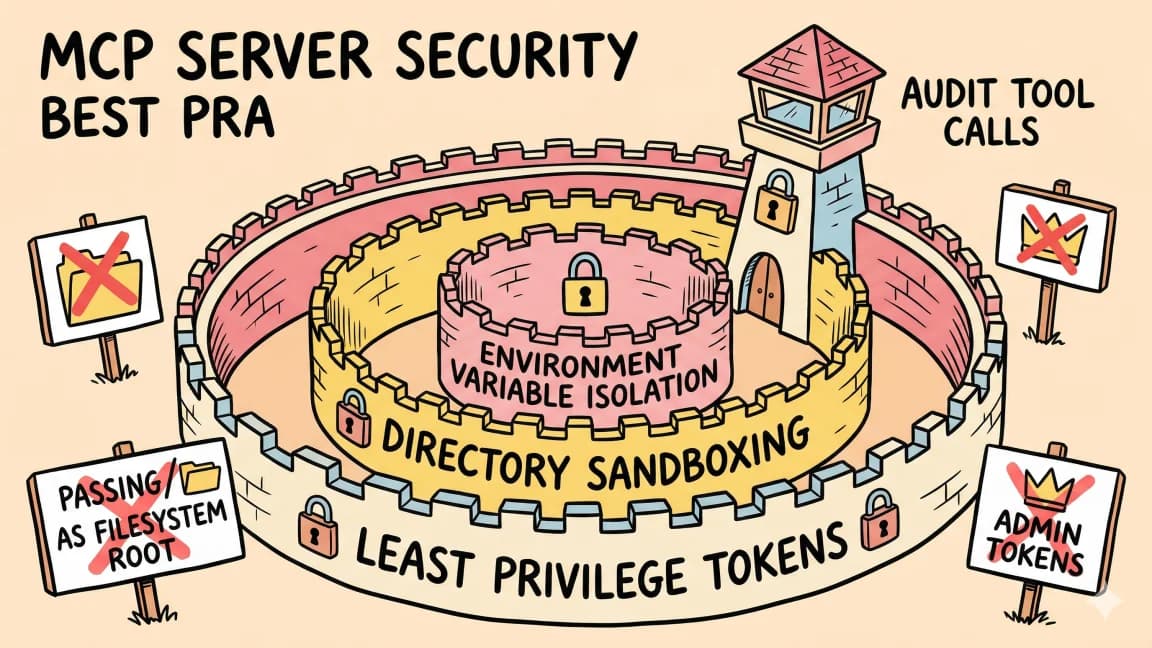
8 min read
AI Security
The Agent Security Checklist I Use Before Connecting Tools
Before an AI agent gets tools, files, APIs, MCP servers, or deployment access, decide what it can read, write, call, log...
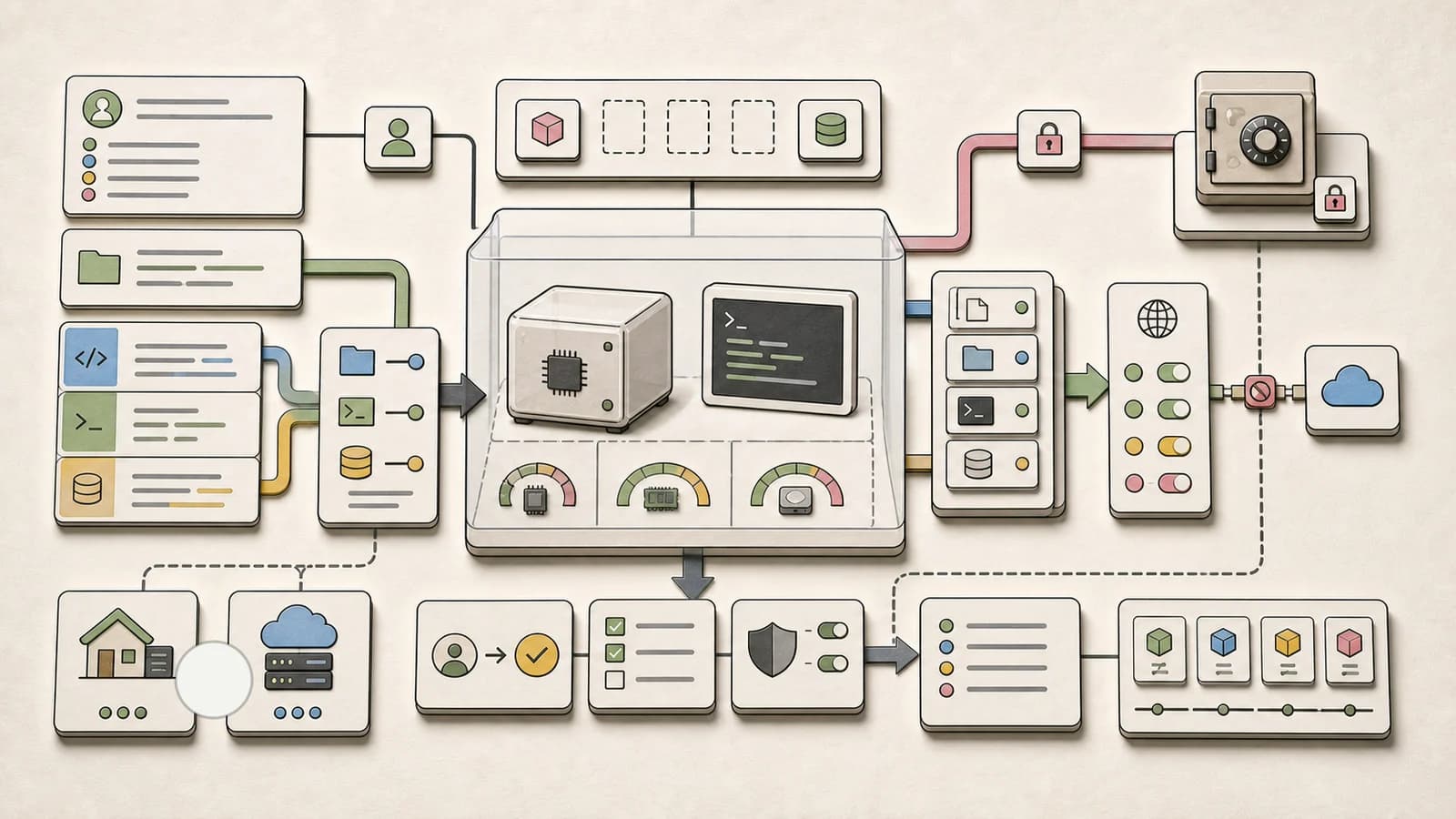
8 min read
AI Agents
Agent Sandbox Architecture: How to Choose the Right Runtime Boundary
AI agents are getting their own computers. Here is how to choose a sandbox architecture: filesystem isolation, network p...

9 min read
MCP
MCP Goes Stateless: The 2026-07-28 Migration Guide
The MCP 2026-07-28 final spec is here - sessions are gone, the protocol is stateless. Here is what changed, what broke,...
7 min read
mcp
The New MCP Roadmap: Progressive Discovery and Agent Auth
The MCP maintainers published an updated roadmap on August 22, 2026 with five priority areas, including progressive disc...
7 min read
News
Cloudflare Gateway Can Now Detect MCP Traffic on the Wire: Shadow MCP Gets a Network Boundary
Cloudflare Gateway now classifies MCP traffic by protocol headers instead of hostname heuristics, ships a shadow-MCP das...
7 min read
News
Cloudflare DDoS Report H1 2026: 1 Tbps Attacks Soared as DNS Floods Became the Leading Vector
Cloudflare mitigated 935 network-layer attacks above 1 Tbps in H1 2026, a +519% quarter-over-quarter jump, while DNS flo...
Build with the member tools

Get Smarter About AI Dev
New tutorials, open-source projects, and deep dives on coding agents - delivered weekly.
One email per weekReal code, not theoryFree forever