Perplexity Bumblebee: Developer Guide to the Open Source Supply Chain Scanner

TL;DR
Bumblebee is Perplexity's open source scanner for detecting compromised packages, extensions, and MCP configs on developer machines. A read-only Go binary that checks npm, PyPI, Go modules, and 10+ ecosystems against exposure catalogs - without running any install scripts. Here is how to set it up and use it.
Official Sources#
| Source | Description |
|---|---|
| Perplexity blog announcement | Official release post with rationale and use cases |
| GitHub repository | Source code, installation, and full documentation |
| Apache 2.0 License | Open source license terms |
Last updated: June 27, 2026
The Mastra supply chain attack compromised 140+ npm packages in under 90 minutes. The MCP config supply chain risk means AI tool configurations can execute arbitrary code. Both attacks share a common problem: by the time advisories go out, developers need to check their machines quickly - and traditional scanners either run install scripts (triggering the payload) or require network calls that might not be available during incident response.
Perplexity built Bumblebee to solve exactly this. It is a read-only scanner that checks your on-disk package metadata, editor extensions, and MCP configurations against known-compromised releases - without executing anything. Open-sourced in May 2026 under Apache 2.0, it ships as a single Go binary with zero external dependencies.
What Bumblebee Does#
Bumblebee answers one question: when an advisory names a compromised package, extension, or version, which developer machines show a match in their on-disk metadata right now?
It reads lockfiles, installed package metadata, extension manifests, and MCP configuration files. It never runs npm, pip, or any other package manager. It never reads your source code. It never makes network calls during the scan.
The result is a tool that can run safely on a machine that might be compromised, because the scan itself cannot trigger malicious code.
Installation#
Bumblebee requires Go 1.25+ and builds as a single static binary with zero non-stdlib dependencies.
Install the latest release:
Terminal
go install github.com/perplexityai/bumblebee/cmd/bumblebee@latest
Pin to a specific version:
Terminal
go install github.com/perplexityai/bumblebee/cmd/bumblebee@v0.1.1
Build from source:
Terminal
git clone https://github.com/perplexityai/bumblebee.git
cd bumblebee
go build -o bumblebee ./cmd/bumblebee
go test ./...
Verify installation with the built-in self-test:
Terminal
bumblebee selftest
# selftest OK (2 findings in 1ms)
The self-test validates that the binary can detect deliberately fake compromised package names without making network calls.
Supported Ecosystems#
Bumblebee reads metadata from these package managers and tools:
| Ecosystem | Sources Read | Tag |
|---|---|---|
| npm / pnpm / Yarn / Bun | package-lock.json, pnpm-lock.yaml, yarn.lock, bun.lockb | npm |
| Python / PyPI | .dist-info/METADATA, installer files | pypi |
| Go modules | go.sum, go.mod | go |
| RubyGems | Gemfile.lock, .gemspec files | rubygems |
| Composer | composer.lock, installed metadata | packagist |
| MCP configs | JSON host configurations for Claude, Cursor, etc. | mcp |
| Agent skills | Skill lock files | agent-skill |
| VS Code / Cursor / Windsurf | Extension manifests | editor-extension |
| Chromium / Firefox | Extension metadata | browser-extension |
| Homebrew | Formula receipts, cask markers | homebrew |
The MCP config scanner is the first open source tool to treat MCP configuration files as a security surface. Given that MCP configs can include env blocks with credentials, this is a meaningful addition to supply chain monitoring.
Scan Profiles#
Bumblebee operates as a one-shot scanner with three profiles:
Baseline - Scans common global and user package roots, language toolchains, editor extensions, browser extensions, and MCP configs. Good for recurring lightweight inventory.
Terminal
bumblebee scan --profile baseline > inventory.ndjson
Project - Examines configured development directories. Designed for daily sweeps of known project workspaces.
Terminal
bumblebee scan --profile project \
  --root "$HOME/code" \
  --root "$HOME/Developer"
Deep - Accepts explicit --root paths including broad roots like $HOME. Intended for on-demand incident response.
Terminal
bumblebee scan --profile deep \
  --root "$HOME" \
  --exposure-catalog ./catalog.json \
  --max-duration 10m
The baseline and project profiles refuse bare-home roots to prevent accidental full-disk scans. Only deep permits them, signaling explicit incident-response intent.
From the archive
Best AI Code Review Tools in 2026: CodeRabbit vs DeepSource vs Greptile Compared
Jun 25, 2026 • 8 min read
Developer Fired by Google for Building Google Workspace CLI
Jun 24, 2026 • 6 min read
Vulnerability Reports Are Not Special Anymore
Jun 24, 2026 • 7 min read
Agent Identity Is the Missing Security Layer for AI Workflows
Jun 23, 2026 • 7 min read
Running an Exposure Check#
The real power of Bumblebee is checking against exposure catalogs - curated lists of known-compromised packages. The repository includes a maintained threat_intel/ directory with catalogs assembled from public threat-intelligence reporting.
Check against the bundled threat intel:
Terminal
bumblebee scan --profile baseline \
  --exposure-catalog ./threat_intel/
Check against a custom advisory:
Terminal
bumblebee scan --profile deep \
  --root "$HOME" \
  --exposure-catalog ./mastra-advisory-2026-06-17.json
Filter to specific ecosystems when you know the attack surface:
Terminal
bumblebee scan --profile baseline \
  --ecosystem npm,pypi
Exposure Catalog Format#
Catalogs use a minimal JSON schema with exact ecosystem-name-version matching:
JSON
{
  "schema_version": "0.1.0",
  "entries": [
    {
      "id": "advisory-2026-0042",
      "name": "easy-day-js malicious release",
      "ecosystem": "npm",
      "package": "easy-day-js",
      "versions": ["1.11.22"],
      "severity": "critical"
    }
  ]
}
You can point --exposure-catalog to a directory containing multiple JSON files - Bumblebee will merge them automatically. This makes it easy to layer your organization's internal advisories on top of the public threat intel.
Output Format#
Bumblebee outputs NDJSON (newline-delimited JSON) to stdout, with diagnostics to stderr. This makes it easy to pipe into jq, grep, or your SIEM.
Package records include:
- Ecosystem and package name
- Installed version
- Source file path
- Confidence level (high/medium/low)
- Endpoint metadata: hostname, OS, architecture, username, device ID
Finding records (exposure matches) include:
- Severity from the catalog
- Catalog reference ID
- Matching evidence
- Source location
Each record includes a content-addressed record_id for deduplication across multiple scans.
Example: count findings by severity
Terminal
bumblebee scan --profile baseline \
  --exposure-catalog ./threat_intel/ \
  | jq -r 'select(.record_type == "finding") | .severity' \
  | sort | uniq -c
Integration Patterns#
CI/CD gating: Run Bumblebee in CI before deployment to catch compromised dependencies before they reach production.
YAML
# GitHub Actions example
- name: Supply chain check
  run: |
    go install github.com/perplexityai/bumblebee/cmd/bumblebee@v0.1.1
    bumblebee scan --profile project \
      --root . \
      --exposure-catalog ./threat_intel/ \
      --output-file findings.ndjson

    # Fail if critical findings exist
    if jq -e 'select(.severity == "critical")' findings.ndjson > /dev/null; then
      echo "Critical supply chain exposure detected"
      exit 1
    fi
Fleet-wide inventory: Run Bumblebee on developer machines via your endpoint management tool. The scan summary record at the end of each run includes machine identifiers for aggregation.
Incident response: When an advisory drops, generate a catalog entry and broadcast it to all endpoints. Developers run bumblebee scan --profile deep and report back findings.
What Bumblebee Does Not Do#
Bumblebee is deliberately limited in scope:
- No remediation. It reports findings but does not remove packages or modify lockfiles.
- No runtime monitoring. It is a point-in-time scanner, not a background daemon.
- No network calls during scan. Catalog updates must be distributed separately.
- No SaaS component. Everything runs locally.
For runtime supply chain monitoring, you would layer Bumblebee with tools like Socket, Snyk, or your organization's SIEM. Bumblebee's value is the safe, read-only sweep you can run on a potentially compromised machine.
Why Perplexity Built This#
Perplexity operates a large fleet of developer machines running AI-assisted coding tools. When the Mastra attack hit, they needed to check all endpoints quickly without risking code execution. Existing tools either required network access, ran install hooks, or focused on SaaS dashboards rather than local CLI use.
They built Bumblebee internally, then open-sourced it under Apache 2.0 for the broader developer community. The threat intel directory is maintained via contributions and Perplexity's own research using their AI tools.
FAQ#
Does Bumblebee require network access to run?#
No. Bumblebee makes zero network calls during scanning. Exposure catalogs must be distributed to machines separately - via git, your endpoint management tool, or manual download.
Can Bumblebee trigger malicious install scripts?#
No. Bumblebee never runs package managers like npm, pip, or go install. It reads only metadata files - lockfiles, manifests, and installed package receipts. This is the core design principle that makes it safe to run on potentially compromised machines.
Does Bumblebee read my source code?#
No. Bumblebee reads package metadata and configuration files only. It does not parse or analyze your application source code.
What about MCP configuration credentials?#
MCP configurations may contain credentials in env blocks. Bumblebee parses these configs for inventory purposes but does not emit sensitive values in its output.
How do I update the threat intelligence catalogs?#
The threat_intel/ directory in the repository is updated via community contribution. Pull the latest version of the repo or configure a git submodule pointing to the Bumblebee repository's threat_intel directory.
Can I run Bumblebee on Windows?#
Bumblebee is designed for macOS and Linux developer endpoints. Windows support is not currently available, though the Go codebase could be extended with Windows path handling.
How does this compare to npm audit or pip-audit?#
npm audit and pip-audit run the respective package managers and make network calls to advisory databases. Bumblebee reads only local metadata and checks against local catalogs. This makes Bumblebee suitable for incident response on potentially compromised machines where you cannot trust package manager execution.
Is there a SaaS version or dashboard?#
No. Bumblebee is a local CLI tool only. For fleet-wide visibility, aggregate NDJSON output to your SIEM or log management platform.
Continue Reading#
Sources#
- Perplexity Bumblebee announcement - May 2026
- GitHub repository - verified June 27, 2026
- MarkTechPost analysis - May 2026
- DevOps.com coverage - May 2026
Read next
Mastra npm Supply Chain Attack: 140+ AI Framework Packages Backdoored
On June 17, 2026, attackers hijacked a dormant Mastra contributor account and pushed malicious versions of 140+ packages. The payload steals crypto wallets, browser data, and cloud credentials. Here is what happened, how to check your lockfile, and what to do if you installed an affected version.
7 min readAgent Config Files Are Executable Supply Chain
A Hacker News thread on config files that run code points at the next AI coding risk: agent hooks, skills, and editor rules need review like executable dependencies.
8 min readThe Agent Security Checklist I Use Before Connecting Tools
Before an AI agent gets tools, files, APIs, MCP servers, or deployment access, decide what it can read, write, call, log, and roll back.
8 min readShare
Developers Digest
Technical content at the intersection of AI and development. Building with AI agents, Claude Code, and modern dev tools - then showing you exactly how it works.
300+ videos30K+ GitHub stars850+ articles
Related Tools
AI CodingOpen source

DeepSeek-TUI
Open-source terminal agent runtime with approval modes, rollback snapshots, MCP servers, LSP diagnostics, and a headless...
View ToolAI Frameworks

Mastra
TypeScript-first AI agent framework. Agents, tools, memory, workflows, RAG, evals, tracing, MCP, and production deployme...
View ToolMCP Tools

MCP Inspector
Visual testing tool for Model Context Protocol servers. Like Postman for MCP - call tools, browse resources, and view...
View ToolMCP Tools

Glama
Largest MCP server directory with 17,000+ servers. Security grading (A/B/C/F), compatibility scoring, and install config...
View ToolApps from Developers Digest
Developer ToolsIn Progress
Maintainer Dashboard
Track open-source maintenance signals, release tasks, and repo follow-ups in one dashboard.
View AppDeveloper Tools
DD Traces
See exactly what your agent did, locally. No cloud, no signup.
View AppDeveloper ToolsIn Progress
Migrate
Beat the August 2026 Assistants API sunset. Paste old code, get Responses API.
View AppRelated Guides
Guide
Building Your First MCP Server
Step-by-step guide to building an MCP server in TypeScript - from project setup to tool definitions, resource handling, testing, and deployment.
AI AgentsGuide
MCP Servers - Claude Code
Connect external tools and data sources via the open MCP standard.
Claude CodeGuide
Claude Code Setup Guide
Configure Claude Code for maximum productivity -- CLAUDE.md, sub-agents, MCP servers, and autonomous workflows.
AI AgentsRelated Videos

Buzz: Open-Source Collaboration for Humans + AI Agents
Buzz by Block: Open-Source Slack-Style Collaboration for Humans + AI Agents (Demo & Setup) Check out Arcade: https://arcade.dev.plug.dev/xiDRwlA Repo: https://github.com/block/buzz The video introd...
Video·

Nimbalyst: The Open-Source Visual Workspace for Building with Codex and Claude Code
Nimbalyst Demo: A Visual Workspace for Codex + Claude Code with Kanban, Plans, and AI Commits Try it: https://nimbalyst.com/ Star Repo Here: https://github.com/Nimbalyst/nimbalyst This video demos N...
Video·
Gemini CLI in 6 Minutes: Google's Free and Open-Source Coding Assistant
Google's Free and Open-Source Coding Assistant In this video, we explore Google's newly released Gemini CLI, a free and open-source competitor to Claude Code. Learn how to get started with...
Video·
Related Posts
7 min read
security
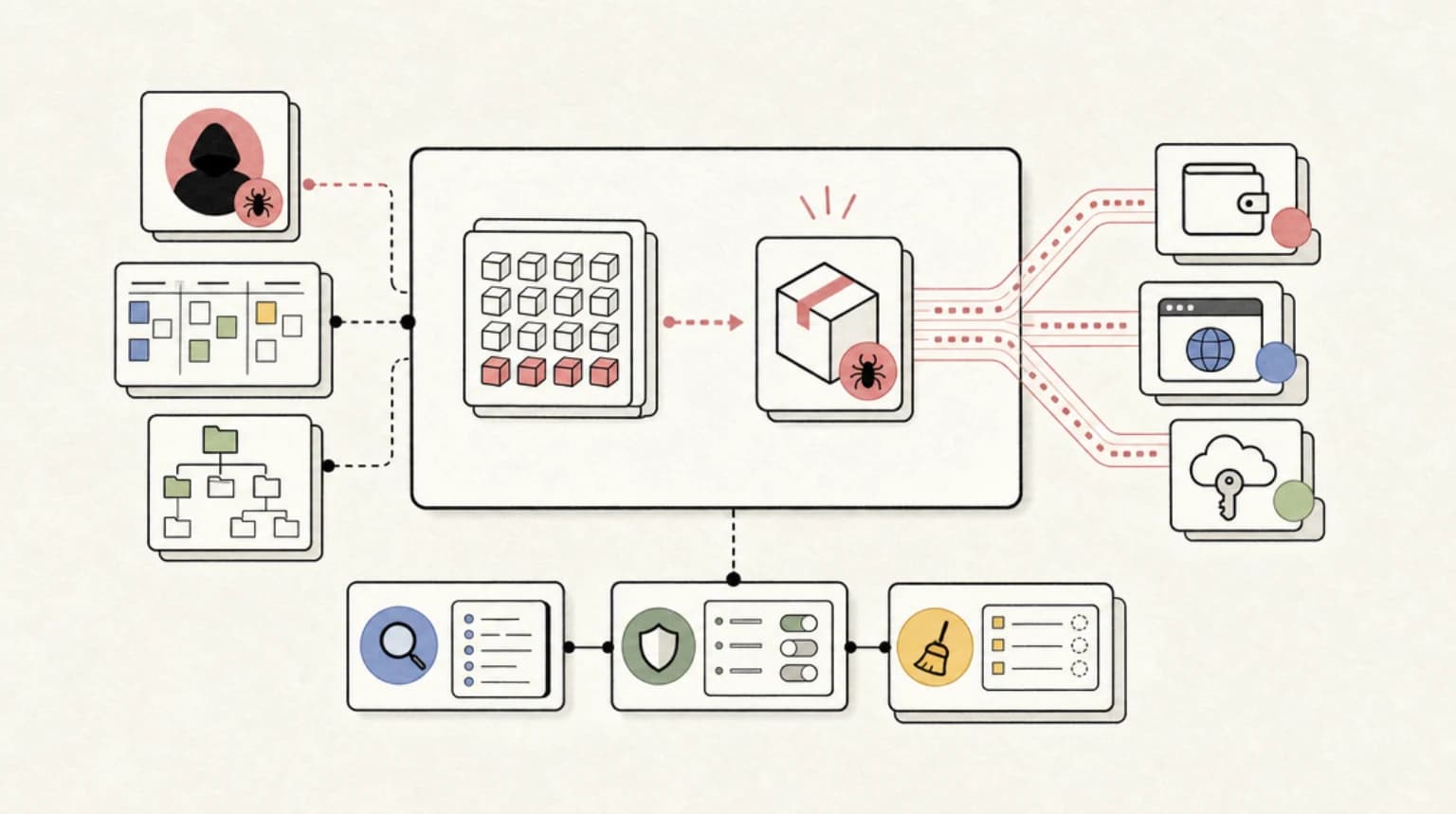
Mastra npm Supply Chain Attack: 140+ AI Framework Packages Backdoored
On June 17, 2026, attackers hijacked a dormant Mastra contributor account and pushed malicious versions of 140+ packages...

8 min read
AI Coding
Agent Config Files Are Executable Supply Chain
A Hacker News thread on config files that run code points at the next AI coding risk: agent hooks, skills, and editor ru...
8 min read
AI Security
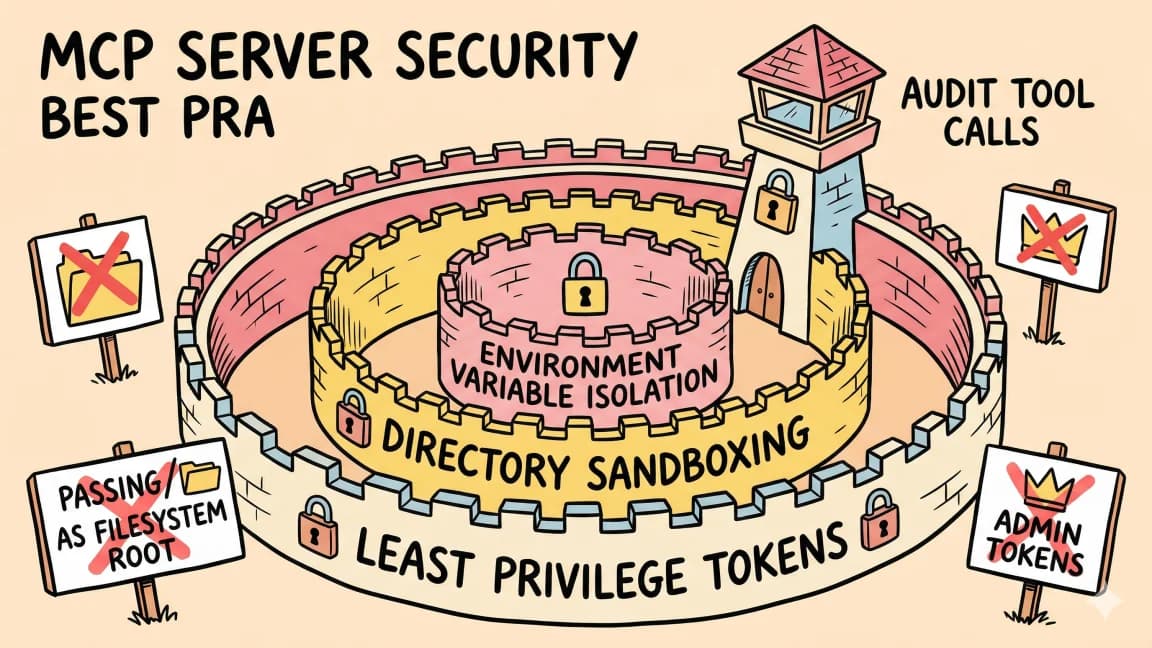
The Agent Security Checklist I Use Before Connecting Tools
Before an AI agent gets tools, files, APIs, MCP servers, or deployment access, decide what it can read, write, call, log...

10 min read
MCP
Best MCP Servers in 2026: The Developer Shortlist
A practical ranked list of MCP servers worth installing first for Claude Code, Cursor, Copilot, Codex, and OpenCode: Git...
10 min read
herdr
Herdr Deep Dive: Inside the Agent-Native Terminal Multiplexer
How Herdr went from an unnoticed solo project to 31,000 GitHub stars and Y Combinator: the architecture behind agent-awa...
10 min read
pi
pi Deep Dive: The Minimal Architecture Behind 95,000 GitHub Stars
How a one-developer protest against bloated coding harnesses became a 95,000-star agent toolkit: pi's five-package archi...
Build with the member tools

Get Smarter About AI Dev
New tutorials, open-source projects, and deep dives on coding agents - delivered weekly.
One email per weekReal code, not theoryFree forever