Grok Build Developer Guide: xAI's Terminal Coding Agent (June 2026)

TL;DR
Grok Build, xAI's terminal coding agent, runs up to 8 parallel subagents with a plan-first workflow. Install, pricing, commands and a Claude Code comparison.
Last updated: October 22, 2026. Re-verified against xAI's launch post and CLI page that day (see the status check below). Grok Build was announced as an early beta. Pricing and features are subject to change. Verify current details against the official xAI documentation before committing to a subscription.
Official Sources#
| Topic | Official source |
|---|---|
| Grok Build CLI | x.ai/cli |
| Installation | x.ai/cli/install |
| Announcement | Introducing Grok Build |
| API pricing | xAI API pricing |
| xAI documentation | docs.x.ai |
| SuperGrok subscription | x.ai/grok |
xAI announced Grok Build as an early beta in its launch post, dated May 25, 2026. It is a terminal-native coding agent with a clear architectural bet: parallelism over depth. Where Claude Code runs one powerful reasoning pass, Grok Build runs up to eight agents racing the same problem. Where Codex emphasizes cloud sandboxes, Grok Build runs local-first on your machine.
This is the practical developer guide: installation, pricing, real commands, what the parallel architecture actually does, and where Grok Build fits against Claude Code and Codex CLI.
Status check (October 22, 2026)#
I re-read the two xAI pages this guide leans on. What they confirm, and what they do not:
- Install command: unchanged. Both the launch post and the CLI page show
curl -fsSL https://x.ai/cli/install.sh | bash. - Model: the CLI page now says Grok Build is powered by Grok 4.7, xAI's newest model, with a native subagent view, Plan Mode integration and a fullscreen terminal UI. The
grok-build-0.1and Grok-4.3 details below date from the June write-up and are not on those pages. - Access: the launch post said early beta for SuperGrok and X Premium Plus subscribers. The CLI page now says "Available to try for Free". Check the Grok Build docs before relying on the pricing table.
- Features confirmed on the pages: plan mode with approve, comment or rewrite; subagents that run in parallel, including in their own worktrees; skills (with a
/skillifycommand to capture a session as a skill); plugins and marketplaces; hooks; MCP servers; AGENTS.md; and headless mode with-p. ACP support is stated in the launch post. - Not found on those pages: an eight-agent cap, Arena Mode, the
grok arena,grok plan,grok applyandgrok goalcommands, the tier prices and the benchmark figures. Treat those sections as the June write-up's claims from third-party coverage, not xAI documentation, until you confirm them in the docs.
What Grok Build Is#
Grok Build is an agentic CLI where you point it at a project directory, describe a task in plain English, and the agent inspects the repository, locates the relevant files, and proposes and applies changes.
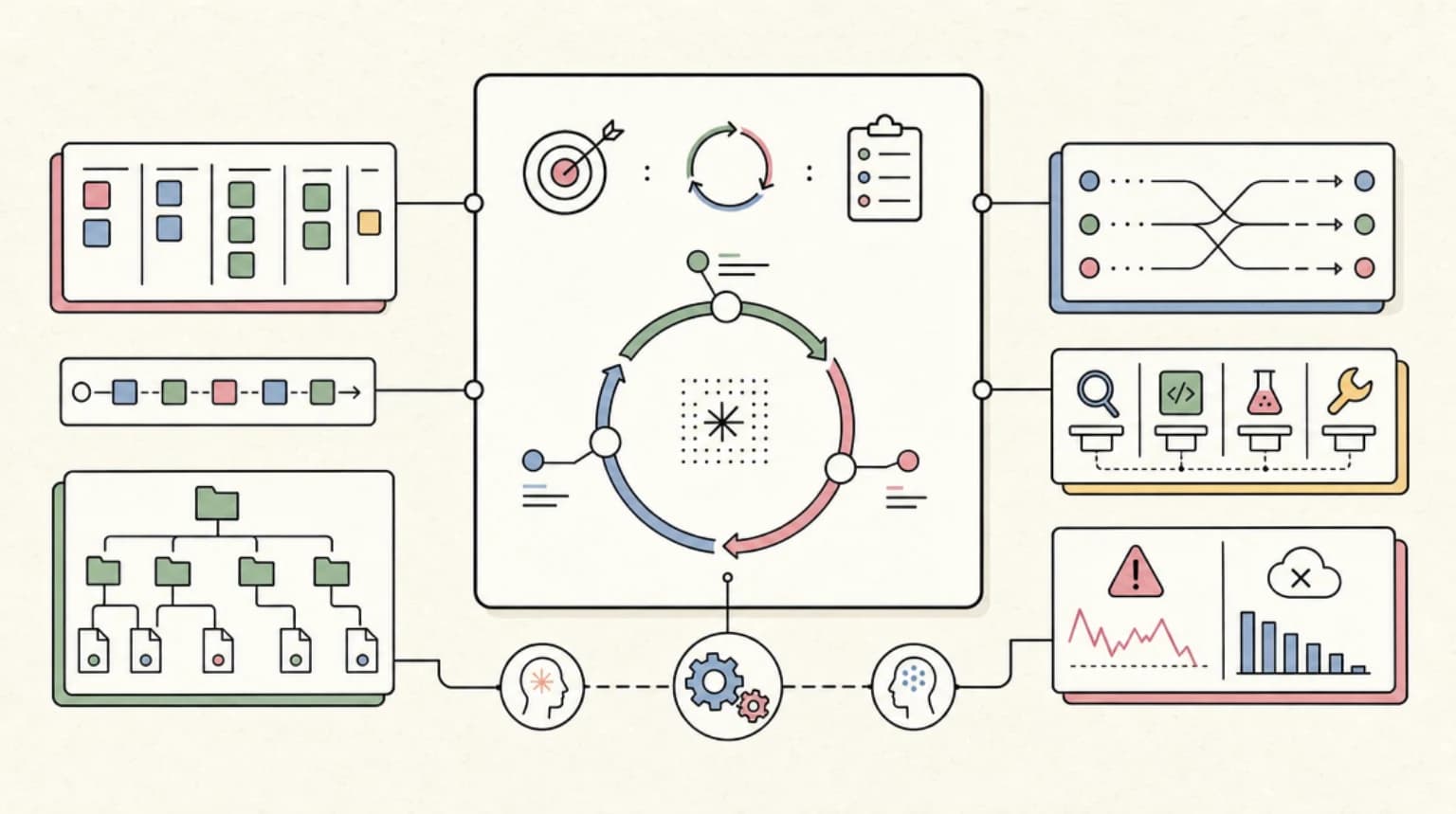
The workflow follows three stages:
- Plan. The agent drafts an execution plan you can review and approve before any code is written.
- Search. It searches the codebase to ground its changes in existing patterns and structure.
- Build. It carries out the edits, running up to eight subagents in parallel for speed.
The underlying model is grok-build-0.1, a purpose-built coding model with a 256K context window. The larger Grok-4.3 model with its 2M context window is available for complex reasoning tasks.
Installation#
macOS and Linux#
curl -fsSL https://x.ai/cli/install.sh | bash
Windows PowerShell#
irm https://x.ai/cli/install.ps1 | iex
After installation, navigate to your project directory and run:
grok
The first run prompts for authentication via your X account or xAI API key.
Pricing#
Grok Build requires an active xAI subscription or API access. As of June 27, 2026:
| Tier | Monthly cost | Access level |
|---|---|---|
| X Premium+ | $40 | Basic Grok Build access |
| SuperGrok | $30 | Standard Grok Build access |
| SuperGrok Heavy | $299 ($99 intro) | Full parallel agent features |
| API | Usage-based | $1.00/$2.00 per M input/output tokens |
The SuperGrok Heavy tier is where the 8-agent parallelism lives. Lower tiers provide Grok Build access with reduced parallel capacity.
For API usage, the grok-build-0.1 model is priced at $0.20 per million input tokens, $2.00 per million output tokens. Cached input runs at $0.20 per million tokens.
What the pricing page does not tell you: The $299 SuperGrok Heavy tier is comparable to Claude Code Max at $200 or ChatGPT Pro at $200. The introductory $99 rate expires after six months. Developers who try Grok Build on lower tiers may find the parallel features limited compared to the full Heavy experience.
Core Commands#
Start a session#
grok
Opens an interactive session in the current directory. The agent reads your project structure and is ready for prompts.
Run a single task#
grok exec "add pagination to the users API endpoint"
Non-interactive mode. The agent plans, executes, and exits.
Plan mode#
grok plan "refactor the auth module to use JWT"
Generates a plan without executing. Review the plan, then run grok apply to execute.
Goal mode (June 2026)#
grok goal "all tests pass and lint is clean"
Long-running autonomous mode. The agent plans work, executes until the condition is met, and verifies the result. Control with grok goal status, grok goal pause, grok goal resume, and grok goal clear.
This is similar to Claude Code's /goal command - both support verifiable end conditions and autonomous execution.
Parallel Subagents#
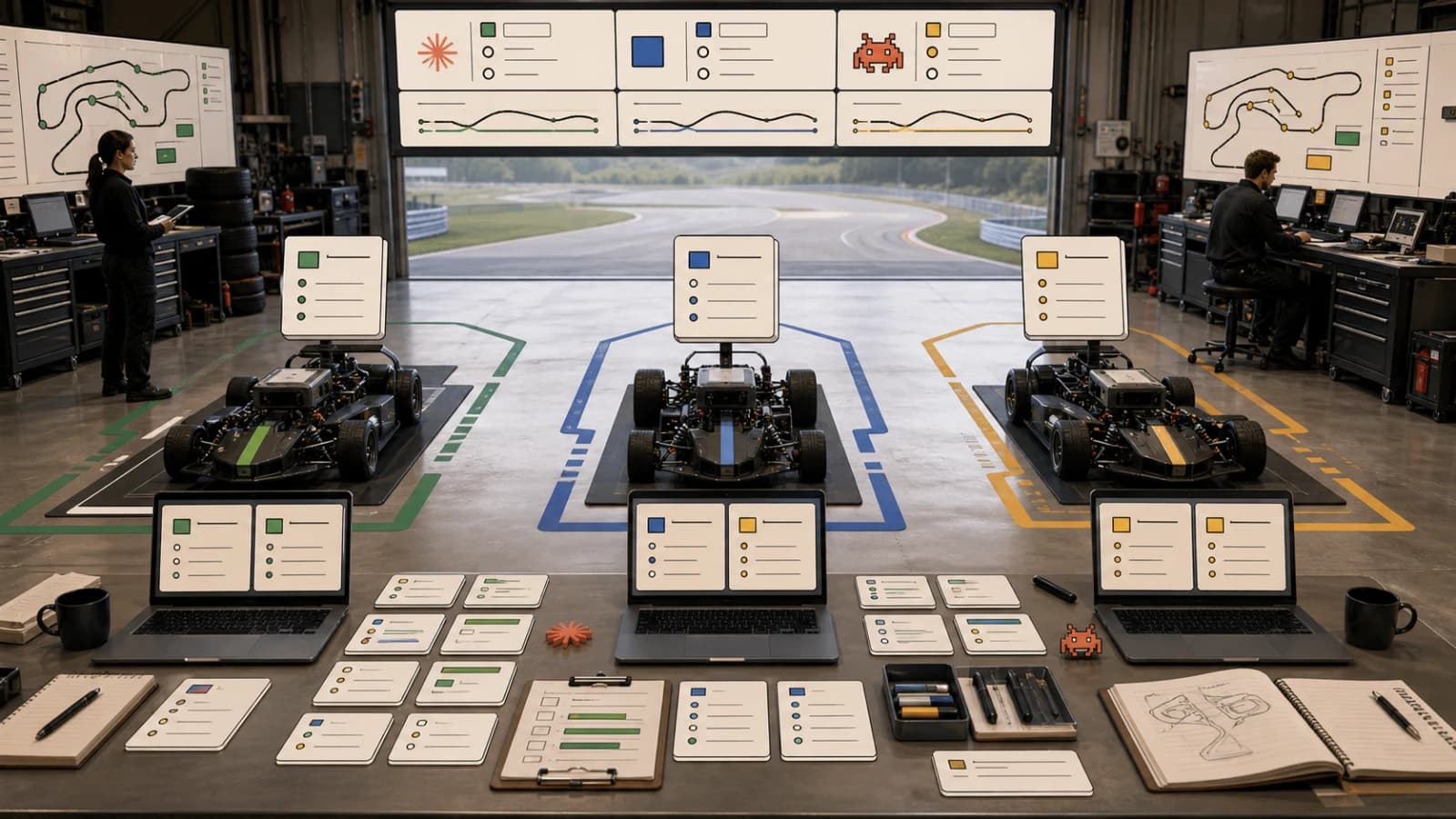
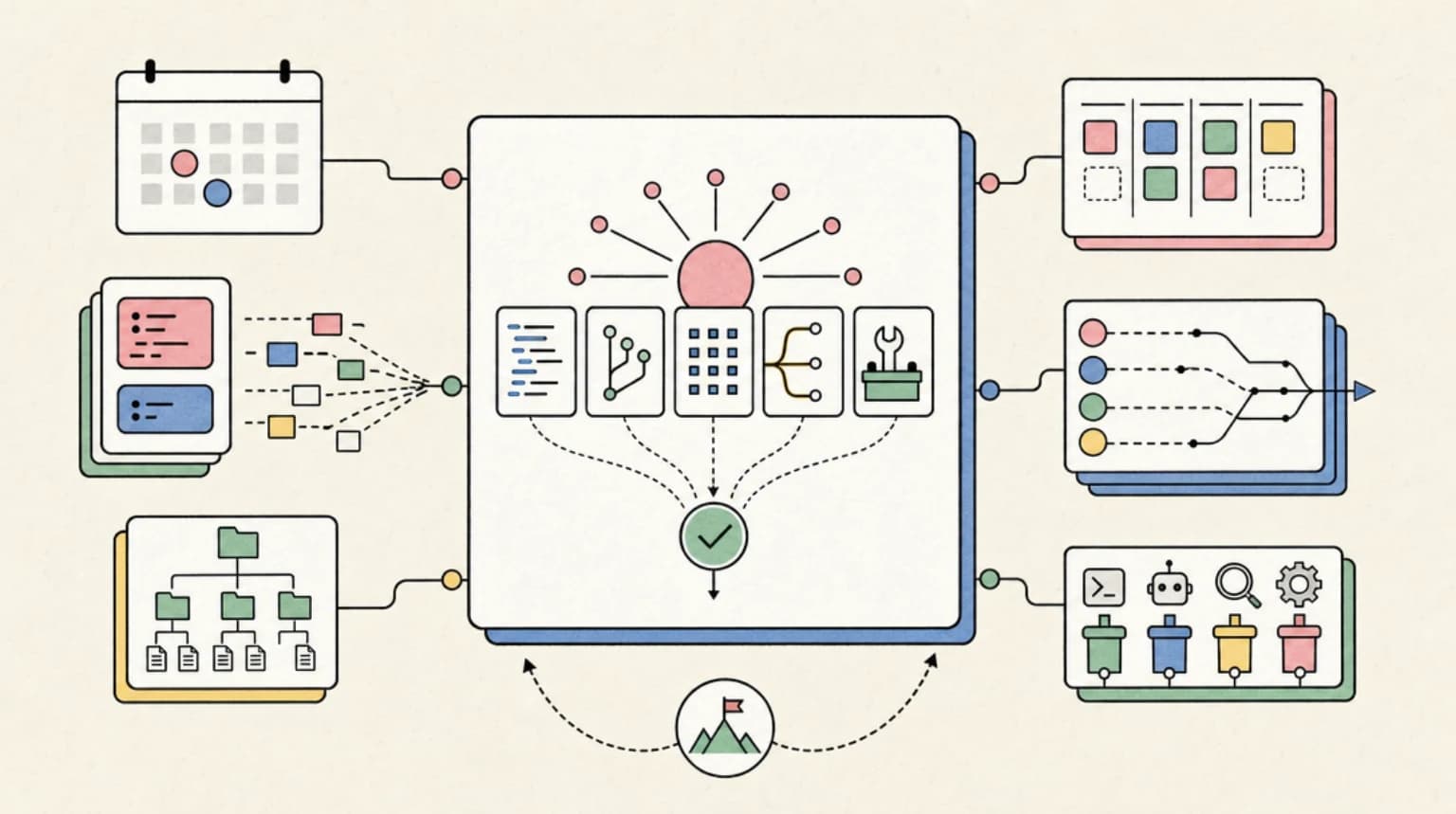
The architectural headline is parallelism. Grok Build can spawn up to eight subagents that run simultaneously on the same task.
The use cases:
- Arena Mode: Multiple agents race to solve the same problem. You pick the best output.
- Divide-and-conquer: Different agents work on independent parts of a task.
- Redundancy: Multiple attempts increase the odds of finding a working solution.
Arena Mode is the flagship feature. Instead of trusting one agent's output, you get multiple competing solutions and select the winner. This catches errors that a single pass might miss.
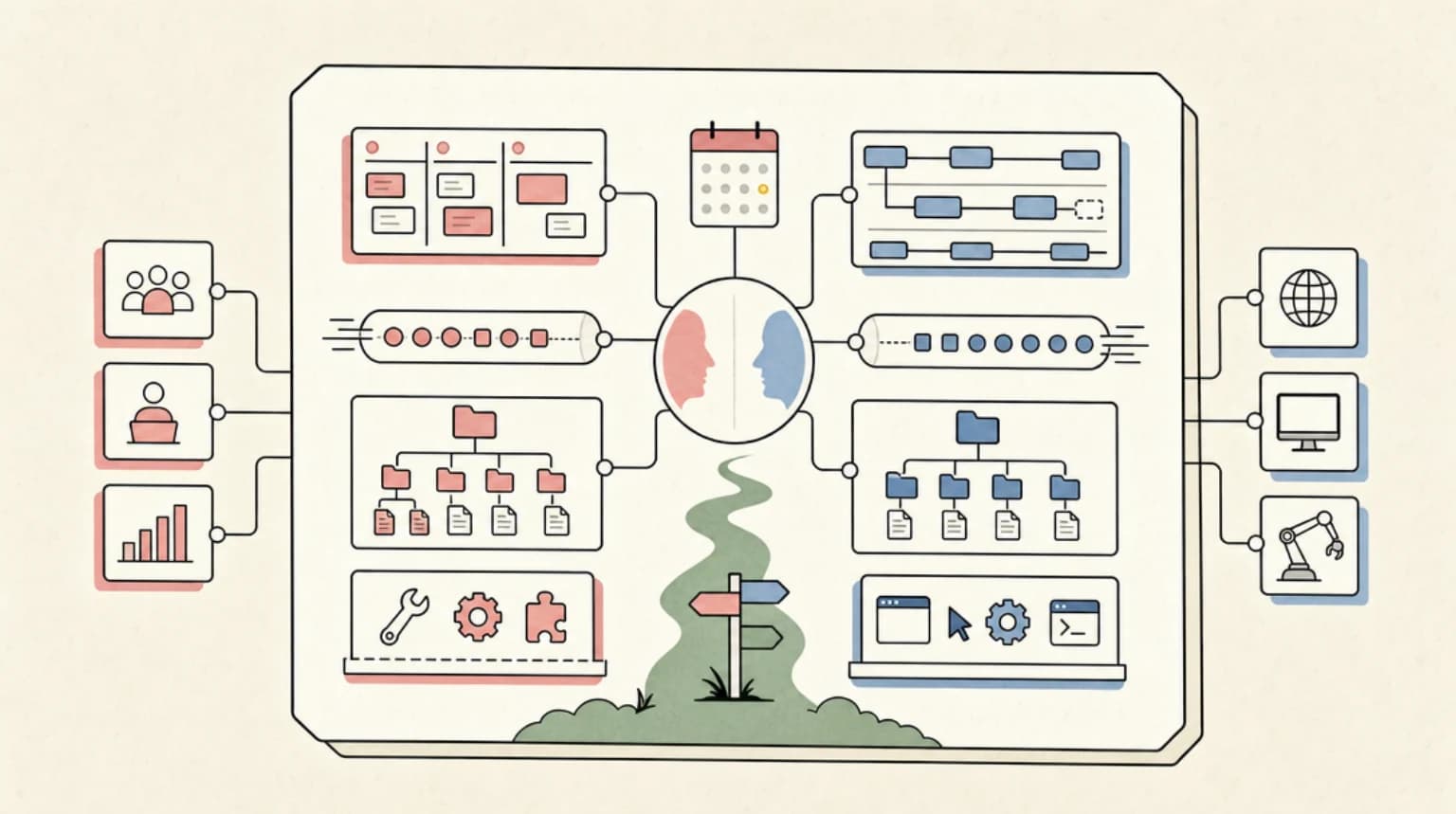
How it differs from Claude Code: Claude Code's subagents divide a task into different parts - one handles tests, one handles docs, one handles implementation. Grok Build's parallel agents race the same problem. Claude divides and conquers. Grok races for the best single answer.
MCP Compatibility#
Grok Build supports Model Context Protocol for tool integration. Connect external services like databases, APIs, and development tools.
grok mcp add github
grok mcp add linear
The MCP support is newer than Claude Code's but growing. Check the xAI docs for the current list of supported MCP servers.
Agent Communication Protocol (ACP)#
ACP is xAI's standard for external tools and IDEs to communicate with Grok Build. It enables integrations with VS Code, Cursor, JetBrains, and custom developer tools.
This is useful for teams building workflows that span multiple tools. A VS Code extension can trigger Grok Build tasks, receive progress updates, and display results in the editor.
Local-First Architecture#
Grok Build runs on your machine, not in a cloud sandbox. The agent reads your local files, executes commands locally, and applies changes directly.
Benefits:
- No code leaves your machine (except for API calls to xAI).
- Works in sensitive offline environments after initial setup (air-gap compatible).
- Full access to local tools, SDKs, and development environments.
Tradeoffs:
- No cloud isolation like Codex provides.
- You are responsible for managing the execution environment.
- Long-running tasks require your machine to stay active.
Grok Build vs Claude Code vs Codex CLI#
The three main terminal coding agents take different architectural approaches:
| Feature | Grok Build | Claude Code | Codex CLI |
|---|---|---|---|
| Primary bet | Parallelism (8 agents) | Reasoning depth | Cloud sandboxes |
| Context window | 256K (grok-build-0.1) | 200K+ (Opus/Sonnet) | 200K+ (GPT-5.x) |
| Execution | Local-first | Local | Cloud or local |
| Plan mode | Yes | Yes (plan mode) | Yes |
| Goal mode | Yes (/goal) | Yes (/goal) | Yes (goal command) |
| Parallel agents | 8 fixed racing | Dynamic subagents | Not emphasized |
| Arena Mode | Yes | No | No |
| MCP support | Yes | Yes | Limited |
| Entry price | $30-40/mo | $20/mo | $20/mo |
| Full features | $299/mo | $100-200/mo | $200/mo |
When to use Grok Build:
- You want multiple competing solutions for comparison.
- Your tasks are well-scoped and benefit from speed over depth.
- You are already in the xAI/X ecosystem.
- You need air-gap compatibility for sensitive environments.
When to use Claude Code:
- Your tasks require deep multi-file understanding.
- You need divide-and-conquer parallelism across different task parts.
- You work on complex refactors where reasoning quality matters more than speed.
When to use Codex CLI:
- You want cloud isolation for untrusted code.
- You need integration with the OpenAI ecosystem.
- Your team uses ChatGPT Pro for other work.
Benchmark Reality#
On Terminal-Bench 2.1:
- Codex CLI (GPT-5.5): 83.4%
- Claude Code (Fable 5): 83.1%
- Grok Build (grok-code-fast-1): 70.8%
- Fable 5: 95.0%
- GPT-5.5: 88.7%
- Claude Code (Opus 4.7): 87.6%
Grok Build trails on raw benchmark scores but benchmarks do not capture the Arena Mode advantage. For well-scoped tasks where multiple attempts increase success probability, the parallel architecture compensates for lower single-pass accuracy.
Practical Patterns#
Arena Mode for critical fixes#
grok arena "fix the race condition in the payment processor"
Eight agents tackle the same bug. Review all outputs, pick the cleanest solution.
Goal with budget#
grok goal "test suite passes" --max-turns 20
Autonomous execution with a turn cap to prevent runaway costs.
Plan before touching production code#
grok plan "migrate from REST to GraphQL"
Review the plan. Check which files it plans to touch. Approve before execution.
Parallel feature implementation#
grok exec "add user preferences with three UI variations"
Parallel agents produce three UI approaches. You merge the best parts.
Limitations#
Context window: The 256K limit on grok-build-0.1 is smaller than Claude Code or Codex. Large monorepos may require selective file loading.
Benchmark gap: Single-pass accuracy trails Claude Code and Codex. Arena Mode compensates but requires reviewing multiple outputs.
Beta maturity: Launched May 2026. Some features are still evolving. Expect breaking changes.
Price barrier: Full parallel features require SuperGrok Heavy at $299/mo. Lower tiers are more limited.
Getting Started#
- Install:
curl -fsSL https://x.ai/cli/install.sh | bash - Authenticate with your X account or xAI API key.
- Navigate to a project directory.
- Run
grokfor interactive mode orgrok exec "task"for one-shot. - Start with plan mode (
grok plan "task") until you trust the agent's judgment. - Graduate to goal mode for autonomous execution once you understand the cost profile.
The parallel architecture is genuinely different from Claude Code and Codex. Whether that difference is valuable depends on your task shape. Well-scoped problems with multiple valid solutions benefit from Arena Mode. Complex multi-file refactors still favor Claude Code's reasoning depth.
FAQ#
What is Grok Build?#
Grok Build is xAI's terminal-native coding agent. You point it at a project directory, describe a task in plain English, and it plans, searches the codebase, and applies changes. Its architectural headline is parallelism with up to eight subagents running simultaneously.
How do I install Grok Build?#
On macOS and Linux: curl -fsSL https://x.ai/cli/install.sh | bash. On Windows PowerShell: irm https://x.ai/cli/install.ps1 | iex. Then run grok in your project directory.
How much does Grok Build cost?#
X Premium+ ($40/mo) and SuperGrok ($30/mo) provide basic access. SuperGrok Heavy ($299/mo, $99 intro) unlocks full 8-agent parallel features. API usage is $1.00/$2.00 per million input/output tokens.
How does Grok Build compare to Claude Code?#
Claude Code bets on reasoning depth with one powerful pass. Grok Build bets on parallel breadth with up to eight agents racing the same problem. Claude Code has higher single-pass benchmark scores. Grok Build offers Arena Mode for comparing multiple solutions.
What is Arena Mode?#
Arena Mode runs multiple agents on the same task simultaneously. You review all outputs and pick the best solution. This catches errors that a single pass might miss and works well for tasks with multiple valid approaches.
Does Grok Build support MCP?#
Yes. Grok Build supports Model Context Protocol for connecting external tools like GitHub, Linear, and databases. The MCP ecosystem is newer than Claude Code's but growing.
Is Grok Build local or cloud?#
Local-first. All code runs on your machine. Only API calls to xAI leave your system. This makes it air-gap compatible for sensitive environments after initial setup.
What is the context window limit?#
The grok-build-0.1 model has a 256K context window. For larger context needs, the Grok-4.3 model with 2M context is available for complex reasoning tasks.
Continue Reading#
- AgentCanvas is a visual adapter for Claude Code and Codex
- AI Test Generation Tools Compared 2026: Which One Actually Catches Bugs
- Claude Code Auto Mode Explained: Permissions Without the Prompts
- SpaceX Acquires Cursor: What the $60B Deal Means for Developers
- xAI Grok 3 Launch: The Smartest AI on Earth?
- Best AI Coding Tools - how terminal coding agents like Grok Build compare
- Best CLI Tools for Developers - the wider terminal toolkit these agents run inside
Sources#
Get the next deep dive like this in your inbox
One email a week on Grok Build and the rest of the AI dev stack. Free.
Read next on Claude Code
Grok 4: xAI's Most Powerful AI Model
xAI has launched Grok 4, claiming the title of the world's most powerful AI model. With a $300/month Super Grok tier, saturated AMI benchmarks, and a coding model on the horizon, this is xAI's bigge...
7 min readClaude Code vs Cursor vs Codex: Which Should You Use?
Terminal agent, IDE agent, local-plus-cloud agent. Three architectures compared - how to decide which fits your workflow, or why you should use all three.
8 min readCodex vs Claude Code in 2026: Which AI Coding Agent Should You Use?
Codex vs Claude Code in 2026: pick Claude Code for ambiguous multi-file work with skills and MCP, or Codex for well-scoped tasks and strong defaults.
12 min readTechnical content at the intersection of AI and development. Building with AI agents, Claude Code, and modern dev tools - then showing you exactly how it works.