Hookyard Shows Why Claude Code Hooks Need a Package Manager
AI Tools Deep Dive
20 parts- 1Claude Design: Anthropic's Bet That Designers and Developers Want the Same Tool
- 2The 10 Best AI Coding Tools in 2026
- 3Cursor: The AI-Powered Code Editor That Changed How Developers Work
- 4OpenAI Codex: Terminal and Cloud AI Coding Agent
- 5Gemini CLI Guide: 1M Token Context and Who Can Still Use It
- 6Kimi K2: Fast, Cheap, and Efficient Coding
- 7GitHub Copilot in 2026: Still Worth It for TypeScript Developers?
- 8Aider vs Claude Code: Open Source vs Commercial AI Coding CLI
- 9Aider vs Claude Code in 2026: Git-First Open Source vs Subagent Runtime
- 10Every AI Coding Tool Compared: The 2026 Matrix
- 11Qwen3.6-27B Is the Local Coding Model to Test First
- 12Zed Just Made Parallel AI Agents a Native Editor Primitive
- 13Warp Open Sourced the Terminal. The Real Story Is Agent Operations
- 14AI Design Slop: 16 Patterns That Mark a Site as Vibe-Coded
- 15The Claude Design Moment: AI Design Skills Just Got Their Breakout Week
- 16Codeburn: The First TUI That Actually Shows Where Your Claude Max Subscription Is Going
- 17Promptlock: Deterministic Prompt Versioning for LLM Apps
- 18Agent Replays with TraceTrail: Loom for Agent Runs
- 19Hookyard Shows Why Claude Code Hooks Need a Package ManagerCurrent
- 20MCP Lens: Wireshark for Model Context Protocol Servers
TL;DR
Claude Code hooks still install by hand-editing JSON. The Hookyard prototype shows what a hook package manager should look like, from manifest to safe install.
Last updated: June 24, 2026
Official Sources#
| Resource | Link |
|---|---|
| Claude Code Hooks | docs.anthropic.com/en/docs/claude-code/hooks |
| Claude Code Settings | docs.anthropic.com/en/docs/claude-code/settings |
| Claude Code Overview | docs.anthropic.com/en/docs/claude-code/overview |
| Anthropic Pricing | anthropic.com/pricing |
Update note: as of this refresh,
hookyardis not publicly available on npm and the old public GitHub source URL no longer resolves. Treat this post as a product-pattern analysis for Claude Code hook packaging, not an install guide for a live package.
The problem: hooks are powerful, discovery is broken#
Claude Code hooks are one of the most underused features in the entire agent stack. They are shell commands that fire on lifecycle events. PreToolUse fires before a tool runs and can block it. PostToolUse fires after. UserPromptSubmit fires before your prompt reaches the model. Stop fires when the agent finishes a turn. SubagentStop fires when a spawned subagent wraps. Notification fires when Claude needs your attention.
That is the whole API. Six events, a JSON config, any shell command you want.
You can do real things with this. You can block rm -rf before it runs. You can auto-commit your Obsidian vault on every edit. You can pipe a one-line summary to a TTS engine when the agent finishes. You can log token spend per subagent. You can redact API keys from prompts before they leave your machine. None of this needs a plugin system. It is just shell on a tool event.
So why is nobody running hooks? Because installing one is a manual JSON-paste exercise.
The flow today looks like this. You read a blog post or a Discord message that has a useful hook. You open ~/.claude/settings.json. You eyeball whether hooks.PostToolUse already exists. You merge the new hook block into the array, hoping you do not break the existing JSON. You save. You restart Claude Code and pray. If it does not work, you cannot tell whether your matcher regex is wrong, your shell command is missing, or you fat-fingered a comma.
There is no install command. There is no list of hooks. There is no way to tell what you already have running. Compare that to npm, where every dependency is one command and one entry in a manifest.
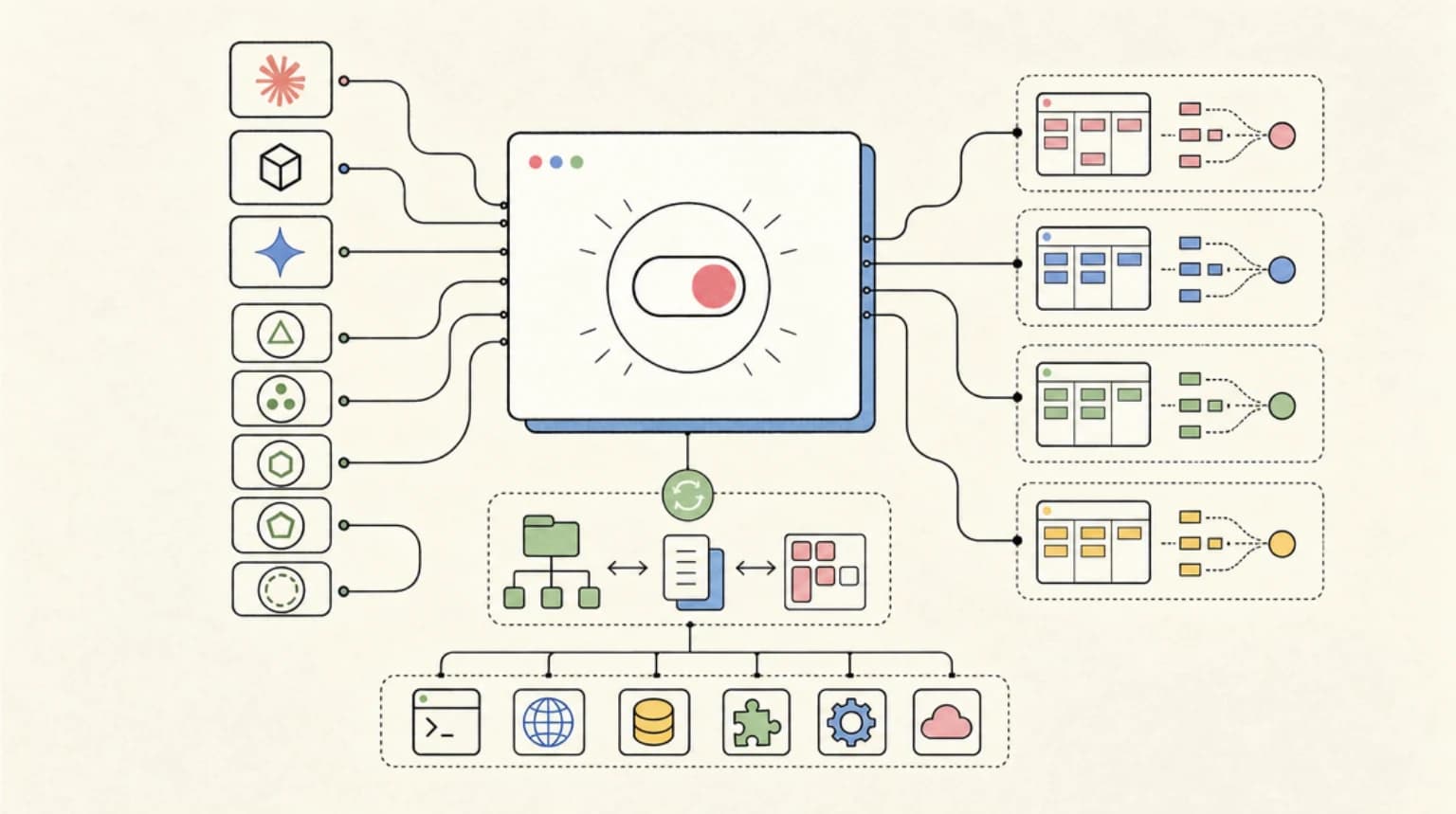
Hookyard is the shape of the fix: a curated directory of Claude Code hooks plus a CLI that patches your settings file safely. npm install for hooks is the right product metaphor, even if the public package is not live today.
What ships in v0#
Hookyard is two things in one repo.
A Next.js directory site where you browse hooks, filter by event, and copy the JSON snippet for any of them. Useful when you want to see what is out there or grab a single hook for a settings file you maintain by hand.
A CLI that would do the actual install. The useful flow is straightforward: read a curated manifest, look up the hook, open ~/.claude/settings.json, merge the hook block into the right event array, write a .bak snapshot of the previous file next to it, and write the new settings. It should be idempotent. Run it twice and the second run should print already installed instead of duplicating the entry. Run remove to take it back out.
The manifest today has ten curated hooks across the event types that matter. A few real ones derived from the DD skill stack, a few illustrative entries flagged with demo: true so you know the shell command is a stub.
Five hooks worth installing tonight#
These are the entries from the manifest that I would actually wire up on a fresh machine.
Block rm -rf. A PreToolUse guard on Bash. Reads the tool input as JSON from stdin, regexes the command for rm -rf against /, $HOME, or ~, and exits with code 2 to refuse the call. The whole hook is a single inline node script. If you have ever lost a directory to an over-eager agent, this is the cheapest insurance you will ever buy.
{
  "event": "PreToolUse",
  "matcher": "Bash",
  "command": "node -e \"const i=JSON.parse(require('fs').readFileSync(0,'utf8'));const c=i.tool_input?.command||'';if(/rm\\s+-rf?\\s+(\\/|\\$HOME|~)/.test(c)){console.error('blocked');process.exit(2)}\""
}
Obsidian Auto-Commit. PostToolUse on Write|Edit|MultiEdit|NotebookEdit. Calls a shell script in ~/.claude/hooks/ that stages and commits the vault. Result: a per-edit git history of your notes, free, with no extra prompting. You can scrub through what the agent did to your second brain with git log -p.
Track Skill Usage. PostToolUse on Skill. Increments a counter in ~/.claude/skills/usage.json every time a skill is invoked. After a week you have honest data on which skills earn their keep and which to prune. This is the same telemetry hook that powers the /prune workflow.
Prompt Redactor. UserPromptSubmit. Pipes your prompt through a redaction script that masks high-entropy strings and email addresses before the prompt is sent. Cheap privacy win. Marked demo in the manifest because the redaction shell script is yours to write, but the wiring works.
Subagent Cost Log. SubagentStop. Appends a timestamp and approximate spend to ~/.claude/cost.log every time a spawned subagent finishes. If you run agent teams via the /swarm pattern, this is how you actually answer the "what did that fan-out cost" question without scrolling a transcript. Pairs naturally with TraceTrail for the per-run breakdown.
The manifest also includes Speech Summary on Stop, Run Tests on Edit, Lint on Edit, Desktop Notify, and Git Status on Stop. All ten render on the directory site with copyable JSON.
Install flow, end to end#
The CLI shape is one file and three commands.
# See the catalog
hookyard list

# Dry-run into a fixture (does not touch your real settings)
hookyard install obsidian-auto-commit --settings /tmp/settings.json
cat /tmp/settings.json

# Install for real
hookyard install obsidian-auto-commit

# Take it back out
hookyard remove obsidian-auto-commit
Behind the scenes the install path does five things in order. It reads ~/.claude/settings.json if it exists, or starts with {}. It looks the slug up in the manifest. It checks whether the hook is already installed by matching on event + matcher + command. If it is, it prints and exits. If not, it merges the hook into settings.hooks[event], creating the array if needed. It writes a timestamped .bak next to the settings file. Then it writes the new JSON.
The --settings flag points the whole flow at any path. That is how the test suite works. Fixtures in /tmp, never your real config. The --manifest URL flag is also wired. Today the CLI imports the manifest directly from the package, but once the directory site is live, you point the CLI at https://hookyard.dev/api/manifest.json and you get the latest catalog without an npm update.
The whole thing is around 100 lines of TypeScript. There is nothing magic. The reason it feels like a product is that nobody else has bothered to ship the boring wrapper around JSON.parse, merge, JSON.stringify.
Build your own hook in ten minutes#
The fastest way to understand the system is to write one. Here is the loop.
Pick an event. PostToolUse with a matcher of Bash is a good starting point. It fires after every shell call the agent makes.
Write a shell command. The hook receives the tool input on stdin as JSON. For PostToolUse you also get the output. A trivial first hook just appends to a log:
mkdir -p ~/.claude/hooks
cat > ~/.claude/hooks/log-bash.sh <<'SH'
#!/usr/bin/env bash
jq -r '.tool_input.command' >> ~/.claude/bash.log
SH
chmod +x ~/.claude/hooks/log-bash.sh
Add it to your settings. The shape is fixed:
{
  "hooks": {
    "PostToolUse": [
      {
        "matcher": "Bash",
        "hooks": [
          { "type": "command", "command": "$HOME/.claude/hooks/log-bash.sh" }
        ]
      }
    ]
  }
}
Trigger it. Ask Claude to run any shell command. Tail the log:
tail -f ~/.claude/bash.log
That is the entire model. Once you have one working hook, every other hook is the same shape with a different event, a different matcher, and a different shell command. The Hookyard manifest is just a catalog of useful instances of that shape.
When you have one you like, the next step is contributing it. That part is honest about where it stands.
Roadmap honesty#
v0 is deliberately narrow. There are real things missing.
There is no in-browser Hook Builder yet. You write hooks in your editor and add them to the manifest by hand. An authoring UI on the directory site is on the list but not in this version.
There is no submit-a-hook flow. The manifest is a TypeScript file in the repo. Community contributions today mean a PR against lib/hooks-data.ts. A web submit form with moderation comes later.
There are no ratings, no installs counter, no paid hooks, no auth. Clerk and Neon are stubbed for the version that introduces accounts. v0 is anonymous browse plus anonymous CLI install.
The manifest is bundled with the CLI. The --manifest URL flag is wired but the hosted manifest endpoint goes live with the production deploy of the directory site, not before.
The shape of v1 is clear. Authoring UI on the site, web submit flow, hosted manifest, install counts so you can sort by popularity, accounts so authors can update their own entries. None of that ships tonight. What ships tonight is the install primitive, because the install primitive is the whole product.
What to copy from the pattern#
If you have ever copy-pasted a hook from a blog post into settings.json and held your breath, copy the pattern even if you do not use Hookyard itself.
Start with a manifest. Give every hook a slug, event, matcher, command, safety note, and owner. Add a dry-run mode that writes to a fixture settings file. Always create a backup before editing real settings. Make install idempotent. Make remove explicit.
That is enough to turn Claude Code hooks from scattered JSON snippets into team infrastructure.
For the rest of the agent tooling stack, pair this with Promptlock for prompt versioning on the way in, and TraceTrail for replayable runs on the way out. Versioned prompts, guarded tools, replayable runs. Three small share-link primitives that finally make agent work feel like normal software work. The full lineup lives on the compare hub.
FAQ#
Is Hookyard available on npm?#
Not as of this June 24, 2026 refresh. npm view hookyard returned a 404 during verification, so this article should be read as a hook-package-manager pattern rather than a live install guide.
Why do Claude Code hooks need a package-manager pattern?#
Hooks can block dangerous tools, log usage, run tests, redact prompts, and notify teams - the same lifecycle checkpoints our Rime CLI voice loop uses to make agents speak their summaries. Without a catalog, backup, dry-run, and idempotent install flow, teams end up copy-pasting JSON into settings files by hand.
What should a Claude Code hook manifest include?#
At minimum: slug, name, event, matcher, command, description, safety notes, owner, version, and whether the command is demo-only. The manifest should make review possible before the hook touches a real settings file.
What is the safest first Claude Code hook to install?#
A read-only logging hook or a destructive-command blocker is usually the safest starting point. Avoid hooks that mutate source files, send network requests, or edit credentials until your team has reviewed the command and rollback path.
Continue Reading#
- An Agent SDK Triage Bot for Commercial Insurance Submissions
- Codex CLI Hooks for PLC and IoT Firmware Review on the Factory Floor
- CLI-Anything Turns Any Software Into an Agent-Ready Command Line
- jcode and the Coding Agent Harness Wars
- The Shell Colon Does Nothing. You Should Use It Anyway.
Sources#
Get the next deep dive like this in your inbox
One email a week on AI Coding and the rest of the AI dev stack. Free.
Read next on Claude Code
Claude Code Hooks Explained
Claude Code hooks run shell commands at exact lifecycle points. Set up auto-format, dangerous-command blocking, tests before stopping and desktop notifications.
12 min readAgent Replays with TraceTrail: Loom for Agent Runs
Agent runs are opaque. TraceTrail turns a Claude Code JSONL into a public share link with a stepped timeline of messages, tool calls, and tokens.
8 min readPromptlock: Deterministic Prompt Versioning for LLM Apps
Promptlock gives every prompt a 12-char content-addressable id and a diff-able artifact, turning silent prompt drift into a reviewable change.
7 min readTechnical content at the intersection of AI and development. Building with AI agents, Claude Code, and modern dev tools - then showing you exactly how it works.