Claude Code /loop Now Runs 30 Days, Not 7 (2.1.330)
TL;DR
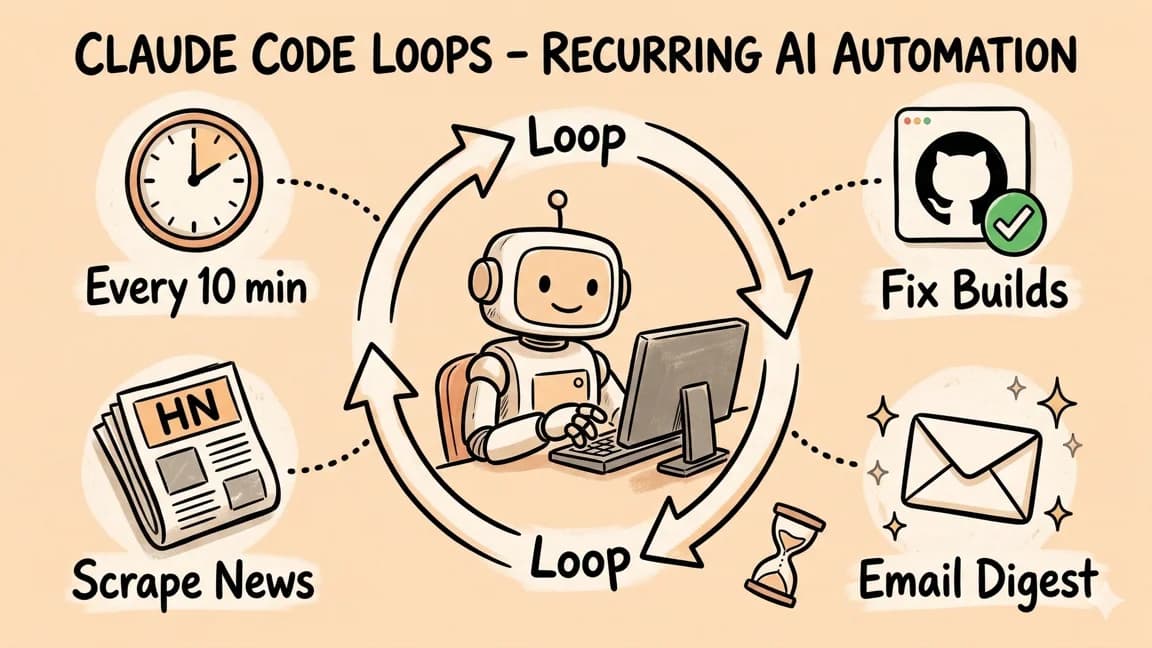
Claude Code 2.1.330 raises the expiry for /loop and recurring scheduled tasks from 7 days to 30. What changed, what did not, and when to use a cloud schedule.
Last updated: November 20, 2026
Claude Code 2.1.330, published November 20, 2026, "changed recurring scheduled tasks and /loop to run up to 30 days instead of 7 while their session keeps running, and say when they end". That is a 4x longer ceiling for a babysitting loop on a deploy, a PR or a flaky test. Two catches: loops you created before upgrading keep the old 7-day limit, and nothing about the session-scoped model changed, so a closed terminal still stops every task.
Official Sources#
| Resource | What it confirms |
|---|---|
| Claude Code CHANGELOG, 2.1.330 | The 30-day limit and that older tasks keep 7 days |
| Scheduled tasks docs | How /loop and CronCreate work, and the session-scoped limitations |
| @anthropic-ai/claude-code on npm | 2.1.330 is latest, published 19:16 UTC on November 20 |
What changed#
The full changelog line: "Changed recurring scheduled tasks and /loop to run up to 30 days instead of 7 while their session keeps running, and say when they end; tasks made before this release still end at 7 days."
We checked the shipped binaries. In 2.1.330 the default for the scheduler's recurringMaxAgeMs is 2592000000 milliseconds, which is 30 days. In 2.1.329 it is 604800000, which is 7 days. The confirmation text Claude gives after scheduling a recurring task reads the limit from that value ("recurring tasks auto-expire after N days"), so it now reports 30.
Note that the scheduled tasks docs still had a "Seven-day expiry" section saying "Recurring tasks automatically expire 7 days after creation" when we read them on November 20. The changelog and the binary are newer than that page. The behavior at expiry is otherwise unchanged as far as the docs describe it: "The task fires one final time, then deletes itself."
%% title: Which expiry a Claude Code recurring task gets after 2.1.330
flowchart TD
  A[Recurring task or /loop] --> B{Created on 2.1.330 or later?}
  B -->|Yes| C[Runs up to 30 days while the session keeps running]
  B -->|No| D[Still ends at 7 days]
  D --> E[Cancel and recreate it to get 30 days]
  C --> F{Session still running?}
  F -->|Closed or exited| G[Stops firing - no catch-up]
F -->|Running or backgrounded| H[Fires on schedule, final run at expiry]What did not change#
All of the session-scoped limits from the docs still apply, and they matter more now that a loop can live for a month:
- "Tasks only fire while Claude Code is running and idle. Closing the terminal or letting the session exit stops them firing." Backgrounding the session carries
/looptasks over to a background session that keeps running without a terminal. - "No catch-up for missed fires." A task whose time passes during a long request fires once when Claude is idle, not once per missed interval.
- On
claude --resumeor--continue, tasks created withCronCreatecome back unless they have expired, but a self-paced/loop(one with no interval, where Claude picks the delay) is not restored, and a restored task does not run the fires it missed. EscandCtrl+Cdo not stop a fixed-interval loop. Ask Claude to cancel it, for example "cancel the deploy check loop", or list tasks and cancel by ID.CLAUDE_CODE_DISABLE_CRON=1still turns the scheduler off entirely.
A 30-day loop on a laptop that sleeps every night will mostly not fire overnight. If the job must run unattended, the docs point to cloud scheduled tasks, Desktop scheduled tasks or GitHub Actions. Our Routines vs Managed Agents schedules comparison covers where each kind of recurring work belongs.
What to do after upgrading#
- Run
claude --versionand confirm 2.1.330 or later. - List your scheduled tasks and recreate any loop you want to keep past its 7-day date. Per the changelog, only tasks created on 2.1.330 or later get 30 days.
- Put an end condition in long loops' prompts ("stop when the PR merges"). The docs say the expiry exists to bound "how long a forgotten loop can run", and that bound is now four times looser.
- Background the session (instead of closing the terminal) if the loop must outlive your terminal window.
For the full /loop syntax, intervals and self-paced loops, see our Claude Code loops guide.
Also in 2.1.330#
The other changes most likely to affect a working setup, quoted from the changelog:
- More
rmcommands ask first. "Changed morermcommands aimed at the root, home, a top-level folder or the working folder to ask for approval; where nobody can answer, they're refused." Headless runs that delete such paths will now fail instead of running. - Prompt hooks take model aliases. "Changed prompt hooks to accept model aliases such as
haikuorsonnetin theirmodelfield." - Skills with a
modelsetting no longer move the whole session. Skills that Claude runs with amodelsetting, other thancontext: forkskills, now "leave subagents, forks, compaction and/recapon the session's model". - A
max_tokensretry is back. 2.1.330 "reverted 2.1.329's removal of the automatic retry whenmax_tokensexceeds a model's or gateway's limit". - Enterprise Admin Console sign-in. After
claude auth login, Claude Code "applies the organization's settings and uses its cloud provider or gateway" for organizations managed there. - Code Mode fixes, including the built-in chart tool failing in Code Mode and a long pause after code that read hundreds of files. Our Code Mode guide covers what Code Mode is.
FAQ#
How long does a Claude Code /loop run before it expires?#
Since Claude Code 2.1.330, recurring scheduled tasks and /loop run up to 30 days while their session keeps running, up from 7. Tasks created before 2.1.330 still end at 7 days. The session has to stay open (or be backgrounded) for the task to fire at all.
Do my existing loops get 30 days after upgrading?#
No. The 2.1.330 changelog says tasks made before this release still end at 7 days. Cancel and recreate a long-running loop after upgrading if you want the new limit.
Does the 30-day limit make /loop a replacement for cloud scheduled tasks?#
No. Session-scoped tasks only fire while Claude Code is running and idle, do not catch up on missed runs, and stop when the session exits. For unattended schedules the docs point to cloud scheduled tasks, Desktop scheduled tasks or GitHub Actions.
How do I turn off Claude Code scheduled tasks entirely?#
Set CLAUDE_CODE_DISABLE_CRON=1 in your environment. Per the docs, CronCreate and /loop become unavailable and any already-scheduled tasks stop firing.
Sources#
- Claude Code CHANGELOG - 2.1.330, November 20, 2026
- Claude Code docs: Scheduled tasks - read November 20, 2026
- Claude Code docs: Cloud scheduled tasks (Routines)
- @anthropic-ai/claude-code on npm - 2.1.330 and 2.1.329 binaries, compared here
Continue Reading#
- Claude Code Loops - the full
/loopguide: intervals, self-paced loops and cancelling - Claude Code Routines vs Managed Agents Schedules - where recurring work should live when it must run unattended
- Claude Code Code Mode - the scripting mode several 2.1.330 fixes target
- Claude Code Auto Mode by Default - the permission mode many long-running loops use
- Claude Code tool page - what it does, pricing and setup links
Get the next deep dive like this in your inbox
One email a week on Claude Code and the rest of the AI dev stack. Free.
Read next on Claude Code
Claude Code Loops: Recurring Prompts That Actually Run
Claude Code /loop runs prompts on repeat in a session: fixed or self-paced intervals, seven-day expiry, jitter, and when Routines fit better.
6 min readClaude Code Routines vs Managed Agents Schedules: Where Recurring Agent Work Should Live
Claude Code Routines vs Managed Agents scheduled deployments: how triggers, pricing and limits differ, and where your recurring agent work should run.
9 min readClaude Code Code Mode: How to Turn It On and What It Changes
Claude Code Code Mode lets Claude write JavaScript that makes several tool calls in one step. Turn it on with CLAUDE_CODE_EXPERIMENTAL_CODE_MODE=1 on v2.1.323+.
8 min readTechnical content at the intersection of AI and development. Building with AI agents, Claude Code, and modern dev tools - then showing you exactly how it works.