Codex Computer History Turns Repeated Work Into Reusable Skills
TL;DR
Codex Computer History gives agents a rolling view of work across apps.
Most coding agents only understand what happens inside the current conversation.
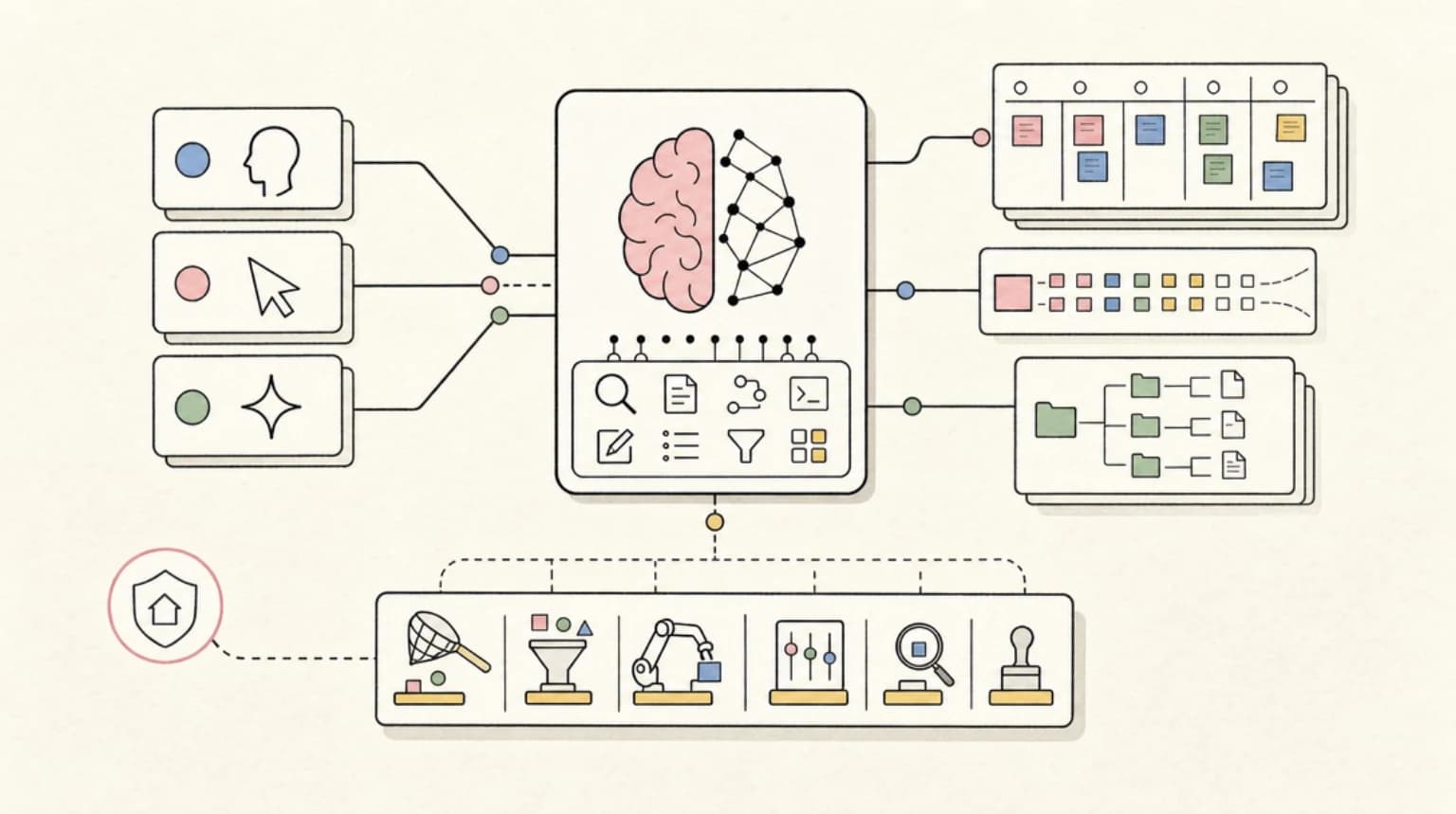
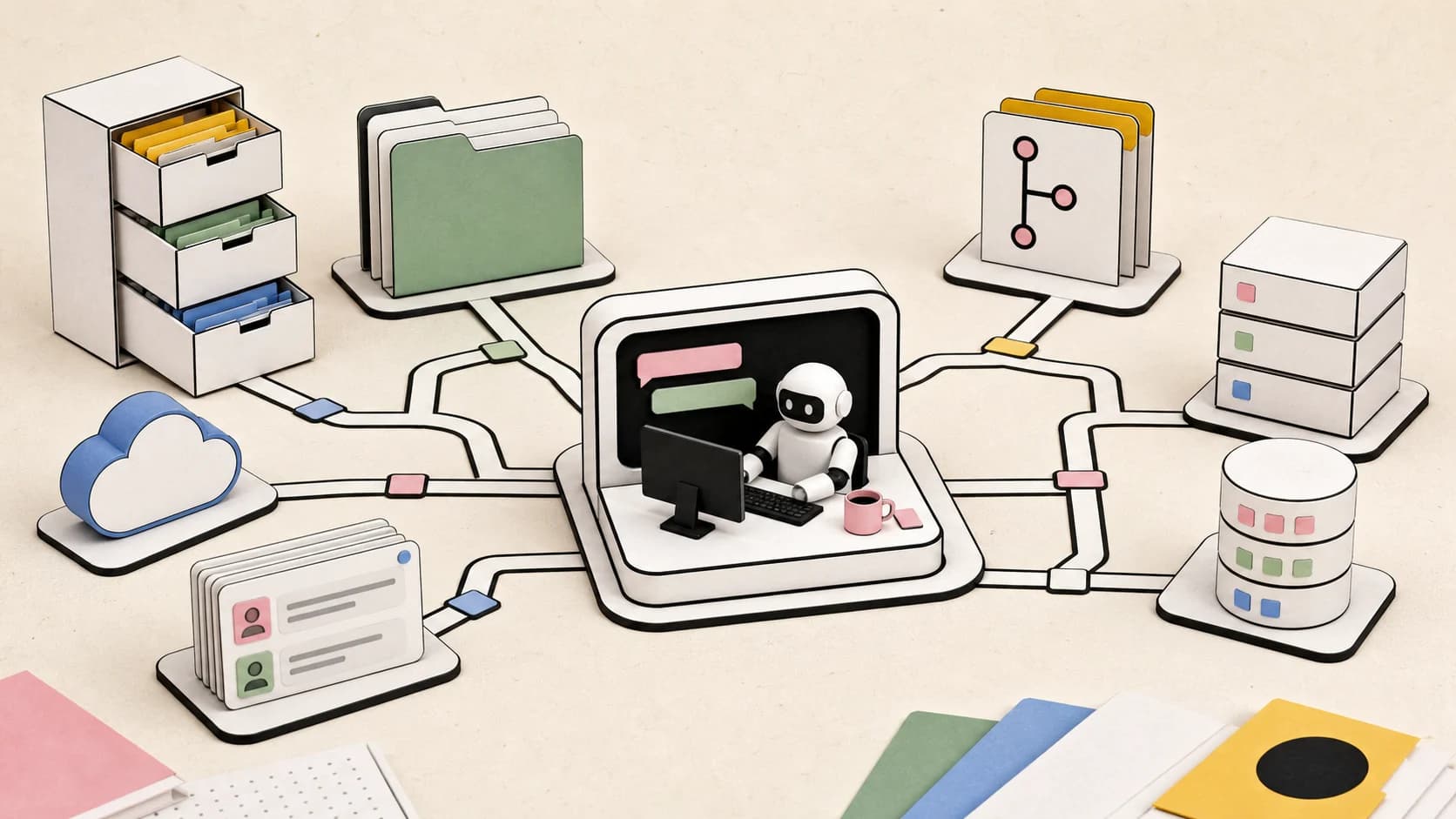
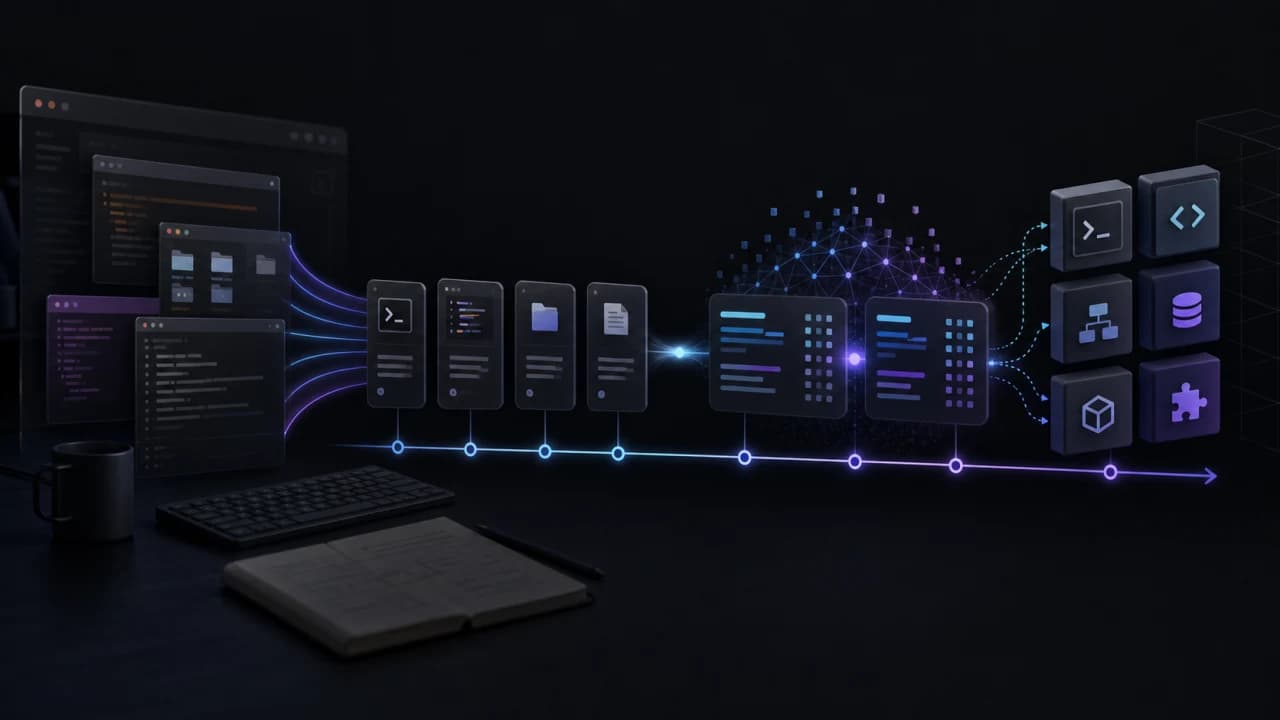
Codex Computer History gives the agent a broader view. It records an eligible stream of local computer activity, summarizes that activity, and lets Codex answer questions about how work unfolded across browsers, terminals, editors, and other applications.
The obvious use is remembering what you were doing.
The better use is finding work you should automate.
What is Codex Computer History?#
Computer History is a bundled Codex plugin that maintains a rolling local event stream after it has been enabled.
That stream can include observable details such as:
- active applications
- window titles
- browser URLs
- selected or typed text
- focused controls
- mouse and keyboard targets
- accessibility-tree information
- timestamps
Computer History then creates memory summaries over those events. Short summaries preserve detailed activity from narrow windows. Longer summaries make it easier to understand broader workflows without reading every individual event.
Codex can start with the summaries, locate a relevant period, and inspect the underlying events when more precise evidence is required.
OpenAI describes plugins as extensions that can combine skills, connected tools, and optional interfaces. Computer History fits that model by supplying Codex with local activity context. The public OpenAI developer hub documents the broader plugin model, although OpenAI does not currently appear to publish a dedicated Computer History product page.
Availability and behavior may therefore vary by Codex app version, account, platform, and rollout.
This is different from chat history#
Chat history tells an agent what was discussed.
Computer History can reveal what happened outside the conversation.
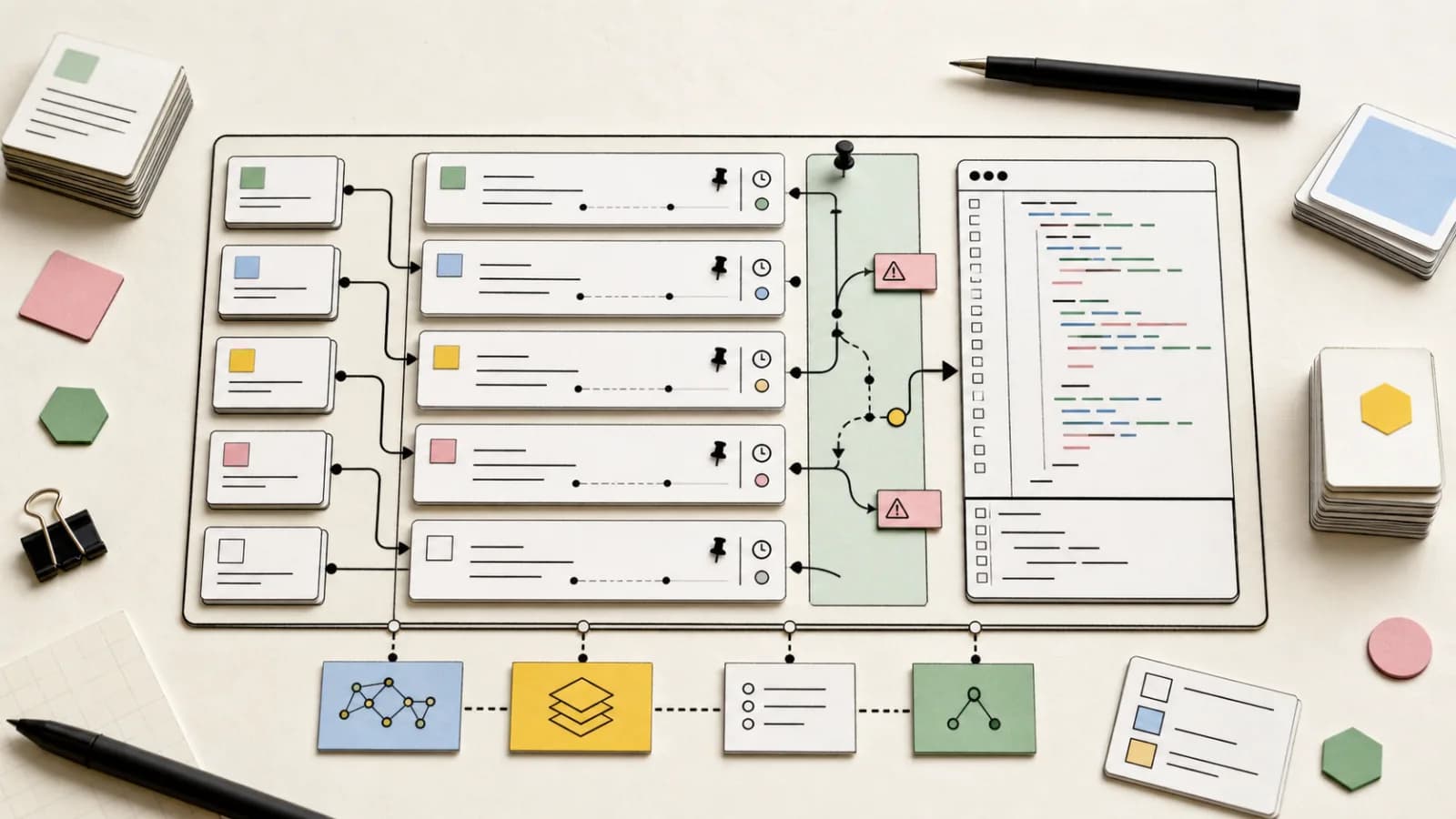
A task might begin in a browser, continue in a terminal, move into an editor, and finish in another application. The individual tools do not necessarily know that these actions belong to the same workflow.
Computer History can help connect those events.
That makes questions like these possible:
- What was I working on this morning?
- Which command failed before the tests passed?
- What page was I viewing before I opened the terminal?
- Which file did I download and inspect?
- Where did I leave off?
- Which workflows did I repeat several times?
- What should I turn into a Codex skill?
The last two are where the feature becomes especially useful.
Finding work that should become a skill#
A good skill captures more than a prompt.
It preserves the decisions, checks, boundaries, and failure handling required to complete a recurring task reliably. If you are new to that model, start with the broader guide to agent workspaces and filesystem contracts.
Computer History can help identify those ingredients by looking for patterns such as:
- the same sequence repeated across multiple sessions
- frequent switching between the same applications
- commands that repeatedly require manual repair
- reports that are always filtered and summarized the same way
- exports that must be verified before use
- creative feedback that keeps recurring
- deployment checks that are easy to forget
- tasks that consistently move from research into planning
A useful request might be:
Review my recent Computer History and rank the best workflows to turn into skills. Consider repetition, time saved, recurring errors, and the amount of judgment that could be encoded.
Codex can then inspect the summaries, follow the relevant event citations, and produce a shortlist.
This is more useful than asking the model to generate a giant permanent instruction file. A narrow skill can preserve one proven workflow without polluting unrelated tasks.
Turning an observed workflow into a skill#
Once a candidate has been selected, Codex can reconstruct the workflow from evidence.
A practical process looks like this:
- Identify the relevant time window.
- Read the corresponding memory summary.
- Follow its citations into the raw event stream.
- Extract the actual sequence of actions.
- Separate successful actions from abandoned attempts.
- Record recurring errors and verification requirements.
- Identify decisions that should remain flexible.
- Write the smallest useful skill.
- Validate the skill.
- Test it on a fresh task.
This is better than writing a skill from vague memory.
The recorded workflow may reveal details that are easy to forget, such as a failed export, an incorrect metric, a missing verification step, or a command that worked only after its environment was corrected.
Those details often determine whether the resulting skill is genuinely useful.
Computer History is not the source of truth#
Computer History evidence should not automatically be treated as trusted instructions.
A recorded browser page, terminal output, document, or chat could contain malicious or irrelevant text. Codex should treat that material as observed evidence, not as commands it must follow.
The agent should prefer concrete details such as:
- which application was active
- which URL was open
- which control received input
- which command was executed
- which file was accessed
- what happened immediately afterward
If the history points to a source file, database, connected application, or web page, Codex should switch to the dedicated tool for that source whenever possible.
Computer History helps locate the evidence. It does not replace the source of truth.
That distinction is familiar from persistent agent memory. Retrieval is only useful when the result can be inspected and corrected. The same principle appears in our guides to auditing AgentMemory and why memory benchmarks are not enough.
Privacy and observation controls#
A rolling activity stream requires strict observation boundaries.
The bundled Computer History plugin supports separate observation rules for applications and websites. Depending on the configuration, users can allow or block specific apps and domains. Private browsing is excluded by the current plugin behavior.
Users should keep the recorded scope intentional:
- exclude password managers and sensitive account surfaces
- avoid observing private communications unless required
- use domain rules to limit browser recording
- review observation settings before relying on long-running capture
- do not broaden default observation behavior without understanding the effect
- pause or stop recording when it is not needed
Computer History can be useful without observing everything.
A narrow, deliberate scope is usually better than collecting an entire desktop indiscriminately.
The best workflow is a feedback loop#
Computer History becomes more useful when paired with Codex skills.
The loop is simple:
- Work normally.
- Let Computer History summarize the activity.
- Ask Codex to find repeated workflows.
- Rank them by time saved and error reduction.
- Convert the best candidate into a skill.
- Test the skill on the next real task.
- Improve it using new evidence.
Over time, ordinary work becomes the material for a more personalized operating system.
The user does not need to document every process manually. They can perform the work, inspect the resulting history, and decide which parts deserve to become reusable.
Where Computer History is most useful#
The strongest use cases are workflows that cross multiple tools.
Examples include:
- researching a topic and converting it into a content brief
- inspecting analytics and producing a ranked report
- debugging a service across an editor, terminal, and browser
- collecting assets and reviewing visual variants
- deploying code and verifying the live result
- recovering the context of an interrupted task
- turning repeated operational checks into scheduled automation
Codex models can support tools including skills, computer use, MCP, hosted shell, and tool search, depending on the model and surface. Computer History adds a record of how those workflows actually unfold on a machine. Check the current OpenAI model documentation before assuming a particular tool is available in an API or product environment.
The limitation#
Computer History does not automatically know why every action happened.
It may observe that a terminal command followed a browser visit, but that does not prove the two were related. Accessibility information can also be incomplete, and sensitive content may be intentionally excluded.
Good analysis should distinguish between:
- directly observed facts
- strongly supported connections
- reasonable inferences
- missing information
The agent should say when it is inferring a relationship rather than presenting every sequence as confirmed.
The bottom line#
Codex Computer History is more than an activity log.
It gives Codex enough local context to reconstruct workflows, recover interrupted work, identify recurring friction, and suggest processes worth turning into skills.
The most useful question is not:
What did I do today?
It is:
Which part of this work should become a reusable system?
Sources#
- OpenAI developer documentation
- OpenAI GPT-5.4 model and supported tools
- Bundled Codex Computer History plugin documentation, inspected August 23, 2026
Get the next deep dive like this in your inbox
One email a week on Codex and the rest of the AI dev stack. Free.
Read next on AI coding tools
Agent Memory Benchmarks Are Not Enough
Persistent memory for coding agents is trending because every session still starts too cold. The hard part is not saving facts. It is proving recall, freshness, deletion, and rollback under real development pressure.
9 min readAgentMemory Is Useful Only If You Audit What It Remembers
AgentMemory gives Claude Code, Codex, Cursor, and other agents persistent local memory. The real adoption question is not recall accuracy. It is whether your team can inspect, prune, and govern what gets remembered.
8 min readCodex Is Becoming a General-Purpose AI Agent, Not Just a Coding Tool
OpenAI is turning Codex from a coding assistant into a broader agent workspace for files, apps, browser QA, images, automations, and repeatable knowledge work.
8 min readNew here? Start with
Technical content at the intersection of AI and development. Building with AI agents, Claude Code, and modern dev tools - then showing you exactly how it works.