Microsoft Agent Framework in October 2026: What Changed Since 1.0
TL;DR
Microsoft Agent Framework is at Python 1.22 and .NET 1.25: Harness agents, functional workflows, channels, and why AutoGen users should migrate now.
Last updated: October 17, 2026
Microsoft Agent Framework (MAF) is the open-source Python and .NET SDK, with Go in public preview, that replaces AutoGen and the Semantic Kernel agent APIs. The same teams build it. Six months after 1.0 it has shipped 22 Python minor releases and the core .NET packages are at 1.25. The biggest additions are a batteries-included Harness agent, an experimental Python functional workflow API, channel packages for hosting, and resilient background execution. The verdict: if you are on AutoGen, migrate now, because that repository is archived and gets no security fixes. Semantic Kernel teams can move gradually, since SK still ships releases and existing kernel functions can run as MAF tools.
This post covers what changed since 1.0 and walks through hands-on workflow and migration code. For the basics (install, a minimal Foundry agent, agents vs workflows, and Foundry hosted-agent pricing), start with the Microsoft Agent Framework developer guide from June. This post does not repeat that material.
Official sources#
| Resource | What it confirms |
|---|---|
| Agent Framework overview | Four areas (Agents, Harness Agent, Workflows, Integrations), C#/Python/Go pivots, Go preview limits |
| Harness concept page | Harness defaults, what is experimental in Python, no Go Harness yet |
| Workflows and Functional API | Graph vs functional comparison, @workflow/@step, pause and resume |
| Migration from AutoGen | Concept mapping, gaps, new capabilities |
| Migration from Semantic Kernel | Agent, thread and plugin mapping, as_agent_framework_tool() |
| GitHub releases | Per-version breaking changes for Python and .NET |
| 1.0 announcement | What 1.0 marked stable vs preview |
| September 24 update post | AG-UI, Foundry memory, CodeAct, resilient background execution |
What changed since 1.0, in one table#
Agent Framework 1.0 shipped on April 3, 2026 for .NET and Python with stable APIs and a long-term-support commitment. Stable at 1.0: single agents with first-party connectors (Microsoft Foundry, Azure OpenAI, OpenAI, Anthropic Claude, Amazon Bedrock, Google Gemini, Ollama), middleware, memory and context providers, graph workflows with checkpointing, and the sequential, concurrent, handoff, group chat and Magentic-One orchestrations. DevUI, Skills, the Agent Harness, Foundry hosted-agent integration, AG-UI/CopilotKit/ChatKit adapters and the GitHub Copilot SDK / Claude Code SDK integrations shipped as preview.
Since then, per PyPI, the Python package has gone from 1.0.0 (April 2) to 1.22.0 (October 15), roughly one minor release a week. On NuGet, Microsoft.Agents.AI, Microsoft.Agents.AI.Workflows and Microsoft.Agents.AI.Harness are at 1.25.0, while Microsoft.Agents.AI.Foundry is still a prerelease (1.25.0-preview.261014.1).
| Area | 1.0 (April 2026) | Now (October 2026) | Status |
|---|---|---|---|
| Languages | Python, .NET | Plus Go (github.com/microsoft/agent-framework-go) | Go is public preview |
| Harness | Preview | HarnessAgent (.NET) and create_harness_agent (Python) | Released; Python background agents, file access and looping still experimental |
| Workflows | Graph (WorkflowBuilder) | Graph plus Python functional @workflow/@step | Functional API experimental, Python only |
| Hosting | Foundry hosted agents (preview) | Channels: OpenAI Responses, Telegram, A2A, MCP; resilient background runs; Foundry hosted agents GA in Foundry | Channel packages alpha (Python only); Foundry hosting packages pre-release |
| Memory | Foundry, Mem0, Redis, Neo4j, custom | Plus Azure Cosmos DB provider, Python vector stores ported from SK | Cosmos provider is Python preview |
| Code execution | - | CodeAct via Hyperlight | Pre-release package |
| UI protocol | AG-UI adapters (CopilotKit, ChatKit) - preview | Python AG-UI endpoint is now stable; .NET AG-UI server is still preview | Stable in Python, preview in .NET |
| Coding harness | GitHub Copilot SDK / Claude Code SDK - preview | GitHub Copilot SDK integration reached 1.0 in C# and Python (July 30 post) | Copilot SDK integration 1.0 in C# and Python |
Here is how the pieces relate. The Harness agent and workflows are both built on the same Agent abstraction, and a workflow can itself be wrapped as an agent.
%% title: How the pieces fit in Agent Framework 1.x
flowchart TD
  M[Model client] --> A[Agent]
  A --> H[Harness agent]
  A --> W[Workflow]
  W --> F[Functional API - Python]
  W --> G[Graph API - WorkflowBuilder]
  W -->|as_agent| A
  A --> C[Hosting and channels]
  C --> R[Responses, A2A, MCP, AG-UI]
One line from the overview is worth keeping in mind before any of this: "If you can write a function to handle the task, do that instead of using an AI agent." Also note that the framework does not load .env files for you.
The Harness agent: what you get by default#
The Harness agent is Microsoft's opinionated agent for long, multistep tasks. It is not a new runtime. It composes building blocks that already existed (a chat client, the chat pipeline, context providers and middleware) into a preset. In .NET it is HarnessAgent, which derives from AIAgent and is created with chatClient.AsHarnessAgent(). In Python, create_harness_agent(...) returns a regular Agent.
Per the docs' capability matrix, these are on by default:
- Todo tracking so the agent keeps a running task list.
- Plan and execute modes, so it can plan first and then act.
- Session file memory, notes the agent writes and reads within a session.
- Standing approvals and auto-approval rules for tool calls.
- OpenTelemetry tracing.
- Compaction, which turns on once you supply token limits.
Skills are on by default in .NET and opt-in in Python (pass skills_paths). If the skills idea is new to you, Skills are the new agent operating system explains why packaged instructions plus scripts have become a standard building block.
Status matters here. In Python, create_harness_agent is released, but background agents, file access and looping remain experimental, and shell tooling comes from the pre-release agent-framework-tools package. There is no packaged Harness for Go yet.
The 1.22.0 signature exposes each default as a switch: disable_todo, disable_mode, disable_file_memory, disable_compaction, disable_tool_auto_approval, plus skills_paths, background_agents (with background_agents_wait_timeout_seconds, default 300), shell_executor, loop_max_iterations (default 10), context_providers and middleware. The snippet below was type-checked and import-checked against agent-framework-core 1.22.0 and agent-framework-openai 1.17.0. No model calls were made.
import asyncio

from agent_framework import create_harness_agent
from agent_framework.openai import OpenAIChatClient


async def main() -> None:
    agent = create_harness_agent(
        client=OpenAIChatClient(model="gpt-5.4-mini"),  # reads OPENAI_API_KEY
        name="release-agent",
        agent_instructions="Plan and complete multi-step release chores.",
        max_context_window_tokens=128_000,
        max_output_tokens=16_384,
        disable_file_memory=True,
    )
    session = agent.create_session()
    print(await agent.run("Plan the steps to cut a patch release.", session=session))
    print(await agent.run("Turn that plan into a checklist.", session=session))


if __name__ == "__main__":
    asyncio.run(main())
Setting max_context_window_tokens and max_output_tokens is what activates compaction. The .NET equivalent from the docs is one line: AIAgent agent = chatClient.AsHarnessAgent();.
When should you use the Harness instead of a plain Agent? Use it when the task is open-ended and long: release chores, codebase maintenance, research-and-write loops. Use a plain Agent with explicit tools when the job is narrow, because every default you do not need is extra context and extra behavior to reason about.
Workflows: functional vs graph#
Every SDK supports graph-based workflows through WorkflowBuilder. Python also has an experimental functional workflow API that lets you write orchestration as ordinary async Python. Adapted from the workflows docs, with the graph human-in-the-loop row corrected to match the 1.22.0 Python package:
| Concern | Functional API (Python, experimental) | Graph API (all SDKs) |
|---|---|---|
| Control flow | Native Python (if, for, await) | Edges and conditions |
| Parallelism | asyncio.gather | Parallel edge groups and supersteps |
| Human-in-the-loop | ctx.request_info() | ctx.request_info() in an executor + @response_handler |
| Checkpointing | Per-@step result caching | Checkpoints at superstep boundaries |
| Use as an agent | .as_agent() | .as_agent() (Python), AsAIAgent() (.NET) |
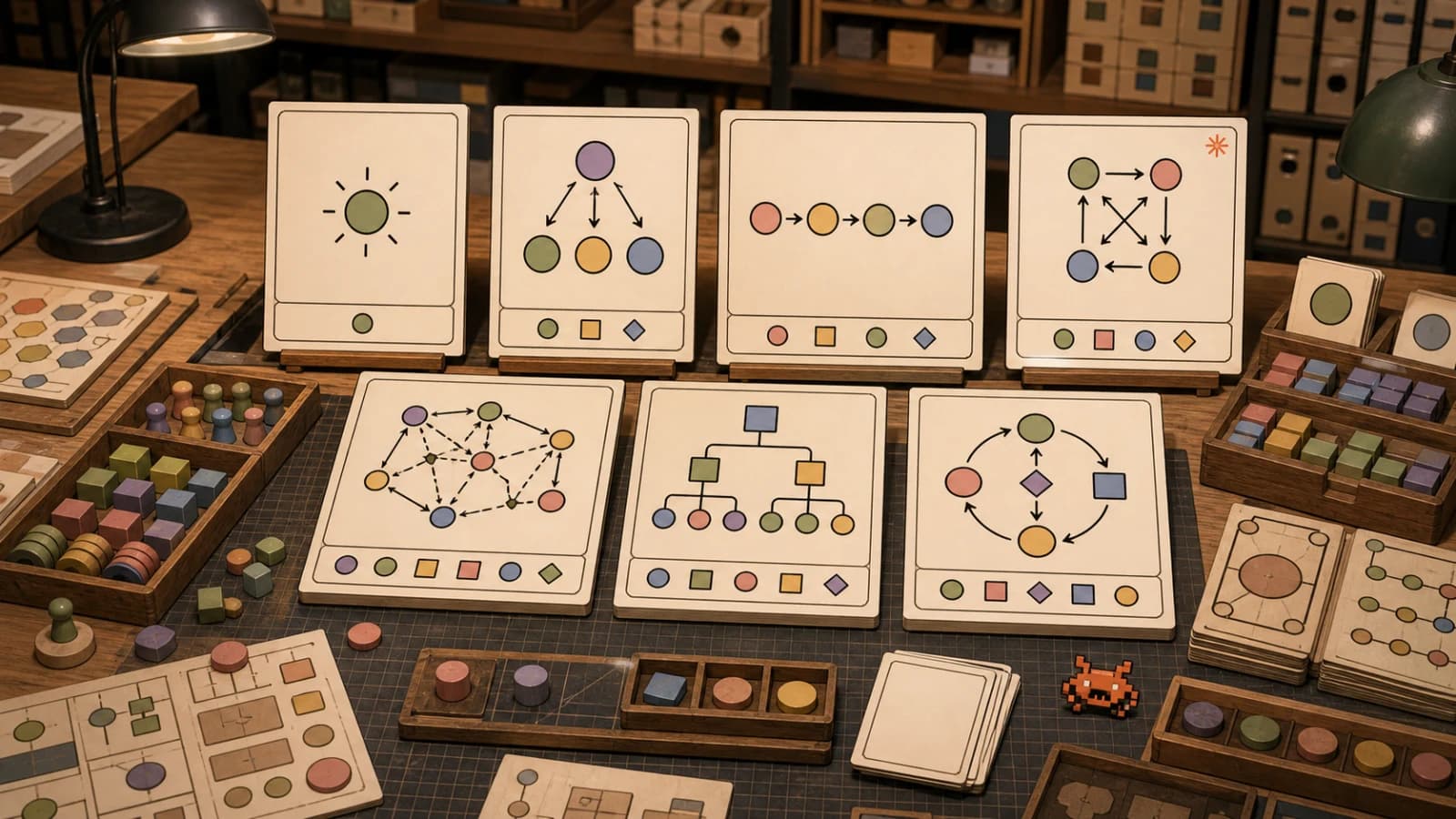
The decision is straightforward. Graph is the stable, cross-language path, and the one to use for anything you ship to production today. The functional API is "experimental and subject to change or removal," Python only, and best for prototypes or for teams that find edge wiring harder to read than code. The named orchestrations (sequential, concurrent, handoff, group chat, Magentic-One) are built on the graph engine. 7 AI agent orchestration patterns explains when each one fits.
Functional workflow with a human review gate#
@workflow turns an async function into a FunctionalWorkflowDefinition, and .build(checkpoint_storage=...) creates a stateful FunctionalWorkflow. Each @step caches its result by replay identity, emits executor_invoked/executor_completed/executor_failed events (executor_bypassed on a cache hit), and saves a checkpoint after it runs. replay_key overrides the identity when you need to.
This example ran locally end to end against agent-framework-core 1.22.0 with no model calls:
import asyncio

from agent_framework import (
    InMemoryCheckpointStorage,
    RunContext,
    WorkflowRunState,
    step,
    workflow,
)


@step  # result is cached, so it does not re-run when the workflow resumes
async def write_draft(topic: str) -> str:
    return f"Draft release notes for {topic}"


@step
async def revise(draft: str, feedback: str) -> str:
    return f"{draft} (revised: {feedback})"


@workflow(name="release_notes")
async def release_notes(topic: str, ctx: RunContext) -> str:
    draft = await write_draft(topic)
    feedback = await ctx.request_info(
        {"draft": draft},
        response_type=str,
        request_id="editor_review",
    )
    return await revise(draft, feedback)


async def main() -> None:
    wf = release_notes.build(checkpoint_storage=InMemoryCheckpointStorage())

    first = await wf.run("v2.4")
    assert first.get_final_state() == WorkflowRunState.IDLE_WITH_PENDING_REQUESTS

    second = await wf.run(responses={"editor_review": "lead with the breaking change"})
    print(second.get_outputs()[0])


if __name__ == "__main__":
    asyncio.run(main())
It prints Draft release notes for v2.4 (revised: lead with the breaking change).
Here is what happens. ctx.request_info() suspends the run, and the result state becomes IDLE_WITH_PENDING_REQUESTS. When you call .run(responses={request_id: value}), the workflow function runs again from the top. Completed @step calls return their cached results instead of executing again. That replay model is why side effects belong inside steps: code outside a step runs again on every resume.
%% title: Functional workflow pause and resume
sequenceDiagram
  participant App
  participant WF as release_notes
  participant Store as Checkpoint storage
  App->>WF: run v2.4
  WF->>Store: cache write_draft result
  WF-->>App: IDLE_WITH_PENDING_REQUESTS
  App->>WF: run with responses
  WF->>Store: replay cached write_draft
  WF-->>App: revised output
Four things we hit while testing:
result.textdoes not exist. The functional workflow doc showsresult.text, but in 1.22.0WorkflowRunResulthas notextattribute and raisesAttributeError. Useresult.get_outputs()[0].RequestInfoExecutoris not exported. The workflows docs name it for graph human-in-the-loop, but nothing by that name is exported fromagent_frameworkin 1.22.0 (only a stale docstring mentions it). Usectx.request_info()inside an executor and handle the reply with@response_handler.- Expect a warning. Using
@stepemits anExperimentalWarningtagged[FUNCTIONAL_WORKFLOWS]. That is the framework telling you the API can change. - The step body is a stand-in. In real use,
write_draftwould call an agent (await agent.run(...)), and caching it is what saves you a second model call on resume.
Graph workflow with fan-out and fan-in#
The graph API wires executors together with typed edges. This example also ran locally against agent-framework-core 1.22.0 with no model calls:
import asyncio

from agent_framework import WorkflowBuilder, WorkflowContext, executor
from typing_extensions import Never


@executor(id="dispatch")
async def dispatch(ticket: str, ctx: WorkflowContext[str]) -> None:
    await ctx.send_message(ticket)


@executor(id="triage")
async def triage(ticket: str, ctx: WorkflowContext[str]) -> None:
    await ctx.send_message(f"priority: {'high' if 'outage' in ticket else 'normal'}")


@executor(id="summarize")
async def summarize(ticket: str, ctx: WorkflowContext[str]) -> None:
    await ctx.send_message(f"summary: {ticket[:40]}")


@executor(id="join")
async def join(results: list[str], ctx: WorkflowContext[Never, str]) -> None:
    await ctx.yield_output(" | ".join(sorted(results)))


async def main() -> None:
    workflow = (
        WorkflowBuilder(start_executor=dispatch)
        .add_fan_out_edges(dispatch, [triage, summarize])
        .add_fan_in_edges([triage, summarize], join)
        .build()
    )
    result = await workflow.run("Checkout outage in eu-west since 09:10")
    print(result.get_outputs()[0])


if __name__ == "__main__":
    asyncio.run(main())
It prints priority: high | summary: Checkout outage in eu-west since 09:10.
The graph engine runs in supersteps: every executor that has a pending message runs, their outputs are delivered, and then the next superstep starts. triage and summarize run in the same superstep, and join receives both results as a list. Checkpoints land at superstep boundaries, which is the unit a resumed workflow restarts from. The WorkflowContext[Never, str] annotation on join says it sends no messages and yields string outputs, and the builder uses those types to validate edges. Executors do not have to be functions: a node can be an agent or a whole sub-workflow.
Hosting: channels, AG-UI and resilient background runs#
Channels#
The channels announcement (August 26) splits Python hosting into a shared core and per-protocol packages:
agent-framework-hosting- the core, withAgentStateandWorkflowState.agent-framework-hosting-responses- serve over the OpenAI Responses API shape.agent-framework-hosting-telegram- a Telegram bot channel.agent-framework-hosting-a2a- Agent-to-Agent, using native A2A SDK types.agent-framework-hosting-mcp- exposes agents and workflows as MCP tools.
All five packages are currently alpha releases on PyPI (1.0.0a261015) and Python only. One design choice to note: your application owns the mapping from user identity to session. The channel does not decide who may see which conversation.
AG-UI#
According to the September 24 post, Python exposes an agent over AG-UI with one call, add_agent_framework_fastapi_endpoint(app, agent, "/ag-ui"), which is stable. .NET uses AddAGUIServer() and MapAGUIServer from Microsoft.Agents.AI.Hosting.AGUI.AspNetCore, which is in public preview. CopilotKit is a compatible frontend. When CopilotKit is the UI layer, not the agent framework covers that split. The same post warns that a thread ID does not establish who may access a conversation. Separately, the Python 1.22.0 release made AG-UI request trust boundaries fail closed (breaking).
Resilient background execution#
Long workflows die when processes restart. MAF's answer is a resilient background mode. In Python it is ResponsesHostServer(workflow_agent, options=ResponsesServerOptions(resilient_background=True)), and in .NET it is AddFoundryResponses(...) with options.ResilientBackground = true. After a restart, the host reloads the checkpoint tied to the saved response, and the client reconnects to keep streaming.
%% title: Resilient background execution
sequenceDiagram
  participant Client
  participant Host as ResponsesHostServer
  participant CP as Workflow checkpoints
  Client->>Host: background request
  Host->>CP: save checkpoint per superstep
  Note over Host: process restarts
  Host->>CP: reload checkpoint for response
  Client->>Host: reconnect to response
  Host-->>Client: stream remaining output
Microsoft is explicit about the limit: "Recovery does not imply exactly-once execution of external effects." A superstep that sent an email and then crashed before its checkpoint can send it again. Give side-effecting tools idempotency keys. This is the same tradeoff every durable-execution system makes.
Foundry hosting#
Foundry hosted agents are generally available in Microsoft Foundry, but the AgentServer SDKs and the Agent Framework Foundry hosting packages for .NET and Python are still pre-release. There are two separate isolation controls. User isolation decides whose data a request can touch. Hosted session isolation gives each agent_session_id a VM-isolated sandbox. You usually want both.
Memory and CodeAct#
Foundry memory. FoundryMemoryProvider retrieves memories before a run and submits the conversation for asynchronous extraction afterward. Because extraction is asynchronous, update_delay=0 does not guarantee that the next turn can recall what was just said. Design tests accordingly.
Cosmos DB. CosmosMemoryContextProvider (Python preview) offers hybrid vector and full-text retrieval, which is a fit for teams already on Cosmos.
Vector stores. Semantic Kernel's Python vector-store abstractions have been ported to MAF Python, so SK users will recognize the model.
CodeAct. HyperlightCodeActProvider (pip install --pre agent-framework-hyperlight) lets the model write a short program that calls your registered tools through call_tool(...), instead of making one tool call per turn. Hyperlight isolates the model-generated code, but the registered tools run in your application's runtime with your permissions. The sandbox protects you from the generated code, not from your tools. Microsoft's CodeAct walkthrough reports about 50% lower latency and over 60% lower token usage on its evaluated workload, and Microsoft calls that result workload-specific. Measure on your own tasks before counting on it.
Migrating from AutoGen: do it now#
The AutoGen repository is archived. Its README says "Microsoft is not providing bug fixes, security fixes, new features, or support for this project," advises against production use, and points new users to Agent Framework. The last autogen-agentchat release on PyPI is 0.7.5, from September 30, 2025. If AutoGen is in production, that is an unpatched dependency.
The migration guide maps concepts like this:
| AutoGen | Agent Framework | Note |
|---|---|---|
AssistantAgent | Agent | AutoGen is single-turn unless you raise max_tool_iterations; Agent is multi-turn by default |
FunctionTool | @tool | Decorator on a plain function |
Team / GraphFlow | Workflow | Control-flow broadcast becomes typed data flow with edge-based activation |
RoundRobinGroupChat | SequentialBuilder | From agent_framework.orchestrations |
MagenticOneGroupChat | MagenticBuilder | max_round_count, max_stall_count, max_reset_count, human intervention |
| (none) | ctx.request_info + @response_handler | Request/response human-in-the-loop |
| (none) | FileCheckpointStorage, checkpoint_storage= | Workflow checkpointing |
The gaps, in the guide's own words: "Agent Framework focuses on single-process composition today; distributed execution is planned." If you rely on AutoGen's distributed runtimes, that is the main thing to plan around. Swarm (handoff-based coordination) and SelectorGroupChat (LLM-driven speaker selection) equivalents are listed as future patterns. The guide also still lists Swarm as future work, though the handoff orchestration (HandoffBuilder in agent_framework.orchestrations) has been stable since 1.0 and covers much of that pattern. The guide's model-client table also lags the product: it still marks Anthropic and Ollama as "Planned," while the 1.0 post lists both as first-party connectors.
The AutoGen "before," quoted from the migration guide and not re-verified (AutoGen is archived):
agent = AssistantAgent(name="assistant", model_client=client, tools=[my_tool])
result = await agent.run(task="Help me with this task")
The MAF "after," type-checked and import-checked against agent-framework-core 1.22.0 and agent-framework-openai 1.17.0, with no model calls made:
import asyncio
from typing import Annotated

from agent_framework import Agent, tool
from agent_framework.openai import OpenAIChatClient


@tool(approval_mode="never_require")
def get_build_status(branch: Annotated[str, "Git branch name"]) -> str:
    """Return the latest CI status for a branch."""
    return f"{branch}: passing"


async def main() -> None:
    agent = Agent(
        client=OpenAIChatClient(model="gpt-5.4-mini"),
        name="ci-helper",
        instructions="Answer CI questions in one sentence.",
        tools=[get_build_status],
    )
    session = agent.create_session()
    response = await agent.run("Is main green?", session=session)
    print(response.text)


if __name__ == "__main__":
    asyncio.run(main())
Two habits to change. Conversation state lives in an explicit session that you pass to each run. And approval_mode is a per-tool decision: never_require is fine for a read-only status check, but leave approval on for anything that writes.
Migrating from Semantic Kernel: incrementally#
Semantic Kernel is not archived. semantic-kernel 1.45.0 shipped on PyPI on October 6, 2026. But its README calls MAF "the enterprise-ready successor to Semantic Kernel," so new agent work should start in MAF. The migration guide maps it like this:
| Semantic Kernel | Agent Framework |
|---|---|
Kernel + ChatCompletionAgent / OpenAIAssistantAgent / AzureAIAgent | One ChatClientAgent/AIAgent (.NET) or Agent (Python) |
AgentThread | AgentSession via agent.create_session() |
invoke / InvokeAsync | run / RunAsync, returning an AgentResponse |
[KernelFunction] / @kernel_function plugins | Plain functions or @tool |
PromptExecutionSettings + KernelArguments | TypedDict-based default_options / options |
The bridge that makes a gradual move practical is KernelFunction.as_agent_framework_tool(), which needs semantic-kernel 1.38 or later. It lets existing SK functions, including vector-store search functions, run as MAF tools. You can move the agent loop first and port plugins one at a time.
One gap to plan for: MAF has no chat history or session deletion API on AgentSession, because not every provider supports it. The guide says that if you need deletion, track the sessions you create and delete their history through the provider's SDK.
%% title: Where AutoGen and Semantic Kernel concepts land
flowchart LR
  AA[AutoGen AssistantAgent] --> AG[Agent]
  FT[AutoGen FunctionTool] --> TL[tool decorator]
  TM[AutoGen Team or GraphFlow] --> WF[Workflow]
  SK[SK ChatCompletionAgent] --> AG
  KF[SK KernelFunction] -->|as_agent_framework_tool| TL
  TH[SK AgentThread] --> SS[AgentSession]
Upgrade gotchas from recent releases#
Minors ship about weekly, and several recent ones carry breaking items. From the release notes:
- Python 1.22.0: persisted state. Pre-1.22 runtimes cannot read new records that contain
hostedormerge_mode. Do not run old and new workers against the same store during a rolling deployment, and avoid downgrading after 1.22 has written those records. Python 3.15 is supported by core but not by every extra. - Python 1.22.0: AG-UI trust boundaries fail closed. Requests that used to pass may now be rejected until you set the boundary explicitly.
- Foundry hosting redesign. Python 1.20.0 rebuilt Foundry hosting around request-scoped agent factories and persistent sandbox-isolated sessions (breaking), and added native workflows over Foundry Responses and Invocations. .NET 1.22.0 made Foundry delegated user identity sticky on
AgentSession. - .NET 1.25.0. Tool-approval requests with no response are now rejected automatically (#9152), Cosmos chat metadata is decoupled from the partition-key strategy (breaking, #9214), and the A2A packages moved to 1.0.0-preview3.
- Python 1.19.0. MCP skill archives are limited to ZIP files and the MCP sampling callback is deprecated (#8290). The same release added an option to invoke function calls sequentially and per-tool
AgentModeProviderexposure controls.
Advice: pin exact versions and read the notes on every bump. On the .NET side, 1.22.0 also added AsIChatClient, which exposes an AIAgent as an IChatClient. That is handy if you have code written against Microsoft.Extensions.AI.
Who should pick it now#
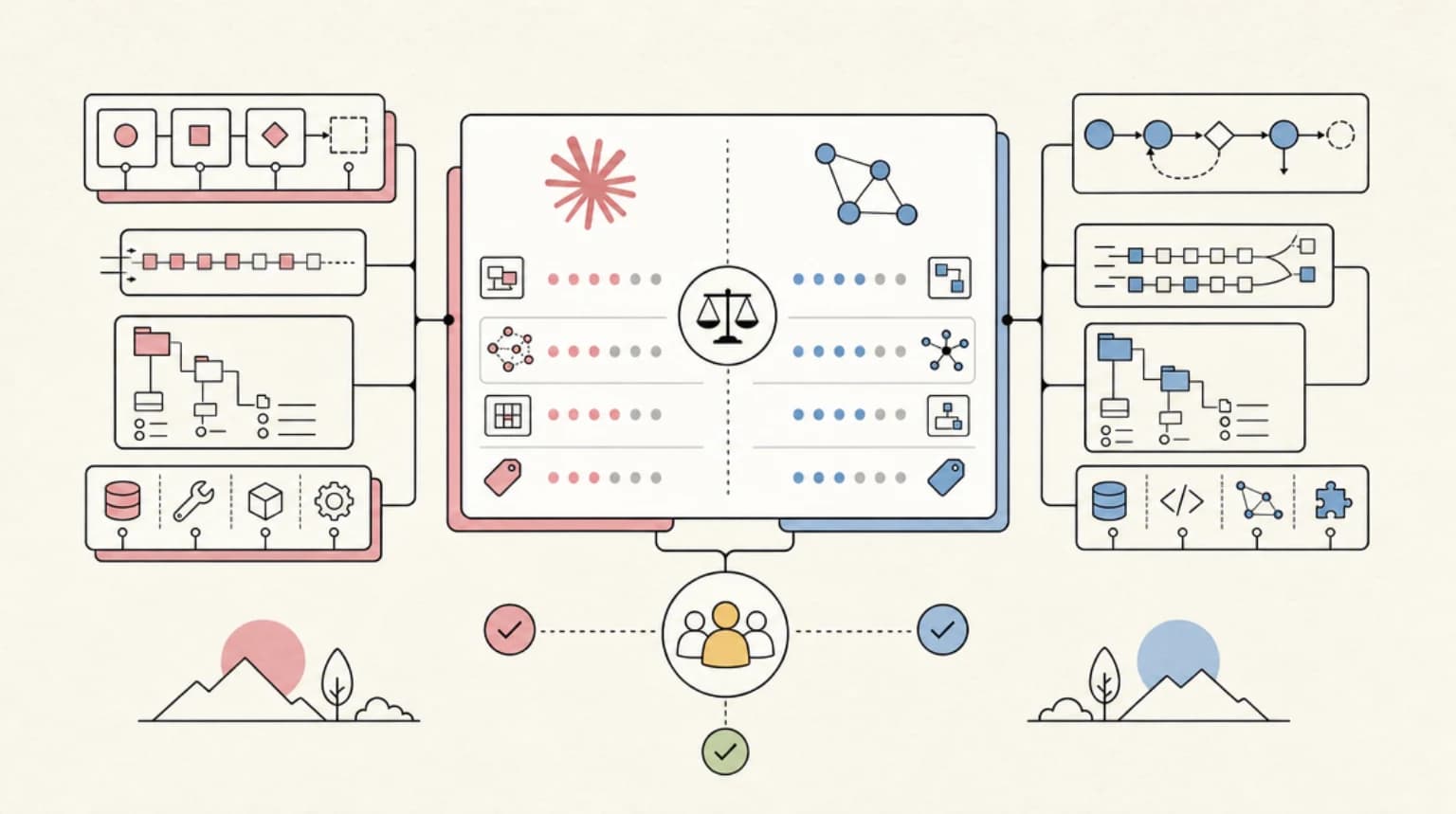
MAF is a strong fit for .NET shops, Azure and Foundry teams, and anyone leaving AutoGen. It is strong in a few concrete areas: typed graph workflows with checkpointing and request/response human-in-the-loop, a wide set of first-party model connectors, and one conceptual model across Python and .NET. The Harness gives you a sensible long-task agent without hand-wiring todos, modes and compaction.
The tradeoffs, stated neutrally:
- Churn. Weekly minors, with breaking changes concentrated in preview and hosting packages.
- Hosting depth. The most complete hosting story is Foundry, and its MAF packages are still pre-release. Channels help if you host elsewhere, but they are alpha and Python only today.
- Go lags. It has no Harness, no functional workflows, no declarative agents, no RAG and no CodeAct yet.
- Distributed execution is not in the core yet.
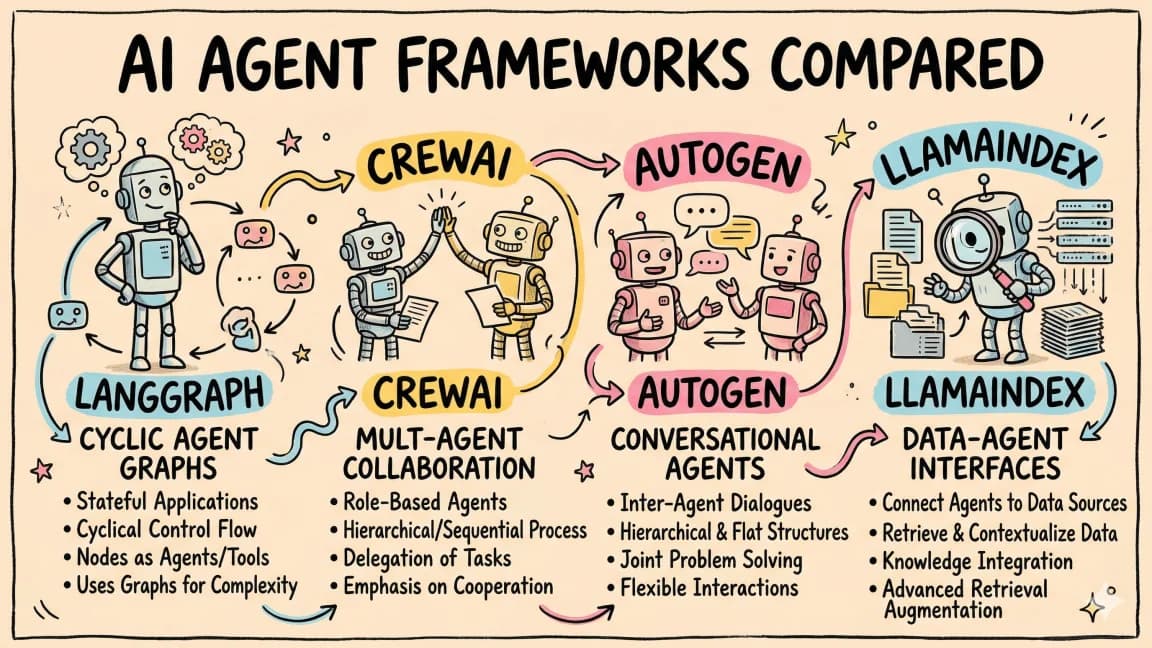
If you are still choosing between stacks, Claude Agent SDK vs LangGraph covers how two other stacks approach the same decision. This post does not reargue it.
FAQ#
Is AutoGen still supported?#
No. The repository is archived, and Microsoft states it provides no bug fixes, security fixes, new features or support. The last autogen-agentchat release is 0.7.5 from September 2025. Follow the official AutoGen-to-Agent-Framework migration guide.
Is Semantic Kernel deprecated?#
It is not archived and still ships releases (1.45.0 in October 2026), but its README names Microsoft Agent Framework as the successor. Use KernelFunction.as_agent_framework_tool() (semantic-kernel 1.38 or later) to migrate gradually.
Is the functional workflow API production-ready?#
No. Microsoft marks it experimental and subject to change or removal, and it is Python only. For stable, cross-language work use the graph WorkflowBuilder API, which supports checkpointing at superstep boundaries.
What is the difference between Agent and the Harness agent?#
The Harness agent is a pre-composed Agent with todo tracking, plan and execute modes, session file memory, tool approvals, OpenTelemetry and compaction (when token limits are set) turned on by default. In Python, create_harness_agent returns a regular Agent, so it works anywhere an agent does.
Does Microsoft Agent Framework support Go?#
Yes, in public preview via go get github.com/microsoft/agent-framework-go. Declarative agents, RAG, CodeAct, functional workflows and a packaged Harness are not available in Go yet.
Sources#
- https://learn.microsoft.com/en-us/agent-framework/overview/
- https://learn.microsoft.com/en-us/agent-framework/concepts/harness
- https://learn.microsoft.com/en-us/agent-framework/concepts/workflows/
- https://learn.microsoft.com/en-us/agent-framework/concepts/workflows/functional
- https://learn.microsoft.com/en-us/agent-framework/migration-guide/from-autogen/
- https://learn.microsoft.com/en-us/agent-framework/migration-guide/from-semantic-kernel/
- https://github.com/microsoft/agent-framework/releases
- https://github.com/microsoft/agent-framework/releases/tag/python-1.22.0
- https://github.com/microsoft/agent-framework
- https://github.com/microsoft/agent-framework-go
- https://github.com/microsoft/autogen
- https://github.com/microsoft/semantic-kernel
- https://devblogs.microsoft.com/agent-framework/microsoft-agent-framework-version-1-0/
- https://devblogs.microsoft.com/agent-framework/interactive-experiences-memory-and-resilient-execution/
- https://devblogs.microsoft.com/agent-framework/codeact-with-hyperlight/
- https://devblogs.microsoft.com/agent-framework/introducing-agent-and-workflow-channels/
- https://devblogs.microsoft.com/agent-framework/foundry-hosted-agent-isolation-with-microsoft-agent-framework/
- https://devblogs.microsoft.com/agent-framework/native-memory-for-microsoft-agent-framework-with-azure-cosmos-db/
- https://devblogs.microsoft.com/agent-framework/vector-stores-in-python-agent-framework-familiar-foundations-streamlined-for-agents/
- https://devblogs.microsoft.com/agent-framework/building-agent-teams-with-agent-framework-github-copilot-cli-and-squad/
- https://pypi.org/project/agent-framework/
- https://pypi.org/project/agent-framework-hosting/
- https://pypi.org/project/autogen-agentchat/
- https://pypi.org/project/semantic-kernel/
- https://www.nuget.org/packages/Microsoft.Agents.AI/
Continue Reading#
- Microsoft Agent Framework Developer Guide: AutoGen + Semantic Kernel Unified - the 1.0 basics, install and hosted-agent pricing.
- Claude Agent SDK vs LangGraph: Choosing Your Agent Stack in 2026 - how other stacks handle the same orchestration problems.
- 7 AI Agent Orchestration Patterns Developers Should Know - the patterns behind sequential, handoff and group chat workflows.
- MCP vs A2A vs Function Calling: Which Layer Does What in 2026 - the two protocols MAF supports, and which layer each one owns.
- Google ADK 2.x in Late 2026: Workflows, Human Input, A2A and Agent Runtime Explained - Google's graph workflow engine, human input, A2A and Agent Runtime.
Get the next deep dive like this in your inbox
One email a week on Microsoft and the rest of the AI dev stack. Free.
Read next on AI coding tools
Microsoft Agent Framework Developer Guide: AutoGen + Semantic Kernel Unified
Microsoft Agent Framework unifies AutoGen and Semantic Kernel in one SDK: architecture, installation, migration, pricing, and when to pick it over LangGraph.
9 min read7 AI Agent Orchestration Patterns Developers Should Know
Seven AI agent orchestration patterns for production, from single-agent baselines to multi-level hierarchies, each with a decision rule, sketch and tradeoffs.
10 min readClaude Agent SDK vs LangGraph: Choosing Your Agent Stack in 2026
Claude Agent SDK vs LangGraph head-to-head: architecture, state handling, multi-agent patterns, and real pricing - plus a decision guide for which agent stack fits your team in 2026.
9 min readNew here? Start with
Technical content at the intersection of AI and development. Building with AI agents, Claude Code, and modern dev tools - then showing you exactly how it works.