StateAct Shows Computer-Use Agents Need Program State, Not Just Pixels
TL;DR
StateAct, from Salesforce AI Research, argues computer-use agents should inspect files, DOM and saved outputs through code, using screenshots only when needed.
Hugging Face's latest weekly papers page has a useful counterweight to the GUI-agent hype cycle: maybe the next computer-use agent should look at the screen less.
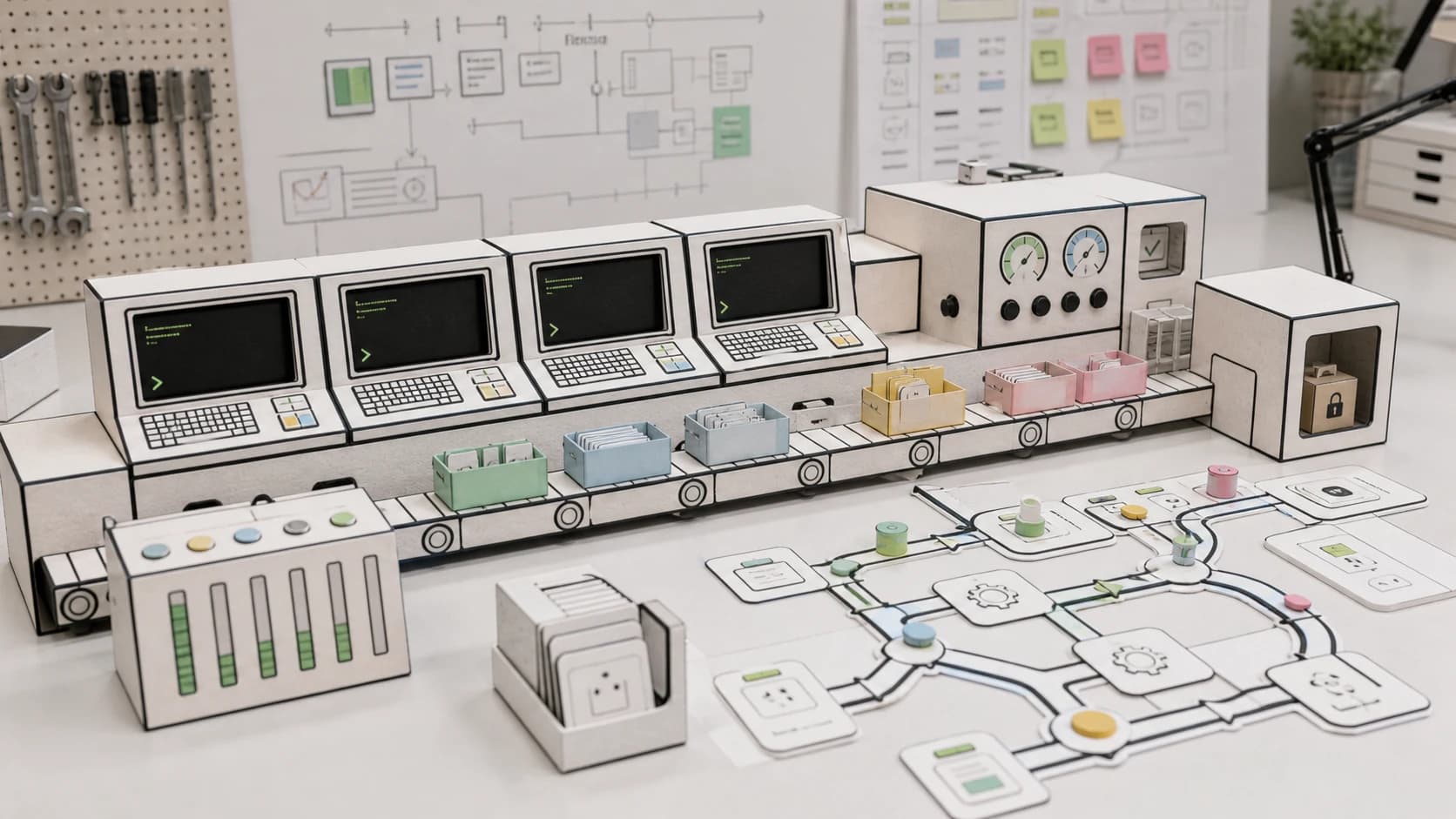
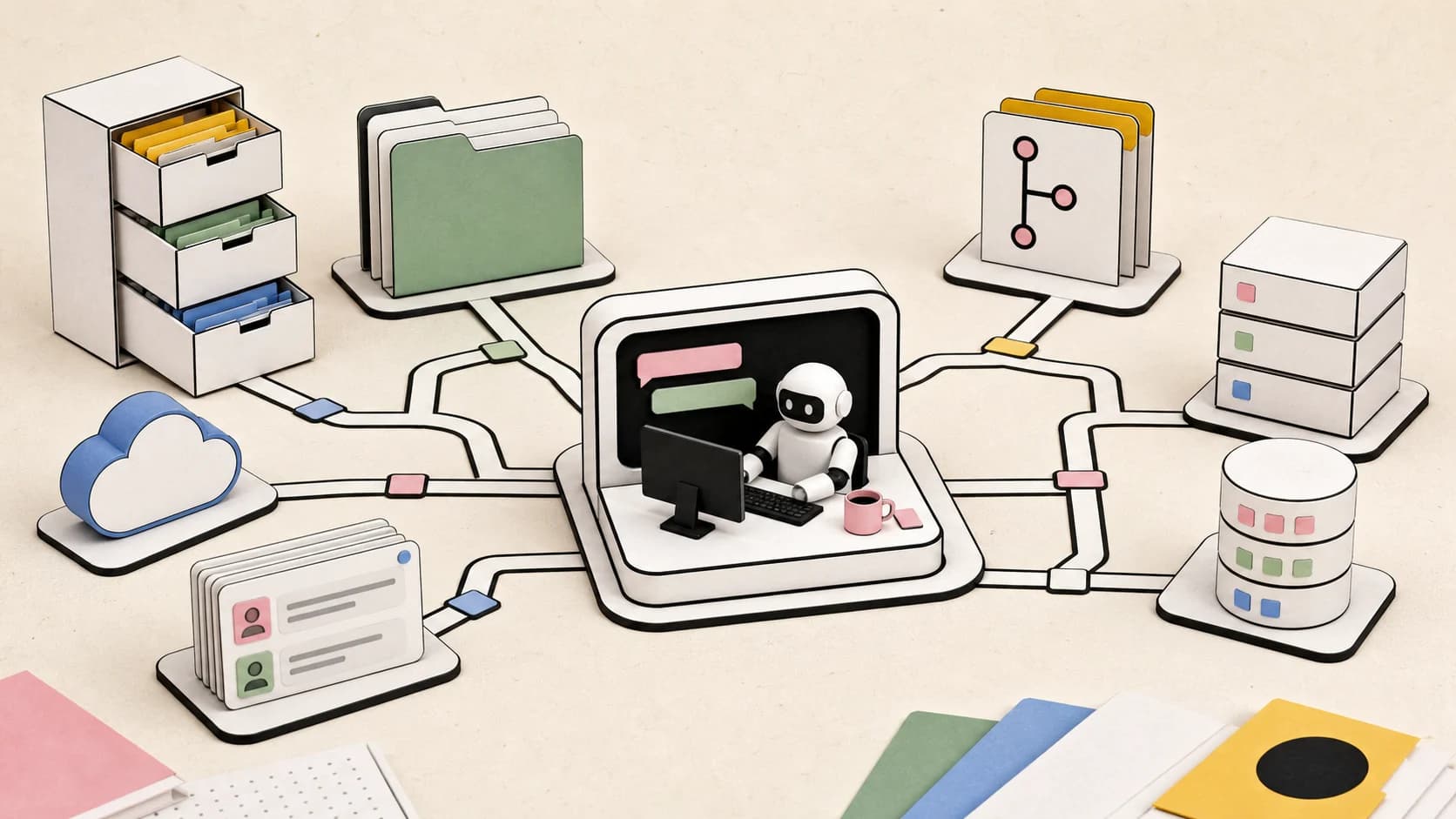
StateAct, a July 24 paper from Salesforce AI Research, argues that screenshots are a lossy rendering of the real task state. The pixels show a UI. The actual work often lives in files, the DOM, local application data, backend state, saved artifacts, and output paths. StateAct turns that distinction into a harness: a main agent works through program state with code, while a GUI subagent handles the smaller slice of work that truly needs visual interaction.
That makes it the natural follow-up to Qwen-UI-Agent's multi-channel runtime. Qwen's report says useful GUI agents need mobile, browser, desktop, CLI, and search channels. StateAct sharpens the claim: do not route through pixels when the state underneath is inspectable.
Last updated: August 3, 2026. Google Trends checks from this environment returned HTTP 429 for the candidate query cluster, so no Trends scores or demand numbers are reported. Topic selection used Hugging Face weekly and monthly paper velocity, primary-source paper metadata, existing DevDigest duplicate checks, and durable search-intent framing around computer-use agents, GUI agents, AI coding agents, and agent verification.
What StateAct Claims#
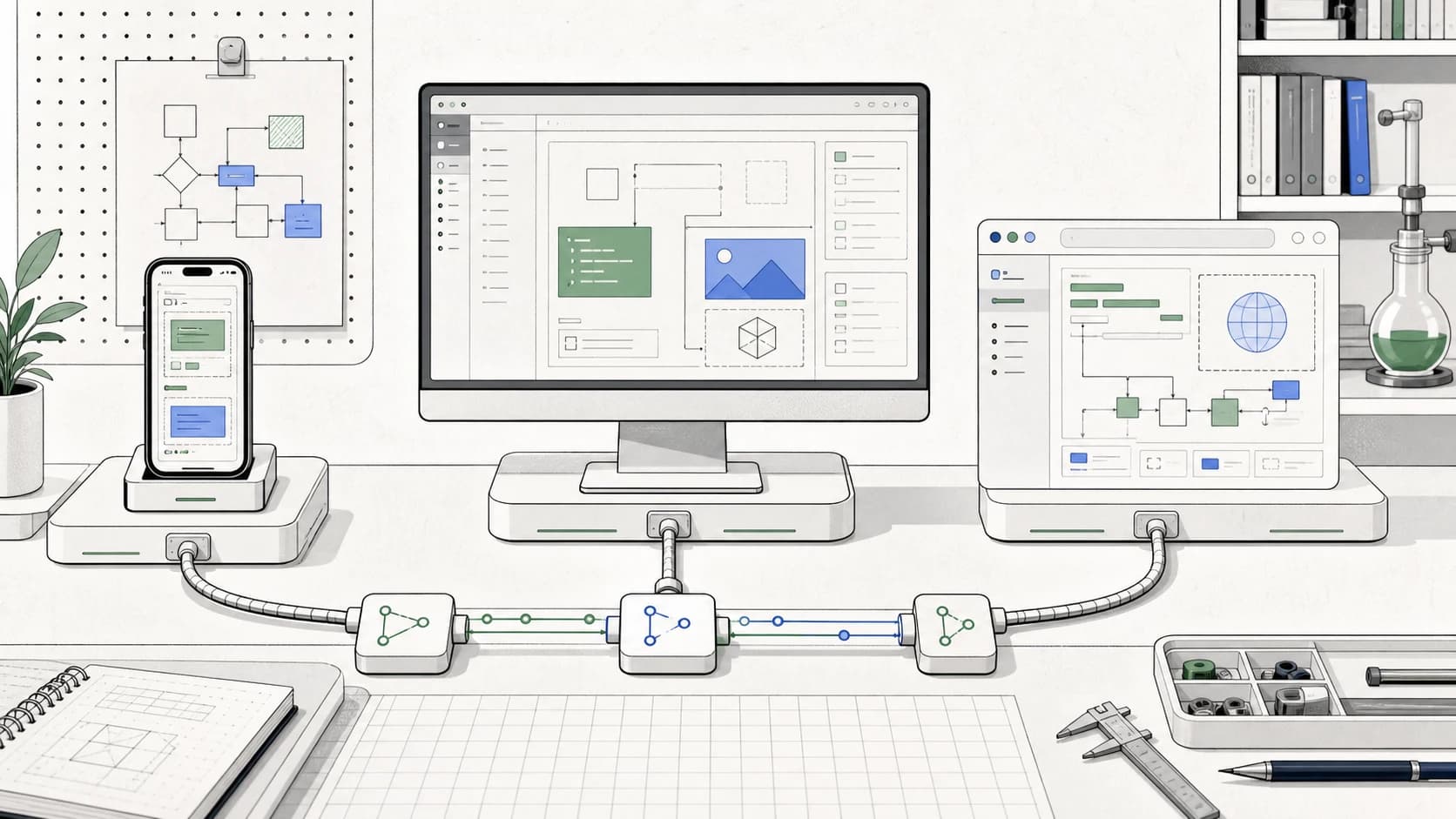
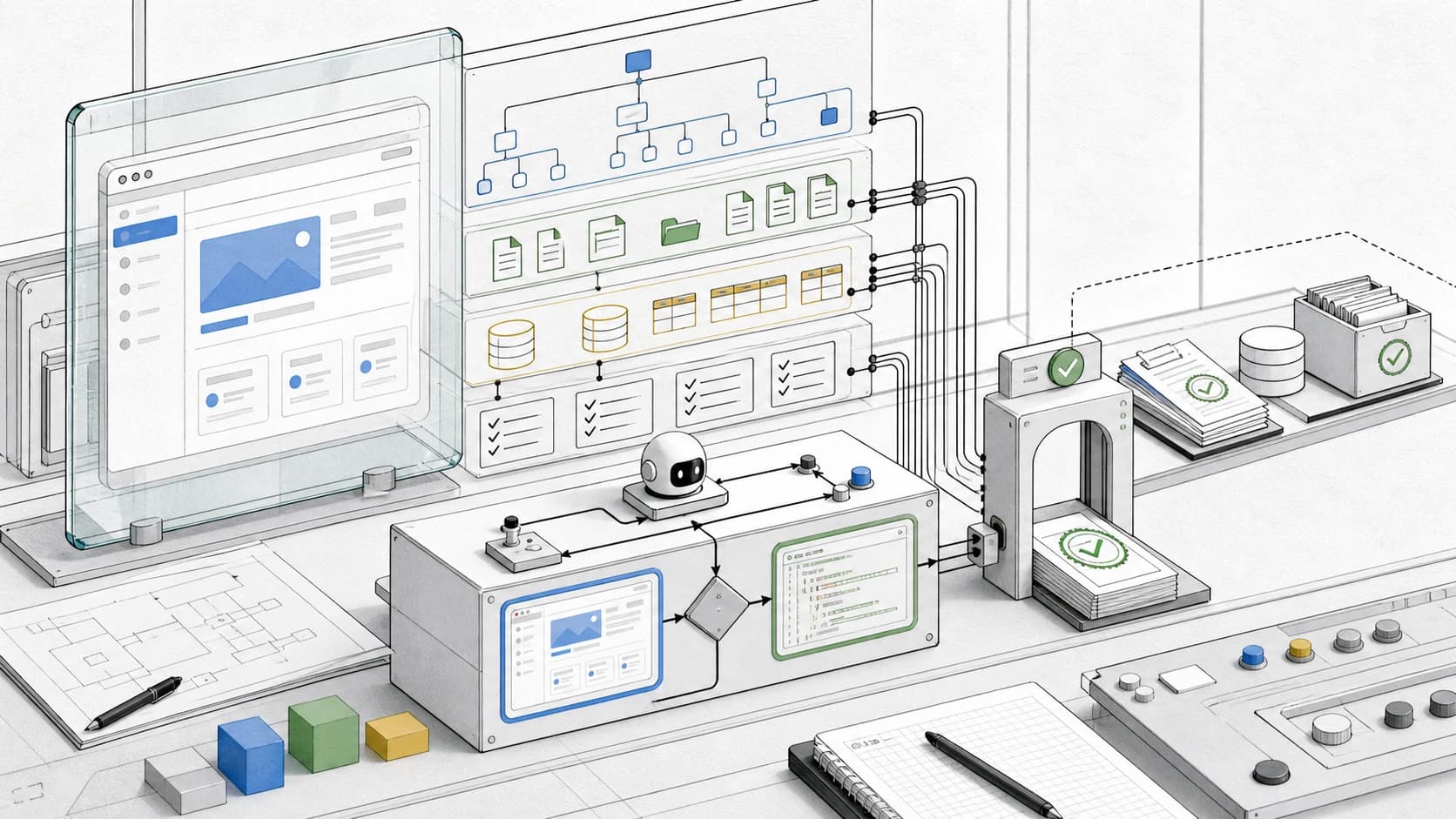
StateAct is a code-first, multi-agent harness for long-horizon computer-use tasks. The main agent directly inspects and changes program state through code. A dedicated GUI subagent is called only when the work needs screenshot-and-click interaction.
The paper reports that on OSWorld 2.0, StateAct lifts Claude Opus 4.8 from 20.6% to 26.9% binary success and from 54.8% to 61.6% partial success, at roughly 9x lower cost per task than the same model driven by screenshots alone. The authors also say the GUI subagent handled just 28 of 108 tasks and 1.1% of main-agent steps.
Do not turn that into "screenshots are dead." The same abstract says a code-only variant without a GUI subagent reached 45.9% partial success, below the screenshot-based baseline's 54.8%. The interesting result is the hybrid shape: inspect state first, call vision when the task actually requires it, and verify the saved result structurally.
For builders, that is more useful than another leaderboard position. It says the product boundary for computer-use agents is shifting from "can it click?" to "can it prove the right thing changed?"
The Pixels Are Not The State#
A screenshot can tell an agent that a button appears selected. It cannot prove that the file was saved to the expected path, that the export contains the requested fields, that a hidden form value was updated, that a DOM node has the right attribute, or that the backend accepted the change.
Developers already know this distinction from web QA. A screenshot is useful for layout, visual regressions, and human review. It is weak evidence for semantic correctness. That is why serious teams pair browser screenshots with DOM assertions, API checks, database checks, logs, and saved artifacts.
Computer-use agents need the same discipline.
This is where StateAct connects to the broader agent tooling stack. Agent workspaces need filesystem contracts because a task is not complete until the artifact is in the right place. Codex and Claude Code controls matter because broad agents need explicit approval boundaries. Long-horizon terminal benchmarks matter because partial progress and recovery are real product requirements, not academic extras.
The screen is one evidence channel. It should not be the source of truth for everything.
The Verification Gate Is The Real Product Feature#
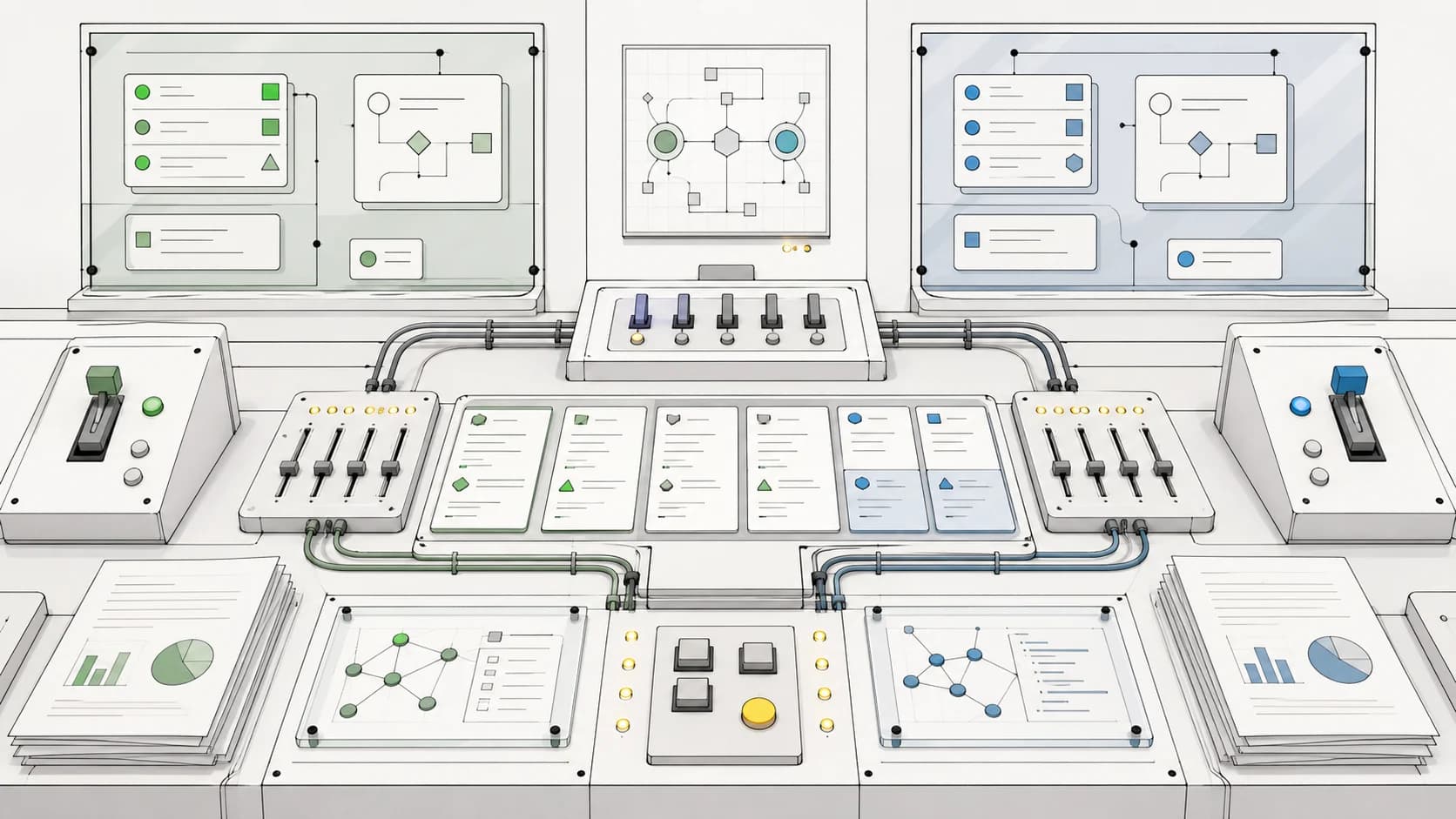
The most practical part of StateAct is not the GUI subagent. It is the independent finish gate.
The paper describes a verifier that checks saved results for structural failures: missing outputs, unsaved work, wrong paths, and other task-state problems. That is exactly the failure class that makes demos look better than production work.
An agent can click through a workflow and still fail because:
- the output never saved
- the file saved with the wrong name
- the export used stale data
- the visible UI updated but the backing state did not
- the task changed a draft instead of the canonical artifact
- the agent stopped after seeing a success toast without checking the result
Those are not visual failures. They are state failures.
That is why the finish gate should become a first-class primitive in agent products. A coding agent should not merely say tests passed. It should show which tests ran and which files changed. A browser agent should not merely say the form submitted. It should show the resulting page, network response, or persisted record. A desktop agent should not merely say the document exported. It should inspect the file that landed on disk.
The agent's final answer should be backed by state receipts.
How This Changes Computer-Use Product Design#
The obvious product demo for a computer-use agent is visual: show a model reading the screen, moving a cursor, and completing a task. That demo is understandable, but it nudges teams toward the wrong architecture.
Production workflows should start with a routing question:
| Task slice | Best first interface |
|---|---|
| Check whether a file exists | filesystem |
| Verify export contents | parser or direct file read |
| Inspect page structure | DOM or accessibility tree |
| Confirm backend state | API or database query |
| Navigate a visual-only app | GUI action |
| Review final visual layout | screenshot |
That table is boring by design. It is how the agent avoids treating every problem as a vision problem.
The same principle applies to OpenAI computer use and every browser-control or desktop-control product. Visual control is valuable when the app only exposes a visual interface, when layout is the thing being judged, or when user-like interaction is the requirement. But if a lower-level state interface is available, it is usually cheaper, faster, and easier to verify.
The product should make that routing visible. Otherwise the human reviewer cannot tell whether the agent used the right evidence or merely found a plausible path through the UI.
The Counterargument#
There is a real reason teams like screenshot-first agents: pixels are universal.
Every application has a screen. Not every application has a clean API, accessible DOM, local file format, stable test harness, or permissioned database connection. A visual agent can operate across legacy tools, vendor portals, internal dashboards, and SaaS workflows without bespoke integrations.
That universality is valuable. It is also expensive.
State access creates its own risks. Giving an agent filesystem, DOM, database, or shell access can expand the blast radius. A state-grounded agent may bypass product guardrails that the UI would have enforced. It may overfit to internal implementation details. It may read private data that a human task worker would never need.
So the answer is not "give the agent every state channel." The answer is governed state access:
- task-scoped credentials
- read-only inspection by default
- explicit approval before writes
- logs for state reads and state writes
- separate visual and structural receipts
- narrow adapters instead of broad device control
- human review for irreversible actions
Pixels are not enough. Unbounded state access is not acceptable either. The useful product lives between them.
What Builders Should Copy#
You do not need a full StateAct-style research harness to use the pattern.
Start by changing your agent task template. Before a computer-use or browser agent runs, require it to name:
- the screen actions it expects to need
- the state interfaces it can inspect directly
- the artifacts that prove completion
- the checks that should run after the UI path
- the steps that require human approval
Then make the finish gate concrete. If the task creates a file, inspect the file. If the task updates a web record, query the record. If the task changes a setting, reload the page and check the backing state. If the task claims a visual change, keep the screenshot, but pair it with DOM or source proof where possible.
For coding-agent teams, the same pattern turns into an operating rule: do not let the model infer completion from vibes. Require evidence from the state that matters.
That is also where this research connects back to agent context reduction. The goal is not to flood the model with every possible state channel. The goal is to pick the smallest evidence path that can actually prove the task.
The Search Demand Reality#
The exact phrase StateAct is unlikely to have durable search demand yet. It is a new paper, not a mainstream product.
The category demand is the reason to cover it. Developers are already searching around computer-use agents, GUI agents, browser agents, AI coding agents, and agent verification. StateAct is a useful paper because it gives those searches a sharper engineering answer: the next reliability gains may come less from better visual grounding and more from state-grounded action plus structural verification.
Because Google Trends returned HTTP 429 in this run, we are not reporting numeric demand. Treat this post as a developer-infrastructure analysis, not a volume-backed launch recap.
What To Watch Next#
The next serious computer-use systems should publish more than task success:
- how often the agent used pixels versus direct state
- which state channels were read-only and which could write
- whether the verifier was independent from the actor
- how many failures were visual, reasoning, permission, or state-save failures
- how much cost moved when visual steps were replaced by state inspection
- whether the final artifact could be replayed or audited
That is the path from impressive demos to dependable workers.
StateAct is worth covering because it makes the uncomfortable point clearly. A screenshot is not the world. It is a rendering of the world. Computer-use agents get more useful when they can tell the difference.
FAQ#
What is StateAct?#
StateAct is a Salesforce AI Research paper and harness for long-horizon computer-use agents. It uses program state as the primary interface, calls a GUI subagent for visual steps, and verifies saved results with an independent finish gate.
Why is program state important for computer-use agents?#
Program state matters because screenshots can hide whether work actually persisted. Files, DOM, backend data, output paths, and saved artifacts often provide stronger proof than a visual success state.
Does StateAct mean GUI agents are unnecessary?#
No. The paper's own result suggests that GUI interaction still helps. The point is routing: use GUI actions when the task is visual, and use direct state inspection when that is cheaper and more verifiable.
How should teams evaluate computer-use agents?#
Evaluate the full workflow, not just final screenshots. Track success, partial progress, cost, state-read receipts, saved artifacts, permission boundaries, and whether an independent verifier confirmed completion.
Is StateAct ready for production use?#
Treat StateAct as a research signal, not a drop-in production dependency. The production pattern to copy is state-grounded action plus structural verification, implemented with your own permissions, logs, and approval gates.
Continue Reading#
- Qwen-UI-Agent Points at the Next GUI Agent Runtime
- GPT-5.4 Developer Guide: Computer Use, Reasoning, and Production Tradeoffs
- Codex and Claude Code Controls Show Where Agent Products Are Going
- Long-Horizon Terminal Bench And The New Agent Eval Bar
- Agent Workspaces Need Filesystem Contracts
- LangChain Rubrics Make Agent Evals Part of the Runtime
- Claude Computer Use Toolset: GA API and SDK Driver Guide - the computer_toolset_20260801 migration and the new SDK driver classes
- OpenAI Agents API Computer Use - hosted sessions, per-origin approval and sign-in handling for agents that test and operate web apps
Sources#
- StateAct on Hugging Face Papers, fetched August 3, 2026.
- StateAct arXiv page, fetched August 3, 2026.
- Hugging Face weekly papers for July 26 to August 1, 2026, fetched August 3, 2026.
- Hugging Face July 2026 monthly papers, fetched August 3, 2026.
- Google Trends query cluster attempted August 3, 2026 with patched local pytrends:
StateAct,computer use agent,GUI agent,browser agent,AI coding agents,agent verification,OSWorld, andClaude Code. Google returned HTTP 429, so no numeric Trends claims are reported.
Get the next deep dive like this in your inbox
One email a week on AI Agents and the rest of the AI dev stack. Free.
Read next on AI coding tools
Qwen-UI-Agent Points at the Next GUI Agent Runtime
Qwen-UI-Agent, Alibaba's GUI agent report, reads best as a product spec: mobile, desktop, browser, CLI and DeepSearch combined in one stateful agent runtime.
8 min readGPT-5.4 for Developers: The Production Guide
GPT-5.4 developer guide with OpenAI SDK code, computer use, the 272K-token pricing cliff, and when 5.4 still beats GPT-5.3 and GPT-5.5 in production.
12 min readCodex and Claude Code in July 2026: Agent Controls Are the Feature
Codex and Claude Code July 2026 updates compared: why approval modes, resumable work, MCP auth, artifacts and review surfaces now matter as much as models.
8 min readNew here? Start with
Technical content at the intersection of AI and development. Building with AI agents, Claude Code, and modern dev tools - then showing you exactly how it works.