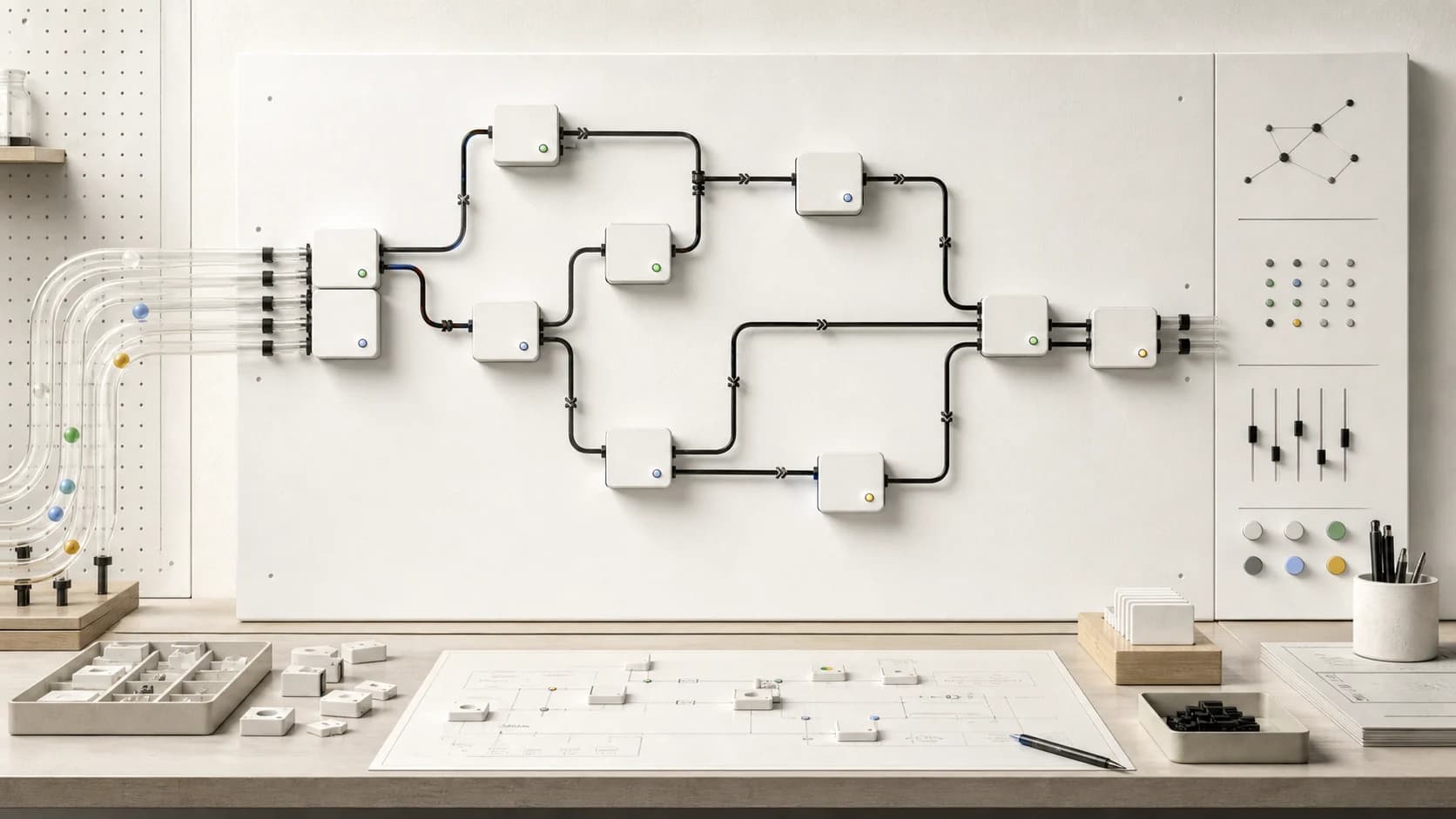
T3 Code: Open-Source GUI for Claude Code and Codex
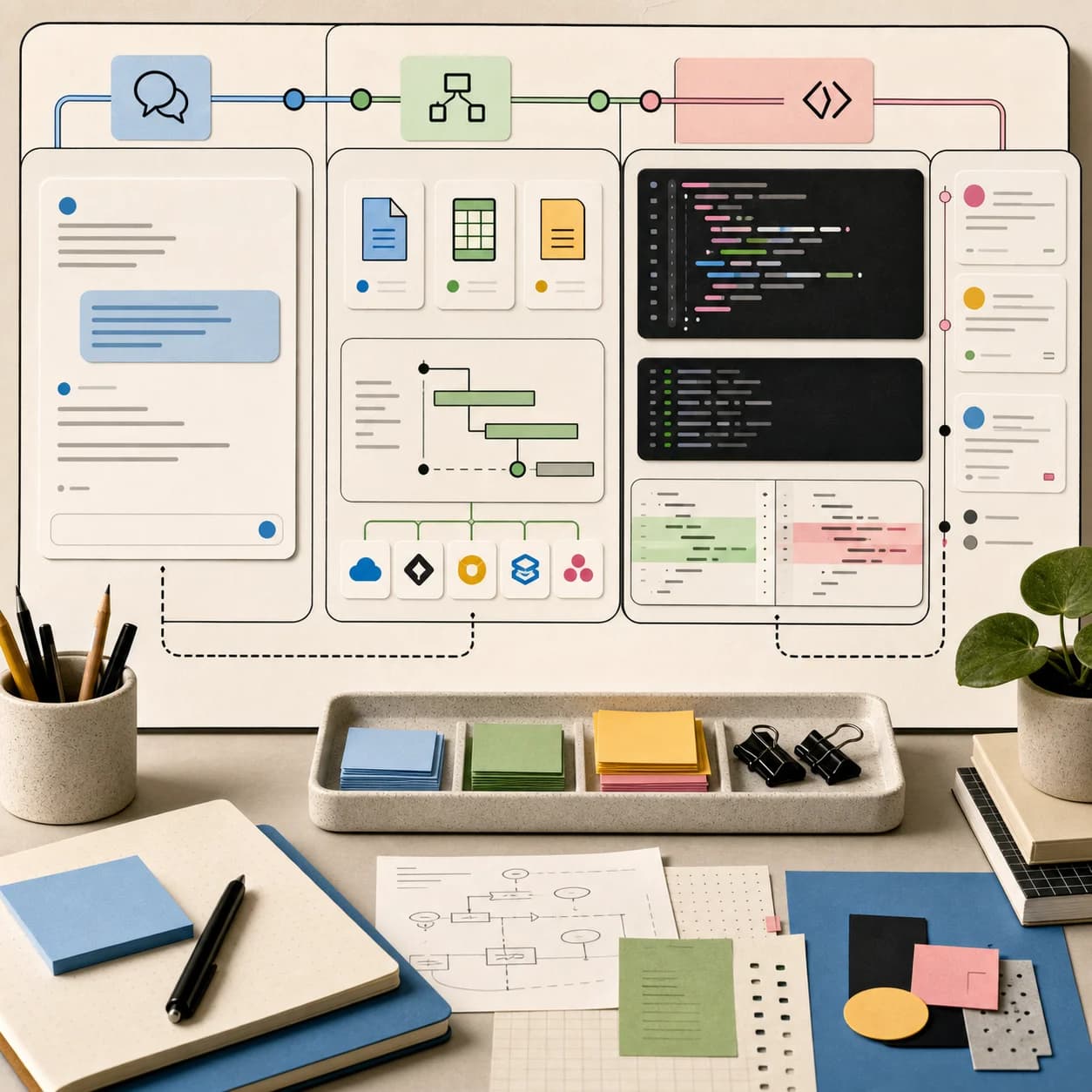
TL;DR
T3 Code is a free, MIT-licensed desktop, web and mobile app that drives Claude Code, Codex, Cursor, OpenCode and more. What it is, how remote access works, and what to check first.
T3 Code is a free, MIT-licensed app from Theo's team that puts one interface on top of the coding agents you already pay for: Claude Code, Codex, Cursor, Grok Build, OpenCode, Google Antigravity and others. It is not a new agent and it does not sell you a model. If you searched "t3 code" because it keeps appearing next to Claude Code, this is what the repository and docs actually say, how to try it, and where the sharp edges are.
What T3 Code is (and is not)#
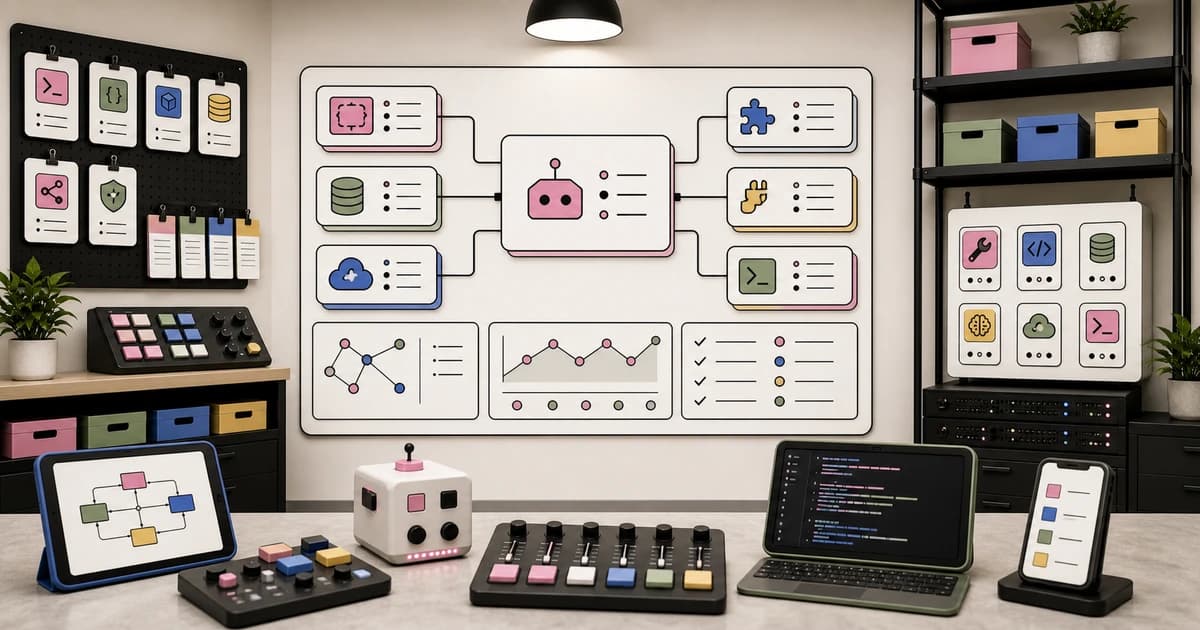
The pingdotgg/t3code README calls it an "agent harness control surface" with a web app, an Electron desktop app, and iOS and Android apps. It lists Claude Code, Codex, Cursor, Grok Build, OpenCode, Google Antigravity and fx as supported providers, and says that if they are set up on your computer, T3 Code can control them. When I opened the repo on November 2 it showed 38.7k stars, 9.0k forks and a commit from minutes earlier.
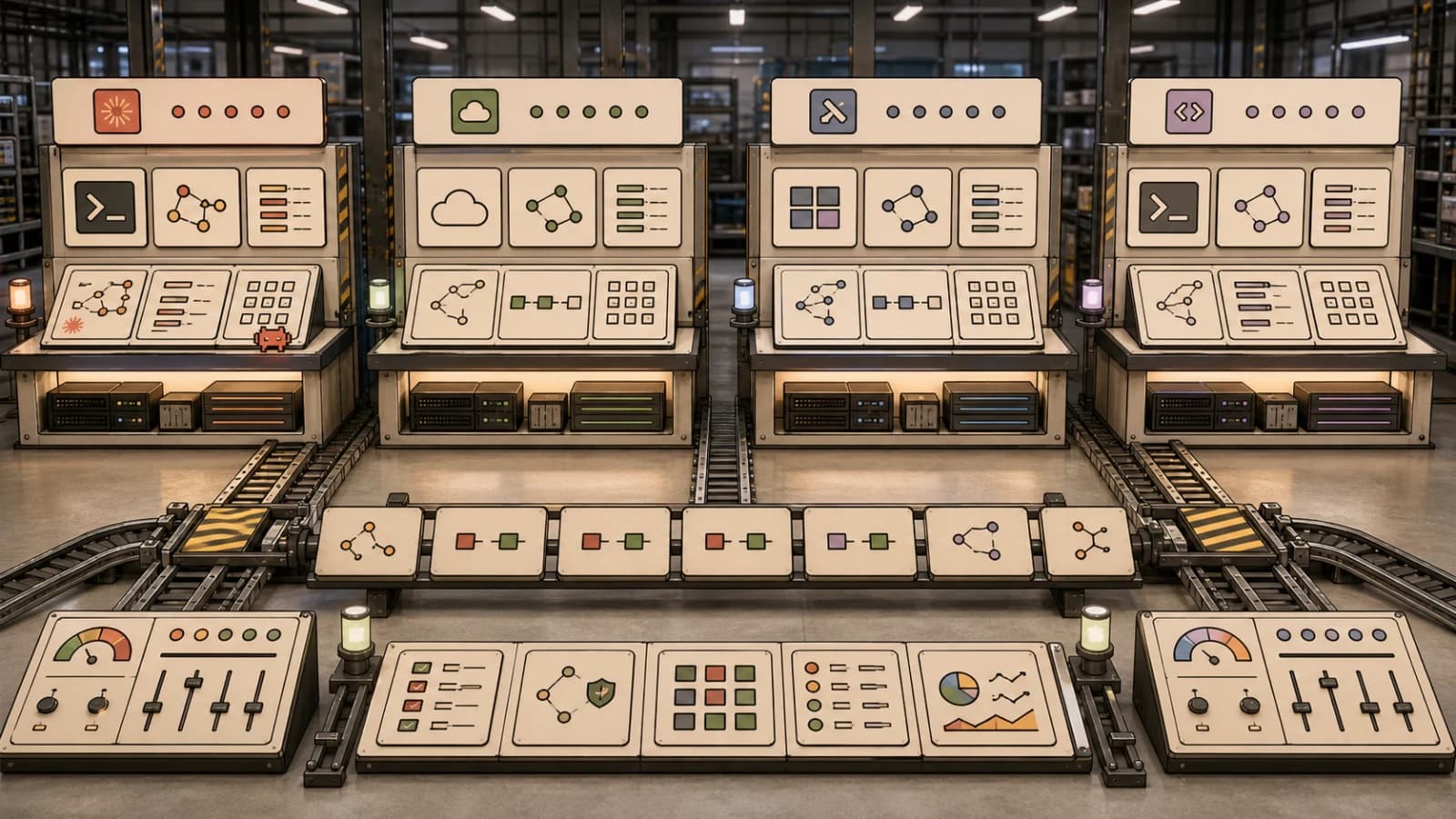
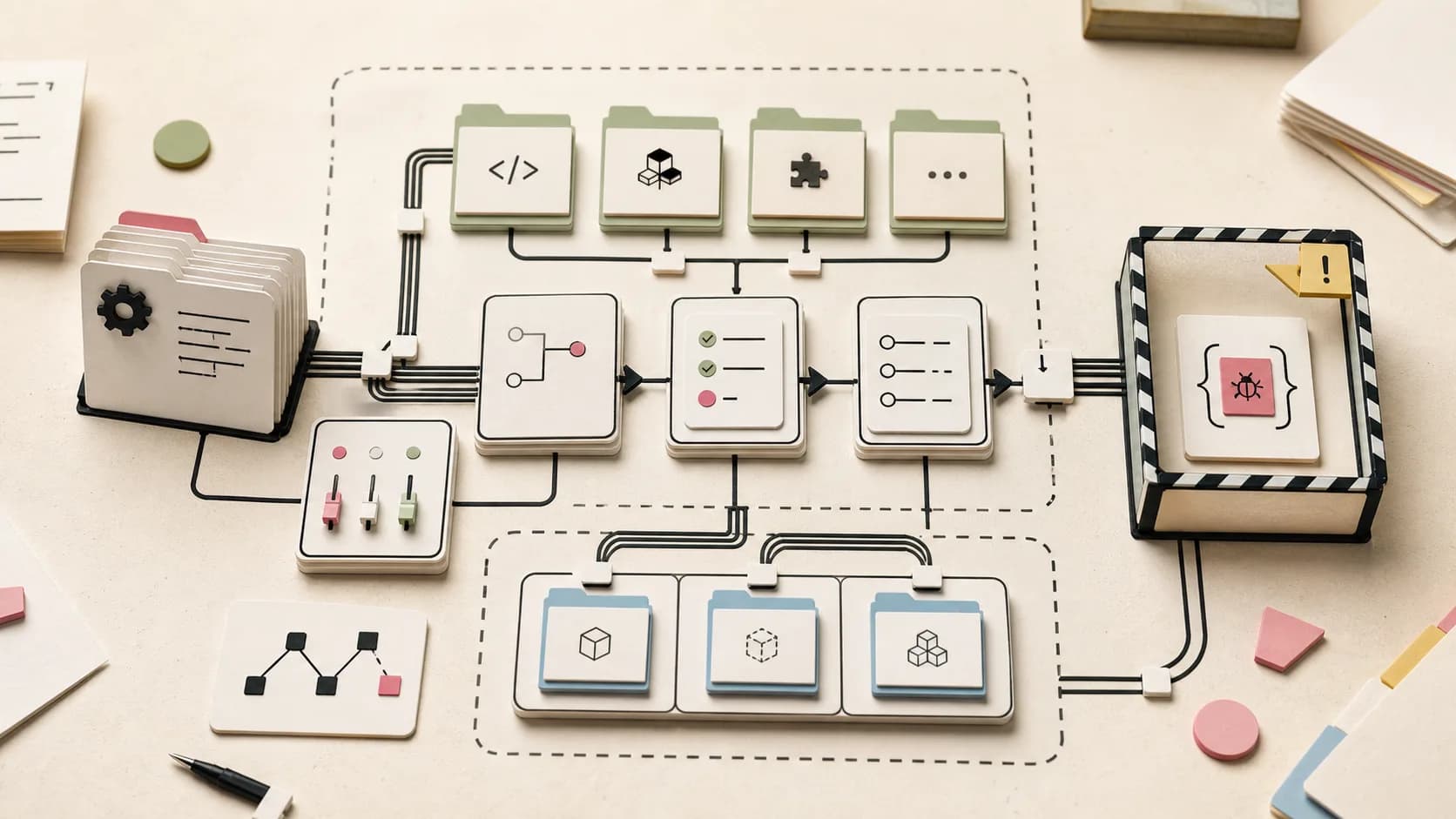
The project's own FAQ is explicit that it is not a harness: Claude Code is an interface plus a harness underneath (the Anthropic Agent SDK), Codex is the app plus the Codex App Server, and T3 Code sits above those. The FAQ's analogy is chef (model), kitchen (harness), and T3 Code as the restaurant that lets you bring whatever kitchen you want. If that vocabulary is fuzzy, our agent harness explainer covers the layers.
Practically, that means three things:
- Bring your own subscription. There is no way to pay T3 Code for inference. You log in to each provider's own CLI first, such as
codex loginorclaude auth login, and T3 Code drives that session. - Everything stays the provider's. The FAQ says your code and prompts go from your machine to your provider, not to T3 servers, though basic product usage events (provider, model, token totals) are sent unless you set
T3CODE_TELEMETRY_ENABLED=false. - Skills and config do not travel. Switching the interface does not switch the harness. Skills you added to Claude Code are not magically in Codex.
Try it in five minutes#
The README gives these install paths:
# try once without installing
npx t3@latest

# or install the CLI
curl -fsSL https://t3.codes/install.sh | sh

# macOS desktop app
brew install --cask t3-code
Then run t3 to start the server and open the local web app. Install and authenticate at least one provider first; the README warns that T3 Code does nothing useful without one. If you already live in a terminal, our Claude Code vs Codex vs Cursor vs opencode comparison will help you decide which provider to log in to first.
The feature that matters: remote access#
The reason people are talking about T3 Code is less the GUI than the remote story. The remote access doc describes a machine that runs your agents (desktop, server, VPS) and clients that connect to it:
# on the machine that does the work
npx t3 up
t3 up asks how other devices reach the machine: T3 Connect (a hosted tunnel, no router forwarding), the local network, or both. Tailscale HTTPS and desktop-managed SSH also work. The doc says each T3 Connect account can link up to 3 machines for free, with a paid T3 Chat plan raising that to 10 (Pro) or 100 (Premier). Phones and browsers do not count against the limit. Your phone is a remote; the computer does the work and has to stay on.
This is the same job as Anthropic's own Claude Code Remote Control, but across providers. The trade is another layer between you and the machine that runs your agents, so read the access section before you enable it. By default, pairing tokens and issued sessions get every permission, including managing access, and the doc says to treat pairing URLs as passwords. You can narrow a token with --scope, for example npx t3 pair --scope orchestration:read --scope relay:read.
Permission modes are per provider#
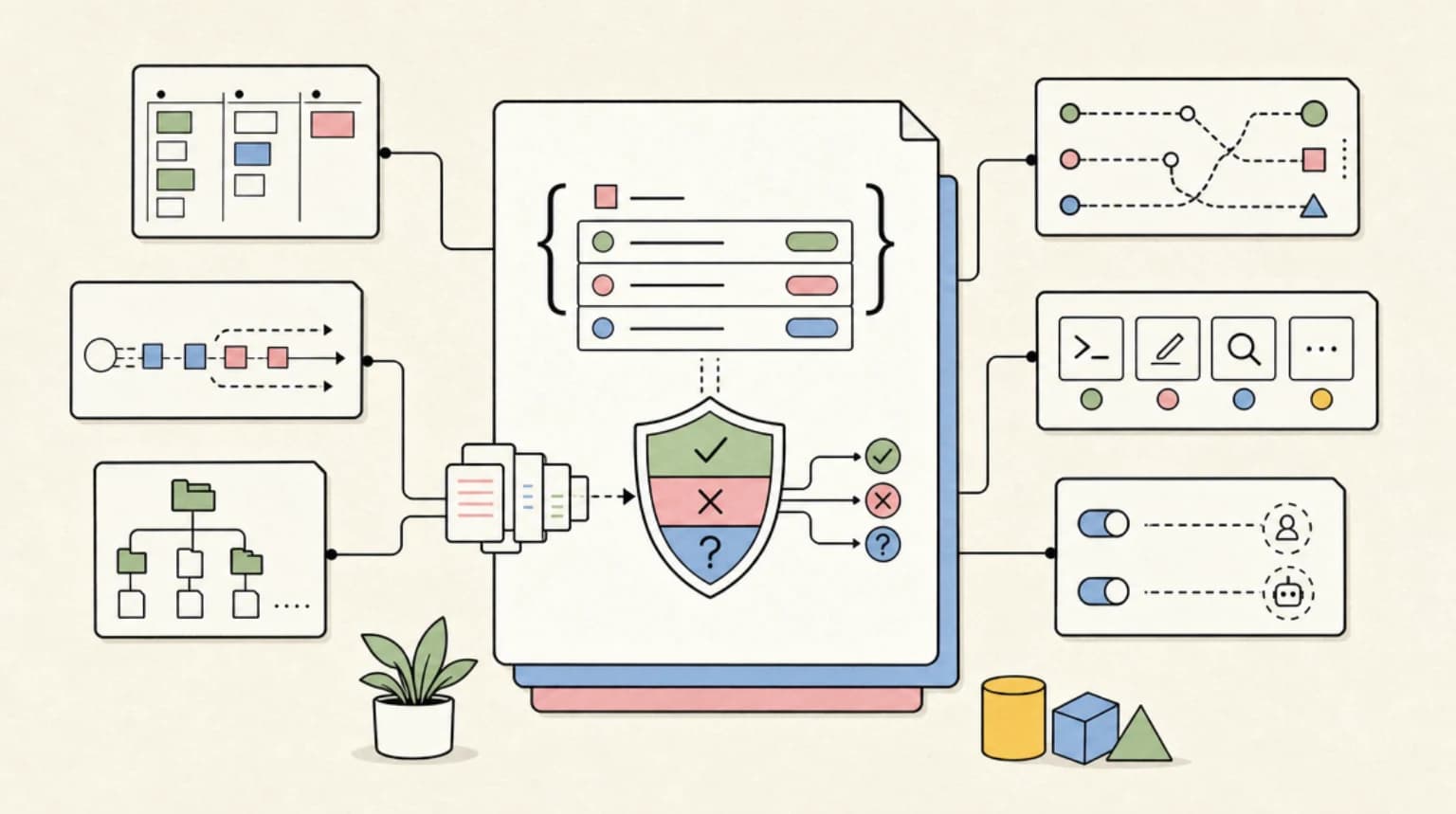
T3 Code exposes four permission modes: Supervised, Auto-accept edits, Auto and Full access. Two details are easy to miss. The initial default for new threads is Full access, which you can change under Settings, Threads. And providers enforce modes differently: Auto uses the provider's automatic review on Codex, Claude, Cursor, Grok and fx, but OpenCode and Antigravity fall back to asking. If you rely on a particular approval behaviour in Claude Code, check it again in this UI. Our Claude Code permissions guide is the baseline to compare against.
Let other agents drive it over MCP#
The outside agents doc shows that an environment exposes an MCP server, so Claude Code or Codex running in your own terminal can read projects and start threads:
claude mcp add --transport http t3 https://<environment-address>/mcp
claude mcp login t3
Access starts as read only; you opt in to Supervised through Full access at the sign-in page, and a thread the outside agent starts cannot exceed the mode you picked. On the host, t3 thread start . "Find why the tests are slow" and t3 thread send <id> "Now fix it" --wait give you the same thing from scripts. That makes T3 Code a small orchestration layer, and it is also a new surface where a prompt-injected agent could start other agents. Treat it like the risks in agent config files are executable.
What people are actually saying#
I did not find a Hacker News thread for T3 Code this week, so this section leans on Reddit and the maintainers' own words.
- Skeptics call it a skin. In an r/theprimeagen thread, a commenter argues that T3 Code and similar apps are a design layer on top of Claude Code, mostly taste and workflow. That is close to what the project says about itself: it is an interface, not a harness.
- The maintainer agrees and frames it as the point. A summary of Theo's video says he calls T3 Code an "agentic development environment" by analogy to an IDE, and that users who swap interfaces and then find their skills missing have only changed the interface. This is a secondary summary, not the video itself.
- A hands-on write-up by Flavio Copes describes it as a local desktop and browser interface for several agents that becomes a way to operate one development machine from several others with remote access on.
The caveats to read before you switch#
Most of the useful warnings are in the FAQ, in the maintainers' own words:
- Claude usage limits. The FAQ says T3 Code drives Claude through Anthropic's Agent SDK and that all Agent SDK usage drains the 5-hour limit faster than Claude Code directly. It calls this a bug on Anthropic's side that the team reported, and says it does not affect weekly limits. This is T3's claim; I could not find an Anthropic statement, so measure your own burn rate before moving a heavy workflow.
- No local models. The FAQ answers "Does T3 Code support local models?" with a flat no. If you run models through Ollama or LM Studio, look elsewhere.
- Early software. The README says the project is "very very early" and to expect bugs, and that it is mostly not accepting contributions.
- Disk. Worktrees add up. The FAQ points to a Settings, Storage cleanup toggle and mentions one user clearing 500 GB.
Who should try it#
Try T3 Code if you already run two or more agents and want one place to watch them, or if you want to start a task from your phone on a box that stays on. Skip it if you only use one agent in the terminal, if you rely on local models, or if you cannot accept Full access as the default. For a terminal-first alternative with its own routing ideas, see Oh My Pi.
FAQ#
Is T3 Code free?#
Yes. The FAQ says there is no way to pay for T3 Code and that it is MIT-licensed. You still pay your model providers. T3 Connect is free for up to 3 machines, with paid T3 Chat plans raising the limit.
Is T3 Code a replacement for Claude Code?#
No. It drives Claude Code and the other agents; it needs at least one of them installed and logged in.
Does T3 Code work with Codex and OpenCode?#
Yes. The README lists Codex, OpenCode, Cursor, Grok Build, Google Antigravity and fx alongside Claude Code.
Continue Reading#
- What Is an Agent Harness? - the layer T3 Code sits above
- Claude Code Permissions Guide - compare approval modes
- Claude Code Remote Control - Anthropic's single-provider version of remote access
- Claude Code vs Codex vs Cursor vs opencode - which provider to log in to
- Agent Config Files Are Executable - why access scopes matter
- Claude Code vs the Codex App - the first-party desktop apps T3 Code was inspired by
- Best AI Coding Tools (2026) - Claude Code, Codex, Cursor and more, tested and ranked
- AI Coding Agent Picker - a short quiz that recommends an agent for your IDE, budget and workflow
Sources#
- pingdotgg/t3code - README, providers, install, MIT license
- T3 Code FAQ - cost, telemetry, Agent SDK limit note, local models
- Remote access - T3 Connect, machine limits, scopes
- Permission modes - modes and provider differences
- Outside agents - MCP server and
t3 thread - r/theprimeagen discussion
- Summary of Theo's harness video - secondary summary
- A deep dive into T3 Code - Flavio Copes
Get the next deep dive like this in your inbox
One email a week on AI Agents and the rest of the AI dev stack. Free.
Read next on Claude Code
What Is an Agent Harness? A Developer's Map for 2026
An agent harness is everything around the model: loop, tools, context, sandbox. How Pi, DeepSeek, Codex and Claude Code differ, and how to choose.
5 min readClaude Code Permissions: settings.json Allow, Deny, Ask
Configure Claude Code permissions in settings.json: allow, deny, and ask rules, scope precedence, tool specifiers, and the headless flags you need for CI.
11 min readClaude Code: Remote Control, Auto Memory, Plugins & More
Claude Code updates: remote control from your phone, Cowork scheduled tasks, new plugin repos, auto memory and 4% of public GitHub commits now from Claude Code.
5 min readTechnical content at the intersection of AI and development. Building with AI agents, Claude Code, and modern dev tools - then showing you exactly how it works.