Vercel AI Gateway Adds Team and Project Spend Budgets: The Cost-Cap Math for Agent Builders

TL;DR
Vercel AI Gateway spend budgets now cover teams and projects, with hard dollar limits, 50/75/100% email alerts and CLI defaults. How the three scopes compose.
Last updated: August 1, 2026
On July 31, Vercel shipped the missing half of AI Gateway cost control: spend budgets scoped to a team or a project, not just to individual API keys. Set a dollar limit on a scope, and the gateway meters spend against it and stops further requests once the limit is reached, until the budget resets or you raise it. Before this release you could cap a single key; now you can cap an entire team or a single project at the gateway layer, which is where the money actually escapes.
What shipped, concretely#
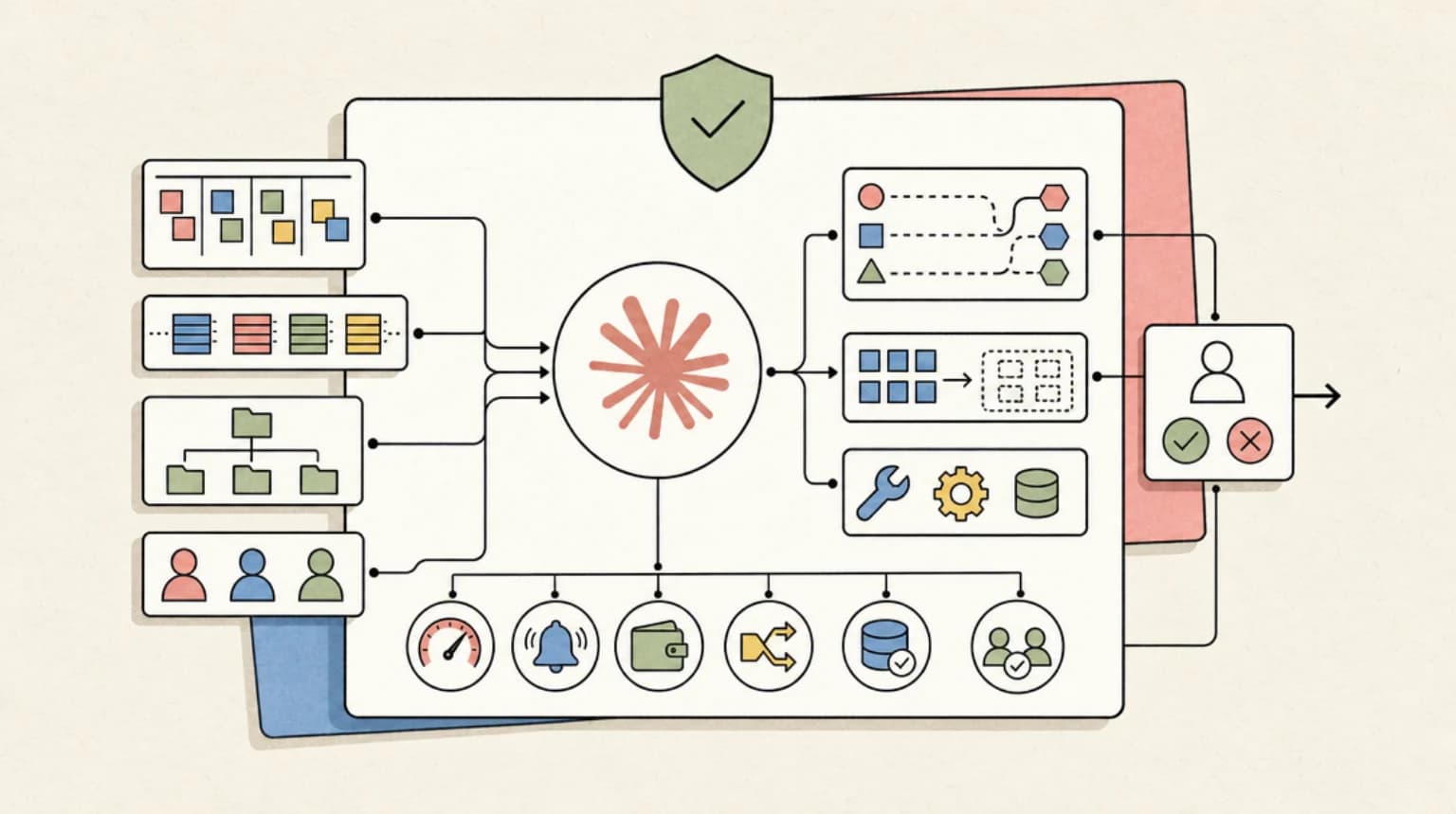
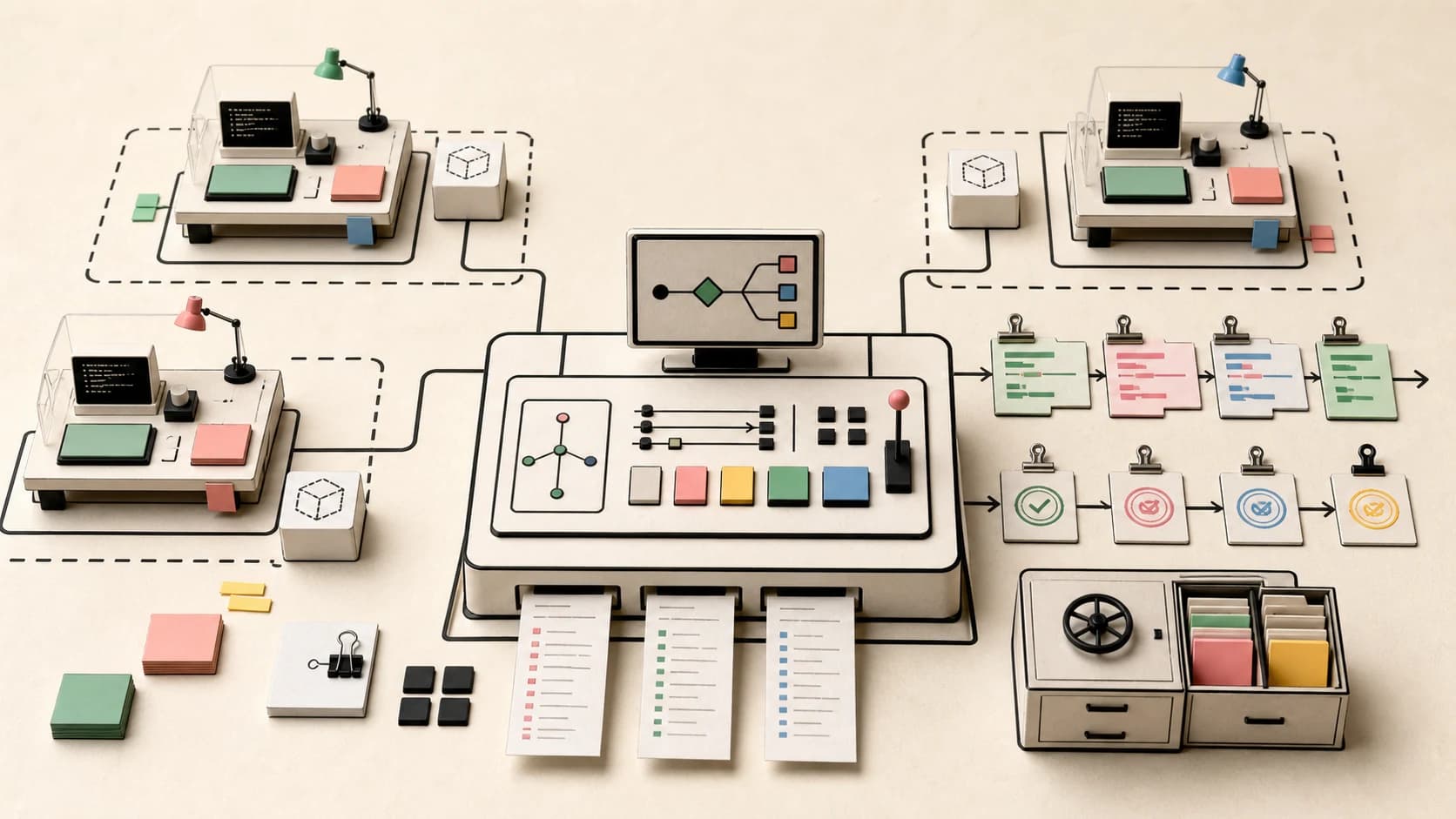
A budget attaches to one of three scopes, and a single request can fall under multiple budgets at once:
- Team - caps every request your team runs through the gateway.
- Project - caps all requests attributed to a single project.
- API key - the pre-existing per-key cap, now tracked alongside the other two.
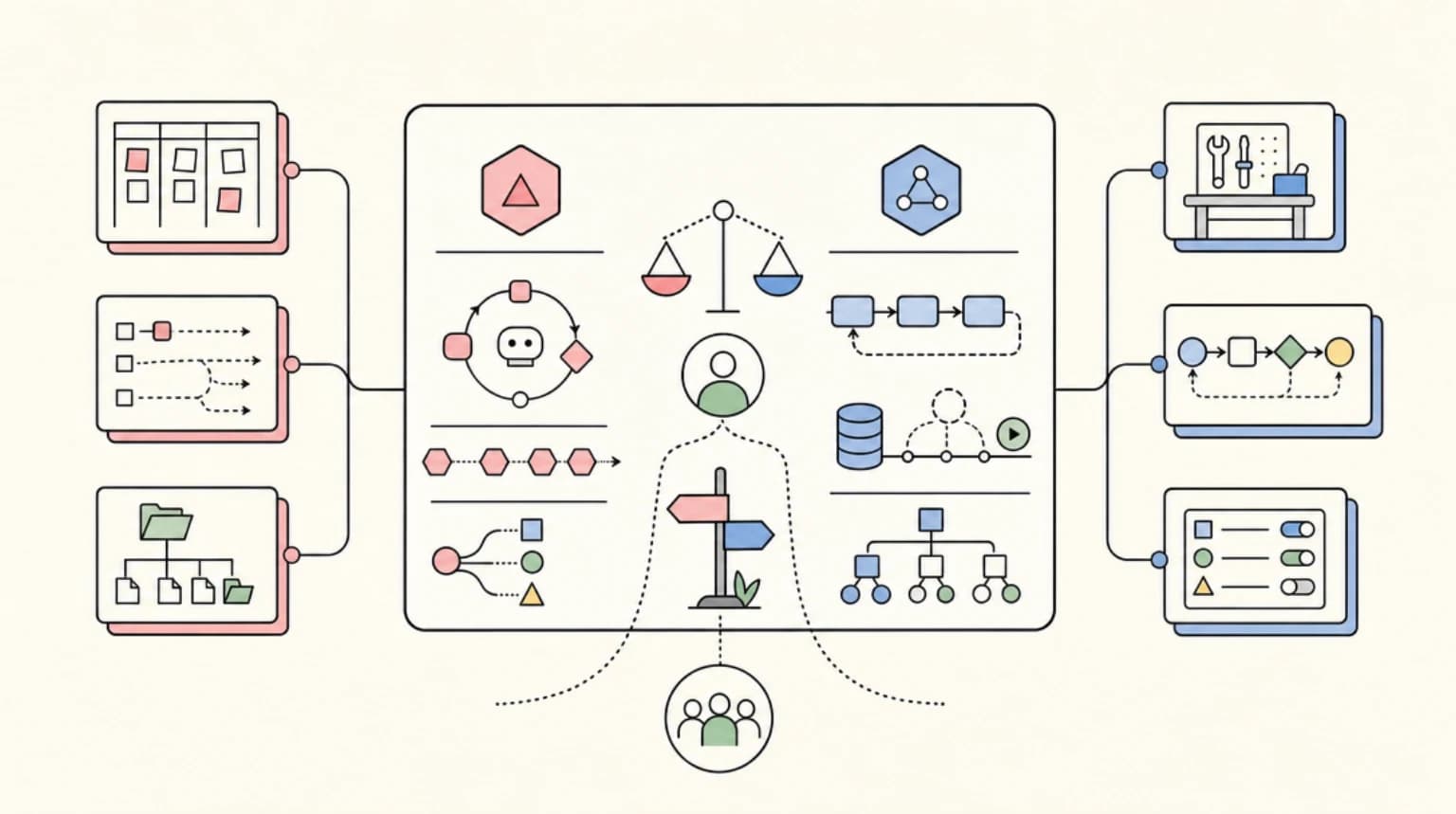
The important detail is the composition rule: a request has to pass every budget it falls under. If any one is over its limit, the request is rejected, even when the others still have room. So the team cap is a real ceiling, not a soft signal: a hot project cannot blow past the team budget as long as both are set.
Two controls shape the enforcement:
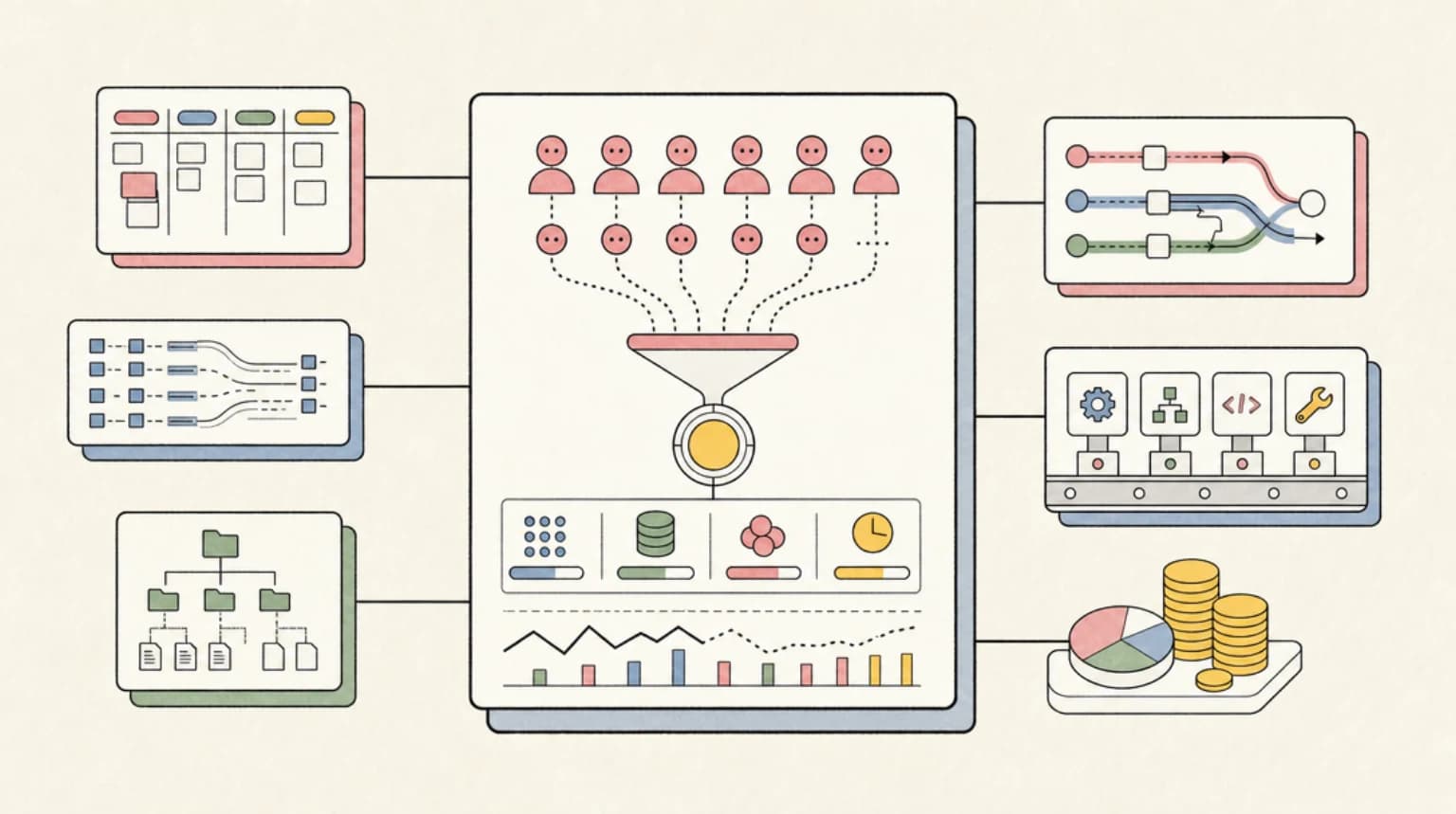
- Email spend alerts notify your team's usage notification recipients at 50%, 75%, and 100% of a limit within a refresh period. Alerts are off by default and are informational only; they never block requests. Only the budget limit does.
- Default budgets let you set one for projects or API keys, and every scope without an explicit budget inherits it automatically. An explicit budget always overrides the default.
The refresh period is daily, weekly, or monthly (the default), or none for a cumulative cap that never resets. BYOK (bring your own key) spend is not counted against budgets by default.
Everything is manageable from the new Budgets tab in the dashboard, which breaks spend down across every scope against its limit, and from the CLI:
# Set a team budget
vercel ai-gateway budgets set team --limit 500 --refresh-period monthly

# Scope a budget to a single project
vercel ai-gateway budgets set project my-project --limit 200 --refresh-period monthly

# Set a default for projects or keys without their own budget
vercel ai-gateway budgets defaults set project --limit 200 --refresh-period monthly

# List every budget, or remove one
vercel ai-gateway budgets list
vercel ai-gateway budgets remove team
Docs are at Vercel's AI Gateway budgets reference.
Why this matters to developers#
The pattern here is the same one that made rate limits valuable on APIs a decade ago: enforcement at the platform boundary beats discipline at the call site. Anyone who has run agentic workloads through a shared gateway knows the failure mode: one teammate's runaway loop, one unthrottled background job, one --retries 10 script, and the month's inference spend is gone before lunch. Key-level caps did not fix it, because the runaway rarely respects key boundaries once you rotate keys or share team accounts.
Team- and project-scoped budgets fix the two real gaps: attribution (which team or project owns the spend) and enforcement (the request is actually rejected, not just reported). The default-budget mechanism matters too, because it flips the burden of proof: new projects start capped unless someone explicitly raises them, instead of starting uncapped unless someone remembers to lower them. That is the right default for a platform where agents create projects faster than humans audit them.
The all-budgets-must-pass composition is worth calling out as the one design decision that keeps multi-scope caps honest. If team and project budgets were OR'd, a project budget would be pointless once the team budget existed, and the team budget would be a lie once a project budget was lower. AND-ing them means the tightest constraint always wins, which is exactly what you want from a ceiling.
Two honest limits, from the changelog itself: BYOK spend is excluded from budgets by default, so if your team routes provider keys directly, the cap is bypassed until you point those calls at the gateway. And alerts at 50/75/100% are the only notification granularity; there is no custom threshold.
Where it fits the cost stack#
This rounds out the AI Gateway story Vercel has been building all year. The gateway was already a model router with failover, caching, and per-request cost tracking; budgets add the enforcement half. For the same job on a self-hosted gateway, you would be wiring your own meter-and-reject logic against your own spend telemetry, which is a real project. If you are already comparing gateway economics, the budget CLI is worth folding into the decision, because hard caps change the risk math for multi-tenant or multi-project setups.
It also pairs with the wider push to make AI cost an engineering metric rather than a finance surprise, alongside provider price cuts like the recent GPT-5.6 pricing changes and the real cost of parallel agents. Our own spend guardrails playbook covers the organizational layer: budgets give you the mechanical stop, guardrails give you the workflow.
One adjacent note: on the same day, Vercel updated the DeepSeek V4 Flash weights running on AI Gateway, so budget math for gateway routes should be re-verified against current model pricing.
FAQ#
How do Vercel AI Gateway spend budgets work?#
A budget is a dollar limit attached to a team, a project, or an API key. The gateway meters spend against it and rejects further requests once the limit is reached, until the budget resets or you raise it. The refresh period can be daily, weekly, monthly (the default), or none for a cumulative cap that never resets.
What happens when a request falls under more than one budget?#
It has to pass every budget it falls under. If any one of the team, project, or API key budgets is over its limit, the request is rejected even when the others still have room, so the tightest constraint always wins.
Do AI Gateway spend alerts block requests?#
No. Email alerts go to your team's usage notification recipients at 50%, 75%, and 100% of a limit within a refresh period, are off by default, and are informational only. Only the budget limit itself blocks requests, and there is no custom alert threshold.
Does BYOK spend count against AI Gateway budgets?#
Not by default. Bring-your-own-key spend is excluded from budgets, so if your team routes provider keys directly, the cap is bypassed until those calls go through the gateway.
Continue Reading#
- Vercel AI Gateway Guide - routing, failover, caching, and per-request cost tracking in one walkthrough
- Claude Spend Guardrails: A Playbook for AI-Native Teams - the organizational side of the same problem
- Self-Hosted vs Managed AI Gateway Decision Guide - when a managed gateway's tooling is worth the markup
- What Parallel Claude Agents Actually Cost - real numbers on the runaway-spend failure mode
- OpenAI Cuts GPT-5.6 Prices: Cost-Per-Task Math - how provider pricing moves change your cap settings
- DeepSeek V4 Flash Is 90% Off Through Novita on Vercel AI Gateway: The Cost Math
Sources#
Get the next deep dive like this in your inbox
One email a week on News and the rest of the AI dev stack. Free.
Read next
Vercel AI Gateway in 10 Minutes: One Key for Every Model
Vercel AI Gateway gives you one API key and string model ids for hundreds of models. How it works with the AI SDK, what BYOK and OIDC change, and the tradeoffs.
8 min readThe $500M Claude Bill: A Spend-Guardrails Playbook for AI-Native Teams
Claude spend guardrails playbook for AI-native teams: usage caps, budget alerts, gateway spend limits, model routing, prompt caching and approval workflows.
11 min readSelf-Hosted vs Managed AI Gateways: A Decision Guide
Self-host LiteLLM or Kong, or use a managed gateway like Portkey, OpenRouter, or Cloudflare AI Gateway? A factual breakdown of cost, control, and ops tradeoffs.
11 min readNew here? Start with
Technical content at the intersection of AI and development. Building with AI agents, Claude Code, and modern dev tools - then showing you exactly how it works.