Self-Hosted vs Managed AI Gateways: A Decision Guide
TL;DR
Self-host LiteLLM or Kong, or use a managed gateway like Portkey, OpenRouter, or Cloudflare AI Gateway? A factual breakdown of cost, control, and ops tradeoffs.
Last updated: August 22, 2026 Every team routing traffic to more than one model provider eventually hits the same fork in the road: run the gateway yourself, or hand it to a managed service. Both paths solve the same core problems - unifying provider APIs, tracking spend, failing over when a provider degrades - but they trade cost, control, and operational load very differently. This guide lays out the tradeoffs plainly so you can match the choice to your team size and constraints, rather than defaulting to whichever tool showed up first in a blog post.
If you want a side-by-side feature comparison of the tools themselves first, read LLM Routers Compared: LiteLLM vs Portkey vs OpenRouter in 2026. If you're trying to figure out how routing decisions map to actual invoice line items, see model routing recipes that cut AI spend.
What "AI Gateway" Means Here#
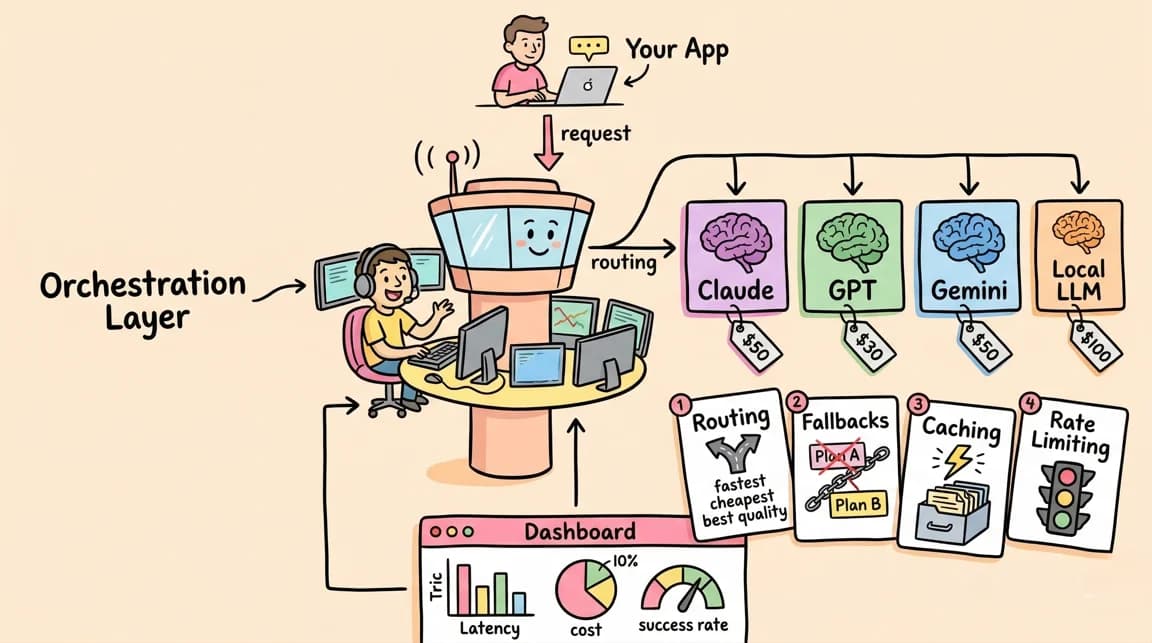
An AI gateway sits between your application code and one or more model providers. It normalizes requests into a common format (usually OpenAI-compatible), then handles some combination of:
- Routing and load balancing across providers or model versions
- Automatic fallback when a provider errors or times out
- Spend tracking and budget enforcement per key, team, or project
- Caching (exact-match or semantic) to cut repeat-request costs
- Logging and observability for requests, latency, and errors
- Guardrails - PII redaction, content filtering, rate limiting
Every product in this category implements a different subset of that list. None of them implement all of it equally well, so the "which is best" question is less useful than "which tradeoff fits this team."
Self-Hosted: LiteLLM and Kong AI Gateway#
LiteLLM is the most common self-hosted choice. It ships as a Python SDK plus a proxy server you deploy yourself (Docker, Kubernetes, or bare metal), speaking the OpenAI format in front of 100+ provider integrations. Per the LiteLLM docs, the proxy handles routing, fallbacks, budgets, and rate limiting, and its GitHub repo is fully open source, so you can read or modify the routing logic directly.
Kong AI Gateway extends Kong's existing API gateway with AI-specific plugins (provider abstraction, semantic caching, prompt guardrails) per the Kong AI Gateway docs. Teams that already run Kong for regular API traffic get LLM routing as an additional plugin layer rather than a new system to operate, which is the main draw over LiteLLM for platform teams with existing API infrastructure.
Self-hosted tradeoffs:
- Cost - no per-request markup from a vendor; you pay only your own infrastructure bill plus engineering time to run it. At high volume this is usually cheaper. At low volume, the fixed cost of running and patching a service can exceed what a managed vendor would have charged.
- Control - full visibility into routing logic, request/response bodies, and where data physically goes. Nothing leaves your network boundary unless you route it there. This matters most for teams with data residency or compliance requirements that a third-party gateway complicates.
- Observability - you own the pipeline, so you can wire it into your existing logging, metrics, and tracing stack directly rather than exporting from a vendor dashboard. That also means you build the dashboards yourself; nothing ships pre-configured.
- Failover and latency - failover logic runs on infrastructure you control, so there is no added network hop to a third-party gateway before requests reach the model provider. But you are also the one on call when the proxy itself has an incident.
- Compliance - easier to satisfy in-region or data-boundary requirements since nothing transits a vendor's infrastructure. Harder to get a SOC 2 report for "your own deployment" - the compliance burden shifts to your team's existing audit process.
Managed: Portkey, OpenRouter, Cloudflare AI Gateway, Vercel AI Gateway#
Portkey is a hosted gateway (with an open-source core on GitHub you can also self-host) that adds guardrails, semantic caching, and a request-observability dashboard on top of routing and fallbacks, per the Portkey docs.
OpenRouter is a hosted unified API in front of hundreds of models from every major lab, with automatic fallback and a single billing dashboard, per the OpenRouter documentation. It is the simplest option to integrate - one API key, one endpoint - but you are routing every request through OpenRouter's infrastructure and paying its per-token markup on top of underlying model pricing.
Cloudflare AI Gateway runs on Cloudflare's edge network and adds caching, rate limiting, and per-request logs in front of any model provider, documented at developers.cloudflare.com/ai-gateway. Teams already on Cloudflare's edge stack get this with minimal new infrastructure to reason about.
Vercel AI Gateway integrates directly with the Vercel AI SDK, documented at vercel.com/docs/ai-gateway, and is the path of least resistance for teams already deploying on Vercel who want provider-agnostic model calls without standing up separate infrastructure.
Managed tradeoffs:
- Cost - usually a per-token or per-request markup layered on top of the underlying model price, in exchange for zero infrastructure to run. At low-to-moderate volume this is often cheaper than staffing an on-call rotation for a self-hosted proxy.
- Control - request data transits a third party. Read each vendor's data retention and processing terms before sending anything sensitive; policies differ significantly between providers and change over time.
- Observability - dashboards, logs, and cost breakdowns ship out of the box, which is a real time-to-value win for small teams without dedicated infra headcount.
- Failover and latency - the vendor's fallback logic activates automatically, but every request adds a hop through the vendor's infrastructure before it reaches the model provider, which can add latency depending on the vendor's network placement (edge providers like Cloudflare mitigate this more than others).
- Compliance - vendors publish their own compliance posture (check each one's trust/security page directly rather than assuming); this can accelerate a compliance review if the vendor already holds the certifications you need, or complicate it if your requirements are stricter than what the vendor supports.
Decision Guide by Team Size and Use Case#
Solo developer or small side project. Use a managed option - OpenRouter or Vercel AI Gateway if you're already on Vercel. Standing up and patching a self-hosted proxy for a project with light, sporadic traffic is rarely worth the operational overhead.
Small startup team validating a product. Managed gateways (Portkey, OpenRouter, Cloudflare AI Gateway) let you ship fast without hiring for infrastructure. Revisit the decision once monthly gateway spend or data-handling requirements grow enough to justify the switch.
Growth-stage team with steady, high-volume traffic. This is where self-hosting starts to pay for itself - LiteLLM's per-request cost is close to zero once deployed, and at scale that beats a vendor markup. Worth the switch once you have the engineering capacity to own the proxy's uptime.
Platform or infrastructure team already running Kong. Kong AI Gateway is the natural fit - it is an incremental plugin on infrastructure you already operate, not a new system.
Regulated industry or strict data residency requirements. Self-hosted (LiteLLM or Kong) gives you the clearest story for keeping data in-boundary, since nothing transits third-party infrastructure by default. If a managed vendor is still preferred, verify its data residency and retention commitments in writing before sending production traffic.
Team already deployed on Vercel or Cloudflare. Use the platform-native gateway (Vercel AI Gateway or Cloudflare AI Gateway respectively) before evaluating anything else - it removes an entire category of "new vendor to onboard" friction.
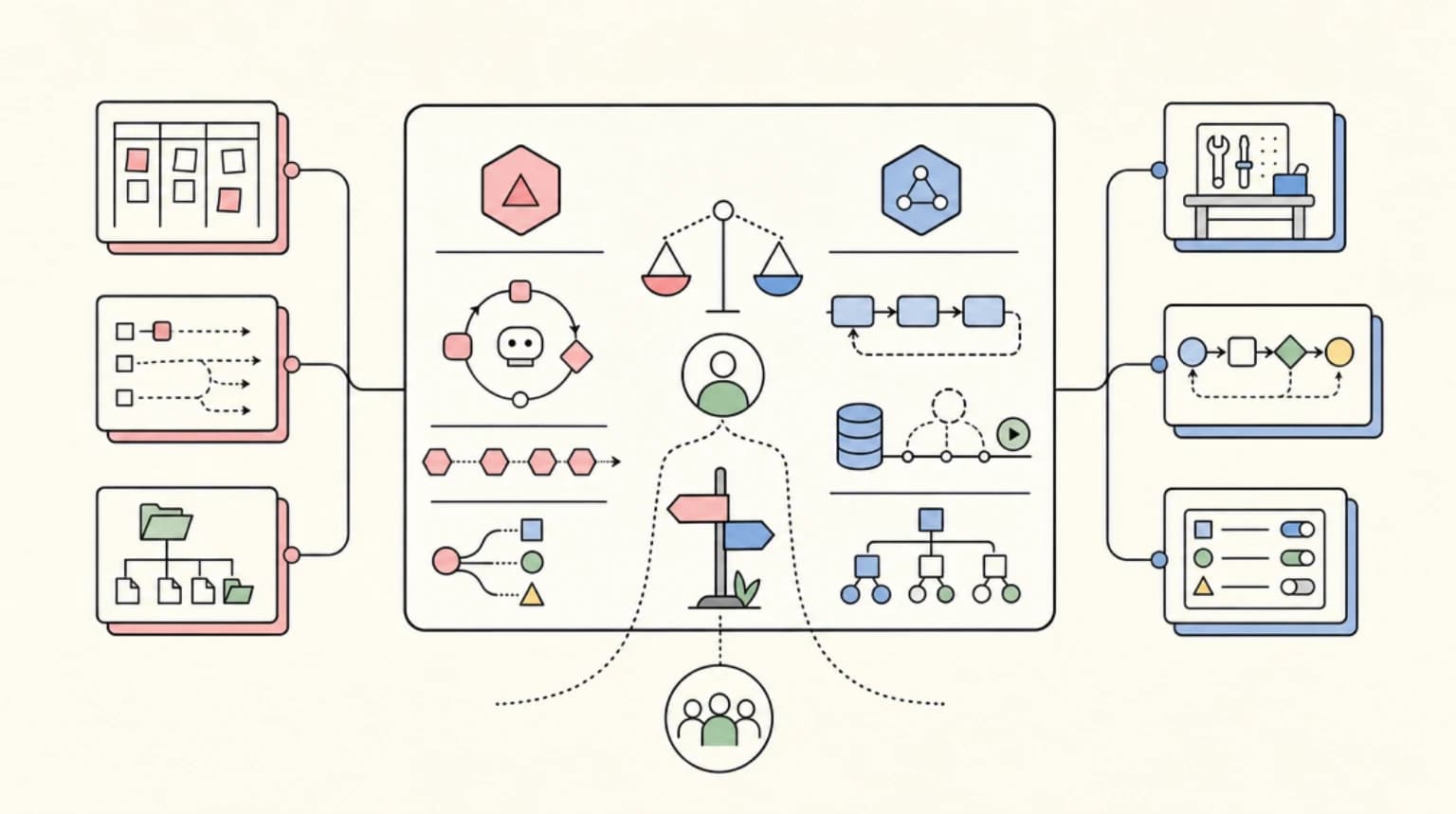
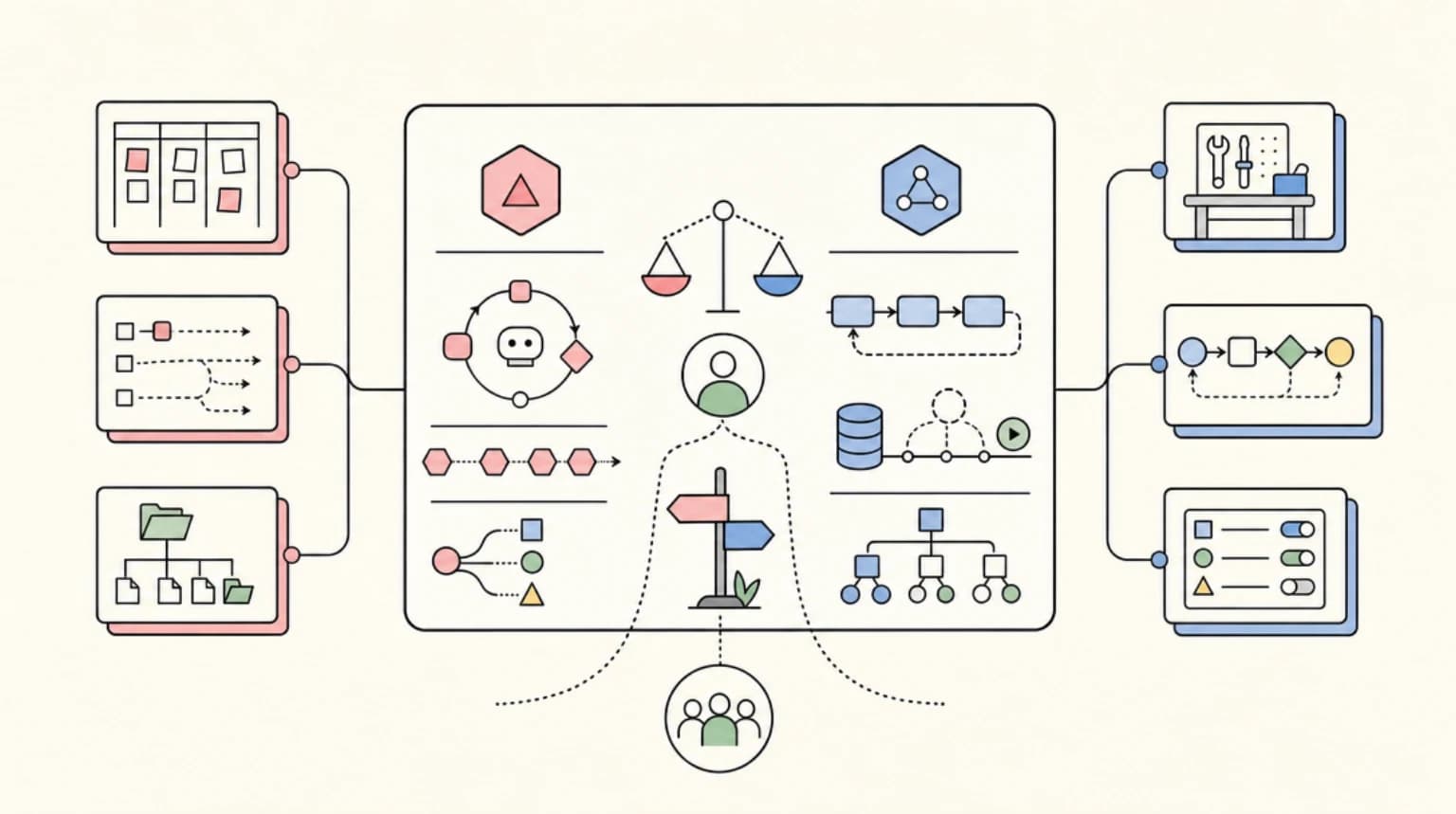
There is no universally correct answer. The honest framing is: managed gateways trade money and some data control for speed and zero ops burden; self-hosted gateways trade engineering time and on-call ownership for cost efficiency at scale and tighter data control. Match the choice to where your team actually is, not where you expect to be in two years.
Official Sources#
| Source | What it covers |
|---|---|
| LiteLLM Documentation | Self-hosted proxy setup, routing strategies, budgets, and fallbacks |
| LiteLLM GitHub | Open-source codebase, provider integrations, deployment configs |
| Portkey AI Gateway | Managed gateway with guardrails, caching, and observability |
| Portkey Gateway GitHub | Open-source core of Portkey's gateway, self-hostable |
| OpenRouter Documentation | Hosted unified API for hundreds of models with fallback routing |
| Cloudflare AI Gateway Docs | Managed gateway on Cloudflare's edge network - caching, rate limiting, logs |
| Vercel AI Gateway Docs | Managed gateway pattern integrated with the Vercel AI SDK |
| Kong AI Gateway Docs | Self-hosted or Kong Konnect-managed gateway built on Kong's API gateway plugin model |
FAQ#
Is LiteLLM free to use?#
The LiteLLM proxy and SDK are open source under the project's license, per its GitHub repository. Running it costs only your own infrastructure - compute, storage for logs, and the engineering time to deploy and maintain it. There is no per-request fee from LiteLLM itself.
Does a managed AI gateway add noticeable latency?#
It depends on the vendor's network placement and your own location relative to it. Edge-based gateways like Cloudflare AI Gateway are built specifically to minimize this by running close to the request origin. Always benchmark against your own traffic pattern before assuming any specific number, since network paths vary by region and provider.
Can I self-host Portkey instead of using the managed version?#
Yes. Portkey's gateway core is open source on GitHub, so teams can self-host the routing and fallback logic while opting out of the managed dashboard, or use the hosted version for the added observability and guardrail features.
Do managed gateways see my prompt content?#
Any managed gateway that sits between your app and the model provider processes your request payloads, since that is how it applies routing, caching, and guardrails. Whether it stores that content, for how long, and under what terms depends on the vendor. Read each provider's data processing and retention documentation directly - do not assume based on the vendor's general reputation.
Which option is cheapest?#
Neither is universally cheaper. Self-hosting removes vendor markup but adds infrastructure and engineering cost that only pays off at meaningful volume. Managed gateways add a markup but remove that overhead entirely. Model your own request volume and expected engineering hours before deciding; anecdotal comparisons from other teams' traffic patterns will not transfer cleanly to yours.
Continue Reading#
- LLM Routers Compared: LiteLLM vs Portkey vs OpenRouter in 2026 - side-by-side feature comparison of the specific tools
- vLLM vs TGI vs SGLang: Which Inference Server to Self-Host - when you're self-hosting the model itself, not just the gateway
- Langfuse vs Braintrust vs Helicone: Agent Tracing Tools in 2026 - observability that pairs with gateway decisions
- LLM Gateways and Routers Compared - the managed and self-hosted options in one sourced directory: fees, BYOK, routing, caching, spend controls and licenses
Get the next comparison like this in your inbox
One email a week on AI Infrastructure and the rest of the AI dev stack. Free.
Read next on AI coding tools
LLM Routers Compared: LiteLLM vs Portkey vs OpenRouter in 2026
LiteLLM vs Portkey vs OpenRouter compared for production AI apps: cost tracking, fallbacks, caching, and load balancing, plus when to use each router.
10 min readvLLM vs TGI vs SGLang: Which Inference Server to Self-Host
A fair comparison of vLLM, TGI, SGLang, TensorRT-LLM, llama.cpp, and LMDeploy for self-hosted LLM inference - batching, quantization, hardware, and ops.
7 min readFable 5 vs Opus 4.8: A Data-Driven Decision Guide for Engineering Teams
Fable 5 posts an 80.3% SWE-Bench Pro score and costs 2x Opus 4.8 - here is the task-profile scoring guide that tells you when the premium pays off.
7 min readNew here? Start with
Technical content at the intersection of AI and development. Building with AI agents, Claude Code, and modern dev tools - then showing you exactly how it works.