ZCode Developer Guide 2026: Z.ai's Agentic IDE for GLM-5.3

TL;DR
ZCode is Z.ai's free desktop agentic development environment tuned for GLM-5.3. Setup, Goal Mode, pricing, and how model connections work.
Last updated: September 28, 2026
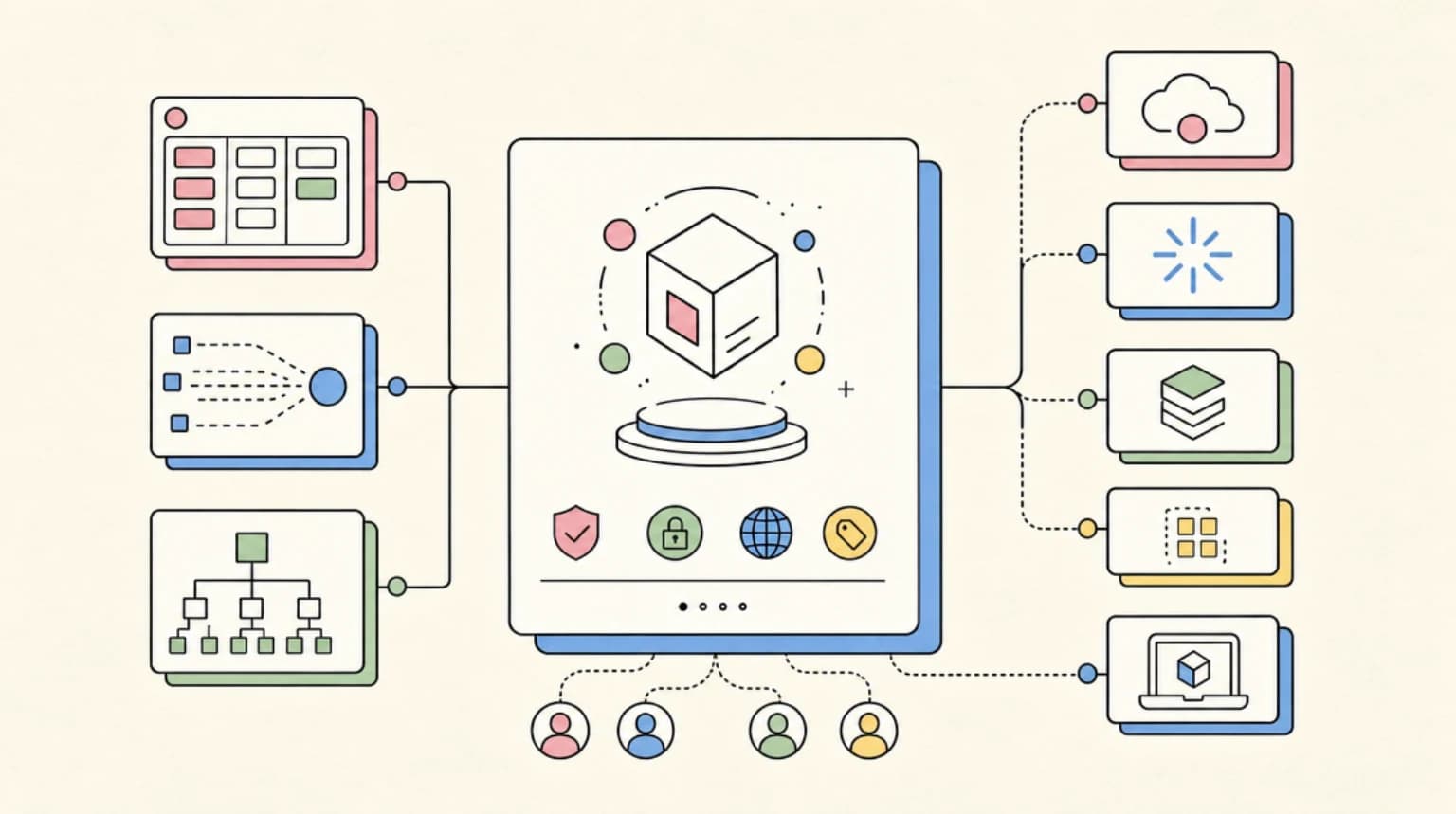
ZCode is Z.ai's free desktop app for agentic coding, which Z.ai calls an Agentic Development Environment (ADE). The app costs nothing, but you connect a model: a GLM Coding Plan, a BigModel or Z.ai account, or your own API key. Its docs are now written around GLM-5.3, and new users get a 5-day free trial of 5M tokens per day. Where a Cursor or VS Code fork puts the editor first, ZCode puts the agent conversation at the center, with a file manager, terminal, Git panel, and live browser preview around it.
Official Sources#
| Resource | Link |
|---|---|
| ZCode documentation | zcode.z.ai/en/docs/welcome |
| ZCode FAQ | zcode.z.ai/en/docs/qa |
| GLM Coding Plan overview | docs.z.ai/devpack/overview |
| Z.ai API pricing | docs.z.ai/guides/overview/pricing |
| GLM-5.3 on Hugging Face | huggingface.co/zai-org/GLM-5.3 |
What ZCode is#
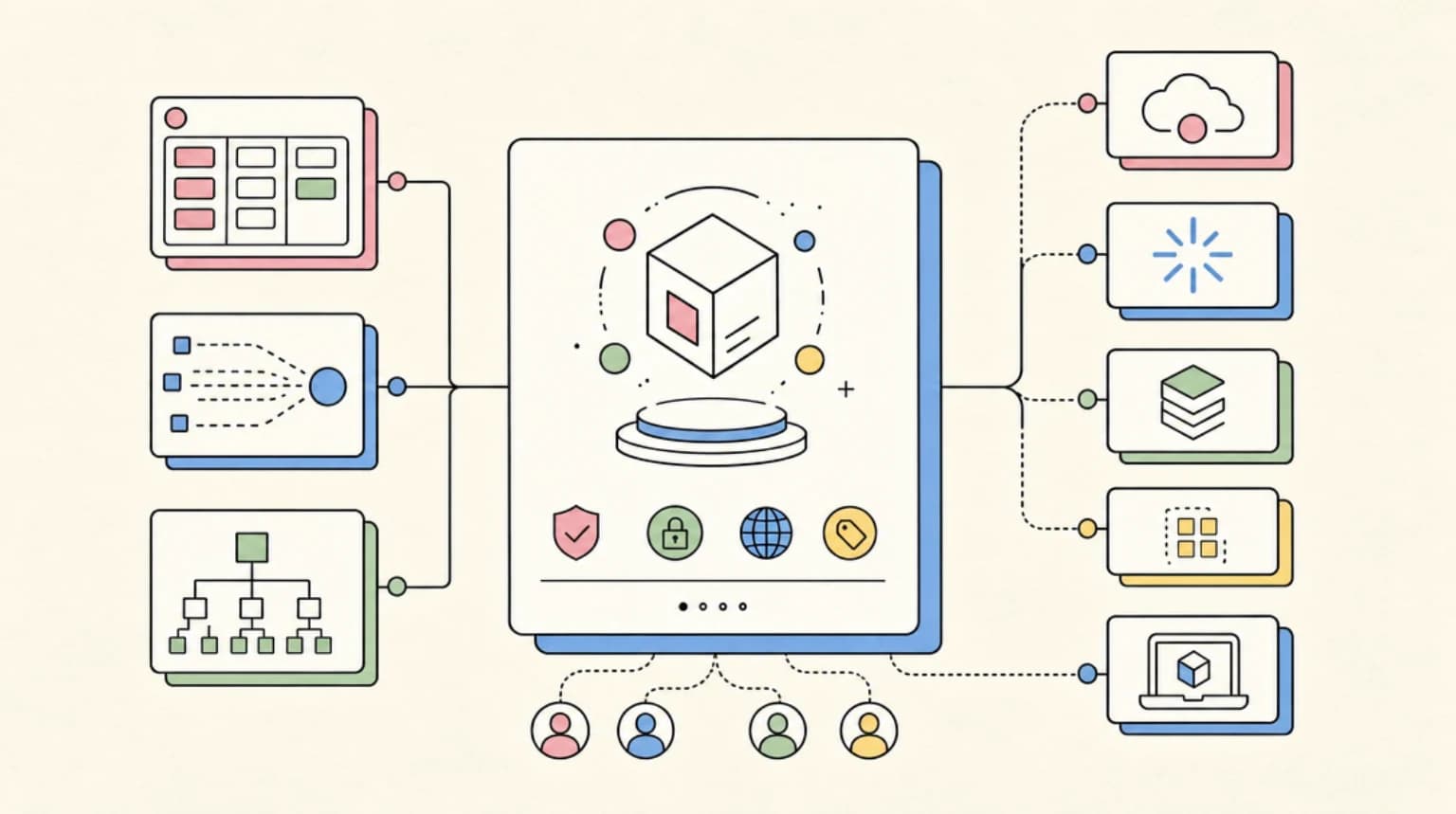
ZCode is a desktop application built around its first-party ZCode Agent. Per its docs, the workspace includes:
- An agent chat with goal-directed execution (
/goal) - A file manager, integrated terminal, Git panel, and live browser preview
- Browser automation, task and file management, memory, and a repo wiki
- MCP servers, plugins, skills, commands, and hooks for extensibility
- SSH and container-based remote development
- Remote control from a phone, plus Feishu and WeChat bot channels
- Edit history for revising earlier prompts without restarting a task
- Confirmation prompts before sensitive commands, file changes, and high-permission actions
The stated design goal is to keep goals, files, terminal output, browser state, and Git state in the same task so long work does not lose context.
Installation and first launch#
Download the app from zcode.z.ai. Supported platforms per the install docs are macOS (Apple Silicon and Intel), Windows (x64 and ARM64), and Linux (x64 and ARM64 as AppImage, DEB, or RPM). On first launch you pick a workspace directory and connect a model. A data migration wizard can import conversations from Claude Code and legacy ZCode, and the docs say no other tools are supported for import.
Connecting models#
The sign-in page offers Connect Z.ai, Connect BigModel, or Use API Key. ZCode's FAQ lists the supported options as the GLM Coding Plan, BigModel packages or balance, Z.ai, enterprise team channels, and self-hosted model services. Terminal environment variables are separate from ZCode's model settings, so a GLM API key configured in your shell does not carry over automatically.
New users get a 5-day free trial: 3M GLM-5.3 tokens per day plus 2M GLM-5-turbo tokens per day, 5M in total. The docs state these daily quotas expire after the 5 days and are not an ongoing allowance.
Pricing#
ZCode is free. The models are not:
- GLM Coding Plan. Lite, Pro, and Max tiers, starting at $18 per month for Lite, with weekly credit allowances of 10,000, 60,000, and 140,000. All plans support GLM-5.3 and GLM-5.3-Flash. Details and off-peak rules are in our GLM-5.3 access guide.
- Pay-as-you-go API. GLM-5.3 costs $1.40 per million input tokens and $4.40 per million output tokens on Z.ai's pricing docs.
- Idle-time tasks. ZCode's docs say subscribers can queue non-urgent work that runs at no plan-quota cost during spare capacity, rolling out gradually.
The Coding Plan also works with other clients that support custom providers, so you are not locked to ZCode. Pricing moves, so check the linked pages before subscribing.
Key features#
Goal Mode#
Set a session objective with /goal <objective>. ZCode checks at the end of every round whether the goal is met and starts another round if not. Related commands are /goal pause, /goal resume, /goal replace <objective>, and /goal clear. The docs advise specific, checkable goals: "make pnpm test pass and keep first-paint under two seconds" works better than "make it faster".
Subagents#
ZCode ships built-in general-purpose and Explore subagents, and you can define your own user-level subagents from Settings. The Explore subagent is read-only and meant for code search and call-chain research.
Remote development and control#
SSH and container support lets the agent execute in a target environment. A mobile remote and Feishu or WeChat bots let you check progress and add instructions while a long task keeps running.
GLM-5.3 performance context#
On Z.ai's own benchmark table on the model card, GLM-5.3 scores 88.2 on Terminal Bench 2.1 (Claude Opus 4.8: 85.0) and 66.9 on DeepSWE v1.1 (Claude Opus 4.8: 58.0). These are vendor-run numbers, not independent reproductions. GLM-5.3 uses the same base model as GLM-5.2, and its weights are on Hugging Face under a custom glm-5.3 license, not the MIT license of GLM-5.2.
ZCode vs Claude Code and Cursor#
ZCode is a standalone desktop app with its own agent, whereas Claude Code is a terminal-first agent and Cursor is a VS Code fork. The trade-off is model choice and workflow: ZCode is tuned for GLM models and offers /goal, edit history, and phone and bot remote control, while Claude Code and Cursor bring their own ecosystems. For a wider comparison see Claude Code vs Cursor vs Codex and the best AI coding tools in 2026. For price comparisons, see AI coding tools pricing.
Data considerations#
ZCode calls Z.ai's hosted models unless you connect your own or a self-hosted service. If your code involves regulated data, sensitive IP, or compliance requirements, review Z.ai's terms first or use a self-hosted or third-party host for the open weights.
Who ZCode fits#
Good fit: you want a desktop agent workspace built around goal-directed execution, you want GLM models at low cost, or you want to steer long tasks from your phone.
Not the best fit: you prefer a VS Code extension ecosystem, you need a specific non-GLM frontier model as your daily driver, or you have strict data residency requirements.
FAQ#
Is ZCode free?#
The app is free. You need a model plan or API key. New users get a 5-day free trial with 5M tokens per day, after which you use a GLM Coding Plan, a BigModel or Z.ai account, or your own API key.
Which models does ZCode use?#
It is tuned for GLM-5.3, and the docs say you can connect GLM models, Coding Plans, enterprise channels, and self-hosted services. It also lists GLM-5.3-Flash and GLM-5-turbo among the available models.
What is Goal Mode?#
Goal Mode sets a checkable objective for the session with /goal. After each round ZCode verifies whether the goal is met and starts another round if it is not.
Can I use the GLM Coding Plan with other tools?#
Yes. The plan works with other clients that support custom model providers, including Claude Code. See the GLM-5.3 access guide for setup.
Does ZCode work offline?#
Not with hosted models: ZCode needs network access to call them. You can connect a self-hosted model service if you run GLM weights yourself, but that needs datacenter-class hardware.
What platforms does ZCode support?#
macOS on Apple Silicon and Intel, Windows on x64 and ARM64, and Linux on x64 and ARM64.
Continue Reading#
- Where to Run GLM-5.3 Free and Cheap - Coding Plan, API, and third-party host prices
- Where to Run GLM-5.2 Free and Cheap - the MIT-licensed predecessor
- How to Use GLM 5.2 and Other Custom Model Providers in Codex - pointing another agent at a GLM endpoint
- GitHub Copilot for JetBrains Gains Persistent Memory and Ollama BYOK
Get the next deep dive like this in your inbox
One email a week on AI Coding and the rest of the AI dev stack. Free.
Read next on AI coding tools
Where to Run GLM-5.3 Free and Cheap: Flash, Batch and Provider Prices (2026)
GLM-5.3 routes compared, verified October 1, 2026: OpenRouter hosts list it from $0.12 per million input tokens, GLM-5.3-Flash costs $0.15 input and $0.50 output from Z.ai, batch drops to $0.45/$2.00, and the Coding Plan starts at $18 per month.
10 min readWhere to Run GLM-5.2 Free and Cheap: Providers Compared
GLM-5.2 is an MIT-licensed open-weights coding model. Cheapest routes: OpenRouter hosts from about $0.36 per million input tokens, Z.ai's API, or self-host.
7 min readClaude Code vs Cursor vs Codex: Which Should You Use?
Terminal agent, IDE agent, local-plus-cloud agent. Three architectures compared - how to decide which fits your workflow, or why you should use all three.
8 min readNew here? Start with
Technical content at the intersection of AI and development. Building with AI agents, Claude Code, and modern dev tools - then showing you exactly how it works.