Droid Missions vs Workstreams vs Custom Droids: Which to Use
TL;DR
Factory Droid has three ways to put more than one agent on a job: custom droids (subagents), Missions and Workstreams. What each one is, what it costs, and a simple rule for picking.
Last updated: November 26, 2026
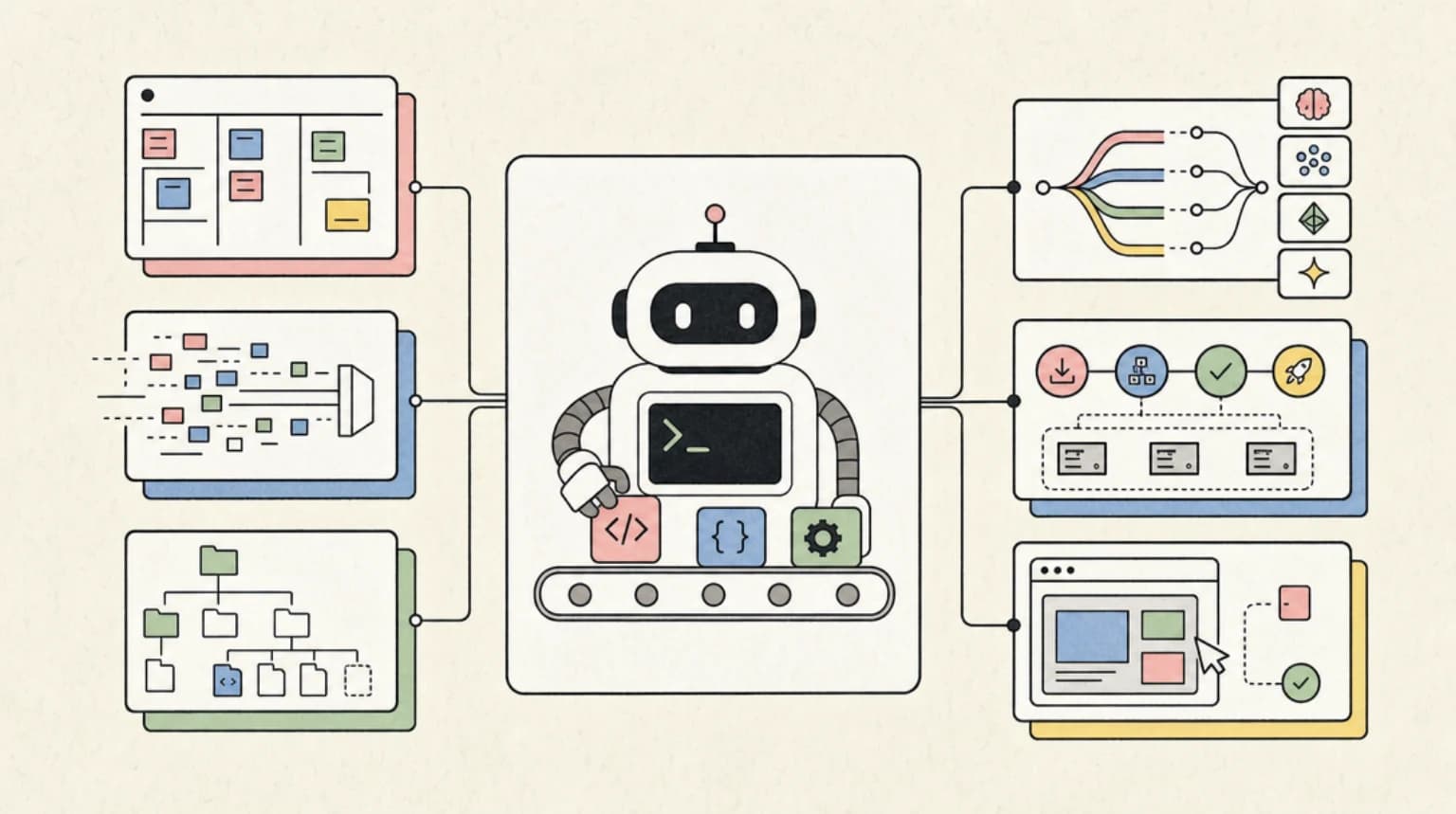
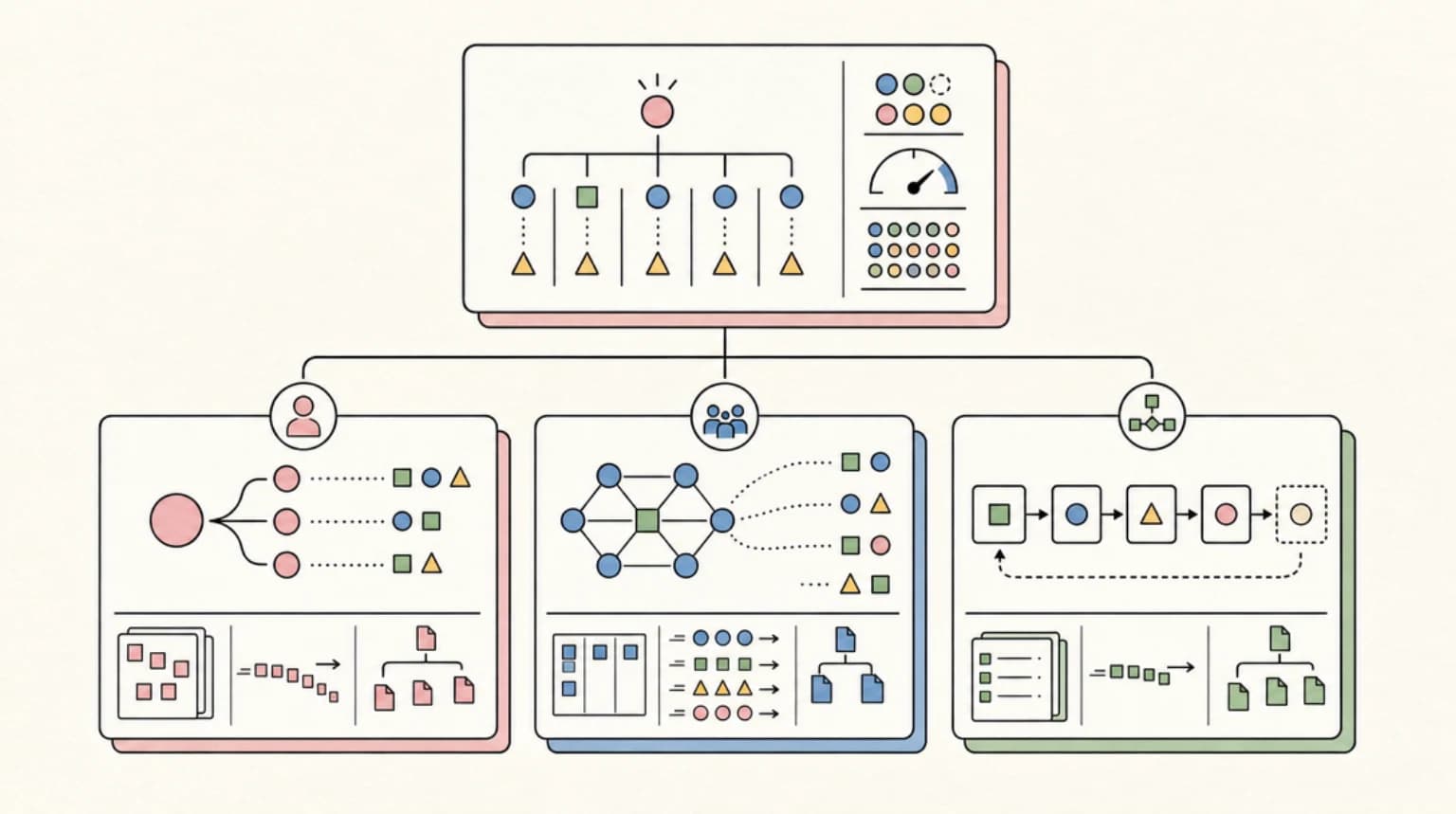
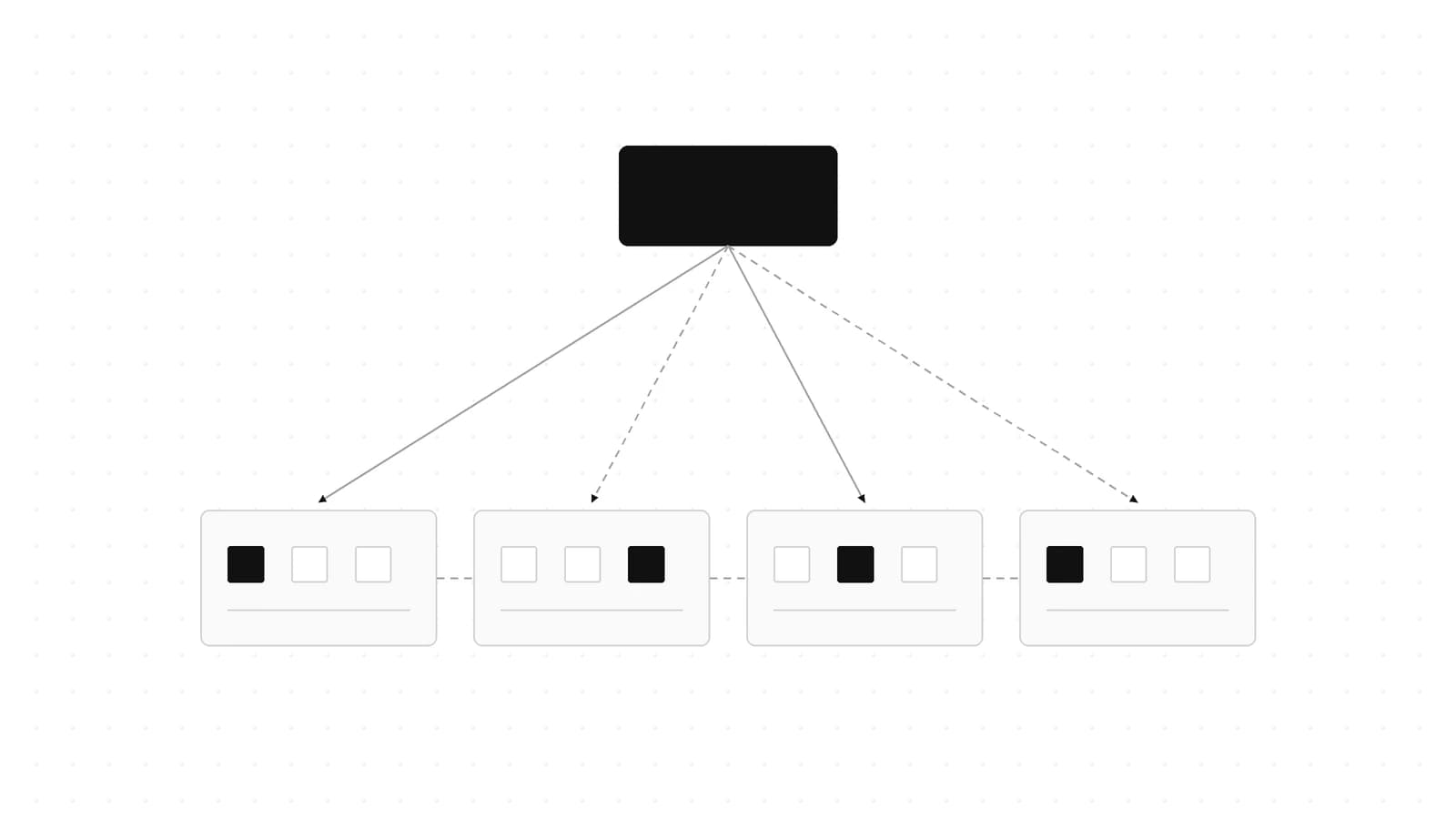
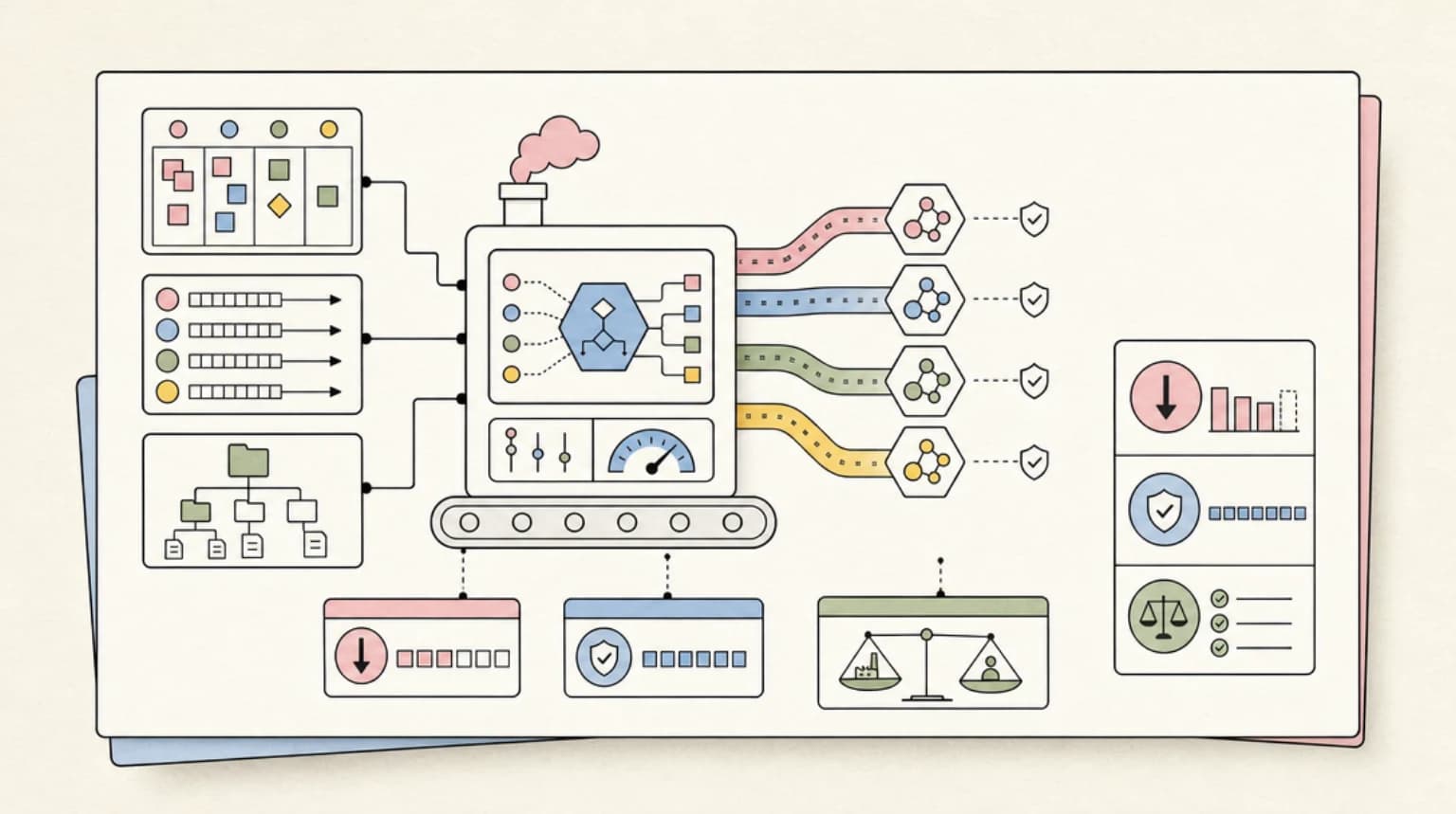
Factory Droid gives you three different ways to put more than one agent on a problem, and the names do not make the difference obvious. Custom droids are subagents you define. Missions are a planned, milestone-driven project run. Workstreams are a long-lived orchestrator that keeps delegating as work arrives. They overlap enough that people pick the wrong one, usually by reaching for a Mission when a subagent would do.
Everything here is from Factory's docs on custom droids, Missions and Workstreams, checked on November 26, 2026. If you need the basics first, read the Droid review and setup guide.
The short version#
| Custom droids | Missions | Workstreams | |
|---|---|---|---|
| What it is | A subagent with its own prompt, model and tools | A planned multi-feature project run by an orchestrator | A standing orchestrator that delegates to a team of agents |
| Scale | One focused task inside a session | About 1 to 500 features, bounded outcome | Days to weeks, open-ended |
| Planning | None, the parent delegates | Up front, collaborative, features and milestones | Conversational, as the work unfolds |
| Validation | Whatever you write in the prompt | Built-in validators and user-facing QA | Pull requests and CI you review |
| Where it runs | CLI, App, droid exec | CLI (/missions), App, droid exec --mission | Factory App |
| Cost profile | Same as the session; cheap if you pick a cheap model | Requires Extra Usage on individual plans | More tokens than a single session |
The rule of thumb: use a custom droid when you want a specialist, a Mission when you want a project finished, and a Workstream when you want a team that stays.
Custom droids: specialists in a fresh context#
A custom droid is a Markdown file. Project droids live in <repo>/.factory/droids/ and are shared through the repository; personal droids live in ~/.factory/droids/ and follow you across projects. Factory's own example:
---
name: code-reviewer
description: Focused reviewer that checks diffs for correctness risks
model: inherit
tools: read-only
---

You are the team's senior reviewer. Examine the diff the parent agent shares and:

- flag correctness, security, and migration risks
- list targeted follow-up tasks if changes are required
- confirm tests or manual validation needed before merge
Droid calls a custom droid through its Task tool, either on its own initiative or because you asked ("Use the subagent code-reviewer on the files I changed"). The Task tool takes a subagent_type, a description and a prompt, plus optional complexity (light, medium or heavy), which routes the call through whatever complexity-to-model mapping you configured, and resume, which sends a follow-up to an earlier subagent with its prior context.
Two details make custom droids more useful than they first look:
- The fresh context window is the point. A reviewer that has not watched the implementation is a better reviewer. A search droid that reads 40 files and returns a summary keeps those 40 files out of the parent's context.
- The model is per droid. A file-triage droid on Claude Haiku 5.5 or GPT-6 Luna (both 0.04x on Factory's multiplier table) costs a sliver of what the same work costs on the parent's model. Our Droid pricing guide explains the multipliers.
If you already have Claude Code subagents, you do not need to rewrite them. Open /droids and run the import flow. It scans .claude/agents/ and ~/.claude/agents/, maps sonnet, haiku and opus to the first available Factory model in that family (keeping inherit as inherit), maps tool names and warns on any without an equivalent, and saves project agents as project droids. That makes Droid one of the easier agents to trial alongside Claude Code; the Claude Code vs Droid comparison covers the rest of the migration surface, and Claude Code subagents vs agent teams vs workflows is the equivalent decision on the Claude side.
Reach for a custom droid when the task is one focused job inside work you are already doing: review this diff, find every caller of this function, write tests for this module.
Missions: plan first, then let it run#
A Mission is Factory's answer to "build this whole thing." You start one with /missions (or /mission) in any session. Droid does not start coding. It interviews you, asks clarifying questions, probes constraints, and turns the conversation into a plan: features grouped into milestones, with the skills each part needs. Your existing skills are reused, and Droid develops new specialized skills where the plan needs them. Your MCP servers, hooks and custom droids all carry into the Mission.
Once you approve the plan, Droid enters Mission Control, the orchestration view. Workers build features; validators check them. In the CLI, Ctrl+T toggles the Mission Control overlay on orchestrator sessions.
Factory gives an unusually concrete sizing guide. A Mission's sweet spot is about 1 to 500 features. Fewer than that, use a normal session. More than 500, split it into multiple Missions. And one rule they state plainly: "Do not run a normal session for a long time and then convert it into a Mission." The value of a Mission is the up-front plan, and a converted session never had one.
The precondition most people skip#
Missions validate their own work by running user-facing QA against your application. Factory recommends your repository be at Agent Readiness Level 4 (Optimized) or above, which in practice means you have a script that stands up or mocks your app's dependencies so a user flow can be exercised end to end. Without it, the docs say, "the mission cannot reliably verify its own work."
You can check where you stand with /readiness-report and close gaps with /readiness-fix. If you skip this step, the most common symptom is the one Factory's troubleshooting section lists first: validation that keeps failing, and feature retry limit warnings. You can disable QA-style validation in Mission Control settings if the project does not need it, but then you are trusting the workers' own claims.
Steering a Mission#
Missions are not fire-and-forget. The orchestrator is an agent you can talk to. Factory's troubleshooting advice is to pause and describe the problem in plain language: "The worker on the auth integration has been stuck for 20 minutes. Mark it as complete and move to the next feature." You can change scope mid-run the same way.
Factory is also candid that Missions are still evolving. Its docs list open questions it is testing: whether parallelization beats sequential execution at all, how to keep long plans from accumulating errors, and how aggressive the orchestrator should be on the cost-versus-quality curve. That honesty is a useful calibration. Treat a Mission as a strong first draft of a project, not as an autonomous delivery.
Cost#
On individual plans, Missions require Extra Usage to be enabled. They draw on the same rolling rate limits as normal sessions and pause when they hit one. Factory's tip: "Run Missions on Droid Core when possible. Core models often deliver comparable results and stretch your plan further."
From the command line, the same thing runs headless, with separate models for each role:
droid exec --mission \
  --worker-model claude-opus-5-5 \
  --validator-model gpt-6.2-sol \
  --auto high \
  "ship the new billing webhook end-to-end"
--mission requires --auto high or --skip-permissions-unsafe, so run it somewhere disposable. Our droid exec guide covers the guardrails.
Reach for a Mission when the work has a clear definition of done, can be cut into milestones, and your repo can prove a feature works with a script.
Workstreams: a team that keeps working#
Workstreams are newer and broader. Factory describes them as handing "a large project to an orchestrator that splits it across a team of agents, keeps them coordinated, and brings the work back as pull requests." They are generally available on every Factory plan, and you start and steer them in the Factory App.
A Workstream has five parts:
- Orchestrator - the lead session you talk to. It plans, delegates, coordinates, and asks you when a decision is yours.
- Agents - Droid sessions the orchestrator starts. Each owns one area, reports back, and can open PRs. You can open any agent and talk to it directly.
- Machines - where they run: a fresh cloud computer from an Environment, a Droid Computer (Factory-managed, or your own computer connected through Remote Control), or the local machine.
- Shared folder - documents every agent reads and writes across machines: plans, notes, findings.
- Pull requests - every PR the team opens, with CI status, in the PRs tab.
The difference from a Mission is the shape of the plan. A Mission front-loads it; a Workstream "starts with a conversation, and the orchestrator delegates as the work unfolds." And a Workstream does not end. You keep giving the same orchestrator new tasks, and you can attach automations so recurring work reports back into it.
That makes Workstreams the fit for work like a framework migration across several services, a backlog of bugs, or a security remediation queue. Factory's Workstreams also have a Tasks tab built around CVE fixes, where you approve plans and merge PRs per finding.
Agents in a Workstream are regular Droid sessions, so they pick up your models, skills, MCP servers, hooks and AGENTS.md on whatever machine they run on. They start at your default autonomy level, capped by your organization's policy.
The cost note is short: Workstreams use more tokens than a single session, and Factory says to save them for large work. If you have a Mission in progress that has outgrown its plan, Factory documents a path to continue a Mission as a Workstream.
Reach for a Workstream when the work spans days, touches several areas that can move in parallel, and you expect to keep adding to it.
A decision flow#
%% title: Choosing between custom droids, Missions and Workstreams in Factory Droid
flowchart TD
  A[New piece of work] --> B{One focused task inside current work?}
  B -->|Yes| C[Custom droid via the Task tool]
  B -->|No| D{Clear definition of done and splits into milestones?}
  D -->|Yes| E{Can a script prove each feature works?}
  E -->|Yes| F[Mission]
  E -->|No| G[Fix readiness first, or run a normal session]
  D -->|No| H{Spans days and keeps growing?}
  H -->|Yes| I[Workstream]
  H -->|No| J[Normal session in Spec Mode]
Two notes on the bottom branches. Spec Mode (Shift+Tab in the CLI, or --use-spec on droid exec) is the underrated option for medium-sized work: Droid plans read-only, asks for approval, and then executes in the same session, without any orchestration overhead. And "fix readiness first" is not a dodge. Every one of these modes works better in a repo that can test itself, and Missions depend on it.
How this compares to other agents#
Claude Code splits the same territory into subagents, agent teams and workflows. Codex has its own subagent and worktree model. What is distinctive about Droid is that the big modes are opinionated products rather than primitives: Missions ship with a planning interview, validators and a QA loop, and Workstreams ship with a shared folder, a PR tracker and machine selection. You get more structure out of the box and fewer knobs to build your own orchestration. If you prefer to compose your own, multi-agent orchestration patterns covers the general designs.
FAQ#
What is the difference between Droid Missions and Workstreams?#
Missions plan features and milestones up front with you, then run that plan from Mission Control with workers and validators. A Workstream starts with a conversation, and its orchestrator delegates to agents as the work unfolds, bringing results back as pull requests. Missions suit bounded projects with a clear outcome; Workstreams suit ongoing work you keep adding to.
What are custom droids?#
Custom droids are Droid subagents: Markdown files with YAML frontmatter that define a name, description, model and tool policy plus a system prompt. Project droids live in .factory/droids/ and personal droids in ~/.factory/droids/. Droid delegates to them through its Task tool in a fresh context window.
Can I import Claude Code subagents into Droid?#
Yes. The /droids menu has an import flow that scans .claude/agents/ in the repo and ~/.claude/agents/ in your home folder. It maps names, descriptions, instructions, model families and tools to Droid equivalents, warning on tools with no match.
Do Missions cost more than a normal session?#
Missions use the same rolling rate limits as regular sessions, but on individual plans they require Extra Usage to be enabled, and a Mission pauses if it hits a limit. Factory recommends running Missions on Droid Core models where possible. Workstreams also use more tokens than a single session, so Factory suggests saving them for large work.
Can I run a Mission from CI?#
Yes. droid exec --mission runs Mission Mode headless, with --worker-model and --validator-model to choose models for each role. It requires --auto high or --skip-permissions-unsafe. Workstreams are started and steered in the Factory App.
Continue Reading#
- Set Up Factory Droid Properly
- Factory Droid: Review and Setup Guide
- droid exec: Run Factory Droid Headless in CI
- Factory Droid Pricing Explained
- Claude Code vs Droid
- All Droid guides
Sources#
- Custom droids (subagents): docs.factory.com/harness/subagents
- Factory Missions: docs.factory.com/missions/overview
- Missions configuration and headless execution: docs.factory.com/missions/reference
- Workstreams: docs.factory.com/workstreams/overview
- Interaction modes (Normal, Spec, Mission): docs.factory.com/autonomy-and-safety/specification-mode
- Agent Readiness: docs.factory.com/agent-readiness/overview
- Individual plans (Missions and Extra Usage): docs.factory.com/pricing/individuals
Get the next comparison like this in your inbox
One email a week on Droid and the rest of the AI dev stack. Free.
Read next on AI coding tools
Factory Droid: Review and Setup Guide (2026)
Factory Droid review and setup: a terminal-native AI coding agent with multi-model routing, headless CI and browser automation, and if it fits your workflow.
8 min readdroid exec: Run Factory Droid Headless in CI (2026 Guide)
A practical guide to droid exec, the headless mode of Factory Droid: autonomy levels, output formats, tool controls, worktrees, GitHub Actions, PR review with droid-action, and the safety traps to avoid.
11 min readFactory Droid Pricing Explained: Plans, Rate Limits and Multipliers (2026)
Droid pricing in plain terms: the free BYOK tier, Pro, Plus and Max, the three rolling rate limits, Droid Core, Extra Usage, and how model multipliers decide how fast your plan drains.
9 min readNew here? Start with
Technical content at the intersection of AI and development. Building with AI agents, Claude Code, and modern dev tools - then showing you exactly how it works.