Set Up Factory Droid Properly: AGENTS.md, Skills, Hooks, MCP and Permissions
TL;DR
A configuration guide for Factory Droid: where AGENTS.md, skills, hooks, MCP servers and settings live, what each one is for, and a starter setup you can commit to a repo today.
Last updated: November 26, 2026
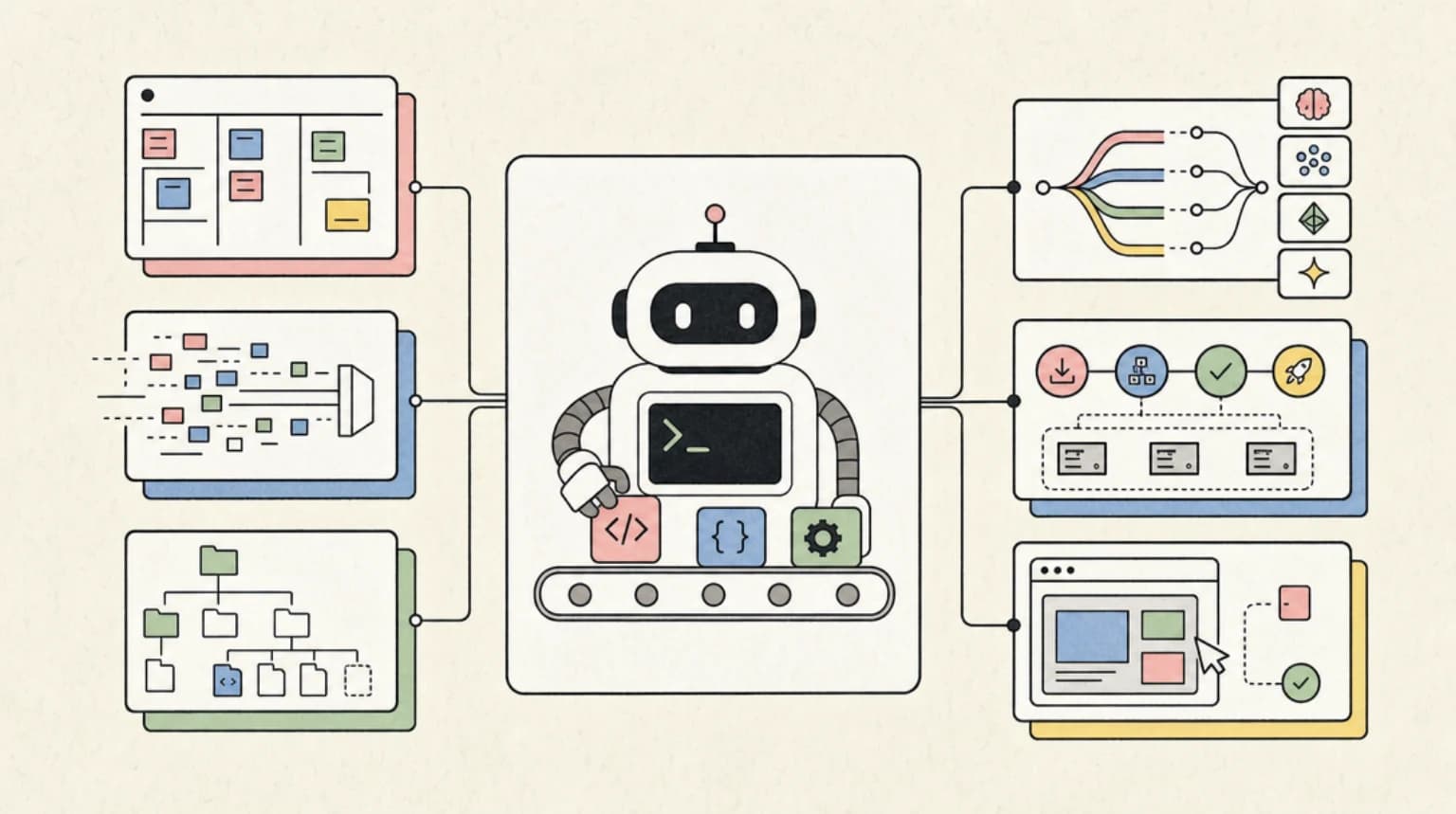
Installing Droid takes one command. Making it good at your repository takes about six files, and most of them live in a .factory/ folder you can commit so every teammate, CI job and Mission inherits the same setup. This guide walks through each layer in the order you should add them: AGENTS.md, settings, permission rules, MCP servers, skills, hooks and custom droids. Everything here comes from Factory's docs as of CLI v1.21.0 (November 25, 2026), and every config sample is adapted from an official example.
If you have not installed Droid yet, start with our Droid review and setup guide.
The map: what lives where#
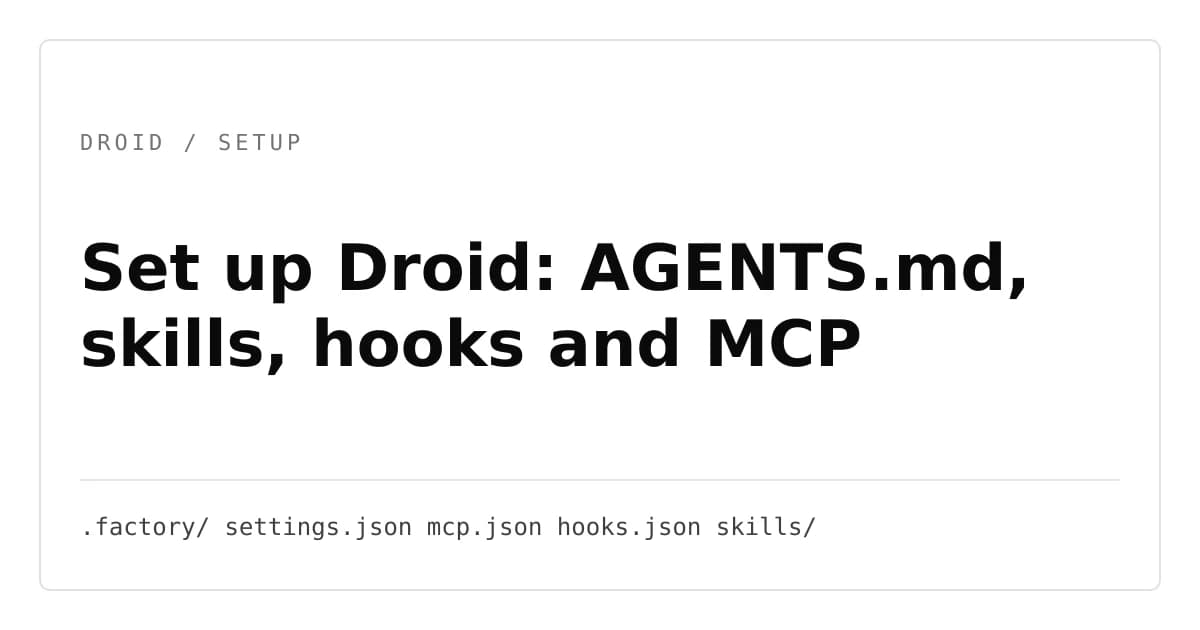
| Layer | Project (commit it) | Personal | Purpose |
|---|---|---|---|
| Instructions | AGENTS.md (root, nested dirs, .factory/) | ~/.factory/AGENTS.md | Commands, layout, conventions |
| Settings | .factory/settings.json | ~/.factory/settings.json | Model, reasoning, autonomy, permission rules |
| Local overrides | .factory/settings.local.json | ~/.factory/settings.local.json | Machine-specific values, never synced |
| MCP servers | .factory/mcp.json | ~/.factory/mcp.json | External tools |
| Skills | .factory/skills/<name>/SKILL.md | ~/.factory/skills/<name>/SKILL.md | Reusable procedures loaded on demand |
| Hooks | .factory/hooks.json | ~/.factory/hooks.json | Deterministic commands at lifecycle events |
| Custom droids | .factory/droids/<name>.md | ~/.factory/droids/<name>.md | Subagents with their own model and tools |
The rule of thumb across all of them: project files are for things every contributor needs, personal files are for preferences. Factory says it directly for instructions: "Project files should override personal defaults. Personal files should describe preferences, not requirements that fight repository rules."
1. AGENTS.md: the file that matters most#
AGENTS.md is the project brief Droid reads at the start of every session. When a git root is present, Droid searches from the current working directory up to the git root, checking each directory and its .factory/, .agents/ and .agent/ subfolders. It also reads personal instructions from ~/.factory/, ~/.agents/ and ~/.agent/. Nested files refine the root file for their directory tree, which is how you give a monorepo package its own rules.
Two details worth knowing:
- Droid reads
CLAUDE.mdtoo. It is on the list of compatible filenames, so a repo already set up for Claude Code works without a rename. If you maintain both, see our Claude Code AGENTS.md support post for how to keep one source of truth. - There is a size budget. The initial load is capped at 80,000 characters, and dynamic discovery during a session at 40,000 characters per tool call. A sprawling AGENTS.md gets truncated, so keep it to what an agent cannot infer from the code.
Factory's own recommended shape is short and command-heavy:
# Repository guide

## Commands

- Install dependencies: `pnpm install`
- Start local server: `pnpm dev`
- Run unit tests: `pnpm test`
- Run type checks: `pnpm typecheck`
- Run lint: `pnpm lint`

## Project layout

- `app/` contains routes and server-rendered pages.
- `components/` contains reusable UI components.
- `lib/` contains shared business logic and integrations.

## Verification

Before calling work finished, run:

1. `pnpm test`
2. `pnpm typecheck`
3. `pnpm lint`

If a command fails, fix the issue and rerun it.
The verification section is the highest-leverage part. An agent that knows how to check its own work stops handing you broken diffs. Our AGENTS.md configuration smells catalog lists the patterns that quietly make these files worse.
2. settings.json: defaults you stop retyping#
User settings live in ~/.factory/settings.json (%USERPROFILE%\.factory\settings.json on Windows). A settings.local.json next to any settings.json merges on top of it, which is where machine-specific values go. The keys you will touch first:
model- the default model ID, for exampleclaude-opus-5-5reasoningEffort- the default effort levelsessionDefaultSettings.autonomyLevel-off,low,mediumorhighsessionDefaultSettings.interactionMode-autoorspecpermissionRules- command policy (next section)
A minimal personal file, adapted from Factory's example:
{
  "model": "claude-sonnet-5-5",
  "reasoningEffort": "medium",
  "sessionDefaultSettings": {
    "autonomyLevel": "low",
    "interactionMode": "spec"
  }
}
Starting in Spec Mode means Droid plans read-only and asks for approval before editing, which is a good default while you learn how it behaves in your codebase. Shift+Tab flips between Normal and Spec mid-session. The model choice matters for cost: Sonnet 5.5 runs at 0.8x on Factory's multiplier table against 1.6x for Opus 5.5, so it stretches a plan twice as far. Our Droid pricing guide covers the multipliers.
3. Permission rules: decide before the agent asks#
Autonomy levels are coarse. Permission rules let you say exactly which commands are allowed, need approval, or are blocked, and they apply in interactive sessions and in droid exec. Factory's format is unusual in one good way: every rule carries its own tests.
{
  "permissionRules": {
    "version": 1,
    "rules": [
      {
        "id": "project/git-push",
        "decision": "ask",
        "reason": "Review remote Git changes before pushing.",
        "match": { "prefix": ["git", "push"] },
        "tests": {
          "match": ["git push origin main"],
          "noMatch": ["git status", "git log --oneline"]
        }
      }
    ]
  }
}
match.prefix is an ordered list of exact tokens, and tests.match and tests.noMatch are full command strings the rule must and must not match. Precedence is strict: block beats ask, which beats allow. Validate the whole policy, and preview a specific command, before you rely on it:
droid rules check
droid rules check --command 'git push origin main' --json
Because a headless run cannot answer an ask, a rule like the one above effectively stops droid exec at the push. That is usually what you want; our droid exec CI guide covers how rules and --auto interact. The older commandAllowlist and commandDenylist settings still work but are deprecated.
4. MCP servers: tools beyond the repo#
Add servers with droid mcp add. The type defaults to stdio:
# Remote server over HTTP (OAuth handled by Droid)
droid mcp add linear https://mcp.linear.app/mcp --type http

# Local stdio server with an environment variable
droid mcp add airtable "npx -y airtable-mcp-server" \
  --env AIRTABLE_API_KEY=your_key
--header "KEY: VALUE" sets headers on HTTP servers, and --no-oauth turns OAuth off for servers that authenticate with an API key. Config lands in mcp.json at one of three levels: ~/.factory/mcp.json for personal servers, .factory/mcp.json in the project root for team servers you commit, or a .factory/mcp.json in a parent folder shared by nested projects. The project file looks like this:
{
  "mcpServers": {
    "playwright": {
      "command": "npx",
      "args": ["-y", "@playwright/mcp@latest"],
      "disabled": false
    }
  }
}
Inside a session, /mcp opens the manager (including a built-in registry), droid mcp auth signs in to every server that needs it, and /mcp off disables every configurable server for the current session, which is handy when tool definitions are crowding the context window. Commit only servers every contributor can authenticate to; keep personal accounts in the user file. Our best MCP servers roundup is a starting list.
5. Skills: procedures loaded only when needed#
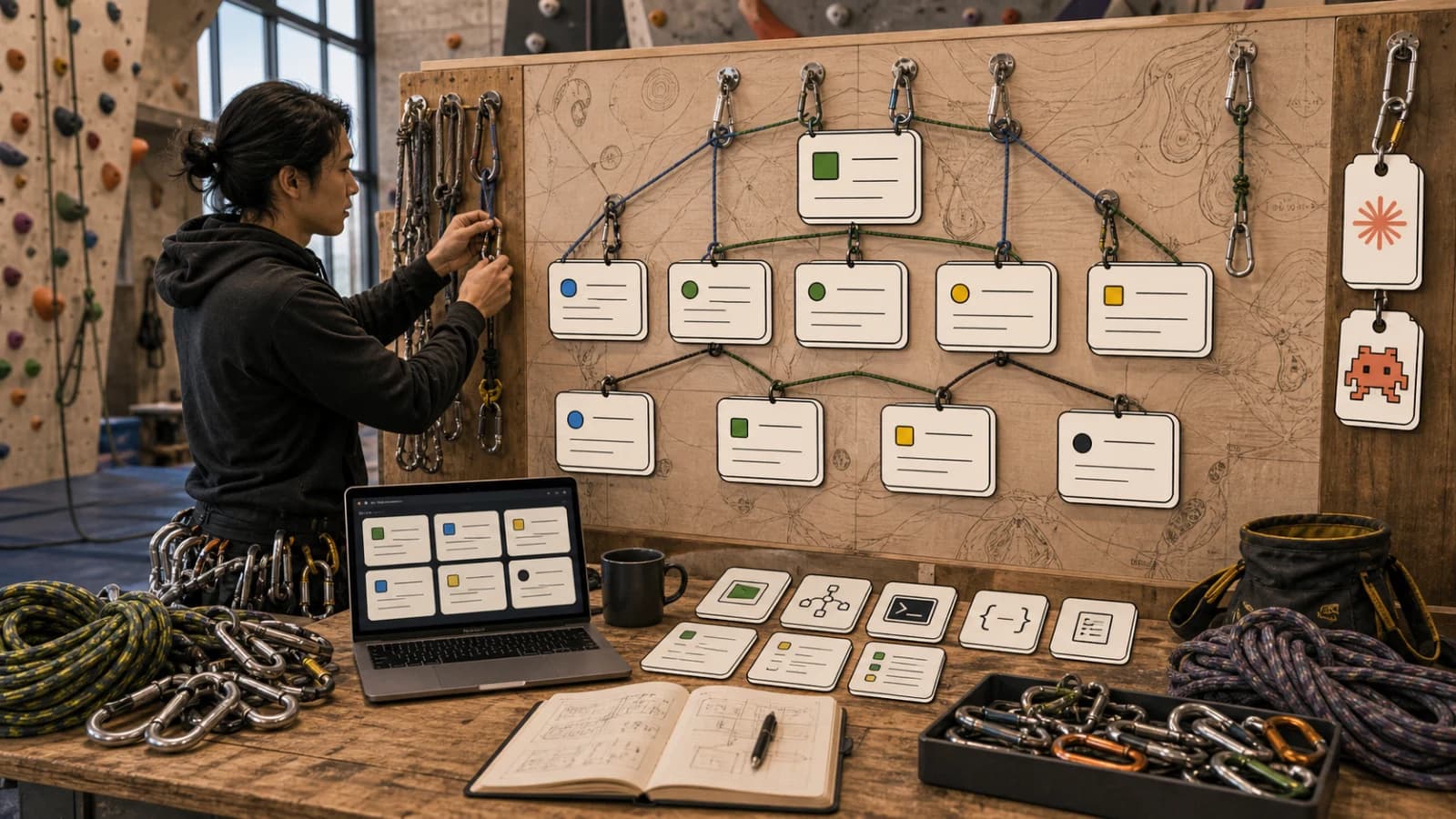
A skill is a folder with a SKILL.md. Droid compares your request against every skill's description and loads the full body only when one applies, so skills cost almost nothing until they are used. Project skills live in .factory/skills/<name>/SKILL.md, personal ones in ~/.factory/skills/, and Droid also reads the shared .agents/skills/ convention, so skills written for other agents in the Agent Skills format are picked up as-is.
A minimal skill, using frontmatter fields from Factory's reference:
---
name: release-notes
description: Draft release notes from merged PRs since the last tag. Use when the user asks for release notes or a changelog entry.
allowed-tools:
  - Read
  - Grep
  - Execute
user-invocable: true
---

1. Find the latest tag with `git describe --tags --abbrev=0`.
2. List merged commits since that tag with `git log <tag>..HEAD --oneline`.
3. Group them into Features, Fixes and Internal.
4. Write the result to `RELEASE_NOTES.md` and show a summary.
With user-invocable: true the skill also appears as /release-notes. Set disable-model-invocation: true for skills you only want to run by hand. /skills lists what Droid discovered, and /create-skill turns the current session into a new skill, which is the fastest way to capture a workflow you just walked Droid through. If you are deciding between a skill and a longer AGENTS.md, our why skills beat prompts post makes the case.
6. Hooks: rules the model cannot talk its way past#
Instructions are suggestions. Hooks are code. A hook runs a shell command at a lifecycle event and can block, annotate or continue the action. Droid supports PreToolUse, PostToolUse, UserPromptSubmit, Notification, Stop, SubagentStop, PreCompact, SessionStart and SessionEnd.
Project hooks go in .factory/hooks.json, keyed by event. This one, adapted from Factory's docs, runs a formatter after every file edit:
{
  "PostToolUse": [
    {
      "matcher": "Create|Edit|ApplyPatch",
      "hooks": [
        {
          "type": "command",
          "command": "python3 \"$FACTORY_PROJECT_DIR\"/.factory/hooks/format_changed_file.py"
        }
      ]
    }
  ]
}
The script itself is yours to write. The semantics that matter:
- Exit 0 is success. On
UserPromptSubmitandSessionStart, plain stdout is added to the model's context, which is how you inject the current branch or ticket. - Exit 2 blocks. On
PreToolUseit stops the tool call, and the reason comes from stderr. OnStopit feeds the reason back so Droid keeps working, which is a clean way to enforce "tests must pass before you finish." - Matchers that contain only names and
|are exact tool-name lists (Create|Edit). Anything with other characters is an unanchored regex, so use^Edit$for a whole-name match. - A
PreToolUsematcher onExecutecan addcommandRegex, for example"^git ", to target specific shell commands.
/hooks opens a manager with User, Project, Plugins and Effective tabs, and the Effective tab is the one to check when a hook does not fire. One security note from the exec docs: droid exec runs project hooks without a folder-trust prompt, so disable them with a --settings file when running against untrusted code. The concepts map closely to Claude Code's; our Claude Code hooks explainer is a good second read.
7. Custom droids: specialists on cheap models#
Custom droids are subagents defined in .factory/droids/<name>.md, each with its own prompt, model and tool policy. They are covered in depth in Droid Missions vs Workstreams vs custom droids. The setup-time advice is simple: create one read-only reviewer and one cheap explorer on a low-multiplier model, and let the main session delegate. If you have Claude Code agents in .claude/agents/, /droids can import them.
A starter .factory/ to commit#
AGENTS.md
.factory/
  settings.json        # permissionRules only; leave model choice to each person
  mcp.json             # servers every contributor can authenticate to
  hooks.json           # formatter on edit, protected paths on PreToolUse
  skills/
    release-notes/SKILL.md
  droids/
    code-reviewer.md   # tools: read-only
Leave model and autonomy defaults out of the project settings.json. Those are personal and plan-dependent, and a committed default of --auto high is a bad surprise for a new contributor. Put shared policy (permission rules, hooks) in the project, and shared knowledge (AGENTS.md, skills, droids) next to it.
Once that is in place, run /readiness-report to see where Factory's Agent Readiness model scores the repo. Missions in particular expect a repo that can verify its own work.
FAQ#
Does Factory Droid read CLAUDE.md?#
Yes. Droid lists CLAUDE.md and Claude.md as compatible instruction filenames alongside AGENTS.md, so a repo set up for Claude Code works without renaming anything.
Where does Droid store its settings?#
User settings live in ~/.factory/settings.json on macOS and Linux and %USERPROFILE%\.factory\settings.json on Windows. A project can have .factory/settings.json, and a settings.local.json next to either one merges on top for machine-specific values.
How do I add an MCP server to Droid?#
Run droid mcp add <name> <url-or-command>, adding --type http for remote servers. Stdio is the default. The config is written to ~/.factory/mcp.json for personal servers or .factory/mcp.json in the project root for shared ones, and /mcp manages them inside a session.
What is the difference between Droid skills and hooks?#
A skill is instructions the model chooses to load when a request matches its description. A hook is a shell command Droid runs at a lifecycle event, whatever the model decides. Use skills for procedures, and hooks for rules that must always hold, such as formatting or blocking writes to protected paths.
How do Droid permission rules decide between allow, ask and block?#
Each rule matches a command by an ordered prefix of tokens and carries tests that prove what it matches. When several rules match, block takes precedence over ask, which takes precedence over allow. Run droid rules check to validate rules and preview a decision.
Continue Reading#
- Factory Droid: Review and Setup Guide
- Droid Missions vs Workstreams vs Custom Droids
- droid exec: Run Factory Droid Headless in CI
- Droid vs Codex
- All Droid guides
Sources#
- AGENTS.md in Droid: docs.factory.com/harness/agents-md
- Settings: docs.factory.com/droid-cli/settings
- Permission rules: docs.factory.com/autonomy-and-safety/permission-rules
- MCP: docs.factory.com/harness/mcp
- Skills: docs.factory.com/harness/skills
- Hooks: docs.factory.com/harness/hooks
- Custom droids: docs.factory.com/harness/subagents
- CLI reference: docs.factory.com/droid-cli/cli-reference
Get the next deep dive like this in your inbox
One email a week on Droid and the rest of the AI dev stack. Free.
Read next on AI coding tools
Factory Droid: Review and Setup Guide (2026)
Factory Droid review and setup: a terminal-native AI coding agent with multi-model routing, headless CI and browser automation, and if it fits your workflow.
8 min readDroid Missions vs Workstreams vs Custom Droids: Which to Use
Factory Droid has three ways to put more than one agent on a job: custom droids (subagents), Missions and Workstreams. What each one is, what it costs, and a simple rule for picking.
10 min readdroid exec: Run Factory Droid Headless in CI (2026 Guide)
A practical guide to droid exec, the headless mode of Factory Droid: autonomy levels, output formats, tool controls, worktrees, GitHub Actions, PR review with droid-action, and the safety traps to avoid.
11 min readNew here? Start with
Technical content at the intersection of AI and development. Building with AI agents, Claude Code, and modern dev tools - then showing you exactly how it works.