Jamesob's Guide to Running SOTA LLMs Locally: The Hardware and Config That Actually Works

TL;DR
A detailed breakdown of jamesob's viral local LLM guide covering the $2k and $40k hardware paths, critical BIOS settings, and why most setups fail at PCIe negotiation and IOMMU.
A new guide to running state-of-the-art LLMs locally is making the rounds on Hacker News, and it stands out from the typical "just buy a Mac" advice. Jamesob's local-llm repository lays out two concrete hardware paths - a $2k budget build and a $40k near-frontier setup - along with the exact BIOS settings, kernel parameters, and software stack configurations that most guides skip entirely.
The post resonated with developers who have tried and failed to get multi-GPU inference working reliably. The details matter: PCIe link speed negotiation, IOMMU settings, and power management quirks can silently degrade performance or cause NCCL hangs that are notoriously difficult to debug.
Last updated: July 4, 2026
The Two Hardware Paths#
The guide presents two distinct configurations based on budget and target model size.
Budget Path: $2k for 48GB VRAM#
The entry point is two RTX 3090s, giving you 48GB of combined VRAM. This is enough to run Qwen3.6-27B at useful speeds. The 3090 remains attractive because of its memory bandwidth - 936 GB/s per card, or 1.87 TB/s combined across the pair.
This matters more than raw compute for inference workloads. Token generation is bottlenecked by memory bandwidth, not FLOPs. Two used 3090s from the secondary market can hit this price point if you shop carefully.
High-End Path: $40k for Near-Opus#
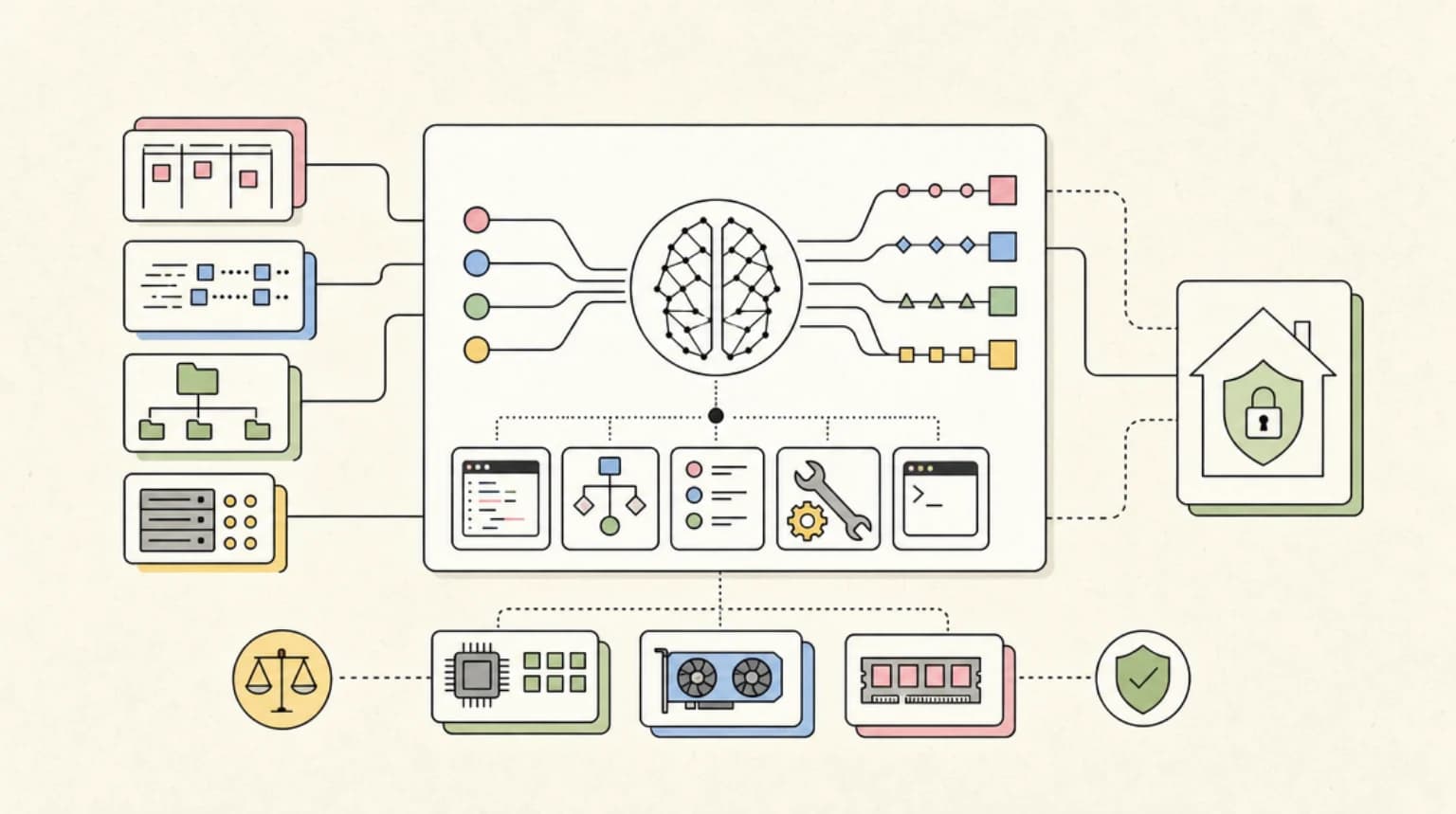
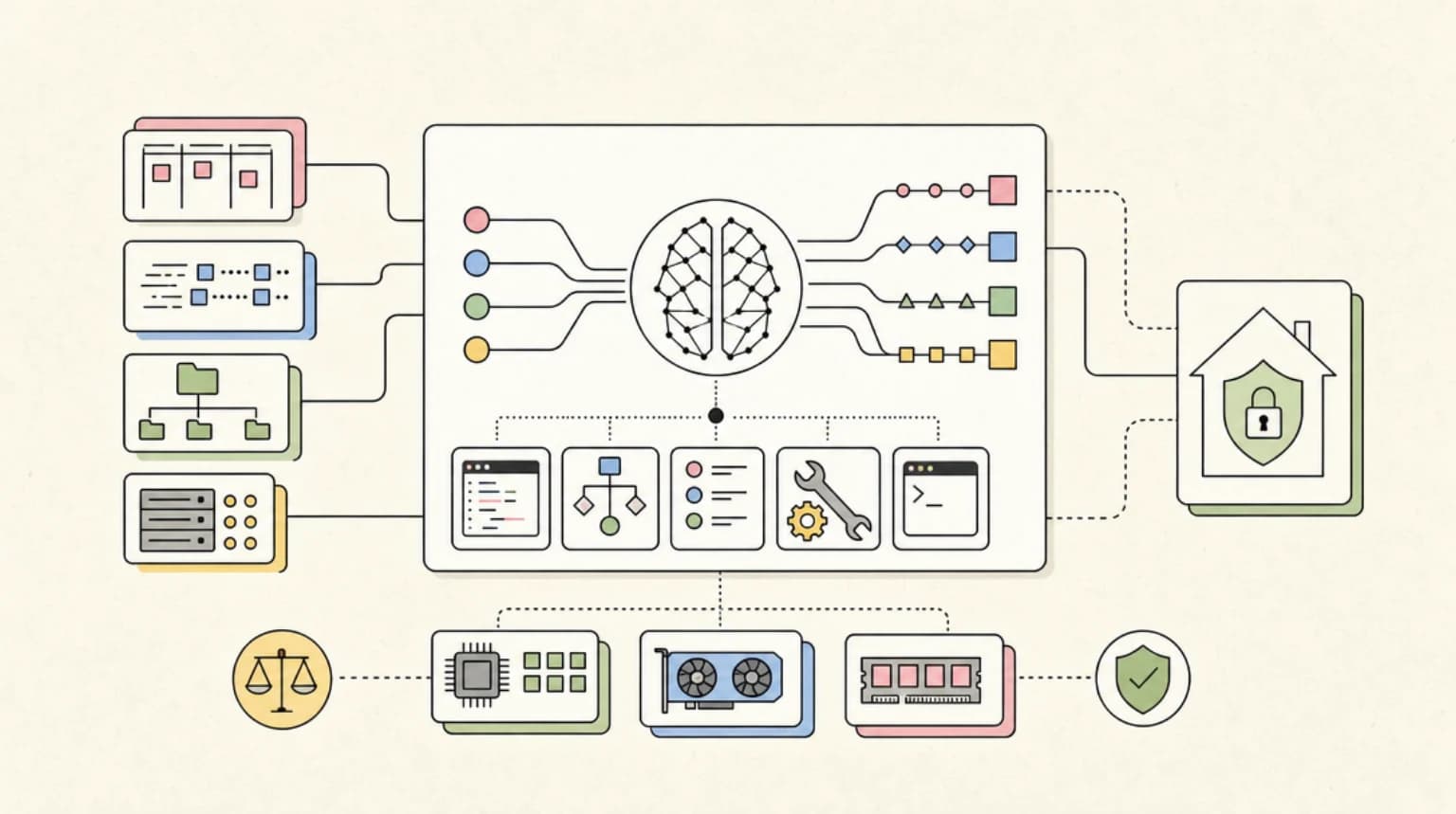
The ambitious configuration targets GLM-5.2 running in an Int8Mix-NVFP4 quantization with REAP pruning (22% of experts removed). The hardware:
- 4x RTX PRO 6000 Blackwell cards (384GB VRAM total)
- AMD EPYC Milan CPU
- DDR4 RAM
- ASRock Rack motherboard (base system runs about $5.6k)
- PCIe Gen4 switches from c-payne.com for GPU-to-GPU peer-to-peer communication
The pruned and quantized GLM-5.2 model (approximately 594B parameters after modifications) delivers around 80 tokens/second at 460k context on this setup. The guide characterizes this as "near-Opus-level performance" - a claim the HN community has been debating.
What HN Is Saying#
The Hacker News discussion has over 170 comments covering hardware alternatives, performance comparisons, and the economics of local vs. cloud inference.
The Mac debate is predictable but substantive. Multiple commenters point out that an M5 MacBook Pro with 48GB of unified memory costs around $3k and fits in a backpack. The counterargument centers on memory bandwidth: the 3090 pair delivers 1.87 TB/s versus 300-600 GB/s on most Mac configurations. One commenter benchmarked Qwen3.6-27B at 68 tok/s on dual 3090s versus 18 tok/s on an M3 MacBook Pro - a significant real-world gap.
The "almost Opus" claim drew skepticism. Several commenters noted that running a heavily quantized and pruned model introduces quality degradation that benchmarks may not capture. The concern is that aggressive quantization (below 8-bit) combined with expert pruning could introduce behavioral issues - looping, reasoning failures, and context handling problems - that emerge only in production use.
IOMMU configuration is the silent killer. Multiple experienced users validated the guide's emphasis on kernel parameters. The recommendation to set iommu=off amd_iommu=off addresses NCCL communication hangs that plague multi-GPU setups. One commenter noted they spent weeks debugging this exact issue before finding the same fix.
PCIe negotiation failures are common. The guide's advice to force PCIe Gen4 link speed in BIOS (rather than leaving it on Auto) addresses a common failure mode where links negotiate down to Gen3 or even Gen2 speeds, cutting bandwidth dramatically without obvious symptoms.
The rental vs. buy calculus is shifting. Several commenters argued that for intermittent use, cloud GPU rental remains cheaper. The breakeven analysis depends on utilization rate, but consensus suggests you need consistent daily use to justify the capital outlay. One commenter with a $40k build noted their machine runs 24/7 for agent workloads - a different economic model than occasional inference.
The Critical Configuration Details#
What makes this guide valuable is the specific configuration advice that general hardware recommendations miss.
BIOS Settings#
-
Force PCIe Gen4 link speed - Auto negotiation can fail to reach full speed, especially after thermal events or power state changes.
-
Disable ASPM (Active State Power Management) - This prevents the link from dropping to 2.5GT/s during idle periods, which can cause latency spikes when inference resumes.
-
Enable Re-Size BAR - This exposes the full VRAM to the CPU, enabling more efficient memory mapping for large model weights.
Kernel Parameters#
The key flags for AMD-based multi-GPU systems:
iommu=off amd_iommu=off
This prevents NCCL communication hangs. The guide also recommends disabling ACS (Access Control Services) via setpci to allow switch fabric traffic optimization between GPUs.
Power Management#
The guide recommends capping GPUs at 350W each. This allows running high-end hardware on standard 110V circuits without tripping breakers - a practical consideration that many builds ignore until they face it.
Software Stack#
The recommended stack is straightforward:
- Inference: vLLM in Docker containers
- Speech-to-Text: Whisper-large-v3 (containerized)
- Interface: OpenCode web UI on a separate VM
- Model weights: Cached locally via HuggingFace CLI
The containerization approach isolates dependencies and makes the setup reproducible. vLLM handles the multi-GPU inference coordination, which is substantially more complex with other inference engines.
Why This Matters#
The timing of this guide aligns with several industry shifts.
Cloud AI costs are rising, not falling. Despite predictions of commoditization, API pricing for frontier models has stabilized or increased. Anthropic's recent data retention policy changes for high-capability models have also pushed compliance-sensitive teams toward self-hosting.
The model gap has narrowed. Open-weight models like Qwen3.6 and GLM-5.2 now compete credibly with cloud-only options on many coding tasks. Running them locally eliminates latency to the API provider and removes prompt length restrictions.
Hardware depreciation curves favor buyers. The RTX 3090 launched in 2020 at $1,499 MSRP. You can now find them for $600-800 on the secondary market. For inference (not training), older high-VRAM cards retain most of their value because the workload is memory-bound.
The counterargument remains valid: if you need occasional inference, cloud APIs are cheaper and simpler. The economics shift when inference becomes a continuous, high-volume workload - agent loops, research automation, or code review at scale.
Practical Considerations#
A few notes from the HN discussion that complement the guide:
Thermal management matters at scale. Four high-power GPUs in a single chassis generate substantial heat. Several commenters recommended running these builds in basements, garages, or dedicated server closets rather than home offices.
Noise is real. Blower-style datacenter cards (like the RTX PRO 6000) are loud. Consumer cards with open-air coolers are quieter but require better case airflow.
Redundancy is your problem. Cloud providers handle hardware failures; you do not. Budget for spare components or accept downtime risk.
The DRY penalty for loop prevention. Multiple commenters mentioned that quantized models are more prone to repetition loops. The DRY (Don't Repeat Yourself) penalty in llama.cpp can mitigate this, though it requires tuning.
Who Should Build This#
The $2k dual-3090 path makes sense for developers who:
- Run inference workloads daily
- Work with sensitive code or data that cannot leave their network
- Want to experiment with local agents without API cost concerns
- Already have a desktop chassis with adequate PSU capacity
The $40k path is for teams or individuals with:
- Continuous agent workloads (multi-hour or overnight runs)
- Budget for dedicated infrastructure
- Need for frontier-adjacent performance without cloud dependencies
- Willingness to maintain custom hardware
For everyone else, cloud APIs remain the pragmatic choice. The guide does not pretend otherwise - it is a resource for people who have already decided to go local and need the implementation details.
Continue Reading#
- Buzz: Block's Agent-Native Messaging Layer on Nostr
- Cerebras Stock Is a Public Test of AI Inference Demand
- Claude Managed Agents: Dreaming, Outcomes, and Multi-Agent Orchestration Explained
Sources#
FAQ#
How much does it cost to run SOTA LLMs locally in 2026?#
The budget path is approximately $2k for dual RTX 3090s (48GB total VRAM), capable of running Qwen3.6-27B effectively. The high-end path runs $40k or more for 4x RTX PRO 6000 Blackwell cards (384GB VRAM) to run models like quantized GLM-5.2.
Why do multi-GPU LLM setups often fail silently?#
The most common issues are PCIe link speed negotiation failures (where Auto mode selects slower speeds), IOMMU conflicts causing NCCL communication hangs, and ASPM power management dropping links to idle speeds during inference pauses. These problems often show no error messages - just degraded performance.
Is Apple Silicon competitive for local LLM inference?#
Apple M-series chips offer simpler setup and competitive memory capacity, but memory bandwidth is lower than dedicated GPUs. Benchmarks show 18-20 tok/s on M3/M4 Macs versus 60-80 tok/s on dual 3090 setups for equivalent models. The gap matters for interactive use and long inference runs.
When does local LLM inference break even versus cloud APIs?#
Break-even depends on utilization rate and model costs. For occasional use, cloud APIs are cheaper. For continuous workloads (agent loops, overnight research, high-volume code review), local hardware amortizes quickly - often within 3-6 months of heavy use.
Get the next deep dive like this in your inbox
One email a week on News and the rest of the AI dev stack. Free.
Read next on local and open-weight models
Local Qwen Is a Different Tool, Not a Worse Opus
Alex Ellis shares real production experience running local LLMs: $12k hardware investment, 2-3 month ROI, and why treating local models as Opus substitutes misses the point entirely.
7 min readTurboFieldfare: Running Gemma 4 26B in 2 GB of RAM on Any M-Series Mac
TurboFieldfare is a custom Swift and Metal inference engine that runs Google's 26B-parameter Gemma 4 MoE model in roughly 2 GB of RAM on any Apple Silicon Mac, including 8 GB base models.
8 min readThe Underground Relay Market for AI API Tokens: How Resellers Get 97% Off
An inside look at the gray-market relay economy that resells OpenAI, Anthropic, and Google API access at up to 97.8% off -- and what it means for developers building on AI APIs.
9 min readNew here? Start with
Technical content at the intersection of AI and development. Building with AI agents, Claude Code, and modern dev tools - then showing you exactly how it works.