Models.dev Makes Model Routing Feel Like Infrastructure
TL;DR
The models.dev project is trending because AI teams need one boring source of truth for model specs, pricing, context windows, modalities, and tool support.
Official Sources#
| Source | What it covers |
|---|---|
| models.dev GitHub | Open-source model registry with TOML-based provider and model definitions, contribution guidelines, and schema documentation |
| models.dev API | Public JSON API endpoint exposing all model specifications, pricing, and capabilities |
| AI SDK Providers | Vercel AI SDK provider documentation with model IDs that align with models.dev conventions |
| Anthropic Pricing | Official Claude model pricing for verification against registry data |
| OpenAI Pricing | Official GPT model pricing for verification against registry data |
| Google AI Pricing | Official Gemini model pricing for verification against registry data |
Models.dev is the kind of project that looks boring until you have tried to keep an AI product current for more than a month.
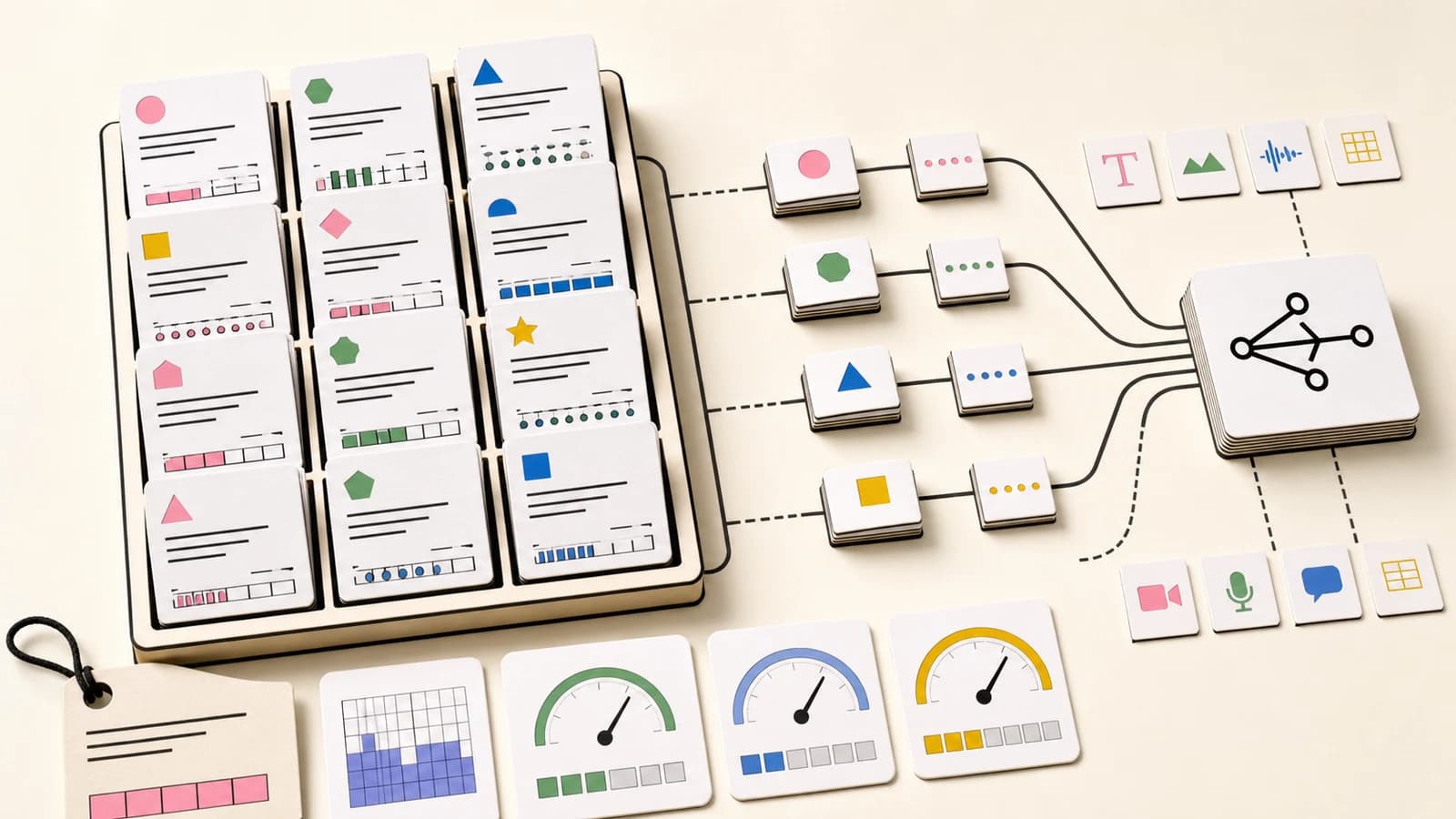
The repo describes itself as an open-source database of AI model specifications, pricing, and capabilities. It stores provider and model data as TOML files, exposes an API at https://models.dev/api.json, and uses model IDs that line up with AI SDK conventions.
That is not a glamorous pitch. It is exactly why it matters.
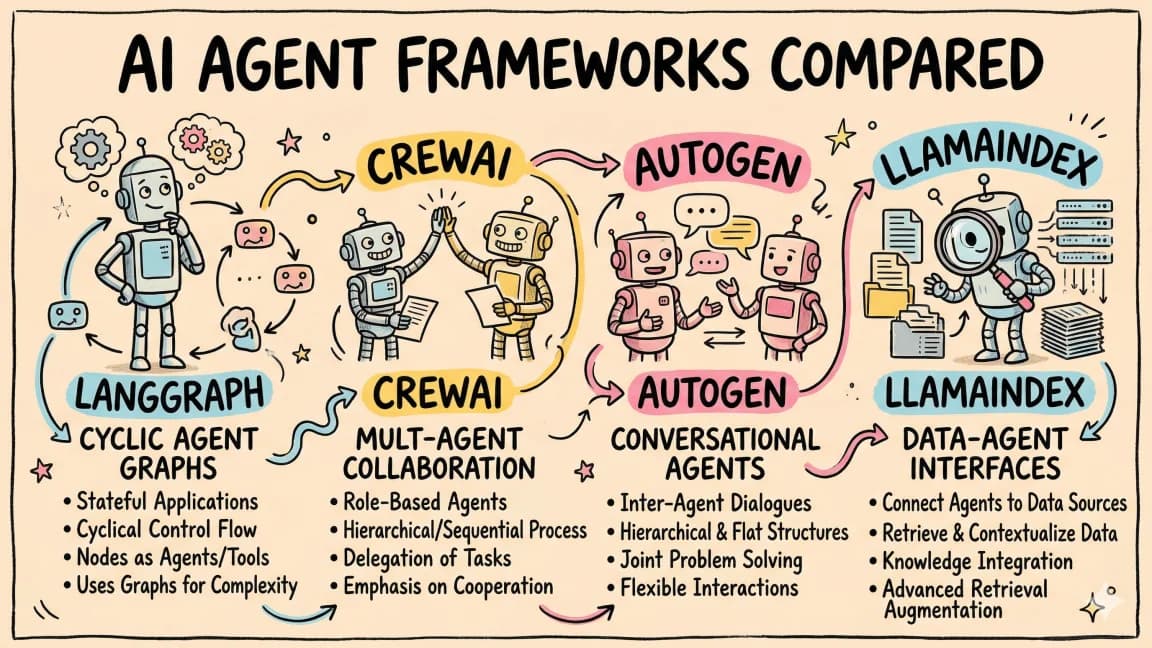
AI development is no longer "pick GPT or Claude." Teams are routing across providers, context windows, reasoning models, tool-calling support, image input, audio, cache pricing, output limits, and regional or enterprise constraints. A stale spreadsheet is not enough.
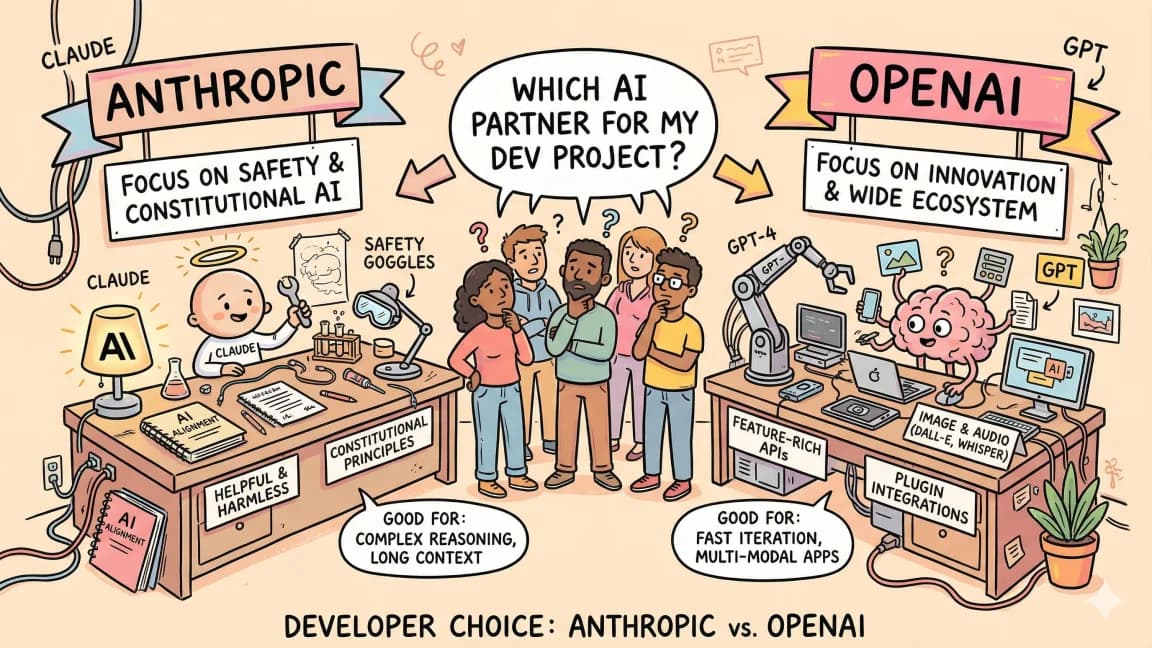
If your app already has AI coding tools pricing, OpenAI versus Anthropic developer experience, and Vercel AI SDK decisions in play, model metadata becomes infrastructure.
Why This Is Trending#
The GitHub repo was showing about 4.1k stars and nearly a thousand forks on May 23, 2026. Its README says there is no single database with information about all available AI models, and that the project started as a community-contributed answer to that gap.
That gap is real.
Every provider publishes model information differently. Pricing pages change. Context windows expand. Tool-calling support varies. Some models support structured outputs. Some support reasoning fields. Some accept images or PDFs. Some are open weights. Some are only accessible through specific platforms.
Those details affect production behavior:
- which model can read the whole file,
- which model can call tools,
- which model can return JSON reliably,
- which model is cheap enough for background work,
- which model supports the modality the task needs,
- which provider package and environment variable are required.
You can hard-code this once. You cannot hard-code it forever.
The Product Shape#
Models.dev uses a repo-native contribution model. Provider folders contain model definitions. The README shows fields for attachments, reasoning, tool calls, structured outputs, temperature support, knowledge cutoff, release date, open weights, cost, limits, modalities, and interleaved reasoning fields.
That structure is valuable because routing needs typed facts.
A model router should not decide from vibes. It should ask concrete questions:
Need image input? Filter models where modalities.input includes image.
Need tool calls? Filter tool_call = true.
Need 200k context? Filter limit.context >= 200000.
Need cheap summarization? Sort by input and output cost.
Need open weights? Filter open_weights = true.
This is where one tool beats ten endpoints. A clean model registry turns provider fragmentation into data your app can reason about.
The Opposing Take#
The skeptical view is simple: model data changes too fast for a community registry to stay accurate.
That concern is valid. A wrong price or capability flag can break routing decisions, produce bad cost estimates, or make a product promise a feature a model does not support. In a regulated or high-volume environment, you should still verify critical fields against official provider docs.
But the alternative is often worse: every team maintaining its own stale copy.
The right posture is to treat models.dev as a registry layer, not an oracle. Use it to discover and normalize options. For billing-critical decisions, compare against official pricing pages or provider APIs. For routing-critical decisions, add runtime checks and fallbacks.
How Teams Should Use It#
There are three practical uses.
1. Model selection UI#
If your product lets users choose models, a registry can drive filters like context window, provider, input modalities, open weights, and cost class.
That is better than a dropdown full of names.
2. Routing policy#
Internal systems can map task classes to model requirements:
- code review requires tool calls and long context,
- image analysis requires image input,
- low-risk summaries prefer low output cost,
- structured extraction requires structured output support,
- local or self-hosted paths require open weights.
The router can then select candidates instead of hard-coding a provider.
3. Cost reporting#
Cost calculators need current model prices. DD already has an AI API pricing table and AI cost calculator. A project like models.dev is the kind of source layer that makes those surfaces easier to keep honest.
The Take#
The AI model market is too fragmented for every app to carry its own hand-maintained model map.
Models.dev is interesting because it treats model choice as structured infrastructure: provider packages, env vars, capabilities, limits, prices, and modalities in one place.
The winning pattern is not "trust a registry blindly." It is "use a registry to make routing explicit, then verify critical fields where money or reliability depends on them."
That is a boring workflow. Boring is what production AI needs more of.
Frequently Asked Questions#
What is models.dev and why do AI teams need it?#
Models.dev is an open-source database of AI model specifications, pricing, and capabilities maintained as TOML files in a GitHub repo with a public JSON API. AI teams need it because every provider publishes model information differently - pricing pages change, context windows expand, tool-calling support varies. Instead of maintaining stale spreadsheets or hard-coding model data, teams can query a shared registry that tracks provider packages, environment variables, capabilities, limits, prices, and modalities in one place.
How accurate is models.dev compared to official provider pricing pages?#
Models.dev is community-maintained, so data can lag behind official sources. Treat it as a registry layer, not an oracle. Use it to discover and normalize options. For billing-critical decisions, verify prices against official pricing pages (Anthropic, OpenAI, Google AI). For routing-critical decisions, add runtime checks and fallbacks. The alternative - every team maintaining its own stale copy - is usually worse than a community registry with occasional gaps.
What fields does models.dev track for each model?#
The registry tracks attachments, reasoning support, tool calls, structured outputs, temperature support, knowledge cutoff, release date, open weights status, input/output cost, context limits, modalities (text, image, audio), and interleaved reasoning fields. These typed facts let model routers ask concrete questions: filter models where modalities.input includes image, filter tool_call = true, filter limit.context >= 200000, or sort by output cost.
How does models.dev integrate with Vercel AI SDK?#
Models.dev uses model IDs that align with AI SDK conventions, so you can use registry data directly with the Vercel AI SDK provider system. This means a model router built on models.dev data can map task requirements to AI SDK provider calls without custom translation layers. The registry effectively becomes a typed lookup table for the AI SDK ecosystem.
What are the best use cases for models.dev?#
Three practical uses: (1) Model selection UI - drive filters like context window, provider, modalities, and cost class instead of a dropdown of names. (2) Routing policy - map task classes to model requirements (code review requires tool calls and long context, image analysis requires image input) and let the router select candidates. (3) Cost reporting - feed current model prices into cost calculators and usage dashboards instead of maintaining manual spreadsheets.
Should I trust models.dev for production routing decisions?#
Trust it for discovery and normalization, but verify critical fields. The right posture is "use a registry to make routing explicit, then verify where money or reliability depends on it." For high-volume or regulated environments, compare billing-critical prices against official docs and add runtime capability checks. Models.dev reduces the maintenance burden but does not eliminate the need for verification on fields that matter.
How do I contribute to models.dev?#
The project uses a repo-native contribution model. Provider folders contain model definitions in TOML format. Fork the repo, add or update model definitions following the existing schema, and submit a pull request. The README documents the field schema and contribution guidelines. Community contributions are how the registry stays current as providers release new models and update pricing.
What is the alternative to using a model registry like models.dev?#
The alternative is every team maintaining its own hand-written model map - usually a spreadsheet or config file that drifts out of date within weeks. When a provider changes pricing, adds a new model, or updates context limits, someone has to notice and update the internal copy. A shared registry spreads that maintenance across the community, so individual teams spend less time chasing model metadata changes.
Get the next deep dive like this in your inbox
One email a week on AI Models and the rest of the AI dev stack. Free.
Read next on AI coding tools
The Model, IDE, CLI, and Agent Framework Changes That Actually Matter
The AI coding market is noisy. The changes that matter are easier to spot when you separate model capability, editor loops, terminal agents, background agents, agent frameworks, UI layers, context, security, and cost.
10 min readAI Coding Tools Pricing Comparison 2026
AI coding tools pricing, verified September 28, 2026: Claude Code, Codex, Cursor (including Composer 2.5), GitHub Copilot, Google Antigravity, Claude Cowork, Windsurf, and more. Free tiers, pro plans, hidden costs, and what you actually get for your money.
12 min readAnthropic vs OpenAI: Developer Experience Compared
Two platforms, two philosophies. Here is how Anthropic and OpenAI compare on APIs, SDKs, documentation, pricing, and the actual experience of building with each.
8 min readNew here? Start with
Technical content at the intersection of AI and development. Building with AI agents, Claude Code, and modern dev tools - then showing you exactly how it works.