One Tool Beats Ten Endpoints
TL;DR
Agent tool design: why intent-shaped tools beat REST endpoint mirrors, cutting context and tool menu tax while returning reviewable receipts.
Last updated: May 2, 2026
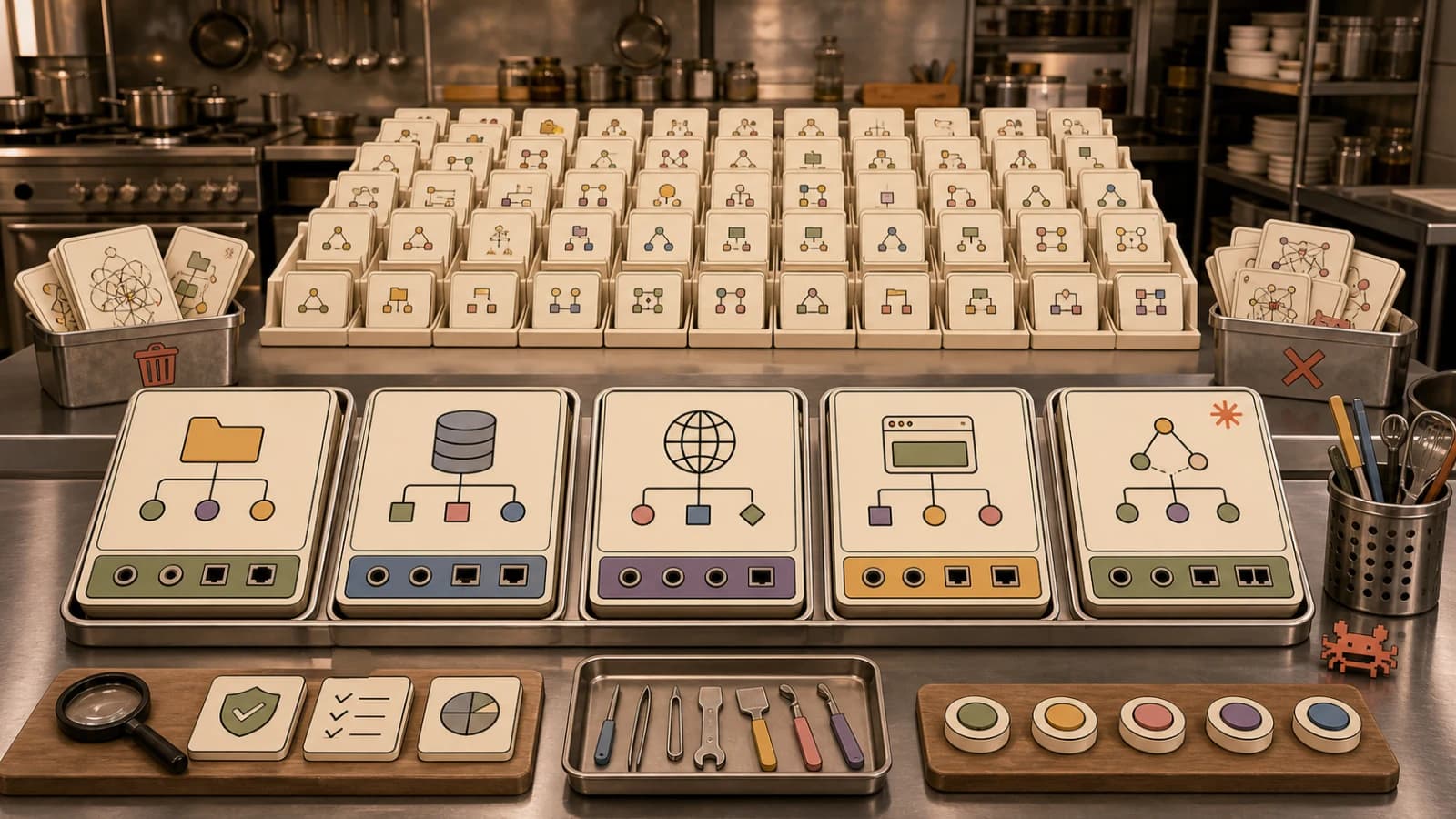
The fastest way to make an agent worse is to give it too many tools.
That sounds backwards. Agents need tools. Tools are what make them agents instead of chatbots. But most tool surfaces are designed by copying an existing REST API:
getUserlistUserscreateTicketupdateTicketattachFilesendMessagelistMessagessearchMessages
That looks clean to the engineer who owns the API. It is often terrible for the agent.
An agent does not want your internal resource model. It wants a small set of actions that match user intent. Anthropic's writing on MCP production systems makes the same point from the platform side: tools should help agents complete real workflows, not mirror every endpoint one by one.
For the broader MCP map, read the complete MCP servers guide and the MCP server shortlist. This post is the product-design layer underneath both.
Endpoint Mirrors Create Tool Menu Tax#
Every tool definition costs something.
It costs tokens in the prompt. It costs attention when the model decides what to call. It costs reliability when the agent has to chain five low-level calls correctly. It costs observability when the final result is scattered across intermediate tool outputs.
The failure mode is predictable:
- The agent chooses the wrong low-level tool.
- The tool returns too much raw data.
- The agent loses the thread.
- The agent retries with a slightly different call.
- The context window fills with endpoint noise.
This is the tool menu tax. You pay it on every task, even when the task is simple.
Intent-Shaped Tools Work Better#
The better tool is shaped like the job.
Bad:
searchSlack
getThread
summarizeThread
createLinearIssue
attachSlackLink
postReply
Better:
create_issue_from_slack_thread
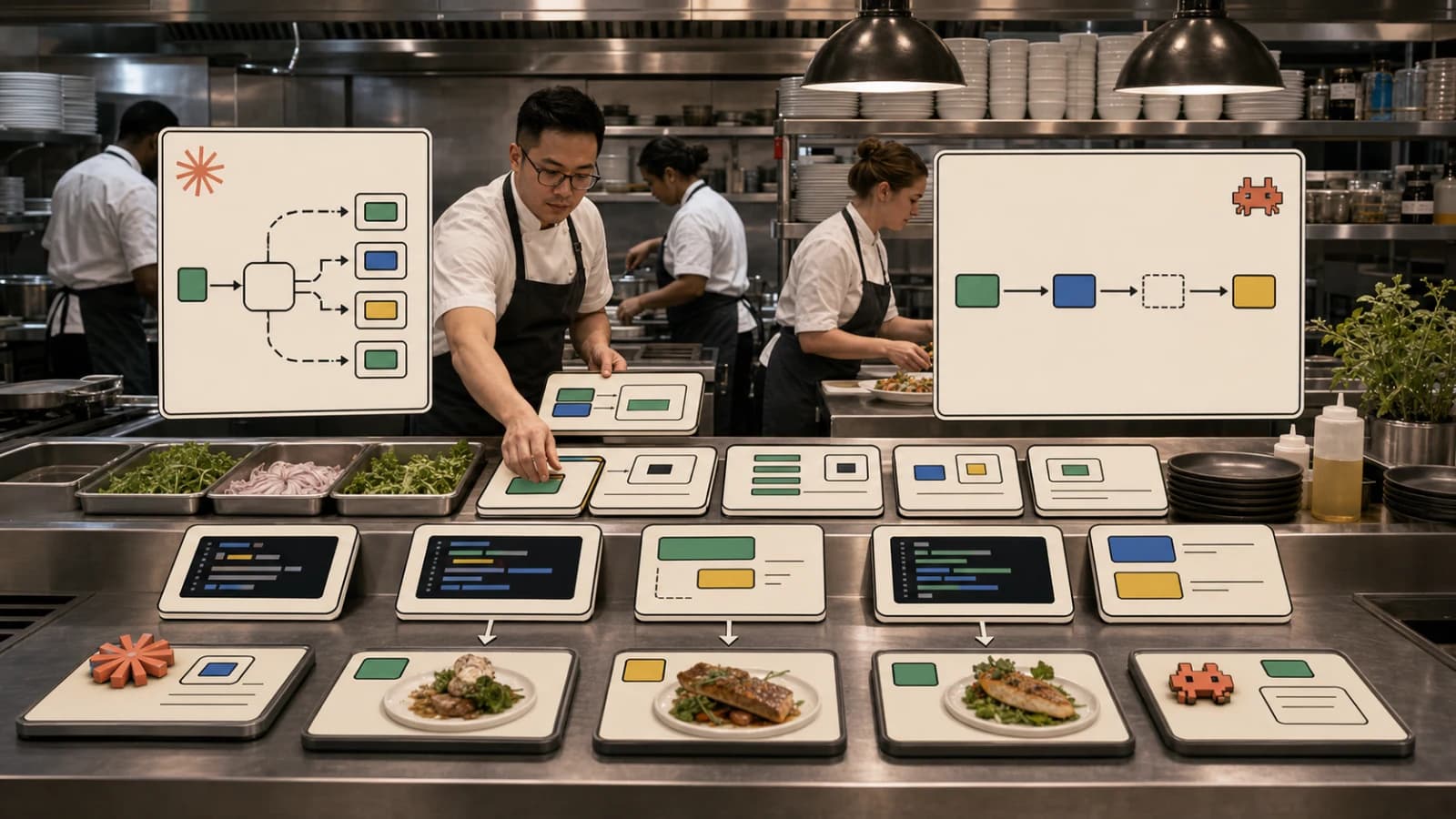
The better tool can still call Slack, summarize the thread, create the issue, attach the source link, and post a reply. The difference is that the agent sees one workflow-shaped capability instead of six infrastructure-shaped endpoints.
The same pattern applies everywhere:
bad: listDeployments, getLogs, searchErrors, rollbackDeployment
good: diagnose_failed_deploy

bad: queryDatabase, getSchema, explainQuery, exportRows
good: investigate_empty_dashboard

bad: createBranch, editFile, runTests, openPullRequest
good: implement_issue_with_pr
You do not remove power. You package it at the right level.
The Tool Should Return a Receipt#
A production agent tool should not only return text. It should return a receipt.
For example:
{
  "status": "created",
  "issueUrl": "https://linear.app/acme/issue/ENG-123",
  "sourceThread": "https://slack.com/archives/C123/p456",
  "summary": "Customer cannot export invoices after plan downgrade.",
  "actions": [
    "read 14 Slack messages",
    "created Linear issue ENG-123",
    "attached source thread",
    "posted confirmation reply"
  ]
}
That receipt gives the agent enough context to continue without dumping every Slack message into the model. It also gives the human something reviewable.
This is the same principle behind agent swarms needing receipts. Orchestration without reviewable outputs becomes theater quickly.
Thin Tools Still Have a Place#
This is not an argument against low-level tools entirely.
Thin tools are useful when:
- the domain is exploratory
- the agent is debugging an unfamiliar system
- the workflow is not stable yet
- the user explicitly wants raw access
- the tool is a universal primitive, like shell, grep, or SQL
But once a workflow repeats, promote it. The first time the agent creates an issue from a Slack thread, a low-level chain is fine. The tenth time, that chain should become a tool, a CLI command, or a skill.
That is how agent systems mature.
How to Design the Tool Set#
Start with user jobs, not API resources.
Ask:
- What is the user actually trying to accomplish?
- What evidence should the tool collect?
- What side effects should be atomic?
- What should be returned as a receipt?
- What should require human confirmation?
- What should never be exposed to the agent?
Then design the tool around that.
The right tool set is usually smaller than the API. A calendar API might expose 80 operations. The agent might need five:
find_meeting_timeschedule_meeting_from_threadsummarize_daymove_meeting_with_noticeprepare_meeting_brief
That is enough to do real work.
The Bottom Line#
Agents do not need every endpoint. They need the right affordances.
If your MCP server exposes your whole REST API, you probably built an integration, not an agent tool. The next step is product design: compress repeated workflows into intent-shaped tools, return receipts, and keep the raw endpoint surface available only when it actually helps.
One good tool beats ten endpoints because the agent is not paid to navigate your API. It is there to finish the job.
FAQ#
Should an agent's tool set match my REST API one-to-one?#
No. A REST API is organized around your internal resource model; an agent tool set should be organized around the user's actual jobs. If you are building or exposing an MCP server, start from the workflows people repeat, not the list of endpoints you already have.
What is "tool menu tax"?#
It is the combined cost of every tool definition an agent has to consider: prompt tokens spent describing it, attention spent choosing between similar options, and reliability lost when a task requires chaining several low-level calls correctly instead of one workflow-shaped call.
When are thin, low-level tools still the right choice?#
Thin tools make sense for exploratory work, unfamiliar systems, workflows that have not stabilized yet, or universal primitives like shell, grep, or SQL. Once a workflow repeats - the same Slack-thread-to-issue chain, for example - promote it into a single intent-shaped tool or skill instead of leaving it as a chain of raw calls.
What should a well-designed agent tool return?#
More than plain text. It should return a receipt: a status, the resulting URL or ID, a short summary, and a list of the actions taken. That gives the agent enough context to continue without re-reading raw data, and gives a human reviewer something concrete to check - the same principle behind designing agent context budgets.
Sources#
- Anthropic: Building agents that reach production systems with MCP
- Anthropic Engineering: Code execution with MCP
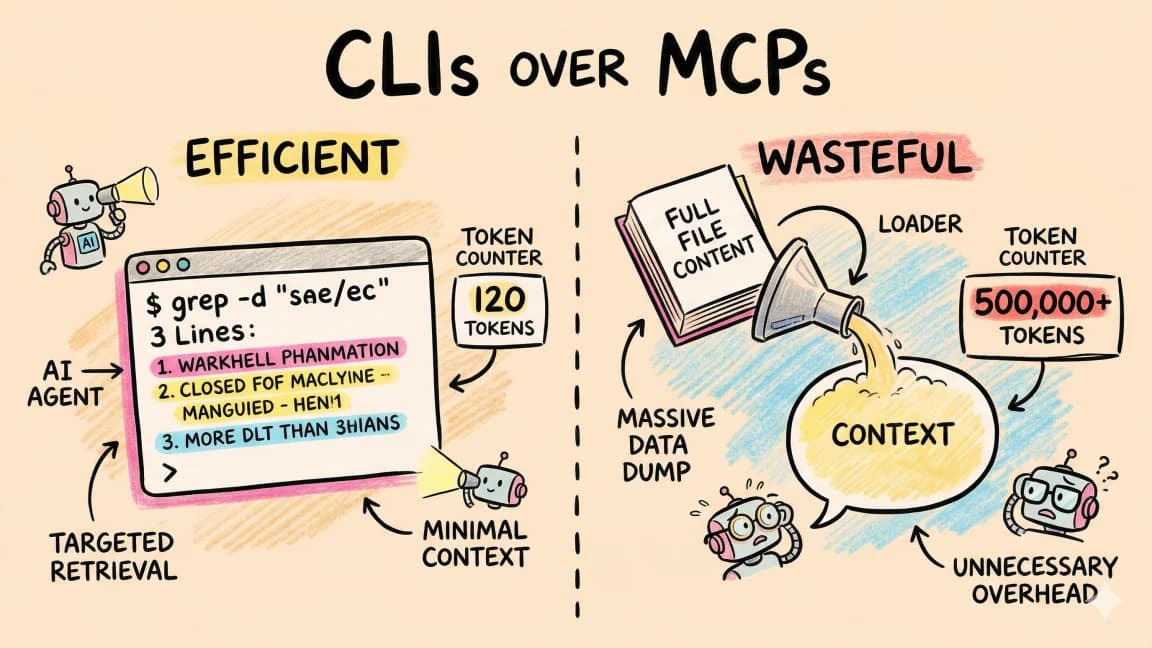
- DevDigest: CLIs Over MCPs
- DevDigest: MCP vs Function Calling
Get the next deep dive like this in your inbox
One email a week on MCP and the rest of the AI dev stack. Free.
Read next on AI coding tools
271 MCP Servers Exist. These 5 Actually Make Claude Code Better.
Most MCP servers are noise. After shipping 24 apps with Claude Code, these are the five I reach for every time.
11 min readThe Complete Guide to MCP Servers
Everything you need to know about Model Context Protocol - how it works, how to install servers, how to build your own, and the best ones.
12 min readMCP vs Function Calling: When to Use Each
MCP servers and function calling both let AI tools interact with external systems. They solve different problems. Here is when to reach for each.
6 min readNew here? Start with
Technical content at the intersection of AI and development. Building with AI agents, Claude Code, and modern dev tools - then showing you exactly how it works.