Vercel eve: The Framework for Building AI Agents
TL;DR
Vercel eve is an open-source agent framework billed as Next.js for agents. Define an agent as files and get durable execution, sandboxes and evals built in.
Last updated: June 22, 2026
| Official Sources | |
|---|---|
| eve Documentation | Framework reference, agent structure, tools, skills, channels |
| Introducing eve - Vercel Blog | Launch announcement, architecture, use cases |
| vercel/eve on GitHub | Source code, examples, issues |
| Vercel Ship 26 Changelog | Release notes, version info |
| AI Gateway - Vercel Docs | Model routing, provider fallbacks |
A framework where the agent is just a folder#
On June 17, 2026, at Vercel Ship in London, Vercel introduced eve, an open-source framework for building, running, and scaling AI agents in production. The pitch is the kind of thing that sounds glib until you actually use it: eve is "Next.js for agents."
The framing is earned. Vercel's argument in the launch post is that "agents today are where the web was before frameworks, with everyone hand-rolling the same plumbing and nothing carrying over to the next one." Anyone who has shipped an agent knows that feeling. You start with a model call and a loop, and within a week you are hand-building session persistence, a sandbox, an approval gate, a way to test the thing, and a queue so it survives a redeploy. None of it is novel, and none of it carries to your next agent. eve is the foundation that ends the rebuilding.
Filesystem-first: define an agent with files#
eve is filesystem-first. You define each agent with files under an agent/ directory, eve discovers those files, and compiles them into an app that runs on Vercel Functions. If you have built a Next.js app, the mental model transfers directly: the file tree is the configuration, and the conventions do the wiring.
The conventional layout looks like this, per the eve docs:
my-agent/
└── agent/
    ├── agent.ts            # Model and runtime config
    ├── instructions.md     # System prompt
    ├── tools/              # Typed functions, one tool per file
    ├── skills/             # On-demand procedures loaded when relevant
    ├── channels/           # Message integrations
    └── schedules/          # Cron jobs
A minimal agent is genuinely two files. First, agent/instructions.md is the system prompt in plain Markdown:
You are a concise assistant. Use tools when they are available.
And agent/agent.ts is the runtime config:
import { defineAgent } from 'eve';

export default defineAgent({
  model: 'openai/gpt-5.4-mini',
});
That model string is resolved through Vercel's AI Gateway, so on Vercel you authenticate with OIDC and do not manage provider API keys. You can swap openai/gpt-5.4-mini for anthropic/claude-sonnet-4.6 (or any other gateway-supported model) by editing one line.
Adding a tool is adding a file#
Each file in agent/tools/ is one tool. The runtime tool name comes from the filename, so the model just sees get_weather. Create agent/tools/get_weather.ts:
import { defineTool } from 'eve/tools';
import { z } from 'zod';

export default defineTool({
  description: 'Get the current weather for a city.',
  inputSchema: z.object({
    city: z.string(),
  }),
  async execute(input) {
    return { city: input.city, condition: 'Sunny', temperatureF: 72 };
  },
});
There is no registration step, no central manifest, no array you have to remember to update. You drop a file in tools/, eve discovers it, and the model can call it. This is the part that makes the "Next.js for agents" claim land: the convention is the API.
Getting started#
The fastest path is the eve CLI. It scaffolds a project, installs dependencies, initializes Git, and starts the dev server:
npx eve@latest init my-agent
To add eve to an existing app instead:
npm install eve@latestThen run the agent locally:
pnpm dev
Durable sessions you can stream#
Agents are long-running by nature, and eve treats sessions as durable rather than ephemeral. Sessions checkpoint each step and survive crashes, cold starts, deploys, and long pauses, which eve gets from Vercel Workflow persisting session state under the hood.
You start a durable session over HTTP and stream its output:
curl -X POST http://127.0.0.1:3000/eve/v1/session \
  -H 'content-type: application/json' \
  -d '{"message":"What is the weather in Brooklyn?"}'
The response returns a continuationToken in the body and an x-eve-session-id header. You attach to the session stream to receive NDJSON lifecycle events:
curl http://127.0.0.1:3000/eve/v1/session/<sessionId>/stream
The durability matters more than it sounds. The single most annoying class of agent bug is the one where a deploy or a timeout kills a half-finished run and you have no clean way to resume it. eve's checkpoint-per-step model means a session that was midway through a five-step task picks back up instead of starting over.
Production is built in, not bolted on#
The reason eve is more than a nicer wrapper around a model call is that the production concerns ship in the framework:
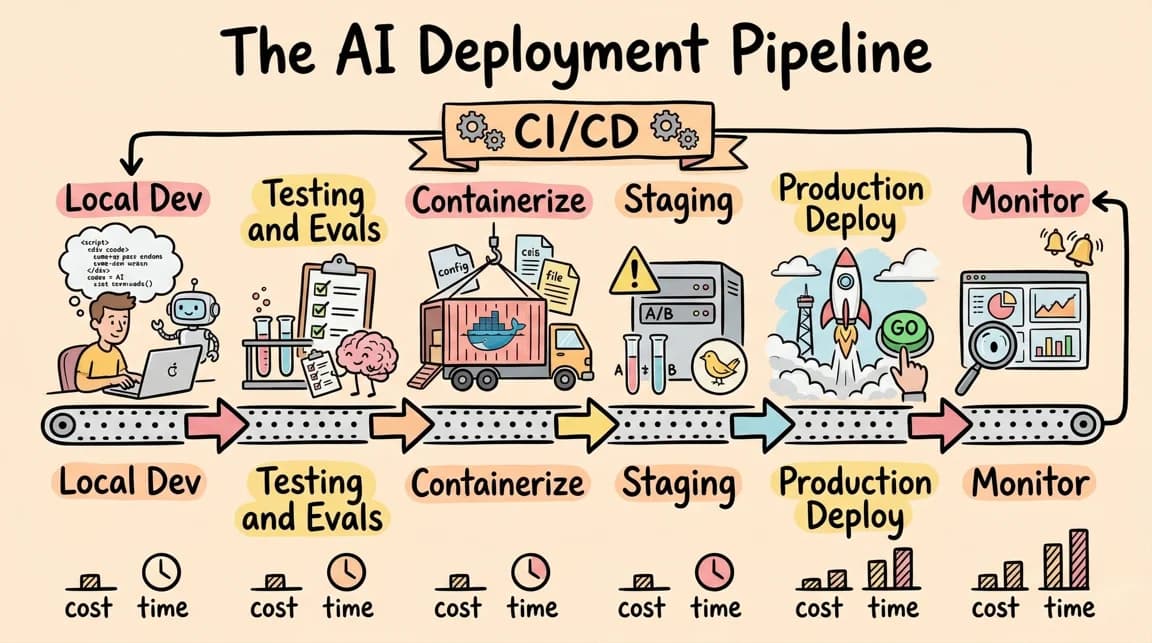
- Durable execution. Sessions checkpoint each step and resume after crashes, deploys, or long pauses, backed by Vercel Workflow.
- Sandboxed compute. Agent-generated code runs isolated from your application runtime via Vercel Sandbox, so an agent writing and executing code cannot reach into your app.
- Human-in-the-loop approvals. Actions can require manual authorization before they proceed, so the high-stakes step waits for a person.
- Subagents. A parent agent can delegate work to child agents with isolated contexts, which keeps the parent's context window clean and lets you compose specialists.
- Evals. Scored test suites verify agent behavior locally or in CI, so you can catch a regression in a prompt or tool the same way you catch one in code.
Routing through AI Gateway for model calls and provider fallbacks, and Vercel Connect for OAuth tokens and external-service credentials, rounds out the stack. And because everything runs on Vercel Functions, you get Vercel Observability over agent runs, token usage, and performance with no extra setup.
This is not a hypothetical list of features. Vercel says it runs more than 100 production agents on eve, including a data analyst that handles 30,000-plus questions a month, an autonomous SDR, and a support handler that resolves 92% of tickets on its own. eve is the framework Vercel built for itself and then open-sourced.
Where it sits in the stack#
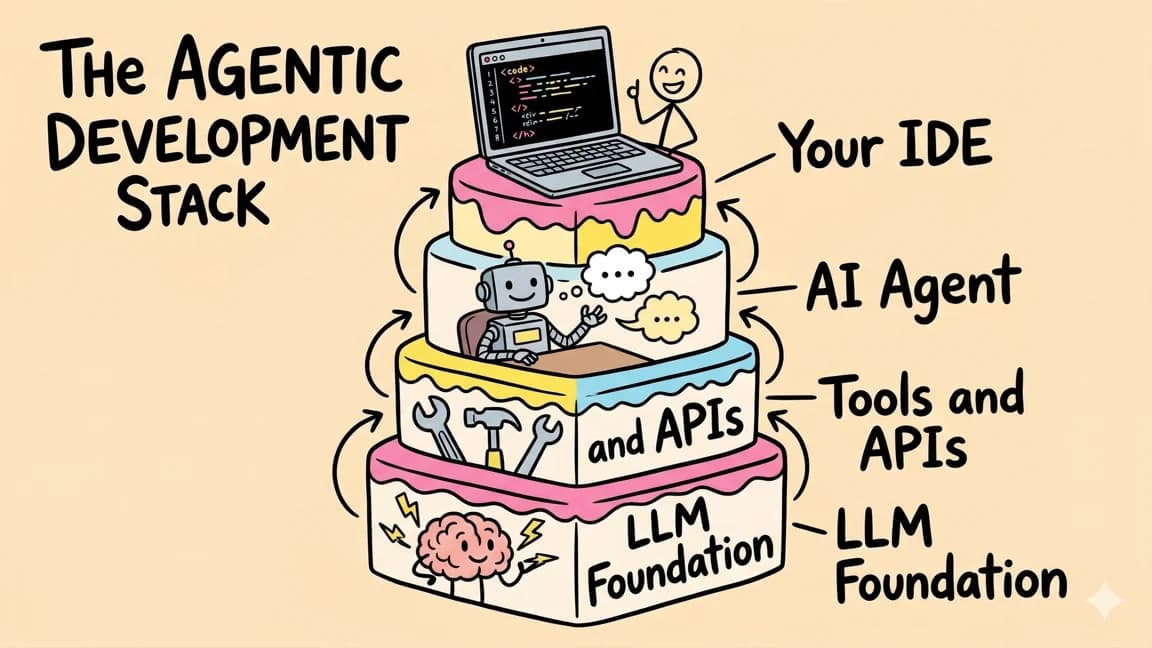
eve is the newest layer of Vercel's agentic infrastructure stack. It builds on the durable execution programming model Vercel has been shipping, leans on the AI SDK ecosystem, and gives the file-tree-as-config treatment to the kind of multi-step agent workflows developers have been assembling by hand. If you have weighed the tradeoffs between the Vercel AI SDK and other agent stacks, eve is Vercel's answer to "what should the opinionated, batteries-included version look like."
The honest caveat#
eve launched as a public preview and is currently in beta. The framework, APIs, documentation, and behavior may change before general availability, and it deploys natively to Vercel today with other platforms described as coming soon. If you are putting a critical agent into production this week, treat the API surface as something that can shift under you.
That caveat aside, eve is the most coherent answer yet to a problem every agent builder hits: the plumbing is the same every time, so it should not be your code. Defining an agent as a directory of files, with durability, sandboxing, approvals, subagents, and evals already wired in, is exactly the abstraction the category has been missing. It is the framework moment for agents, and it is worth a npx eve@latest init this afternoon.
FAQ#
What is Vercel eve?#
eve is an open-source framework, introduced at Vercel Ship in London on June 17, 2026, for building, running, and scaling AI agents in production. Vercel describes it as "Next.js for agents": you define an agent as files under an agent/ directory, and eve compiles that structure into a production app that runs on Vercel Functions.
How do I create an agent with eve?#
The fastest path is the CLI, which scaffolds a project, installs dependencies, and starts the dev server: npx eve@latest init my-agent. To add eve to an existing app instead, run npm install eve@latest and then start the agent locally with pnpm dev. A minimal agent needs just two files: agent/instructions.md for the system prompt and agent/agent.ts for the runtime config.
Does eve support multiple model providers?#
Yes. The model string in agent/agent.ts is resolved through Vercel's AI Gateway, so you authenticate with OIDC on Vercel rather than managing individual provider API keys. Swapping models, for example from an OpenAI model to an Anthropic model, is a one-line change.
Is eve ready for production use?#
eve launched as a public preview and is currently in beta. Vercel says it already runs more than 100 production agents internally, including a data analyst handling 30,000-plus questions a month and a support handler resolving 92% of tickets automatically. Even so, the framework, APIs, and documentation may still change before general availability, and it currently deploys natively to Vercel with other platforms described as coming soon.
Continue Reading#
Sources#
Get the next deep dive like this in your inbox
One email a week on Vercel and the rest of the AI dev stack. Free.
Read next on AI coding tools
Vercel's Agentic Infrastructure Stack Explained
Vercel's agentic infrastructure explained: what the announcement actually names, how AI Gateway, Sandbox, Workflows and Flags compose, with code checked against the SDKs.
11 min readVercel's New Durable Execution Programming Model: A Developer's Guide
Vercel Workflows is GA: durable TypeScript with "use workflow" and "use step". What it means for agents and long-running flows, with code adapted from Vercel's own examples.
10 min readVercel AI SDK: Build Streaming AI Apps in TypeScript
The AI SDK is the fastest way to add streaming AI responses to your Next.js app. Here is how to use it with Claude, GPT, and open source models.
5 min readNew here? Start with
Technical content at the intersection of AI and development. Building with AI agents, Claude Code, and modern dev tools - then showing you exactly how it works.