OpenAI Agents SDK Evolution: What Ships in Production
TL;DR
Sandbox agents, file-based memory and Codex-style filesystem tools in the OpenAI Agents SDK: what the docs actually ship, with code adapted from OpenAI's own examples.
Last updated: October 18, 2026
Updated October 18, 2026: The earlier version of this post showed from openai.agents import Agent, Memory, Sandbox, Workflow with options like scope, retention="90d" and tier="long_term". That module and those options do not exist: the Agents SDK ships as the openai-agents package (from agents import ...), and memory is a Memory() capability on a SandboxAgent that writes lesson files into the sandbox workspace. Both code samples are now adapted from OpenAI's sandbox docs and examples, and the memory, filesystem-tool, gotcha and FAQ sections were rewritten to match them. The claims about server-side retention, an 8k-token recall budget and a memory-write race condition were removed because the docs do not describe them.
Official Sources#
| Resource | Link |
|---|---|
| OpenAI Agents SDK (Python) | GitHub |
| OpenAI Agents SDK Docs (Python) | openai.github.io/openai-agents-python |
| Sandbox agents quickstart | Sandbox Agents |
| Sandbox concepts | Concepts |
| Memory configuration | Agent memory |
| OpenAI Agents SDK (TypeScript) | GitHub |
| OpenAI API Pricing | developers.openai.com/api/docs/pricing |
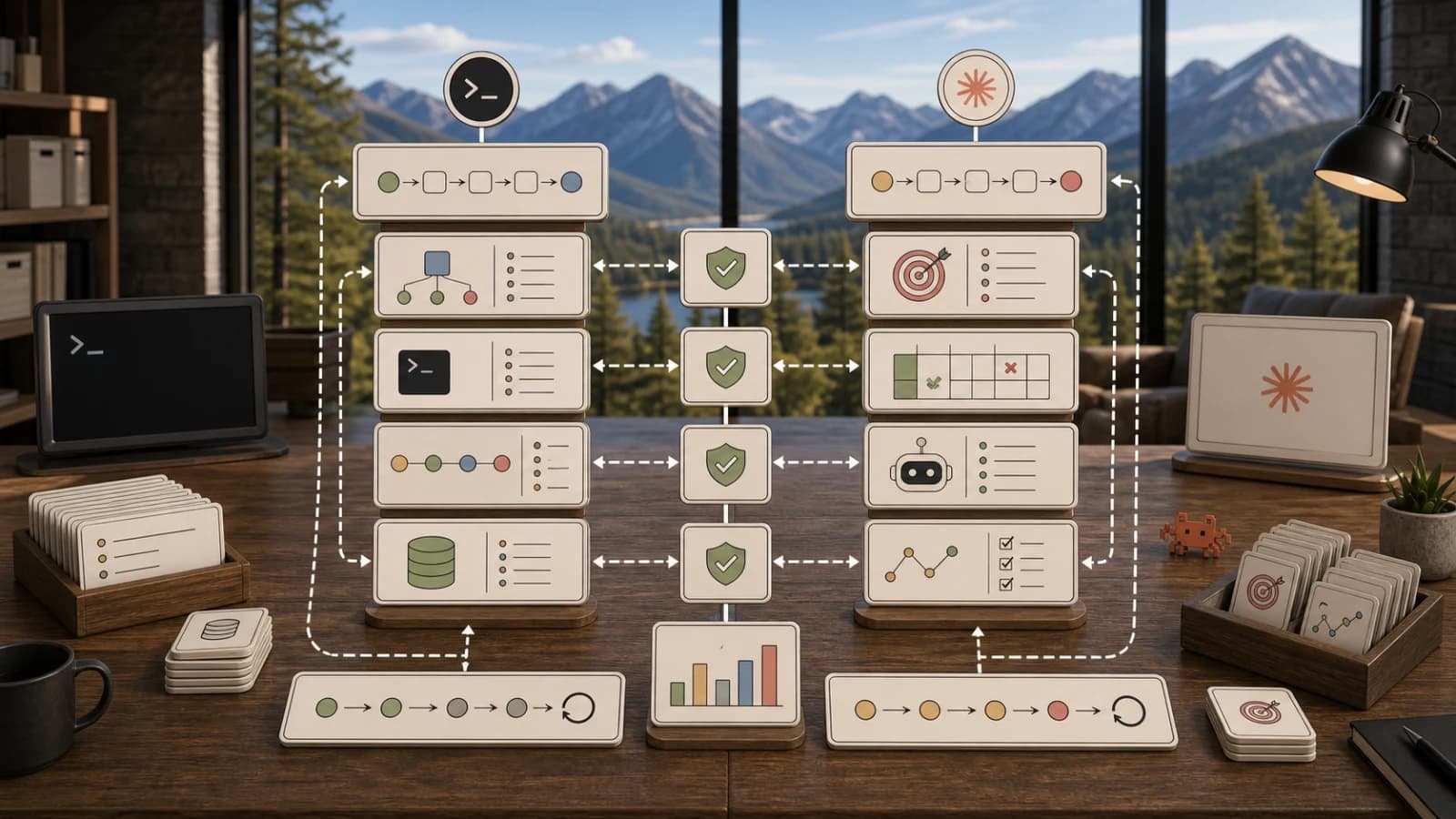
The OpenAI Agents SDK grew a second shape this year. The first shape is the one most people know: an Agent with instructions and tools, run through Runner, with handoffs between agents. The second is sandbox agents: the same Agent and Runner flow, plus a real workspace the model can read, edit and run commands in, and a memory system that writes what it learned into files in that workspace.
This post covers what that second shape actually is, according to OpenAI's own docs, and what to watch for before you put it in production.
What Changed And Why It Is A Real Upgrade#
The SDK could already orchestrate tool calls, hand off between agents and run multi-agent workflows with tracing. What it could not do natively was give the model a persistent filesystem the way a Codex agent has one.
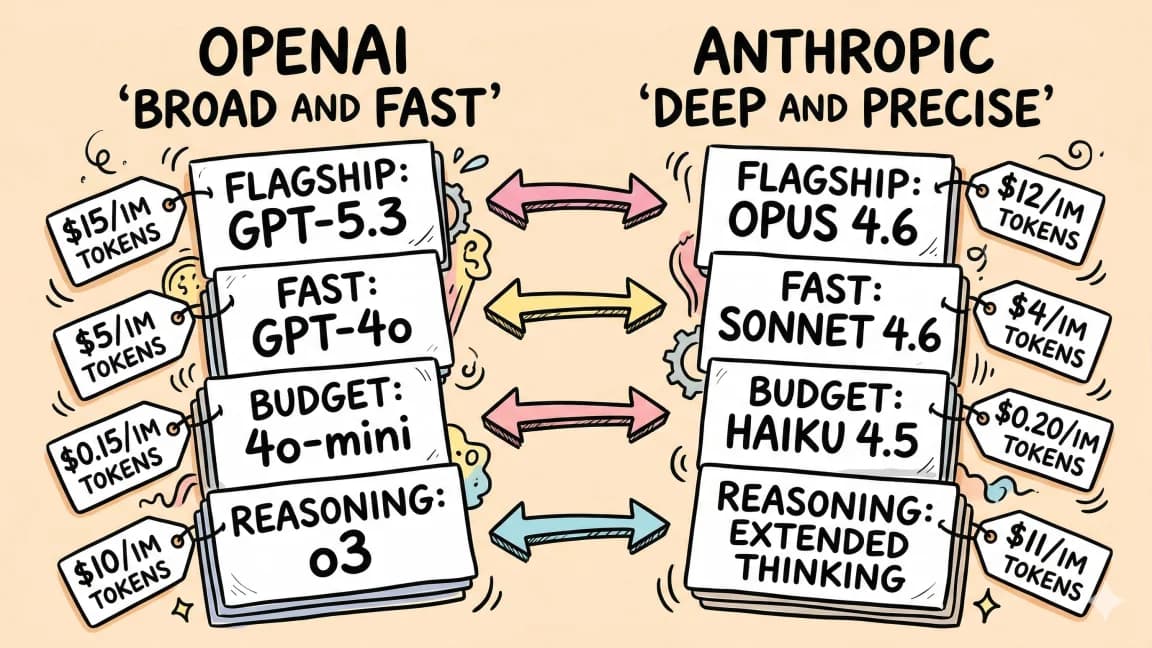
For the larger agent workflow map, read OpenAI Codex: Cloud AI Coding With GPT-5.3 and OpenAI vs Anthropic in 2026 - Models, Tools, and Developer Experience; they give the architecture and implementation context this piece assumes.
The sandbox docs describe four pieces:
SandboxAgentis still anAgent. It keeps instructions, tools, handoffs, MCP servers, guardrails and hooks, and adds sandbox defaults such asdefault_manifest,run_asand capabilities.Manifestdeclares the starting files, repos, mounts and environment for a fresh sandbox workspace.- A sandbox session is the live environment where commands run and files change. How isolated it is depends on the backend you pick.
SandboxRunConfigdecides how a run gets its session: inject a live one, reconnect from saved session state, or create a fresh one from a sandbox client.
Capabilities are where the Codex-style tools come from. The built-ins, per the concepts guide, are:
| Capability | What it adds |
|---|---|
Shell | exec_command, plus write_stdin when the client supports PTY interaction |
Filesystem | apply_patch and view_image |
Skills | Skill discovery and materialization into the sandbox |
Memory | Reads and generates memory files for later runs (requires Shell) |
Compaction | Context trimming for long-running flows |
Capabilities.default() gives you Filesystem(), Shell() and Compaction(). Passing your own capabilities=[...] list replaces the default, so include anything from the default set you still want.
Memory In Practice#
Sandbox memory is not a key-value store and it is not the SDK's conversational Session (which stores message history). The memory docs describe it as distilling lessons from prior runs into files in the sandbox workspace, by default under memories/.
Reading uses progressive disclosure. At the start of a run the SDK injects a small memory_summary.md into the developer prompt. If prior work looks relevant, the agent searches MEMORY.md and opens rollout summaries only when it needs detail. Generation happens after the run: when the sandbox session closes, a memory model summarizes the conversation and a consolidation pass updates MEMORY.md and memory_summary.md.
Here is the shape of a memory-enabled run, adapted from OpenAI's examples/sandbox/memory.py (install with pip install openai-agents):
import asyncio
import tempfile
from pathlib import Path

from agents import Runner
from agents.run import RunConfig
from agents.sandbox import LocalSnapshotSpec, Manifest, SandboxAgent, SandboxRunConfig
from agents.sandbox.capabilities import Filesystem, Memory, Shell
from agents.sandbox.entries import LocalDir
from agents.sandbox.sandboxes.unix_local import UnixLocalSandboxClient

manifest = Manifest(entries={"repo": LocalDir(src=Path("repo"))})

agent = SandboxAgent(
    name="Memory-enabled reviewer",
    instructions="Inspect the workspace and preserve useful lessons for follow-up runs.",
    default_manifest=manifest,
    # Memory() reads and generates memory; it requires Shell(), and live
    # updates to memories/MEMORY.md also require Filesystem().
    capabilities=[Memory(), Filesystem(), Shell()],
)


async def main() -> None:
    client = UnixLocalSandboxClient()
    with tempfile.TemporaryDirectory(prefix="sandbox-memory-example-") as snapshot_dir:
        sandbox = await client.create(
            manifest=manifest,
            snapshot=LocalSnapshotSpec(base_path=Path(snapshot_dir)),
        )
        async with sandbox:
            result = await Runner.run(
                agent,
                "Open repo/task.md, fix the issue, and run the targeted test.",
                run_config=RunConfig(sandbox=SandboxRunConfig(session=sandbox)),
            )
            print(result.final_output)
        # Memory artifacts are generated when the sandbox session closes.


if __name__ == "__main__":
    asyncio.run(main())
Three things the docs are explicit about:
- Memory lives with the workspace. To reuse it, keep the same live sandbox session or resume from persisted session state or a snapshot. A fresh, empty sandbox starts with empty memory.
- You can split read and write.
Memory(generate=None)reads memory without generating new memories, which suits subagents and checkers.Memory(read=None)generates memory for later without letting existing memory influence the current run. - Generation is tunable, and it forgets.
MemoryGenerateConfig(max_raw_memories_for_consolidation=..., extra_prompt=...)controls consolidation. When recent raw memories exceed the cap (256 by default), only the newest conversations are kept.
Memory can go stale, and the docs say agents are instructed to treat it as guidance and trust the current environment. Live updates are on by default, so an agent that notices stale memory can fix MEMORY.md in the same run; turn that off when a run should read memory but never modify it.
For agents that produce artifacts and need to track them over time, I run a versioned filesystem in front of the memory tier with agentfs. Memory tracks intent and preferences. agentfs tracks the actual files the agent has written, with audit trails. The combination is what makes incident investigation possible after the fact.
For the broader design space, Agent Memory Architectures Explained compares this file-based approach with vector and graph memory.
Sandbox-Aware Orchestration#
Classic tool use treats every tool call as stateless. Sandbox agents make the workspace itself the unit that persists across tool calls and across runs.
The docs describe two composition patterns, and they behave differently:
- Handoffs keep one top-level run. A non-sandbox intake agent can hand off to a sandbox agent, and the sandbox agent takes the next turn of the same run.
- Agents as tools start a nested run. An orchestrator exposes sandbox agents through
Agent.as_tool(...), usually with a separate sandboxRunConfigper tool so each one gets its own workspace.
When you need explicit lifecycle control, inject the session yourself. This is close to verbatim from the concepts guide:
from agents import Runner
from agents.run import RunConfig
from agents.sandbox import SandboxRunConfig
from agents.sandbox.sandboxes.unix_local import UnixLocalSandboxClient

client = UnixLocalSandboxClient()
sandbox = await client.create(manifest=agent.default_manifest)

async with sandbox:
    result = await Runner.run(
        agent,
        prompt,
        run_config=RunConfig(
            sandbox=SandboxRunConfig(session=sandbox),
        ),
    )
Injecting a session is what lets you inspect the workspace after the run, copy outputs out, or run a second agent against the same files. Multi-turn chats use a normal SDK Session (for example SQLiteSession) together with the same live sandbox session.
There is still a real architectural question about running orchestration through the SDK at all. SDK orchestration fits when the work is contained inside one sandbox or one model call graph. External orchestration fits the moment you coordinate with services outside the agent boundary, like several databases and a webhook queue. Durable AI Agent Frameworks Compared covers that trade-off with a crash-and-resume test.
Filesystem Tools Borrowed From Codex#
Filesystem and Shell are the reason sandbox agents feel like Codex. The model edits with apply_patch, inspects images with view_image, and runs commands with exec_command. Relative paths resolve against the workspace root.
When this is a superpower: any agent that produces a structured artifact. Code, configuration, generated reports. The agent can write, read back, test and patch without you wrapping each operation in custom tool code.
When this is a footgun: any sandbox that can reach data you care about. The countermeasures are the boring ones. Put only what the agent needs in the manifest, choose the backend deliberately, and log what changed.
Gotchas The Docs Call Out#
Local sandboxes are not isolation. The quickstart warns that on Linux, UnixLocalSandboxClient adds no OS-level confinement to commands, and on macOS it applies filesystem restrictions through sandbox-exec but no network isolation. For untrusted input, use a Docker-backed (pip install "openai-agents[docker]") or hosted sandbox client.
A custom capabilities list replaces the defaults. If you pass capabilities=[Memory(), Shell()], you lose Filesystem() and Compaction(). Memory() with live updates needs Filesystem() too.
Memory needs the workspace to survive. If your deployment creates a fresh sandbox per request and throws it away, memory has nowhere to accumulate. Plan for snapshots or saved session state from day one.
Pin the SDK version. The sandbox surface is new and moving. Pin openai-agents, run your evals before bumping, and tag the eval baseline in version control.
Migration Plan For Existing Agents#
If you have an agent on the classic Agent plus Runner shape, here is a sensible rollout.
Start with a flag-gated branch. Sandbox agents still run through Runner, so you can route a slice of traffic to a SandboxAgent version and compare latency, cost and error rate against the existing agent.
Add observability before you add features. Tracing already covers sandbox runs, and the workspace gives you something new to inspect: which files changed and what landed in memories/.
Roll forward gradually, and keep the rollback path warm. The classic agent keeps working, so flipping back should be one config change, not a code revert.
FAQ#
What is the difference between Session memory and sandbox Memory in the OpenAI Agents SDK?#
Session (for example SQLiteSession) stores conversation message history. The Memory() capability is separate: it distills lessons from prior sandbox runs into files under memories/ in the sandbox workspace, injects a short summary at the start of later runs, and lets the agent search the full memory index when it needs more.
How do I keep memory from influencing a run?#
Use Memory(read=None) when a run should generate memory for later but not be influenced by existing memory. Use Memory(generate=None) for agents that should read memory but not add to it, such as subagents or checkers. To read memory without modifying it during the run, disable live updates in the read config.
What are the filesystem tools in the Agents SDK and when should I use them?#
The Filesystem capability adds apply_patch and view_image, and the Shell capability adds exec_command (plus write_stdin where supported). Use them when your agent produces artifacts like code, config or reports and needs to read back and patch its own work. Keep the manifest to the files the agent actually needs.
How does sandbox-aware orchestration differ from classic tool-use?#
Classic tool use is stateless per call. A sandbox agent works in a persistent workspace that survives across tool calls, and across runs when you reuse the session, saved state or a snapshot. With handoffs, a sandbox agent takes the next turn of the same run; with Agent.as_tool(...), each sandbox agent runs nested, usually in its own workspace.
Is the local sandbox client safe for untrusted code?#
No. OpenAI's quickstart says UnixLocalSandboxClient adds no OS-level confinement on Linux, and on macOS it restricts the filesystem but not the network. Use it for trusted local development, and choose a Docker or hosted sandbox client for anything influenced by untrusted input.
How should I migrate an existing agent to sandbox agents?#
Use a flag-gated branch and route a small share of traffic to the SandboxAgent version first. Watch latency, cost, error rate and tool errors, inspect what the agent writes to the workspace and memories/, roll forward gradually, and keep the classic agent as a one-config rollback.
When should I use SDK orchestration vs external orchestration?#
SDK orchestration is right when the work is contained inside one sandbox or one model call graph. External orchestration (explicit DAGs you control) is right when you coordinate with services outside the agent boundary, such as several databases, webhook queues or third-party APIs.
How do I handle eval drift across SDK versions?#
Pin your openai-agents version, run your eval suite before bumping, and tag the eval baseline in version control. The sandbox surface is new, so treat upgrades as changes that need evidence.
Continue Reading#
Get the next deep dive like this in your inbox
One email a week on OpenAI and the rest of the AI dev stack. Free.
Read next
OpenAI Agents SDK in Late 2026: What Is New in Python and TypeScript
OpenAI Agents SDK as of Python 0.24 and JS 0.21: sandbox agents, three guardrail layers, compaction sessions, MCP v2 and new defaults, with type-checked code.
16 min readOpenAI Agents SDK for TypeScript: A Practical Guide
OpenAI Agents SDK for TypeScript, explained with code: agents, Zod tools, structured outputs, multi-agent handoffs, streaming and human approval steps.
10 min readGPT-5.5-Codex in Production: What Actually Changes
GPT-5.5-Codex merges Codex and GPT-5 stacks. Here is what the unified model means for real coding agents - latency, costs, prompt rewrites.
9 min readNew here? Start with
Technical content at the intersection of AI and development. Building with AI agents, Claude Code, and modern dev tools - then showing you exactly how it works.