Android Studio Now Runs Claude and Codex: ACP Setup Guide
TL;DR
Android Studio Rabbit 2 hosts 40+ ACP coding agents, Claude and Codex included, and Android CLI ships as a Claude Code and Codex plugin. Setup and caveats.
You can now run Claude Agent or Codex inside Android Studio, and you can also give Claude Code or Codex the Android toolchain from a plain terminal. Both landed on October 28, 2026. Google made Bring Your Own Agent (BYOA) stable in Android Studio Rabbit 2, which supports "over 40 ACP-compatible coding agents" through the open Agent Client Protocol, and it published Android CLI as an official plugin for Claude Code, Codex and Antigravity. If you searched "android studio claude code", this is what shipped, the exact commands, and what to check before you switch it on.
What Google shipped#
Two separate things launched the same day, and they solve different problems.
1. Bring Your Own Agent in the IDE. Per Google's Android Dev Summit tools post, you open Settings > Tools > AI > Agents, browse the marketplace, install an agent and sign in. You can install more than one and switch between them. The Rabbit 2 release post names Claude Agent, Codex from OpenAI, Junie and Google Antigravity, and says these agents get access to Android Studio tools such as the Emulator, build systems and Logcat, plus Android skills.
2. Android CLI as an agent plugin. The plugin docs say the plugin adds an android-cli skill so your agent can create projects, manage virtual devices, inspect live UI layouts, run Journeys and search the official Android Knowledge Base. This one does not need the IDE open.
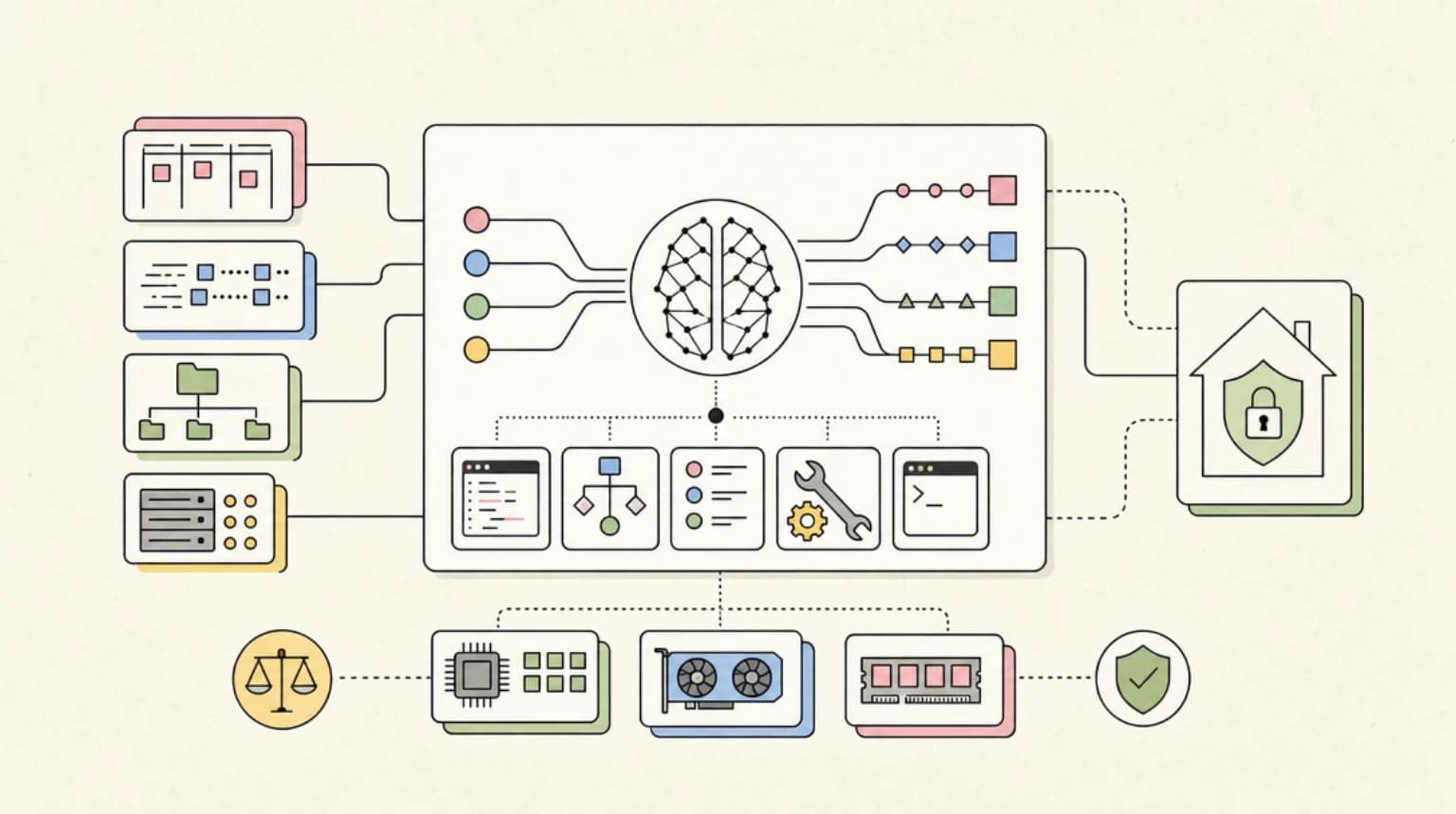
The plumbing is the Agent Client Protocol, the open protocol for connecting coding agents to editors. That is why one IDE integration can cover dozens of agents: Android Studio speaks the protocol, and any agent that speaks it can plug in. Zed is another editor built around the same idea.
The commands#
From the Android CLI plugin docs, for Claude Code in a terminal:
claude plugin marketplace add android/android-cli-plugin
claude plugin install android-cli@android-cli-plugin
Inside a Claude Code session the same steps are /plugin marketplace add android/android-cli-plugin then /plugin install android-cli@android-cli-plugin. For Codex:
codex plugin marketplace add android/android-cli-plugin
codex plugin add android-cli@android-cli-plugin
Note the Codex verb is add, not install, on the second line. Antigravity uses agy plugin install android-cli-plugin@antigravity-plugins-official. The summit post also says to install Android CLI itself and run android init to set up your agent, and it lists android skills list and android skills add for installing official Android skills (30+ across 20+ areas, per Google).
If you have never set up a plugin marketplace, our Claude Code plugins for teams guide covers how marketplaces and installs work, and MCP vs agent skills explains why this plugin is a skill rather than a server.
Which surface to use#
| Question | IDE agent (BYOA) | CLI plugin |
|---|---|---|
| Needs Android Studio open | Yes | No |
| Works in CI | No | Google says Android CLI works "in your CI pipelines" |
| Agents available | 40+ ACP agents | Claude Code, Codex, Antigravity |
| Emulator and Logcat in the agent's reach | Yes, via the IDE | Via CLI commands such as android device remote |
The practical split: use BYOA when you want the IDE's project model and previews in front of you while you review, and the plugin when your agent already lives in a terminal, a worktree or a pipeline. If you are still deciding which agent to bring, our Claude Code vs Codex vs Cursor vs OpenCode comparison is the place to start, and Google's own Antigravity is the fourth option inside the same picker.
Read the speed numbers as Google's numbers#
Google reports that "in our internal testing, agents that used android preview completed UI tasks 77% faster while using up to 3x fewer tokens." For memory leaks it says the most capable models ran about 2x faster with up to 25% fewer tokens using Android CLI's LeakCanary subcommand, with a chart labelled as Claude Opus 5.5 with and without Android CLI. Both are vendor-reported, from Google's own tests on tasks it chose, and the task sets are not published.
The direction is believable: an agent that can render a Compose preview from the terminal spends fewer turns than one that boots an emulator and screenshots it. The size of the gain on your app is a different question. Run one of your own UI tasks with and without android preview and compare turns and tokens before you quote 77% to anyone.
Google also points to Android Bench, a leaderboard for models and harnesses on long-running Android tasks. That is also Google-run, so treat it as one input.
What to check before you switch it on#
Data terms follow the agent, not the IDE. The privacy guarantees in the Rabbit 2 post are written for Gemini Enterprise: source code and workspace context are not retained or used to train global foundation models, with audit logging and admin policies. The post does not say those terms extend to Claude Agent or Codex. A third-party agent in Android Studio is still that vendor's agent, so check your Anthropic or OpenAI plan terms.
Permissions. Google says android device remote can provision a real physical device from a secure Google device lab. Put anything that reaches remote hardware behind an approval prompt, the same way you treat git push. If you already gate agent network and shell access, the coding agent firewalls roundup applies here unchanged.
Plugin provenance. The marketplace repo is Google's android/android-cli-plugin. Install from that exact name. This week a tampered Claude Code extension was served through an editor marketplace, as we covered in the Cursor Marketplace backdoor analysis, so typing the namespace by hand instead of pasting a search result is worth the extra second.
Sign-in is per agent. Google's setup step is simply to authenticate. Expect each agent to use its own account and usage limits.
What people are actually saying#
The reaction so far is mostly about access rather than features. In a Hacker News thread on another coding harness, one commenter argued that Google has a specific agreement with Anthropic for Claude inside Android Studio, quoting Anthropic's Agent SDK docs that third parties may not offer claude.ai login "unless previously approved", and said people using subscription auth elsewhere are in a grey area. That is one commenter's reading, so verify before you assume your subscription works in a different ACP client.
The counter-case from the same thread: another commenter said they do not consider the Claude Code ACP adapter an adequate solution, which is a reminder that "supports ACP" and "gives you the full native agent" are not the same promise. The adapter layer decides which features of the agent you actually get.
What to do Monday#
- Update to Android Studio Rabbit 2 and open Settings > Tools > AI > Agents. Install the agent you already pay for and run one real task, such as a small Compose change.
- In a terminal, install the Android CLI plugin with the commands above for the agent you use there, then run
android init. - Pick one UI task and run it twice, with and without
android preview. Record turns and tokens. That is your own version of Google's 77% claim. - Decide your approval policy for
android device remotebefore an agent discovers it.
FAQ#
Can I use Claude Code in Android Studio?#
Android Studio Rabbit 2 supports Claude Agent through Bring Your Own Agent, per Google's release post. That is the Claude agent running through ACP inside the IDE. Separately, you can install the Android CLI plugin into the Claude Code terminal tool so it can use Android tooling.
Does Android Studio work with Codex?#
Yes. Google names Codex from OpenAI as one of the supported agents in Rabbit 2, and publishes a Codex plugin for Android CLI with codex plugin marketplace add android/android-cli-plugin.
What is the Agent Client Protocol?#
An open protocol that standardizes communication between code editors and coding agents, so one editor integration can host many agents. Android Studio uses it for Bring Your Own Agent.
Do I need Android Studio to use the Android CLI plugin?#
No. Google describes Android CLI as working in any terminal, with any agent harness, and in CI. The plugin teaches your agent how to use the CLI, and the CLI is installed separately.
Sources#
| Source | URL |
|---|---|
| Google: Your favorite agents are now integrated in Android Studio (Rabbit 2) | https://developer.android.com/blog/posts/ai-agents-android-studio-integration |
| Google: What's new in Android developer tools at Android Dev Summit | https://developer.android.com/blog/posts/android-dev-summit-26-developer-tools-performance |
| Google: Android CLI agent plugins | https://developer.android.com/tools/agents/android-cli/agent-plugins |
| Google: Agentic and flexible, a next era of Android development | https://developer.android.com/blog/posts/build-it-your-way-a-next-era-of-android-development |
| Agent Client Protocol | https://agentclientprotocol.com/ |
| Hacker News thread with commenter discussion of Claude access | https://news.ycombinator.com/item?id=50315226 |
Last updated: October 31, 2026
Continue Reading#
- Google Antigravity in 2026: IDE, Antigravity 2.0, CLI, Pricing and Limits Explained - Google's own agent, now one choice inside the Android Studio picker
- Zed Agentic IDE - another editor built around hosting agents over ACP
- Claude Code Plugins for Teams in 2026 - how plugin marketplaces and installs work
- MCP vs Agent Skills - why the Android CLI plugin is a skill
- Claude Code vs Codex vs Cursor vs OpenCode - choosing the agent to bring
Get the next deep dive like this in your inbox
One email a week on Android and the rest of the AI dev stack. Free.
Read next on Claude Code
Google Antigravity in 2026: IDE, Antigravity 2.0, CLI, Pricing and Limits Explained
Google Antigravity in 2026 explained: the IDE, Antigravity 2.0 desktop app, agy CLI, extensions and Python SDK, plus how pricing, quota limits and models work.
11 min readZed: The Open Source Agentic IDE
Zed is not another Electron-based editor. It's built from the ground up in Rust, which means real performance without the memory bloat that plagues other IDEs.
8 min readClaude Code Plugins for Teams: Share, Require, Lock Down
Share Claude Code plugins with a team: commit a marketplace to one repo, require it in managed settings, and allowlist sources. Checked on v2.1.295.
13 min readTechnical content at the intersection of AI and development. Building with AI agents, Claude Code, and modern dev tools - then showing you exactly how it works.