Zed: The Open Source Agentic IDE
TL;DR
Zed is not another Electron-based editor. It's built from the ground up in Rust, which means real performance without the memory bloat that plagues other IDEs.
Last verified: 2026-08-08
What Makes Zed Different#
Zed is not another Electron-based editor. It's built from the ground up in Rust, which means real performance without the memory bloat that plagues other IDEs. If you've ever hit a "window unresponsive" error while running multiple projects, you understand why this matters.
For the broader agentic coding map, read Claude Code Agent Teams, Subagents, and MCP: The 2026 Playbook and Why Skills Beat Prompts for Coding Agents in 2026; they connect this article to the surrounding tool and workflow decisions.
The bigger story is the Agent Client Protocol - an open standard that decouples your editor from any single AI provider.
The Agent Client Protocol Explained#
The protocol standardizes communication between code editors and AI agents. Without it, every new agent-editor combination requires custom integration work. You're locked into whatever the editor's creators decided to support.
Zed's approach flips this. You can run Claude Code, Codex, or Gemini CLI through the same interface, using your existing subscriptions. When a new model drops - say, the next Gemini release - you don't wait for an update. You switch agents in a new thread and keep working.
This standard is gaining traction beyond Zed. JetBrains, neovim, and VS Code have adopted it, with Qt Creator, Unity, and Devin Desktop joining the ecosystem. Open source tooling that benefits competitors is rare. It happens when the creators prioritize user flexibility over ecosystem lock-in.
Getting Started#
Installation is straightforward. Zed runs on macOS, Linux, and Windows. The repository is open source - star it if you use it.
Key bindings will feel familiar if you're coming from VS Code or Cursor. Open sidebars and terminals with the same shortcuts. The agent panel sits on the right, ready when you need it.
Agent Integration in Practice#
Starting a conversation with an agent works like running a CLI command, but inside the IDE. Select your agent - Claude Code, Codex, whatever - and Zed spins it up in a new thread. You get the same performance as the terminal version, but with a structured UI that tracks changes visually.
The interface shows exactly what the agent is doing: which files it's reading, what commands it's running, and how it understands your project structure. No token streaming clutter. No performative "look how fast I am" animations. Just a clean list of actions you can follow or review later.
Context and Control#
You have multiple ways to steer the agent:
- @ mentions for specific files, symbols, or previous conversation threads
- Rules for consistent behavior across sessions
- Web fetch for external documentation or research
- MCP servers for extended capabilities like web search
Permission levels let you control how autonomous the agent behaves. "Ask" mode requires confirmation for every action. "Bypass" mode lets the agent run freely - useful for low-stakes refactors or when you trust the context and instructions.
Building with Agents: A Real Example#
The demo walks through building a Next.js application. The user requests a neo-brutalist homepage with black and white as primary colors. Claude Code generates the implementation, but the interaction reveals something more interesting.
When asked to research and write blog posts about GPT 5.1, Gemini 3, and Sonnet 4.5, the agent pauses. It found solid information on GPT 5.1, but flagged that Gemini 3.5 lacks credible sources. Rather than hallucinate content, it asks for clarification. This kind of transparency - admitting knowledge limits instead of generating plausible-sounding falsehoods - is exactly what you want from an AI assistant.
The resulting blog post includes properly formatted tables, source citations, and a cohesive design that matches the neo-brutalist aesthetic. All generated through iterative file edits you can track in real-time.
Why This Matters#
The CLI-first trend in AI coding tools has merit. Terminal environments are fast and familiar. But professional development often benefits from IDE features: integrated debugging, file trees, and visual diff views. Zed gives you both - the raw capability of agentic CLI tools within a structured, performant editing environment.
You keep your workflow when switching between Claude Code and Codex. The keyboard shortcuts stay the same. The project context persists. Only the underlying model changes.
As model capabilities continue leapfrogging each other - one week it's GPT, the next it's Claude, then Gemini - this flexibility becomes essential. You're not rebuilding your development environment every time you want to try a new agent. You're just opening a new thread.
Continue Reading#
- Zed's Parallel Agents: The Editor Catches Up - how Zed added parallel agent threads with worktree isolation
- VS Code 1.128 Multi-Chat and Claude: Developer Guide 2026 - how the new VS Code agent chat compares with Zed's parallel agents
- Terminal Agents Need a Portable Runtime Surface - why editor and protocol portability, not model brand, is the durable layer
- Cursor v3.11 Side Chats: Developer Guide for Parallel Agent Conversations - Side Chats for parallel agent conversations, Conversation Search, and Cloud Agent Hooks in Cursor's July 2026 release
FAQ#
What is Zed and how is it different from VS Code or Cursor?#
Zed is an open-source code editor built from the ground up in Rust, designed for performance and modern AI workflows. Unlike VS Code and Cursor which use Electron (essentially a Chrome browser wrapper), Zed uses native GPU rendering for text and UI. This means lower memory usage, faster startup times, and no "window unresponsive" errors during heavy development. The key differentiator is the Agent Client Protocol - an open standard that lets you use any AI agent (Claude Code, Codex, Gemini CLI) through the same interface without editor lock-in.
What is the Agent Client Protocol?#
The Agent Client Protocol (ACP) is an open standard developed by Zed that standardizes how code editors communicate with AI agents. Instead of each editor building custom integrations for every AI provider, ACP provides a universal interface. When a new AI model launches, you can use it in Zed immediately without waiting for an official integration. JetBrains and a growing list of editors and clients have also adopted this standard, making your choice of AI agent independent from your choice of editor.
Which AI agents work with Zed?#
Zed supports any agent that implements the Agent Client Protocol. Currently this includes Claude Code, OpenAI Codex, Gemini CLI, and community-built agents. You can switch between agents in different conversation threads while keeping your workflow consistent. Your existing API subscriptions and credentials work directly - there's no additional Zed-specific pricing for AI features.
Is Zed free or does it require a subscription?#
Zed is free and open source under the GPL license. The editor itself has no subscription fees, and Zed does not charge for external agents - you pay only for the AI services you choose to use through your existing Claude, OpenAI, or Google subscriptions. Zed does offer an optional Pro plan at $10/month that adds Zed-hosted AI models and unlimited edit predictions, but the core editor, real-time collaboration, and agent integration are completely free.
What platforms does Zed support?#
Zed runs natively on macOS, Linux, and Windows. The Rust codebase compiles to native binaries for each platform, avoiding the cross-platform performance compromises of Electron-based editors. macOS support is the most mature, with Linux and Windows receiving active development.
How does Zed handle context and permissions for AI agents?#
Zed provides granular control over agent behavior. You can use @ mentions to reference specific files, symbols, or previous conversation threads. Rules let you define consistent behavior across sessions. Permission levels range from "Ask" mode (confirmation required for every action) to "Bypass" mode (autonomous execution). MCP server support extends agent capabilities for external integrations like web search or documentation fetching.
Can I migrate from VS Code to Zed easily?#
Yes. Zed supports familiar VS Code keybindings out of the box, so muscle memory transfers immediately. The sidebar, terminal, and agent panel use similar shortcuts. Zed reads standard project configurations (.editorconfig, .gitignore) and supports common language servers. The main adjustment is learning Zed-specific features like Channels and the agent panel UI.
How does Zed compare to Cursor for AI-assisted coding?#
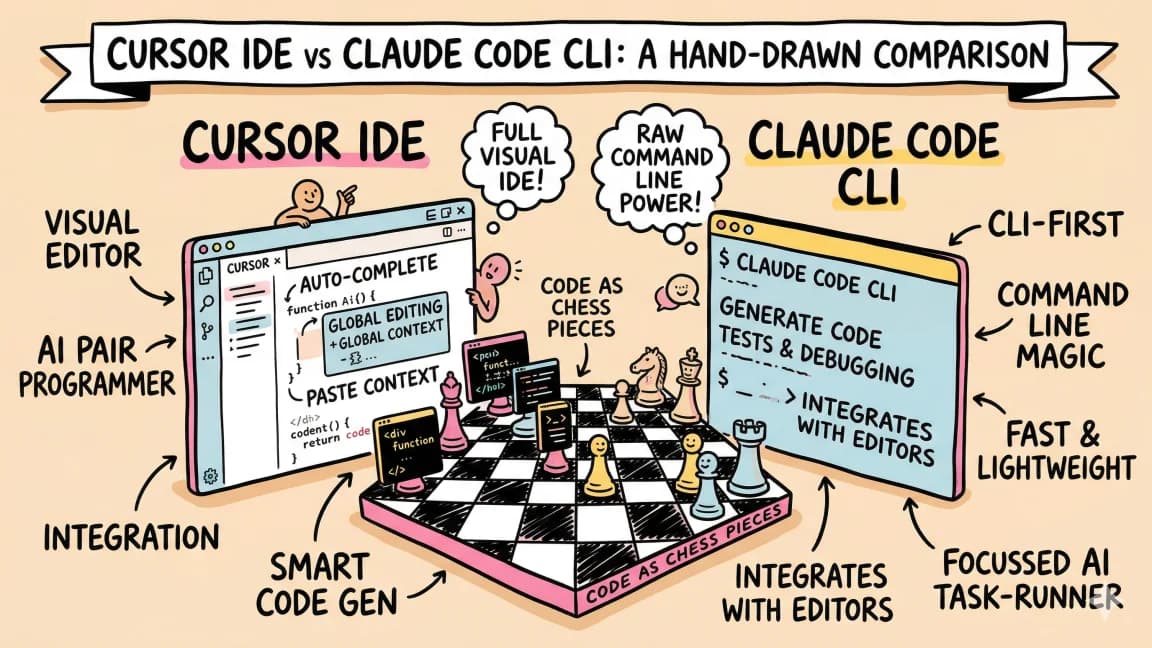
Cursor bundles AI features with the editor and charges a subscription for AI usage. Zed separates these concerns - you bring your own AI subscriptions and switch agents freely. Cursor has deeper integration with specific models but creates vendor lock-in. Zed prioritizes flexibility through the Agent Client Protocol. For developers who want to use multiple AI providers or switch between Claude, GPT, and Gemini based on task, Zed offers more freedom. Cursor may be simpler if you only use one AI provider.
Official Sources#
| Resource | Link |
|---|---|
| Zed Homepage | zed.dev |
| Zed Documentation | zed.dev/docs |
| Agent Client Protocol Spec | agentclientprotocol.com |
| Zed External Agents Docs | zed.dev/docs/ai/external-agents |
| Zed GitHub Repository | github.com/zed-industries/zed |
| Zed Extensions | zed.dev/extensions |
| Zed Channels | zed.dev/docs/channels |
Watch the Video#
Get the next deep dive like this in your inbox
One email a week on Zed and the rest of the AI dev stack. Free.
Read next on Claude Code
The 10 Best AI Coding Tools in 2026
From terminal agents to cloud IDEs - these are the AI coding tools worth using for TypeScript development in 2026.
8 min readWindsurf vs Cursor: Which AI IDE for TypeScript Developers?
Windsurf vs Cursor for TypeScript. Windsurf, now Devin Desktop, has Cascade and Cursor has Composer 2.5 - how they compare on context, pricing and models.
6 min readClaude Code vs Cursor in 2026: Which Should You Use?
Claude Code vs Cursor in 2026: Claude Code for autonomous terminal-first multi-file work, Cursor for editor-native iteration. Pricing and a decision framework.
11 min readTechnical content at the intersection of AI and development. Building with AI agents, Claude Code, and modern dev tools - then showing you exactly how it works.