Build Your First Agent with Vercel eve: A Step-by-Step Tutorial
TL;DR
A hands-on, beginner-friendly walkthrough of building an AI agent with Vercel eve: scaffold the project, define an agent and a typed tool with defineTool, run it locally, call it through the durable session and stream API, and deploy to Vercel Functions.
What you are building#
This is a hands-on, beginner-friendly tutorial. By the end you will have a working AI agent built with Vercel eve that can answer a question, call a tool you wrote, and run both locally and on Vercel Functions. If you want the conceptual overview first - what eve is, why "Next.js for agents" is more than a slogan, and where it sits in Vercel's stack - read our companion post on Vercel eve, the framework for building AI agents. This post is the walkthrough: less theory, more typing.
One thing to set up front. eve launched as a public preview and is currently in beta, subject to Vercel's beta terms. The framework, APIs, documentation, and behavior may change before general availability. Everything below uses the verified API as documented at launch, but pin your versions and expect some churn if you build on this today.
Prerequisites#
You need Node.js installed and a package manager (the scaffold works with npm, pnpm, or yarn). You do not need to wire up model provider API keys to get started: eve resolves model strings through AI Gateway, so on Vercel you authenticate with OIDC and skip key management entirely. For local development you will follow the generated project's README for any environment setup it asks for.
Step 1: Scaffold the project#
The fastest path is the eve CLI. Run the published package with npx to scaffold a new agent project, install dependencies, initialize Git, and start the development server in one command:
Terminal
npx eve@latest init my-agent
If you would rather add eve to an app you already have, install it directly and pass a path to init:
Install
npm install eve@latestThat is the whole setup. No build config to hand-write, no server file to author. The scaffold gives you a working project you can immediately run.
Step 2: Understand the agent/ directory#
eve is filesystem-first. You define an agent with files under an agent/ directory, eve discovers them, and compiles the tree into an app. If you have built a Next.js app, the mental model transfers directly: the file tree is the configuration. The conventional layout, per the eve docs, looks like this:
Code
my-agent/
└── agent/
    ├── agent.ts            # Model and runtime config
    ├── instructions.md     # System prompt
    ├── tools/              # Typed functions, one tool per file
    ├── skills/             # On-demand procedures loaded when relevant
    ├── channels/           # Message integrations
    └── schedules/          # Cron jobs
You do not need most of those folders for a first agent. The two that matter to start are instructions.md and agent.ts, plus a single file in tools/. The convention is the wiring: drop a file in tools/ and it becomes a tool, drop a file in schedules/ and it becomes a cron job. There is no central registry to maintain.
Step 3: Define the agent#
A minimal agent is genuinely two files. First, agent/instructions.md is the system prompt, written in plain Markdown:
Markdown
You are a concise assistant. Use tools when they are available.
Then agent/agent.ts is the runtime config. This is where you pick the model:
TypeScript
import { defineAgent } from 'eve';

export default defineAgent({
  model: 'openai/gpt-5.4-mini',
});
The model string is resolved through AI Gateway, so you can swap providers by changing the string - anthropic/claude-sonnet-4.6, for example - without touching credentials or rewriting calls. That is the entire agent definition. No loop, no message-history bookkeeping, no server handler. eve supplies the runtime.
From the archive
Claude Code Permissions: A Practical settings.json Guide for Allow, Deny, and Ask Rules
Jun 17, 2026 • 11 min read
The $500M Claude Bill: A Spend-Guardrails Playbook for AI-Native Teams
Jun 17, 2026 • 11 min read
Cohere's North Mini Code: A 30B Open-Weight Coding Model That Runs on One H100
Jun 17, 2026 • 7 min read
Cursor Origin: A Git Forge Built for AI Agents, Not Humans
Jun 17, 2026 • 8 min read
Step 4: Add a tool with defineTool#
An agent that can only talk is a chatbot. The interesting part is giving the model typed actions it can call. In eve, each file in agent/tools/ is exactly one tool, and the runtime tool name comes from the filename - so the model sees get_weather for a file named get_weather.ts. Create agent/tools/get_weather.ts:
TypeScript
import { defineTool } from 'eve/tools';
import { z } from 'zod';

// The runtime tool name comes from the filename, so the model sees `get_weather`.
export default defineTool({
  description: 'Get the current weather for a city.',
  inputSchema: z.object({
    city: z.string(),
  }),
  async execute(input) {
    return { city: input.city, condition: 'Sunny', temperatureF: 72 };
  },
});
Three pieces are doing the work here. The description is what the model reads to decide when to call the tool, so write it like a function doc, not a label. The inputSchema is a Zod schema that both validates the model's arguments and gives you typed input inside execute. And execute is your code - here it returns mock data, but in a real tool this is where you would hit a weather API. Because the schema is enforced before execute runs, you never have to defensively parse a malformed argument the model hallucinated.
That is the full loop: the model reads the description, decides to call get_weather, eve validates the arguments against the schema, runs your execute, and feeds the result back into the conversation.
Step 5: Run it locally#
Start the development server. The init command already started it, but you can run it again from the scaffold with the standard script:
Terminal
pnpm dev
Follow the generated README for the exact dev command if yours differs. The local server exposes the same session API you will use in production, which means there is no separate "test harness" to learn - you exercise the real interface from the start.
Step 6: Call the agent through the session API#
eve agents run as durable sessions. You start a session by posting a message, and the agent streams its output back. From a second terminal, start a session against the local server:
Terminal
curl -X POST http://127.0.0.1:3000/eve/v1/session \
  -H 'content-type: application/json' \
  -d '{"message":"What is the weather in Brooklyn?"}'
The response returns a continuationToken in the body and an x-eve-session-id header. That session ID is the handle to everything the agent does next. To watch the agent think and act in real time, attach to the session stream and you will receive NDJSON lifecycle events:
Terminal
curl http://127.0.0.1:3000/eve/v1/session/<sessionId>/stream
Swap <sessionId> for the value from the x-eve-session-id header. As the agent runs, the stream emits newline-delimited JSON events for each step of the turn, including the moment it decides to call your get_weather tool and the result coming back. For a "What is the weather in Brooklyn?" prompt, you will see the model pick the tool, the tool execute with { city: "Brooklyn" }, and the agent fold the Sunny, 72F result into its reply.
The session is durable, and that is the part worth pausing on. The single most annoying class of agent bug is the one where a deploy or a timeout kills a half-finished run with no clean way to resume. eve sessions checkpoint each step and resume after cold starts, deploys, or long pauses, backed by Vercel Workflow. The continuationToken is how you pick a session back up rather than starting over.
Step 7: Deploy to Vercel Functions#
Because an eve project compiles into a standard Vercel app, deploying is the normal Vercel flow rather than anything agent-specific. Push the project to a Git repository connected to Vercel, or deploy from the CLI, and eve runs on Vercel Functions. The same session endpoints you hit locally - POST /eve/v1/session and GET /eve/v1/session/<sessionId>/stream - are now served from your deployment URL.
On Vercel you also inherit the production wiring for free: model routing and provider fallbacks through AI Gateway, durable state through Vercel Workflow, isolated code execution through Vercel Sandbox, and a view of every agent run, its token usage, and timing through Vercel Observability with no extra setup. eve deploys natively to Vercel today, with other platforms described as coming soon, so if you need to self-host elsewhere, that is the constraint to plan around.
Where to go next#
You now have the full loop: scaffold, define an agent, add a typed tool, run it, call it over the session API, and ship it. The natural next steps are the folders you skipped. Add a skills/ file when a procedure is too large to live in the system prompt and should load only when relevant. Add a channels/ integration to let the agent receive messages from somewhere other than a raw HTTP call. Add a schedules/ cron job to run the agent on a timer. Each follows the same convention you already learned - a file in the right folder becomes the feature.
For the bigger picture of why eve is built this way, see our overview of Vercel eve as an agent framework and how it fits into Vercel's agentic infrastructure stack. If you are still deciding whether an opinionated framework is the right call versus assembling your own stack, our comparison of the Vercel AI SDK against other agent stacks is the place to weigh that tradeoff.
The honest summary: eve makes a first agent a 20-minute exercise instead of a week of plumbing, and the same code you write in that 20 minutes is what runs in production. Just remember it is a beta, so pin your versions and watch the changelog for API shifts.
FAQ#
Do I need API keys to run this tutorial?#
No, not to start. On Vercel, eve resolves model strings through AI Gateway and authenticates with OIDC, so you skip key management entirely. For local development, follow whatever the scaffolded project's README asks for.
Is eve ready for production use?#
eve is currently in public beta, per Vercel's docs. The core APIs shown here (defineAgent, defineTool, the session endpoints) are the verified launch API, but pin your version and watch the changelog for changes before general availability.
Can I deploy an eve agent outside of Vercel?#
Not today. eve deploys natively to Vercel Functions, and other platforms are described as "coming soon." If you need to self-host elsewhere now, that is a real constraint to plan around before committing to the framework.
How is this different from just using the Vercel AI SDK directly?#
eve is an opinionated, filesystem-first framework built on top of the same primitives the AI SDK exposes - it adds conventions for tools, skills, channels, and schedules plus durable sessions out of the box. See our comparison of the Vercel AI SDK against other agent stacks if you are deciding between assembling your own stack and adopting eve's conventions.
Continue Reading#
- Next.js 16.3 Is Out: Instant Navigations, 90% Less Dev Memory, and Versioned Docs for AI Agents
- Vercel Sandbox Gets a Real Network Boundary: Why Egress Control Is the Missing Half of Agent Security
Sources#
Read next
Vercel eve: The Framework for Building AI Agents
Vercel launched eve at Ship 26, an open-source agent framework it calls Next.js for agents. You define each agent as files under an agent/ directory, and eve compiles it into a production app on Vercel Functions with durable execution, sandboxes, approvals, subagents, and evals built in.
9 min readVercel's Agentic Infrastructure Stack Explained
Vercel just declared the agent stack: AI Gateway, Sandbox, Flags, and Microfrontends. Here is how the four primitives compose, with code, and where each one actually fits in a real product.
12 min readVercel's New Durable Execution Programming Model: A Developer's Guide
Durable execution lands on Vercel. What it means for agents, long-running flows, and indie dev stacks - with code, gotchas, and where it fits the agent stack.
10 min readShare
Developers Digest
Technical content at the intersection of AI and development. Building with AI agents, Claude Code, and modern dev tools - then showing you exactly how it works.
300+ videos30K+ GitHub stars850+ articles
Related Tools
AI FrameworksEssential

Vercel AI SDK
The TypeScript toolkit for building AI apps. Unified API across OpenAI, Anthropic, Google. Streaming, tool calling, stru...
View ToolProductivityNew
A
AgentCanvas
A hosted infinite canvas your headless AI agents drive over MCP. Any MCP-speaking agent - Claude Code, Codex, Cursor, or...
View ToolAI Frameworks
C
Composio
Gives AI agents access to 250+ external tools (GitHub, Slack, Gmail, databases) with managed OAuth. Handles the auth and...
View ToolProductivity

Pieces for Developers
AI-powered context manager that remembers your code, snippets, links, and project context across IDEs, browsers, and ter...
View ToolApps from Developers Digest
Developer ToolsIn Progress
Workflow Autopilot Builder
Define AI-assisted business automations without locking the workflow to one vendor.
View AppSaaS Products
Agent Generator
Do a task once with AI, get a reusable agent forever.
View AppDeveloper Tools
DD Traces
See exactly what your agent did, locally. No cloud, no signup.
View AppRelated Guides
Guide
Building Your First MCP Server
Step-by-step guide to building an MCP server in TypeScript - from project setup to tool definitions, resource handling, testing, and deployment.
AI AgentsGuide
Getting Started with DevDigest CLI
Install the dd CLI and scaffold your first AI-powered app in under a minute.
Getting StartedGuide
MCP Servers Explained
What MCP servers are, how they work, and how to build your own in 5 minutes.
AI AgentsRelated Videos

Build an AI Device with Groq, Llama 3, OpenAI, TTS, Whisper, Vision, Vercel AI SDK & Next.js
Repo: https://git.new/ai-pin Building an AI Assistant similar to the Humane AI Pin, the Rabbit R1 with Advanced Functionality from Scratch This video details the process of creating an AI...
Video·
Build a Next.JS Answer Engine with Vercel AI SDK, Groq, Mistral, Langchain, OpenAI, Brave & Serper
Building a Perplexity Style LLM Answer Engine: Frontend to Backend Tutorial This tutorial guides viewers through the process of building a Perplexity style Large Language Model (LLM) answer...
Video·
Build Your Own Voice AI Agent with Ten Agent: A Step-by-Step Guide
In this video, discover how to build your customized voice AI agents using TEN Agent, an open-source conversational AI platform. Learn to integrate top speech-to-text models, large language...
Video·
Related Posts
9 min read
Vercel
Vercel eve: The Framework for Building AI Agents
Vercel launched eve at Ship 26, an open-source agent framework it calls Next.js for agents. You define each agent as fil...
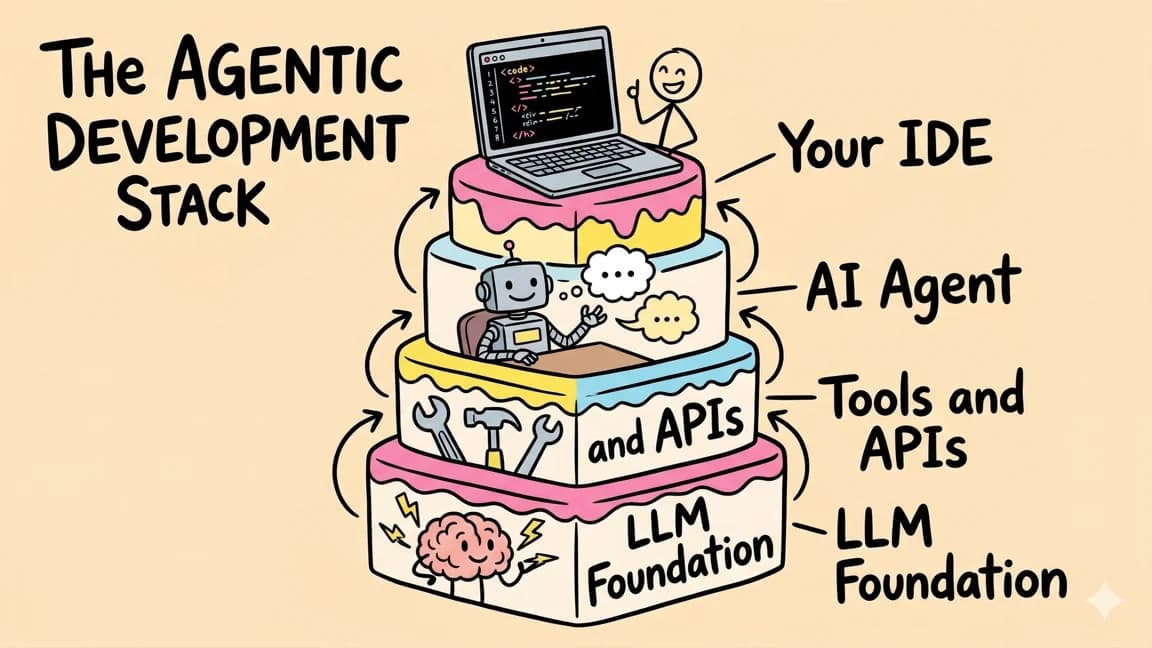
12 min read
AI
Vercel's Agentic Infrastructure Stack Explained
Vercel just declared the agent stack: AI Gateway, Sandbox, Flags, and Microfrontends. Here is how the four primitives co...
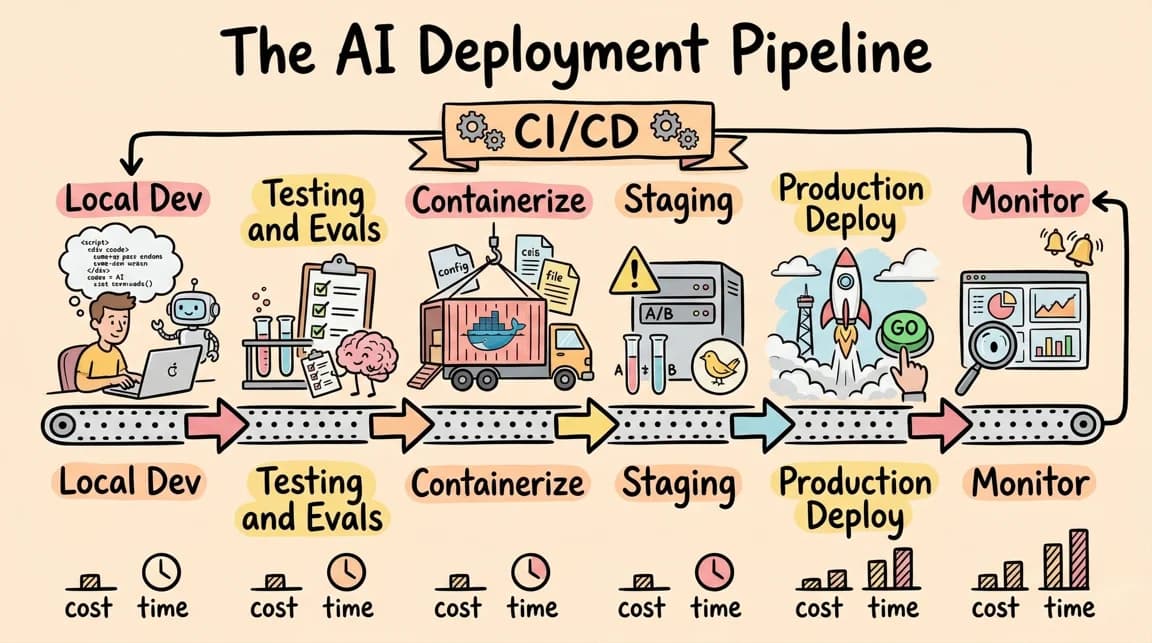
10 min read
Vercel
Vercel's New Durable Execution Programming Model: A Developer's Guide
Durable execution lands on Vercel. What it means for agents, long-running flows, and indie dev stacks - with code, gotch...

5 min read
Vercel AI SDK
Vercel AI SDK: Build Streaming AI Apps in TypeScript
The AI SDK is the fastest way to add streaming AI responses to your Next.js app. Here is how to use it with Claude, GPT,...

11 min read
AI Agents
Agent Architecture: Building Multi-Step AI Workflows That Survive Production
A practical architecture for multi-step Claude agents. Loop patterns, state management, error recovery, and the producti...

5 min read
LangChain
LangChain vs Vercel AI SDK: Which TypeScript AI Framework Should You Use?
Two popular frameworks for building AI apps in TypeScript. Here is when to use each and why most Next.js developers shou...
Build with the member tools

Get Smarter About AI Dev
New tutorials, open-source projects, and deep dives on coding agents - delivered weekly.
One email per weekReal code, not theoryFree forever