CleanYourTV: Debloat Your TV With Claude Code, Safely
TL;DR
CleanYourTV is a prompt plus scripts that has Claude Code strip ads and telemetry from an Android TV over Wi-Fi. What it does, where it breaks, and a safe-run checklist.
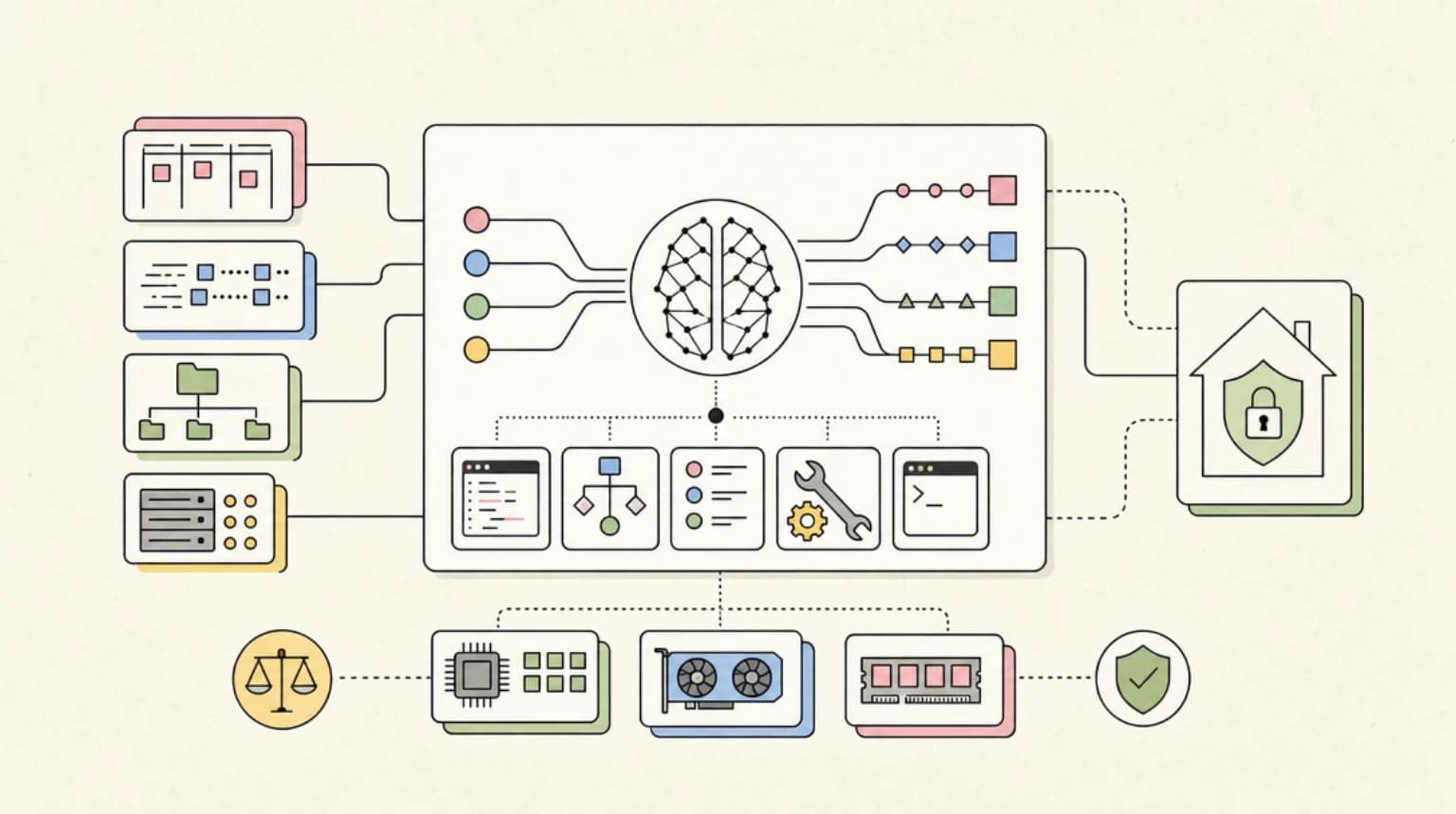
CleanYourTV is a GitHub repo that turns Claude Code into a TV technician: you paste one prompt, the agent connects to your Android TV or Google TV over Wi-Fi, disables the manufacturer's ad and telemetry packages, and installs a clean launcher. It went viral last week, and "cleanyourtv" is now one of the fastest-rising searches next to "claude code". This post covers what it actually does, what the community reports, and how to run it without bricking a TV.
Last updated: October 25, 2026
What CleanYourTV actually is#
The project's README describes three steps: back up the list of installed packages and settings, disable the manufacturer's "telemetry, ad services, content rows and preloaded junk" with pm disable-user, and install a small native launcher as the default home screen. It states that nothing is rooted or uninstalled and that a restore script can undo the changes.
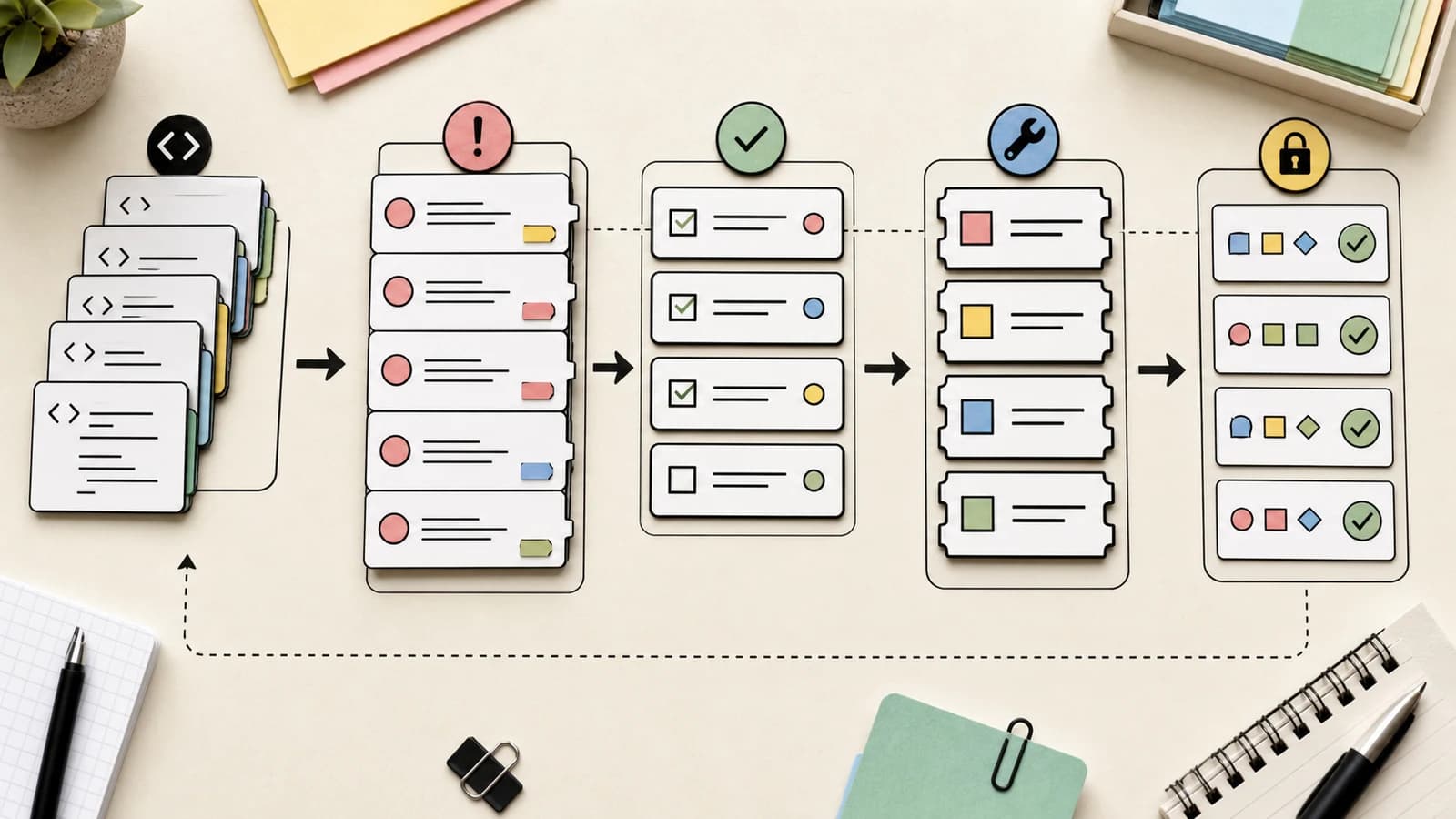
The interesting part is the delivery format. The core of the project is PROMPT.md, a long instruction file for a coding agent. It tells the agent to:
- find the TV on your network and connect over ADB, with workarounds for macOS Local Network privacy and Wireless debugging pairing;
- save the package list, disabled packages and settings before changing anything, and write a restore script;
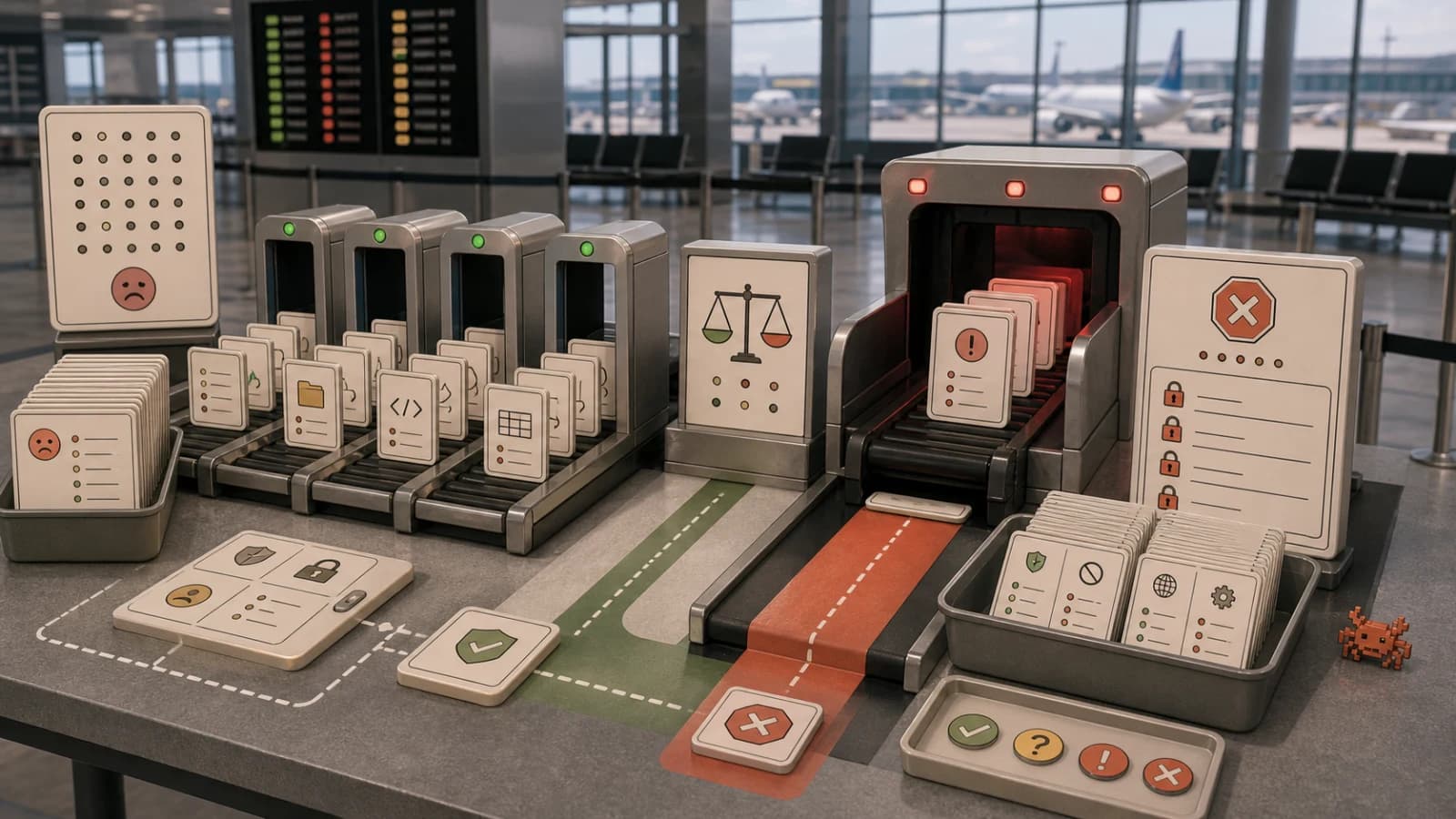
- sort packages into categories and ask you which streaming apps, voice assistant, Chromecast and update service you use before touching them;
- disable in small batches and screenshot the TV between batches;
- build and install a launcher only after checking that the TV accepts APKs and meets the launcher's minimum SDK level.
The README says to clone the repo first so the assistant reuses its tools/disable.sh and launcher/build-and-install.sh (which hold the backup and the Home guard) instead of writing its own, and that Claude Code, Codex or Gemini CLI all work. It estimates about fifteen minutes with the repo as context. The prompt itself says it does not work on Samsung Tizen, LG webOS or Fire TV, only Android TV and Google TV sets.
Why it spread#
The origin story is short. The author, Gathin T., tweeted on October 17 that he had given Claude Code his parents' TV model number and it "found the TV on wifi, removed 25 Xiaomi packages" and wrote a new launcher. TechCrunch covered it two days later alongside a rival project, dumbtv, and framed the trend as a threat to the smart-TV ad business, since TVs use automatic content recognition to identify what is on screen. The project's latest commit message counts 307 TV models across 87 brands, and the README says its showcase page lists 117 community projects built on top.
On search demand, Google Trends over the past seven days (hourly, relative scale) gives "cleanyourtv" an average of 5 against 4 for the established "claude code skills", with "clean your tv" listed as a Breakout related query under "claude code". Compare that with the Claude Duet spike earlier this week, which peaked at 100 and has decayed to the low teens: this one is still climbing slowly rather than fading. We covered that earlier spike in Claude Duet explained.
The angle: a prompt is now a distribution format#
The strategic point is not the TV. It is that a repo containing a prompt, a handful of scripts and a restore path is now a shippable product. There is no installer, no app store review and no support team. The user's own agent, running on the user's own plan, is the installer. The maintainer's job becomes encoding the failure cases, and the prompt shows that is where the effort goes: it carries rules like "never disable the permission controller, the package installer, com.android.systemui, com.android.settings and android", with a note that an original Mi TV Stick never booted again after a list took the first six of them (issue 884).
That is a pattern worth stealing for your own tools. If you ship a prompt that drives real devices, the valuable part is the list of things the agent must never do, plus a verified undo. Our guide to permissions, logs and rollback for coding agents covers the same structure for repos.
Run it safely: a Monday checklist#
Everything below comes from the README and PROMPT.md, not from our own TV testing. We have not run it on hardware, so treat the commands as copied from the project and check them against the current repo before you rely on them.
- Check your TV is eligible. Android TV or Google TV only. Fire TV, Samsung Tizen and LG webOS are out per the prompt.
- Clone first.
git clone https://github.com/Gathin23/cleanyourtv, open that folder in your assistant, then pastePROMPT.mdwith your model filled in. The backup and Home guard live in the repo's scripts. - Enable debugging on the TV. Settings, Device Preferences, About, press OK on Build seven times, then Developer options and turn on USB debugging. Keep the TV on.
- Keep the agent on a short leash. Run Claude Code with prompts for anything that writes, rather than a bypass mode. Our permissions guide shows how to allow read-only
adb shell pm listcalls and ask forpm disable-user. - Insist on small batches. The prompt already asks for this; make sure the agent screenshots between batches so you can tell which package broke what.
- Close ADB when done. The prompt says network ADB on port 5555 is plaintext, and that on firmware with
ro.adb.secure=0any device on your LAN can get a shell. Turn debugging off, revoke authorizations, reboot, and confirm the port refuses connections. This ties into the wider concern in our post on Android restricting on-device ADB. - Know the undo. The README's one-liner is
TV_HOST=192.168.1.50 tools/restore.sh examples/<your tv>/debloat.txt(with the stock launcher package added as a third argument on Google TV). If the TV will not boot far enough, the README says a factory reset from the recovery menu is usually the way back, and it wipes your apps and accounts.
What people are actually saying#
- Practitioner wins. On r/TCLTVs, one owner of an old, slow TCL TV reports the open-source debloat worked with Claude and left a clean launcher. TechCrunch also quotes users reporting a snappier interface after the agent removed vendor packages.
- Bricking reports. TechCrunch notes one person said they bricked an Android TV using Claude, and another got stuck halfway through a Fire TV attempt. The README's own factory-reset section is an admission that this can happen.
- Trust questions. A thread on r/AndroidTV asks directly what to make of this "viral vibecoded project", and an r/AfterVanced poster calls it vibe-coded but working well enough. The skepticism is about letting an agent run privileged shell commands from a prompt you did not write.
- A practical tip. In a related r/AndroidTV thread, a commenter reminds people to turn network debugging off afterwards, which matches the project's own advice.
- Not just Android TV. Some r/ClaudeAI users report doing similar work on a Samsung TV home screen without this project, so the underlying trick is the agent, not the repo.
The honest summary: for a mainstream Android TV with a backup and a restore path, reports are mostly positive. For unusual firmware, the risk is real and the cost of a mistake is a factory reset.
Who wins and who loses#
Winners are developers and tinkerers with a spare afternoon, and every maintainer who can package a device-specific runbook as a prompt. Losers are TV makers that fund hardware margins with home-screen ads and viewing data; if this spreads beyond developers, they will respond with locked bootloaders, signed launchers or ADB restrictions, and the README already documents sets that refuse any package declaring the HOME category without the manufacturer's signature. Expect the next version of this story to be an arms race over exactly that.
FAQ#
What is CleanYourTV?#
An open-source repo containing a prompt, scripts and a launcher that let a coding agent such as Claude Code disable ad and telemetry packages on an Android TV or Google TV over Wi-Fi and install a minimal home screen.
Does CleanYourTV need root?#
No. The README says it works through developer options, ADB and pm disable-user, the same mechanism as disabling an app in Settings, and that nothing is uninstalled.
Does it work on Samsung, LG or Fire TV?#
The prompt says it will not work on Samsung Tizen, LG webOS or Fire TV, though the README's device tables may list partial support such as debloat-only on some Fire TV models, so check them for your exact set. It targets sets running Android TV or Google TV, including many Xiaomi, TCL, Hisense, Sony and Philips models.
Can it brick my TV?#
It can in principle. The README's own FAQ says the risk is disabling something the TV depends on, and that a factory reset from recovery is usually the way back if the TV no longer boots. Apply changes in small batches and keep the restore script.
Do I need Claude Code to use it?#
No. The README lists Claude Code, Codex and Gemini CLI, and there is a community-built phone app for people without a computer.
Continue Reading#
- Claude Code Permissions: settings.json Allow, Deny, Ask - gate the commands that change a device
- Permissions, Logs, and Rollback for AI Coding Agents - the undo discipline this project depends on
- Android May Soon Restrict On-Device ADB - why the ADB path may get narrower
- The Agent Security Checklist I Use Before Connecting Tools - what to verify before an agent touches real systems
- Claude Code Auto Mode Explained - how far to let the agent run unattended
- What Is Claude Code - the basics if this is your first agent project
- Claude Code - plans, install routes, and alternatives on one page
Sources#
Get the next deep dive like this in your inbox
One email a week on News and the rest of the AI dev stack. Free.
Read next on Claude Code
Claude Code Permissions: settings.json Allow, Deny, Ask
Configure Claude Code permissions in settings.json: allow, deny, and ask rules, scope precedence, tool specifiers, and the headless flags you need for CI.
11 min readPermissions, Logs, and Rollback for AI Coding Agents
Permissions, logs, and rollback for AI coding agents work best as one system. A run ledger and practical allow, ask, and deny policy for agents that edit code.
9 min readAndroid May Soon Restrict On-Device ADB - What Developers Need to Know
Android may restrict on-device ADB to wlan0, breaking Shizuku, libadb-android and Termux workflows. What the proposal says and what developers need to know.
7 min readTechnical content at the intersection of AI and development. Building with AI agents, Claude Code, and modern dev tools - then showing you exactly how it works.