Codex CLI Vim Mode Is an Ergonomics Signal
TL;DR
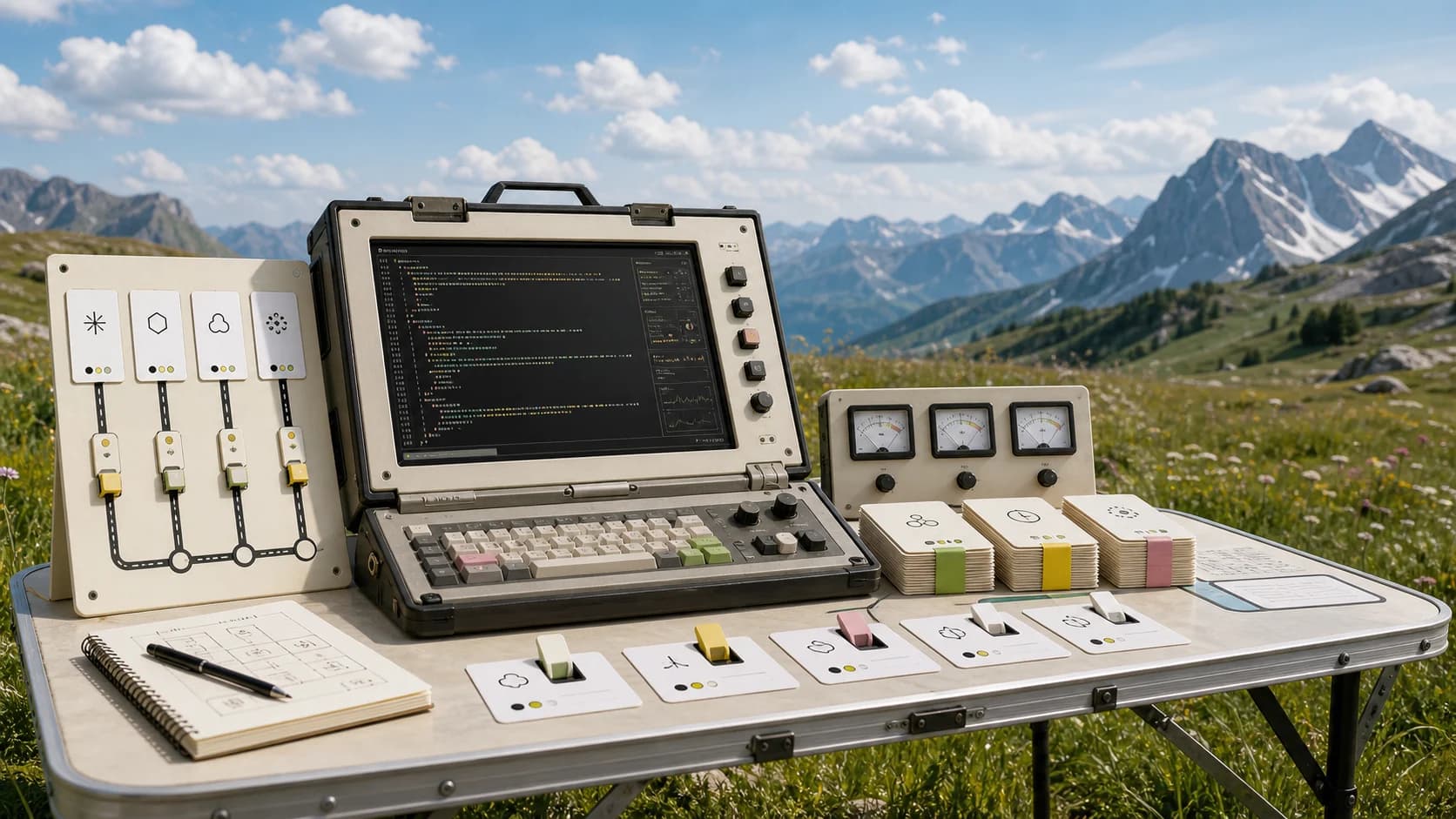
Codex CLI 0.129.0 added modal Vim editing in the composer. The feature is small, but it points at a bigger shift: terminal agents are becoming native engineering workbenches.
The most interesting line in Codex CLI 0.129.0 is not the biggest one.
It is this: the TUI composer now supports modal Vim editing, including /vim, default-mode configuration, and Vim-specific keymap contexts.
That sounds like a small quality-of-life feature. It is more than that. It is a sign that terminal agents are being designed for people who live inside terminals all day, not just people trying a chat demo.
Last verified: 2026-07-31
The take#
Agent UX is moving from chat convenience to workbench ergonomics.
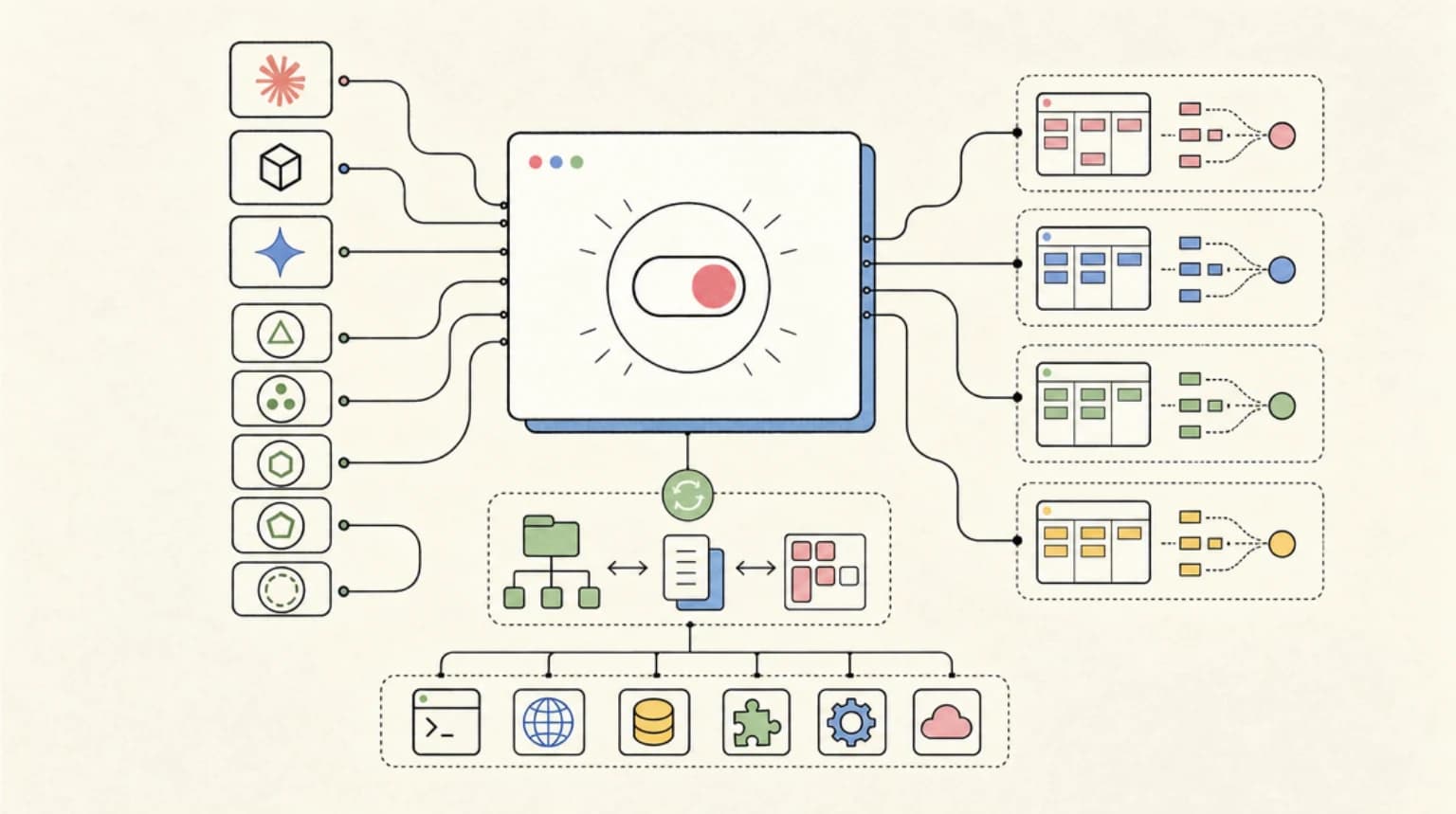
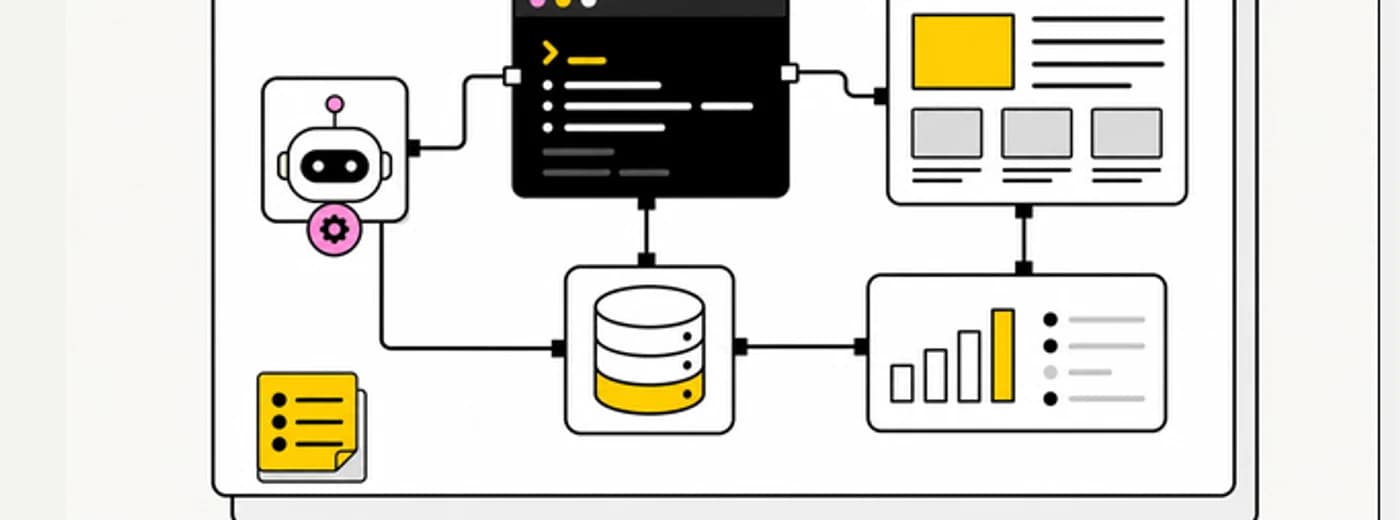
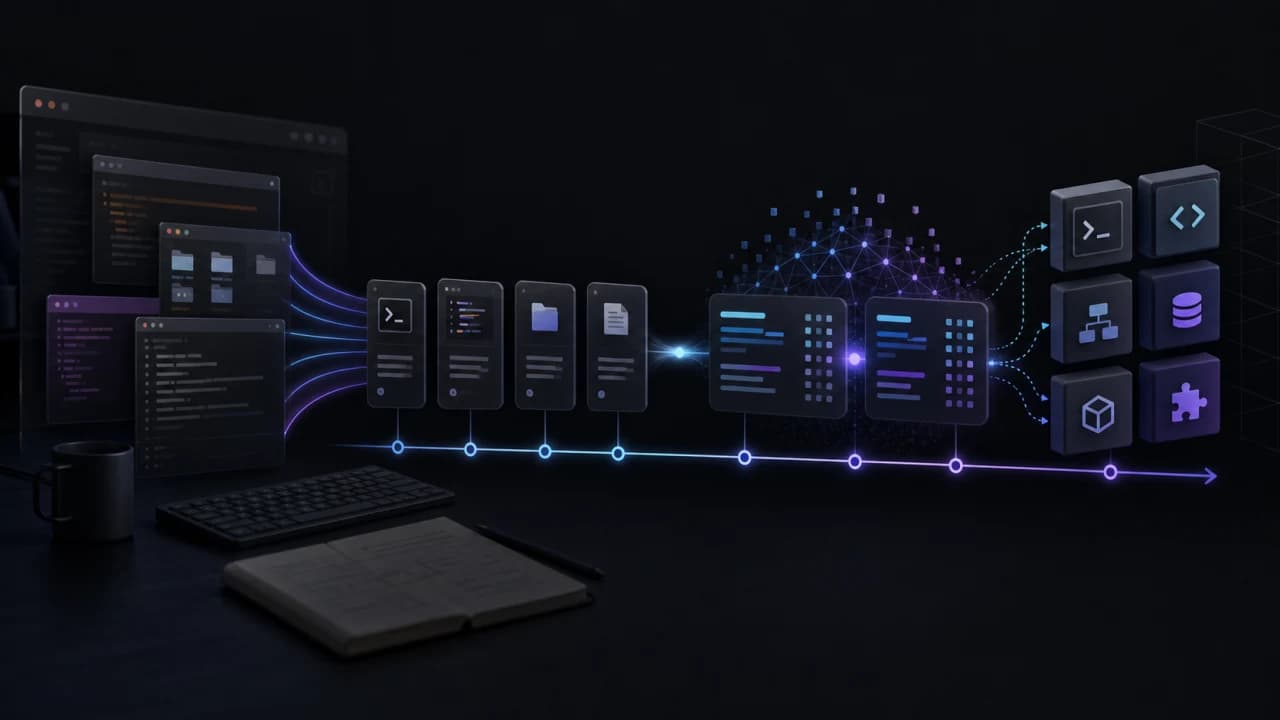
The old AI coding interface was a prompt box. The newer interface is a terminal runtime with diffs, resumable threads, worktrees, hooks, plugins, permissions, browser tools, and receipts. Once a tool reaches that stage, keyboard behavior is not polish. It is workflow infrastructure.
That is why modal editing matters. If a developer edits prompts, plans, file paths, command notes, and review instructions inside an agent composer dozens of times a day, the composer becomes part of the coding surface. It should respect the developer's muscle memory.
This fits the broader pattern in terminal agents becoming portable runtime surfaces, Codex loops, and Codex /goal workflows. The agent is not just answering. It is sitting inside the developer's control loop.
Why this release is bigger than Vim#
Codex CLI 0.129.0 added more than modal editing. The release also improved resume and fork flows, raw scrollback mode, /ide context injection, workspace-aware /diff, status-line summaries, /keymap debug, plugin sharing controls, hook browsing, and experimental goal visibility.
That cluster tells a clear story.
Codex is treating the terminal as the product surface, not just the place where logs appear.
The difference is practical:
- Resume and fork pickers make agent work interruptible.
- Workspace-aware diffs make review local and concrete.
/idecontext injection connects editor state to terminal work./keymap debugacknowledges that terminal input is messy.- Hook browsing turns lifecycle automation into something a user can inspect.
- Plugin sharing controls treat extensions as collaborative infrastructure.
Those are not model capabilities. They are operational capabilities.
The opposing view#
The fair opposing view is that Vim mode does not make the agent smarter.
Correct. A modal composer will not fix a bad plan, hallucinated API, unsafe shell command, or weak test. Teams still need agent receipts, security boundaries, and merge discipline.
But daily tools win through repeated friction reduction. A feature that saves two seconds once is not interesting. A feature that saves cognitive switching every turn becomes meaningful.
That is the same reason developers care about tmux, shell history, editor keybindings, fuzzy finders, and clipboard behavior. None of those writes better code by itself. Together, they make the workbench feel native.
Agents need that same maturity.
What agent tools should copy#
Every terminal agent should treat input ergonomics as a first-class surface.
That means:
- Respect existing editor muscle memory.
- Make keymaps inspectable.
- Keep prompt editing recoverable after interrupts.
- Let users fork and resume work without losing context.
- Show diffs close to the conversation.
- Let hooks and plugins be browsed before they run.
- Expose enough status to know which branch, PR, model, and mode are active.
This is especially important for long-running work. If an agent session lasts hours, the interface cannot feel like a disposable chat window. It has to feel like a dependable terminal workspace.
The practical bottom line#
Codex CLI Vim mode is a small feature with a large signal.
AI coding tools are entering the ergonomics phase. The winners will not only have strong models. They will make agent work feel native to the developer's existing environment: terminal, editor, keyboard, git, browser, and review loop.
That is how coding agents become daily tools instead of impressive demos.
Sources: Codex CLI 0.129.0 release notes, Codex CLI 0.130.0 release notes, OpenAI Codex repository, OpenAI Codex docs.
Continue Reading#
- Codex Changelog: June 2026 - what shipped in the CLI after this release
- Codex CLI Resource Budgets - the next step in making agent sessions controllable
- Codex Record and Replay - debugging long agent runs like terminal sessions
Frequently Asked Questions#
What changed in Codex CLI 0.129.0?#
Codex CLI 0.129.0 added modal Vim editing in the TUI composer, improved resume and fork flows, added raw scrollback mode, improved /diff, added /ide context injection, expanded plugin management, and improved hooks and goal surfaces.
Why does Vim mode matter for coding agents?#
It makes the agent composer feel native for developers who already use modal editing. For high-frequency agent work, prompt and plan editing are part of the coding workflow, so input ergonomics matter.
Does modal editing improve model quality?#
No. Modal editing does not make the model smarter. It reduces interface friction so developers can supervise, correct, resume, and review agent work more effectively.
What should teams look for in a terminal agent?#
Look for resumable sessions, visible diffs, inspectable keymaps, clear permission modes, plugin and hook visibility, branch and PR status, and receipts that explain what the agent changed and verified.
Get the next deep dive like this in your inbox
One email a week on Codex and the rest of the AI dev stack. Free.
Read next on AI coding tools
Codex CLI Worktrees Turn Agent Runs Into Durable Sessions
Codex CLI 0.154.0 adds experimental worktrees, inline answers, Windows daemon support, and approval hardening. The important shift is durable agent workspace control.
7 min readLocal Coding Agent Workspaces Are the New IDE Surface
A new layer is forming around Claude Code, Codex, Copilot CLI, and local memory tools: the local coding agent workspace. It is not the model. It is the bench where agents get supervised.
8 min readTerminal Agents Are the New Developer Runtime
Terminal agents like Claude Code, Codex CLI, OpenCode, Copilot CLI, and DeepSeek-TUI are converging on the same runtime layer: permissions, sandboxing, rollback, diagnostics, subagents, receipts, and cost controls.
9 min readNew here? Start with
Technical content at the intersection of AI and development. Building with AI agents, Claude Code, and modern dev tools - then showing you exactly how it works.