Codex Changelog April 2026: Goals, Browser Use, GPT-5.5, and Safer Agents

TL;DR
The April 2026 Codex changelog explained: persisted goals, browser verification, automatic approval reviews, plugins, and permission profiles.
Last updated: June 7, 2026
| Official Sources | |
|---|---|
| Codex Changelog | Official release notes and version history |
| Codex Developer Site | Full Codex documentation and guides |
| ChatGPT Release Notes | ChatGPT updates including Codex features |
| OpenAI API Changelog | API changes and model updates |
| ChatGPT Pricing | Plus, Pro, and Team subscription pricing |
| OpenAI Blog | Product announcements and feature releases |
OpenAI's April 2026 Codex changelog is not just a pile of CLI release notes. It shows where Codex is going.
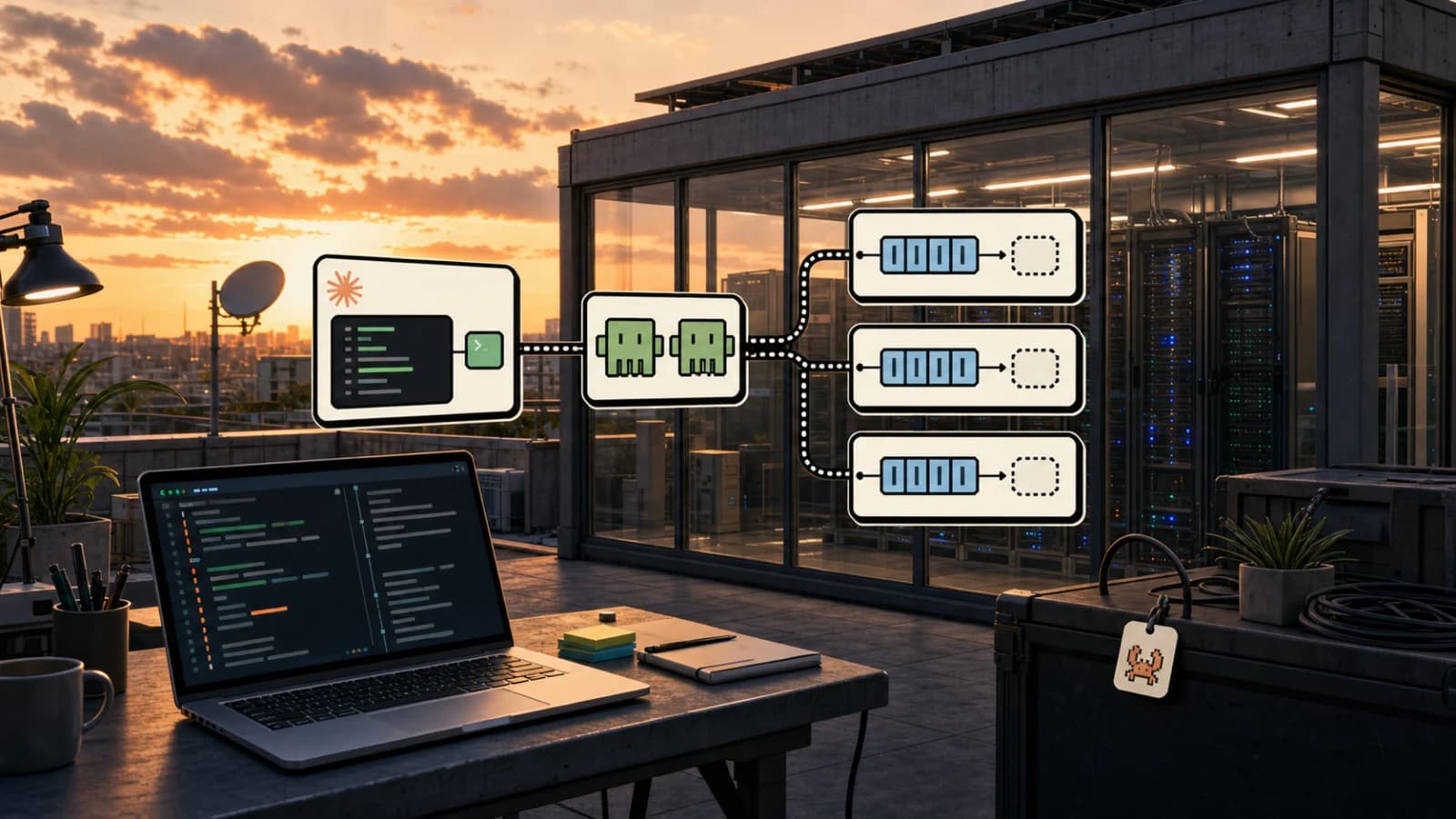
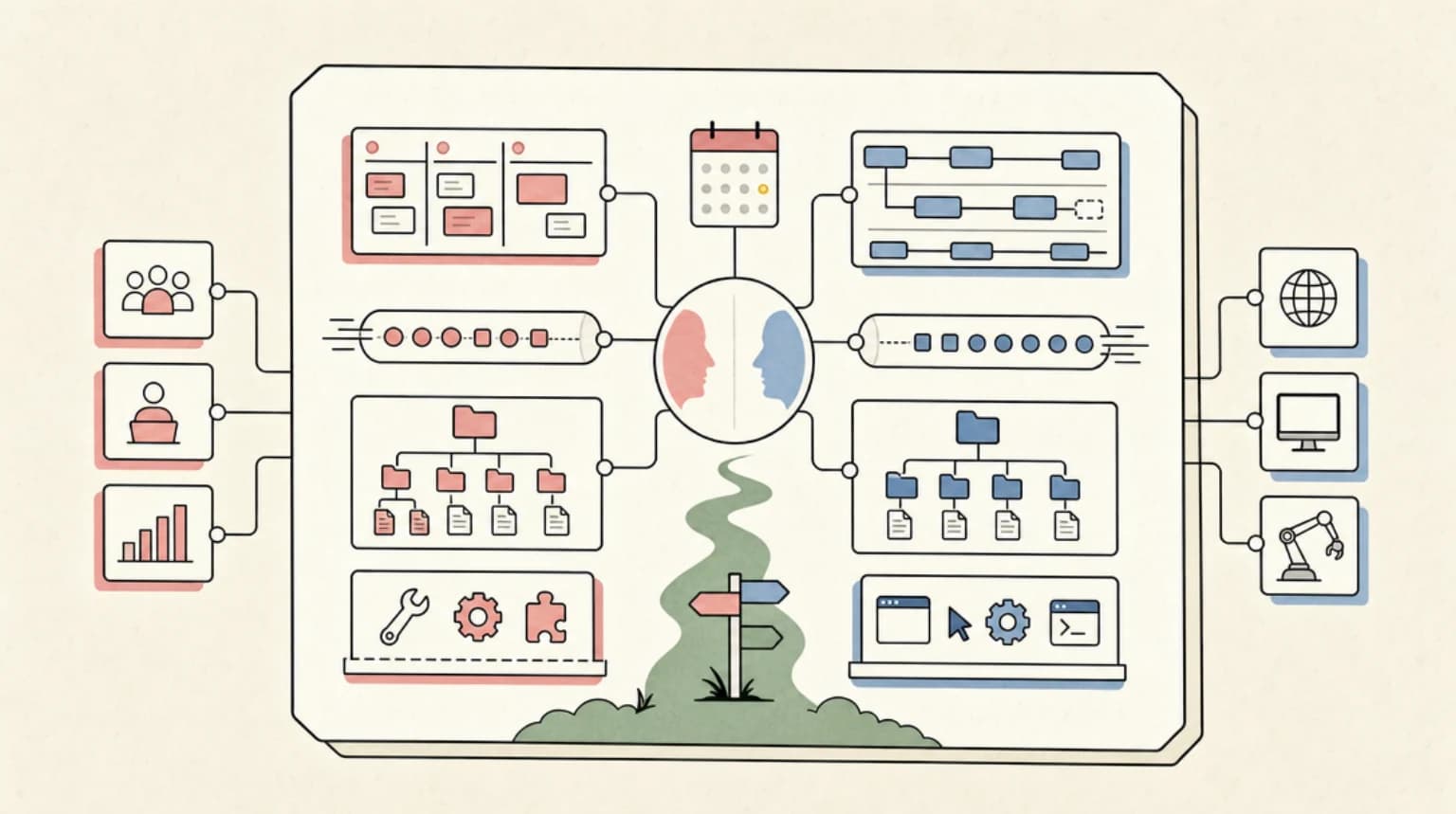
The short version: Codex is moving from "coding agent that edits a repo" toward "agent workspace for long-running engineering work." For the broader version of that shift, read Codex as a general-purpose AI agent. The big signals are persisted goals, app-level browser verification, automatic approval reviews, plugin workflows, stronger permission profiles, and GPT-5.5 becoming the recommended model for most Codex work.
If you are choosing between Codex, Claude Code, Cursor, and other coding agents, this matters more than any single benchmark. Codex is becoming less like a one-shot CLI and more like a managed operating surface for agent teams.
For background, start with the OpenAI Codex guide, then compare Codex against Claude Code and the broader AI coding tools pricing guide.
Where This Fits in the Codex Cluster#
This is the change-log interpretation layer. Use the rest of the cluster based on what you need next:
| Need | Read next |
|---|---|
| Product overview | OpenAI Codex guide |
| Scheduled recurring work | Codex automations playbook |
| Agent comparison | Claude Code vs Codex vs Cursor vs OpenCode |
| Pricing and plan access | AI coding tools pricing 2026 |
| OpenAI versus Anthropic strategy | Anthropic vs OpenAI developer experience |
| Security posture | OpenAI Codex cloud security playbook |
The official Codex changelog is the source of truth for release sequence. This post explains why those updates matter for daily engineering work.
The April headline#
April's Codex updates cluster around five product moves:
- Longer-running work: persisted
/goalworkflows and thread automations. - More verification: browser use, computer use, richer artifact previews, and PR review flows.
- Safer autonomy: automatic approval reviews, explicit permission profiles, and tighter sandbox handling.
- More extensibility: plugin marketplaces, plugin-bundled hooks, MCP Apps, skills, and external-agent imports.
- Better model routing: GPT-5.5 for heavy work, GPT-5.4 mini for lighter work, and reasoning controls in the TUI.
That is a coherent product direction. Codex is trying to own the full loop: start work, keep context, execute in the right environment, verify the output, and keep the agent constrained enough that teams can trust it.
1. Goals make Codex more persistent#
The April 30 Codex CLI 0.128.0 release added persisted /goal workflows across app-server APIs, model tools, runtime continuation, and TUI controls. In plain English: Codex can now treat a larger objective as stateful work instead of a single disposable turn. For the deeper workflow tradeoff, read the Codex /goal vs Claude Managed Outcomes comparison.
That is a meaningful shift. A lot of real engineering work does not fit into "prompt, diff, done." You start with a goal, learn more, pause, inspect results, resume, and sometimes fork. Persisted goals make Codex better suited for:
- multi-step migrations
- daily maintenance loops
- long-running QA passes
- content or docs pipelines
- multi-agent work that needs a stable target
This overlaps with how serious Claude Code users already work with plan mode, subagents, and skills. The difference is that Codex is folding the behavior into the app and CLI runtime rather than leaving it as a prompt convention.
Practical takeaway: if you use Codex for anything longer than a small diff, start writing prompts as goals, not tasks.
Weak prompt:
fix the seo issues
Better prompt:
Goal: improve organic performance for the pricing and comparison cluster.

Measure the last several days of repo changes and analytics signals. Pick the five highest-leverage changes you can complete safely. Prioritize internal links, stale pricing references, schema, missing hero images, and comparison verdicts. Do not touch unrelated user changes.
That format gives Codex room to plan, inspect, act, and report without turning the session into a vague content sweep.
2. Browser use changes what "done" means#
On April 23, OpenAI added browser use in the Codex app. The app can let Codex operate the in-app browser for local development servers and file-backed pages. The changelog frames this around clicking through rendered UI, reproducing visual bugs, and verifying local fixes.
That is a big deal for frontend work.
Before browser use, a coding agent could run tests and inspect files, but it often had to infer whether a UI worked. With browser use, the workflow can become:
- Start the dev server.
- Open the local page.
- Click through the relevant state.
- Inspect whether the component actually rendered.
- Patch the UI.
- Re-check the browser.
This is the line between "the agent wrote plausible React" and "the agent verified the product state."
For Developers Digest style work, this matters because visual bugs are often not type errors. A page can compile and still be wrong: button text wraps poorly, cards stack strangely, a mobile nav overlaps, or a hero image crowds the next section. Browser use gives Codex a path to catch those issues in the same workflow.
If you are comparing Codex to Cursor or Claude Code, browser verification is now one of the deciding factors. Cursor still wins on inline IDE iteration. Claude Code still has a deep local automation culture. Codex is getting stronger at app-level verification inside its own workspace.
3. Automatic approval reviews make autonomy less reckless#
The April 23 Codex app update also introduced automatic approval reviews. Codex can route eligible approval prompts through a reviewer agent before the request runs. The app then shows review status and risk level so you can decide whether to proceed.
This is the right direction for agent safety.
Most coding-agent mistakes are not "the model cannot code." They are workflow mistakes:
- installing the wrong dependency
- running a command with too much filesystem access
- approving a risky network request
- editing generated files instead of source files
- making broad changes when the task called for a narrow patch
An approval reviewer does not eliminate those risks, but it adds a second check at the moment where risk turns into action.
The key design choice is that the review happens before the request runs. That matters. Post-hoc summaries are useful for audit logs, but pre-action reviews are what keep the blast radius small.
For teams, this is one of the most important April changes. The future of coding agents is not "full autonomy everywhere." It is constrained autonomy with useful review gates.
4. Permission profiles are replacing vague full-auto modes#
The April 30 CLI release deprecated --full-auto and steered users toward explicit permission profiles and trust flows. The same release expanded permission profiles with built-in defaults, sandbox CLI profile selection, current working directory controls, and active-profile metadata for clients.
That sounds like plumbing, but it is product strategy.
--full-auto is easy to understand and dangerous to normalize. It says: let the agent do everything. Permission profiles say something more precise: let the agent do the right set of things for this workspace, this command, and this trust level.
For real teams, that is the only sustainable model.
Good agent permissions should be boring:
- read-only for audits
- write access for narrow implementation
- restricted network for dependency installs
- explicit approval for package manager changes
- stronger controls for production config
The April changelog shows Codex moving toward that model. Permission profiles now round-trip across TUI sessions, user turns, MCP sandbox state, shell escalation, and app-server APIs. That consistency matters because the worst permission bugs happen at boundaries.
5. Plugins are becoming first-class#
April added and expanded plugin marketplace workflows in multiple places:
codex marketplace add- app-server support for installing plugin marketplaces
- remote plugin install
- marketplace upgrades
- plugin-bundled hooks
- hook enablement state
- external-agent config import
This is Codex moving toward an ecosystem model.
Claude Code has had a cultural lead here because skills and plugins are simple to reason about: a SKILL.md, a folder, and a repeatable workflow. Codex is now building toward similar leverage, but with more app-server and marketplace infrastructure around it.
For users, the important question is not "does Codex have plugins?" It is whether plugins become the place where durable team knowledge lives.
The answer should be yes.
If a team learns a repeatable workflow, it should not stay in someone's chat history. It should become a skill, plugin, command, or project instruction. That is how agent work compounds. April's plugin changes make Codex better suited for that kind of compounding.
6. GPT-5.5 is the new default mental model for hard Codex work#
OpenAI's April 23 Codex update says GPT-5.5 is available in Codex and is the recommended choice for most Codex tasks when it appears in the model picker. The changelog calls out implementation, refactors, debugging, testing, validation, and knowledge-work artifacts as especially good fits.
The practical model split now looks like this:
| Work type | Better Codex choice |
|---|---|
| complex implementation | GPT-5.5 |
| architecture or refactor planning | GPT-5.5 |
| debugging and validation | GPT-5.5 |
| lighter codebase exploration | GPT-5.4 mini |
| supporting subagent work | GPT-5.4 mini |
| usage-constrained long sessions | mini model where possible |
This mirrors how many developers already route work manually: expensive model for judgment, cheaper model for exploration.
The March 17 changelog entry for GPT-5.4 mini is useful context. OpenAI positioned it as a fast, efficient model for lighter coding tasks and subagents, with lower included-limit consumption than GPT-5.4. That matters because Codex is increasingly a multi-agent environment. You do not want every subagent burning your strongest model.
7. Pricing and usage are part of the product now#
The April 30 ChatGPT release notes introduced a new $100/month Pro plan and changed how Codex usage works across Plus and Pro. OpenAI positioned the $100 plan for longer, high-intensity Codex sessions, while Plus remains the steady day-to-day tier as the temporary Plus Codex promotion ends.
That is the clearest signal yet that Codex usage is becoming a core subscription differentiator.
For developers, the decision is no longer just "does Codex work?" It is:
- How often do I run high-intensity sessions?
- Do I need long single-day sessions or steady weekly usage?
- Can mini models handle support work?
- Is Codex replacing another paid coding tool or stacking on top of it?
If Codex is your primary agent, the $100 Pro tier may become the real middle path between Plus and $200 Pro. If Codex is your backup agent, Plus may still be enough. If you run agents all day, the highest-usage tier is still the safer bet.
For a broader budget view, see AI coding tools pricing 2026 and AI coding tools pricing Q2 2026.
8. The app is becoming more than code#
The April 16 Codex app update is easy to miss because it is broad, but it tells the biggest story. OpenAI described Codex as becoming a broader workspace for getting work done with AI. The update added or highlighted:
- in-app browser verification
- computer use for macOS app flows
- chats that do not require a project folder
- thread automations
- task sidebar context
- GitHub PR review inside the app
- artifact previews for generated PDFs, spreadsheets, documents, and presentations
- memories where available
- remote connections rolling out in alpha
- multiple terminals
- menu bar and system tray support
- multi-window support
That is not just a coding terminal. That is an operator console.
This is where Codex and Claude Code are diverging in interesting ways. Claude Code is still strongest as a terminal-native programmable agent. Codex is increasingly trying to be the desktop and cloud surface where many agent workflows meet: local code, remote worktrees, browser checks, PR review, docs, artifacts, and automations.
If you live in the terminal, Claude Code still feels natural. If your work jumps between repo, browser, PR review, design docs, generated files, and scheduled follow-ups, Codex's app direction makes sense.
What this means for your workflow#
Here is the practical workflow I would use after the April updates:
Use Codex for verified frontend changes#
When a task has visible UI behavior, ask Codex to use the browser to verify it.
Update the pricing page CTA copy, then open the local page in the in-app browser and verify the desktop and mobile layout. Fix any wrapping or overlap before you finish.
Use goals for compounding tasks#
For SEO, QA, docs, and maintenance, start with a goal instead of a one-off prompt.
Goal: improve the AI coding tools pricing cluster.

Review analytics signals, recent repo changes, and current internal links. Complete the five most meaningful improvements you can safely make today. Commit only your changes.
Use permission profiles by default#
Do not normalize full access for every task. Use tighter profiles for audits and broader profiles only when the task actually needs writes, network, or package-manager changes.
Route models deliberately#
Use GPT-5.5 for hard judgment and implementation. Use mini models for exploration, summarization, and supporting subagents when quality risk is lower.
Turn repeated wins into skills#
If Codex finds the same SEO issue, deployment issue, or content workflow more than once, write it down as a project skill or instruction. The April plugin and skills direction makes this more valuable, not less.
Codex vs Claude Code after April#
The April changelog does not make Codex "better than Claude Code" in every workflow. It makes the distinction clearer. For the broader decision tree, use the Claude Code vs Codex vs Cursor vs OpenCode shoot-out after this change-by-change read.
Pick Codex when:
- you want app-level verification
- you want cloud/local handoff
- you want a managed desktop workspace
- you want automatic approval review gates
- you want browser and artifact workflows in one place
- you are already paying for ChatGPT plans that include Codex
Pick Claude Code when:
- you want terminal-first control
- you already have a strong
CLAUDE.mdand skills setup - you want deep local customization
- you prefer explicit shell workflows
- you rely heavily on community skills and plugins
Pick Cursor when:
- you want inline completion and IDE-native editing
- you care more about visual diffs than background agents
- you want the shortest path from thought to local code edit
For the full head-to-head, read Claude Code vs Codex App, Cursor vs Codex, and Claude Code vs Cursor vs Codex.
The real takeaway#
Codex is becoming an agent workspace, not just an agent.
The April changelog adds features that serious users needed: persistent goals, browser verification, safer approvals, better permission profiles, stronger plugins, and clearer model routing. Those are not flashy demo features. They are the boring infrastructure that makes agents useful for daily engineering.
That is the correct direction.
The next question is whether OpenAI can make all of this feel simple. Codex now has the pieces: app, CLI, IDE extension, web, cloud execution, local worktrees, plugins, skills, automations, browser, computer use, and PR review. The product challenge is coherence.
For developers, the move is straightforward: treat Codex as a serious daily tool, but use it with strong project instructions, explicit permissions, deliberate model routing, and verification loops. The teams that do that will get more value than the teams that keep prompting it like a chatbot with file access.
Frequently Asked Questions#
What are the biggest Codex changes in April 2026?#
The April 2026 Codex changelog introduces five major shifts: persisted /goal workflows for longer-running work, in-app browser verification for frontend tasks, automatic approval reviews before risky actions execute, explicit permission profiles replacing --full-auto, and GPT-5.5 as the recommended model for complex implementation work. Together these move Codex from a one-shot coding agent toward a managed agent workspace.
What is the Codex /goal command?#
The /goal command in Codex CLI 0.128.0 creates persisted, stateful objectives that survive across sessions. Unlike single-turn prompts, goals let Codex plan, inspect results, pause, resume, and fork work over time. This is better suited for multi-step migrations, daily maintenance loops, QA passes, and multi-agent workflows where the agent needs a stable target.
How does Codex browser use work?#
Codex browser use lets the agent operate an in-app browser to verify local development servers and file-backed pages. The agent can click through rendered UI, reproduce visual bugs, and verify fixes - moving beyond "the code compiles" to "the product actually works." This is especially valuable for frontend changes where bugs are visual, not type errors.
What is automatic approval review in Codex?#
Automatic approval review routes eligible approval prompts through a reviewer agent before the action runs. Codex then shows review status and risk level so you can decide whether to proceed. The review happens pre-action, not post-hoc, which keeps the blast radius small when the agent attempts something risky like installing dependencies or modifying network-accessible resources.
Why did Codex deprecate --full-auto?#
--full-auto is easy to understand but dangerous to normalize because it grants the agent unrestricted access. Permission profiles replace it with explicit, composable trust levels: read-only for audits, write access for narrow implementation, restricted network for dependency installs, and explicit approval for package manager changes. This is the only sustainable model for teams using agents in production.
Should I use GPT-5.5 or GPT-5.4 mini in Codex?#
Use GPT-5.5 for complex implementation, architecture planning, refactoring, debugging, and validation - work where judgment matters. Use GPT-5.4 mini for lighter codebase exploration, summarization, and supporting subagent work where cost efficiency matters more than peak quality. The April changelog positions GPT-5.5 as the default for most Codex tasks when it appears in the model picker.
How much does Codex cost in 2026?#
Codex is included with ChatGPT Plus ($20/month), Pro ($100/month), and Team subscriptions. The April 2026 changelog introduced a new $100/month Pro tier positioned for longer, high-intensity Codex sessions, while Plus remains the steady day-to-day tier. For heavy daily usage, the higher-tier plans provide more Codex capacity before throttling.
How does Codex compare to Claude Code after April 2026?#
Pick Codex when you want app-level browser verification, cloud/local handoff, automatic approval review gates, and a managed desktop workspace for multiple agent workflows. Pick Claude Code when you want terminal-first control, deep local customization, explicit shell workflows, and a strong skills/plugin ecosystem. Cursor remains best for inline IDE completion and visual diffs.
What are Codex plugins and skills?#
Codex plugins are reusable workflows distributed through marketplaces that bundle hooks, skills, and external-agent configs. April 2026 expanded plugin support with codex marketplace add, remote installs, plugin-bundled hooks, and external-agent config import. Skills and plugins are where durable team knowledge should live - repeatable workflows that compound value instead of staying trapped in chat history.
Sources#
Get the next deep dive like this in your inbox
One email a week on Codex and the rest of the AI dev stack. Free.
Read next on AI coding tools
Codex Automations: Where Scheduled AI Agents Actually Help
Codex automations are useful when recurring engineering work has clear inputs, reviewable outputs, and safe boundaries. Here is the practical playbook.
9 min readCodex Is Becoming a General-Purpose AI Agent, Not Just a Coding Tool
OpenAI is turning Codex from a coding assistant into a broader agent workspace for files, apps, browser QA, images, automations, and repeatable knowledge work.
8 min readOpenAI Codex: Terminal and Cloud AI Coding Agent
Codex works from the terminal, cloud tasks, IDEs, GitHub, Slack, and Linear. Here is how to use it and how it compares to Claude Code.
5 min readNew here? Start with
Technical content at the intersection of AI and development. Building with AI agents, Claude Code, and modern dev tools - then showing you exactly how it works.