Neon Postgres in 2026: Review and Setup for AI App Builders
TL;DR
Neon Postgres review and setup for AI app builders - branching, scale-to-zero, the serverless driver, verified pricing, and who should skip it.
Postgres has become the default database for AI-native apps. It handles vectors via pgvector, JSON blobs for agent memory, relational data for user records, and structured outputs from language models. The question in 2026 is not whether to use Postgres. It is which host gives you the operational model that fits how AI apps actually behave.
Neon positions itself as "the backend for apps and agents," and after digging through the live documentation and pricing pages, that framing holds up better than most marketing claims do.
Last verified: 2026-09-26
What makes Neon different#
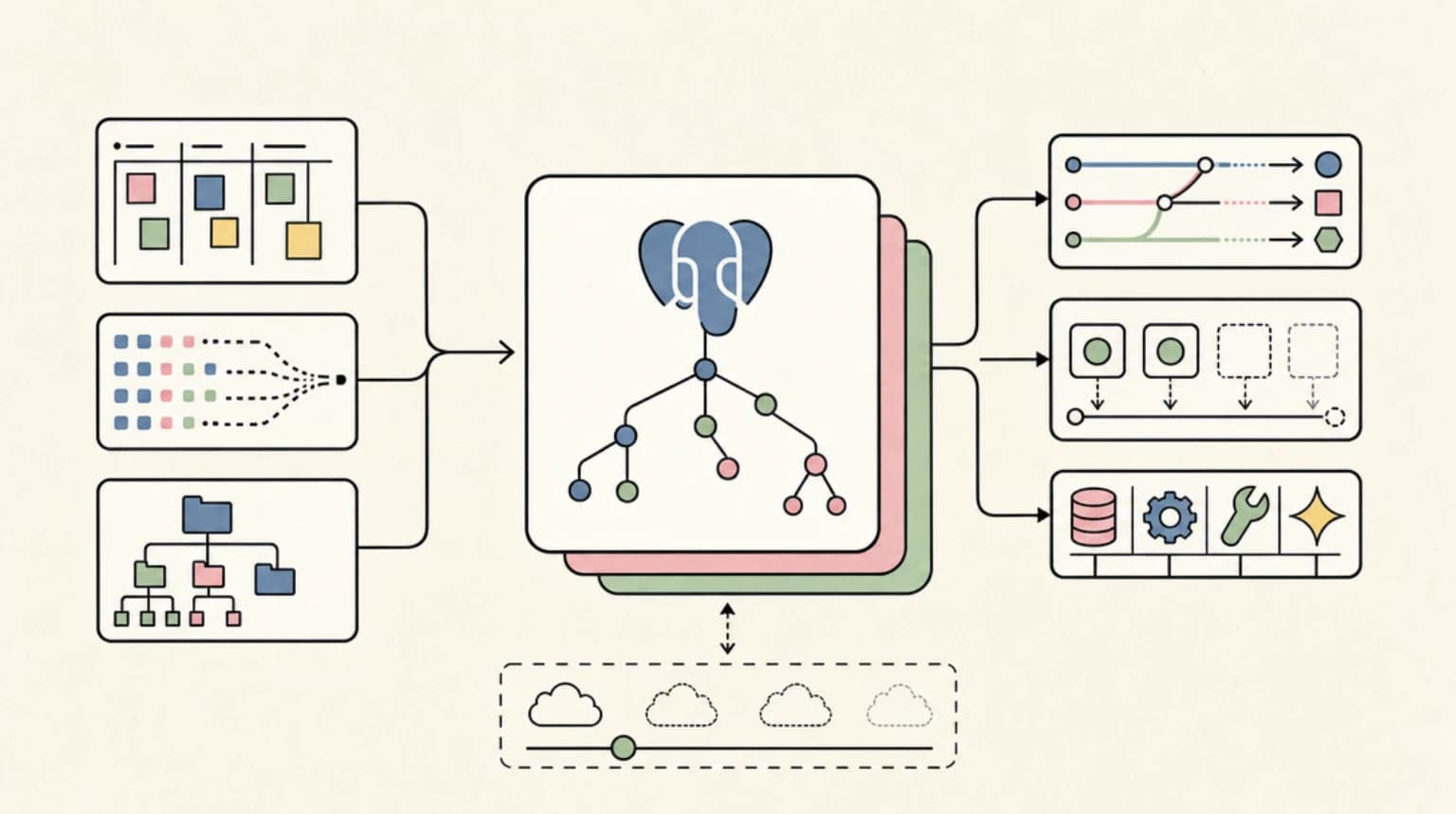
Neon is a serverless Postgres platform built around two ideas that most managed Postgres services ignore: storage and compute are separated, and every database is a tree of copy-on-write branches.
The storage separation enables autoscaling and scale-to-zero. When no queries arrive, the compute pauses completely and you stop paying for it. When traffic resumes, it wakes in seconds. The branching architecture means you can clone your entire database, with all its data, in the time it takes to run a CLI command.
Both of these features have obvious uses for traditional web apps. For AI builders specifically, they unlock a set of patterns that would otherwise require significant infrastructure work: per-agent isolated databases, throwaway sandboxes for code-interpreting agents, and preview environments that carry real production data into every pull request.
Branching: the feature that changes how you think about databases#
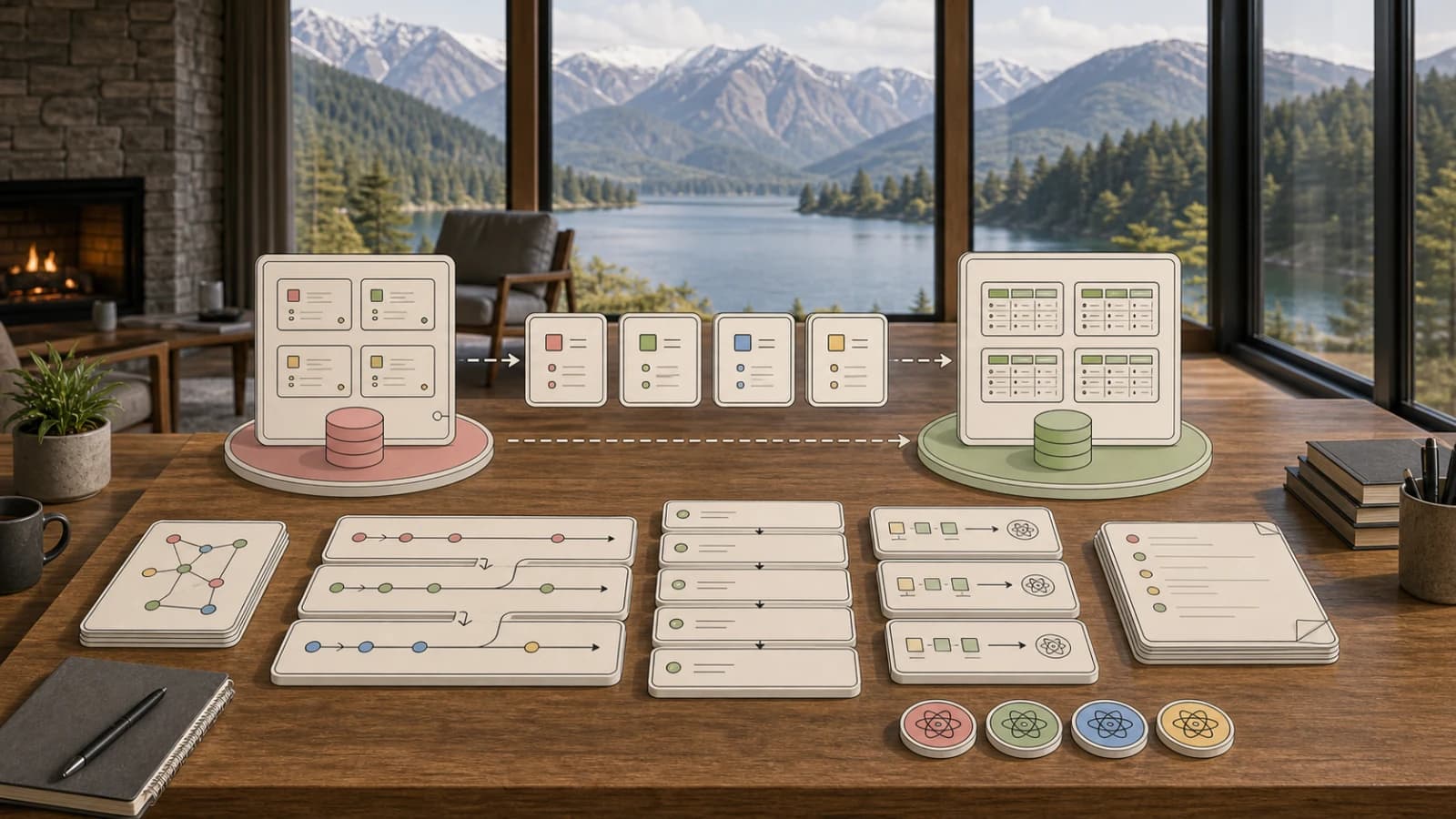
Neon branches are copy-on-write clones of a parent database. Creating a branch does not duplicate the underlying storage immediately. Writes to the branch are saved as deltas, so a fresh branch costs almost nothing until it diverges significantly from its parent.
The practical consequence is that you can treat branches the way you treat git branches. Some patterns that follow from this:
- Each pull request gets a branch created by a GitHub Action or the Neon CLI. The branch carries the current schema and production data snapshot. When the PR closes, the branch is deleted.
- Each AI agent session gets a short-lived branch with a TTL. The agent writes freely, the data is inspectable after the session, and cleanup is automatic via expiration dates set at branch creation.
- Testers can spin up branches with schema-only data for environments that cannot receive production records (GDPR, HIPAA). Schema-only branching is documented.
Neon supports branch creation via the console, the neonctl CLI, the Neon API, and a first-party GitHub Actions integration. The Vercel integration creates a branch automatically for every preview deployment.
Branches support instant restore. If a migration goes wrong, you can roll the branch back to any point within the project's history window: 6 hours on the Free plan, up to 7 days on Launch, and up to 30 days on Scale.
Scale-to-zero and autoscaling#
Every Neon compute can scale to zero. When no connections arrive, the compute pauses. Cold start latency is in the low seconds, which is acceptable for most workloads and irrelevant for agent jobs that batch their work.
Autoscaling adjusts compute size up and down between a minimum and maximum CU (compute unit) threshold you configure. A 1 CU maps to 1 vCPU and 4 GB of RAM. The Free plan autoscales up to 2 CU, Launch up to 16 CU, and Scale autoscales up to 16 CU with fixed sizes up to 56 CU (224 GB RAM). Newer projects may see stricter defaults: paid plans default to a 1-day history window, configurable up to 7 days on Launch and 30 days on Scale.
Branch counts are capped per project: 10 on Free and Launch, 25 on Scale, with extra branches billed at $1.50 per branch-month. That matters for agent-heavy workflows, since dozens of per-agent branches now carry a small per-branch cost rather than being free.
For AI workloads, scale-to-zero is particularly valuable during development. If you are running per-agent branches for a prototype, the branches that see no traffic cost nothing on compute, and the 10-25 included branches per project cover most experimentation.
The serverless driver (@neondatabase/serverless)#
Neon publishes an official JavaScript/TypeScript package called @neondatabase/serverless. It is a low-latency Postgres driver that routes queries over HTTP or WebSockets instead of TCP. The HTTP path is optimized for single one-shot queries in edge and serverless environments where establishing a persistent TCP connection is impractical or expensive.
Install it:
npm install @neondatabase/serverlessThe driver is also available as a JSR package at jsr:@neon/serverless for Deno and other runtimes.
Basic HTTP query pattern:
import { neon } from '@neondatabase/serverless';

const sql = neon(process.env.DATABASE_URL!);

// Template literal usage - parameterized automatically
const userId = 42;
const rows = await sql`SELECT * FROM users WHERE id = ${userId}`;

// Explicit parameterized form
const rows2 = await sql.query('SELECT * FROM users WHERE id = $1', [userId]);
Use HTTP for stateless, single-transaction queries in Vercel Edge Functions, Cloudflare Workers, or AWS Lambda. Use WebSockets when you need session state or interactive transactions with the familiar pg API.
The driver requires Node.js 19 or higher (v1.0.0 and above). TypeScript types are bundled; no @types package needed.
Quick-start: project setup in five minutes#
# Install the CLI (neonctl remains an alias for the same binary)
npm install -g neon
# Authenticate
neon login
# Create a project (creates a main branch automatically)
neonctl projects create --name my-ai-app
# Get your connection string
neonctl connection-string
# Or use the guided one-command setup
npx neon@latest init
The npx neon@latest init command sets up coding agents and the current directory for Neon in one step. Pass -y to accept the recommended defaults without prompts.
To create a branch for a feature or agent session:
# Create a branch from main
neonctl branches create --name agent-session-abc123

# Create a branch with a TTL (auto-deletes after 24 hours)
neonctl branches create --name pr-preview-456 --expires-at "$(date -u -d '+24 hours' +%Y-%m-%dT%H:%M:%SZ)"

# Get the connection string for a specific branch
neonctl connection-string agent-session-abc123
To connect from your application:
import { neon } from '@neondatabase/serverless';
import { drizzle } from 'drizzle-orm/neon-http';

const sql = neon(process.env.DATABASE_URL!);
const db = drizzle(sql);
Neon works with Drizzle ORM, Prisma, Kysely, and any standard Postgres client.
Verified pricing (as of September 26, 2026)#
All pricing sourced from the live Neon pricing page.
Free plan - $0/month
- 100 projects
- 100 CU-hours monthly per project
- 10 branches per project
- 0.5 GB storage per project
- Compute up to 2 CU (8 GB RAM)
- 6-hour history window
- 60,000 Neon Auth MAUs
- No credit card required
Launch plan - usage-based
- $0.106 per CU-hour
- $0.35 per GB-month storage
- 10 branches included, extra branches $1.50 per branch-month
- Compute up to 16 CU (64 GB RAM)
- History window up to 7 days
- 1 million Neon Auth MAUs
- Typical spend: approximately $15/month for intermittent load with 1 GB storage (per Neon's own estimator)
Scale plan - usage-based
- $0.222 per CU-hour
- $0.35 per GB-month storage
- 25 branches included, extra branches $1.50 per branch-month
- Compute autoscaling up to 16 CU (64 GB RAM), or fixed sizes up to 56 CU (224 GB RAM)
- History window up to 30 days
- SOC2, HIPAA, SLAs, private networking
- Typical spend: approximately $701/month for high load with 100 GB storage (per Neon's own estimator)
Neon also runs an Agent Plan for app generation platforms (custom rates for thousands of databases) and a Startup Program that offers up to $100,000 in credits for early-stage companies.
All paid plans as of this writing include 500 GB of free data transfer per month (increased from 100 GB).
Who should skip Neon#
Neon is a strong fit for most greenfield AI app development. It is worth pausing if:
- Your application requires a persistent, always-on compute with no cold start tolerance. Neon can be configured with a minimum compute size to avoid pausing, but that negates the cost savings from scale-to-zero.
- You need multi-region write distribution. Neon offers read replicas but the primary write endpoint is single-region. If your agent fleet requires global low-latency writes, you will want to evaluate distributed Postgres options.
- You are running a mature production workload with very high, sustained compute load. At the Scale plan CU rate, the cost per unit of compute is higher than some reserved-instance alternatives at equivalent utilization.
- You are on a stack that requires a traditional TCP Postgres connection from an edge runtime. The serverless driver handles this for JavaScript/TypeScript, but other languages will need workarounds.
For anything early-stage, prototype-heavy, or genuinely agent-driven with bursty traffic patterns, the economics and developer experience favor Neon clearly.
FAQ#
How fast is branch creation?#
Branch creation is nearly instantaneous because branches are copy-on-write clones, not full data copies. The Neon docs describe it as instant. Large databases do not slow this down because no data is copied at creation time.
Does the serverless driver work with Prisma or Drizzle?#
Yes to both. Drizzle has a first-class drizzle-orm/neon-http adapter that uses the serverless driver over HTTP, and a drizzle-orm/neon-serverless adapter for WebSocket connections. Prisma works via the standard Postgres URL with no special adapter required, though it uses TCP and does not benefit from the HTTP optimization.
What happens when a branch's compute is paused?#
The branch data persists on Neon's storage layer. Compute pausing only stops the process handling queries. On the next connection, the compute restarts automatically. The connection itself triggers the wake, so your application code does not need to handle this explicitly, though you may see higher latency on the first query after a long idle period.
Is Neon suitable for production AI agents, not just development?#
Yes, with the right plan. The Free plan's 6-hour history window and 0.5 GB per-project storage limit make it appropriate for prototyping. For production agents with real user data, the Launch or Scale plans provide longer history windows, higher storage limits, and the observability features (metrics export, log retention) needed to operate reliably. The Agent Plan is specifically designed for platforms running thousands of per-tenant databases.
Continue Reading#
- June 10, 2026: The Day the AI Dev Tool Market Showed Its Whole Hand
- PgDog Just Got Funded: What the Postgres Sharding Proxy Means for Your Stack
- PostgreSQL 19 Beta: SQL/PGQ, Temporal Tables, and REPACK CONCURRENTLY
- Vector Database Comparison for RAG and AI Agents
Sources#
- Neon documentation introduction: https://neon.com/docs/introduction
- Neon branching documentation: https://neon.com/docs/introduction/branching
- Neon serverless driver documentation: https://neon.com/docs/serverless/serverless-driver
- Neon pricing page: https://neon.com/pricing
- All pricing figures verified from live pricing page on September 26, 2026
Get the next deep dive like this in your inbox
One email a week on postgres and the rest of the AI dev stack. Free.
Read next
The TypeScript AI Agent Stack in Mid-2026: Mastra vs Vercel AI SDK vs OpenAI Agents SDK vs LangGraph.js
The TypeScript AI agent stack compared - Mastra, Vercel AI SDK, OpenAI Agents SDK and LangGraph.js, which layer each covers, and how to pick or combine them.
10 min readAI Coding Tools Pricing Comparison 2026
AI coding tools pricing, verified Sep 28, 2026: Claude Code, Codex, Cursor, Copilot, Antigravity, Windsurf and more. Free tiers, pro plans and hidden costs.
12 min readPgDog Just Got Funded: What the Postgres Sharding Proxy Means for Your Stack
PgDog is a Rust proxy for Postgres pooling, replica load balancing and sharding. How it compares to PgBouncer and Citus, and whether your stack needs it.
8 min readNew here? Start with
Technical content at the intersection of AI and development. Building with AI agents, Claude Code, and modern dev tools - then showing you exactly how it works.