Build Log: How I Shipped a Tool Directory That Feeds Search, Compare, and RSS
TL;DR
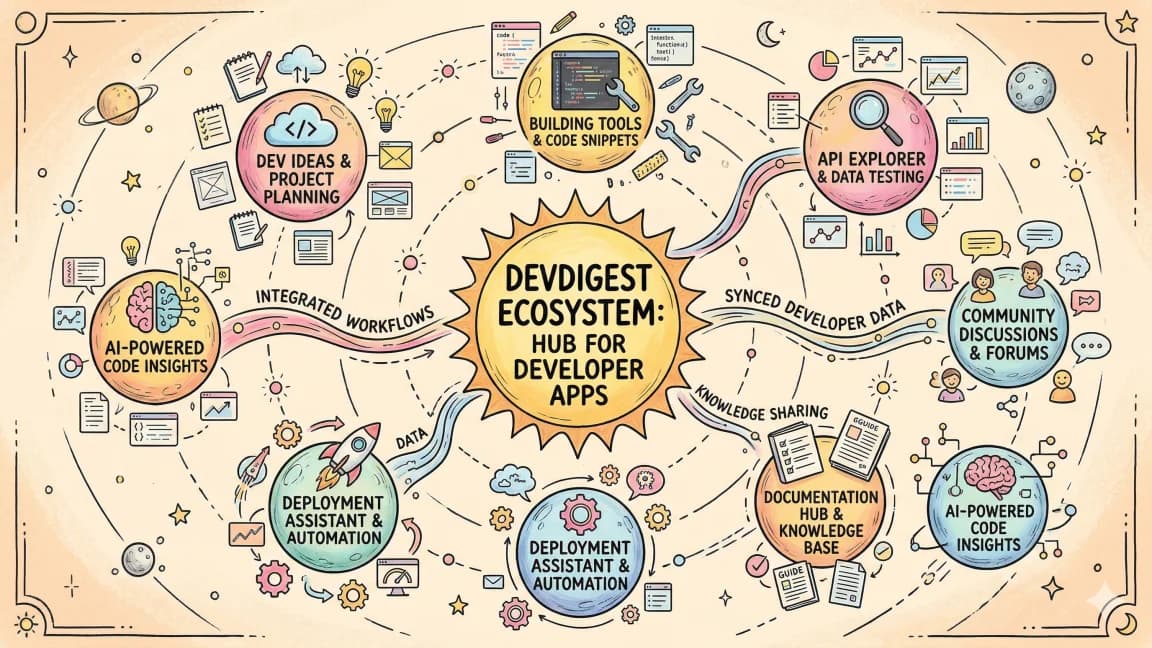
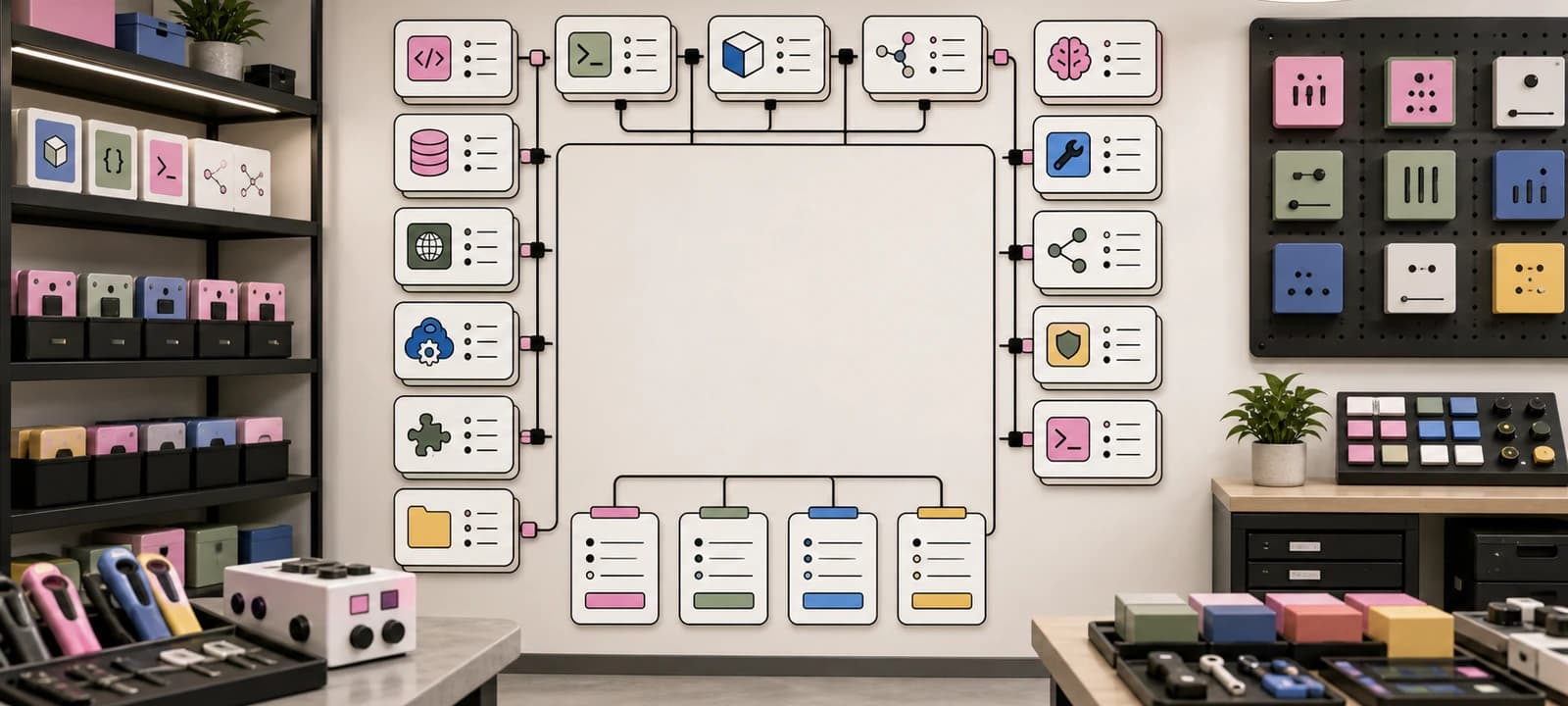
The DevDigest tools directory is not just a list of links. One registry now feeds tool pages, category filters, comparison routes, RSS, JSON APIs, search, sitemap discovery, and content expansion loops.
Tool directories usually fail in one of two ways.
The first version is a static list. It helps for a week, then every new tool, pricing change, category page, comparison, RSS item, and search result becomes manual upkeep.
The second version goes the other way. It turns into a giant database product before it has earned the complexity.
The DevDigest tools directory sits in the middle.
It is still simple enough to understand in one pass, but it has enough structure to compound.
That is the point of this build log.
The useful thing is not that /tools exists. The useful thing is that the same tool registry can feed human browsing, search, comparison pages, RSS, JSON APIs, sitemap discovery, and future editorial reports.
The Current Shape#
The source of truth is lib/tools.ts.
Each tool entry has the fields the rest of the site needs:
idfor stable routes like/tools/claude-code,namefor labels, metadata, search, and comparison titles,categoryfor filters and category pages,descriptionfor cards, RSS summaries, JSON APIs, and search snippets,longDescriptionfor the detail page and RSS body,linkand optionalaffiliateLinkfor outbound routing,badge,tags,videos,addedDate, andfeaturedImagefor richer surfaces.
That is not an enterprise content model.
It is just enough schema.
The directory then fans out into routes:
- /tools for browsing,
/tools/[slug]for individual tool pages,- /tools/categories for category browsing,
/tools/categories/[category]for ranked category pages,- /tools/compare for selecting two or three tools side by side,
- /compare and
/compare/[slug]for public head-to-head pages, - /compare/matrix for a sortable landscape view,
- /tools/feed.xml for RSS subscribers,
- /api/tools and /api/tools.json for machine-readable inventory,
- /api/search-index for site search,
- /sitemap.xml for discovery.
The important part is not any single route.
The important part is that a new tool can enter several systems without being rewritten five times.
Why the Registry Matters#
When the site had a handful of tools, hardcoding cards was fine.
Once the directory became a real asset, hardcoding became the enemy.
The same facts kept showing up in different places:
- the tool name,
- the category,
- a one-line description,
- the longer review,
- the official URL,
- the tags,
- the related videos,
- whether the tool is new enough to deserve feed freshness.
If those facts live in five places, they drift.
If they live in one registry, every surface becomes cheaper to maintain.
That is why the directory is a content system, not just a page.
The registry is the contract.
The Human Layer: /tools#
The /tools page is the human entry point.
It does a few jobs at once:
- sets metadata and an RSS alternate for the directory,
- emits ItemList JSON-LD for the full directory,
- shows a hero with the current tool count,
- highlights interactive DD utilities like pricing, token estimation, MCP picking, agent picking, prompt critique, README generation, and Agent Compare,
- passes the registry into
ToolsDirectoryClient, - links out to the wider ecosystem: model directory, CLI directory, toolkit, and comparison hub.
The client component is where the directory becomes usable.
It supports search, category filters, sorting by name, category, video count, or votes, grid and list view, popular tag shortcuts, and URL syncing for category filters.
That last part matters.
The filter is not just local UI state. A category can be linked, shared, and recovered from the URL.
That makes the directory useful as infrastructure for other pages.
The Detail Layer: /tools/[slug]#
Each tool page is statically generated from the registry.
The route uses getAllToolSlugs() for static params and getToolById() for lookup. If a slug is not in the registry, it 404s.
The page adds:
- canonical metadata,
- Open Graph image metadata,
- SoftwareApplication JSON-LD,
- the long description,
- tags,
- similar tools,
- related tools from the same category,
- related videos when the registry has YouTube links,
- upvote and bookmark controls.
This is the compounding part.
A tool is not only a card on /tools. It becomes a page that can rank, be shared, be linked from a blog post, show up in search, appear in sitemap, and become part of a comparison.
The Feed Layer: /tools/feed.xml#
The tools RSS feed is small but useful.
It sorts entries with addedDate first, then falls back to undated tools. Each item includes:
- title,
- canonical tool URL,
- description,
- long description as
content:encoded, pubDatewhenaddedDateexists,- category tags,
- tool tags,
- optional image enclosure.
That gives subscribers and feed-aware bots a way to notice tool inventory changes without crawling the whole site.
It also makes the directory feel alive.
If a tool gets added and dated, it can show up in a feed instead of silently appearing in a grid.
The API Layer#
There are two machine-readable tool surfaces.
/api/tools is the lightweight filtered endpoint. It accepts a category and query parameter, filters the registry, and returns { tools, total }.
/api/tools.json is the directory export. It returns:
- site metadata,
- generated timestamp,
- counts,
- category counts,
- every tool with an absolute URL.
That split is healthy.
One route is useful for lightweight app behavior. The other is useful for agents, scripts, dashboards, and external systems that want the full directory as data.
The Search Layer#
The site search index pulls tools directly from lib/tools.ts.
In lib/searchIndex.ts, every tool becomes a search item with:
- type
tool, - title from the tool name,
- description from the short description,
- URL at
/tools/[id], - tags from the registry,
- category as metadata.
The same search index also includes standalone pages such as /tools/categories, /tools/compare, and /compare/matrix, plus public comparison routes and public tool category pages.
That is a small but important difference.
Search should find both the object and the surface around the object.
If someone searches "Claude Code", the tool page matters.
If someone searches "compare tools", the comparison route matters.
If someone searches "AI frameworks", the category route matters.
That index backs more than one interface. The Cmd-K search modal fetches /api/search-index when it opens, and /opensearch.xml lets browsers point search queries at the site.
The Compare Layer#
The comparison system has several shapes.
lib/comparisons.ts defines curated tool pairs by ID. Those pairs generate public head-to-head comparison pages such as /compare/claude-code-vs-cursor.
The comparison builder pulls the tool records, creates dimensions like category, type, pricing, best for, language or platform, and open source status, then exposes only public comparison entries.
The /compare hub groups public comparisons, comparison articles, seed comparisons, canonical decision links, and FAQ schema.
The /tools/compare route solves a different problem: pick two or three tools from the registry and compare them side by side quickly.
Those are separate jobs.
The first is editorial. It says, "Here are the head-to-head pages worth publishing."
The second is utility. It says, "Let me compare the exact tools I am considering."
Both depend on the tool registry staying clean.
The Sitemap Layer#
The sitemap includes:
/tools,/tools/categories,/tools/new,/tools/submit,/tools/compare,- every
/tools/[slug]page, - every public
/tools/categories/[category]page, /compare,- every public generated comparison,
- seed comparisons,
/compare/matrix.
That matters because directory work should not be invisible.
If the site creates structured tool pages but forgets discovery, the pages are technically present and practically buried.
The sitemap turns registry entries into crawlable inventory.
What I Would Fix Next#
The current system is useful, but it still has rough edges.
The biggest one is drift.
/compare/matrix has its own local list of tools. It is useful as a matrix, but it is not the same source of truth as lib/tools.ts.
That is the next obvious cleanup.
The matrix should either derive from the registry or declare exactly why it is a curated subset.
Same with any route that knows tool names, prices, or categories outside the registry. Duplicated facts are acceptable for a first version. They become liabilities once the site grows.
The second improvement is freshness.
The RSS feed has addedDate, but the directory could use a more visible "new tools" lane that turns recent tool additions into blog, feed, and newsletter material.
The third improvement is source discipline.
Tool pages should not become stale vendor blurbs. Pricing, model names, and plan limits change constantly. The registry should describe workflow fit, then link readers to current vendor docs and pricing pages when the claim is time-sensitive.
What Not to Automate Blindly#
There are four parts of this system I do not want fully automated.
1. Tool Inclusion#
Agents can suggest tools. They should not decide the directory.
Every tool needs a reason to exist: audience demand, search demand, personal usage, a video tie-in, or a comparison route that needs it.
2. Pricing Claims#
Pricing changes too often.
If a page needs exact dollars, it should either point to a current source or live in a pricing-specific surface that gets refreshed deliberately.
3. Comparison Verdicts#
Generated dimensions are useful for scaffolding.
Final verdicts need judgment.
Comparisons are where trust is won or lost.
4. Affiliate Routing#
Affiliate links should never be the primary content model.
They can exist, but the directory has to stay useful even when a tool has no affiliate program.
The Build Log Pattern#
The useful pattern is:
one registry
many routes
human page
machine API
feed
search index
sitemap
editorial backlinks
repeat
That is the same pattern from the agent content system build log.
The difference is the object.
For the blog, the object is a markdown post.
For the app directory, the object is an app entry.
For the tools directory, the object is a tool record.
The principle is the same: do not ship isolated pages when you can ship a small system.
Takeaway#
The tool directory is not done when the cards render.
It is done when each tool enters the full distribution layer:
- a human can browse it,
- a category can organize it,
- a detail page can explain it,
- a comparison can reuse it,
- search can find it,
- RSS can announce it,
- JSON can expose it,
- sitemap can surface it,
- and future content reports can decide what gap to close next.
That is how a directory compounds.
Not as a database for its own sake.
As a set of routes that help developers decide what to use next.
FAQ#
Why use one tool registry instead of separate pages per surface?#
A single source of truth (lib/tools.ts) means a new tool, price change, or category shift only has to be edited once. Every downstream surface - listing, detail page, RSS, JSON API, search index, and sitemap - reads from that same registry, so the facts cannot drift between pages.
What is the difference between /tools/compare and /compare?#
/tools/compare is a utility: pick any two or three tools from the registry and see them side by side on demand. /compare is editorial: a curated set of head-to-head pages, like /compare/claude-code-vs-cursor, that are built and maintained deliberately rather than generated ad hoc.
Does the registry replace the need for current pricing information?#
No. Pricing, model names, and plan limits change too often to hardcode reliably. The registry should describe workflow fit and category, then link out to the vendor's current pricing page for anything time-sensitive.
Can this pattern apply to content beyond tools?#
Yes. The same registry-to-many-routes pattern is used for the blog itself, covered in the companion piece Turning the DevDigest Blog Into an Agent Content System, where the object is a markdown post instead of a tool record.
Continue Reading#
Get the next deep dive like this in your inbox
One email a week on DevDigest and the rest of the AI dev stack. Free.
Read next on AI coding tools
Build Log: Adding Product Paths to a Content Site Without Making It Salesy
A field note on adding pricing, Pro, apps, sponsors, partners, hiring, consulting, newsletter, and weekly rollup paths to DevDigest without turning the site into vague growth copy.
8 min readBuild Log: Turning the DevDigest Blog Into an Agent Content System
The DevDigest blog is no longer just a folder of markdown files. It is becoming a small content operating system: posts, tags, RSS, search, llms.txt, route discovery, content expansion reports, and app-linked build logs.
9 min readThe 10 Best AI Coding Tools in 2026
From terminal agents to cloud IDEs - these are the AI coding tools worth using for TypeScript development in 2026.
8 min readNew here? Start with
Technical content at the intersection of AI and development. Building with AI agents, Claude Code, and modern dev tools - then showing you exactly how it works.