Build Log: Turning the DevDigest Blog Into an Agent Content System
TL;DR
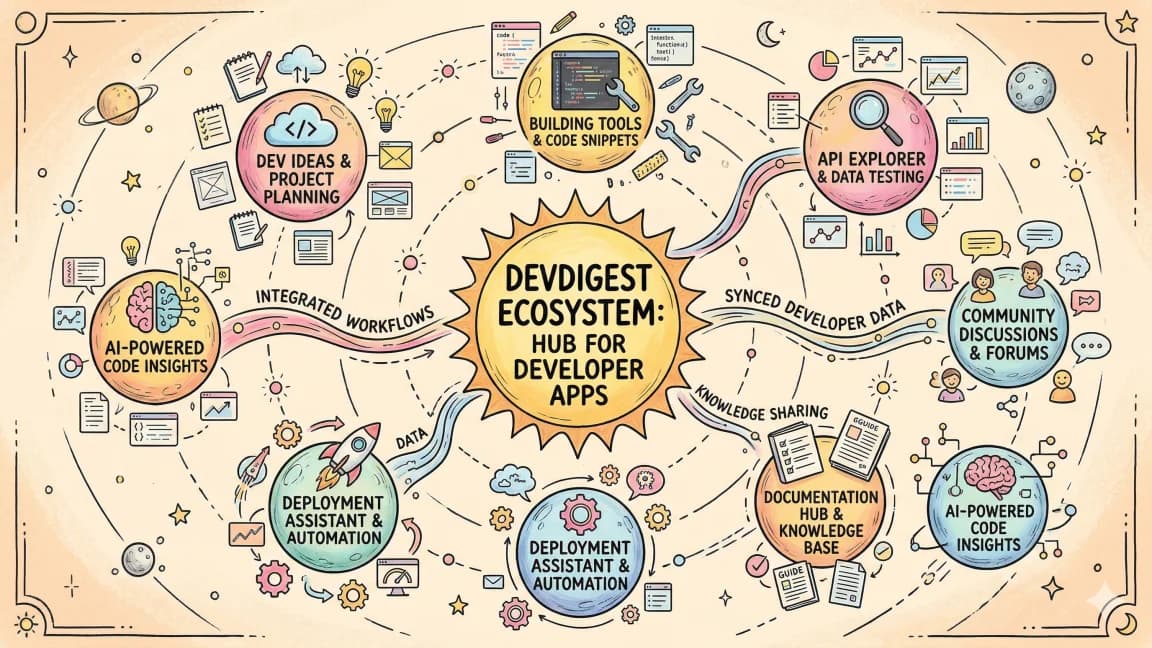
The DevDigest blog is no longer just a folder of markdown files. It is becoming a small content operating system: posts, tags, RSS, search, llms.txt, route discovery, content expansion reports, and app-linked build logs.
Most developer blogs are archives.
You publish a post, it lands on the homepage, it fades into page two, and search has to rescue it later.
That is fine when a site has twenty posts.
It breaks when the site becomes a working system: hundreds of posts, guides, tools, comparisons, app pages, RSS, search, llms.txt, and agent-readable catalogs.
That is where Developers Digest is now.
The blog is not just a blog anymore. It is becoming a content operating system for the whole site.
The Actual System#
This is the current shape.
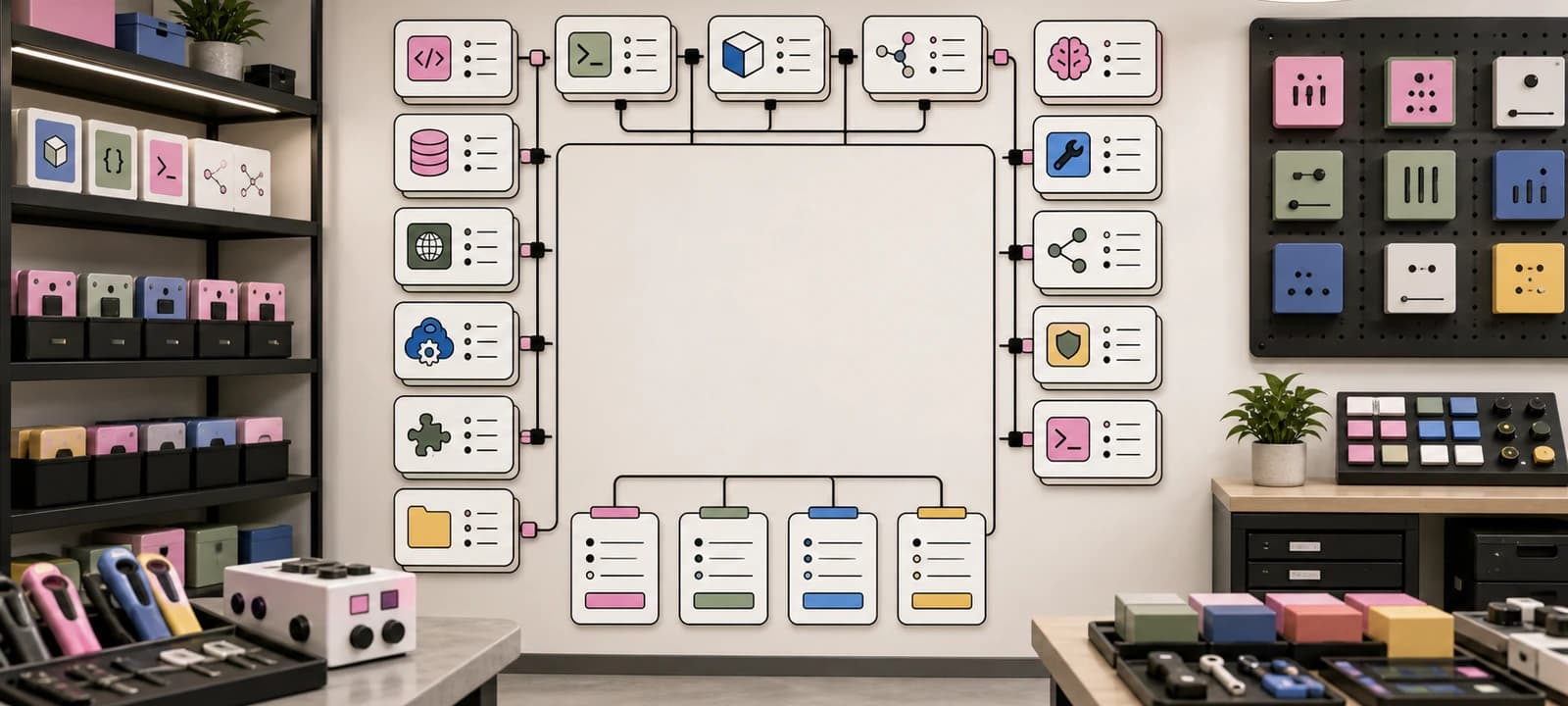
content/blog/*.mdis the source of truth for published posts: frontmatter, related posts, tags, dates, images, and body copy.lib/blog.tsloads posts, computes read time, filters drafts from production, resolves tags, series, and related posts./blogis the human archive with featured posts, tag filtering, continue-reading state, and curated reading paths./blog/[slug]is the article route, related posts, navigation, metadata, and social surfaces./blog/rss.xmland/feed.xmlare the feed layer for subscribers, readers, and syndication./api/posts.jsonis the JSON content endpoint for agents, tools, and external surfaces./api/search-indexis the mixed search index across posts, guides, tools, apps, videos, courses, skills, pages, and toolkit utilities./llms.txtis the answer-engine map: what the site is, priority decision pages, comparisons, and blog posts./sitemap.xmland/news-sitemap.xmlare the crawl layer for discovery and freshness.scripts/report-content-expansion-opportunities.tsis the editorial scanner that finds content lanes, best routes, missing first posts, drafts, tool gaps, and thin topics.
That is the important shift.
One markdown file no longer feeds one page.
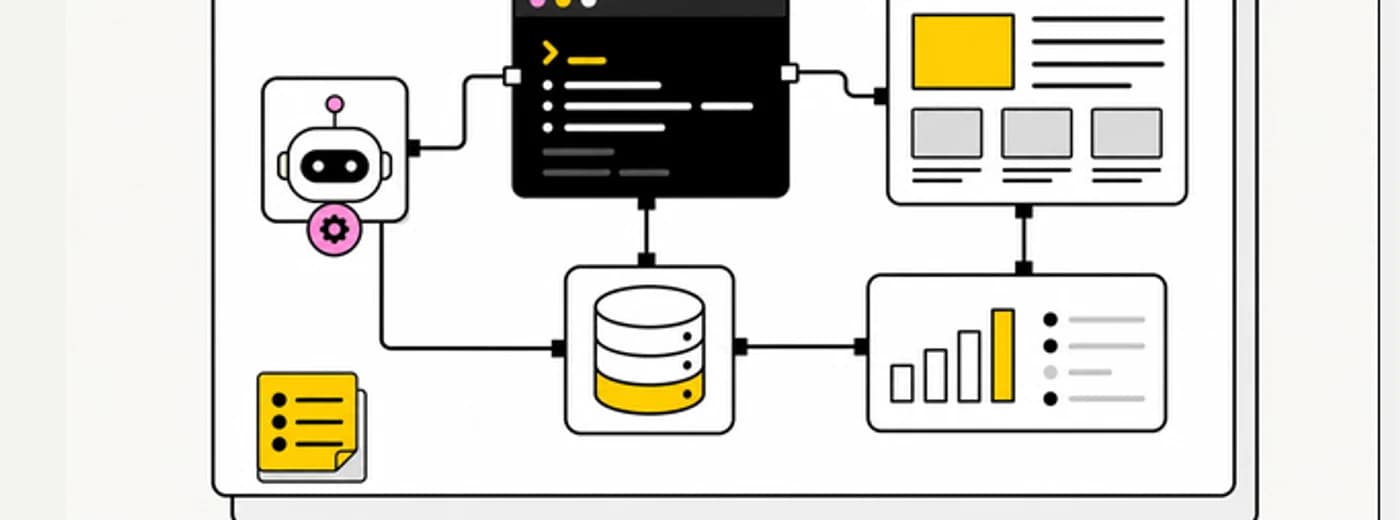
One post feeds the archive, search, RSS, JSON, llms.txt, sitemap, tags, related-post modules, and several curated hubs.
That changes how you should write.
Why I Built the Report#
The content expansion report exists because intuition breaks at this size.
When there are a few dozen posts, you can remember what the site needs.
At 300+ posts, 100+ guides, 100+ tools, and an app directory, the next article should not be chosen from vibes. It should come from the shape of the existing archive.
The report does four useful things:
- Defines content pillars such as Monthly State of AI Coding, Agent Security Watch, DevDigest Build Logs, Video Companion Backfill, MCP and Skills, and Agent Framework Field Notes.
- Matches posts, guides, and tools by tags and keywords.
- Scores lanes by coverage, recency, and missing "first posts."
- Prints the next useful posts, tool coverage gaps, thin topics, and draft backlog.
That last part is the value.
The report does not write the article.
It tells the editor where the archive is weak.
That is the right division of labor for agent-assisted content work: the machine can inspect inventory, but the article still needs judgment.
What Changed This Week#
This week the report pointed at the Monthly State of AI Coding lane.
So I shipped three pieces:
- State of AI Coding: What Changed This Month
- The New AI Coding Stack I Would Pick Today
- The Model, IDE, CLI, and Agent Framework Changes That Actually Matter
Those were not random posts.
They closed a specific gap:
Monthly State of AI Coding
route: /state-of-ai-coding
missing first posts:
- State of AI Coding: What Changed This Month
- The New AI Coding Stack I Would Pick Today
- The Model, IDE, CLI, and Agent Framework Changes That Actually Matter
After those shipped, the report stopped listing next posts for that lane.
That is the loop.
Find the gap. Ship the post. Wire it into the hub. Run the report again. Pick the next gap.
Now the next report-backed lane is DevDigest Build Logs, which is why you are reading this.
The Rule: Every Post Needs a Job#
A post should do at least one of these jobs:
- Anchor a hub.
- Close a first-post gap.
- Strengthen a comparison path.
- Feed a tool or app page.
- Convert a video into searchable text.
- Explain a build decision with receipts.
- Create an answer-engine citation.
If a post does none of those, it is probably just content.
That sounds harsh, but it is useful. A content site compounds only when each new page creates routes into other pages.
The Monthly State posts now do that:
/state-of-ai-codinglinks into the current issue, stack map, and change filter.- The stack map links into pricing, security, Mastra, CopilotKit, MCP, and context posts.
- The change filter links into model routing, terminal runtime, framework comparisons, and security.
- Search, RSS,
llms.txt, and sitemap pick the posts up automatically.
That is a content system.
The Apps Directory Taught the Pattern#
The blog system is borrowing from the apps directory.
The app directory has a clean source of truth: app/apps/apps-data.ts.
One registry row feeds:
/apps,- per-app pages,
/api/apps,- search,
- JSON-LD,
- sitemap entries,
- status and health surfaces,
- related app cards.
That registry-driven pattern is why the app portfolio can grow without every new app turning into five separate chores. The catalog is the protocol.
The public app counterpart is Content Engine, but the blog is becoming the same kind of system, just with markdown instead of app entries.
One post should feed:
- human readers,
- search,
- feeds,
- agents,
- topic hubs,
- related posts,
- comparison paths,
- future build logs.
The article is the artifact. The routes around it are the distribution layer.
What the Agent Does Well#
This is the work an agent is good at:
- run the content expansion report,
- inspect adjacent posts,
- find stale internal links,
- check route existence,
- verify source URLs,
- update related posts,
- run style checks,
- run focused tests,
- smoke the rendered routes,
- summarize what changed.
That is not glamorous. It is exactly the work that makes content operations reliable.
The agent should not decide the editorial taste by itself.
It can propose lanes, gather evidence, and wire the distribution paths. The human still chooses the claim, the voice, the framing, and the amount of skepticism.
What I Will Not Automate Blindly#
There are four things I do not want this system doing without review.
1. Publishing Drafts#
lib/blog.ts has a production draft filter for a reason. Drafts are visible locally, but they should not leak into RSS, sitemap, search, llms.txt, or production article routes.
2. Inventing Source Claims#
If a post cites a vendor launch, pricing change, framework feature, or security claim, it needs a current source. That is why the recent State posts include source tables and freshness notes.
3. Creating Orphan Pages#
New pages should not float alone. They need a hub, a tag, related posts, and a reason to exist in the next content report.
4. Treating the Report as Truth#
The report is a scanner, not an editor.
It can say "DevDigest Build Logs is underdeveloped." It cannot decide whether the next post should be a technical build log, a launch note, or a postmortem. That decision still needs taste.
The Build Log Format#
This is the format I want more of:
what changed
why it mattered
what the system looked like before
what changed in the repo
what broke or nearly broke
what the reader can copy
where the related routes live
That works for:
- content systems,
- app directories,
- tool directories,
- comparison hubs,
- pricing pages,
- parallel agent workflows,
- hosting migrations,
- AI-native workflows,
- SEO infrastructure,
- public APIs.
It is also harder to fake than generic thought leadership. A build log needs receipts.
That is the point.
What This Adds to the Site#
This build-log lane does three things for Developers Digest.
First, it turns site work into content. Every time the site gets better, the reasoning behind that improvement becomes a reusable article.
Second, it makes the site easier for agents to understand. Articles like this explain the architecture that llms.txt, /api/posts.json, the now page, and the State of AI Coding hub expose.
Third, it connects the blog to the app ecosystem. The app directory is not a sidebar. It is part of the content engine. A post can launch an app, explain an app, compare an app, and route readers into the app.
That is the compounding loop:
ship product work
write the build log
wire it into discovery
let the next report find the next gap
repeat
The Next Three Build Logs#
The report already knows the next three.
- Turning the DevDigest Blog Into an Agent Content System
- Build Log: How I Shipped a Tool Directory That Feeds Search, Compare, and RSS
- Build Log: Adding Product Paths to a Content Site Without Making It Salesy
That is a useful queue.
The first explains the content loop.
The second should explain the tool and app registry pattern.
The third should explain how product pages, apps, pricing, and comparison content can coexist without turning the site into a sales brochure.
Takeaway#
The blog is not done when the markdown renders.
The blog is done when the post enters the system:
- a hub points to it,
- related posts route around it,
- search can find it,
- feeds publish it,
llms.txtcan cite it,- sitemap exposes it,
- and the next report understands what gap it closed.
That is the content system I want Developers Digest to become.
Not a pile of posts.
A set of pages that teach, route, and compound.
FAQ#
What is the "content expansion report" and what does it actually decide?#
It is a scanner script (scripts/report-content-expansion-opportunities.ts) that matches posts, guides, and tools against defined content pillars, then surfaces coverage gaps, missing first posts, and thin topics. It does not decide what to write - it tells the editor where the archive is weak, and a human still chooses the claim, framing, and voice.
Which parts of the content pipeline should not be fully automated?#
Four things stay under manual review: publishing drafts (the production filter must never leak drafts into RSS, sitemap, search, or llms.txt), inventing source claims, creating orphan pages with no hub or related posts, and treating the report itself as an authority rather than a scanner.
How does this compare to the tool directory system?#
Both use the same registry-to-many-routes pattern, just with a different source object. For the tools directory the object is a row in lib/tools.ts; for the blog it is a markdown file in content/blog/. The full breakdown of the tool-directory version is in Build Log: How I Shipped a Tool Directory That Feeds Search, Compare, and RSS.
What counts as a "job" a blog post needs to do?#
A post should anchor a hub, close a first-post gap in a content pillar, strengthen a comparison path, feed a tool or app page, convert a video into searchable text, explain a build decision with receipts, or create a citable answer-engine reference. If it does none of those, it is probably filler.
Continue Reading#
Get the next deep dive like this in your inbox
One email a week on DevDigest and the rest of the AI dev stack. Free.
Read next on AI coding tools
Build Log: Adding Product Paths to a Content Site Without Making It Salesy
A field note on adding pricing, Pro, apps, sponsors, partners, hiring, consulting, newsletter, and weekly rollup paths to DevDigest without turning the site into vague growth copy.
8 min readBuild Log: How I Shipped a Tool Directory That Feeds Search, Compare, and RSS
The DevDigest tools directory is not just a list of links. One registry now feeds tool pages, category filters, comparison routes, RSS, JSON APIs, search, sitemap discovery, and content expansion loops.
9 min readCase Study: Building Developers Digest with Claude Code
How a single developer shipped 100+ features in one day using Claude Code, parallel agents, and the never-ending todo system.
8 min readNew here? Start with
Technical content at the intersection of AI and development. Building with AI agents, Claude Code, and modern dev tools - then showing you exactly how it works.