Claude Code settings.local.json Secrets: Check Your Repos
TL;DR
Apiiro found real secrets in 1,122 public Claude Code settings.local.json files saved by Yes, and don't ask again. What the file stores, what Anthropic said, and a 10-minute cleanup.
Last updated: November 8, 2026 - based on Apiiro's November 5 report and the Claude Code settings docs as of today.
If you have ever clicked "Yes, and don't ask again" on a Claude Code command that contained a password, that password is probably sitting in plain text in .claude/settings.local.json. Apiiro counted the damage on public GitHub: real secrets in 1,122 of 104,185 public copies of that file. This page covers how the file ends up holding a secret, what Anthropic has said, and the cleanup to run today.
What Apiiro found#
Apiiro's report (published November 5, 2026, vendor research) searched public GitHub for .claude/settings.local.json between November 1 and 3. It found 104,185 copies in 103,617 repositories, and 1,122 of them (1.1%) hold a real secret: a key in a known provider format, or a password or token next to a public host. Counting file history, the shared settings.json and agent chat transcripts, the total is 2,539 distinct secrets across 1,994 repositories.
The breakdown is the part builders should read. More than a third of the leaked secrets open a database directly: 379 database passwords and 122 Supabase service-role keys. Smaller groups include 43 SSH logins, 42 GitHub, GitLab and npm tokens, and 23 AWS keys. Apiiro says it reported each organization case to its owner on November 2 and 3, and that one company confirmed its key had been live. Apiiro did not test any credential, so "real" means it matches a provider format or points at a public host, not that it is known to work.
Two numbers change how you should think about your own repos:
- Deleting the file does not help. Earlier versions of the file hold 734 real secrets in 509 repositories that appear in no current copy. History and forks keep them.
- Scanners miss a lot of it. Of the 1,122 files with a real secret, gitleaks flagged 564 and TruffleHog 643; 215 were flagged by neither. The gap is passwords typed inside commands, such as after
PGPASSWORD=,sshpass -pormysql -p, which look like ordinary words rather than key formats.
How a secret gets into the file#
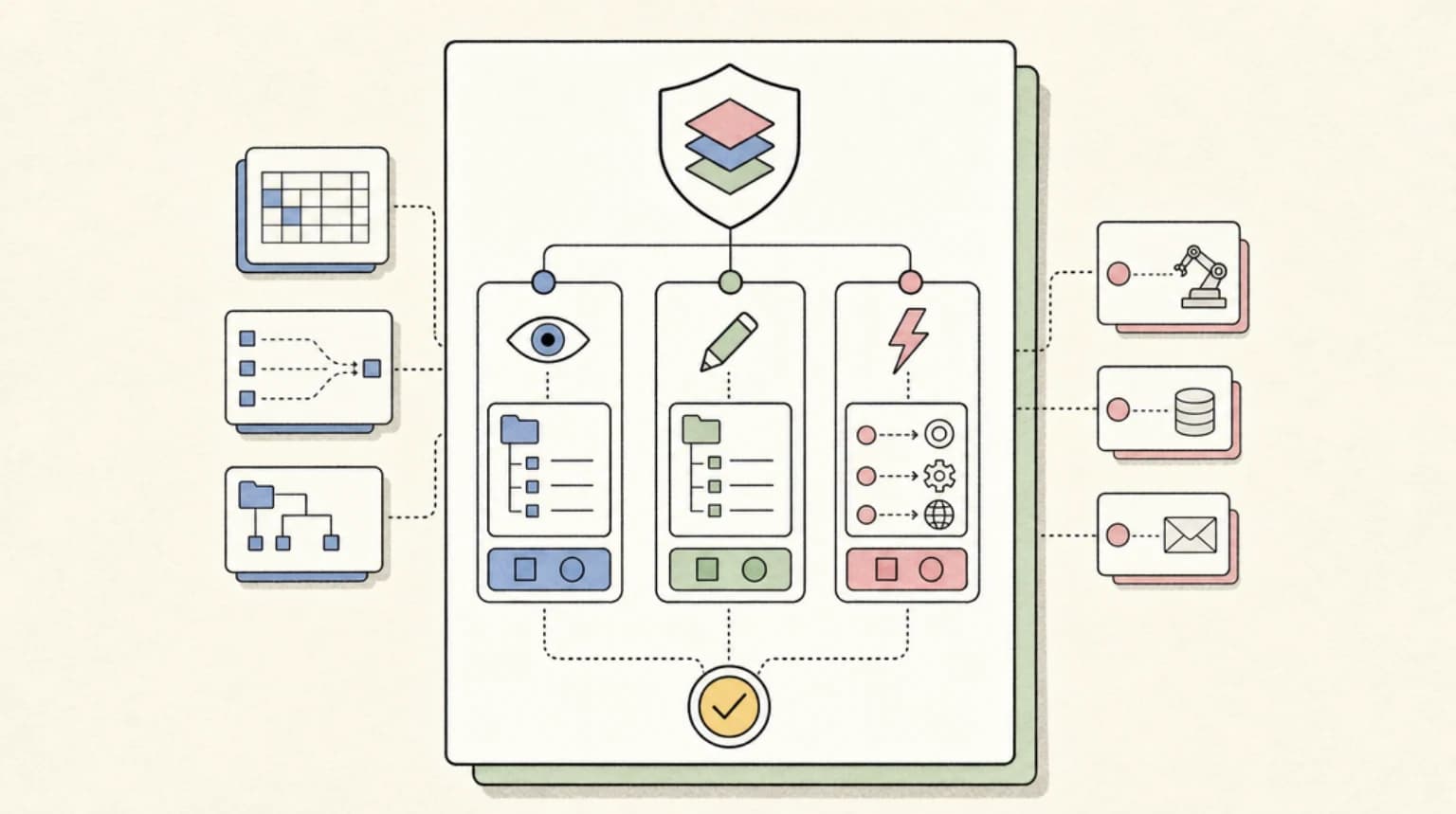
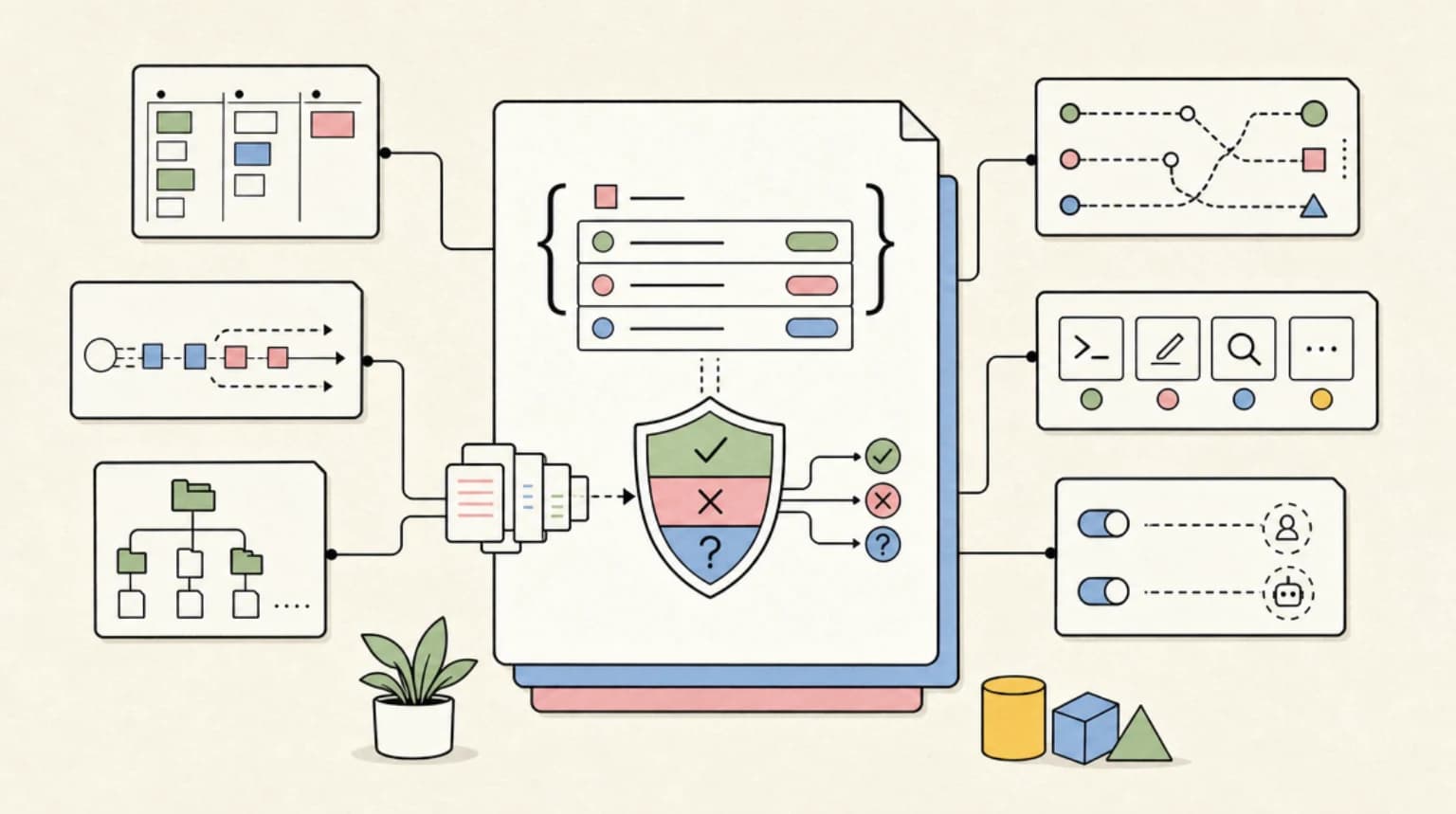
The mechanism is simple and documented by Anthropic itself. Claude proposes a Bash command that needs a credential, say a Postgres connection with the password inline. You choose "Yes, and don't ask again." Per the Claude Code settings docs, Claude Code saves that approval as an allow rule in .claude/settings.local.json. Apiiro reports that the rule is the command string, so any password typed into the command is saved with it.
The docs also describe the protection. The first time Claude Code writes the file in a git repository that does not already ignore it, it adds **/.claude/settings.local.json to your global git excludes file. That covers the common case on one laptop. By Apiiro's account it does not cover a folder that becomes a repo later, a fresh clone on another machine, a file someone created by hand, or a file already committed. Apiiro reports that in 539 of the 1,105 repositories with a real secret it traced, a commit co-authored by Claude changed the file, so the agent itself often commits it.
This is a workflow problem, not a model problem. Apiiro says it reproduced the behavior with Opus 5.5 and Fable 5.1, and that among 16 coding agents whose approval storage it compared from documentation, Claude Code is the only one confirmed to write the full approved command to a project file by default. That last claim is Apiiro's reading of docs, so verify it for any other agent you run.
What Anthropic said#
A Claude Code team member (bcherny on Hacker News) replied in the HN thread with three points. Claude Code has historically not done secret scrubbing and the team is looking at what it can do to prevent this. The file is meant to stay local, is gitignored automatically when Claude creates it, and the leaked ones were manually created and checked in. And everyone should use auto mode instead of permission rules, plus secret scanning on their git host regardless of agent. Auto mode is on by default, as covered in our auto mode guide.
Apiiro's counter-evidence is the commit data above: a lot of these files were committed with Claude as co-author, which is hard to square with "manually checked in." I could not verify either side's numbers independently, so treat the split as unresolved.
What people are actually saying#
The thread (325 points when I read it) split three ways.
- Responsibility. One commenter argued that any tool where secrets can randomly appear in your project is the wrong tool, and that Anthropic should own a foreseeable behavior. Another said a professional is responsible for not committing secrets, but that toolchains train developers to offload the diligence, which makes mistakes harder to catch.
- Auto mode. Several pushed back on "just use auto mode." One commenter said it has no defined threat model to compare against sandboxing; another described approval fatigue as the real problem, where people end up hitting approve before they can read. The same Anthropic reply noted that Anthropic is working on sandbox-runtime improvements. Our approval fatigue breakdown covers that failure mode.
- The counter-case. Some argued the people affected simply committed everything blindly, and that asking the agent to review uncommitted changes before committing would likely have flagged it. That is plausible but untested here.
What to do Monday#
Apiiro's remediation list, with the commands I would run. The git and jq commands are standard; I have not run them against an affected repo, so check the output before you rely on it.
- Find out if it was ever committed. In each repo:
git log --all --oneline -- .claude/settings.local.json. A hit means every fork and clone has it. - Read the file.
jq -r '.permissions.allow[]' .claude/settings.local.jsonlists every approved command. Look for passwords, tokens and connection strings. - Rotate first, clean up second. Any credential that was ever in the file is burned, because history and forks keep it.
- Untrack and ignore.
git rm --cached .claude/settings.local.json, then add.claude/settings.local.jsonto the repo's own.gitignore. For the three ignore layers, see our git ignore guide. - Stop typing secrets into commands. Reference an environment variable so the saved rule records
$DB_URL, not the password. - Approve patterns, not literal commands. The docs show the shape, for example
Bash(npm run test *). Our permissions guide covers allow, ask and deny precedence. - Turn on secret scanning at your git host and include history, with a scanner that catches passwords inside commands.
For the wider question of keeping credentials out of an agent's context entirely, the layered setup is in how to keep API keys away from your coding agent.
The takeaway#
An allow list is a record of what you typed, and agents make you type secrets into commands constantly. Treat .claude/ like .env: ignored by the repo itself, scanned in CI, and audited on the laptop. The 1.1% rate is low, but across 100,000 repos it is over a thousand live exposures, and the cleanup cost for you is ten minutes.
Continue Reading#
- How to Keep API Keys Away From Your AI Coding Agent - file rules, env scrubbing and credential masking compared
- Claude Code Permissions: settings.json Allow, Deny, Ask - rule syntax and precedence
- Claude Code Auto Mode Is Now the Default - keep, tune or turn it off
- Approval Fatigue and Agent Security - why "don't ask again" gets clicked
- Three Ways to Ignore Files in Git - repo, local and global ignore
Sources#
- Apiiro: Coding Agents Copy Your Secrets to a Hidden File. Thousands Are on GitHub - primary research, November 5, 2026 (vendor research, read in full November 8)
- Claude Code settings docs - how settings.local.json is written and ignored (read November 8, 2026)
- Hacker News discussion - 325 points; Anthropic team reply and community reaction
Get the next deep dive like this in your inbox
One email a week on Claude Code and the rest of the AI dev stack. Free.
Read next on Claude Code
How to Keep API Keys Away From Your AI Coding Agent: Claude Code vs Codex vs Cursor vs Gemini CLI
A deny rule on .env stops cat but not a Python one-liner. Here are the three layers that actually keep secrets out of a coding agent's context - file rules, environment scrubbing and credential masking - and what Claude Code, Codex, Cursor and Gemini CLI give you for each, with real test runs.
12 min readClaude Code Permissions: settings.json Allow, Deny, Ask
Configure Claude Code permissions in settings.json: allow, deny, and ask rules, scope precedence, tool specifiers, and the headless flags you need for CI.
11 min readClaude Code Auto Mode Is Now the Default: Keep It, Tune It or Turn It Off
Claude Code starts in auto mode by default, with its safety classifier moving server-side. How to keep, tune or turn it off, and the v2.1.302 headless catch.
13 min readTechnical content at the intersection of AI and development. Building with AI agents, Claude Code, and modern dev tools - then showing you exactly how it works.