Claude Vision API: Image Analysis At Production Scale
TL;DR
How to ship Claude's vision API in production. OCR, charts, UI audits, real cost numbers, TypeScript SDK code, and the gotchas that bite at 100k images a month.
| Official Sources | |
|---|---|
| Claude Vision Documentation | Anthropic's official guide to vision capabilities |
| Claude API Pricing | Current pricing for Claude models including vision input |
| Anthropic SDK (TypeScript) | Official TypeScript SDK for Claude API |
| Prompt Caching Documentation | How to cache prompts for cost reduction |
| Tool Use Documentation | Structured output via tool use for vision extraction |
Vision Looks Like Magic Until You Run 100k Images Through It#
The first time you hand Claude a screenshot and it correctly extracts every field on a messy invoice, the temptation is to stick that in a loop and bill your way to a finished product. Then the bill arrives, half your images came back with subtle hallucinations, and you discover the support team has been emailing you screenshots that are actually photos of laptop screens with glare on them.
Claude's vision API is genuinely strong on structured imagery - documents, charts, diagrams, UI screenshots, code on screens. It is genuinely weak on the failure modes you only notice in production: low-resolution thumbnails, handwriting, rotated photos, images where the relevant content is 5% of the pixels. This guide covers the production patterns we use to ship vision pipelines that actually hold up at volume.
Last updated: October 10, 2026. Limits, token formula and model tiers re-verified against Anthropic's vision docs.
We walked through some of the more counterintuitive tricks in our Vision API Tricks: Extract Data from Screenshots video on YouTube. This post is the long-form companion.
What Claude Vision Is Good At, And What It Isn't#
Claude reliably crushes:
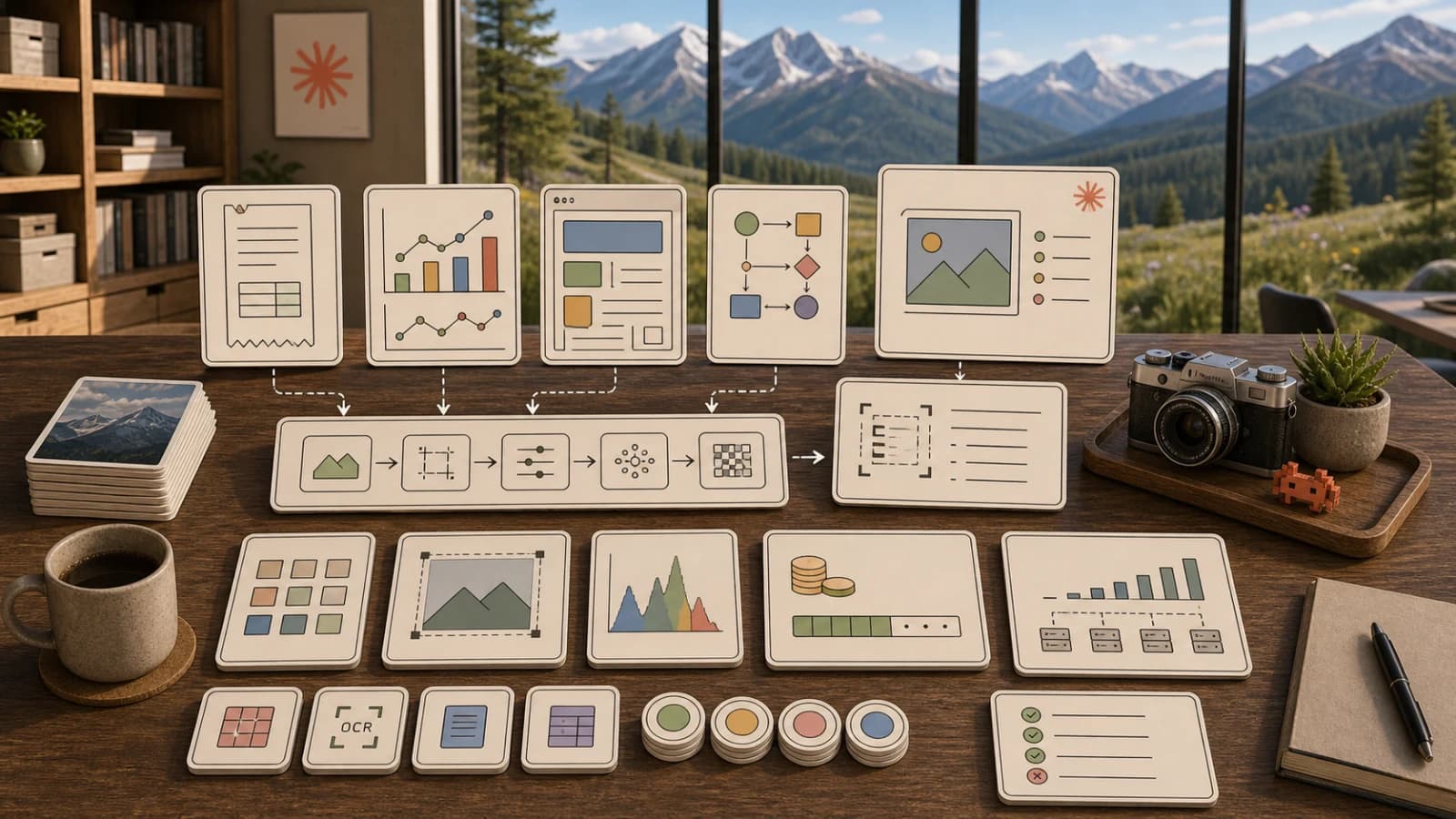
- Structured documents - invoices, receipts, tax forms, lab reports, anything with consistent layout
- Charts and graphs - extracting series, axis labels, trend descriptions
- UI screenshots - element identification, design feedback, accessibility audits
- Code-in-images - copying code from a screenshot back into text with high fidelity
- Diagrams - flowcharts, architecture diagrams, ER diagrams
- Tables - even slightly skewed, multi-column tables come back clean
Claude struggles with, in our experience:
- Handwriting - better than it used to be, still unreliable on anything cursive
- Photos of screens - the moire patterns and reflections murder accuracy
- Tiny detail - anything smaller than ~12 pixels of feature size is a coin flip
- Counting - "how many people are in this image" is genuinely hard for every vision model
- Spatial reasoning in cluttered scenes - "is the cup to the left of the keyboard"
Treat the second list as warning signs, not deal-breakers. With the right preprocessing and prompting, most of them get usable. Without it, you ship hallucinations.
Image Input: Formats, Limits, And The Cost-Per-Pixel Reality#
Vision pricing is token-based, but the token count is computed from the image dimensions. Per the current vision docs, Claude views an image in 28x28 pixel patches, and an image costs ceil(width / 28) x ceil(height / 28) visual tokens. Images above a per-model limit are downscaled first, which caps the cost. There are two tiers: Claude 4.7 and later models allow a 2576 px long edge and up to 4784 visual tokens, while all other models allow 1568 px and 1568 tokens. Two practical consequences:
- Large images cost real money on the high-resolution tier. The docs table puts a 3840x2160 image at 4784 tokens on the high-resolution tier versus 1560 on the standard tier, roughly three times more. At the docs' example rate of $5 per million input tokens, that is about $23.92 per thousand images.
- Resizing is your most powerful cost lever. If you do not need the extra fidelity for dense documents or screenshot understanding, downscale before sending. Many documents and screenshots survive a long edge of 1024 to 1568 px, but test your own inputs because small text is the first thing to go.
Supported formats are JPEG, PNG, GIF, and WebP. You can pass a URL or base64. URL is preferable when you have a CDN; base64 is fine for pipelines that already have the bytes in memory.
For most production workloads, the right preprocessing pipeline is:
- Decode and auto-orient via EXIF
- Convert to RGB
- Downscale longest edge to 1568 pixels (Anthropic's preferred max)
- Re-encode as JPEG quality 85
- Hash the result for cache deduplication
This typically cuts image costs 40 to 70% with no measurable accuracy loss on text-heavy imagery.
The TypeScript Code You Should Actually Ship#
Here is a minimal but production-shaped vision call using the official Anthropic SDK. It accepts a base64 image, asks for structured extraction, and uses prompt caching on the instruction prefix so a high-volume pipeline does not pay full input cost on every call.
import Anthropic from "@anthropic-ai/sdk";
import sharp from "sharp";

const client = new Anthropic();

async function preprocessImage(buf: Buffer): Promise<{ data: string; mediaType: "image/jpeg" }> {
  const out = await sharp(buf)
    .rotate()
    .resize({ width: 1568, height: 1568, fit: "inside", withoutEnlargement: true })
    .jpeg({ quality: 85 })
    .toBuffer();
  return { data: out.toString("base64"), mediaType: "image/jpeg" };
}

const EXTRACTION_PROMPT = `You are a precise document extractor. Return only valid JSON matching:
{ "vendor": string, "date": string, "total": number, "line_items": [{"description": string, "amount": number}] }
If a field is unreadable, use null. Do not invent values.`;

export async function extractInvoice(imageBytes: Buffer) {
  const { data, mediaType } = await preprocessImage(imageBytes);

  const response = await client.messages.create({
    model: "claude-sonnet-5-5",
    max_tokens: 1024,
    system: [
      {
        type: "text",
        text: EXTRACTION_PROMPT,
        cache_control: { type: "ephemeral" },
      },
    ],
    messages: [
      {
        role: "user",
        content: [
          {
            type: "image",
            source: { type: "base64", media_type: mediaType, data },
          },
          { type: "text", text: "Extract this invoice." },
        ],
      },
    ],
  });

  const text = response.content.find((b) => b.type === "text");
  if (!text || text.type !== "text") throw new Error("no text response");
  return JSON.parse(text.text);
}
A few non-obvious things this shape captures:
- The instructions are in
systemwithcache_control, not in the user turn. Vision pipelines tend to have a stable instruction and a varying image; cache the stable part. - The image goes inside the user turn alongside a short text prompt. The text is what cues the model on what to do; without it, you get a generic description.
- The response is parsed strictly. Vision models are slightly more prone to wrapping JSON in markdown - you can add a
<json>tag instruction or use a tool-use schema to lock it down.
For schema-locked extraction, use tool use. Define a tool with the exact JSON Schema you want, force tool_choice to that tool, and you get back a guaranteed-valid object. We covered the details in tool use patterns.
Production Use Cases Where Vision Pays For Itself#
1. Invoice and receipt OCR. Vision plus a strict schema delivers extraction accuracy in the high 90s on real-world receipts - better than most dedicated OCR services on messy inputs, because Claude can reason about layout. Cost runs about $0.005 to $0.015 per receipt depending on resolution.
2. Bug-report screenshot triage. Customer pastes a screenshot, vision extracts the visible error message, the URL bar, the browser, and the visible state. Auto-tagged into the issue tracker. We have seen support teams cut triage time by 60% on this single workflow.
3. UI accessibility audits. Feed a screenshot of a page, ask for WCAG violations. Claude is shockingly good at "this contrast looks bad," "the touch target is too small," "this label is missing for the icon." Not a replacement for axe-core, but an excellent complement on visual issues automated tools miss.
4. Chart-to-data extraction. Bar charts, line charts, scatter plots - Claude returns reasonable JSON of the underlying series. Watch out: numbers are estimates derived from pixels, not ground truth. Use it for "what is this chart showing," not for downstream analytics.
5. Diagram-to-code. Hand-drawn architecture diagrams or flowcharts converted to mermaid, plantuml, or actual code stubs. Underrated workflow for design reviews.
Building A Reliable Vision Pipeline#
Volume changes everything. At one image per minute you can ignore the failure modes; at 100k a month they dominate.
The pipeline shape we have ended up with after several iterations:
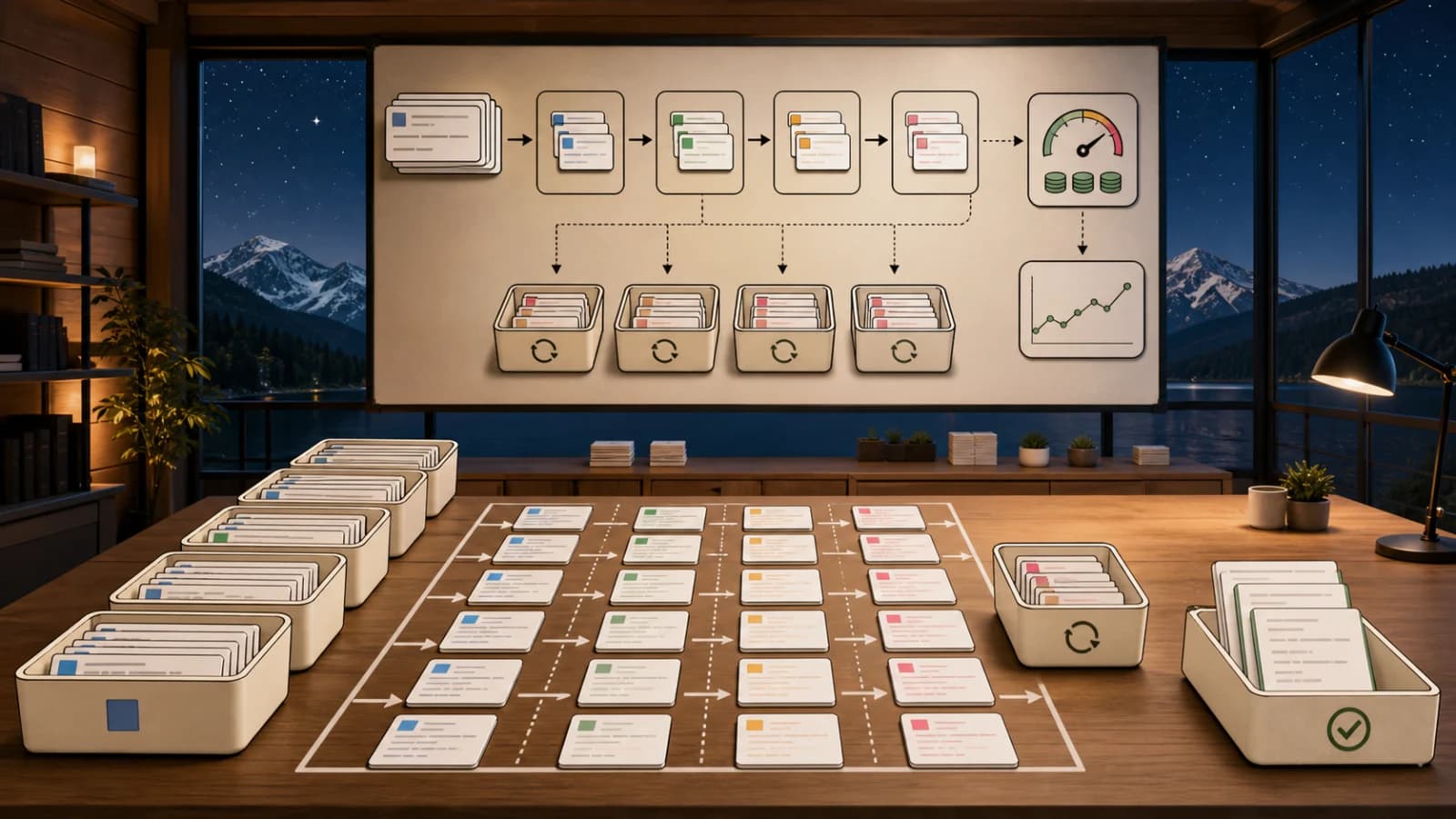
[ingest] -> [validate] -> [preprocess] -> [hash + cache lookup]
       -> [vision call w/ retries] -> [schema validate]
       -> [confidence gate] -> [human review or auto-accept]
       -> [store + index]
Each step earns its keep:
- Validate. Reject inputs that aren't actually images, are too small (under 200px on a side is a guarantee of garbage), or are corrupt. About 1 to 3% of inputs fail this gate in real apps.
- Hash + cache lookup. A surprising fraction of "different" images are the same file uploaded twice. Hash the preprocessed bytes and skip the API call on duplicates. Easy 10 to 25% cost reduction.
- Schema validate. Run the JSON response through Zod or your validator. About 0.5 to 2% of responses fail the schema even with strict prompting; retry once with a stricter prompt.
- Confidence gate. Have the model return a
confidencefield, and route low-confidence outputs to human review. This is the single highest-impact reliability lever.
For monitoring spend across a high-volume vision pipeline, CodeBurn surfaces per-route token cost so you can tell instantly when an image-preprocessing regression doubles your bill.
Handling Errors And Edge Cases#
The errors you will actually hit:
invalid_request_error: image too large- You exceeded a per-image limit: 10 MB base64-encoded on the Claude API directly (5 MB on Amazon Bedrock and Google Cloud) or 8000x8000 px. Above 20 images in one request, a stricter per-image dimension limit applies, and the docs suggest keeping each side under 2000 px. Preprocess.overloaded_error- Vision endpoints get bursty. Exponential backoff with jitter. Three retries is enough.- Truncated JSON - Set
max_tokenshigh enough. For invoice extraction, 2000 is safer than 1024. - Confident hallucination - The model returns a valid-looking number that doesn't exist in the image. The defense is a confidence-gated human review for any field used in money decisions.
- Mixed-language documents - Claude handles them but sometimes returns translated values when you wanted the original. Always specify "return values exactly as printed, do not translate."
Multi-Image Analysis And Sequence Reasoning#
You can pass multiple images in a single user turn. The model treats them as an ordered sequence. Common uses:
- Before/after comparisons - "what changed between these two screenshots"
- Multi-page documents - pass all pages of a PDF as separate images for end-to-end extraction
- Product image grids - analyze a sheet of variants in one call
Cost scales linearly with images. A four-image call costs roughly four times a one-image call (plus a small fixed overhead). For long documents, multi-image extraction in a single call is usually cheaper and more accurate than calling once per page, because the model can reason across pages.
Production Gotchas Worth Pinning To Your Wall#
1. EXIF orientation is not auto-applied. A photo taken in portrait will land at the API rotated unless you bake the orientation into the bytes. We have seen entire pipelines fail because the iPhone landscape vs portrait flag was ignored.
2. Animated GIFs are sampled, not analyzed frame-by-frame. You typically get the first frame. If you need video analysis, pass key frames as separate images.
3. The model will describe what it sees if you don't tell it not to. Open-ended prompts like "what is this" produce flowery prose. For extraction, be explicit: return JSON only, no commentary.
4. Image content counts against the cache. A cached system prompt plus an uncached image is the right pattern. You cannot meaningfully cache the image itself unless the exact same bytes recur, in which case do it via hash dedup at your layer.
5. PII in images is a real compliance issue. Vision will happily extract SSNs, account numbers, faces. If you process user-uploaded images, run a redaction or detection pass and have an explicit data retention policy. Anthropic's data is not used for training by default on the API, but your own logs probably retain images longer than you think.
6. Resolution requirements vary by task. UI screenshots can be downscaled aggressively. Tiny text in a fax-quality scan needs the full resolution. Don't blanket-downscale everything; route by content type.
Scaling Vision At Production Volume#
For 100k+ images a month, three things matter more than the SDK call:
- Concurrency limits. Anthropic's vision rate limits are tight. Use a token bucket and aim for ~80% of your stated limit. Bursting up to the limit causes more 529s than it earns in throughput.
- Async architecture. Most vision workloads are not user-facing. Push them through a queue, return a job ID, notify on completion. For the truly batchable, the Batch API cuts cost in half.
- Cost attribution. Tag every call with the originating product and route. We have watched a single buggy feature triple a vision bill in a week because no one had per-feature attribution. The 400-Dollar Overnight Bill post-mortem walks through what bad attribution costs.
Production Checklist Before You Ship#
- Image preprocessing: orient, resize to 1568px, JPEG q85
- Hash-based dedup cache in front of the API
- System prompt cached with
cache_control - Tool-use schema for any structured extraction
- Schema validation on every response
- Confidence field returned and gated for human review
- Retry with backoff on overloaded errors
- Per-feature token attribution logged
- PII detection and retention policy on uploaded images
- Async queue for non-interactive workloads
- Alert on cost-per-image regressions
Vision is the most under-used feature in the Claude API among teams that already have text working. The ones who get it right at scale treat it as an industrial pipeline, not a model call. Preprocess, cache, validate, attribute, and you will ship a vision feature that holds up.
For more on shipping Claude in production, see our writeups on prompt caching and tool use patterns.
FAQ#
What image formats does Claude Vision API support?#
Claude Vision API supports JPEG, PNG, GIF, and WebP formats. You can pass images either as URLs or base64-encoded data. For production pipelines, JPEG at quality 85 offers the best balance of quality and cost efficiency after preprocessing.
How much does Claude Vision API cost per image?#
Cost depends on image dimensions since pricing is token-based. Per Anthropic's docs, tokens are ceil(width / 28) x ceil(height / 28), capped by the model's tier: 1568 tokens on the standard tier, 4784 on the high-resolution tier used by Claude 4.7 and later models. For example, a 1000x1000 image is 1296 tokens, about $6.48 per thousand images at the docs' $5 per million input token example rate. Downscaling images you do not need at full fidelity is the main lever, but check accuracy on your own inputs first.
What is the maximum image size for Claude Vision API?#
On the Claude API the maximum is 10 MB per image (base64-encoded; 5 MB on Amazon Bedrock and Google Cloud) and 8000x8000 px. Models with a 200k-token context window accept up to 100 images per request, other models up to 600. For standard-tier models 1568 px on the long edge is the native limit, so larger images are downscaled anyway; high-resolution models go up to 2576 px.
How accurate is Claude Vision for OCR and document extraction?#
Claude Vision delivers extraction accuracy in the high 90s on structured documents like invoices, receipts, and forms. It excels at documents with consistent layouts, charts, UI screenshots, and tables. It struggles with handwriting (especially cursive), photos of screens with glare, and very small text under 12 pixels.
Can I process multiple images in a single Claude Vision API call?#
Yes, you can pass multiple images in a single user turn. The model treats them as an ordered sequence, which is useful for before/after comparisons, multi-page documents, and product image grids. Anthropic suggests introducing each image with a short text label such as Image 1:. Cost scales linearly - a four-image call costs roughly four times a one-image call.
How do I reduce hallucinations in Claude Vision extraction?#
Use three techniques: strict JSON schemas via tool use to lock down output format, a confidence field in your schema to gate low-confidence results for human review, and explicit prompts like "return values exactly as printed, do not translate" and "if unreadable, use null." Schema validation on every response catches the 0.5-2% that fail even with strict prompting.
Should I use prompt caching with Claude Vision API?#
Yes. Put your extraction instructions in the system message with cache_control: { type: "ephemeral" }. Vision pipelines typically have stable instructions and varying images - caching the stable part significantly reduces costs at volume. The image itself cannot be meaningfully cached unless the exact same bytes recur, in which case use hash-based deduplication at your layer.
Continue Reading#
- LFM2.5-VL-3B: Liquid AI''s 3B Vision Model Reads Screens, Grounds Objects, and Calls Tools on a Laptop
- MiniMax H3: An Omni-Modal Video Model With Native Audio, 2K Output, and Open Weights Coming
- Gemini's Agentic Video Understanding Cuts Video Tokens by 88% - the same cost-discipline idea applied to video analysis
- Unlimited OCR: Baidu's Open-Source Solution for Long Document Parsing
- Where to Access AI Models - official APIs, routers, and free tiers for vision-capable models
Get the next deep dive like this in your inbox
One email a week on Claude API and the rest of the AI dev stack. Free.
Read next
Claude Batch API: Cutting Async Workload Costs In Half
How to ship Claude's Batch API in production. 50% cost savings, TypeScript SDK code, JSONL request format, and the async architecture gotchas that bite at 100k requests.
11 min readPrompt Caching in the Claude API: A Production Guide
Cut Claude API spend by up to 90% with prompt caching. Real numbers, TypeScript SDK code, and the gotchas Anthropic's docs gloss over.
11 min readTool Use in the Claude API: Production Patterns for Reliable Agents
Master tool use in the Claude API. Schema design, retry logic, multi-step loops, and the failure modes that only show up at 10k calls a day.
12 min readNew here? Start with
Technical content at the intersection of AI and development. Building with AI agents, Claude Code, and modern dev tools - then showing you exactly how it works.