Point Your Agent at Developers Digest
TL;DR
developersdigest.tech now speaks MCP. Any MCP-capable harness can call the site's tools directly - generate media, pull vetted skills and agents on demand, persist memory across sessions, search the content, and count tokens.
Most of what this site does, it now does for your agent instead of just for you. As of today, developersdigest.tech ships a Model Context Protocol endpoint. Any MCP-capable harness - Claude Code, Claude Desktop, Cursor, or your own client - can connect with an API key and call the platform's tools directly. No screen scraping, no copy and paste, no glue code.
This is the applied version of an idea we keep coming back to: the useful unit of a developer site is not the page a human reads, it is the tool an agent can call. So we exposed the tools.
What shipping an MCP endpoint actually means#
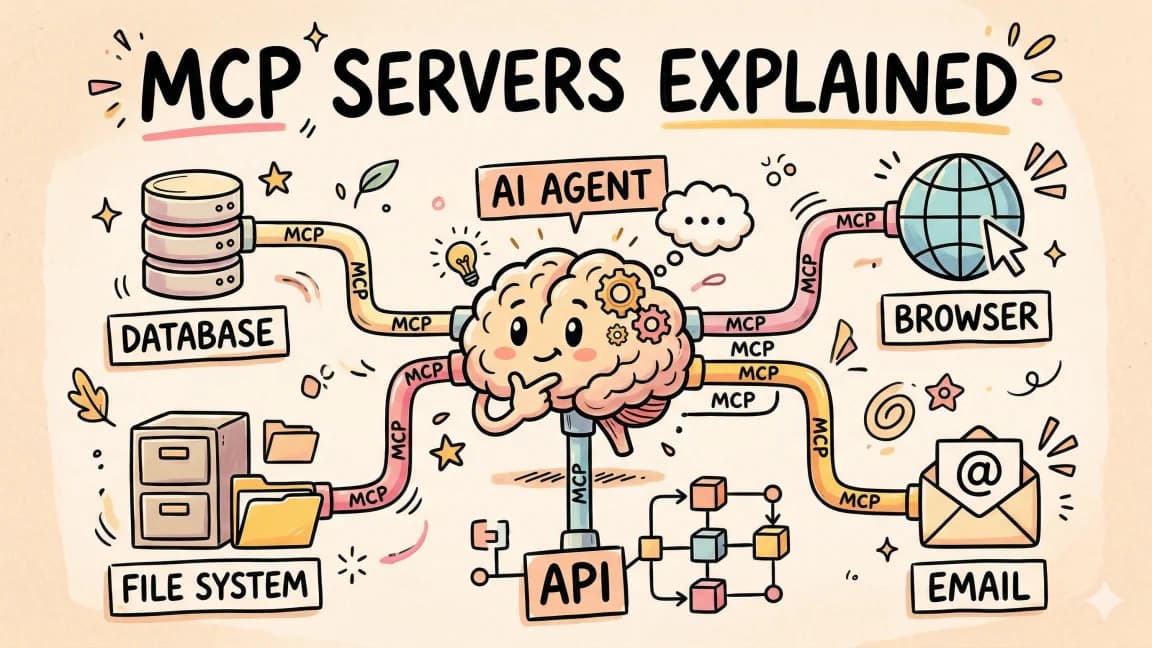
MCP is an open standard for connecting AI applications to external tools and data. A server publishes a set of tools with typed inputs. A client discovers those tools and calls them during a task. The value is that the interface is uniform: once a harness speaks MCP, every MCP server it connects to looks the same, so there is no per-integration wiring.
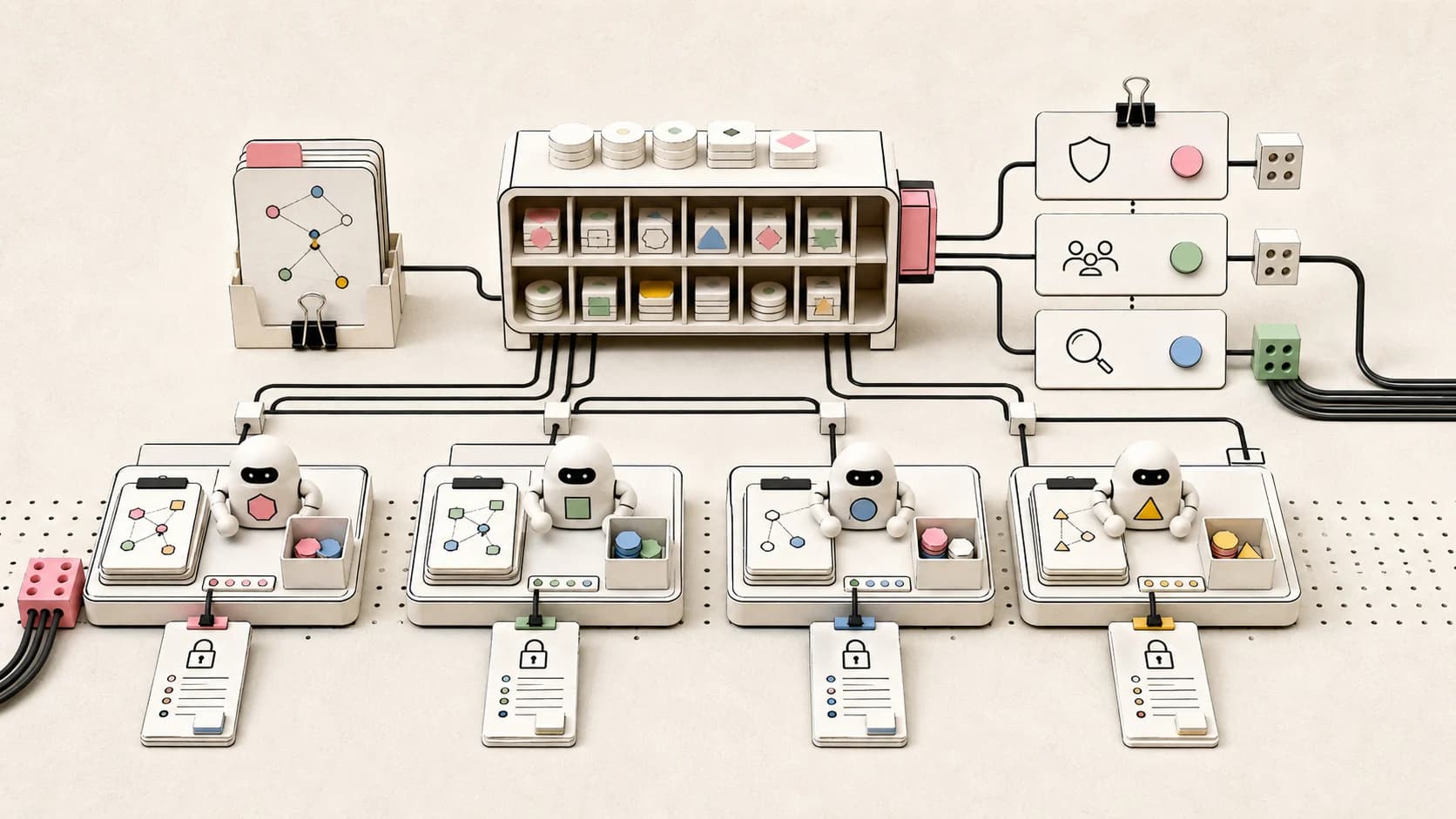
The endpoint lives at /api/mcp and is served over streamable HTTP. Every call authenticates with a dd_live_ API key sent as a bearer token. There is no session on the transport, so the key is how each tool resolves who is calling and which credit balance to check. Point a compliant client at the URL, give it the key, and the full tool suite shows up in that client's tool list.
The tool suite#
The endpoint exposes the same credit-metered capabilities as the platform REST API, plus a set of free tools built specifically for agents.
Media generation (credit-metered). generate_image produces an image from a text prompt via Fal.ai. generate_voice turns text into speech through the AI Gateway. Both persist the result into your Creative Studio gallery, return a durable storage URL and a dashboard link, and charge only on success. If generation fails, you are not charged.
The libraries, served on demand. This is the part we are most interested in. Three registries are exposed as tools:
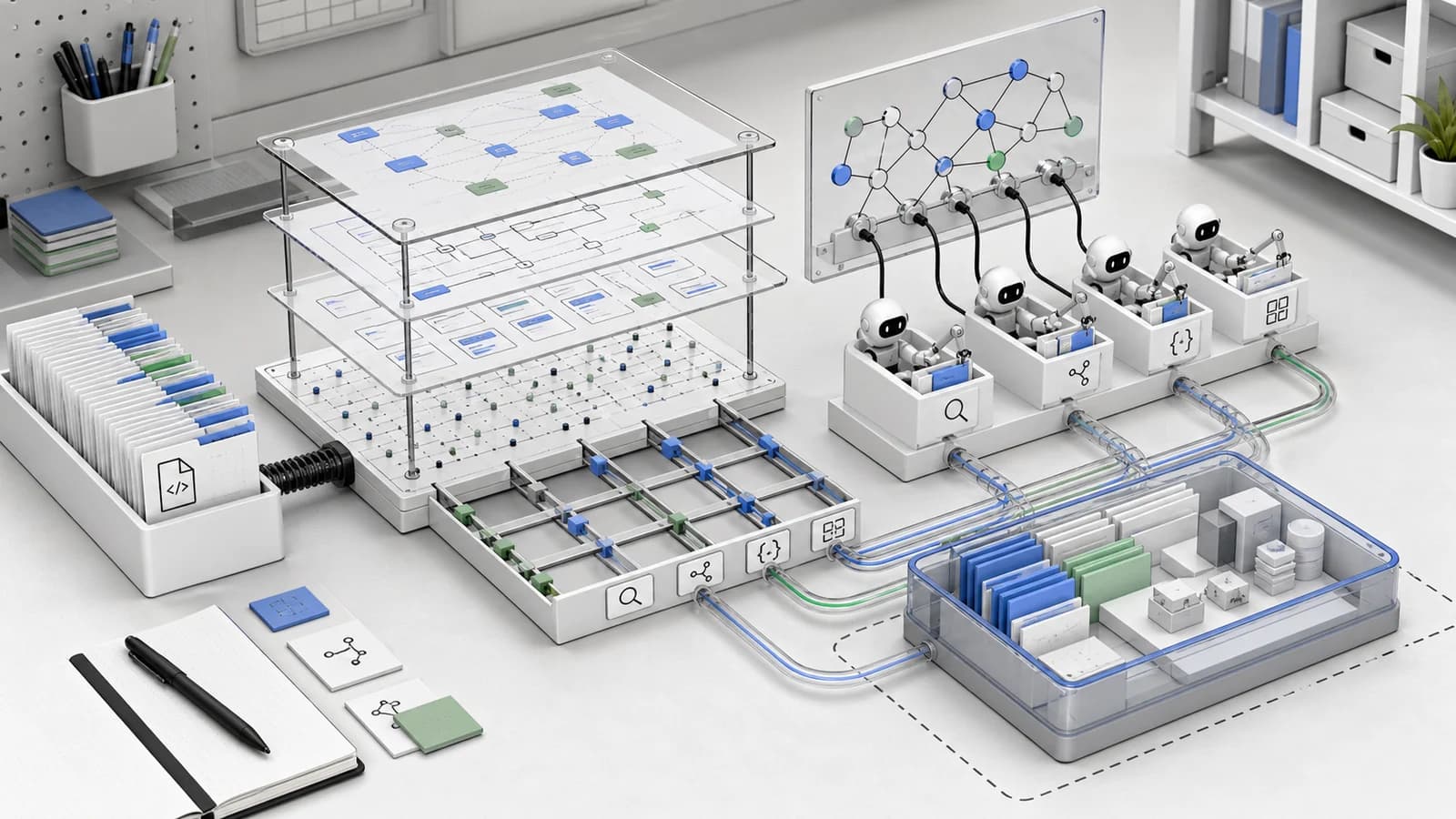
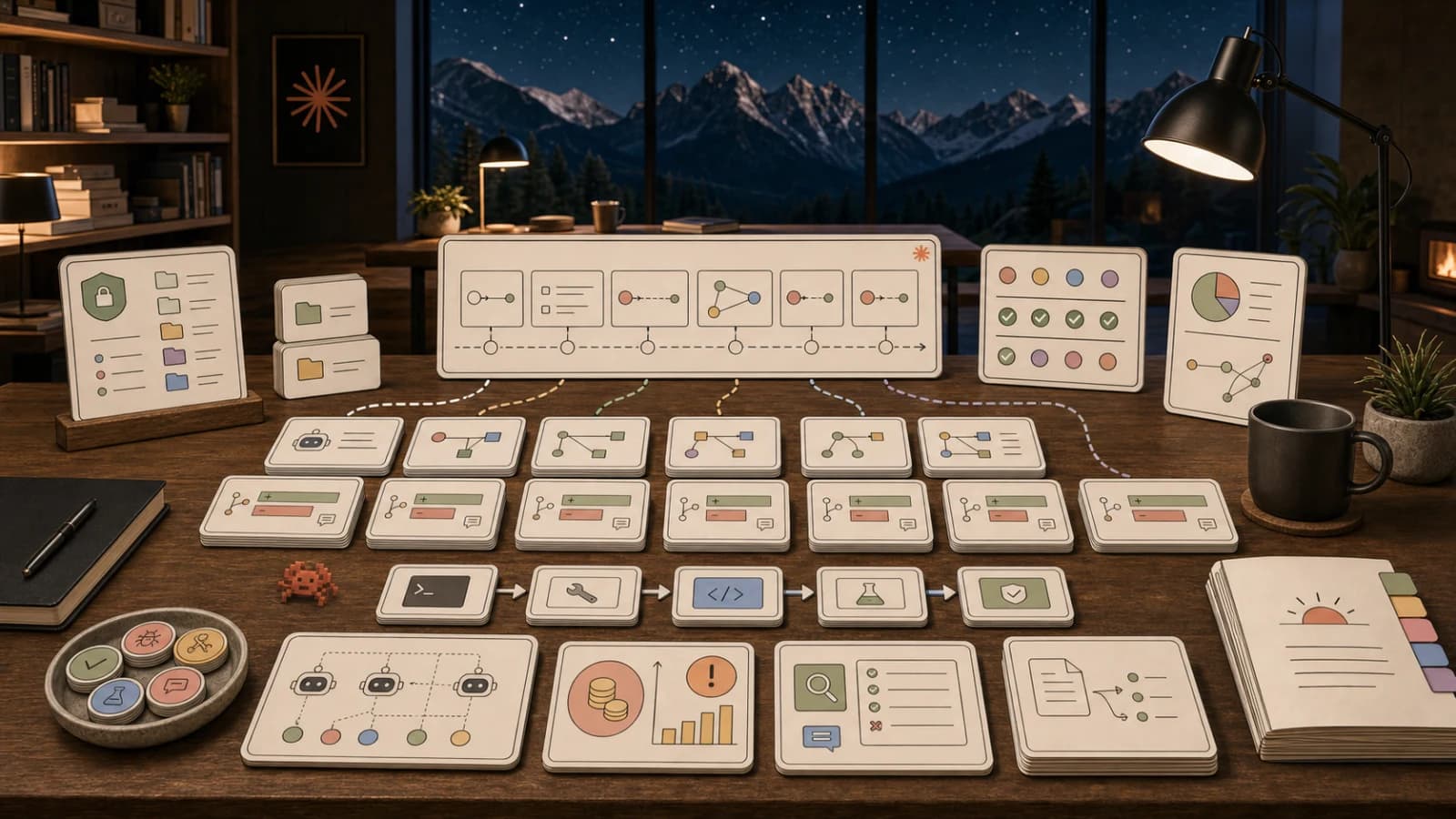
list_skills/get_skill- a registry of vetted, copyableSKILL.mdfiles that follow the Agent Skills standard. Your agent lists what is available, then fetches the full markdown ready to save to.claude/skills/<slug>/SKILL.md.list_agents/get_agent- copyable subagent definitions, YAML frontmatter plus system prompt, ready to drop into.claude/agents/.list_design_systems/get_design_md- machine-readableDESIGN.mdcontracts an agent can build against so generated pages match a real visual system, including color swatches and a gradient policy.
Memory that persists. save_memory, list_memories, and search_memories give an agent durable per-caller notes and links stored server side. They survive across sessions and machines, so an agent can write down context on one run and recall it on the next, even from a different computer.
Content search. search_content searches the Developers Digest index - blog posts, guides, tools, videos, courses - and returns titles, descriptions, and URLs.
Daily brief. get_daily_brief returns the latest Developers Digest Daily Brief as text.
Token counting. count_tokens counts tokens in a string using the o200k_base encoding, so an agent can budget context before making an expensive call.
Balance. get_balance returns the caller's current credit balance and owner status.
Skills as a service#
The library tools deserve a second look, because they change a workflow most builders do by hand.
Today, when you want an agent to have a capability, you find a good SKILL.md, you paste it into your project, and it goes stale the moment the underlying tool changes. The registry flips that. Your agent calls list_skills, finds the relevant one, calls get_skill, and saves the current version into its own config directory at runtime. The skill is fetched fresh, from a vetted source, at the moment it is needed. The same pattern holds for agent definitions and design contracts.
That is the pitch: skills, subagents, and design systems delivered as a service your agent pulls from, instead of static files you maintain by copy and paste. It is deliberately zero credits. We would rather agents adopt these widely than meter them.
How to connect#
First, create an API key in the dashboard at /dashboard/keys. It will start with dd_live_.
MCP client (mcp.json). Add the server to your client's MCP config. The shape most harnesses accept:
{
  "mcpServers": {
    "developers-digest": {
      "url": "https://www.developersdigest.tech/api/mcp",
      "headers": {
        "Authorization": "Bearer dd_live_your_key_here"
      }
    }
  }
}
Reload the client and the Developers Digest tools appear alongside your other MCP servers.
The dd CLI. If you would rather script against the REST surface directly, the repo ships a small zero-dependency CLI. It needs Node 18 or newer and no packages to install.
export DD_API_KEY=dd_live_your_key_here
node cli/dd.mjs image "a hard-edged neutral workflow board" --size landscape
node cli/dd.mjs voice "Welcome to Developers Digest." --voice nova --out intro.mp3
node cli/dd.mjs gallery --limit 10
node cli/dd.mjs balance
Each command prints the result URL, the model used, credits spent, remaining balance, and a link back to your dashboard studio.
What is free and what is metered#
We would rather be honest about this than surprise anyone.
Free (0 credits): count_tokens, search_content, get_daily_brief, get_balance, every memory tool, and every library tool. Usage is still attributed to your key, and rate limits apply, but nothing is charged.
Credit-metered: generate_image costs 5 credits, generate_voice costs 2 credits, and both charge only on a successful generation. If you run out of credits mid-task, the tool returns a clear error pointing you to /pricing rather than failing silently. Credits are a universal balance across the platform, so one top-up works everywhere the key does.
There is no free tier on the paid actions and no metering on the free ones. That split is the whole billing model.
What is next#
The obvious next steps are more tools on the same endpoint. The Model Pricing API, a sourced dataset of frontier model pricing and capability facts, already exists as a REST route and is a natural MCP tool. The library registries will grow as we publish more vetted skills, agents, and design contracts. And because every tool call is attributed to a key, the usage data tells us which capabilities agents actually reach for, which is the best signal we have for what to build next.
If you build something with the endpoint, we want to see it.
Frequently Asked Questions#
Do I need a credit balance just to connect?#
No. Connecting requires a dd_live_ API key, but the free tools - content search, token counting, the daily brief, memory, and the entire skill, agent, and design library - cost nothing. You only need credits for image and voice generation, which cost 5 and 2 credits and charge only on success.
Which MCP clients work with this?#
Any client that speaks MCP over streamable HTTP with bearer-token auth. That includes Claude Code, Claude Desktop, Cursor, and custom clients built on the MCP SDK. Add the server URL and your key to the client's MCP config and the tools appear in its tool list.
What is the difference between the MCP endpoint and the dd CLI?#
They are two front doors to the same platform. The MCP endpoint lets an agent discover and call tools inside a task automatically. The dd CLI is a small script you run yourself against the REST surface for media generation and gallery access. Both authenticate with the same dd_live_ key.
How is "skills as a service" different from just copying a SKILL.md?#
A copied file goes stale and you maintain it. The library tools fetch the current, vetted version at runtime and save it straight into your agent's config directory. Your agent pulls the skill when it needs it instead of you pasting a snapshot that drifts out of date.
Continue Reading#
- Claude Code as an HL7 to FHIR Migration Agent for Hospitals
- Cloudflare Radar Researcher: A Plain-Language Agent Over 500 Live API Endpoints
- Composio 101: Give Your AI Agent Access to 500+ Apps
Sources#
- Developers Digest library - the skill, agent, and design registries served by the MCP endpoint
- Developers Digest paths - guided learning paths across the platform
- API docs - the REST surface behind the tools
- Model Context Protocol - the open standard the endpoint implements
Get the next deep dive like this in your inbox
One email a week on MCP and the rest of the AI dev stack. Free.
Read next on AI coding tools
GitHub Copilot SDK Hits GA: Embed the Copilot Agent Runtime in Your Own Apps
On June 2, 2026, GitHub made the Copilot SDK generally available. It exposes the same agent runtime behind Copilot - planning, tool calls, file edits, streaming, MCP - across TypeScript, Python, Go, .NET, Rust, and Java. Here is what changed at GA and what it means for builders.
8 min readAgent Studio: Authoring the Roles, Not Just the Knowledge
Skills gave an agent what to know. The missing half is what role to play. Agent Studio lets you author subagents next to your skills in one place, serve both over the same MCP endpoint with the same progressive disclosure, browse them over REST and the dd CLI, and publish them to the community under a moderation loop. Here is the design and why the two belong in one studio.
9 min readMCP Servers vs Agent Skills: Which to Build in 2026
A decision framework for 2026: MCP servers give an agent access to a live system, Agent Skills teach it how to do a task. Here is when to build each, when to build both, and the criteria that actually decide it, grounded in the MCP spec and Anthropic's skills docs.
10 min readNew here? Start with
Technical content at the intersection of AI and development. Building with AI agents, Claude Code, and modern dev tools - then showing you exactly how it works.