Structured Outputs Across AI APIs: OpenAI, Claude, Gemini (2026)
TL;DR
97 of 167 models we track enforce a JSON schema on output. Request shapes, schema limits and refusal handling for OpenAI, Claude, Gemini and Mistral.
Last updated: October 18, 2026
Structured outputs means the API constrains generation to a JSON Schema you send, so the reply parses and matches that schema; plain JSON mode only promises syntactically valid JSON. As of October 18, 2026, OpenAI (GPT-4o and later), Anthropic (all 16 current Claude models), Google Gemini, Mistral, xAI and Cohere's Command models enforce schemas, while DeepSeek, Z.ai GLM, MiniMax's M-series and most Qwen models offer JSON mode only. The verdict: use each provider's native schema mode with its SDK helper, keep your schema inside the strictest common subset (every field required, nullable instead of optional, additionalProperties: false, no numeric or length constraints), and still validate on your side - the full list of 97 schema-enforcing models is on /models/capabilities/structured-outputs.
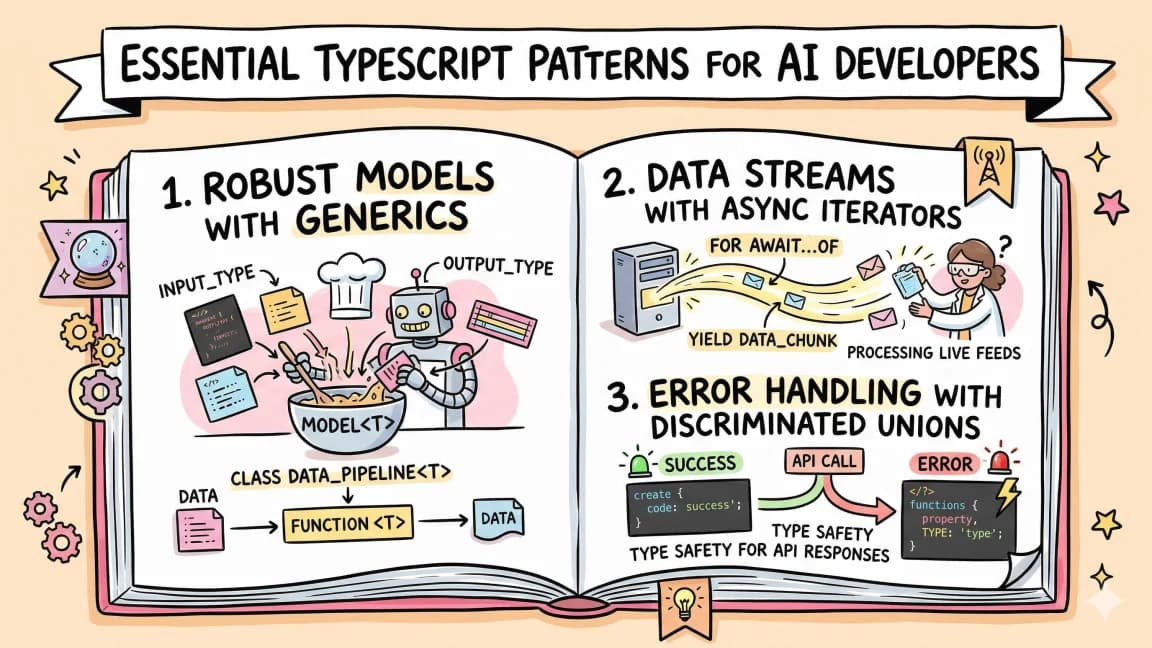
This guide works at the raw API and SDK level, one provider at a time. If you want one abstraction over all of them, the Vercel AI SDK guide covers generateObject, and the Python equivalent is in what's new in Pydantic AI. Every TypeScript example below was type-checked against the exact SDK versions named; see "How we checked" for what that does and does not prove.
Which APIs enforce a schema (and which only do JSON mode)#
Our model registry records a structuredOutputs capability for every model, verified against provider docs on October 18, 2026. The definition is strict: "The API enforces a JSON schema you supply, so the response matches it. A plain JSON mode that only promises valid JSON does not count." Of 167 models, 97 are Yes, 56 are No, and 14 have nothing stated in the provider docs.
| Provider | Yes / No / not stated | How you enable it | Notes |
|---|---|---|---|
| OpenAI | 32 / 4 / 0 | text.format (Responses) or response_format (Chat Completions), type: "json_schema", strict: true | No: gpt-3.5-turbo, gpt-3.5-turbo-instruct, gpt-4, gpt-4-turbo (JSON mode only) |
| Anthropic | 16 / 0 / 0 | output_config.format with type: "json_schema", or strict: true on a tool | GA, no beta header |
| 11 / 0 / 0 | responseJsonSchema (generateContent) or response_format.schema (Interactions) | ||
| Mistral AI | 8 / 0 / 0 | response_format type: "json_schema", strict: true | |
| xAI | 8 / 0 / 0 | response_format type: "json_schema" | OpenAI-compatible endpoint |
| Cohere | 3 / 1 / 1 | response_format type: "json_object" plus a schema | Yes: Command A, Command R 08-2024, Command R+ 08-2024 |
| Alibaba Cloud (Qwen) | 5 / 22 / 0 | JSON Schema mode on Qwen3.7 Flash/Plus/Max and Qwen3.8 Flash/Max | Docs say Singapore-region models are not supported yet |
| Moonshot AI | 3 / 0 / 1 | ||
| StepFun | 4 / 0 / 1 | ||
| ByteDance Seed | 3 / 1 / 0 | ||
| Tencent | 2 / 0 / 3 | ||
| Inception | 2 / 0 / 1 | ||
| DeepSeek | 0 / 2 / 0 | response_format: { type: "json_object" } only | |
| Z.ai | 0 / 13 / 0 | JSON mode without schema enforcement | |
| MiniMax | 0 / 5 / 0 | Docs list json_schema only for MiniMax-Text-01 | |
| Xiaomi MiMo | 0 / 2 / 0 | JSON mode; strict schema applies only to tool calls | |
| AI21 Labs | 0 / 2 / 0 | ||
| Amazon (Nova) | 0 / 4 / 1 | Bedrock model cards list structured outputs as not supported | |
| Baidu | 0 / 0 / 6 | Not stated in docs |
The per-model rows, with prices, are on /models/capabilities/structured-outputs, and the capability matrix puts structured outputs next to tool calling and prompt caching by provider.
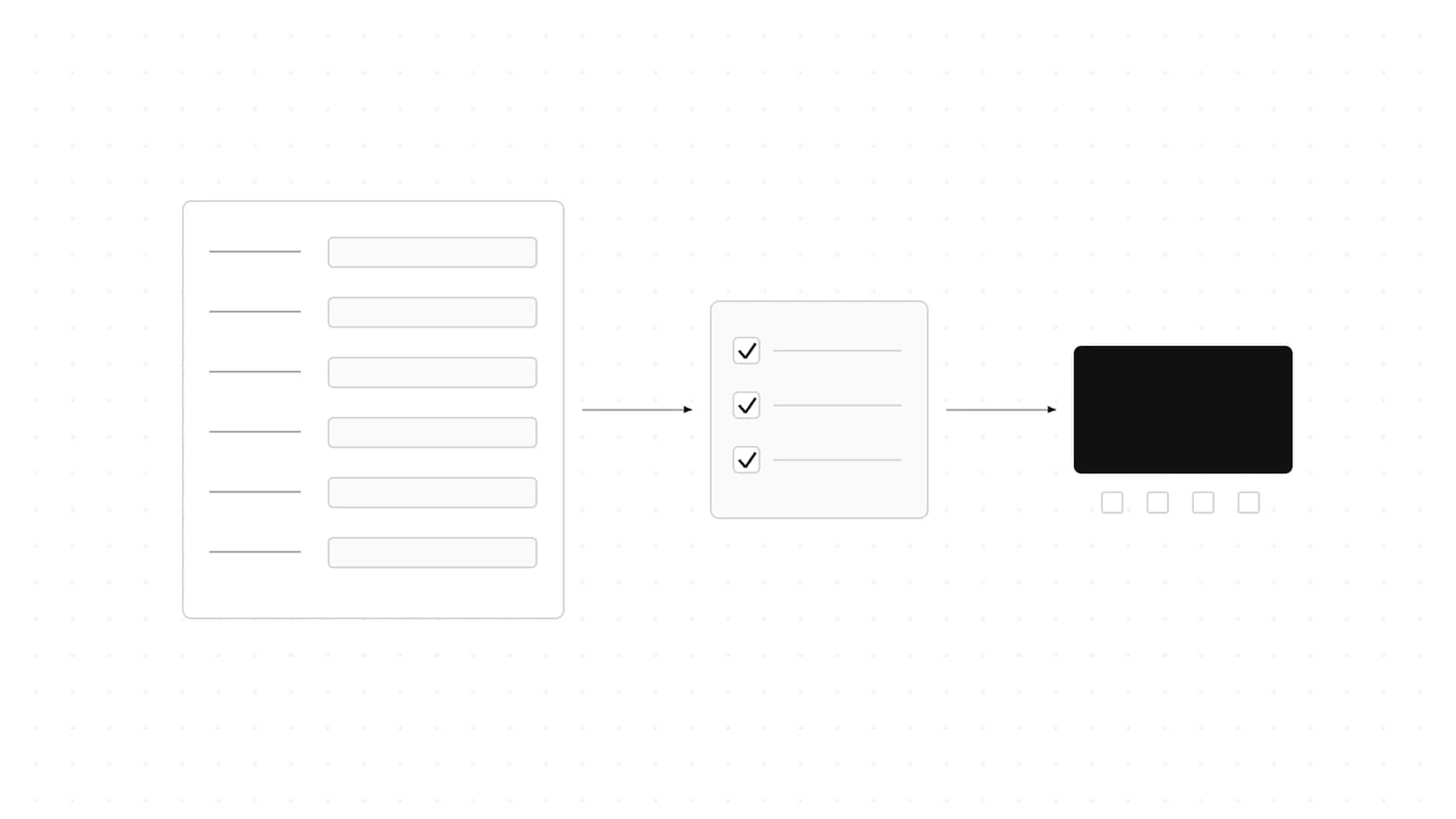
The distinction matters because the two modes fail differently:
%% title: JSON mode vs structured outputs
flowchart TD
  A["Request"] --> B{"Schema sent?"}
  B -- "No: JSON mode" --> C["Valid JSON only"]
  C --> D["You validate and retry"]
  B -- "Yes" --> E["Constrained decoding"]
  E --> F{"Stop reason normal?"}
  F -- "Yes" --> G["Matches schema"]
  F -- "Refusal or max tokens" --> H["May not match"]
With JSON mode, a missing field or a wrong enum value is your problem every time. With structured outputs, the shape is guaranteed on the happy path, and the remaining failures are the edge cases covered in the last section.
The common schema subset that works everywhere#
Each provider supports a different slice of JSON Schema. If you want one schema to work across OpenAI, Anthropic, Gemini, Mistral and xAI, these rules come straight from their docs:
- Root is an object. OpenAI says the root must be an object and not
anyOf, so a top-level ZoddiscriminatedUnionfails there. Cohere also requires a top-level object. Wrap unions in a property. - Every property is required; express optional as nullable. OpenAI's strict mode requires all fields in
requiredand tells you to emulate optional fields with anullunion. Anthropic caps a request at 24 optional parameters and 16 parameters with union types (anyOfor type arrays) across all strict schemas, so nullable fields count against that 16. additionalProperties: falseon every object. OpenAI and Anthropic require it. xAI defaults to it. Gemini accepts it as a boolean or a schema.- No numeric or length constraints. Anthropic does not support
minimum,maximum,multipleOf,minLengthormaxLength, and Cohere rejects the same family. OpenAI supports numeric bounds; Gemini supportsminimumandmaximum. Leave them out of the shared schema and enforce them in your own validation. - No recursion. Anthropic does not support recursive schemas, and xAI supports
$refonly when it is non-circular. OpenAI supports recursion, and Gemini's guide includes a recursive org-chart example. - Primitive enums, compared case-insensitively. Anthropic supports enums of primitives only and warns that
enum/constcapitalization is not guaranteed. - String formats:
date,date-time,time. Those three are listed by OpenAI, Anthropic, Gemini and Cohere.uuidis listed by OpenAI, Anthropic, Cohere and xAI but not in Gemini's list.
Here is the one schema every example in this post reuses. It sits inside that subset by design (the TypeScript patterns post covers why inferring the type from the schema is worth it):
import { z } from "zod";

// One schema, reused by every provider example.
export const Ticket = z.object({
  title: z.string(),
  priority: z.enum(["low", "medium", "high"]),
  labels: z.array(z.string()),
  // Optional fields: express as nullable so strict providers accept the schema.
  assignee: z.string().nullable(),
});
export type Ticket = z.infer<typeof Ticket>;

export const prompt =
  "Turn this into a ticket: checkout page 500s for EU users since the 2.4 deploy, urgent, assign to Priya.";
With zod 4.6.7, z.toJSONSchema(Ticket) emits assignee as {"type": ["string", "null"]}, lists all four keys in required, and sets additionalProperties: false - exactly the shape the strict providers ask for.
OpenAI: text.format (Responses) or response_format (Chat Completions)#
OpenAI's guide says Structured Outputs "ensures the model will always generate responses that adhere to your supplied JSON Schema." There are two request shapes:
- Responses API:
text: { format: { type: "json_schema", name, strict: true, schema } } - Chat Completions:
response_format: { type: "json_schema", json_schema: { name, strict: true, schema } }
JSON mode is type: "json_object" in the same slots. OpenAI is explicit that only Structured Outputs ensures schema adherence, and both work in the Responses, Chat Completions, Assistants, Fine-tuning and Batch APIs. Structured Outputs is available from GPT-4o onward (gpt-4o-mini, gpt-4o-2024-08-06 and later); gpt-4-turbo and earlier are JSON mode only. The guide recommends gpt-6-astra ($10/$50 per million tokens, 1.05M context) for new projects; gpt-6-luna at $0.10/$0.50 is the low-cost option that is also Yes in our registry.
The SDK helper converts a Zod schema and parses the reply for you. Type-checked against openai@7.38.0:
import OpenAI from "openai";
import { zodTextFormat } from "openai/helpers/zod";
import { Ticket, prompt } from "./schema";

const openai = new OpenAI();

const response = await openai.responses.parse({
  model: "gpt-6-astra",
  input: [
    { role: "system", content: "Extract a support ticket." },
    { role: "user", content: prompt },
  ],
  text: { format: zodTextFormat(Ticket, "ticket") },
});

// Typed as Ticket | null. A safety refusal arrives as a refusal content part instead.
const ticket = response.output_parsed;
if (ticket) console.log(ticket.priority);
For Chat Completions, the equivalent is zodResponseFormat from the same openai/helpers/zod module, with chat.completions.parse and choices[0].message.parsed. Without Zod, the raw request shows what strict mode demands - every key in required, and additionalProperties: false:
import OpenAI from "openai";

const openai = new OpenAI();

// Raw JSON Schema, no helper: strict mode needs every key in `required`
// and additionalProperties: false on every object.
const response = await openai.responses.create({
  model: "gpt-6-astra",
  input: "Turn this into a ticket: checkout 500s for EU users, urgent.",
  text: {
    format: {
      type: "json_schema",
      name: "ticket",
      strict: true,
      schema: {
        type: "object",
        properties: {
          title: { type: "string" },
          priority: { type: "string", enum: ["low", "medium", "high"] },
          labels: { type: "array", items: { type: "string" } },
          assignee: { type: ["string", "null"] },
        },
        required: ["title", "priority", "labels", "assignee"],
        additionalProperties: false,
      },
    },
  },
});

console.log(JSON.parse(response.output_text));
What OpenAI supports. Types string, number, boolean, integer, object, array, enum and anyOf; string pattern and format (date-time, time, date, duration, email, hostname, ipv4, ipv6, uuid); number multipleOf, minimum, maximum and their exclusive forms; array minItems and maxItems. $defs and recursive schemas work. Not supported: allOf, not, dependentRequired, dependentSchemas, and if/then/else. Output keys follow the order of keys in your schema.
Size limits. Up to 5,000 object properties and 10 levels of nesting; a 120,000-character budget for the combined length of property names, definition names, and enum and const values; up to 1,000 enum values across the schema; and a single string enum with more than 250 values is capped at 15,000 characters.
Gotchas. A refusal may not follow your schema, so the response carries a separate refusal field. The guide also warns that the model "will always try to adhere to the provided schema, which can result in hallucinations if the input is completely unrelated", so input that has nothing to do with tickets can still come back as a plausible-looking ticket. JSON mode errors unless the string "JSON" appears somewhere in the context. And the first request with a new schema can take longer while it is processed (the Chat Completions version of the guide scopes this note to fine-tuned models).
Anthropic Claude: output_config.format and strict tools#
Structured outputs are generally available on the Claude API, with two entry points: JSON outputs through output_config.format with type: "json_schema", and strict tool use by setting strict: true on a tool. No beta header is needed. The older output_format parameter is deprecated and returns a 400 unless you send the structured-outputs-2025-11-13 beta header, so migrate old code rather than adding the header.
The TypeScript SDK ships zodOutputFormat (from @anthropic-ai/sdk/helpers/zod) and jsonSchemaOutputFormat (from @anthropic-ai/sdk/helpers/json-schema), used with client.messages.parse. Type-checked against @anthropic-ai/sdk@0.135.0:
import Anthropic from "@anthropic-ai/sdk";
import { zodOutputFormat } from "@anthropic-ai/sdk/helpers/zod";
import { Ticket, prompt } from "./schema";

const client = new Anthropic();

const message = await client.messages.parse({
  model: "claude-sonnet-5-5",
  max_tokens: 1024,
  messages: [{ role: "user", content: prompt }],
  output_config: { format: zodOutputFormat(Ticket) },
});

// Check stop_reason before trusting the shape: "refusal" and "max_tokens"
// can both return output that does not match the schema.
if (message.stop_reason === "end_turn" && message.parsed_output) {
  console.log(message.parsed_output.priority);
}
parsed_output is inferred as the Zod type, so priority autocompletes. Strict tool use constrains the tool input instead of the reply text:
import Anthropic from "@anthropic-ai/sdk";

const client = new Anthropic();

// Strict tool use: the tool input is constrained to input_schema.
const message = await client.messages.create({
  model: "claude-sonnet-5-5",
  max_tokens: 1024,
  tools: [
    {
      name: "create_ticket",
      description: "File a support ticket.",
      strict: true,
      input_schema: {
        type: "object",
        properties: {
          title: { type: "string" },
          priority: { type: "string", enum: ["low", "medium", "high"] },
        },
        required: ["title", "priority"],
        additionalProperties: false,
      },
    },
  ],
  messages: [{ role: "user", content: "Checkout 500s for EU users, urgent. File it." }],
});

for (const block of message.content) {
  if (block.type === "tool_use") console.log(block.name, block.input);
}
On Claude Sonnet 5.5 and Opus 5.5, forced tool use (tool_choice of any or tool) returns a 400, so the pattern above - automatic tool choice plus strict: true - is the replacement. The Sonnet 5.5 developer guide walks through that migration.
Supported models. Anthropic's list covers every current Claude model: claude-fable-5-1, claude-mythos-5-1, claude-fable-5, claude-mythos-5, claude-mythos-preview, claude-opus-5-5, claude-opus-5, claude-opus-4-8, claude-opus-4-7, claude-opus-4-6, claude-sonnet-5-5, claude-sonnet-5, claude-sonnet-4-6, claude-sonnet-4-5-20250929, claude-opus-4-5-20251101, claude-haiku-5-5 and claude-haiku-4-5-20251001. It is GA on the Claude API, Claude Platform on AWS, Google Cloud and Microsoft Foundry. On Amazon Bedrock it is available only through the legacy integration for Opus 4.6, Sonnet 4.6, Sonnet 4.5, Opus 4.5 and Haiku 4.5 - check this before you deploy a newer model there.
What Claude supports. All basic types; enum (primitives only); const; anyOf and allOf (but not allOf with $ref); $ref, $defs and definitions (no external $ref); default; required; string formats date-time, time, date, duration, email, hostname, uri, ipv4, ipv6, uuid; and array minItems of 0 or 1. additionalProperties must be false. Not supported: recursive schemas, numeric constraints, string length constraints and other array constraints. Regex patterns cannot use backreferences, lookaround, \b or large {n,m} quantifiers. An unsupported feature returns a 400; Anthropic notes its SDK helpers can transform unsupported constraints for you.
Complexity limits. Anthropic publishes hard numbers per request: 20 strict tools, 24 optional parameters across all strict schemas, and 16 parameters with union types. Past internal grammar limits you get a 400 reading "Schema is too complex for compilation", and compilation times out at 180 seconds.
Caching and cost. Compiled grammars are cached for 24 hours from last use, and changing only a schema's name or description keeps that cache. Changing output_config.format invalidates the prompt cache for that thread, and the system prompt describing the format adds input tokens.
Gotchas. Required properties come out first, then optional ones, regardless of schema order. Structured outputs work with batch, token counting and streaming, but are incompatible with citations (400) and with message prefilling. The output_config.format grammar applies to Claude's direct output, not to thinking or tool calls - use strict tools for tool inputs. For a cheap schema-enforcing Claude, Claude Haiku 5.5 is $0.10/$0.50 per million tokens.
Google Gemini: responseJsonSchema (generateContent) or response_format (Interactions)#
Google's guide says "You can configure Gemini models to generate responses that adhere to a provided JSON Schema." The page (last updated October 13, 2026) now leads with the Interactions API, but generateContent with responseMimeType and responseJsonSchema is still typed in @google/genai@2.30.0. responseJsonSchema takes plain JSON Schema; the separate responseSchema field takes Google's OpenAPI-style Schema subset, so prefer responseJsonSchema when you are converting from Zod.
Unlike the OpenAI and Anthropic helpers, the Gemini SDK returns text, so you validate with Zod yourself. Type-checked against @google/genai@2.30.0:
import { GoogleGenAI } from "@google/genai";
import { z } from "zod";
import { Ticket, prompt } from "./schema";

const ai = new GoogleGenAI({});

// generateContent: pass a JSON Schema in responseJsonSchema.
const response = await ai.models.generateContent({
  model: "gemini-3.8-flash",
  contents: prompt,
  config: {
    responseMimeType: "application/json",
    responseJsonSchema: z.toJSONSchema(Ticket),
  },
});

// The SDK returns text; validate it yourself.
const ticket = Ticket.parse(JSON.parse(response.text ?? "{}"));
console.log(ticket.priority);
The Interactions shape that the guide's examples use, also type-checked:
import { GoogleGenAI } from "@google/genai";
import { z } from "zod";
import { Ticket, prompt } from "./schema";

const client = new GoogleGenAI({});

// Interactions API, the shape the structured-output guide now leads with.
const interaction = await client.interactions.create({
  model: "gemini-3.8-flash",
  input: prompt,
  response_format: {
    type: "text",
    mime_type: "application/json",
    schema: z.toJSONSchema(Ticket),
  },
});

const ticket = Ticket.parse(JSON.parse(interaction.output_text ?? "{}"));
console.log(ticket.priority);
Gemini 3.8 Flash, the model in Google's examples, is $0.75/$3.75 per million tokens with a 1,048,576-token context window.
What Gemini supports. Types string, number, integer, boolean, object, array, and null via a type array such as ["string", "null"]; title and description; object properties, required and additionalProperties (boolean or schema); string enum and format (date-time, date, time); number and integer enum, minimum and maximum; array items, prefixItems (tuples), minItems and maxItems. The guide's examples also use anyOf and a recursive $ref.
Limits and advice. Google states that not all JSON Schema features are supported and that "very large or deeply nested schemas may be rejected", without publishing numbers. Its best-practices list says that while the output is syntactically correct JSON, you should always validate values in your application and handle schema-compliant but semantically wrong outputs. Streaming returns valid partial JSON chunks, and Gemini 3 can combine structured outputs with function calling and code execution in the same request.
Mistral: response_format json_schema with strict#
Mistral's custom structured outputs "ensure the model provides an answer in a very specific JSON format by supplying a clear JSON schema." JSON mode, response_format: { type: "json_object" }, only guarantees valid JSON. All 8 Mistral models in our registry are Yes, including Mistral Large 4 ($1.36/$4.18, Public Preview) and Mistral Small 4 ($0.15/$0.60).
chat.parse takes a Zod schema directly. Type-checked against @mistralai/mistralai@2.7.0:
import { Mistral } from "@mistralai/mistralai";
import { Ticket, prompt } from "./schema";

const client = new Mistral({ apiKey: process.env.MISTRAL_API_KEY ?? "" });

// chat.parse converts the Zod schema to JSON Schema and sends
// response_format { type: "json_schema", json_schema: { strict: true, ... } }.
const response = await client.chat.parse({
  model: "mistral-large-latest",
  messages: [
    { role: "system", content: "Extract a support ticket." },
    { role: "user", content: prompt },
  ],
  responseFormat: Ticket,
  temperature: 0,
});

// parsed is undefined if the JSON failed to parse or validate. In
// @mistralai/mistralai 2.7.0 it is typed loosely, so narrow it with the schema.
const result = Ticket.safeParse(response.choices?.[0]?.message?.parsed);
if (result.success) console.log(result.data.priority);
Reading the 2.7.0 source shows what chat.parse does on your behalf: it converts the schema (Zod 4 via z.toJSONSchema, Zod 3 via zod-to-json-schema), forces additionalProperties: false, turns optional fields into required-and-nullable ones, and sends strict: true with the schema name placeholderName. That automatic strict conversion is convenient - you can pass a schema with .optional() fields and it still works. Two things to know: message.parsed is undefined when JSON parsing or validation fails, and in this version it is not inferred from your Zod type, hence the safeParse above.
Without Zod, the raw SDK shape is responseFormat: { type: "json_schema", jsonSchema: { name, strict: true, schemaDefinition } } on chat.complete (camelCase in the TypeScript SDK; the wire format is json_schema and schema).
Mistral's docs also say that with custom structured outputs it always prepends this to the system prompt: "Your output should be an instance of a JSON object following this schema: {{ json_schema }}". Budget those input tokens, and do not repeat the schema in your own prompt.
xAI, Cohere and the JSON-mode-only group#
xAI. The Grok API takes response_format with type: "json_schema" and the schema under response_format.json_schema, and works with the OpenAI SDK by pointing baseURL at https://api.x.ai/v1 - the Chat Completions response_format shape from the OpenAI section carries over with a model change. xAI's docs say "When using supported schema features, the response is guaranteed to match your schema." It supports anyOf, oneOf (treated as anyOf), allOf with a single subschema, and non-circular $ref/$defs; additionalProperties defaults to false; and tool call arguments always conform strictly. xAI is the only provider here that publishes enforcement thresholds for length constraints: minLength/maxLength up to 2,048, minItems/maxItems up to 256 and minProperties/maxProperties up to 64 are enforced, and beyond those values it is best-effort. Enforced formats: date, time, date-time, email, uuid, ipv4, ipv6, uri. All 8 xAI models in our registry are Yes, including Grok 4.7 at $2/$6.
Cohere. JSON mode (response_format with type: "json_object") guarantees valid JSON; adding a schema to response_format turns on JSON Schema mode, supported on Command A+, Command A, Command R+ 08 2024, Command R+, Command R 08 2024 and Command R. The top level must be an object. strict_tools in Chat API V2 allows up to 200 fields across tools. Unsupported: allOf, oneOf, not, minimum/maximum, minItems/maxItems and minLength/maxLength; formats are limited to date-time, uuid, date and time. Cohere notes each schema adds latency overhead.
JSON mode only. DeepSeek's JSON Output is response_format: { type: "json_object" }; its docs say to include the word "json" in the prompt along with an example, set max_tokens high enough to avoid truncation, and warn that the API "may occasionally return empty content". Both DeepSeek models in our registry, including DeepSeek V4 Pro, are No. Z.ai's GLM docs describe JSON mode without schema enforcement; MiMo-V2.6-Pro offers JSON mode, with strict schema adherence only on tool calls; MiniMax documents json_schema only for MiniMax-Text-01; and Qwen-Plus has JSON Object mode only. For all of these, plan on client-side validation plus a retry - or route the extraction step to a schema-enforcing model.
What happens inside the API#
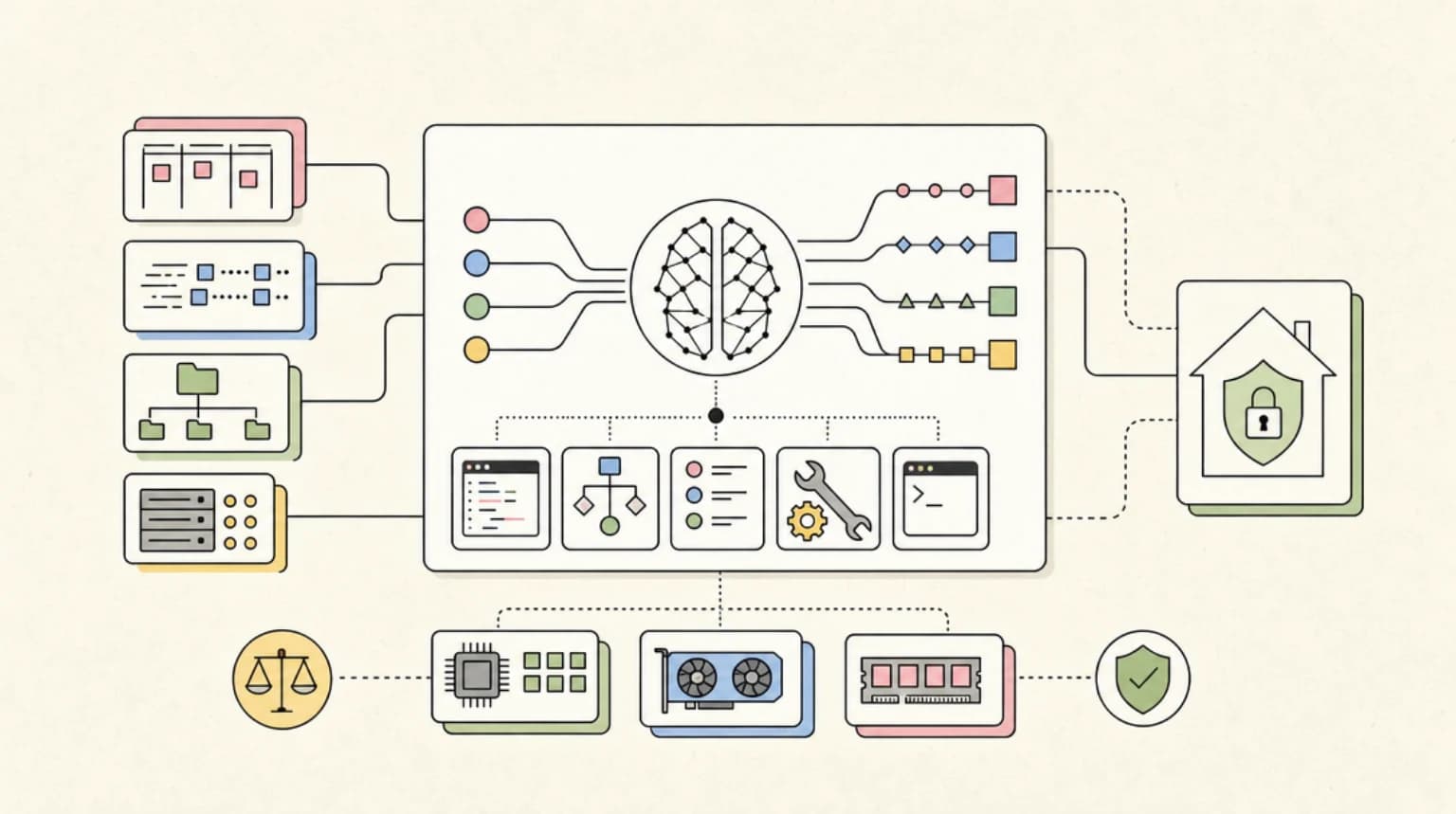
The mechanism is constrained decoding: the provider compiles your schema into a grammar and masks out tokens that would break it. That explains the first-call latency and the caching rules above.
%% title: How constrained decoding runs
sequenceDiagram
  participant App
  participant API
  participant Model
  App->>API: Request plus schema
  API->>API: Compile grammar (cached after first call)
  API->>Model: Sample with token mask
  Model-->>API: Tokens
  API-->>App: JSON plus stop reason
  App->>App: Check stop reason, then validate
OpenAI notes first-request schema processing latency; Anthropic caches compiled grammars for 24 hours and caps compilation at 180 seconds; Cohere says each schema adds latency overhead. Reusing the same schema across requests is the cheapest thing you can do for latency.
Handle the three ways a "guaranteed" response still fails#
Schema enforcement removes parse errors on the happy path. Three failure modes remain, and every provider's docs acknowledge at least one of them:
- Refusals. OpenAI returns a separate refusal field because a refusal may not follow the schema. Anthropic returns
stop_reason: "refusal"with HTTP 200, the request is billed, and the output may not match the schema. Anthropic also notes that asking for step-by-step reasoning inside a schema property can trigger a refusal. - Truncation. Anthropic's
stop_reason: "max_tokens"means the JSON may be incomplete. DeepSeek tells you to setmax_tokensto avoid truncation. In the Mistral SDK, truncated JSON shows up asparsedbeingundefined. - Semantic errors. The shape is right but the values are wrong. OpenAI warns the model will try to fit unrelated input to the schema and may hallucinate fields; Google says to always validate values; Anthropic does not guarantee enum casing.
So the handling loop is the same everywhere: check the stop reason, validate the schema, validate business rules, then retry or repair.
%% title: Response handling loop
flowchart TD
  R["Response"] --> A{"Refusal?"}
  A -- "Yes" --> L["Log and show message"]
  A -- "No" --> B{"Truncated?"}
  B -- "Yes" --> M["Raise max tokens, retry"]
  B -- "No" --> P["Parse and validate"]
  P --> V{"Valid?"}
  V -- "Yes" --> U["Use result"]
  V -- "No" --> X["Retry with error message"]
In TypeScript that is a few lines on top of any example above: branch on stop_reason (Anthropic) or the refusal part (OpenAI), run Ticket.safeParse, then check rules your schema could not express - priority must be high when the text says "urgent", for example, or a numeric range that Anthropic and Cohere will not enforce for you.
Decision guide#
- You need schema guarantees on a cheap model. Claude Haiku 5.5 ($0.10/$0.50), gpt-6-luna ($0.10/$0.50), Mistral Small 4 ($0.15/$0.60) and Gemini 3.8 Flash ($0.75/$3.75) are all Yes in our registry. Pick by the rest of your stack.
- You need numeric bounds enforced by the API. OpenAI supports
minimum,maximumandmultipleOf; Gemini supportsminimumandmaximum. Anthropic and Cohere reject numeric constraints. - You need string length or item-count bounds enforced. xAI publishes enforcement for
minLength/maxLength(up to 2,048) and item counts (up to 256). OpenAI and Gemini enforceminItems/maxItems; Anthropic allows onlyminItemsof 0 or 1. - You need recursive schemas (trees, nested comments). OpenAI supports them, and Gemini's guide shows one. Anthropic does not, and xAI requires non-circular
$ref. - You need predictable limits before production. Anthropic publishes the most explicit per-request caps (20 strict tools, 24 optional, 16 union parameters) and OpenAI publishes size caps (5,000 properties, 10 levels, 1,000 enum values). Google says only that very large schemas may be rejected, so test your largest schema early.
- You call several providers behind one interface. Keep to the common subset above, or use a framework: the Vercel AI SDK in TypeScript or Pydantic AI in Python.
- You are on DeepSeek, GLM, MiniMax M-series or most Qwen models. Use JSON mode plus validation plus retry, or move only the extraction step to a schema-enforcing model and keep the rest of the pipeline where it is.
On documented capabilities: OpenAI has the broadest keyword support including recursion and numeric bounds; Anthropic has the clearest published complexity limits and SDK helpers that can transform unsupported constraints; Gemini supports prefixItems tuples and numeric minimum/maximum; xAI publishes exact enforcement thresholds; and Mistral's SDK converts a loose Zod schema into strict form automatically.
How we checked#
- Capability data: the
capabilities.structuredOutputsblock for all 167 models in our registry, verified against provider docs on October 18, 2026. Counts and model ids in this post come from that data. - Provider docs: each provider's structured-outputs page (listed under Sources) read on October 18, 2026. Limits and keyword lists are quoted from those pages, not inferred.
- Code: every TypeScript snippet was type-checked with
tsc --noEmit(strict,moduleResolution: bundler,module: ESNext) againstopenai@7.38.0,@anthropic-ai/sdk@0.135.0,@google/genai@2.30.0,@mistralai/mistralai@2.7.0,zod@4.6.7andtypescript@7.0.2. A type probe confirmed that OpenAI'soutput_parsedand Anthropic'sparsed_outputinfer the Zod type and Mistral'sparseddoes not. Thez.toJSONSchema(Ticket)output was printed with zod 4.6.7 to confirm the nullable, required andadditionalPropertiesshape. - What we did not do: no API keys were available, so no requests were sent. Type-checking proves the request shapes match the current SDKs, not how each model behaves at runtime.
FAQ#
What is the difference between JSON mode and structured outputs?#
JSON mode only guarantees the reply is valid JSON; fields can be missing, extra or the wrong type. Structured outputs constrain generation to a JSON Schema you send, so the reply matches it. OpenAI's guide puts it directly: only Structured Outputs ensures schema adherence. On OpenAI, Mistral, Cohere and DeepSeek, JSON mode is response_format: { type: "json_object" }.
Does Claude support structured outputs without a beta header?#
Yes. Structured outputs are GA on the Claude API through output_config.format (JSON outputs) and strict: true on tools, with no header. The old output_format parameter is deprecated and returns a 400 unless you send the structured-outputs-2025-11-13 beta header, so switch to output_config.format.
Why does my schema get a 400 error?#
Usually an unsupported keyword or a missing strict-mode requirement. On OpenAI, check for allOf, not or if/then/else, a root anyOf, a property missing from required, or a missing additionalProperties: false. On Anthropic, check for minimum/maximum, minLength/maxLength, recursion, or the complexity caps of 20 strict tools, 24 optional parameters and 16 union parameters per request.
Does DeepSeek support JSON Schema output?#
No. DeepSeek offers JSON Output via response_format: { type: "json_object" }, with no schema enforcement, and both DeepSeek models in our registry are recorded as No. Put "json" and an example in the prompt, set max_tokens, and validate the result yourself.
Can the output still be invalid with structured outputs?#
Yes. Refusals (OpenAI's refusal field, Anthropic's stop_reason: "refusal") and max_tokens truncation can both return output that does not match the schema, Anthropic does not guarantee enum casing, and every provider can return values that fit the schema but are wrong. Check the stop reason and validate every response.
Sources#
- OpenAI, Structured Outputs guide: https://developers.openai.com/api/docs/guides/structured-outputs
- OpenAI Node SDK helpers: https://github.com/openai/openai-node/blob/master/helpers.md
- Anthropic, Structured outputs: https://platform.claude.com/docs/en/build-with-claude/structured-outputs
- Anthropic, Strict tool use: https://platform.claude.com/docs/en/agents-and-tools/tool-use/strict-tool-use
- Google, Gemini API structured output: https://ai.google.dev/gemini-api/docs/structured-output
- Mistral, Custom structured outputs: https://docs.mistral.ai/studio/conversations/structured-output/custom
- Mistral, JSON mode: https://docs.mistral.ai/studio/conversations/structured-output/json_mode
- xAI, Structured outputs: https://docs.x.ai/developers/model-capabilities/text/structured-outputs
- Cohere, Structured outputs: https://docs.cohere.com/docs/structured-outputs
- DeepSeek, JSON Output: https://api-docs.deepseek.com/guides/json_mode
- npm: openai 7.38.0, @anthropic-ai/sdk 0.135.0, @google/genai 2.30.0, @mistralai/mistralai 2.7.0
Continue Reading#
Get the next deep dive like this in your inbox
One email a week on AI Models and the rest of the AI dev stack. Free.
Read next on AI coding tools
Vercel AI SDK: Build Streaming AI Apps in TypeScript
The AI SDK is the fastest way to add streaming AI responses to your Next.js app. Here is how to use it with Claude, GPT, and open source models.
5 min read10 TypeScript Patterns Every AI Developer Should Know
The TypeScript patterns that show up in every AI project. Streaming responses, type-safe tool definitions, structured output, retry logic, and more.
10 min readClaude Sonnet 5.5 Developer Guide: Pricing and API Changes
Claude Sonnet 5.5 costs $2/$10 per million tokens, and cache reads fell to $0.10 on October 7 - half of Opus 5.5 on every line. Pricing math and API changes.
11 min readNew here? Start with
Technical content at the intersection of AI and development. Building with AI agents, Claude Code, and modern dev tools - then showing you exactly how it works.