DeepSeek-TUI: The Rust Terminal Coding Agent With MCP, Skills, and 1M-Token Context
TL;DR
DeepSeek-TUI is a Rust terminal coding agent for the DeepSeek V4 API, with MCP support, a skills system, 1M-token context and three modes for risk tolerance.
Last updated: October 19, 2026
Updated October 19, 2026: DeepSeek-TUI has since been renamed Codewhale. The npm package deepseek-tui is now deprecated with a pointer to codewhale, and the current README installs it with npm install -g codewhale or cargo install codewhale-cli --locked and runs it as codewhale. It is also no longer DeepSeek-only: the README lists more than 40 built-in providers, with DeepSeek as the default. The install and usage commands below are the ones the DeepSeek-TUI README documented in May 2026, kept for reference, and the pricing paragraph now uses DeepSeek's current rates.
5,787 Stars in One Day#
When a repository picks up nearly 6,000 stars in a single day, it usually means one of two things: a viral social media moment, or developers actually trying the tool and telling others. DeepSeek-TUI by Hmbown hit GitHub's daily trending list on May 7, 2026, with 5,787 stars gained in 24 hours and a total of 17,500 stars. The timing lines up with DeepSeek V4's aggressive pricing and the broader developer shift toward terminal-native agentic coding. This is not a novelty repo - it ships workspace rollback, MCP server integration, a skills system, and a live cost tracker. Developers building or evaluating coding agents have concrete reasons to look at it.
What It Does#
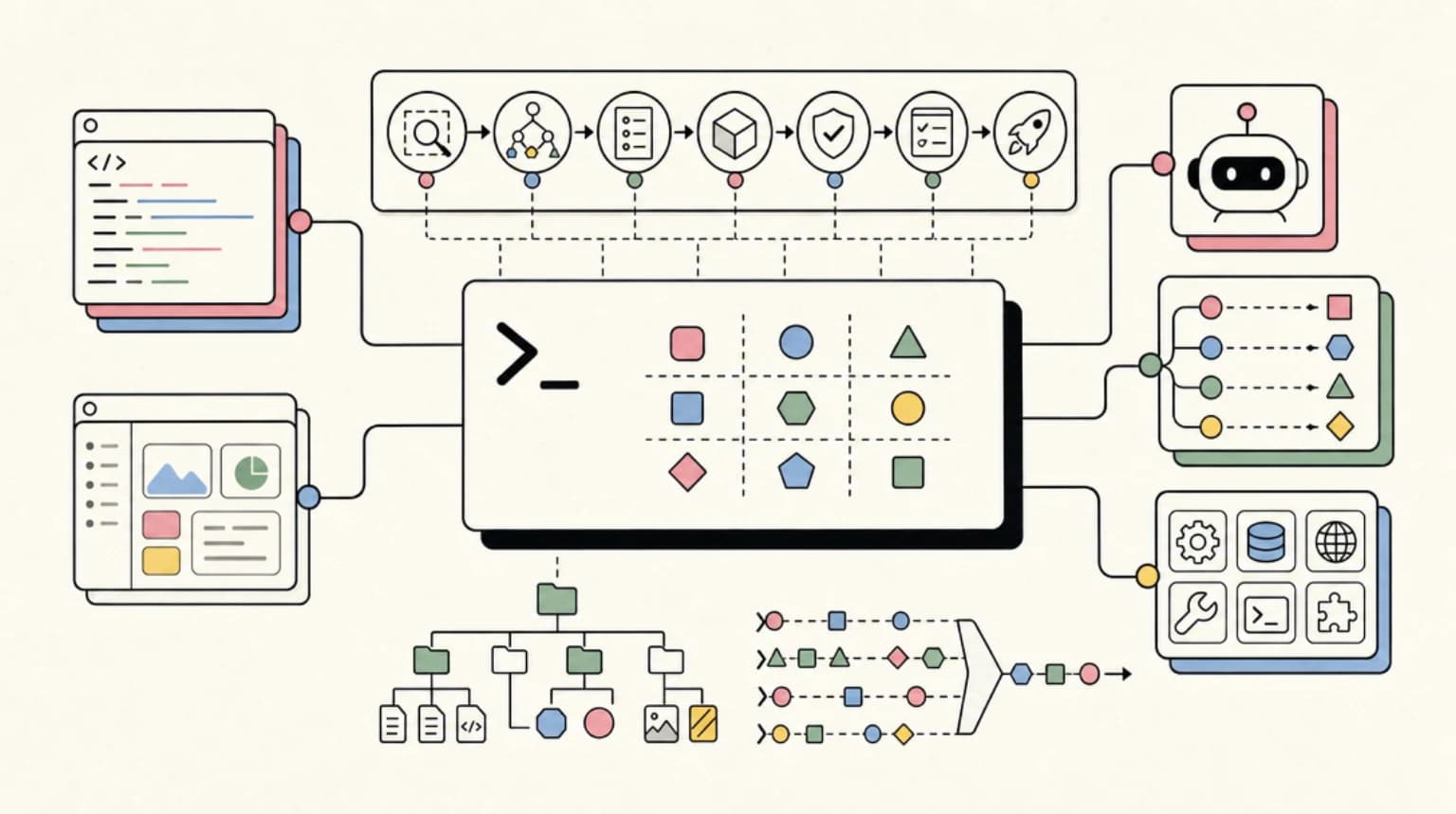
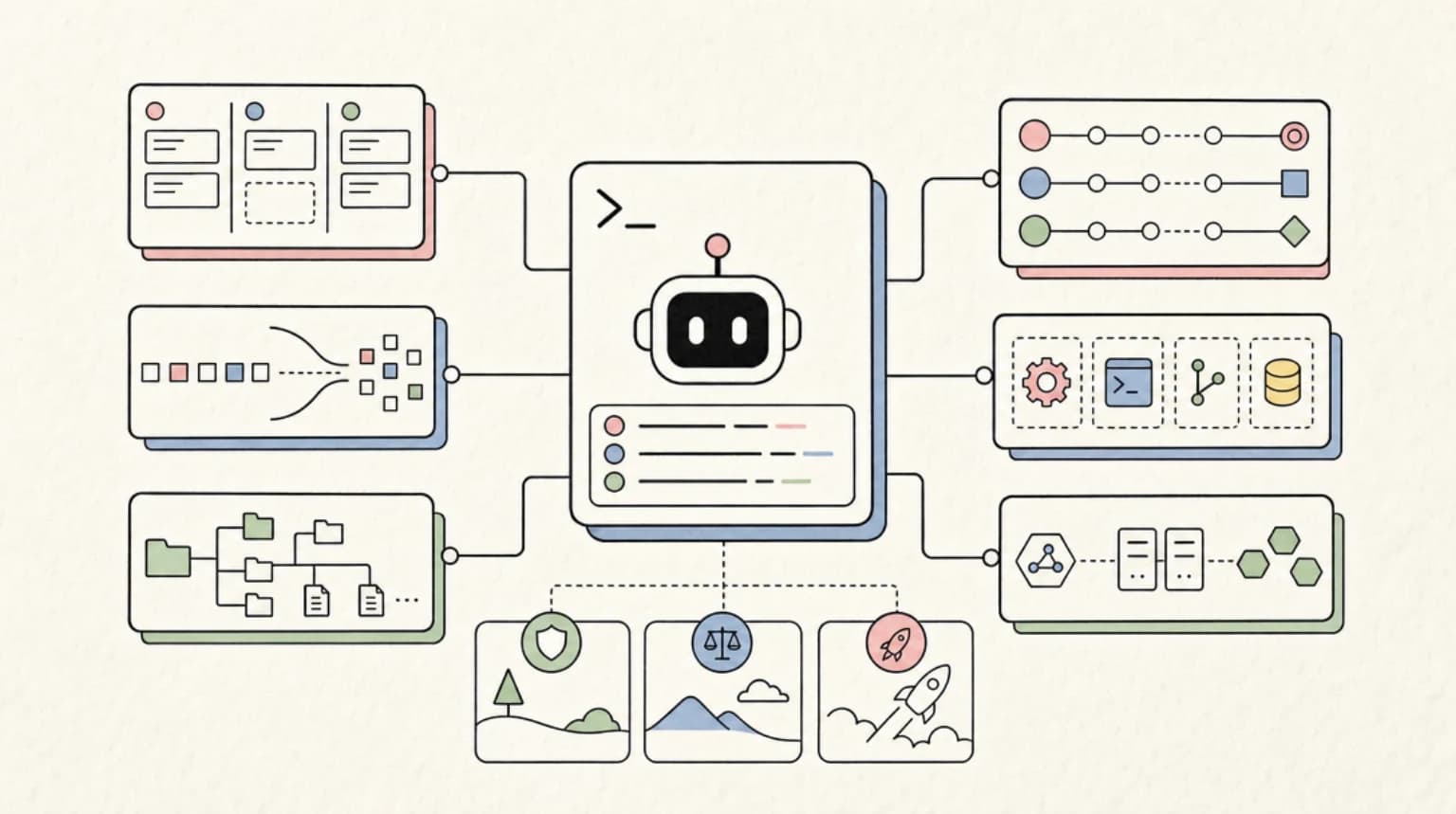
DeepSeek-TUI is a terminal-native coding agent that connects to the DeepSeek V4 API and wraps it in a full agentic loop. It is not a thin prompt wrapper. The project - built in Rust (98.5% of the codebase) - delivers several behaviors you would expect from Claude Code or a full IDE integration:
Auto mode selects between deepseek-v4-pro and deepseek-v4-flash per turn based on task complexity and adjusts the reasoning level automatically. You do not have to pick a model for every session.
Streaming reasoning blocks display DeepSeek V4's chain-of-thought output in real time, so you watch the model reason before it acts. This matters for debugging agent behavior - you can see where the reasoning went wrong before a bad tool call executes.
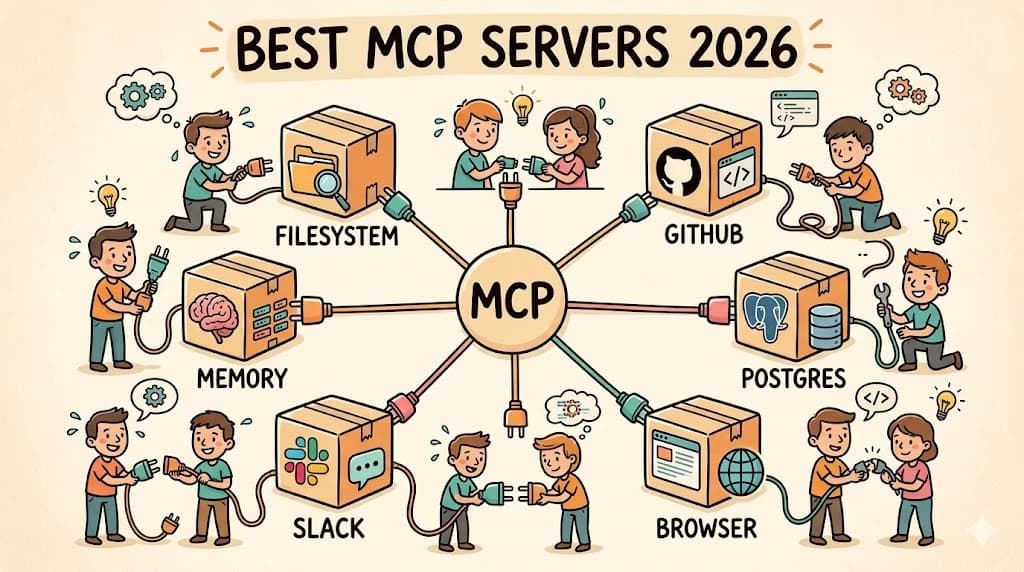
Tool suite covers file operations, shell execution, git integration, web search, sub-agents, and MCP server connections. The MCP integration is genuine - you configure server endpoints and the agent routes tool calls through them.
Three operational modes let you match risk to context:
- Plan: read-only analysis, no file writes or shell calls
- Agent: interactive loop with per-tool approval gates
- YOLO: all tools auto-approved for fully automated pipelines
1M token context is supported on both V4 models, with prefix-cache telemetry surfacing cache hit rates and per-turn cost so you can optimize long sessions.
Session management lets you save, resume, and fork long-running sessions. Workspace rollback uses side-git snapshots before and after each turn, so you can undo agent edits cleanly without manually tracking what changed. Durable task queues mean background tasks survive process restarts.
HTTP/SSE API - deepseek serve --http - exposes the full agent over a REST interface for headless workflows, CI integrations, or driving the agent from shell scripts.
LSP diagnostics hook into installed language servers to surface type errors and lint issues inline after file edits, before the agent proceeds to the next step.
Skills system supports composable instruction packs installable from GitHub URLs, allowing teams to share reusable agent behaviors across projects.
Install and Try It#
Today, install the renamed project instead (per the Codewhale README):
npm install -g codewhale
# or
cargo install codewhale-cli --locked
Then run codewhale from the root of a git repository and pick a provider with /provider. For scripts and CI, the README documents codewhale exec --auto "...", which edits files and runs shell commands without asking, so run it in a container or throwaway checkout.
The original DeepSeek-TUI commands, as documented in May 2026:
The fastest path if you already have Node (this package is now deprecated):
npm install -g deepseek-tuiCargo (requires Rust 1.88+):
cargo install deepseek-tui-cli --locked
cargo install deepseek-tui --locked
Homebrew on macOS:
brew tap Hmbown/deepseek-tui
brew install deepseek-tui
Prebuilt binaries for Linux x64/ARM64, macOS x64/ARM64, and Windows x64 are available from the GitHub Releases page.
First launch prompts for your DeepSeek API key, saved to ~/.deepseek/config.toml. You can also export DEEPSEEK_API_KEY before launching. Run deepseek doctor to verify the setup, then:
deepseek "explain this function"           # one-shot prompt
deepseek --model auto "add unit tests"     # auto-select model per turn
deepseek --yolo                            # interactive, tools auto-approved
deepseek serve --http                      # expose agent as HTTP/SSE server
deepseek sessions                          # list saved sessions
deepseek resume <SESSION_ID>               # resume a session
Project-specific config lives at <workspace>/.deepseek/config.toml and overlays the global config, useful for per-repo model preferences or tool restrictions. The ~/.deepseek/config.toml file handles auth, default model, and provider settings.
Who Should Use It#
DeepSeek-TUI fits developers who live in the terminal, want full agentic coding without a GUI, and are ready to run inference against the DeepSeek API rather than Anthropic or OpenAI.
The pricing makes a real difference. Per DeepSeek's pricing page, as of October 2026 the Flash model (deepseek-flash, which the legacy deepseek-v4-flash name now routes to) costs $0.30 per million input tokens on a cache miss, $0.006 on a cache hit and $1.20 per million output tokens at peak rates, and deepseek-v4-pro costs $1.32 input, $0.044 cached and $3.96 output. Off-peak hours are half price. The launch-window promotional rates this post originally quoted have ended. For long agentic sessions with heavy context reuse, the cache-hit price is what makes extended runs inexpensive compared to other frontier models.
The Plan/Agent/YOLO progression is useful for teams with varying risk tolerances. Plan mode is safe for exploring an unfamiliar codebase or drafting an approach without touching files. Agent mode is the default interactive loop with per-action approval. YOLO is for fully automated pipelines where the task scope has already been reviewed and you want zero interruptions.
The HTTP/SSE API is a genuine differentiator for teams wanting to embed agentic coding into existing CI or automation workflows without re-implementing the tool loop from scratch. You get a REST endpoint that speaks the full agent protocol.
Connection to the DevDigest Ecosystem#
DeepSeek-TUI's architecture overlaps with several areas we track on Developers Digest.
The MCP integration is significant. DeepSeek-TUI can connect to any MCP server, which means the same server catalog you would use with Claude Code is compatible here. If you are building or evaluating MCP servers, you can route them through DeepSeek-TUI as an alternative agent host. The MCP server directory at mcp.developersdigest.tech covers servers that slot directly into DeepSeek-TUI's MCP config via the standard endpoint format.
The skills system parallels Claude Code's skills architecture. Composable, GitHub-hosted instruction packs are the same pattern we use in the Developers Digest skills library at skills.developersdigest.tech. That library targets Claude Code today, but the underlying format - markdown instruction files in a versioned GitHub repo - is similar enough that cross-agent skill packs are a plausible near-term development.
For developers tracking the terminal coding agent space broadly, clis.developersdigest.tech covers the landscape: Claude Code, Gemini CLI, Goose, and OpenCode are all competing on model access, tool surface, and pricing. DeepSeek-TUI joins that group with a distinct advantage on cost-per-token and a Rust runtime that keeps overhead minimal.
Honest Assessment#
The strengths are real. Rust performance, genuine MCP support, a skills system, workspace rollback via side-git, and significant pricing headroom from the DeepSeek API make this a credible option for developers who want agentic coding outside the Anthropic or Google ecosystems. The streaming reasoning display is a genuine productivity feature - watching the chain-of-thought in real time helps you catch bad reasoning before it produces bad edits.
The limitations are also worth naming. At launch, DeepSeek-TUI was tightly coupled to a single provider (Codewhale has since added more than 40). If the DeepSeek API has downtime, pricing changes, or model quality regression, there is no fallback built in. The project is early-stage with a 17,500-star count but a single maintainer under an account with no prior public history, which makes long-term maintenance uncertain. The YOLO mode is powerful and dangerous - auto-approving all tool calls in a production workspace can cause irreversible changes, so the workspace rollback feature becomes essential rather than optional when using it. And LSP diagnostics are only as good as the language servers you have installed; the agent does not handle missing servers gracefully in the current release.
If you are already running DeepSeek V4 for inference and want a terminal-native agent loop with MCP support and a composable skills system, DeepSeek-TUI is worth trying today. If you need multi-provider fallback or long-term maintenance guarantees, watch how the project evolves before committing it to production workflows.
FAQ#
How do I install DeepSeek-TUI?#
The project is now called Codewhale: install it with npm install -g codewhale or cargo install codewhale-cli --locked, then run codewhale. The deepseek-tui npm package is deprecated. In May 2026 the fastest path was npm install -g deepseek-tui, and you could also install with Cargo (Rust 1.88+) via cargo install deepseek-tui-cli --locked and cargo install deepseek-tui --locked, or on macOS with brew tap Hmbown/deepseek-tui and brew install deepseek-tui. Prebuilt binaries for Linux, macOS and Windows are on the GitHub Releases page. First launch prompts for your DeepSeek API key, and deepseek doctor verifies the setup.
What is the difference between Plan, Agent and YOLO modes?#
Plan mode is read-only analysis with no file writes or shell calls. Agent mode is the interactive loop with per-tool approval gates. YOLO mode auto-approves all tools for fully automated pipelines, which is why workspace rollback becomes essential rather than optional when you use it.
Does DeepSeek-TUI work with MCP servers?#
Yes. You configure MCP server endpoints and the agent routes tool calls through them, so the same server catalog you would use with Claude Code is compatible. It also has a skills system of composable instruction packs installable from GitHub URLs.
What are the main limitations of DeepSeek-TUI?#
At launch it was tightly coupled to the DeepSeek API with no built-in fallback provider (the renamed Codewhale now lists more than 40 providers), and the project has a single maintainer, which makes long-term maintenance uncertain. LSP diagnostics depend on the language servers you have installed, and the agent does not handle missing servers gracefully in the current release.
References#
- Hmbown/DeepSeek-TUI on GitHub
- DeepSeek-TUI README
- GitHub Daily Trending
- DeepSeek API pricing
- Codewhale README (the renamed project)
- mcp.developersdigest.tech
- skills.developersdigest.tech
- clis.developersdigest.tech
Continue Reading#
Get the next deep dive like this in your inbox
One email a week on Trending and the rest of the AI dev stack. Free.
Read next on AI coding tools
Goose: The Open Source AI Agent With 70+ MCP Extensions
Goose is an open-source Rust AI agent with a desktop app, CLI, and API that works across 15+ LLM providers and 70+ MCP extensions. Here is where it fits.
8 min readAgent Plugins 1.0.0: One Package Format for Agent Skills and MCP Servers
Agent Plugins 1.0.0 is an open standard that packages Agent Skills and MCP servers into one plugin, with ChatGPT, Codex, Cursor and Copilot support at launch.
7 min readHeadroom: Compress Agent Tool Output Before It Reaches the LLM
Headroom compresses AI agent tool outputs, logs, and files before they reach the LLM, claiming 60-95% token savings with benchmarked accuracy. How it works.
8 min readNew here? Start with
Technical content at the intersection of AI and development. Building with AI agents, Claude Code, and modern dev tools - then showing you exactly how it works.