Replit Agent 4: Design-to-Full App with Parallel Agents and Infinite Canvas
TL;DR
Replit Agent 4 adds an infinite design canvas, parallel agents, and team collaboration to prompt-to-app builds. What changed, what it costs, and when to use it.
Last updated: July 25, 2026
Turning an idea into a deployed, working app used to take weeks of scaffolding, wiring, and debugging. Replit's answer has been steadily shortening that loop - first with the cloud IDE, then with the AI Agent that generates apps from natural language. Agent 4 is the biggest jump yet: it adds parallel execution, a visual design canvas, and team collaboration on top of the existing prompt-to-app engine. The 14-minute walkthrough on Developers Digest builds a fitness tracking app end-to-end, showing what each new pillar actually does in practice.
Official Sources#
| Source | Link |
|---|---|
| Replit Agent docs | docs.replit.com/replitai/agent |
| Agent 4 landing page | replit.com/agent4 |
| Replit pricing | replit.com/pricing |
| YouTube walkthrough | youtube.com/watch?v=b5urkGeHyvo |
What Replit Agent 4 Actually Is#
Replit Agent takes a natural language prompt - "build a fitness dashboard with habit tracking and a GitHub-style activity graph" - and generates a full-stack web application. It handles backend scaffolding, database setup, frontend UI, testing, and one-click deployment. No local setup, no environment configuration.
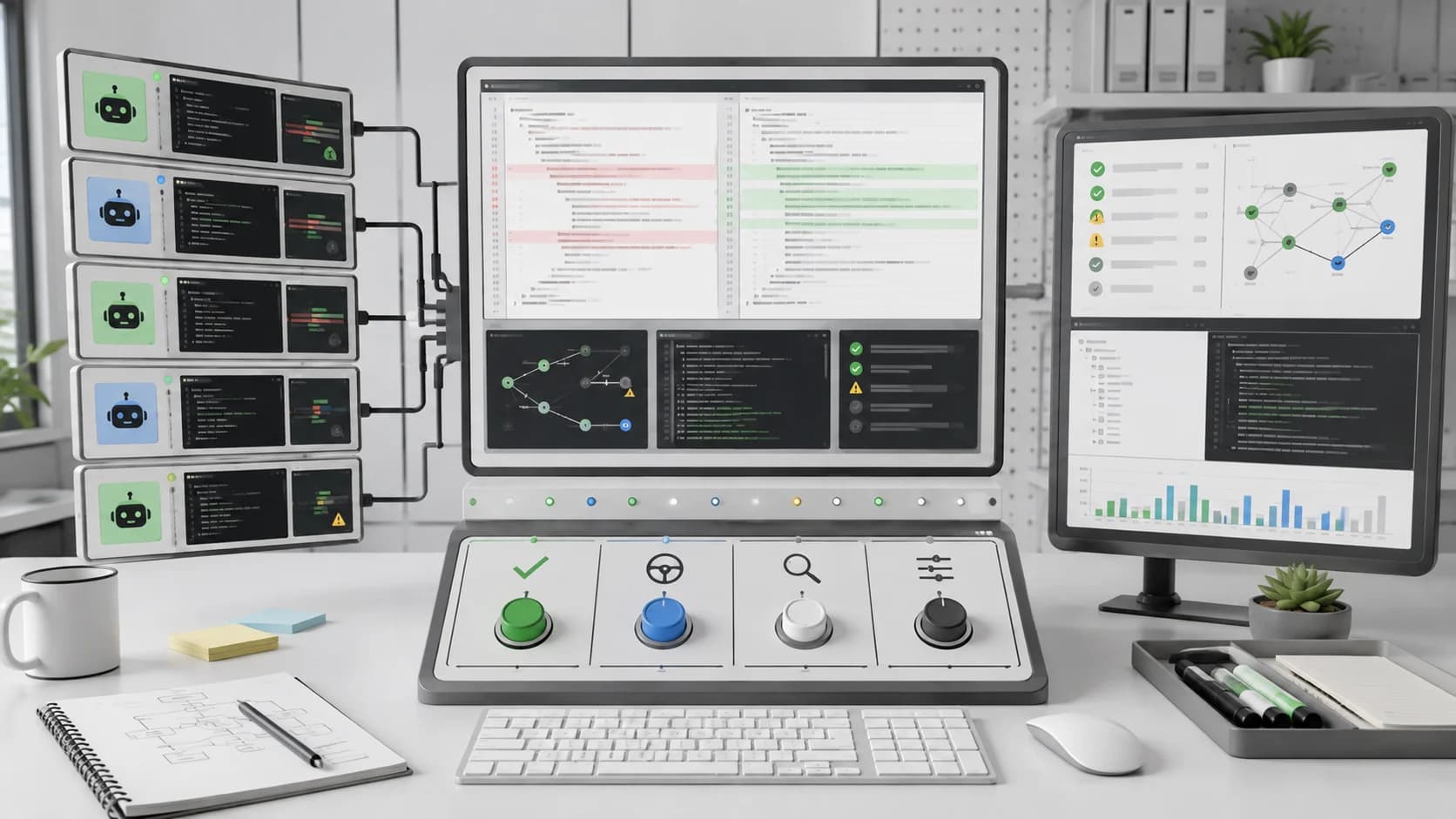
Agent 4 is built around four pillars that compound:
- Infinite Canvas - a visual design surface where you iterate on layouts and components without writing CSS. The canvas generates variants of any element and applies the chosen one directly to your app.
- Parallel Agents - multiple agents work simultaneously on independent tasks. The video demo splits backend auth setup and frontend dashboard work across concurrent agents.
- Multi-Output - one project can produce web apps, mobile apps, slides, animations, and data visualizations from shared context.
- Team Collaboration - task-based workflows with prioritization. Anyone on the team can add tasks while agents execute in the background.
These are not just marketing bullet points. The video uses all four in sequence to build a real app from scratch in under 15 minutes.
The Infinite Canvas: Design in Code#
The design canvas is the most visible new feature. Instead of prompting for UI changes and waiting for code regeneration, you get a visual editor where you can:
- Select any element and generate design variants that apply directly to your app
- Edit hover and active states directly in the UI
- Use multi-select to apply system-wide style changes
- Set responsive overrides per breakpoint
- Compare layout iterations side by side
In the video, the presenter starts by prompting the canvas to generate a fitness dashboard with rich charts, then selects a tab-based layout. When the first design lands, they reimagine it to match an existing brand style - changing colors, card shapes, and typography across the entire app in one pass. A side-by-side comparison view lets them pick the better version before committing.
The key difference from tools like v0 or Bolt is that design iterations happen inside the same project as the build. The canvas is not a separate design tool - it is a layer on top of your running app. Changes in the canvas land as real code changes that the agents can continue building on.
This matters for the kind of project covered in our AI-native development workflow piece - design is not a handoff step, it is part of the loop.
Parallel Agents: Do More at Once#
Previous versions of Replit Agent worked sequentially: scaffold, build backend, build frontend, test, deploy. Agent 4 breaks that chain.
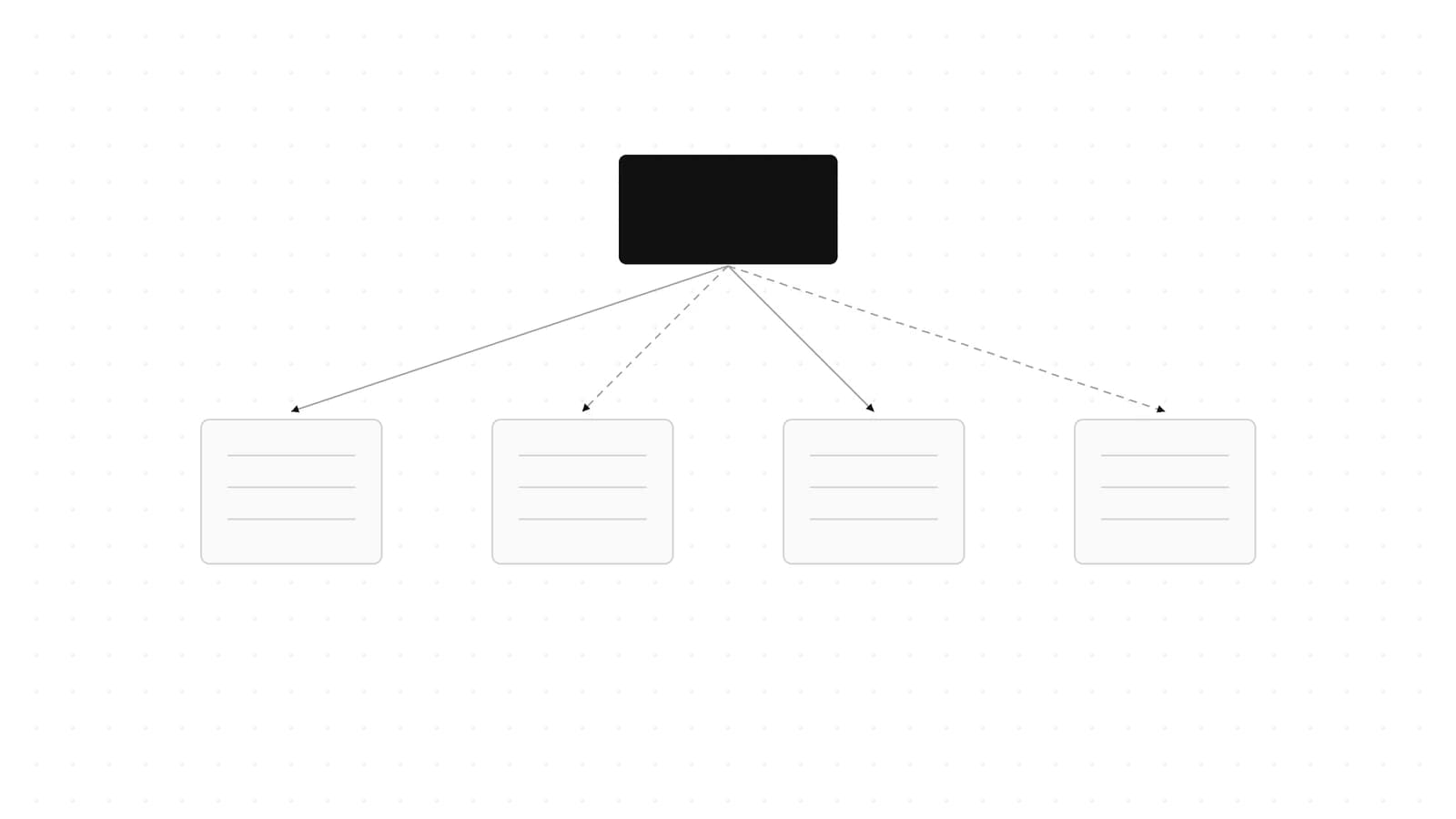
The agent panel now shows multiple tasks running simultaneously. In the walkthrough, while one agent sets up the authentication flow, another scaffolds the dashboard UI, and a third wires up the database schema. Each has its own progress indicator and checkpoint system.
Agent 4 also splits single large tasks into forks, processes them concurrently, and merges the results. The video shows this in action when the agent needs to build both a habits tracking table and a user profile system - rather than doing them one by one, it forks, builds in parallel, and reconciles.
For larger projects, this is where the time savings compound. A sequential build might take 12 minutes; parallelized, the same work finishes in 4-5. The efficiency scales with the number of independent subsystems in your app.
Checkpoints, Testing, and Auto-Fix Loops#
Every task creates a checkpoint before execution. If an agent change breaks something, you can roll back to any previous checkpoint without losing work on other branches. This is a practical improvement over the "undo" model - checkpoints let you selectively revert one agent's work while keeping another's.
The testing loop is automated. After scaffolding the backend and frontend, the agent:
- Runs the app and checks for build errors
- Opens the running app and interacts with it programmatically
- Logs errors and attempts to fix them automatically
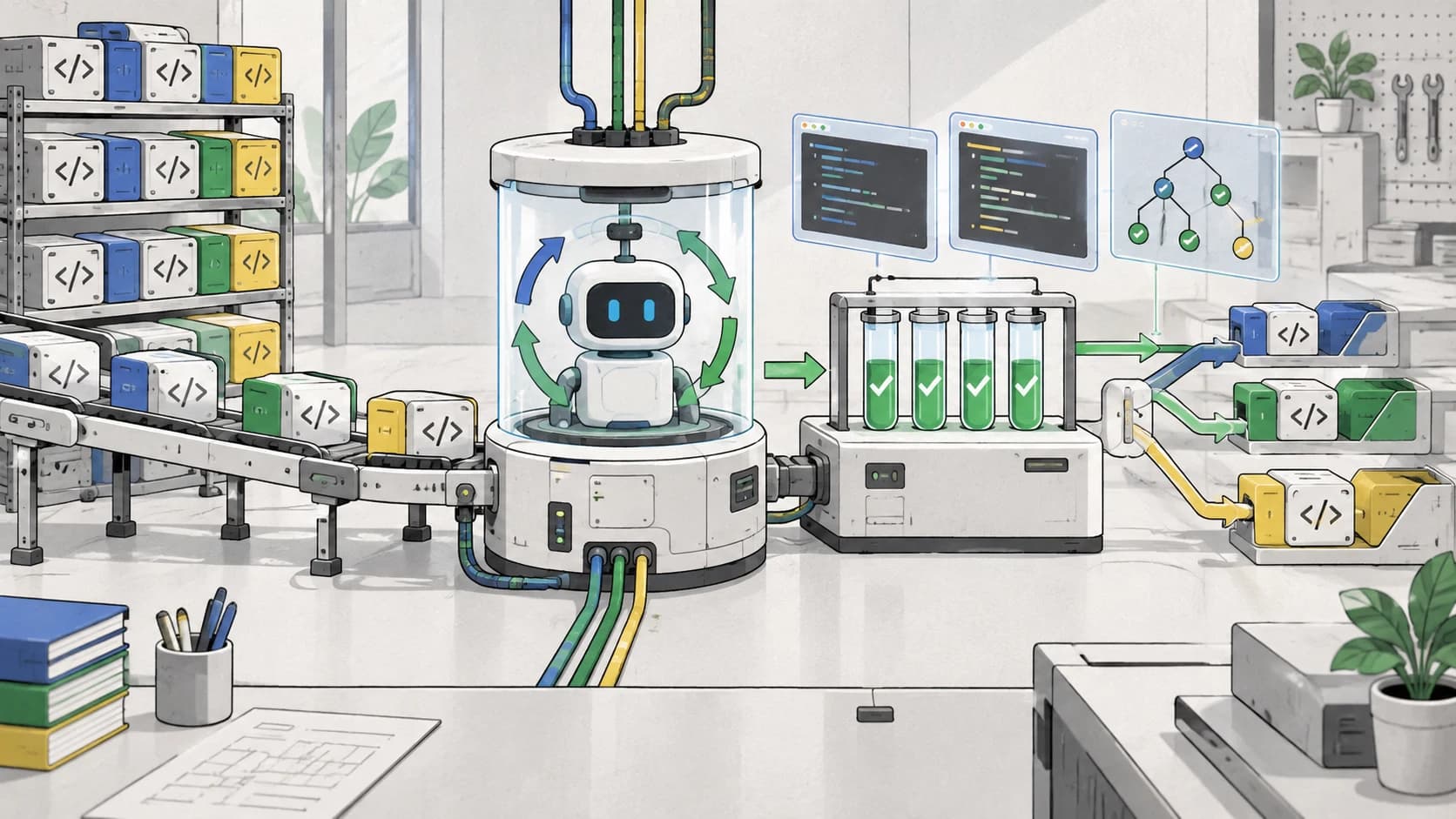
- Re-tests and iterates until green
The video demonstrates this with a real-world failure: the first build attempt produces a 404 on the dashboard route. The agent detects it, diagnoses a routing misconfiguration, fixes it, and re-tests - all without the presenter touching the code. This self-healing loop is what separates Agent 4 from simpler code generators that leave you with broken output.
From Design to Production#
Once the app works, Agent 4 handles the remaining pipeline:
- One-click publish - deploys to a Replit subdomain with HTTPS by default. You can also publish to custom domains, set private or password-protected access, and configure access control per viewer.
- Figma import - import designs from Figma directly into the canvas, bridging designer-to-builder workflows. The same import pipeline supports existing GitHub projects.
- Economy mode - a lower-cost model tier for quick edits and iterations. For complex builds, Power mode (default) uses higher-performance models. Turbo mode is 2.5x faster at roughly 6x the cost per task.
The Replit Agent docs detail additional output types beyond web apps: mobile apps, slide decks, animated videos, and 3D games - all generated from the same natural language prompt interface.
Pricing: What It Costs#
Replit moved to a credit-based pricing model with Agent 4. Each agent action consumes credits depending on the model tier and task complexity.
| Plan | Monthly Price (billed annually) | Monthly Credits | Parallel Agents | Collaborators |
|---|---|---|---|---|
| Starter | Free | Free daily credits | 1 | 0 |
| Core | $20/mo | $25 | Up to 2 | Up to 5 |
| Pro | $95/mo | $100 | Up to 10 | Up to 15 |
| Enterprise | Custom | Custom | Custom | Custom |
Prices verified July 25, 2026 from replit.com/pricing. Pro adds access to the most powerful models, database rollbacks up to 28 days, and premium support. Enterprise adds SSO/SAML, VPC peering, and single-tenant environments.
For context on how this compares to other AI coding platforms, see our AI coding tools pricing roundup.
When to Use Replit Agent 4#
Use it when:
- You need a working prototype in hours, not days. Agent 4 goes from prompt to deployed app without touching a terminal.
- Your project is a full-stack web or mobile app with standard patterns (auth, database, CRUD, dashboards). These are the happy path.
- You are iterating on design and functionality simultaneously. The canvas lets you refine UI while agents build backend logic in parallel.
- You are working with a small team that wants to add tasks without blocking each other. The task-based workflow works well for 2-5 people.
Skip it when:
- Your app needs non-standard architecture (WebSocket-heavy real-time systems, custom ML inference pipelines, embedded systems). The agent is optimized for common web/mobile stacks.
- You need fine-grained control over the generated code. The agent makes architectural decisions for you, which is fast but means you inherit its opinions.
- You are building on a stack Replit does not support natively. The agent generates code within the Replit runtime - you cannot drop in your own Dockerfile or custom build pipeline.
- You need production-grade observability, error tracking, or CI/CD beyond the built-in pipeline. Replit handles deployment but not operations at scale.
Agent 4 is strongest as a prototyping and iteration platform. It compresses the "idea to deployed app" timeline more aggressively than any current alternative - but it is not a replacement for a full engineering team on complex, long-lived systems. For a broader look at where agent-driven development fits, read our agentic dev stack overview.
Watch the Video#
Replit Agent 4: Design-to-Full App with Parallel Agents and Infinite Canvas (14 minutes)
The video shows a live, unedited build of a fitness tracking app from prompt to deployed product. It demonstrates the canvas UI interactions, the parallel agent panel in action, the auto-fix testing loop, and one-click publishing - all at real speed, not a highlight reel. If you want to see how the pieces fit together in practice rather than in documentation, this is the best 14 minutes you can spend on it.
FAQ#
How is Agent 4 different from v0 or Bolt?#
v0 and Bolt focus on generating frontend UI from prompts. Agent 4 generates a full-stack app - backend, database, auth, deployment - with visual design iteration built in. It is more comparable to Lovable or a hosted version of Claude Code with a GUI. The parallel agent execution and checkpoint system are unique to Agent 4 in this category.
Can I use my own API keys or models?#
No. Agent 4 runs entirely on Replit's infrastructure and uses Replit-managed models. You do not configure model selection or bring your own API keys. The mode selector (Lite/Economy/Power/Turbo) is the abstraction layer - Replit chooses the underlying models.
Does Agent 4 support importing existing projects?#
Yes. You can import from GitHub or Figma. Imported projects get the same canvas, parallel agent, and deployment pipeline as new projects. The video mentions this at the end as the path for bringing existing work into the Agent 4 workflow.
What stack does Agent 4 generate?#
The generated stack is Replit's default: Node.js/Express or Next.js for the backend, React for the frontend, and Replit's built-in database (Postgres-compatible). You do not choose the stack - the agent picks based on your prompt. Mobile apps use React Native.
How is pricing changing with Agent 4?#
Agent 4 uses effort-based credit pricing. Each task is quoted in credits before execution, with higher tiers (Power, Turbo) consuming more credits per task but running faster and with stronger models. Free daily credits reset every 24 hours. Paid plans add monthly credit allowances.
Sources#
- Replit Agent documentation - official docs, fetched July 25, 2026
- Agent 4 product page - feature overview and four-pillar breakdown, fetched July 25, 2026
- Replit pricing page - plan details and credit model, fetched July 25, 2026
- YouTube: Replit Agent 4 walkthrough - 14-minute build demo by Developers Digest, published July 2026
Continue Reading#
- AI coding tools pricing 2026 - how Replit Core and Pro stack up against Cursor, Copilot, and Claude Code
- Agentic dev stack 2026 - where agent-driven app builders fit in the modern development toolchain
- AI-native development workflow - how design-to-code loops are changing the engineering workflow
- AI agent PMF and cost control - practical cost management when agents are doing the building
- App builder: prompt to app - comparison of leading prompt-to-app platforms
Get the next deep dive like this in your inbox
One email a week on AI Agents and the rest of the AI dev stack. Free.
Read next on AI coding tools
The v0 API Is GA: Vercel Just Made Its App-Building Agent a Headless Service
The v0 API is GA: send a prompt to Vercel's app-building agent, get a running app with an embeddable preview URL, then deploy it to Vercel in one more call.
6 min readBuild an AI Agent Web App with LangGraph and CopilotKit
Build an AI agent web app by wiring a Python LangGraph agent into Next.js with CopilotKit - covering the graph, search nodes, streaming state and React UI.
14 min readAI Coding Agent Firewalls and Security Layers Compared 2026
AI coding agent firewalls compared: Belay, Claude Code hooks, Codex CLI sandboxes and MCP proxies vs destructive commands, secret leaks and prompt injection.
9 min readNew here? Start with
Technical content at the intersection of AI and development. Building with AI agents, Claude Code, and modern dev tools - then showing you exactly how it works.