Headroom: Compress Agent Tool Output Before It Reaches the LLM
TL;DR
Headroom compresses AI agent tool outputs, logs, and files before they reach the LLM, claiming 60-95% token savings with benchmarked accuracy. How it works.
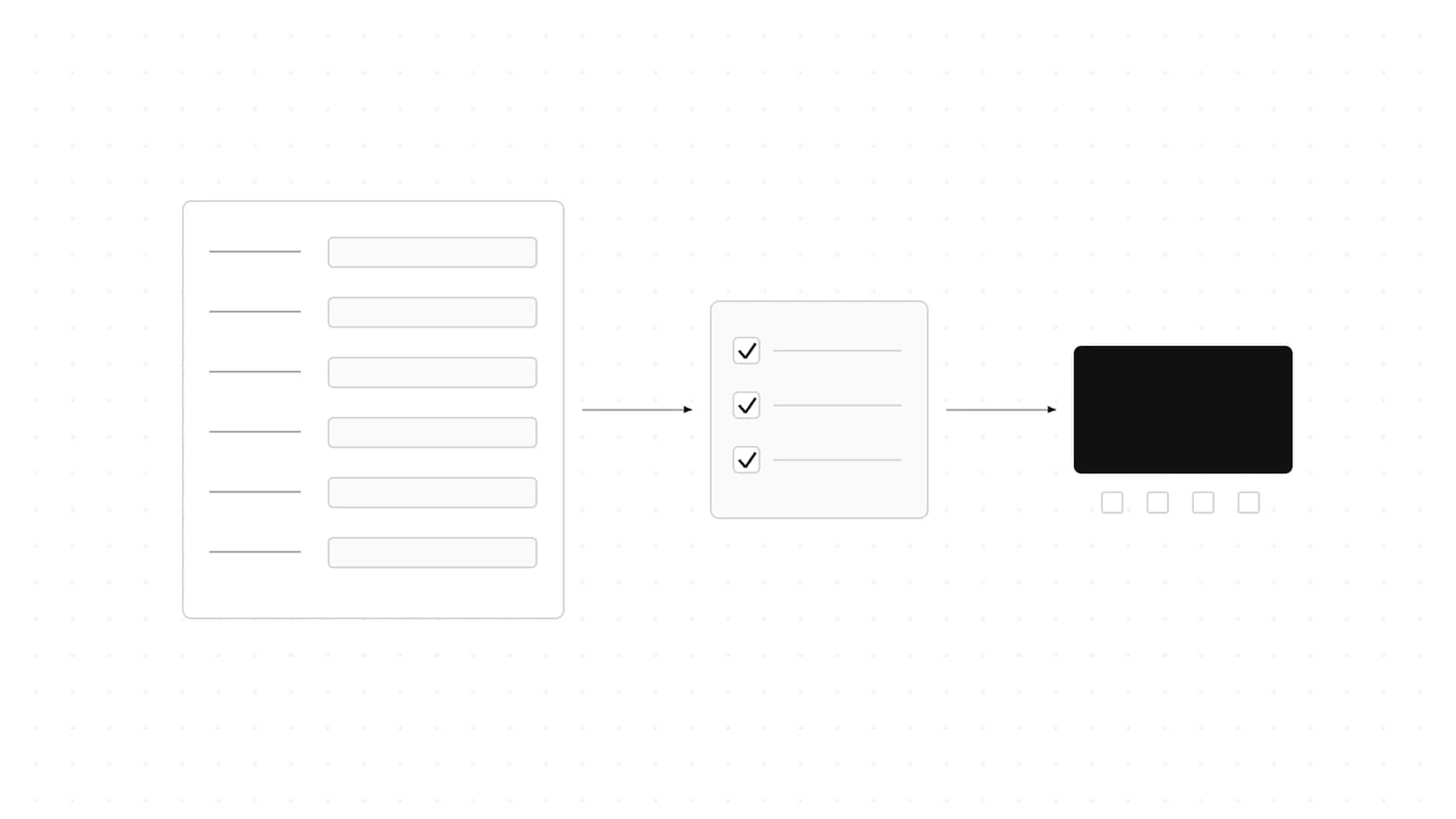
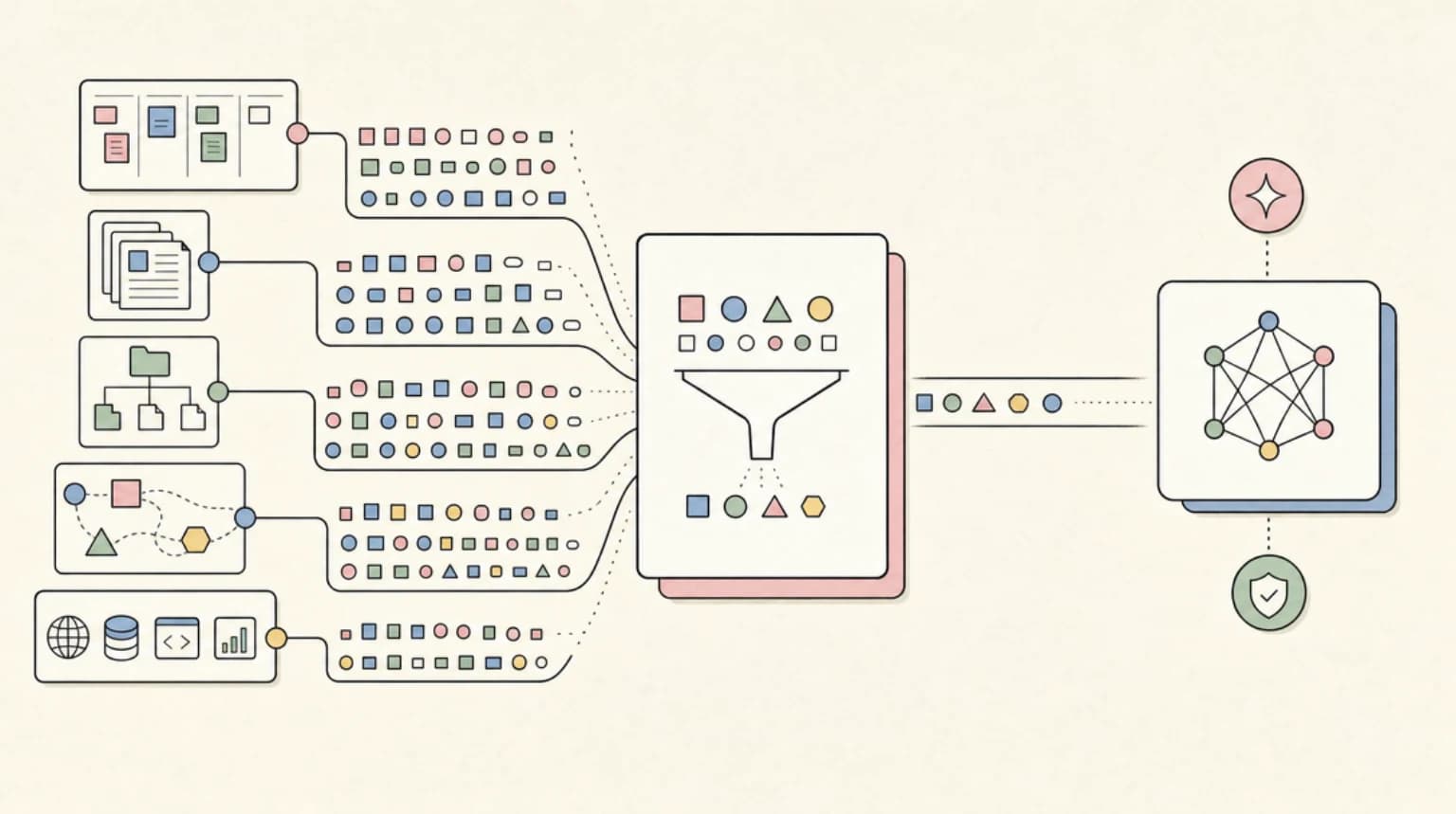
Headroom is a context compression layer for AI agents. It sits between tools and the model, compresses tool outputs, logs, files, RAG chunks, and conversation history, then passes a smaller version into the LLM.
Last updated: October 19, 2026
Updated October 19, 2026: The commands below match the current Headroom README, with one clarification: the npm package headroom-ai is the TypeScript SDK only and does not ship the headroom CLI, so headroom wrap and headroom proxy need the Python install. Both packages are now at 0.41.0; the star and release figures below are from the June refresh.
The project moved from chopratejas/headroom to headroomlabs-ai/headroom. The old repository redirects, but the current GitHub API source now reports roughly 49k stars, an Apache-2.0 license, and latest release v0.27.0 from June 22, 2026. PyPI also reports headroom-ai at 0.27.0.
That matters because the original Headroom story was not just "another trending repo." The durable story is that agent context management is becoming infrastructure. We have covered Claude Code token burn, harness engineering, and agent workspace contracts. Headroom fits that same category: it treats tokens as a systems budget, not as a prompt-writing annoyance.
What Headroom Does#
The current README describes Headroom as a local-first context optimization layer with several entry points:
- Library mode for Python or TypeScript apps
- Proxy mode through an OpenAI-compatible local proxy
- Agent wrap mode for tools like Claude Code, Codex, Cursor, Aider, Copilot CLI, and OpenCode
- MCP server mode with
headroom_compress,headroom_retrieve, andheadroom_stats - Cross-agent memory shared across agents
- Reversible compression through CCR, with originals cached locally for retrieval
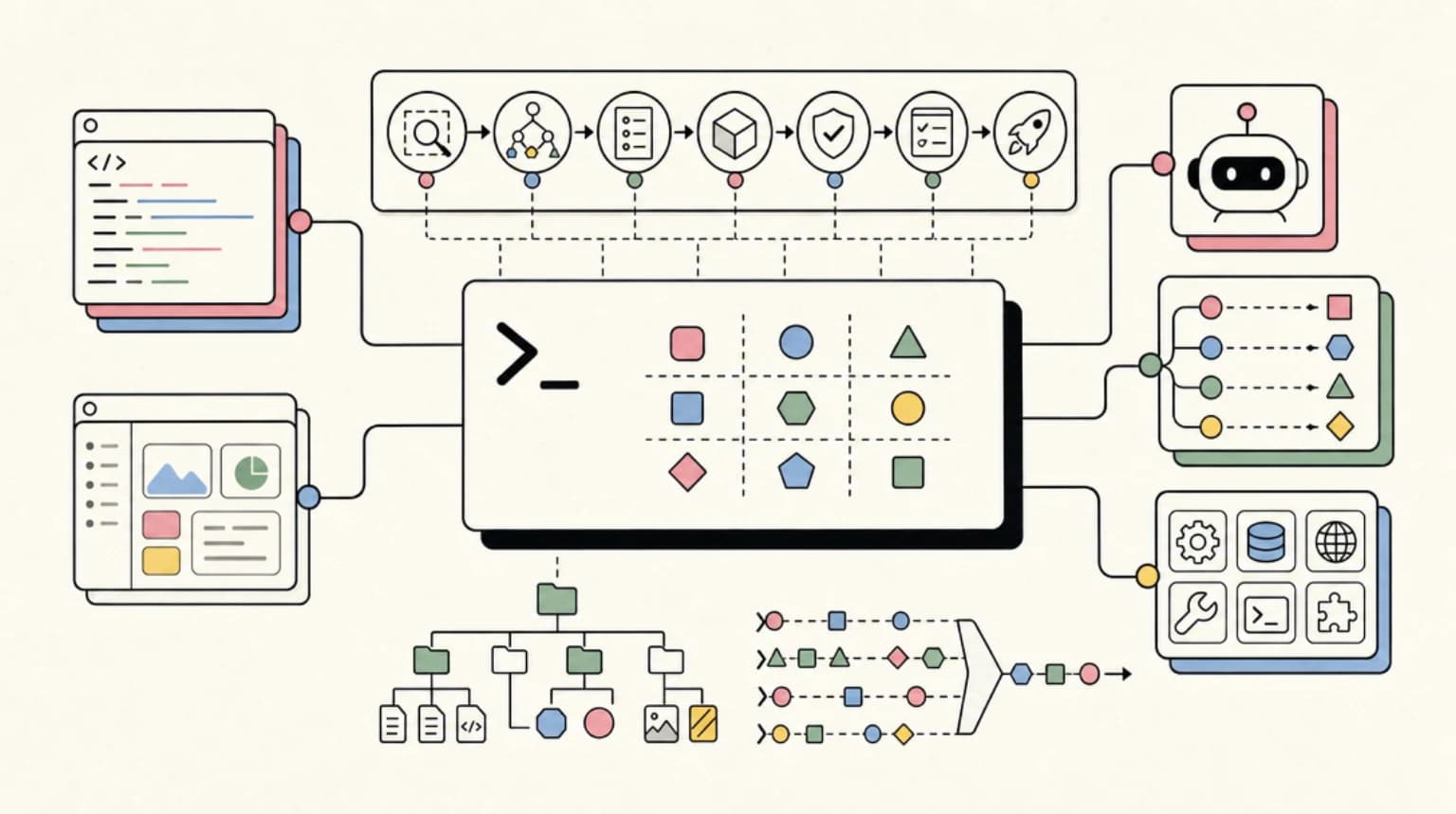
The architecture is straightforward. Content flows through a router, then into a compression strategy suited to the content type:
- SmartCrusher for JSON-like tool outputs
- CodeCompressor for source code and AST-aware compression
- Kompress-base / Kompress-v2-base for general text
- CacheAligner for stable prompt prefixes and better cache reuse
- CCR for reversible retrieval when the model needs the original
That is a better mental model than "summarize everything." Good compression is selective. A JSON blob, a stack trace, a source file, and a conversation transcript do not need the same treatment.
The Benchmark Claim#
Headroom's README still leads with the claim that it can reduce token usage by 60-95% while preserving answers. The proof table lists real agent workloads:
| Workload | Before | After | Savings |
|---|---|---|---|
| Code search, 100 results | 17,765 | 1,408 | 92% |
| SRE incident debugging | 65,694 | 5,118 | 92% |
| GitHub issue triage | 54,174 | 14,761 | 73% |
| Codebase exploration | 78,502 | 41,254 | 47% |
The README also lists accuracy checks on GSM8K, TruthfulQA, SQuAD v2, and BFCL, with the standard benchmark rows showing no obvious collapse in answer quality.
I would still treat these as project-published benchmark claims, not independent lab results. But they are specific enough to evaluate. The repo gives a reproduce command for the eval suite, and the workload table is concrete. That is much better than a vague "save tokens with AI" landing page.
Why This Matters For Coding Agents#
Coding agents waste context in predictable ways:
- Search tools return far more matches than the model needs.
- File reads include boilerplate and unrelated code.
- Logs include repeated prefixes and noisy timestamps.
- GitHub issue and PR payloads include metadata the model ignores.
- Tool call transcripts accumulate even after the useful decision has been made.
This is why context compression keeps showing up across the agent stack. It is not only about fitting into a context window. It is also about keeping attention on the parts of the transcript that matter.
For DevDigest readers, the most interesting Headroom lanes are:
- Claude Code sessions where long tool output causes context resets or expensive model calls
- Codex and OpenCode loops where terminal output can balloon quickly
- MCP-heavy workflows where structured JSON responses are verbose by default
- Internal agents that need cost controls before they can run continuously
- SRE and debugging agents that chew through logs
That lines up with the broader argument in terminal agents as portable runtimes: once agents can run tools, the transcript becomes an execution artifact. Headroom is trying to optimize that artifact before it becomes expensive.
MCP Is The Sharp Edge#
The MCP mode is the part I would test first.
MCP servers are useful because they standardize tool access, but many tool responses are intentionally verbose. That is reasonable for correctness and debugging, but it is wasteful when every response flows into an expensive model context.
Headroom's MCP server gives clients three primitives:
headroom_compressheadroom_retrieveheadroom_stats
That creates a cleaner pattern than asking every MCP server author to hand-optimize output fields. Let servers return complete structured data, then place a compression layer between the server and model when the agent only needs a smaller representation.
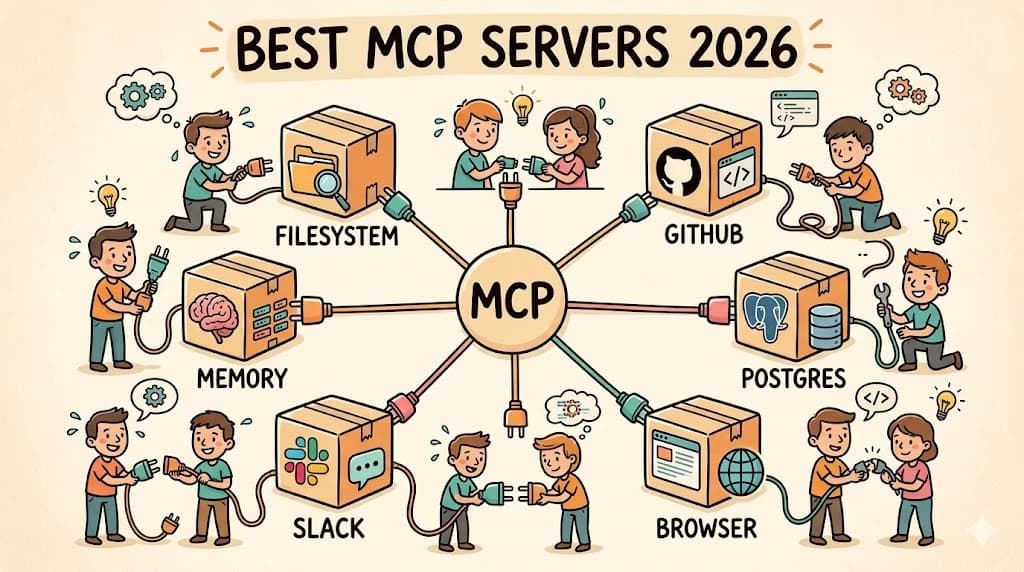
This connects directly to the MCP server guide, best MCP servers list, and MCP zero-touch OAuth. As the ecosystem grows, response hygiene becomes a platform problem.
Install And Try It#
The current README and PyPI metadata agree on Python 3.10+.
pip install "headroom-ai[all]"
For TypeScript or Node (the SDK only - the README notes it ships no CLI):
npm install headroom-aiTo try it as an agent wrapper (needs the Python package, which provides the headroom command):
headroom wrap claude
headroom wrap codex
headroom wrap opencode
To try proxy mode:
headroom proxy --port 8787
The right test is not only "does it start?" A useful evaluation should measure:
- Token reduction on a real workflow.
- Whether the agent still solves the task.
- Whether
headroom_retrievecan recover originals when needed. - How much local state CCR writes.
- Whether logs are clear enough for review.
If it saves tokens but makes debugging harder, it is not a free win.
What To Watch#
Headroom is powerful, but it changes the shape of your agent pipeline.
The upside is lower context cost, longer useful sessions, and a reusable compression layer across agents. The tradeoff is another local process, another cache/store, and another component that can hide detail if configured poorly.
For individual developers, that tradeoff is probably fine. For teams, the operational questions are sharper:
- Where are originals stored?
- How long does CCR retain them?
- Can sensitive data be compressed, cached, or retrieved safely?
- Does the proxy preserve enough observability?
- Are savings measured or estimated?
- What happens when compression is wrong?
The current README is refreshingly direct about measured versus estimated output-token savings, including confidence bands and optional holdout traffic. That is the right direction. Token savings should be treated like performance metrics, not vibes.
The Takeaway#
Headroom is worth watching because it turns a common agent pain point into an infrastructure layer. The category is real: agents need context budgets, cache discipline, retrieval paths, and transcript hygiene.
The best version of Headroom is not "make prompts shorter." It is "make agent execution cheaper and more reviewable without losing the original evidence."
That is exactly where agent tooling needs to go.
FAQ#
What is Headroom?#
Headroom is a local-first context compression layer for AI agents and LLM applications. It can run as a library, proxy, MCP server, or agent wrapper, compressing tool outputs and other context before they reach the model.
How much can Headroom reduce token usage?#
The current README claims 60-95% fewer tokens and lists workload examples ranging from 47% to 92% savings. Treat those as project-published benchmark claims and test them on your own workflows before relying on the number.
Does Headroom work with Claude Code and Codex?#
The README lists headroom wrap support for Claude Code, Codex, Cursor, Aider, Copilot CLI, OpenCode, and other clients. Any OpenAI-compatible client can also use the proxy mode.
Is Headroom safe for production agents?#
It depends on your data controls. Headroom can improve token cost and context hygiene, but teams should review local storage, CCR retention, credential handling, logs, and retrieval behavior before using it in production workflows.
Continue Reading#
- Microsoft Agent Framework Developer Guide: AutoGen + Semantic Kernel Unified
- SWE-Pruner Pro Makes Tool Output Pruning an Agent Runtime Problem
Sources#
Get the next deep dive like this in your inbox
One email a week on Trending and the rest of the AI dev stack. Free.
Read next on AI coding tools
Goose: The Open Source AI Agent With 70+ MCP Extensions
Goose is an open-source Rust AI agent with a desktop app, CLI, and API that works across 15+ LLM providers and 70+ MCP extensions. Here is where it fits.
8 min readThe Agent Security Checklist I Use Before Connecting Tools
Before an AI agent gets tools, files, APIs, MCP servers, or deployment access, decide what it can read, write, call, log, and roll back.
8 min readDeepSeek-TUI: The Rust Terminal Coding Agent With MCP, Skills, and 1M-Token Context
DeepSeek-TUI is a Rust terminal coding agent for the DeepSeek V4 API, with MCP support, a skills system, 1M-token context and three modes for risk tolerance.
6 min readNew here? Start with
Technical content at the intersection of AI and development. Building with AI agents, Claude Code, and modern dev tools - then showing you exactly how it works.