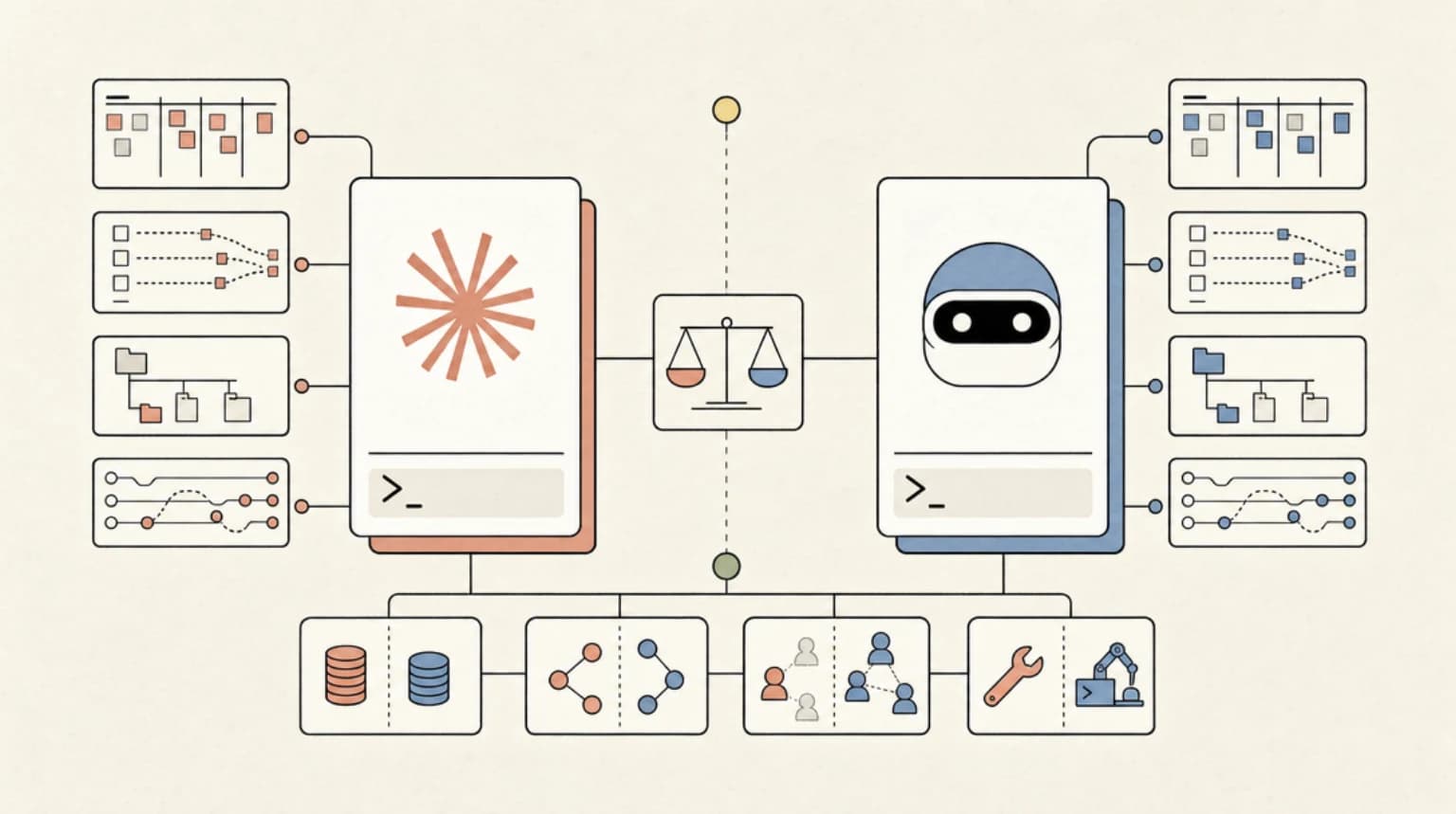
Kimi CLI vs Claude Code: The Budget Question in 2026
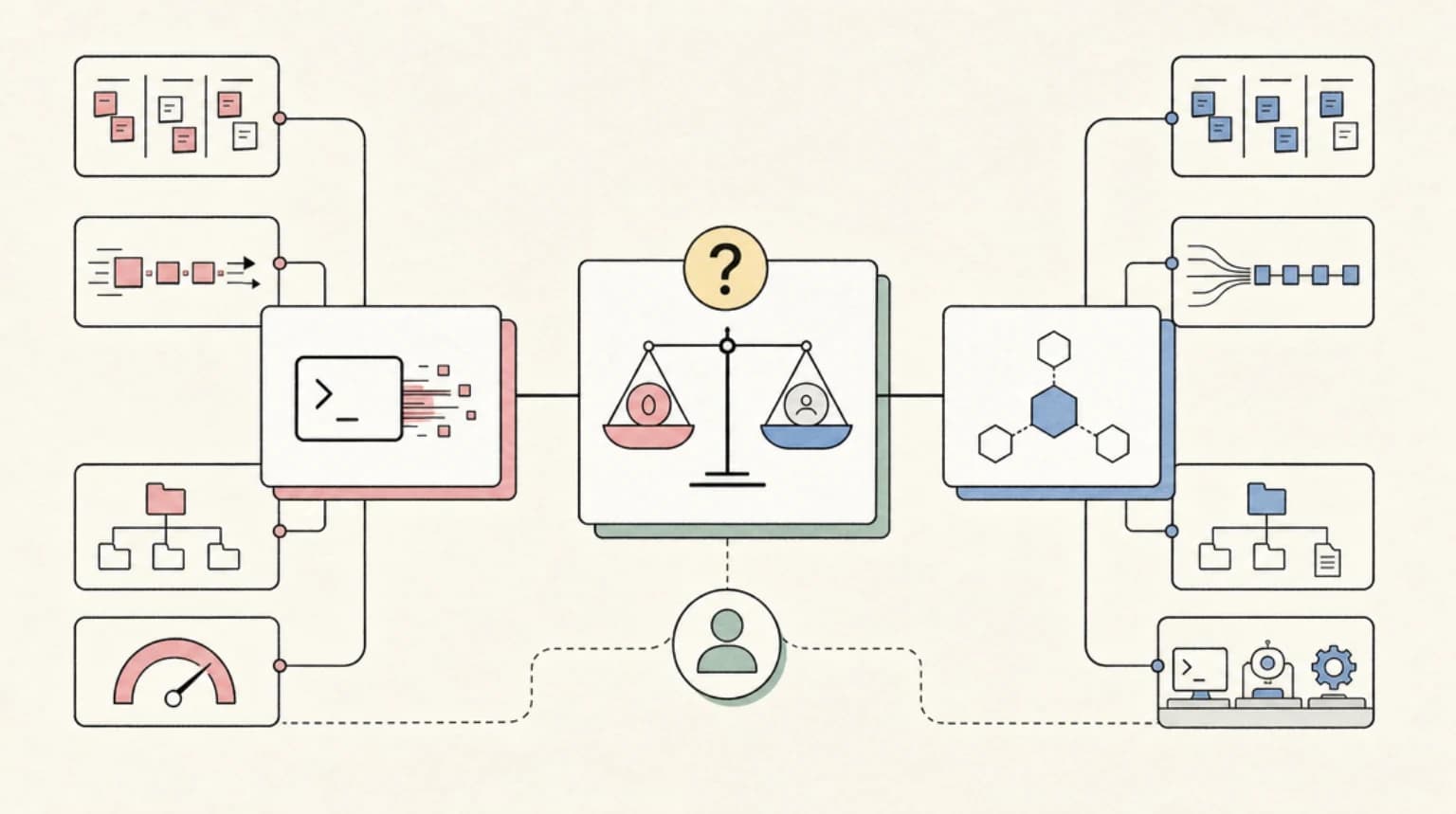
TL;DR
Kimi CLI vs Claude Code in 2026 - compare pricing, models, project memory and enterprise support to decide which coding agent fits solo work or a team.
If you have spent any time in developer circles over the past six months, you have heard some variation of: "just use Kimi, it is free." Moonshot AI's Kimi CLI landed on GitHub in early 2026 as an open-source Python terminal agent - and it sparked immediate comparisons to Claude Code. The positioning writes itself: Claude Code sits behind a $20/mo Max subscription or pay-as-you-go API billing, while Kimi's Vivace tier is marketed as unlimited.
The real question is not which one is free. It is which one is worth your time, and for what class of work.
Last updated: June 16, 2026
What each tool actually is#
Kimi CLI (pip install kimi-cli) is an open-source Python terminal agent from Moonshot AI, built on top of their K-series models. It reads and edits code, runs shell commands, fetches web pages, and manages agentic task loops autonomously. As of June 2026, the project is in active transition - the README explicitly notes that Kimi CLI is evolving into Kimi Code CLI (github.com/MoonshotAI/kimi-code), the next-generation successor. Existing configurations migrate automatically. The tool also ships a VS Code extension, ACP (Agent Client Protocol) support for Zed and JetBrains, a zsh plugin that activates with Ctrl-X, and full MCP server management via kimi mcp add/list/remove/auth.
Claude Code is Anthropic's first-party coding agent. It ships as a native CLI (installed via curl -fsSL https://claude.ai/install.sh | bash), a VS Code extension, a JetBrains plugin, a desktop app, and a web surface. It is backed by Anthropic's Claude model family - Sonnet 4.6 for most sessions, Opus 4.8 for heavier reasoning. Unlike Kimi CLI, Claude Code is not open source, but it does support third-party providers: you can route it through Amazon Bedrock, Google Vertex AI, or Microsoft Foundry if your organization requires cloud-native billing and audit trails.
The pricing reality#
This is where the "just use Kimi" narrative gets complicated.
Kimi CLI backed by the Vivace tier is indeed positioned as unlimited - no per-token billing during sessions. But "unlimited" applies to the hosted Kimi product; if you wire Kimi CLI to the Moonshot API (api.moonshot.cn) for programmatic or team use, you are on pay-as-you-go. Moonshot has not published English-language per-token pricing in a stable public location as of this writing; the pricing page at platform.moonshot.cn/docs/pricing/pricing returns a redirect. Use the API at scale and you will need to consult the platform dashboard directly.
Claude Code pricing is straightforward for individual use: Claude Max at $20/mo (or $100/mo for higher-volume limits) includes Claude Code sessions alongside full Claude.ai web access. Teams pay $150/seat on the Premium plan. API billing goes through Anthropic Console at standard Claude token rates. Prompt caching is enabled by default across all deployment paths, which meaningfully reduces cost on long-context coding sessions where the same file context is re-read repeatedly.
The practical read: if you are a solo developer willing to operate through the Kimi product UI or a single API key under their Vivace tier, cost is close to zero. If you are running agentic pipelines at volume, putting multiple developers on it, or need enterprise controls, both tools move toward comparable PAYG or seat-based pricing.
Head-to-head comparison#
| Feature | Kimi CLI | Claude Code |
|---|---|---|
| Model | Kimi K2.6 (as of June 2026) | Claude Sonnet 4.6 / Opus 4.8 |
| Open source | Yes (MIT) | No |
| Installation | pip install kimi-cli | curl installer / Homebrew / WinGet |
| Unlimited tier | Vivace plan (personal) | Max subscription ($20/mo) |
| API pricing | Moonshot platform (CNY-denominated, see dashboard) | Anthropic Console PAYG |
| IDE integration | VS Code extension, ACP (Zed, JetBrains), zsh plugin | VS Code, JetBrains, desktop app, web |
| MCP support | Yes - kimi mcp add/list/remove/auth | Yes - native MCP tool support |
| Enterprise / cloud routing | Not documented | Bedrock, Vertex AI, Azure Foundry |
| Shell mode | Built-in (Ctrl-X to toggle) | Bash tool with persistent session |
| Prompt caching | Not documented | Enabled by default |
| Project memory | Session-based | CLAUDE.md persistent memory |
| Actively maintained | Yes (evolving to Kimi Code CLI) | Yes |
Where Kimi CLI pulls ahead#
Cost for solo experimentation. If you are prototyping tools, learning agent workflows, or just using a coding assistant on personal projects, Kimi CLI under the Vivace tier removes the billing anxiety. You can run long agentic sessions without watching a usage meter.
Open source auditability. The full source is on GitHub under MoonshotAI/kimi-cli. You can read the agent loop, inspect how shell commands are sandboxed, and submit PRs. For developers who want to understand or modify the tool they are running against their codebase, that matters.
Shell integration story. The built-in shell mode (Ctrl-X) and the zsh plugin (zsh-kimi-cli) are genuinely well thought out. Kimi CLI treats the terminal as a first-class environment rather than an afterthought. You stay in one session and move between agent mode and plain shell without context switching.
Cursor connection. In March 2026, TechCrunch reported that Cursor's new coding model was built on top of Moonshot AI's Kimi. Whether that translates to quality improvements in Kimi CLI directly is unclear, but it signals that Kimi K-series models are being taken seriously by commercial toolmakers.
Where Claude Code pulls ahead#
Model quality for complex reasoning. Kimi K2.6 is competitive on coding benchmarks, but Claude Opus 4.8 - available in Claude Code for heavier tasks - is widely considered the strongest model available for multi-step agentic reasoning, long-context code comprehension, and ambiguous task interpretation. For greenfield architecture work or debugging deep call stacks, the reasoning gap is real.
Persistent project memory. Claude Code's CLAUDE.md system lets you store persistent instructions, architectural context, and preferences that survive across sessions. Kimi CLI's memory is session-scoped. On a project you return to weekly, this difference compounds.
Enterprise deployment paths. If your team needs audit logs, SOC 2 controls, or to route inference through cloud accounts you already pay for, Claude Code's Bedrock/Vertex/Foundry support covers it. Kimi CLI has no documented equivalent as of June 2026.
Ecosystem and surface area. Claude Code ships on more surfaces (web, desktop app, mobile companion) and has a larger support and documentation infrastructure behind it. The Claude for Teams plan bundles Claude.ai web access alongside Claude Code, which means one subscription covers both the IDE agent and the conversational interface most teams already use.
Stability trajectory. Kimi CLI is mid-migration to Kimi Code CLI. That is active development, not abandonment - but it does mean configuration formats and APIs may shift. Claude Code's surface area is more stable.
FAQ#
Is Kimi CLI actually free?#
For personal use under Moonshot's Vivace tier, yes - there is no per-session or per-token charge. If you use the Moonshot API key programmatically, or if you are running team or enterprise workloads, pay-as-you-go billing applies through the Moonshot platform dashboard. "Unlimited" is a tier description, not a blanket statement.
Can Kimi CLI replace Claude Code for professional work?#
It depends on the work. For solo developers doing day-to-day coding tasks - refactoring, debugging, writing boilerplate - Kimi CLI is capable enough to reduce your Claude Code usage significantly. For team deployments, enterprise compliance, or tasks that benefit from Claude Opus-tier reasoning, Claude Code's advantages are material. Most serious developers are likely to run both and route tasks accordingly.
How do the models compare on coding tasks?#
Kimi K2.6 performs well on standard coding benchmarks and was notable enough that Cursor built a commercial model on top of its predecessor. Claude Sonnet 4.6 is Anthropic's everyday workhorse and scores highly on agentic task completion. Claude Opus 4.8 outperforms both on complex, multi-step reasoning. For typical coding tasks the gap between Kimi K2.6 and Claude Sonnet 4.6 is smaller than the marketing suggests; for architectural or planning-heavy work, Opus is in a different tier.
What is the difference between Kimi CLI and Kimi Code CLI?#
As of June 2026, Kimi CLI (github.com/MoonshotAI/kimi-cli) is being superseded by Kimi Code CLI (github.com/MoonshotAI/kimi-code). The README describes it as "the next-generation terminal AI agent from the same team." Installing Kimi Code CLI automatically migrates existing configuration and sessions from Kimi CLI. The older project is being wound down gradually; docs and installations remain available but active development is moving to the new repo.
The recommendation by persona#
Use Kimi CLI if you are a solo developer, you are cost-sensitive, you want to inspect and potentially modify your agent tooling, or you are happy experimenting with a tool in active transition. The Vivace tier removes the friction of watching API spend on exploratory work, and the open-source shell integration is genuinely good.
Use Claude Code if you are working on a team, you need enterprise routing through Bedrock or Vertex, you rely on persistent project memory across sessions, or you are doing the kind of complex multi-file reasoning where Opus 4.8's depth shows up. If you are already on a Claude Max subscription for the conversational interface, the marginal cost of adding Claude Code is zero.
The pragmatic answer for most developers in 2026 is to hold both. Use Kimi CLI for quick sessions, experimentation, and anything that fits in its shell integration story. Use Claude Code when the task calls for Opus-tier reasoning, when you need CLAUDE.md context to persist, or when you are working in a codebase that has already been instrumented for it. Token budget and capability together are the actual constraint - and routing between tools based on task type is how you optimize both.
Official Sources#
| Resource | URL | Last Verified |
|---|---|---|
| Kimi CLI GitHub | github.com/MoonshotAI/kimi-cli | June 16, 2026 |
| Kimi Code CLI GitHub | github.com/MoonshotAI/kimi-code | June 16, 2026 |
| MoonshotAI Organization | github.com/MoonshotAI | June 16, 2026 |
| Claude Code Product Page | anthropic.com/product/claude-code | June 16, 2026 |
| Claude Code GitHub | github.com/anthropics/claude-code | June 16, 2026 |
| Anthropic Pricing | anthropic.com/pricing | June 16, 2026 |
Additional Sources#
- Hacker News Algolia API:
hn.algolia.com/api/v1/search?query=kimi%20cli(fetched June 10, 2026) - TechCrunch via HN: "Cursor admits its new coding model was built on top of Moonshot AI's Kimi" (March 22, 2026)
- Moonshot pricing page
platform.moonshot.cn/docs/pricing/pricing: returned 301 redirect, no English pricing data confirmed
Continue Reading#
Get the next comparison like this in your inbox
One email a week on ai-coding-tools and the rest of the AI dev stack. Free.
Read next on Claude Code
AI Coding Tools Pricing Comparison 2026
AI coding tools pricing, verified Sep 28, 2026: Claude Code, Codex, Cursor, Copilot, Antigravity, Windsurf and more. Free tiers, pro plans and hidden costs.
12 min readThe TypeScript AI Agent Stack in Mid-2026: Mastra vs Vercel AI SDK vs OpenAI Agents SDK vs LangGraph.js
The TypeScript AI agent stack compared - Mastra, Vercel AI SDK, OpenAI Agents SDK and LangGraph.js, which layer each covers, and how to pick or combine them.
10 min readFactory AI and the Model Routing Era: How Coding Agents Are Learning to Spend Your Tokens Wisely
Factory AI's Droid lets you pick a model per task and per subagent. What its routing, BYOK and open-weight tiers reveal about cutting coding agent costs.
8 min readTechnical content at the intersection of AI and development. Building with AI agents, Claude Code, and modern dev tools - then showing you exactly how it works.