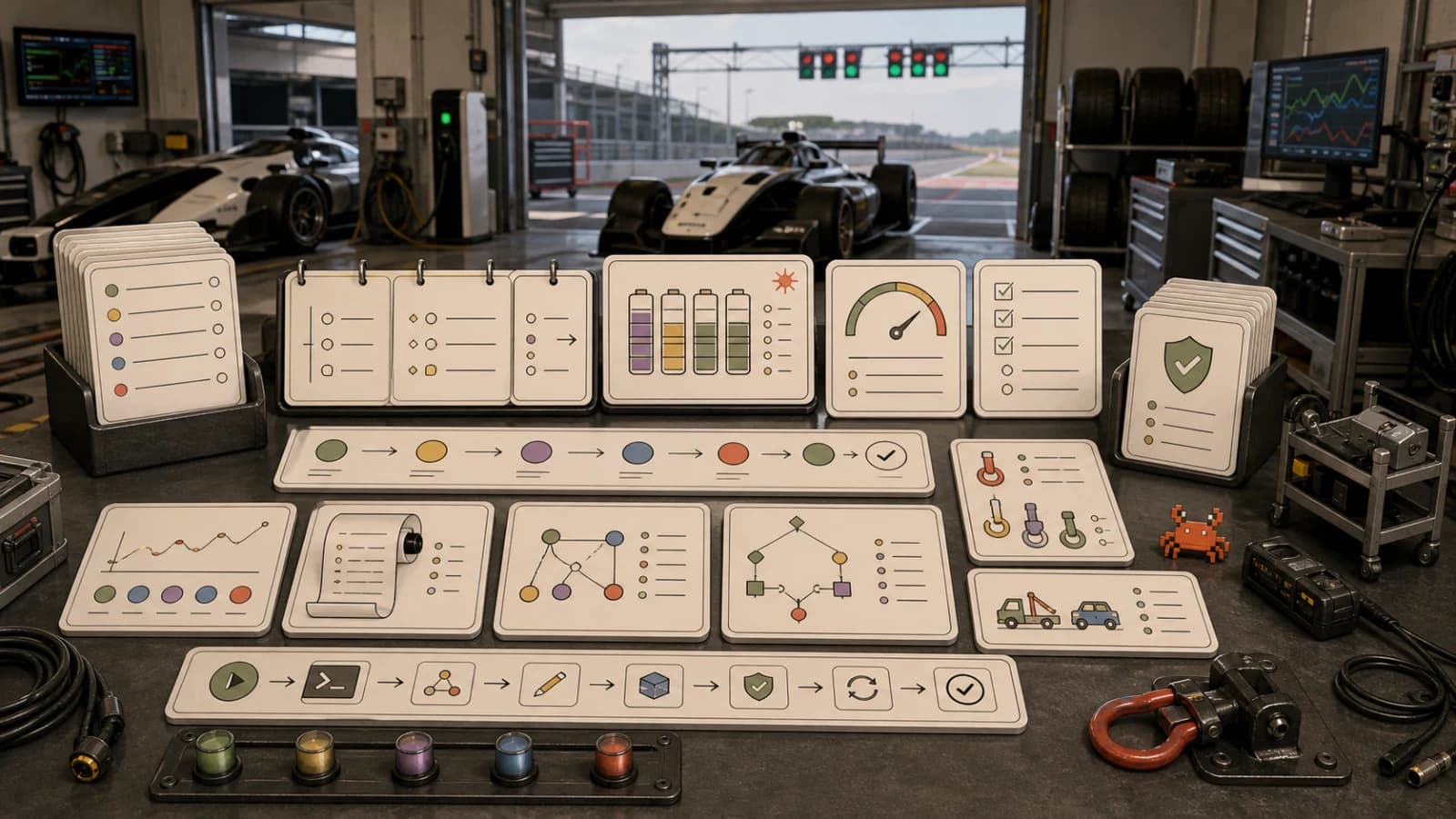
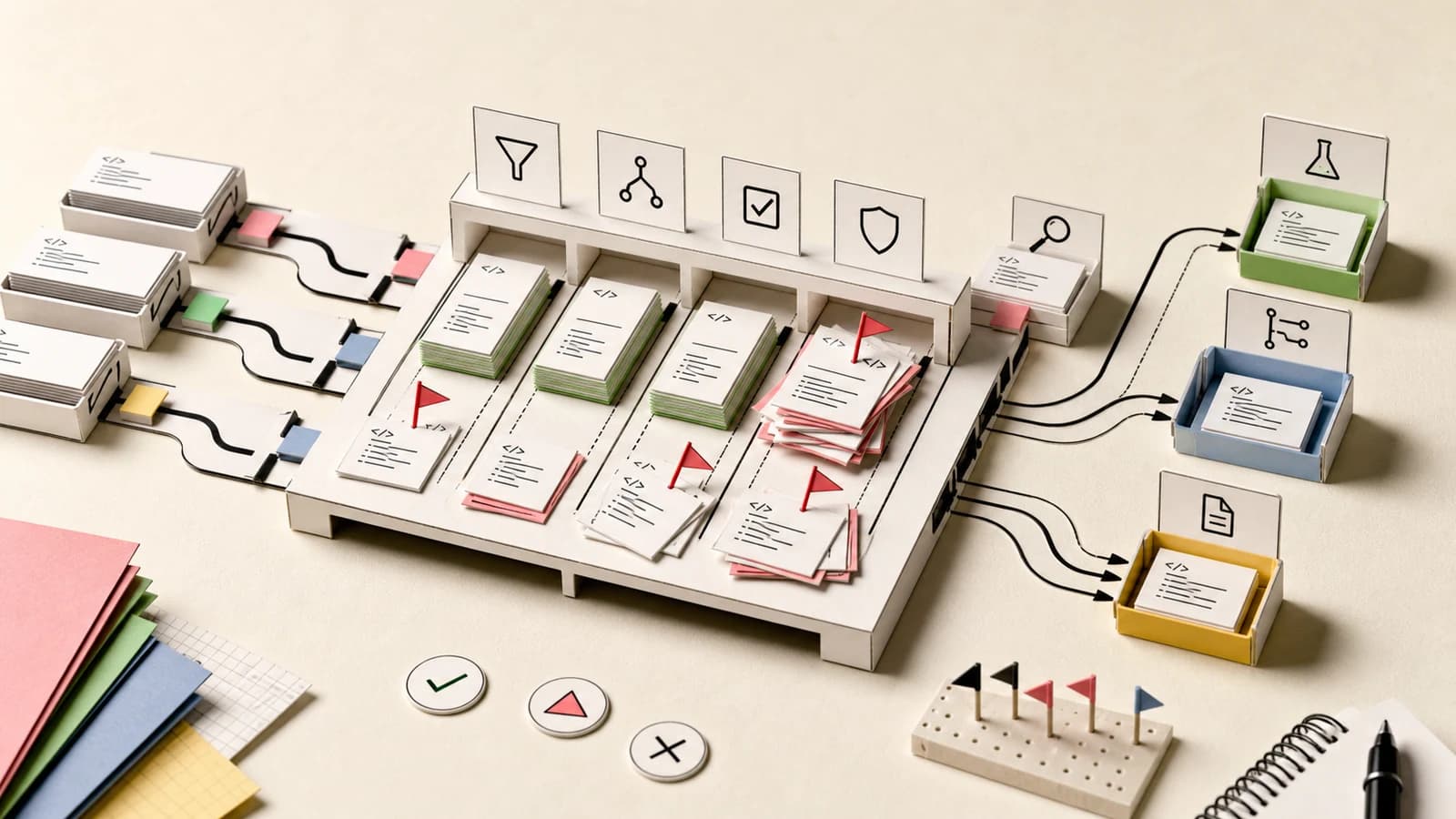
Coding Agents Need Codebase Maps, Not Bigger Prompts
TL;DR
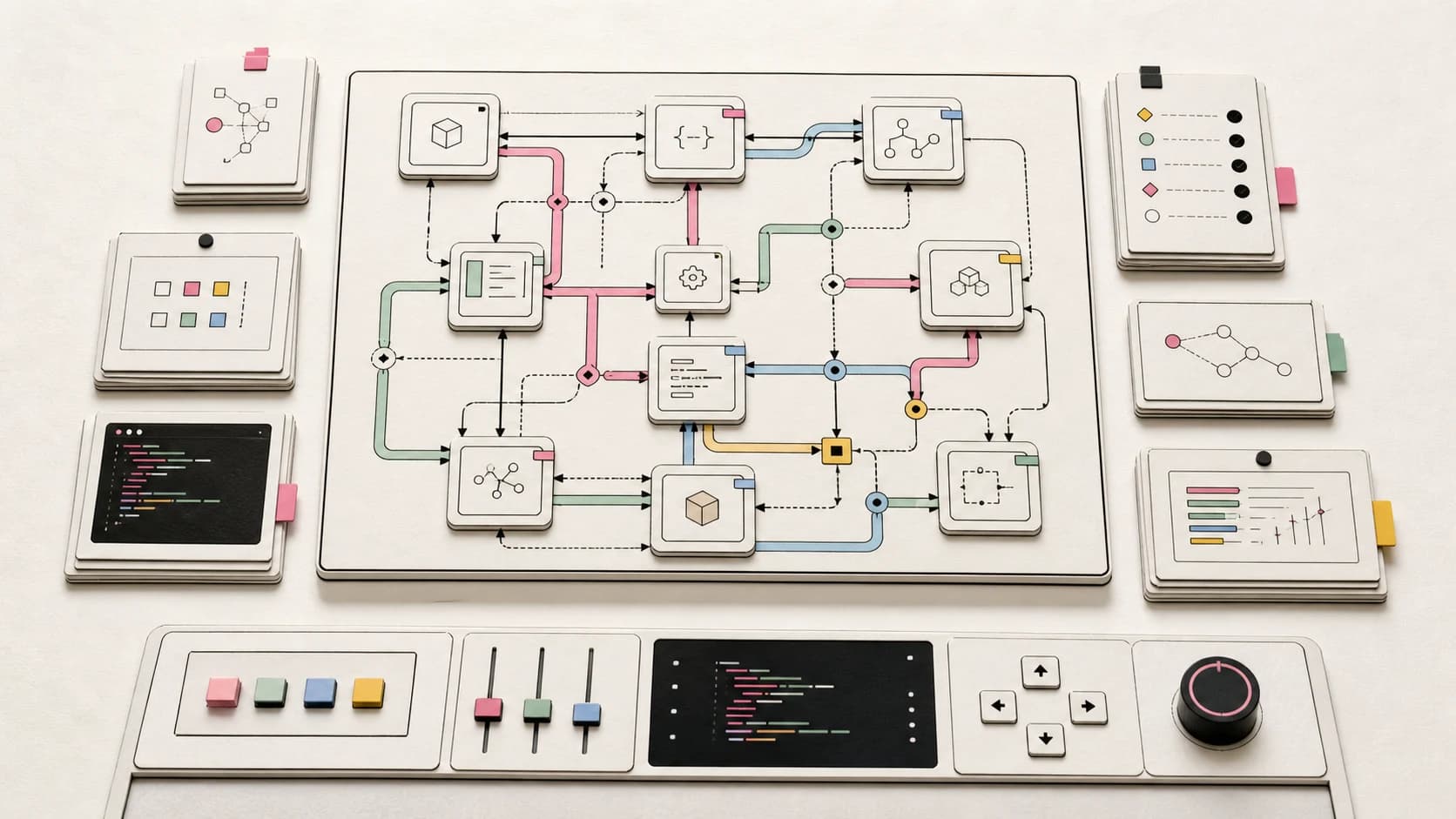
GitHub is suddenly full of codebase knowledge graph projects for Claude Code, Codex, Cursor, and other agents. The useful version is not a pretty graph. It is a map that changes planning, editing, and review.
The new hot thing in AI coding tools is not another chat box. It is a map.
On May 26, 2026, GitTrend's all-language trending page had two codebase knowledge graph projects near the top: Understand-Anything and codegraph. Both aim at the same pain: Claude Code, Codex, Cursor, Copilot, Gemini CLI, OpenCode, and similar agents spend too much of every task rediscovering the same repository structure.
That is the right problem. The mistake is treating the graph as a visualization feature.
The useful version is not "look at this impressive node cloud." The useful version is a control surface for agent work: what should the model read, what should it avoid changing, what depends on this file, which examples represent the local pattern, and which reviewers or checks should run before the diff lands.
If you have been following the DevDigest context engineering thread, this sits next to agent context reduction, agent memory benchmarks, and constraint decay in coding agents. The models are not short on words. They are short on reliable project shape.
Last updated: May 26, 2026. Verify repo details, star counts, and install commands against the linked upstream projects before adopting either tool in production.
Official Sources#
| Source | What to verify |
|---|---|
| GitTrend trending repositories | Daily momentum signal and adjacent trending repos |
| Lum1104/Understand-Anything | Claude Code plugin, multi-platform installer, graph pipeline, dashboard, diff impact analysis |
| colbymchenry/codegraph | Local pre-indexed graph pitch and supported agent targets |
| CodeCortex Hacker News thread | Earlier community discussion of persistent repository graphs |
| code-review-graph Hacker News thread | Prior token-reduction and review-quality claims around code graphs |
If you only need the fastest decision path:
- For context patterns: Context engineering guide
- For agent reliability: Long-running agents need harnesses
- For review workflows: AI code review bottleneck
The News Hook#
Understand-Anything describes itself as a way to turn a codebase, knowledge base, or docs folder into an interactive knowledge graph that can be explored, searched, and queried. Its README says the project analyzes files, functions, classes, imports, dependencies, business domains, and guided tours. It also claims compatibility with Claude Code, Codex, Cursor, Copilot, Gemini CLI, OpenCode, and several other agent surfaces.
The important implementation detail is the hybrid approach. Understand-Anything says it uses deterministic parsing for structural facts and LLM analysis for semantic summaries, architectural layers, business-domain mapping, and guided explanations. That split matters because agents need both: hard edges for dependencies and softer descriptions for intent.
codegraph is narrower in pitch: a pre-indexed local code knowledge graph for Claude Code, Codex, Cursor, OpenCode, and Hermes Agent. The promise is fewer tokens, fewer tool calls, and local operation.
Those two repos are not identical, but the market signal is the same. Developers are tired of paying agents to rediscover the repo on every run.
The Take: Repo Search Is Becoming Infrastructure#
Every serious coding agent eventually runs the same loop:
- List files.
- Search for keywords.
- Open likely files.
- Infer ownership, dependencies, and conventions.
- Edit.
- Run tests.
- Discover it missed a hidden dependency.
- Repeat.
That is fine for a toy task. It gets expensive and unreliable in a real repository.
The agent is trying to infer a graph from a pile of text. It can do that surprisingly well, but it has to rebuild the graph repeatedly under context pressure. When the repo is large, the agent either reads too much and burns the budget, or reads too little and makes a plausible local change that breaks a distant boundary.
This is why "give the agent more context" is the wrong default answer. More context is not automatically better context. A 200,000-line repository dumped into a model window is still missing structure: ownership, call paths, architectural layers, runtime routes, dependency direction, test coverage, deployment boundaries, and domain meaning.
A good codebase map should reduce context, not inflate it.
What The Graph Should Actually Do#
A useful graph answers task-shaped questions before the model writes code.
For planning:
- Which files define this behavior?
- Which neighboring modules are examples of the preferred pattern?
- Which dependencies flow into and out of this module?
- Which APIs, routes, jobs, migrations, or tests are related?
- Which files should be considered off-limits unless the task explicitly expands?
For editing:
- Which symbols can be changed locally?
- Which callers need updates?
- Which generated files should not be hand-edited?
- Which imports would violate an architectural boundary?
For review:
- Which downstream paths might break?
- Which tests are the smallest relevant proof?
- Which owner or reviewer understands this area?
- Which previous incidents, docs, or migration notes are relevant?
The visualization is optional. The routing logic is the product.
That is also why terminal agents need a portable runtime surface. A graph is much more useful when it can be queried by any agent in the workflow instead of trapped inside one vendor's UI.
The Counterargument#
The obvious counterargument is that knowledge graphs can become stale, noisy, and expensive to maintain.
That is fair.
A stale graph is worse than no graph if the agent trusts it too much. A graph that labels every file, function, test, route, and import with low-confidence summaries can become another pile of context-shaped slop. A graph that only exists because an LLM wrote a beautiful explanation of every file may be too expensive to refresh on every branch.
There is also a taste problem. Some teams want exact symbol graphs. Some want architecture boundaries. Some want business-domain flows. Some want onboarding tours. Some want impact analysis for pull requests. A single giant graph can easily collapse those jobs into one mushy dashboard.
The fix is to keep the graph layered:
- deterministic structure first
- semantic summaries second
- human-approved architecture labels where they matter
- timestamps, hashes, and provenance on every derived claim
- local refresh paths that make stale data obvious
If the graph cannot tell the agent when it was built, what commit it represents, and which parts are inferred, it is not a production artifact yet.
What Hacker News Got Right Earlier#
This topic did not appear from nowhere.
Earlier Hacker News threads around projects like CodeCortex and code-review graph tools kept circling the same concern: AI coding tools repeatedly relearn repository structure, waste tokens, and miss architectural dependencies.
That community skepticism is useful. Developers do not just want another diagram. They want proof that graph context changes outcomes:
- fewer irrelevant file reads
- fewer repeated search loops
- fewer context-window blowups
- better impact analysis
- better review focus
- fewer edits in the wrong layer
The bar should be merged-change quality, not graph aesthetics.
This is the same lesson as AI code review becoming the bottleneck. If a graph only helps the agent generate faster, it may just move more work into review. If it helps the agent identify blast radius, relevant tests, and ownership before editing, it can shrink review.
The Practical Adoption Pattern#
Do not start by indexing everything and telling the team to admire the dashboard.
Start with one workflow:
- Review impact analysis. Given a diff, ask the graph for changed symbols, callers, routes, tests, and likely owners.
- Agent planning. Before edits, force the agent to query the graph for relevant files and exemplars, then produce a short plan.
- Onboarding. Give new engineers guided tours of one domain, not the whole system.
- Constraint checks. Use the graph to catch import direction, layer violations, generated-file edits, and cross-domain changes.
- Context receipts. Save which graph query results shaped the run so reviewers know what the agent saw.
That last point matters. If an agent makes a wrong change, you need to know whether the graph was wrong, the query was too broad, the model ignored the answer, or the repo had no encoded ownership boundary.
Without receipts, "use a graph" becomes another vague instruction.
The Team Version#
For a solo developer, a local graph that saves tokens is already useful.
For a team, the bigger value is shared project memory with reviewable provenance.
That connects to why skills beat prompts for coding agents. Skills encode procedures. Graphs encode project shape. Harnesses decide when those artifacts are used and what evidence returns to the human.
A mature agent stack should look more like this:
AGENTS.mdexplains how work should be done.- Skills package repeatable procedures.
- The code graph describes repo structure and impact.
- Tests and static checks enforce hard constraints.
- Traces show what the agent read, queried, changed, and proved.
No single layer replaces the others.
The repo map does not make the model smarter in the abstract. It makes the work less ambiguous.
What To Watch Next#
The next wave of agent tooling will compete on context routing.
Not just "our model has a bigger window." Not just "our IDE has better autocomplete." The practical question will be:
Can this system find the smallest correct slice of project context for this task, prove that the slice is current, and route the result through the right checks?
That is where codebase knowledge graphs can matter.
The winning version will probably be boring. Local indexes. Deterministic parses. Incremental updates. Commit hashes. Plain JSON. Explicit ownership. Cheap queries. Small answers. Review receipts.
The graph should not impress the engineer.
It should keep the agent from getting lost.
FAQ#
What is a codebase knowledge graph?#
A codebase knowledge graph is a structured map of files, symbols, imports, calls, routes, tests, domains, and relationships in a repository. AI coding agents can query it instead of repeatedly rediscovering the same structure through raw search.
Why do coding agents need codebase maps?#
Coding agents need codebase maps because large repositories hide dependencies, ownership, and architectural constraints that are hard to infer from a few file reads. A map can guide planning, reduce wasted context, and improve review focus.
Are knowledge graphs better than vector search for coding agents?#
They solve different problems. Vector search is useful for semantic recall. A graph is better for relationships, dependencies, call paths, and impact analysis. Strong agent systems often need both.
What is the main risk of using a codebase graph?#
The main risk is stale or low-quality graph data. If the graph does not track commit identity, timestamps, hashes, provenance, and confidence, an agent may trust outdated structure and make worse changes.
Should teams commit generated code graphs?#
Sometimes. Committing a small, deterministic graph can help onboarding and review. Large or LLM-heavy graph artifacts may need Git LFS, CI refreshes, or local generation instead. Treat the graph as a build artifact unless the team has a clear review and freshness policy.
Get the next deep dive like this in your inbox
One email a week on AI Coding and the rest of the AI dev stack. Free.
Read next on AI coding tools
The 98% Context Reduction Pattern
Efficient agents do not stuff every tool result into the model context. They keep intermediate state in code, files, and execution environments, then return compact summaries and receipts.
8 min readConstraint Decay Is the Coding Agent Bug Nobody Can Prompt Around
A new arXiv paper shows coding agents can pass loose backend tasks, then fall apart when architecture, database, and ORM constraints pile up. The fix is not longer markdown. It is executable constraints.
8 min readAgent Memory Benchmarks Are Not Enough
Persistent memory for coding agents is trending because every session still starts too cold. The hard part is not saving facts. It is proving recall, freshness, deletion, and rollback under real development pressure.
9 min readNew here? Start with
Technical content at the intersection of AI and development. Building with AI agents, Claude Code, and modern dev tools - then showing you exactly how it works.