Claude Code's Official Plugin Marketplace Is Here - and It's Already at 23k Stars
TL;DR
Claude Code's official plugin marketplace is a curated directory from Anthropic. What it does, how to install plugins and who should use it.
Last updated: May 22, 2026
Why This Hit Trending Today#
anthropics/claude-plugins-official landed at number one on GitHub trending today with 2,556 new stars in 24 hours, pushing its total past 23,800. That velocity is not random. It is Anthropic's answer to a real pain point: developers have been shipping skills, hooks, MCP servers, and agents in scattered GitHub repos with no standard install path. The official plugin directory gives all of that a single, curated home inside Claude Code itself. When a first-party distribution channel ships from the tool's own creator, developers pay attention fast.
What the Plugin Directory Actually Does#
The claude-plugins-official repo is a curated marketplace of plugins that extend Claude Code's functionality. Think of it as the App Store for your AI coding environment - but open source, git-backed, and with a companion community tier for third-party submissions.
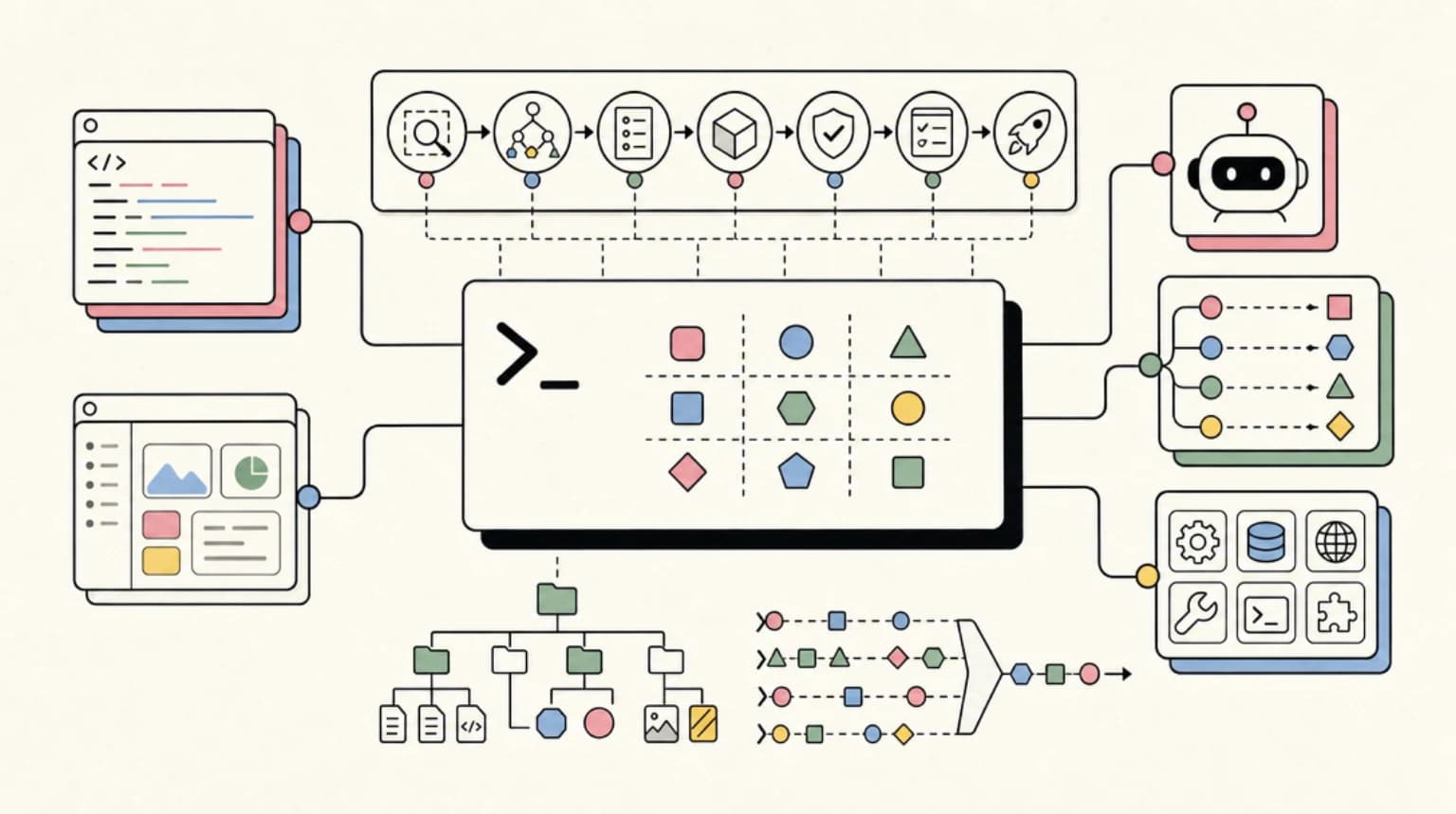
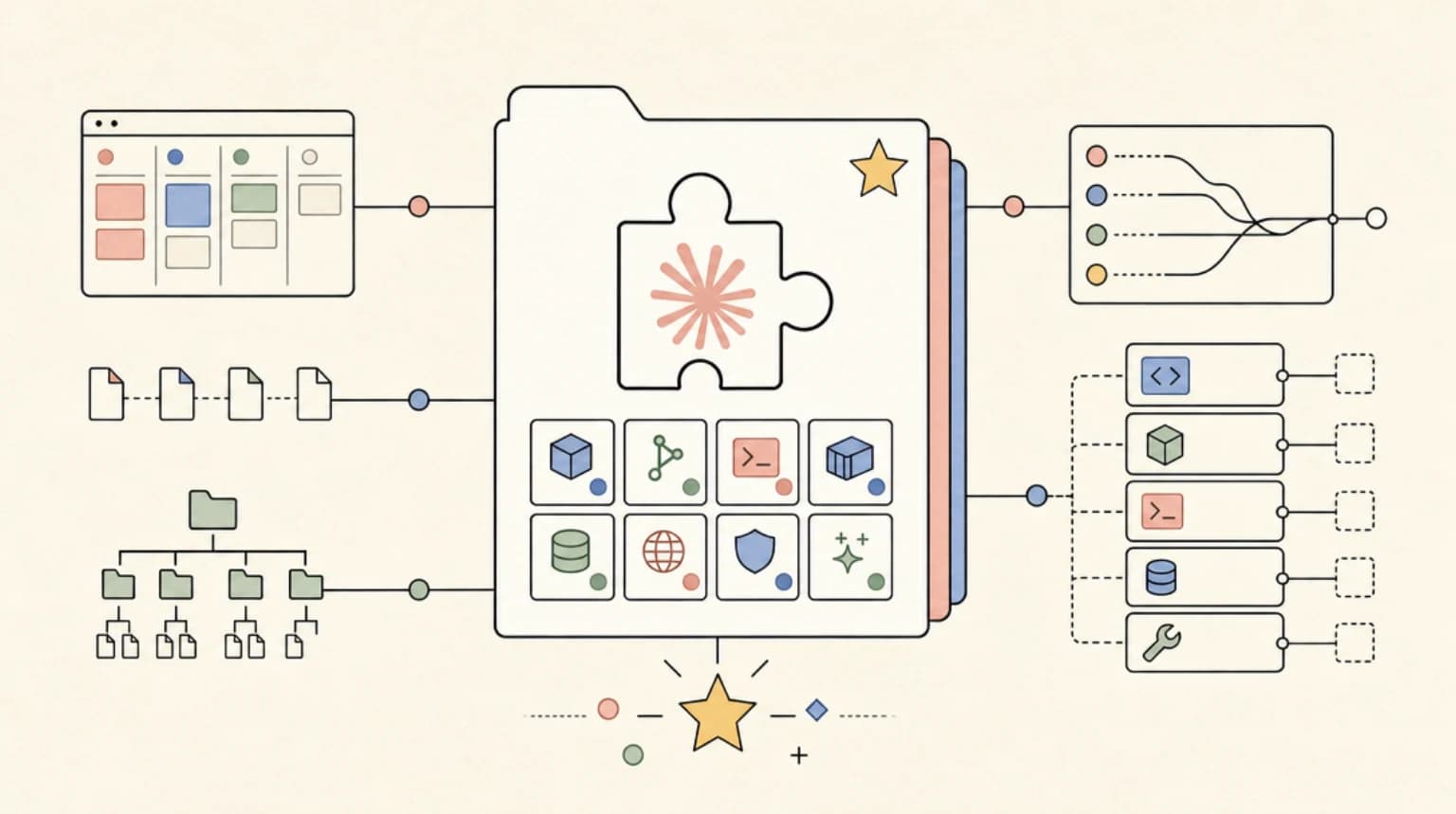
Plugins are structured directories that bundle any combination of:
- Skills - Model-invoked SKILL.md files that teach Claude new procedures, the same idea covered in Skills Are How Agents Learn the Job
- Agents - Custom agent definitions with their own system prompts, tool restrictions, and models
- Hooks - Event handlers that fire on tool use, session start, or stop, as detailed in Claude Code Hooks Explained
- MCP servers - External tool integrations via the Model Context Protocol, see what MCP is and how it works
- LSP servers - Language server integrations for real-time code intelligence
- Background monitors - Long-running watchers that stream events into the session
- Binaries - Executables added to the Bash tool's PATH while the plugin is active
The directory maintains two tiers. The claude-plugins-official side is curated by Anthropic and ships pre-configured in every Claude Code installation. A separate anthropics/claude-plugins-community repo holds third-party submissions that pass review. These install with a short @marketplace handle rather than a full git URL.
Each plugin follows a standard structure: a .claude-plugin/plugin.json manifest at the root for metadata, then skills/, agents/, hooks/, .mcp.json, and monitors/ directories alongside it. One important gotcha - all functional directories must sit at the plugin root, not inside .claude-plugin/. The docs flag that as the most common setup mistake.
Install and Try It#
If you are running a recent Claude Code build, the official marketplace is already registered. Browse available plugins with:
/plugin > Discover
Install a specific plugin directly:
/plugin install {plugin-name}@claude-plugins-official
To add the community marketplace and install from it:
/plugin marketplace add anthropics/claude-plugins-community
/plugin install {plugin-name}@claude-community
For local development, load a plugin directory without installing it:
claude --plugin-dir ./my-plugin
The --plugin-dir flag also accepts a .zip archive (requires Claude Code v2.1.128 or later):
claude --plugin-dir ./my-plugin.zip
During development, run /reload-plugins to pick up changes without restarting the session. Plugin skills are namespaced to prevent conflicts - a skill named hello in a plugin called my-plugin becomes /my-plugin:hello.
Who Should Use This#
Teams standardizing their Claude Code workflows - If your team has spread settings, hooks, and slash commands across individual .claude/ directories with no shared baseline, a plugin gives you one install command that propagates the full setup. The plugin's settings.json can activate a custom agent as the main thread when the plugin loads.
Developers who already built standalone skills - The migration path is documented. Copy commands/ and skills/ directories into a plugin root, create the plugin.json manifest, move hooks from settings.json into hooks/hooks.json, and test with --plugin-dir. The plugin version takes precedence over .claude/ configs with matching names.
Tool builders who want distribution - If you maintain a CLI or service that benefits from a dedicated Claude Code workflow (custom review commands, deploy hooks, context-aware diagnostics), packaging as a plugin gives you a standard install path. Approved community plugins are pinned to a commit SHA and synced nightly.
Solo developers who context-switch across many stacks - A per-project plugin that bundles LSP config, framework-specific agents, and relevant hooks can replace a growing pile of manual project setup.
Relation to the DevDigest Ecosystem#
This repo sits exactly where our community tooling lives. Developers Digest has been tracking the MCP ecosystem at mcp.developersdigest.tech, documenting skills patterns at skills.developersdigest.tech, and covering hooks workflows at hooks.developersdigest.tech. The plugin format unifies all three into one distributable unit.
The key shift is that skills, hooks, and MCP server configs no longer live in isolated repos with custom install docs. A single /plugin install command pulls the manifest and its bundled components together. That makes the patterns we have been documenting at DevDigest far more actionable - you can now point someone at a plugin URL and have them running your exact workflow in under a minute.
The bin/ directory support is especially relevant to the CLI-focused content at clis.developersdigest.tech. Plugins can ship executables that land directly in the Bash tool's PATH, which means CLI wrappers and helper scripts can ship alongside the skills that call them - no separate install steps required.
Honest Assessment#
The directory structure is clean and the documentation at code.claude.com/docs/en/plugins is thorough. The namespacing approach (/plugin-name:skill-name) prevents conflicts between plugins sensibly.
The limitations are worth knowing upfront. The official marketplace (claude-plugins-official) is curated by Anthropic at its discretion with no application process - you cannot submit your plugin there. Community submissions go to claude-plugins-community and have a review pipeline plus a nightly sync delay, so approvals do not appear instantly. The security model is trust-based: Anthropic explicitly warns that it cannot verify MCP servers or bundled software in third-party plugins. Read the source before installing anything outside your own production.
The feature set is rich but some components - background monitors, --plugin-url remote loading - require specific Claude Code versions. Check your version before relying on those in team setups.
For the right use case (team standardization, shareable developer tooling), this is a meaningful quality-of-life upgrade over the current manual .claude/ copy-paste approach.
FAQ#
What can a Claude Code plugin contain?#
A plugin is a structured directory that can bundle any combination of skills, agents, hooks, MCP servers, LSP servers, background monitors and binaries. It has a .claude-plugin/plugin.json manifest at the root, with the skills/, agents/, hooks/, .mcp.json and monitors/ entries alongside it at the plugin root, not inside .claude-plugin/.
How do I install a plugin from the official marketplace?#
On a recent Claude Code build the official marketplace is already registered. Browse it with /plugin > Discover, or install directly with /plugin install {plugin-name}@claude-plugins-official. For the community tier, run /plugin marketplace add anthropics/claude-plugins-community and then /plugin install {plugin-name}@claude-community.
Can I submit my own plugin to claude-plugins-official?#
No. The official marketplace is curated by Anthropic at its discretion with no application process. Third-party submissions go to claude-plugins-community, which has a review pipeline and a nightly sync, so approvals do not appear instantly. Approved community plugins are pinned to a commit SHA.
How do I test a plugin locally before publishing it?#
Load the directory without installing it using claude --plugin-dir ./my-plugin. The flag also accepts a .zip archive on Claude Code v2.1.128 or later. Run /reload-plugins during development to pick up changes without restarting the session.
References#
Get the next deep dive like this in your inbox
One email a week on Trending and the rest of the AI dev stack. Free.
Read next on Claude Code
Superpowers for Claude Code: Install, Workflow, and When to Use It (2026)
Superpowers for Claude Code: how to install the MIT-licensed skills plugin, what its brainstorm, plan, TDD and review skills do, and when it is worth it.
9 min readBuilding a SaaS with Claude Code: End-to-End Guide
How to go from idea to deployed SaaS product using Claude Code as your primary development tool. Project setup, feature building, deployment, and iteration.
10 min readHow to Use Claude Code with Next.js
A practical guide to using Claude Code in Next.js projects. CLAUDE.md config for App Router, common workflows, sub-agents, MCP servers, and TypeScript tips that actually save time.
14 min readTechnical content at the intersection of AI and development. Building with AI agents, Claude Code, and modern dev tools - then showing you exactly how it works.